View Products


By Swordfish.ai Editorial Team Last updated Jan 2026
Who this is for
- Sales and recruiting teams evaluating whether ZoomInfo fits their outreach risk tolerance and process maturity.
- RevOps and compliance reviewers who need evidence they can file: policy links, opt-out path, and a suppression plan.
- Regulated or complaint-sensitive teams who need audit trails and predictable controls more than feature volume.
Quick Verdict
- Core Answer
- ZoomInfo is generally a legitimate contact data vendor when judged by what an auditor can verify: published policies, a usable opt-out mechanism, and stated compliance posture. “Legit” does not mean you have consent to contact people or permission to ignore suppression.
- Key Insight
- Legitimacy depends on policy, opt-out, and transparency.
- Ideal User
- Teams that can enforce suppression across tools, document permissible use, and measure data decay instead of assuming “verified” means “current.”
A “legit” data provider has clear policies, accessible opt-out, and transparent sourcing and compliance practices, and you still need to use the data responsibly.
What “legit” means for a data broker-style vendor
When buyers ask is zoominfo legit, they usually mean: “Will this purchase create legal headaches, deliverability problems, or a contract fight later?” Legitimacy, in practice, is the presence of auditable artifacts and the absence of avoidable failure points in your workflow.
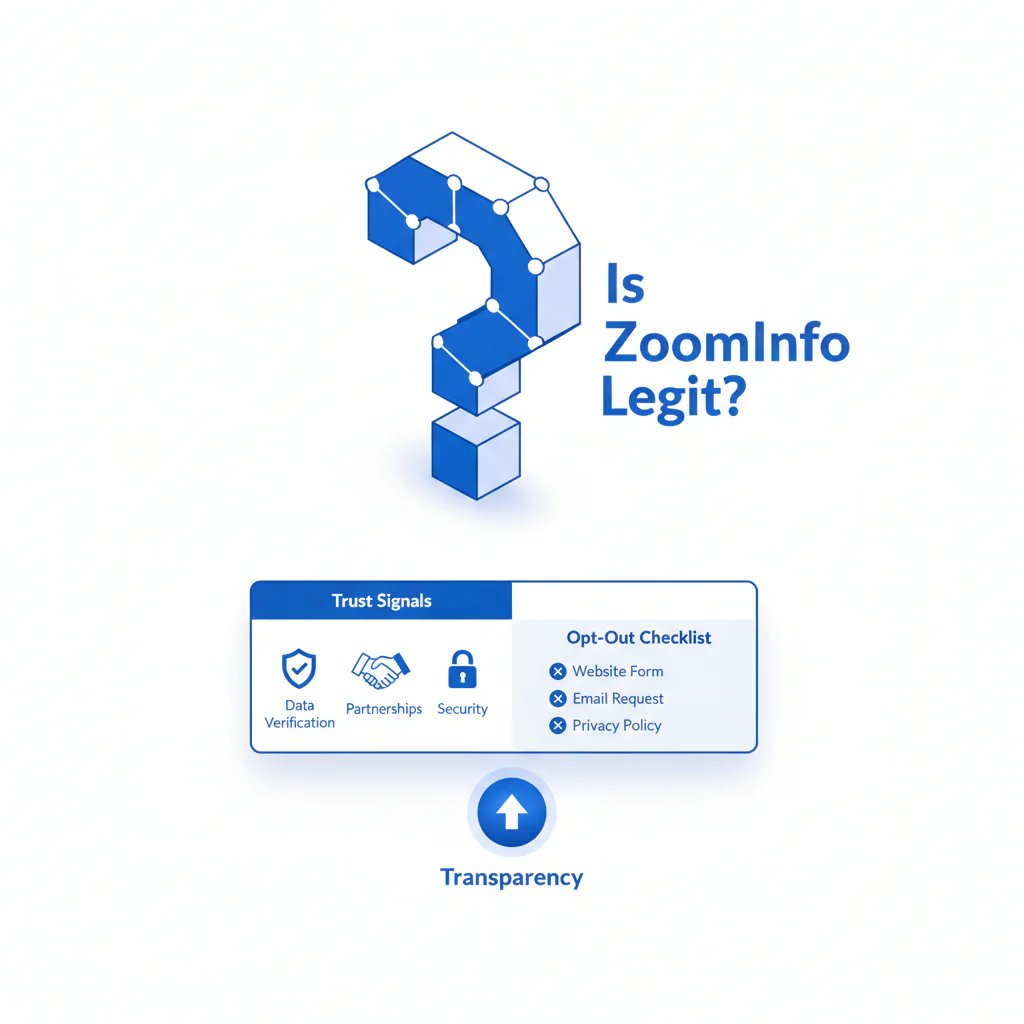
- Legitimacy artifacts: privacy policy, terms and permissible use, data rights information, and a clear opt-out path.
- Operational controls: suppression enforcement, logging and audit trail, and a process for correcting disputed records.
- Variance explainer variables: outcomes differ by geography, channel (email vs phone), CRM overwrite rules, and how aggressively your team exports lists into tools that don’t share suppression.
Trust checklist (QUICK_SELF_AUDIT)
This is the due diligence I expect to see in a procurement file. If you can’t produce this quickly, the tool might still work, but your governance is already behind.
- Policy clarity: Can you locate privacy policy and permissible use without a sales call?
- Opt-out accessibility: Can an individual opt out in a documented way, and can you prove your team honors it?
- Transparency: Does the vendor explain categories of sourcing and processing in plain language?
- Compliance posture: Are GDPR and CCPA positions described, including how requests are handled?
- Suppression enforcement plan: Where is your source of truth, and how does it sync to sequencers and dialers?
- Complaint handling: Can you reconstruct “who contacted whom, when, from which list, and what happened next”?
Checklist: Feature Gap Table
This table covers the hidden costs that show up after the contract is signed: data decay, suppression breaks, and integration failures that create duplicate outreach and escalations.
| Hidden cost / gap | Where it bites | Control to require |
|---|---|---|
| Data decay (titles, emails, direct dials change) | Bounces, wrong numbers, missed connects, spam complaints | Refresh cadence, tracking of bounce and wrong-number rate by source, and a rule to stop bulk enrichment when decay rises |
| Suppression fragmentation | Opt-outs get re-contacted because lists live in multiple tools | One suppression source of truth plus enforced sync rules plus a “no manual list uploads” standard for sequences |
| Provenance ambiguity | When an exec asks “where did we get this number?” you have no answer | Archive vendor policy links and store “source system plus export date plus user” in CRM fields |
| Integration headaches | Duplicate records, stale overwrites, broken field mapping | Field-level write rules, sandbox testing, and a rollback plan |
| Permissible use confusion | Re-using data outside allowed purposes or jurisdictions | Short internal policy: allowed use, prohibited use, retention, and escalation path |
What Swordfish does differently
- Ranked mobile numbers / prioritized dials: when multiple numbers exist, the workflow prioritizes likely mobile or direct options so reps burn fewer attempts per connect.
- True unlimited / fair use: usage is designed to be predictable under a fair-use model so teams don’t “save credits” and then export sloppy lists that increase complaints.
For platform-level differences that matter to operators, ZoomInfo vs Swordfish is the comparison to review.
Decision Tree: Weighted Checklist
Weights here are audit priority based on standard failure patterns: suppression breakdown, unclear permissible use, and unmanaged data decay. Do the top items first because they cut complaint risk and wasted rep time.
- Highest priority (high impact, low effort): capture and archive the vendor privacy policy, terms and permissible use, and opt-out page link with access date in your procurement record.
- Highest priority (high impact, medium effort): implement a single suppression source of truth and enforce it across CRM, email sequencers, and dialers.
- High priority (high impact, higher effort): complaint SOP with evidence capture: record ID, list source, outreach timestamps, suppression action taken, and response timeline.
- Medium priority (medium impact, low effort): user training: contact data is not consent; “do not contact” signals override prospecting goals.
- Medium priority (medium impact, medium effort): set a refresh cadence and measure decay using bounces and wrong numbers; stop bulk exports when metrics degrade.
- Lower priority (lower impact, medium effort): limit exports and log who exported what; uncontrolled CSVs are how suppression breaks in practice.
Troubleshooting Table: Conditional Decision Tree
This is the stop condition logic I use to prevent a tool from becoming a liability.
- If you cannot find a documented opt-out mechanism in writing, then stop rollout until procurement or compliance resolves it.
- If you cannot technically enforce suppression across outreach tools, then stop exporting lists and route outreach through a controlled system first.
- If you cannot reconstruct “who contacted whom, when, and why,” then stop sequences and implement logging and audit trails.
- Stop Condition: if complaint volume rises and you cannot produce evidence within one business day, pause outreach until suppression, logging, and CRM overwrite rules are fixed.
How to test with your own list
- Define the test sample (recent leads plus older CRM records) and document the date range.
- Set pass and fail criteria before enrichment: acceptable bounce rate, wrong-number rate, and complaint or opt-out rate for your channel.
- Run enrichment in a sandbox and lock which fields can overwrite existing CRM values.
- Validate with controlled outreach using a small campaign that logs outcomes (bounce, connect, wrong number, reply, complaint).
- Test suppression behavior by adding known opt-outs and verifying they stay suppressed after re-enrichment and re-import.
- Document provenance by storing source system, export date, and exporting user for the enriched records.
- Write a one-page audit memo stating what you tested, what failed, and what controls are required before scaling.
Evidence and trust notes
- Method: This page applies a legitimacy checklist to the question “is ZoomInfo legit,” using the provided rule: legitimacy depends on transparency, opt-out, and compliance posture.
- Freshness: Last updated Jan 2026.
- Independent verification sources: read the official text of GDPR and the California Attorney General overview of CCPA. For enforcement context on privacy and data security practices, see FTC privacy and data security guidance.
- ZoomInfo primary sources: verify the current ZoomInfo privacy policy and use its published privacy or rights center for opt-out requests, then archive the link and keep a screenshot of the request confirmation.
For additional context on operator experience and failure modes, ZoomInfo reviews is the internal reference.
FAQs
Is ZoomInfo a data broker?
ZoomInfo is commonly treated as a data broker-style provider because it aggregates and provides access to business contact data. If your org tracks data broker risk, onboard it with evidence capture, opt-out controls, and suppression enforcement.
Is ZoomInfo legal?
ZoomInfo can be used legally, but legality depends on jurisdiction, purpose, and whether you follow applicable privacy and outreach rules. Treat the vendor’s permissible use terms as a boundary and make your outreach tooling enforce suppression.
How do I opt out of ZoomInfo?
- Locate ZoomInfo’s privacy or rights center and look for language like “privacy,” “your choices,” “delete,” or “opt out.”
- Submit the identifiers needed to find the record shown in the profile.
- Capture evidence of the request, including the confirmation page or confirmation email and the date submitted.
- Add the person to your internal suppression list immediately so outreach stops even if the vendor takes time to process.
- Re-check suppression after future enrichment to ensure the contact is not reintroduced through CRM overwrites or list imports.
Why is my information on ZoomInfo?
ZoomInfo and similar vendors typically aggregate professional contact and company data from a range of sources. If you find inaccurate information or you do not want the profile to appear, the practical control is to use the vendor’s opt-out process and make sure any teams using exported lists honor suppression.
What should I check in a vendor?
Check for written policies, an accessible opt-out mechanism, transparency about sourcing categories, stated compliance posture, and whether your systems can enforce suppression and logging.
What’s permissible use?
Permissible use is what the vendor’s terms and policies allow you to do with the data, including storage, outreach, sharing, and retention. Common failure patterns are exporting uncontrolled CSVs, reusing data outside the allowed purpose, and ignoring opt-out signals across tools.
Next steps (timeline)
- Today: start with Read Contact Data Compliance and document how your team will enforce opt-out and suppression.
- This week: run the test plan and keep a one-page audit memo plus screenshots of the vendor opt-out confirmation and your suppression proof.
- This month: enforce suppression sync rules across your outreach stack and add logging fields (source system, export date, exporting user) so escalations can be answered with evidence.
Compliance note
We are not a law firm. Use contact data only for legitimate purposes and comply with applicable laws and opt-out requirements.
About the Author
Ben Argeband is the Founder and CEO of Swordfish.ai and Heartbeat.ai. With deep expertise in data and SaaS, he has built two successful platforms trusted by over 50,000 sales and recruitment professionals. Ben’s mission is to help teams find direct contact information for hard-to-reach professionals and decision-makers, providing the shortest route to their next win. Connect with Ben on LinkedIn.