View Products


By Swordfish.ai Editorial Team (senior operator audit lens)
Reviewed by Swordfish Revenue Operations
Last updated Jan 2026
Who this is for
This is for software buyers and ops owners who have learned the hard way that contact data is not “set and forget.” If you’re auditing zoominfo accuracy, you need to separate what looks good in an export from what actually connects after the CRM sync, the dialer mapping, and the first wave of calls.
Quick Verdict
- Core Answer
- ZoomInfo accuracy varies by segment. The only audit-grade way to judge it is to measure match rate vs connect rate and watch how data freshness decays over time.
- Key Insight
- High match rate can coexist with low connect rate, which is where the hidden cost sits: rep time, deliverability issues, and CRM cleanup.
- Ideal User
- Teams that will run a controlled pilot, log outcomes, and prevent enrichment from overwriting cleaner CRM fields.
“Accuracy should be measured by outcomes: if your goal is calling, track connect rate—not just whether a record matches a person.”
Accuracy definition: match rate vs connect rate
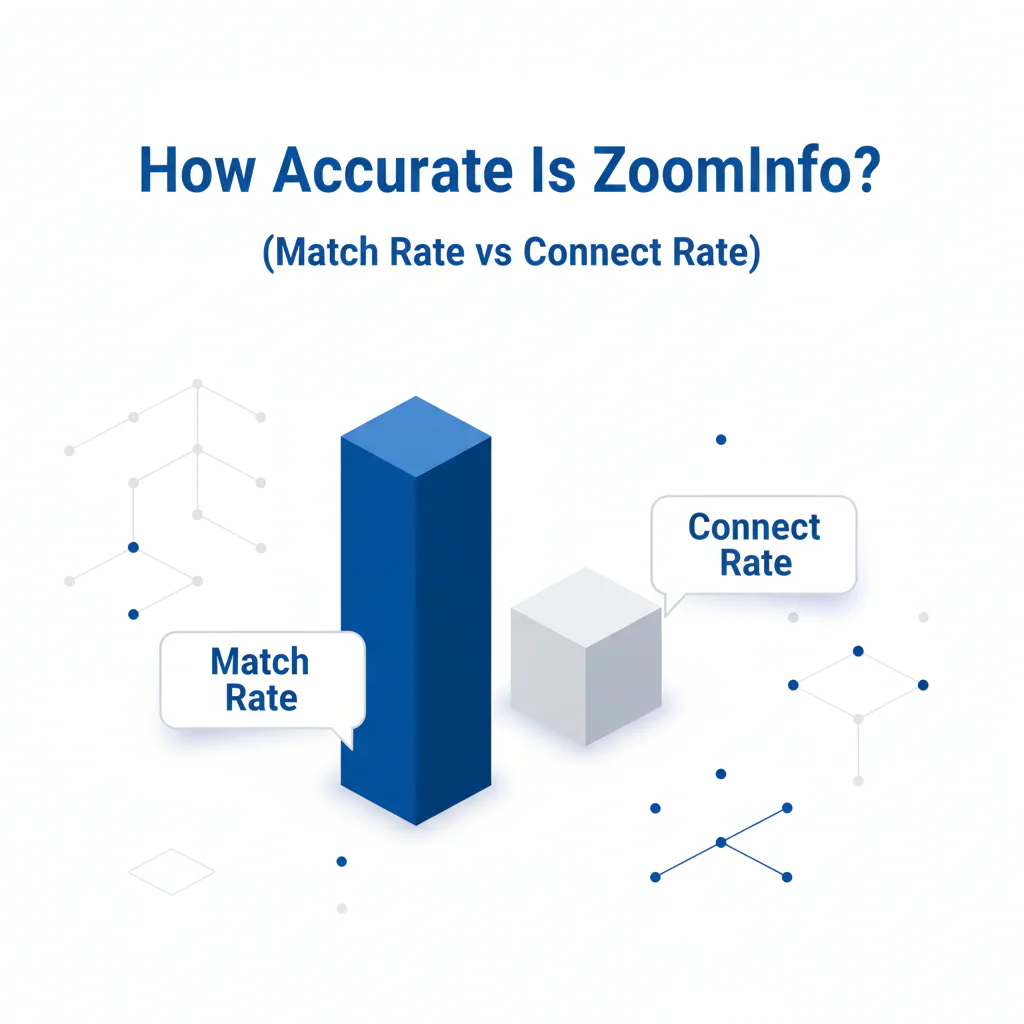
Vendors like match rate because it is easy to report. Operators care about connect rate because it is where time and risk show up.
- Match rate: how often a provider returns a record for your input. Match rate can look strong even when direct dials or titles are stale.
- Connect rate: how often outreach reaches the intended person for your channel. If you care about ZoomInfo mobile accuracy or ZoomInfo direct dial accuracy, this is the metric that tells you whether your calls land.
If you optimize for match rate, you will buy “coverage” and then pay again in rep hours.
Framework: Biggest database ≠ most accurate for you
A big database can inflate match rate while leaving connect rate flat in the segments you actually sell into. That’s why accuracy must be measured by segment and outcome, not by database size or headline coverage claims.
What ZoomInfo reports vs what you should verify
When a vendor says “accurate,” treat it like an audit finding that needs definitions, exportable fields, and failure handling.
- Definition: what counts as “accurate” in their reporting (match, deliver, connect), and what gets excluded.
- Exportability: whether you can export last-verified timestamps and source indicators so you can audit data freshness internally.
- Phone reachability: what checks exist to reduce wrong-party calls and disconnected lines, and how those failures are fed back.
- Reassigned numbers: what controls exist to reduce reassignment risk, and whether suppressions propagate across your dialer and CRM.
- Workflow ceilings: practical limits that slow teams down (exports, enrichment caps, API throttles), because “unlimited” often means “until you hit the ceiling.”
- Dispute loop: how corrections are handled, how quickly they propagate, and whether there is an audit trail.
What drives ZoomInfo accuracy up or down
- Segment variance: accuracy varies by segment because churn and public footprint differ by industry and role.
- Data freshness: titles, employers, and direct dials decay. If you run long cycles, you need re-validation gates before each wave.
- Integration behavior: enrichment can quietly overwrite newer verified fields, create duplicates, or mis-map phone types into the dialer.
- Logging discipline: if “wrong party” gets logged as “no answer,” you will never see accuracy problems until pipeline misses.
If you need shared definitions for internal reporting, use contact data quality so your team reports the same failure categories across tools.
What Swordfish does differently
- Ranked mobile numbers / prioritized dials: calling is a probability problem. Swordfish prioritizes higher-likelihood numbers so reps spend dial time on better odds.
- True unlimited / fair use: “unlimited” that collapses under credits, exports, or throttles creates integration work and campaign delays. Swordfish is designed for fair use at scale so ops doesn’t spend cycles managing ceilings.
If you need the direct comparison mapped to workflow outcomes, use ZoomInfo vs Swordfish.
Checklist: Feature Gap Table
| Gap / hidden cost | What it looks like in the wild | What to measure | Mitigation control |
|---|---|---|---|
| Coverage mistaken for correctness | Exports look full; connects do not follow | Match rate vs connect rate by segment | Segmented pilot with outcome logging |
| Data freshness decay | Job changes; stale titles; dead direct dials | Connect rate drift over time on the same cohort | Short reuse windows; re-validate before each wave |
| Reassigned numbers | Wrong-party answers and complaints | Wrong-party rate and complaint rate | Reassignment controls and hard suppression |
| Workflow ceilings | Exports and enrichment slow down under practical limits | Time-to-export, time-to-enrich, failure modes | Contract and technical validation before rollout |
| CRM contamination | Duplicates, field overwrites, mixed identities | Dedupe rate, overwrite incidents, remediation time | Field-level governance and source-of-truth rules |
For reassigned-number risk context, the FCC reassigned numbers database documents why a previously correct number can become a wrong-party call without warning.
How to test with your own list
- Define accuracy for the channel: calling equals intended-person connectability; email equals deliverability plus engagement.
- Segment your list: split by industry, geography, and role type, because accuracy varies by segment.
- Freeze the sample: lock a consistent slice so the test is repeatable and not cherry-picked.
- Control the outreach window: use the same rep cohort, same call hours, and the same script so results aren’t dominated by execution variance.
- Log dispositions that separate data failure from effort: wrong party, disconnected, voicemail, gatekeeper, no answer, do-not-call/opt-out.
- Report match rate and connect rate separately: do not average segments together, and do not treat match rate as success.
- Quantify remediation labor: minutes spent fixing contacts are part of total cost.
- Stop scaling where it fails: pause segments with wrong-party clustering or fast connect-rate drift, and re-validate before retrying.
For how Swordfish frames accuracy testing, compare the definitions in how accurate is Swordfish.
contact data tools is the hub for standardizing evaluations across providers and workflows.
Decision Tree: Weighted Checklist
The weights below follow standard failure points that drive hidden cost: wrong-party calls, stale records, and integration rework.
- Weight: High — Separate reporting for match rate vs connect rate, by segment.
- Weight: High — Data freshness gate before each outreach wave.
- Weight: High — Reassigned-number risk control and suppression enforcement across your dialer and CRM.
- Weight: Medium — Standardized dispositions so your logs are audit-grade.
- Weight: Medium — CRM field governance to prevent blind overwrites and duplicate creation during enrichment.
- Weight: Low — Extra enrichment fields that do not change targeting, routing, or outreach outcomes.
Troubleshooting Table: Conditional Decision Tree
- If match rate is high but wrong-party calls cluster in a segment, then treat that segment as unproven and stop scaling until freshness and reassignment controls exist.
- If connect rate drops materially over time on the same cohort, then your main issue is data freshness, and you should shorten reuse windows.
- If remediation time rises each campaign, then your total cost is climbing even if subscription cost is flat.
- If opt-out breaches, complaints, or repeated wrong-party patterns appear, then pause outbound and fix governance before continuing.
Stop Condition: Stop trusting accuracy claims for calling if you cannot produce a segment-level connect-rate report and a wrong-party suppression workflow from your own logs.
FAQs
How accurate is ZoomInfo?
ZoomInfo accuracy varies by segment. The operational answer comes from your own pilot: match rate shows coverage, while connect rate shows whether the data actually works for your outreach channel.
What is connect rate?
Connect rate is the portion of attempts that reach the intended person. For calling, it is not “someone answered.” It is “the intended person was reached,” logged with dispositions that separate data failures from effort.
Why are phone numbers wrong?
Phone numbers fail because numbers churn, get reassigned, and contacts change roles. A record can match a person historically while failing today due to data freshness decay.
How do I test a data provider?
Run a controlled pilot, segment the list, log dispositions, and report match rate vs connect rate. Decide using outcomes and remediation labor, not export volume.
What affects accuracy by industry?
Accuracy changes by industry because turnover, staffing models, and public footprint differ, which changes how fast records decay and how often numbers get recycled.
Evidence and trust notes
- Freshness signal: Last updated Jan 2026.
- Method boundary: This page does not publish a universal accuracy percentage. Accuracy varies by segment and changes with time, so the only reliable claim is one you can reproduce with your own logs.
- External references: Reassigned-number risk context is documented at fcc.gov. Privacy obligations vary; GDPR concepts are summarized at gdpr.eu. Data quality as fitness-for-use is a standard framing in industry guidance such as Gartner’s data quality topic.
Next steps
Today (30 minutes): lock definitions, set dispositions, and decide which segments you will test first.
This week (1–2 hours): run the pilot using the 50-dial test spreadsheet template so you can compute segment-level match rate vs connect rate from your own logs.
Next 2 weeks: tighten enrichment rules (no blind overwrites), implement suppression, and scale only the segments that hold connect rate.
Compliance note
Test with lawful outreach and honor opt-out/consent requirements.
See Swordfish Accuracy Approach
About the Author
Ben Argeband is the Founder and CEO of Swordfish.ai and Heartbeat.ai. With deep expertise in data and SaaS, he has built two successful platforms trusted by over 50,000 sales and recruitment professionals. Ben’s mission is to help teams find direct contact information for hard-to-reach professionals and decision-makers, providing the shortest route to their next win. Connect with Ben on LinkedIn.