


 View Products


Key takeaways
- SalesQL is positioned as a LinkedIn-focused prospecting tool with a browser extension.
- The article describes features for finding and extracting contact data, organizing lists, and connecting with selected CRM and productivity tools.
- The article reports that data accuracy varies and that some users experienced friction with multi-page extraction or temporary LinkedIn restrictions after heavy use.
- The pricing table lists four tiers based mainly on monthly credit volume; verify current prices and plan details before subscribing.
- SalesQL may suit LinkedIn-heavy prospecting, while alternatives in the article are presented as options for broader sales workflows or different data needs.
Last updated: September 3, 2026
SalesQL is a LinkedIn-focused prospecting tool that goes beyond basic email lookups. It pulls professional contact details from LinkedIn profiles, making it a potential fit for recruiters and marketers who prospect on the platform.
That LinkedIn-first approach is also why it’s worth understanding clearly before you commit budget to it. This review walks through what SalesQL actually does, where it holds up, where it falls short, and how it compares to other tools in the same space.
SalesQL: A Quick Overview
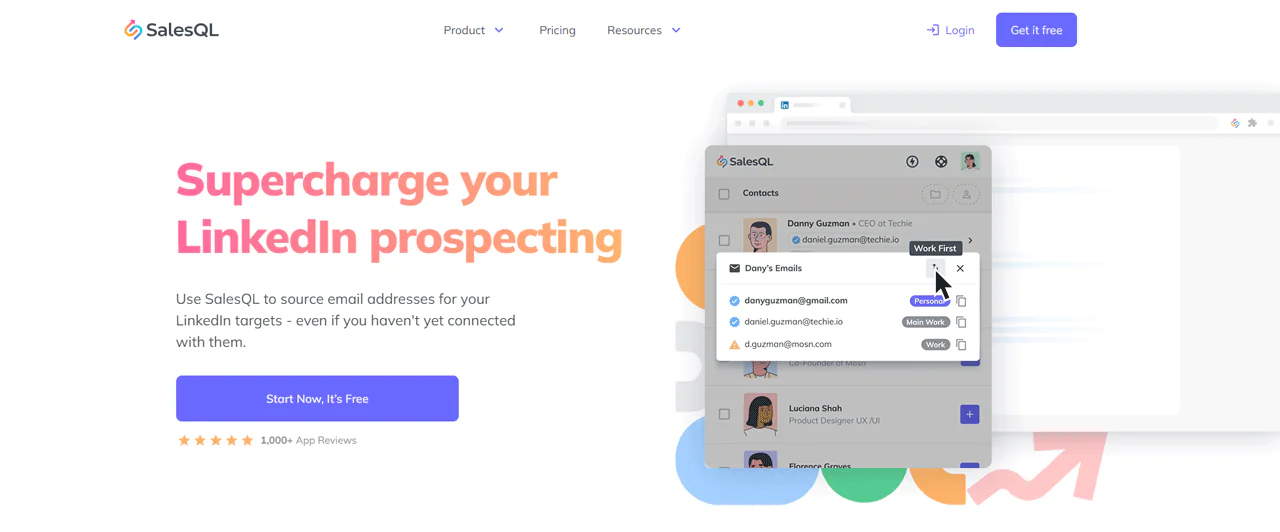
SalesQL is designed to make prospecting and email outreach easier, particularly for recruiters. The article describes it as a browser extension rather than a standalone platform, keeping it close to LinkedIn-based sales and recruiting workflows.
SalesQL is aimed at businesses looking to streamline prospecting. The described setup is to install the extension, run a LinkedIn search, and use SalesQL to pull data from the results.
B2B sales tactics shift constantly, so it helps to know what else is out there. Take a look at the top B2B prospecting tools to use in 2023.
Key Features of SalesQL
SalesQL sits alongside some of the better-known B2B lead generation tools on the market. Here’s what it brings to the table:
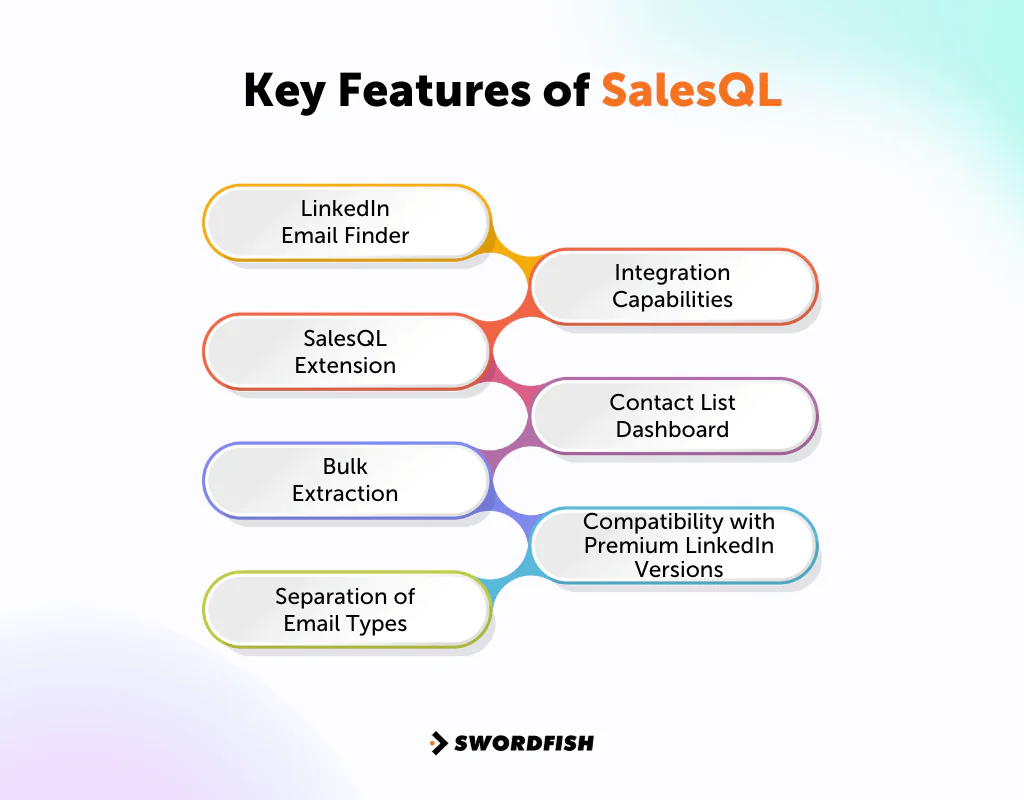
LinkedIn Email Finder
SalesQL’s email address lookup and locator features are built to keep contact details close at hand, including the ability to pull data from 1st, 2nd, and 3rd degree LinkedIn connections.
SalesQL Extension
The extension works with Google Chrome and Microsoft Edge, letting you extract email addresses straight from a LinkedIn page without switching tabs.
Bulk Extraction
SalesQL supports bulk extraction and enrichment of prospect data. This can help users assemble a prospect list from LinkedIn search results more efficiently than collecting each record manually.
Separation of Email Types
The article says SalesQL separates personal and professional email addresses and lets users switch between recruiter and sales account views to organize their lists.
Integration Capabilities
SalesQL connects with CRM, outreach, and productivity tools. The article names HubSpot, Salesforce, Outlook, and Gmail as examples, allowing users to move leads into existing workflows.
Contact List Dashboard
The contact list dashboard keeps extracted data in one place, supports new project creation, and flags duplicate entries before they clutter your database.
Compatibility with Premium LinkedIn Versions
The article says SalesQL works with premium LinkedIn tiers, including Sales Navigator, Recruiter Lite, and Recruiter Professional Services.
Pros of SalesQL
- Affordable pricing compared to other lead generation tools.
- Ability to extract data even from non-connected profiles.
- Offers both business and personal email extraction.
- User-friendly and intuitive browser extension interface.
- Efficient credit system, charging only for valid emails.
Cons of SalesQL
- Manual data extraction for multiple pages required.
- Occasional provision of catch-all emails.
SalesQL User Experience
Looking across reviews and firsthand accounts, SalesQL clearly resonates with a specific type of user. A few patterns come up repeatedly.
Agency Owner’s Perspective
For agency owners who run LinkedIn-based prospecting projects, SalesQL’s simplicity and price may make it a practical option for lead generation.
Ease of Use
The article describes the interface as approachable, including for users who are not especially technical.
Accuracy and Efficiency
Contact extraction may be useful, but accuracy can vary by search; the article notes that results may not always match marketing claims.
Integration Capabilities
The article lists Salesforce, Pipedrive, and HubSpot as SalesQL integrations, which may let teams add SalesQL as a data source while keeping their existing CRM.
Feedback on Challenges
The article reports that some users encountered difficulty extracting data across multiple LinkedIn pages in one session, while a few reported temporary LinkedIn profile restrictions after heavy use. Some reviews also flagged inconsistent phone number accuracy.
SalesQL Support for Users
The article describes SalesQL support using information from its support center and user feedback. It highlights customer support, self-help materials, and onboarding as areas to consider.
- Dedicated Customer Success Team: SalesQL features a dedicated customer success team that’s always ready to address any questions or issues users might face.
- Knowledge Base & Online Tutorials: For those who prefer self-help, SalesQL offers a comprehensive knowledge base and online tutorials. That way you can make the most out of the platform without much hassle.
- Onboarding and Training: Even if you’re new to SalesQL, they’ve got you covered. Their team ensures that users are onboarded properly and receive adequate training to navigate and utilize the platform effectively.
SalesQL Pricing
The pricing table in this article lists four SalesQL tiers, with monthly credit volumes as a main point of difference. Check SalesQL’s current pricing before choosing a plan.
|
Features |
Free | Starter | Advanced |
Pro |
|
Price |
$0 | $39 | $79 | $119 |
| Credits / month | 50 | 1,000 | 4,000 |
10,000 |
|
Contacts Manager |
Yes | Yes | Yes | Yes |
| Direct & Company Emails | Yes | Yes | Yes |
Yes |
|
Direct & Company Phones |
Yes | Yes | Yes | Yes |
| Export Contacts to CSV/Excel | Yes | Yes | Yes |
Yes |
|
Integrations with apps |
Yes | Yes | Yes | Yes |
| Multiple users | No | No | Up to 3 |
Up to 15 |
Our Review: Is SalesQL the Right Tool for Your Business?
SalesQL earns its spot among the best Linkedin email extractor tools and lead generation platforms because it makes pulling email addresses off LinkedIn genuinely fast, and its CRM integrations keep that data moving into existing workflows without extra steps.
SalesQL’s data accuracy can vary by search. The article also reports that some users experienced LinkedIn account restrictions after heavy extraction sessions.
SalesQL may suit B2B teams whose prospecting relies on LinkedIn. Use extraction cautiously, and independently check contact details before relying on them.
Best Alternatives to SalesQL
If SalesQL doesn’t fit your workflow, a few other platforms cover similar ground as a SalesQL alternative:
1. Swordfish AI
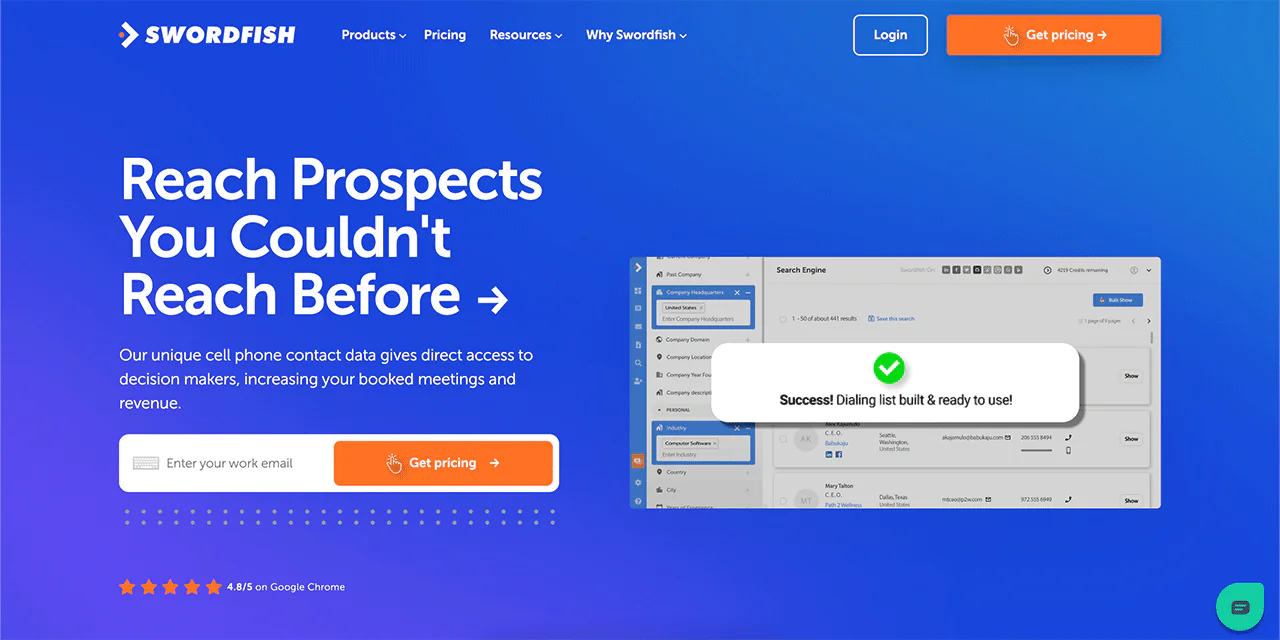
Swordfish AI takes a different approach by building around a unique cell phone number database, which sets it apart from tools that focus mainly on email.
Its proprietary cell phone verification system aims to keep contact data both broad and reliable.
That makes it a fit for teams that lean on cold calling as part of their outreach mix. With access to over 3.5 billion data profiles, Swordfish AI can connect businesses with potential clients and candidates across a wide range of industries, including healthcare.
Whether you’re in sales, recruitment, or marketing, Swordfish AI’s database and verification approach can fill in gaps that LinkedIn-only tools leave behind. You can try it through the 15 day trial to see how it performs on your own lists.
|
Features |
SalesQL | Swordfish AI |
| Contact Extraction | Primarily focuses on professional details from LinkedIn. |
Extracts both professional and personal details. |
|
Data Sources |
Primarily extracts data from LinkedIn profiles. | Searches across social media profiles, including LinkedIn, Facebook, Stack Overflow, and Github. |
| Data Profiles | Access to millions of LinkedIn profiles. |
Access to over 3.5 billion data profiles. |
|
Data Accuracy |
Uses its own algorithm to ensure data accuracy. | For accurate data extraction, machine learning algorithms are used. |
| B2B Integrations | Offers integrations with CRM and other tools. |
Supports B2B integrations and enhances in-house operations control. |
|
Pricing |
Multiple pricing tiers based on features and data access. | Offers multiple tiers, including Scale, Recruiter, Marketer, and API |
| Data Validation | Validates emails but no specific mention of cell phone validation. |
Unique cell phone number and proprietary cell phone verification system. |
 Try Swordfish Ai
2. Apollo.io
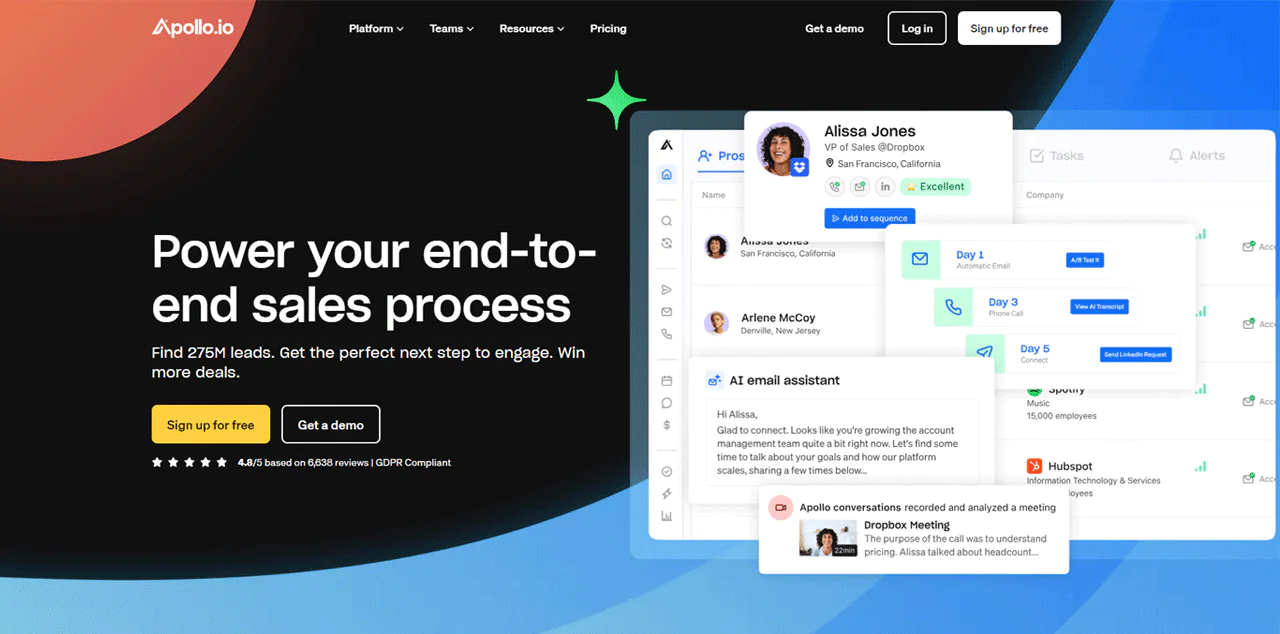
Apollo.io is presented as a broader sales platform covering email, CRM, and phone workflows. The article states that it has a database of over 200 million contacts, offering a wider prospecting scope than a LinkedIn-focused tool.
The article lists automated sequencing, task automation, and analytics among Apollo.io’s features, which are intended to help sales teams plan outreach.
|
Features |
SalesQL | Apollo.io |
| Intent data solution | Yes |
No |
|
Chrome Extension |
Yes | Yes |
| Sales Intelligence | Accurate and rich buyer data |
Lead scoring with AI |
|
Data Enrichment |
Yes | CRM, API and CSV enrichment |
| Contact Extraction | Yes |
Yes |
Note: Read More Navigate Apollo.io’s Pricing Page
3. Snov.io
Snov.io leans into email marketing more than pure prospecting. Beyond extracting linkedin emails, it offers domain-based lead discovery, email verification before send, automated campaigns, and a lightweight CRM for keeping sales organized.
The article says Snov.io offers browser extensions, a free tier, and connections to more than 5,000 tools. These features may appeal to marketers looking for email outreach tools beyond a single-purpose finder.
|
Features |
SalesQL | Snov.io |
| Email Finder | Yes |
Multiple and Bulk search options |
|
Chrome Extension |
Browser Extension | Email Finder Extensions for LinkedIn and web pages |
| Lead List Building | Build accurate lead lists |
Not available |
|
Data Enrichment |
Yes | CRM, API and CSV enrichment |
| Integration | Productivity, CRM, and outreach tools |
Apps for customer service and CRMs |
Note: Read About Recommended Substitutes for Snovio
Conclusion
SalesQL focuses on email discovery and professional contact data from LinkedIn profiles. That narrower focus may be useful for LinkedIn-heavy prospecting, while broader prospecting suites may cover more workflows.
SalesQL may suit teams whose prospecting happens mostly on LinkedIn. Teams that need contact data beyond LinkedIn or phone numbers alongside email can also evaluate alternatives such as Swordfish AI.
For teams that do most of their prospecting on LinkedIn, SalesQL may be a practical option; compare its current pricing and data quality with your needs before choosing it.
FAQs
Can I adjust SalesQL to match my sales routine?
Yes. SalesQL’s settings can be adjusted to different sales approaches, and the tool adapts somewhat based on the data you feed into it, so it doesn’t force a rigid workflow on your team.
How do I work with SalesQL on LinkedIn?
GetProspect, recognized for elevating lead generation via LinkedIn integration and email verification, provides accurate leads. It’s favored for its simplicity and broad B2B database but faces limitations in LinkedIn profile visibility and filter enhancement needs.
It’s a pivotal tool for email marketing and LinkedIn prospecting, though understanding its limitations is key. For businesses aiming to leverage LinkedIn more effectively, examining LinkedIn Sales Navigator pricing details can offer additional insights and tools for a more refined prospecting strategy.
Will SalesQL work with my current CRM?
Yes. SalesQL connects with CRMs including Salesforce, Pipedrive, Hubspot, and Zoho, so you can bring data in and run SalesQL alongside your existing system rather than replacing it.

