


 View Products


Key takeaways
- GetProspect combines business email finding and verification with prospect-list organization and enrichment tools.
- The article describes LinkedIn prospecting, email-focused workflows, and a free tier as central parts of GetProspect’s offer.
- Limited phone-number allowances may be a drawback for teams that rely on phone outreach.
- The article lists different plan prices and credit allowances, but recommends confirming current terms before budgeting.
- Swordfish AI, SalesQL, and Hunter.io are presented as alternatives with different prospecting and contact-data capabilities.
Last updated: September 3, 2026

GetProspect is a B2B email finder built around one core promise: separating personal inboxes from work addresses so outreach lands with the right person at the right company. Sales teams, recruiters, and small agencies use it to build prospect lists from LinkedIn and company websites without guessing at email formats.
The lead generation space is crowded, so a tool that narrows down accurate contacts is worth a closer look before you commit a budget to it. If you’re evaluating options for finding the right people to reach, this review breaks down what GetProspect actually does, where it holds up, and where it falls short.
GetProspect: A Quick Overview
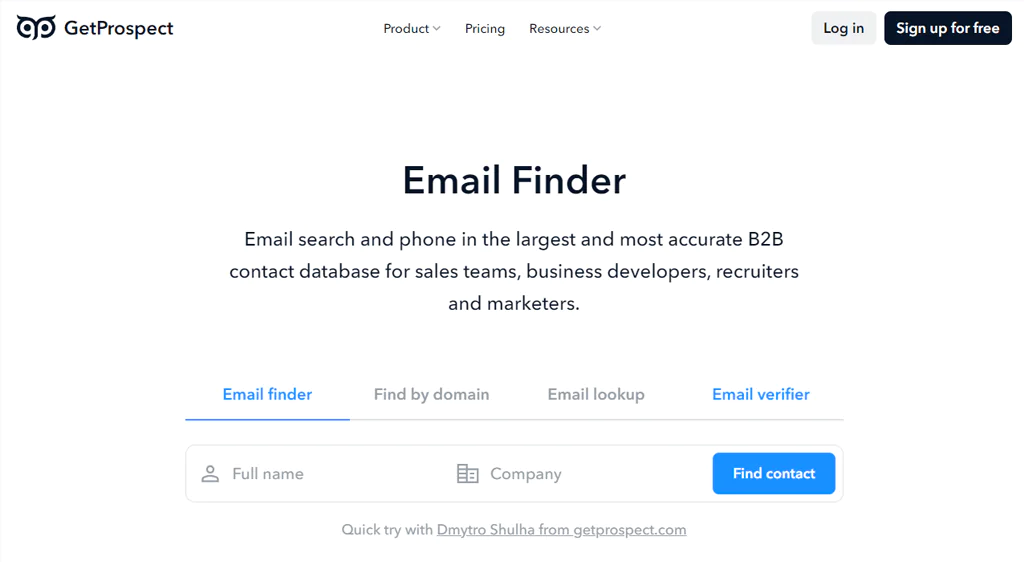
In practical terms, GetProspect combines business email finding and verification with tools for organizing and enriching prospect lists. It can source contacts from LinkedIn and corporate websites.
The Chrome extension lets you extract email addresses directly from LinkedIn profiles, and a built-in verifier checks each address before you add it to a list. Beyond email finding, GetProspect includes CRM-style organization tools, access to a B2B contact database, and a free monthly allotment for smaller-volume users. The idea is to move a prospect from a raw LinkedIn profile into an active part of your sales cycle without switching tools.
Features of GetProspect
A few features stand out when you actually put the platform to work:
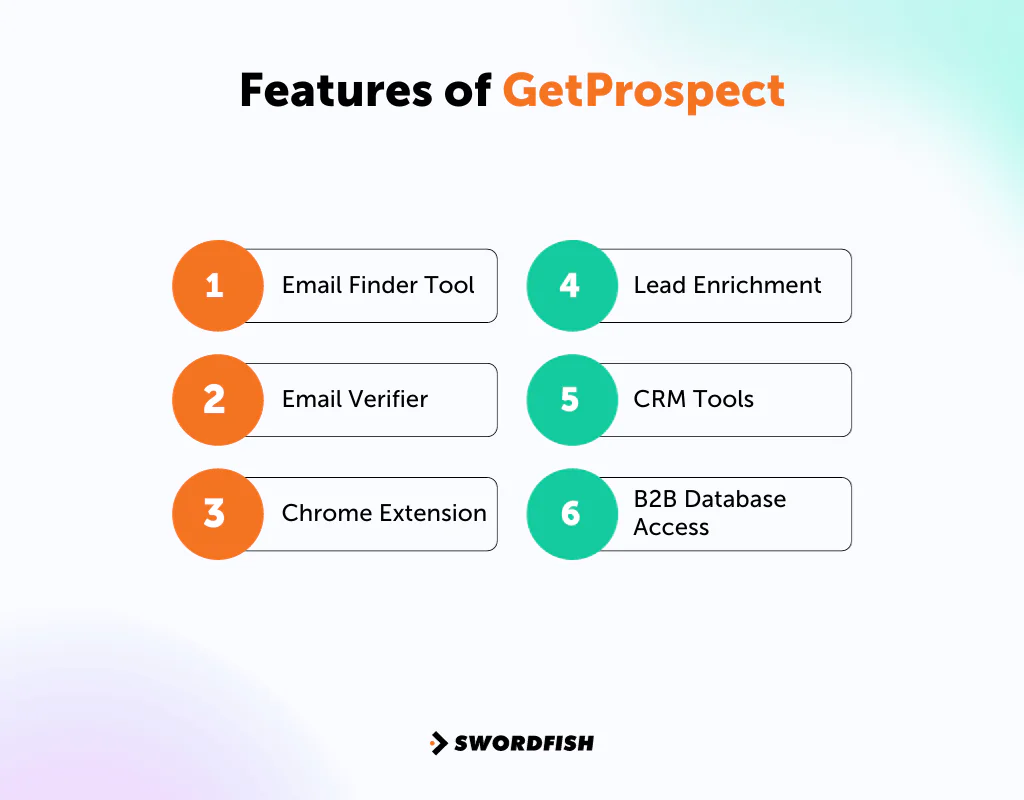
Email Finder Tool
GetProspect finds email addresses from LinkedIn profiles and corporate websites. It also supports bulk searches using website URLs or individual names, returning multiple matches.
Email Verifier
The email verifier tool runs discovered addresses through a multi-step check designed to strip out duplicates and flag invalid or fake addresses before they reach your CRM.
Chrome Extension
The GetProspect Chrome extension pulls emails while you browse LinkedIn profiles. You view a profile, and the extension surfaces and exports the associated email address without leaving the browser tab.
Lead Enrichment
For contacts that need more than an email address, GetProspect’s enrichment tool fills in missing details from uploaded contact lists, helping you build a fuller picture of a prospect before outreach.
CRM Tools
The built-in CRM features help teams organize leads through dynamic lists and nested folders, giving sales reps a clearer view of where each prospect sits in the pipeline.
B2B Database Access
GetProspect’s database covers a large volume of business contacts and companies, giving users a starting point for prospecting beyond what they can pull manually from LinkedIn.
Pros of GetProspect
- Clear and easy to set up.
- Integrates seamlessly with LinkedIn.
- Real-time email verification for authenticity.
- Access to a large B2B database with filtering options.
- Offers a free tier for lower-volume users.
Cons of GetProspect
- Limited views on LinkedIn profiles, and heavy extension use has been linked to LinkedIn account restrictions for some users.
- No phone numbers on the free and entry-level tiers, and only a small phone allowance even on higher plans, which limits multichannel outreach.
GetProspect User Experience
Here’s what tends to matter most once you’re actually using the platform day to day.
User-Friendly Interface
GetProspect keeps its interface clean, with checkboxes for picking prospects and a Chrome extension that sits quietly in the browser until you need it. That simplicity matters most once you understand the B2B customer journey stages you’re actually trying to move a lead through.
Efficient Email Verification
The article describes verification as occurring when an email is found, which may reduce the need for a separate list-cleaning step before uploading contacts to a CRM or outreach tool. Confirm how verification works in the current product.
Safe LinkedIn Browsing
LinkedIn caps how many profiles you can view in a given period, and GetProspect is built to respect those limits rather than push past them. Even so, browser extensions that scrape LinkedIn data carry some inherent risk of triggering platform safety checks, so it’s worth pacing usage rather than running large batches back to back. For channels beyond LinkedIn, it helps to explore creative ways to reach prospects so you’re not relying on one platform for every lead.
Value for Money
GetProspect only charges for valid, verified contacts rather than every search attempt, which keeps costs predictable for teams watching their budget. Once you’ve settled on a lead source, it’s worth reviewing enterprise sales prospecting tips to get more out of the contacts you’ve paid for.
Collaborative Features
Teams using GetProspect can share contact lists and workspaces across sales and marketing, which helps larger groups avoid duplicating outreach to the same prospects.
GetProspect Support for Users
Support quality is a real factor when you’re troubleshooting a verification issue mid-campaign, and GetProspect puts some visible effort here.
Responsive Customer Support
GetProspect leans on a customer-centric approach, offering chat and email support for account and billing questions.
Support Across Time Zones
Coverage extends across regions, which matters for teams with reps working outside standard US business hours.
User Feedback Integration
The platform has a track record of incorporating user suggestions into product updates, which is worth watching if a specific feature gap is a dealbreaker for your team.
GetProspect Pricing
GetProspect’s plans use credits for valid emails found and verifications, according to the pricing details summarized here. Pricing and plan features can change, so confirm the current terms on GetProspect’s site before budgeting. The table below reflects the article’s listed plan structure:
|
Feature |
Free Plan | Starter Plan | Growth 5k |
Agency |
|
Cost per month |
$0.00 | $49.00 | $99.00 | $2,999 |
| Valid emails | 50 | 1,000 |
5,000 |
A professional prospecting service. |
|
Verifications |
100 | 2,000 | 10,000 | |
| Phone numbers | No | 5 |
5 |
|
|
LinkedIn extension |
Yes | Yes | Yes | Yes |
| API Access | Yes | Yes | Yes |
Yes |
|
Advanced filters |
Yes | Yes | Yes | Yes |
| Team data sharing | Yes | Yes | Yes |
Yes |
|
Export files CSV & XLSX |
Yes | Yes | Yes | Yes |
| Zapier integration | No | Yes | Yes |
Yes |
|
CSV Enrichment |
No | Yes | Yes | Yes |
| Native integrations | No | No | Yes |
Yes |
|
Team credit sharing |
No | No | Yes | Yes |
| Dedicated outreach services | No | No | No |
Yes |
|
A/B Testing and optimization |
No | No | No | Yes |
| Person-based campaigns | No | No | No |
Yes |
Our Review: Is GetProspect the Right Tool for Your Business?
GetProspect combines LinkedIn-based email finding with email verification, and its free tier offers a way to try the service before committing budget. The interface is described as straightforward. The article also identifies LinkedIn profile-view limits and limited phone-number allowances as factors to weigh against your workflow.
It’s a solid fit for teams focused mainly on email marketing and LinkedIn prospecting, but multichannel teams that lean on phone outreach will likely need to pair it with another data source. For a deeper look at LinkedIn-native prospecting, LinkedIn Sales Navigator plans are worth comparing.
From our GetProspect reviews, if you need a lead generation platform that does more than LinkedIn email extraction, it can be a reasonable fit. Still, it’s worth weighing against the alternatives below before deciding.
Best Alternatives to GetProspect
GetProspect covers a lot of ground, but it isn’t the only option. Each of these alternatives has a different strength worth weighing against your own priorities.
1. Swordfish AI
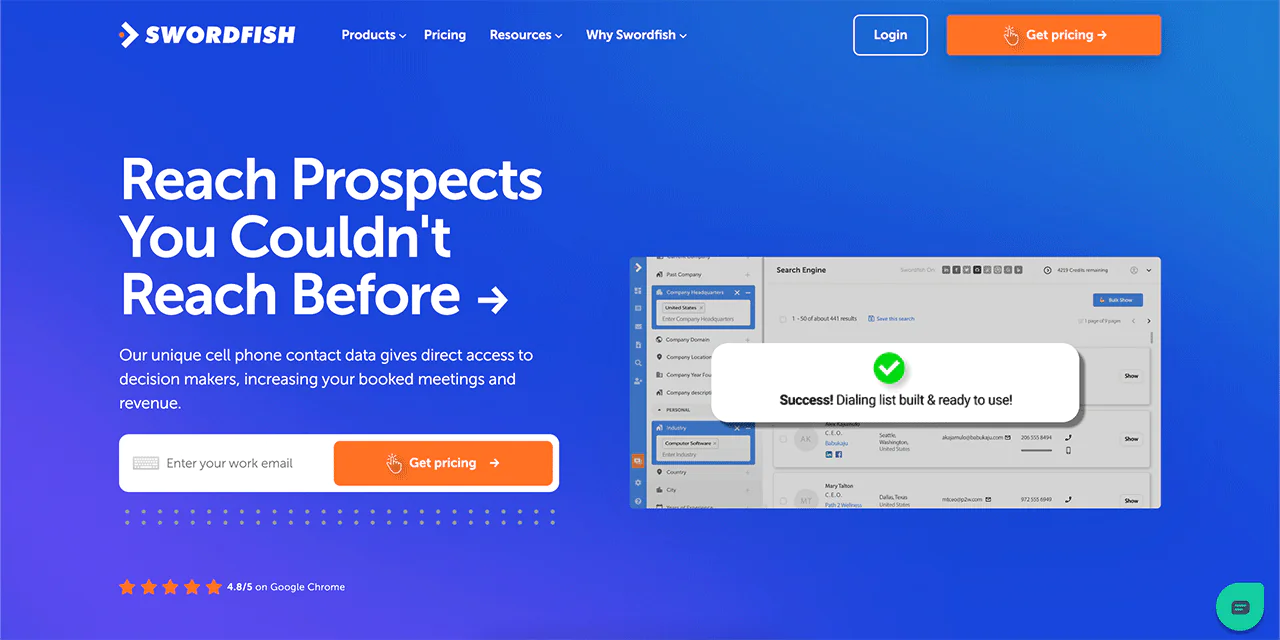
Swordfish AI is a LinkedIn email extractor tool built around finding contact details for potential clients, but unlike GetProspect, it also surfaces someone’s personal cell phone number.
Swordfish also runs a proprietary cell phone verification system, which matters for businesses that want to call prospects directly rather than rely only on email. The database spans over 3.5 billion profiles, giving it significantly more reach for teams building large prospect lists.
The Chrome extension pulls contact details from LinkedIn, Facebook, and Google search results, and the platform is built to align with data privacy regulations.
If phone-based outreach is part of your strategy, Swordfish AI is worth testing through its custom free trial.
|
Features |
Swordfish AI |
GetProspect |
|
Description |
Contact finding platform | Lead generation platform |
| Intent data solution | Yes |
No |
|
Chrome Extension |
Yes | Yes |
| Verification | Yes |
Yes |
|
Integration |
Yes | Yes |
| Contact Extraction | Yes |
Yes |
 Try Swordfish Ai
2. SalesQL
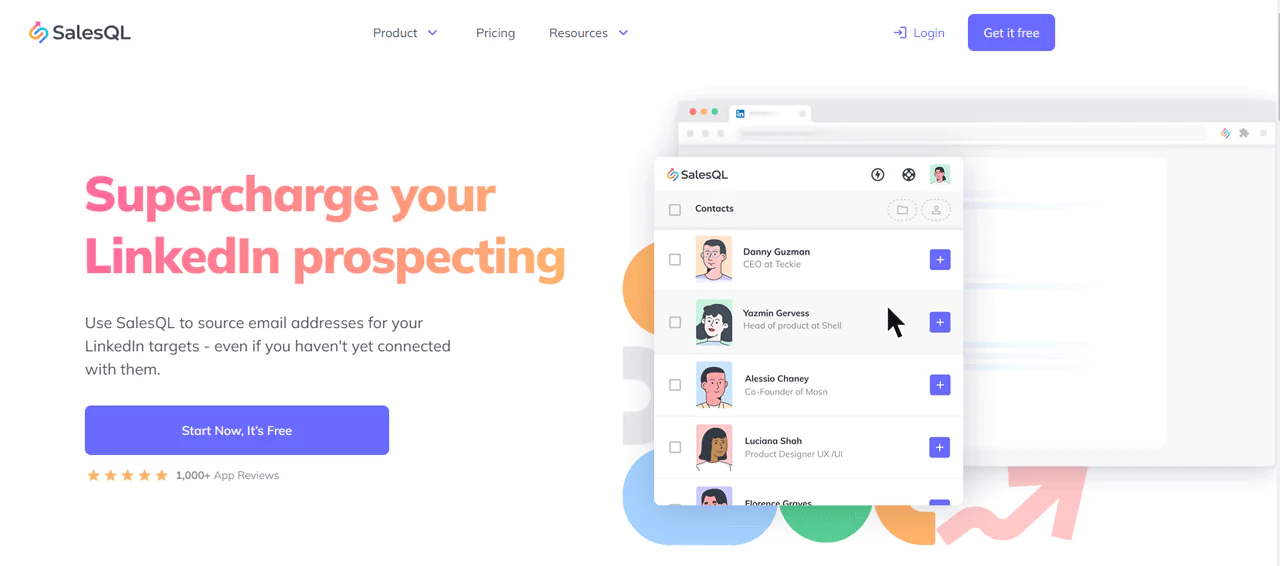
SalesQL is a straightforward tool built around LinkedIn outreach. It’s a free LinkedIn email finder and lead generation platform that pulls email addresses and phone numbers directly from LinkedIn profiles.
The article describes SalesQL as connecting to more than 700 million professionals and says it is used by brands including Accenture and Johnson & Johnson. Verify these claims and current coverage before relying on them in a comparison.
The platform differentiates between personal and business emails and offers extensions for Chrome and Edge.
|
Features |
SalesQL | GetProspect |
| LinkedIn Integration | Yes |
Yes |
|
Email Finder |
Yes | Yes |
| In-house Email Verification | Yes |
Yes |
|
Browser Extension |
Yes | Yes |
| Organization of Leads | Yes |
Yes |
|
Pricing |
|
|
3. Hunter.io
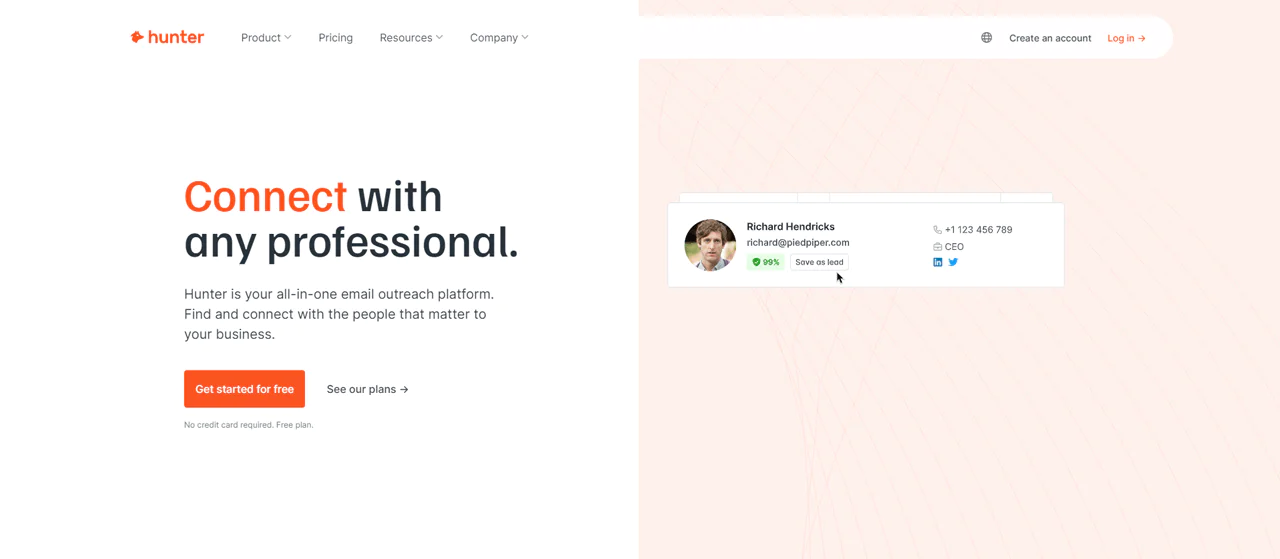
Hunter.io is built for email marketing, specializing in finding and verifying professional email addresses to support outreach and link-building campaigns.
Hunter.io offers an interface and Chrome extension for email finding and verification. The article characterizes it as pricier than some alternatives; compare current plan prices to assess value.
The article says Hunter.io does not search social platforms such as LinkedIn directly, which may matter for teams seeking LinkedIn-native prospecting. Its comparison table also lists LinkedIn integration, so clarify what that integration includes before comparing the tools.
|
Features |
Hunter.io |
GetProspect |
|
Email Finder |
Yes | Yes |
| LinkedIn Integration | Yes |
Yes |
|
Email Verification |
Yes | Yes |
| Unique Selling Point | Provides a clear breakdown of where the emails were sourced, with a high accuracy rate. |
Offers a comprehensive lead generation process |
|
Browser Extension |
Yes | Yes |
| Pricing | Offers a free plan with limited searches and verifications. Premium plans available. |
Free plan with 50 emails/month. Paid plans range from $49/month upward. |
Conclusion
GetProspect is presented here as a tool for finding and verifying emails, with a workflow intended to be straightforward for small teams. Its fit depends on your budget, reliance on phone outreach, and LinkedIn prospecting needs.
For teams that need phone data, the article presents Swordfish AI as an alternative, citing its larger database and cell phone verification capabilities. Compare current coverage and features against your requirements.
For most email-first prospecting teams, though, GetProspect remains a reasonable, budget-conscious option. That’s the shape of our GetProspect review, and the choice ultimately depends on what your outreach actually requires.
FAQs
How accurate is GetProspect in finding valid emails?
User reviews consistently point to a strong accuracy rate for finding and verifying emails, though results vary by industry and region.
Do I need any technical skills to use GetProspect?
No. The interface is built to be accessible without a technical background, and most reviews highlight its ease of use.
Is GetProspect safe to use with LinkedIn?
GetProspect is designed to respect LinkedIn’s usage limits, though some users have reported account restrictions tied to heavy extension use, so moderate pacing is worth considering.

