


 View Products


Key takeaways
- Start ZoomInfo prospecting with a clear ideal customer profile.
- Use company and contact filters to narrow the list to accounts that fit your criteria.
- Review account and contact details to identify relevant prospects and points of contact.
- Treat intent activity as a prioritization signal, not proof that a company is ready to buy.
- Compare ZoomInfo and Swordfish AI based on your contact-data needs, workflow, and budget.
Last updated: September 3, 2026
ZoomInfo can help B2B teams identify prospects by searching its contact and company database with filters such as industry, company size, location, and job role. Those filters can narrow research to stakeholders who fit your target market.
You can use ZoomInfo for prospecting by tapping its B2B contact database, advanced search and filtering, automated sales tools, and buyer intent signals. Together, these features help you identify and engage prospects faster, which tightens up lead generation and shortens the sales cycle.
This guide explains practical ways to use ZoomInfo’s database, filters, and intent data for prospecting, and compares its approach with Swordfish AI’s emphasis on direct phone numbers.
What is ZoomInfo?
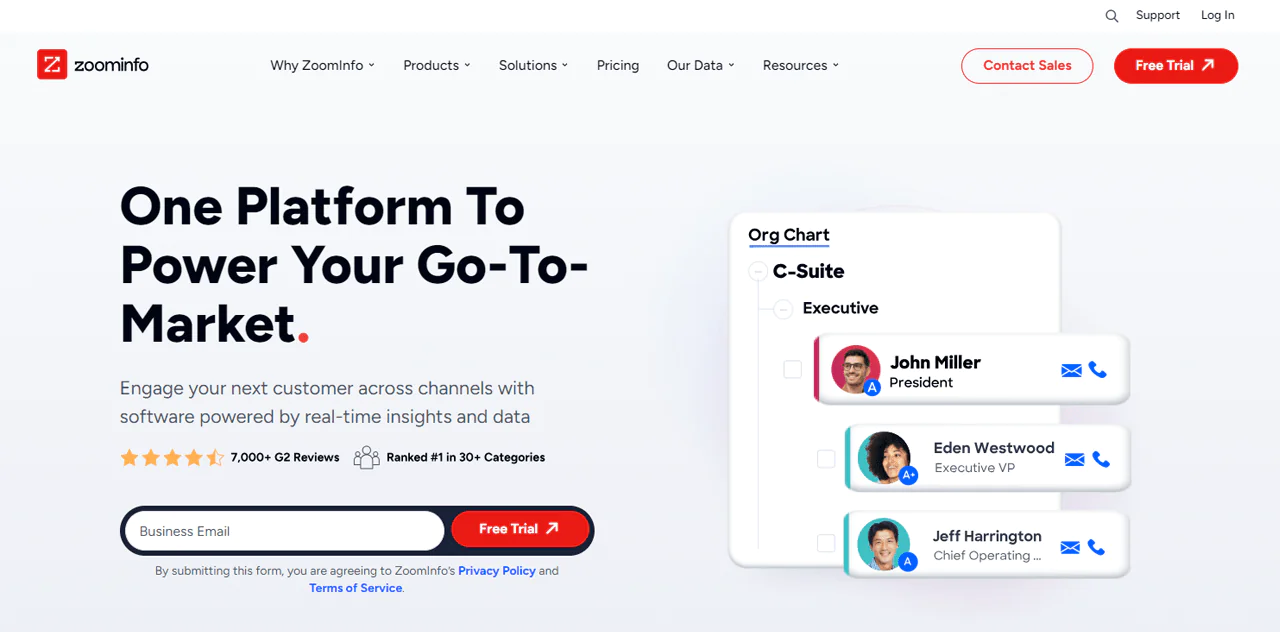
ZoomInfo is a sales intelligence platform built around helping businesses find, acquire, and grow their customer base. It launched in 2007 with the goal of helping professionals and companies find growth opportunities faster.
DiscoverOrg acquired ZoomInfo in 2019, bringing contact, firmographic, technographic, and intent data together under one roof. That merger is a big reason ZoomInfo’s database today combines company details with contact-level insight rather than just one or the other.
The platform also layers in industry news, technographic data, and demographic detail on companies and the people who work there. That context matters when you’re trying to time outreach, size up a buyer, or spot an opportunity before a competitor does.
ZoomInfo’s FuZIon matching system is designed to organize and match data records, reducing the manual cleanup teams may need to do. Check ZoomInfo’s current documentation for details about its data practices and privacy compliance.
It also connects to the CRM and marketing tools most sales and marketing teams already use, so reps get updated records without switching platforms constantly.
Features of ZoomInfo
ZoomInfo bundles a set of tools that sales, marketing, operations, and recruiting teams lean on for different reasons. Here’s what each one actually does.
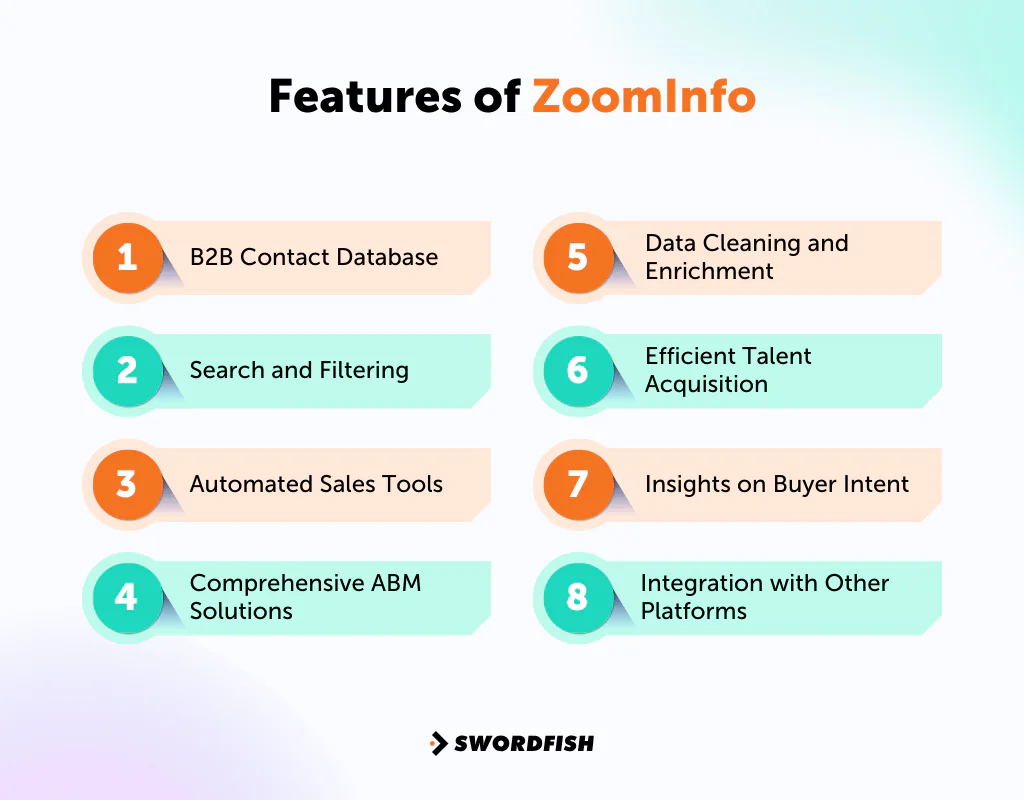
B2B Contact Database
ZoomInfo maintains a large database of business contacts and companies. You can find and connect with potential leads more efficiently, which also makes your LinkedIn lead generation work less of a manual grind.
Search and Filtering
You can filter prospects by industry, company size, location, and job role. That specificity keeps your outreach and campaigns focused instead of scattershot.
Automated Sales Tools
SalesOS gives you tools to organize executive contacts, route leads to the right rep, and manage pipeline stages without a lot of manual handoff. That structure helps move prospects through the customer journey funnel more predictably.
Comprehensive ABM Solutions
MarketingOS is ZoomInfo’s account-based marketing offering. It uses B2B intelligence to help convert leads into sales, with features like targeted advertising and web form enrichment built in.
Data Cleaning and Enrichment
OperationsOS handles cleaning, deduplication, and enrichment, so the records your team works from stay reliable rather than stale or duplicated.
Efficient Talent Acquisition
TalentOS extends ZoomInfo into recruiting, with candidate search and applicant tracking system integrations that speed up sourcing.
Insights on Buyer Intent
ZoomInfo’s intent signals can help identify companies showing online research activity related to selected topics. Use them to prioritize accounts for further qualification, rather than treating an intent signal alone as proof that a company is ready to buy.
Integration with Other Platforms
ZoomInfo works well with various CRM and marketing automation tools like —
|
Integration Type |
Tools |
|
CRM (Customer Relationship Management) |
Salesforce, Zoho, HubSpot, Microsoft Dynamics 365, People.ai |
| Marketing Automation |
Marketo, Eloqua, Pardot |
These integrations keep data consistent across platforms and cut down on manual re-entry.
How to Use ZoomInfo for Prospecting
To use ZoomInfo for prospecting, start with a defined ideal customer profile, filter for matching companies and contacts, review relevant account context, and use intent signals as one input when prioritizing outreach.
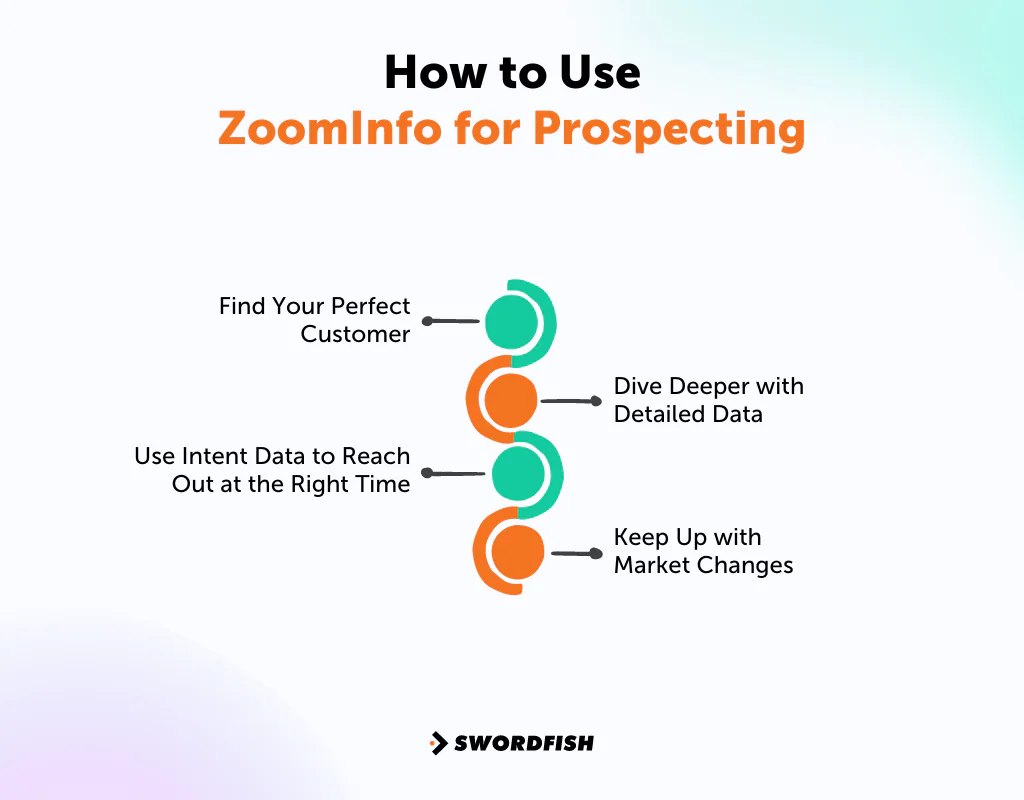
Find Your Perfect Customer
Start by defining your ideal customer profile (ICP): the types of companies and buyers most likely to need what you’re selling. A clear ICP helps focus prospecting and avoid building an unnecessarily broad list.
Use ZoomInfo’s available filters, such as industry, company size, and technology stack, to narrow the prospect list to accounts that match your criteria.
Dive Deeper with Detailed Data
After defining your target, review available account and contact details, such as company structure, technographic data, financial signals, and decision-maker information.
Use that information to assess whether an account may fit your offering and identify a relevant contact before reaching out. Treat data points as research inputs, not a substitute for qualifying the prospect.
Use Intent Data to Reach Out at the Right Time
Timing matters in sales, and intent data providers like ZoomInfo can show which companies are actively researching products or services like yours.
Intent data can help you prioritize outreach to companies researching relevant topics. Use it as a timing and prioritization signal, rather than assuming every account showing activity is ready to buy.
Keep Up with Market Changes
Markets shift, and so do prospect priorities. ZoomInfo’s industry tracking helps you stay current on trends affecting your target accounts, so your pitch reflects what they’re dealing with right now instead of last quarter’s assumptions.
Staying current also positions you as someone who understands the account, not just another vendor cold-emailing a title.
How to Use ZoomInfo Intent
ZoomInfo’s intent topics can help identify companies showing research activity related to your offering. A practical workflow is to review those accounts, check their fit with your ideal customer profile, identify relevant contacts, and decide on an appropriate next step.
1. Sign In to ZoomInfo
Log in and land on the main dashboard, which is your starting point for everything else.
2. Go to the Intent Tab
Find the “Intent” section on your dashboard. It surfaces businesses currently researching topics tied to your offering.
3. Watch the Intent Stream
The intent stream displays companies researching relevant topics. Rather than monitoring it continuously, use the available workflow tools or alerts to review activity as part of your team’s process.
4. Set Up a Workflow
Instead of monitoring the stream manually, use ZoomInfo’s workflow automation to track spikes in interest automatically.
5. Choose Your Actions
Decide what should happen when a company shows intent, whether that’s tagging the account, identifying the right contacts, or triggering a next step, and set it to run automatically.
6. Pick the Right Companies
Not every company showing intent will fit your target market. Use ZoomInfo’s filters to prioritize accounts that also match your ideal customer profile.
7. Send to Your CRM
When a company looks promising, push the record into Salesforce or your CRM of choice, and log it as a lead, contact, or account depending on your process.
8. Engage with the Lead
Finally, move the lead into a sales engagement tool, such as ZoomInfo Engage, and start a sequence so it enters your pipeline right away.
Benefits of Using ZoomInfo
Upon reviewing ZoomInfo, it holds up as a broad suite for sales, marketing, and hiring teams. Here’s where it tends to add the most value —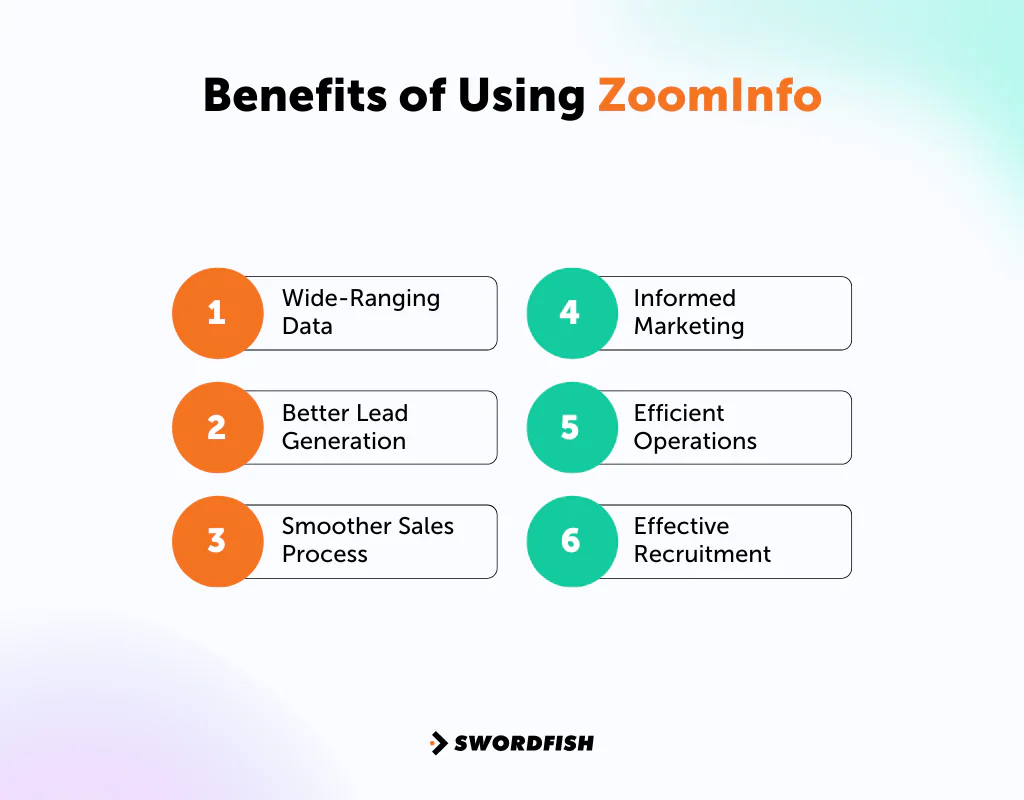
Wide-Ranging Data
ZoomInfo’s search gives you access to a large pool of professional contacts and companies. The point isn’t just volume, it’s finding the right decision-makers and companies that actually fit your target market.
Better Lead Generation
ZoomInfo’s buying intent signals give you a clearer read on what prospects are actually looking for, so outreach can be tailored to their situation rather than a generic pitch. That’s a meaningfully different approach than cold calling blind.
Smoother Sales Process
SalesOS automates routine tasks, surfaces call insights, and manages workflows, which frees reps to spend more time selling and less time on admin. Conversation insights also help identify what’s actually working so you can adjust.
Informed Marketing
MarketingOS gives marketing teams visibility into what buyers care about, so messaging and ad targeting can be built around real signals instead of guesswork.
Efficient Operations
OperationsOS keeps contact data accurate, which matters for targeted campaigns, and helps route leads to the right rep faster.
Effective Recruitment
TalentOS gives recruiters candidate insight that speeds up sourcing and helps match candidates to open roles more efficiently.
ZoomInfo Pricing: How Much Does ZoomInfo Cost?
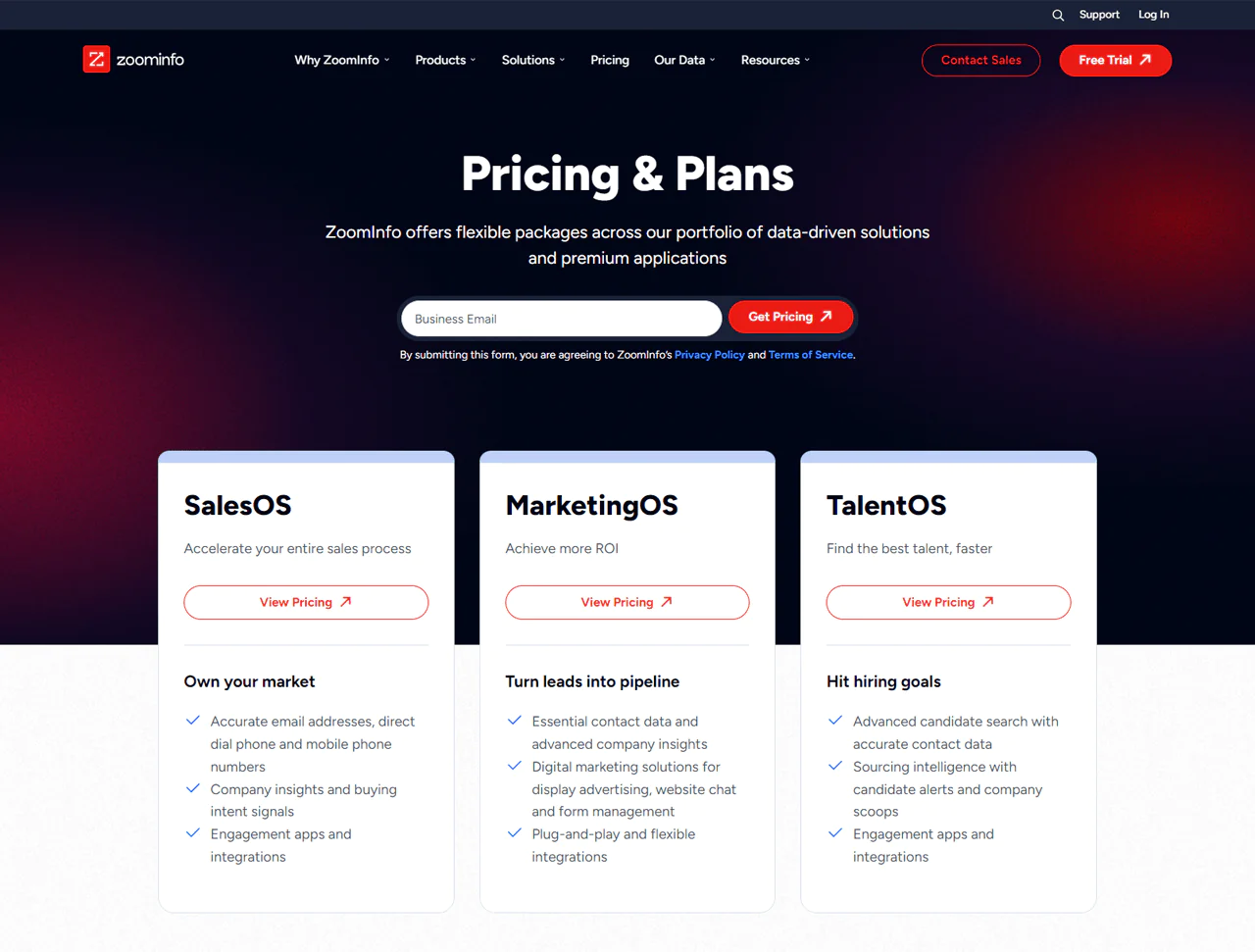 Now, ZoomInfo’s pricing isn’t published publicly, so most of what’s known comes from buyer reports and third-party pricing guides rather than ZoomInfo’s own site.
Based on recent buyer-reported figures, the Professional plan generally starts around $14,995 a year, the Advanced plan runs roughly $24,995 to $30,000 a year, and the Elite plan typically starts near $39,995 a year and can climb higher with add-ons. Actual quotes vary by seat count, credit volume, and negotiated discounts, and pricing has stayed in this range for the past few years rather than shifting significantly.
Free Trial
ZoomInfo offers a limited free tier sometimes referred to as “ZoomInfo Lite,” which caps out at a small number of contacts per month rather than full database access. It’s worth checking current terms directly, since free-tier limits and trial mechanics are the kind of detail vendors adjust periodically.
What Users Say About ZoomInfo
- G2: 4.4 out of 5 (7,900 reviews)
- Capterra: 4.1 out of 5 (280)
“What do you like best about ZoomInfo?As I use it to find correct data for prospecting or simply enriching existing contacts -helps understand the organization’s hierarchy and look up targeted contacts in targeted roles. Love the buyer intent tool, that shows if any companies are researching your software, and allows focusing on targeted outreach.”– Brigita B.What do you dislike about ZoomInfo?I don’t like how there is a limit to how many leads you can export to your CRM (1000 to Salesforce for the year), but with some smart tactics you can stretch that number.” – Charlie B.
Swordfish AI: An Alternative to ZoomInfo Worth Trying for Prospecting
Swordfish AI is worth a look for anyone researching alternatives to ZoomInfo, particularly if your team is focused on reaching decision-makers directly rather than working through a generalist database.
In this comparison, ZoomInfo is presented as a broad B2B contact platform, while Swordfish AI is positioned around direct cell phone numbers and email data. The difference may matter if your outreach relies on phone contact as well as email.
For recruiters and sales reps trying to reach decision-makers directly, a verified mobile number may offer another outreach channel alongside a company phone number or email. Results depend on the accuracy of the data and the recipient’s preferences.
The article describes Swordfish AI as working with cell phone data providers and carriers to check contact details, including whether a line is active. Review the provider’s current documentation for the scope and method of these checks.
If your prospecting depends on direct phone outreach, Swordfish AI’s stated focus on phone data may make it worth comparing with ZoomInfo against your team’s workflow and data requirements.
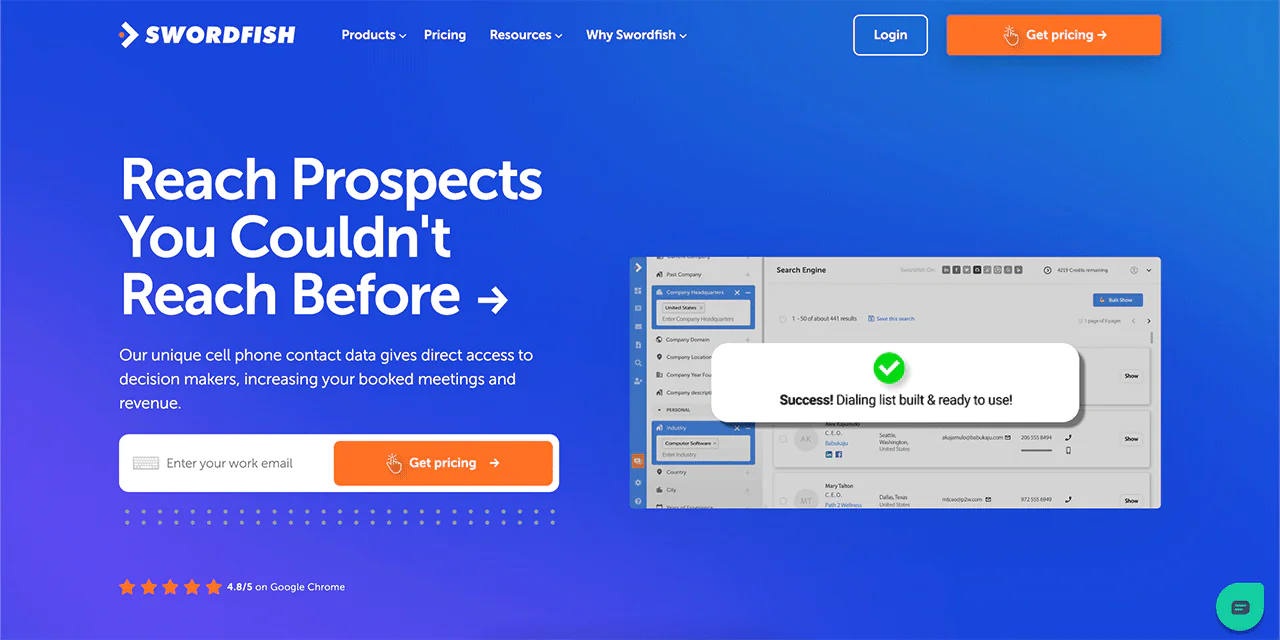
Features of Swordfish AI
A handful of features make Swordfish AI a solid prospecting tool in its own right, and in some cases they solve problems ZoomInfo doesn’t address directly.
-
Chrome Extension
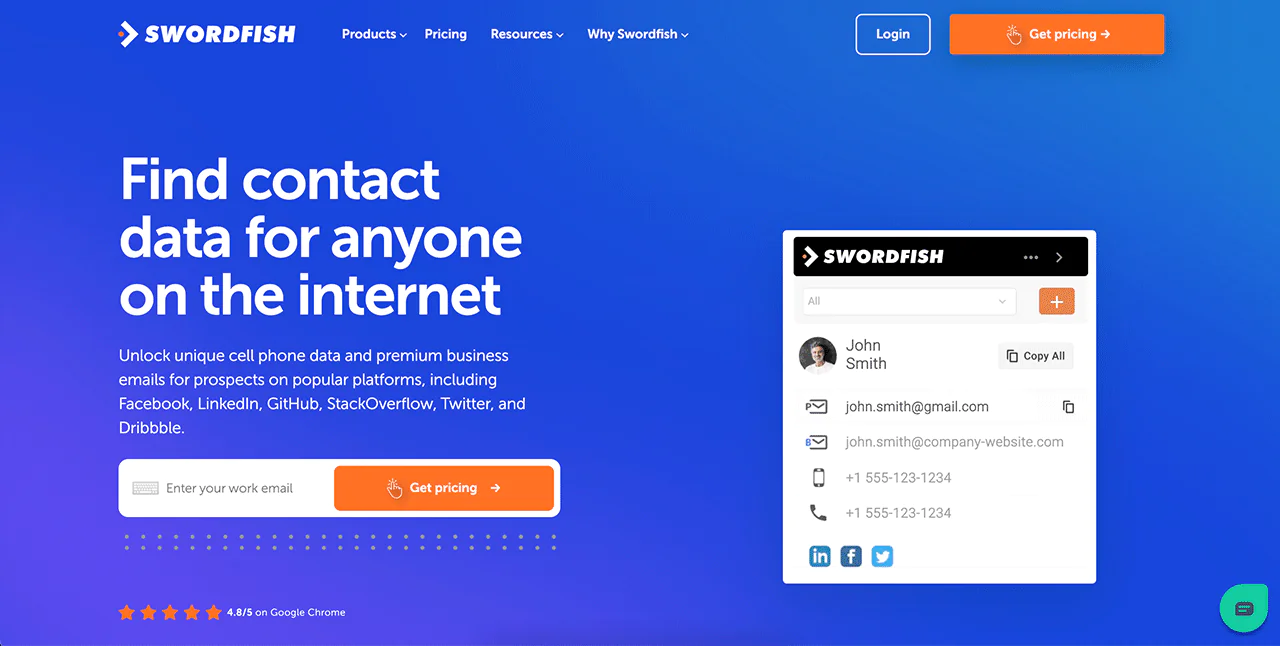 Swordfish AI’s Chrome Extension pulls contact details from a professional profile or website you’re viewing with one click, so you can build a contact list without leaving your browser tab.
-
Reverse Search
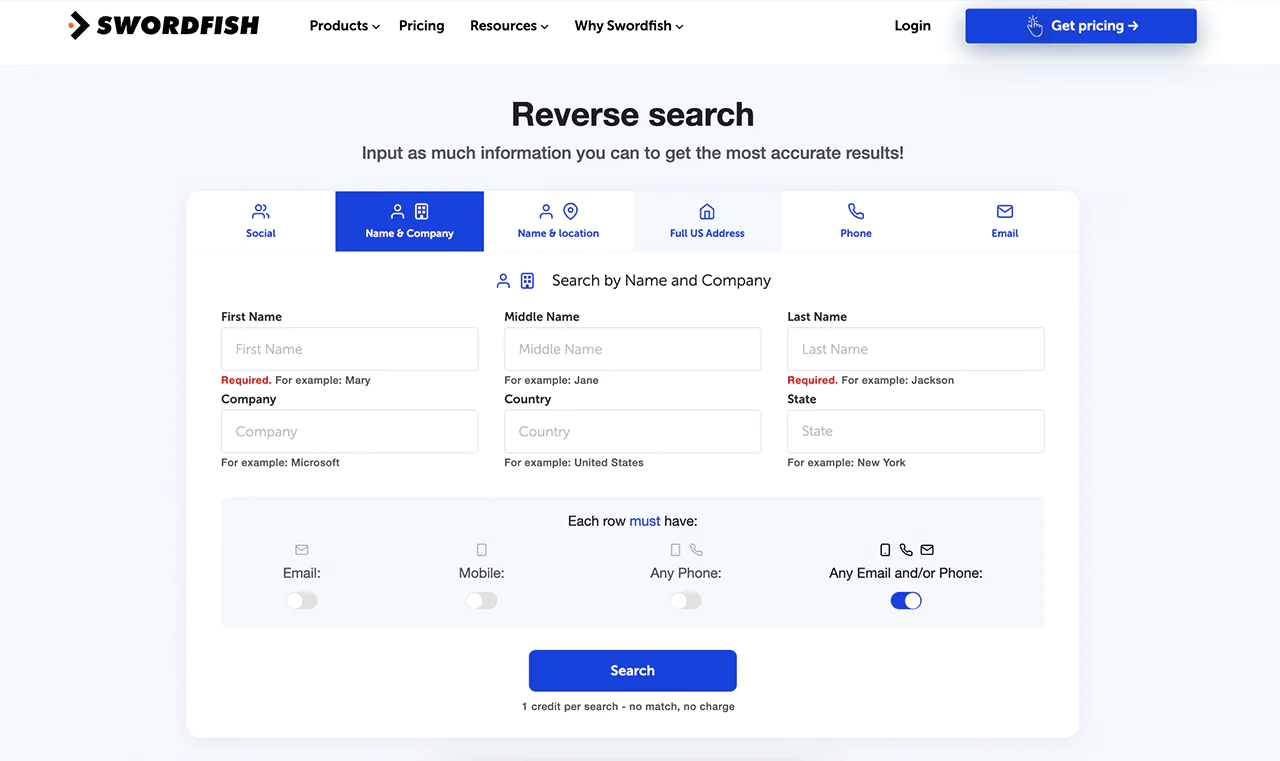 If you’ve got a partial record, like just a name, email, or phone number, Swordfish AI’s Reverse Search lets you fill in the rest of the profile instead of starting from scratch.
-
Prospector
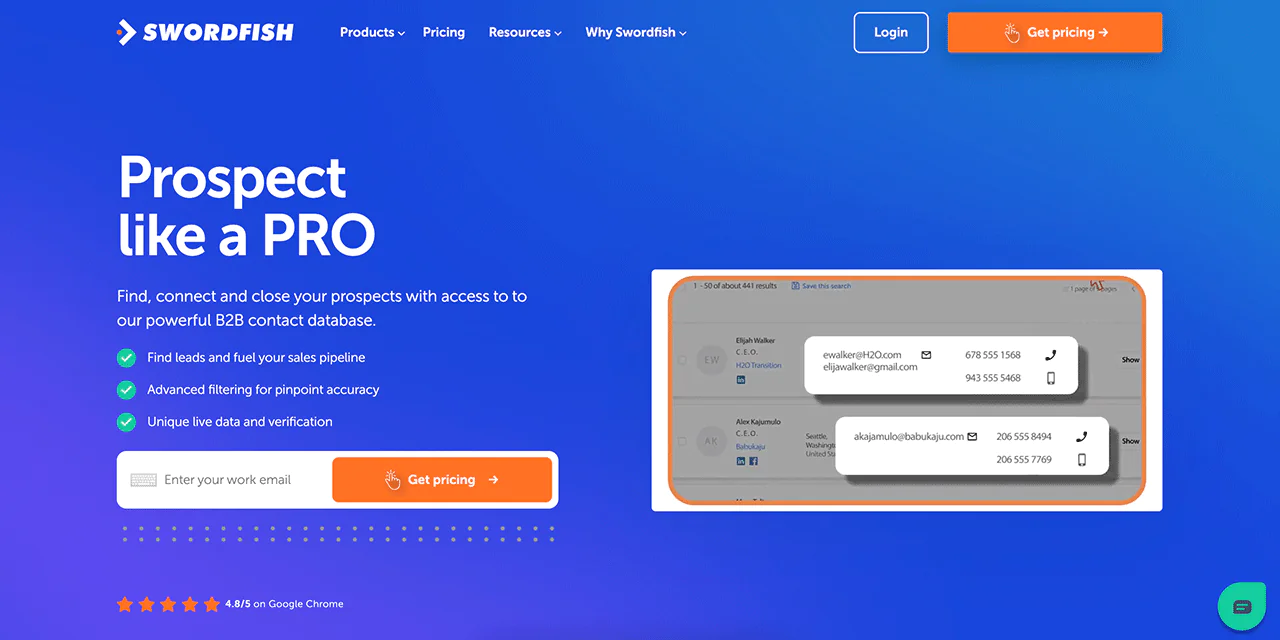 The Prospector tool lets you build a targeted lead list by filtering on your exact criteria, which cuts down the manual research time considerably.
-
File Upload
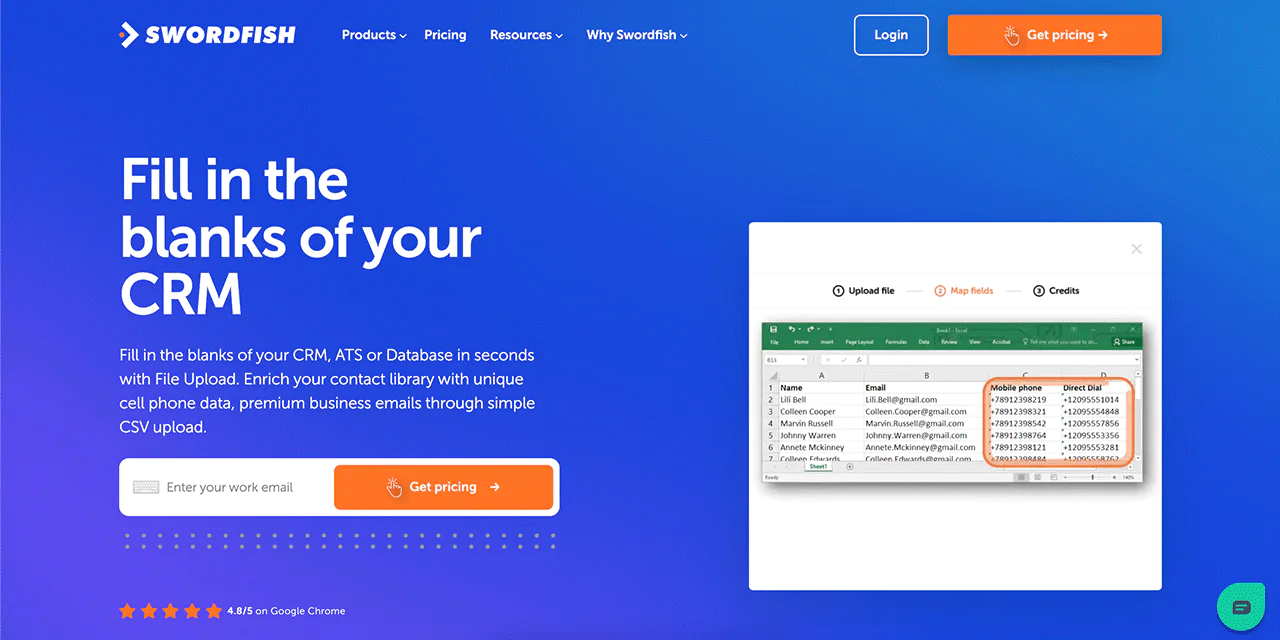 Keeping a CRM current is tedious when records have gaps. File Upload lets you upload a file and have missing fields filled in automatically, so your database stays usable.
-
Bombora Intent
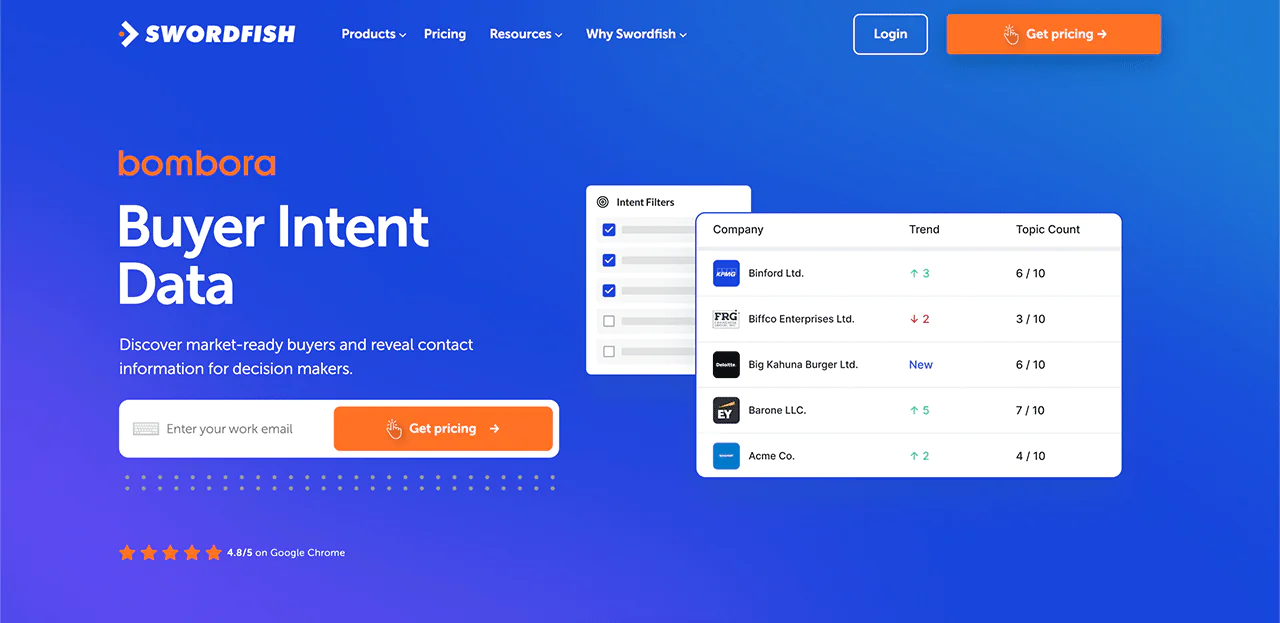 Knowing which accounts are already researching a solution like yours is a real edge. Swordfish AI integrates Bombora Intent data to surface those accounts so you can prioritize the ones more likely to convert.
-
API Integration
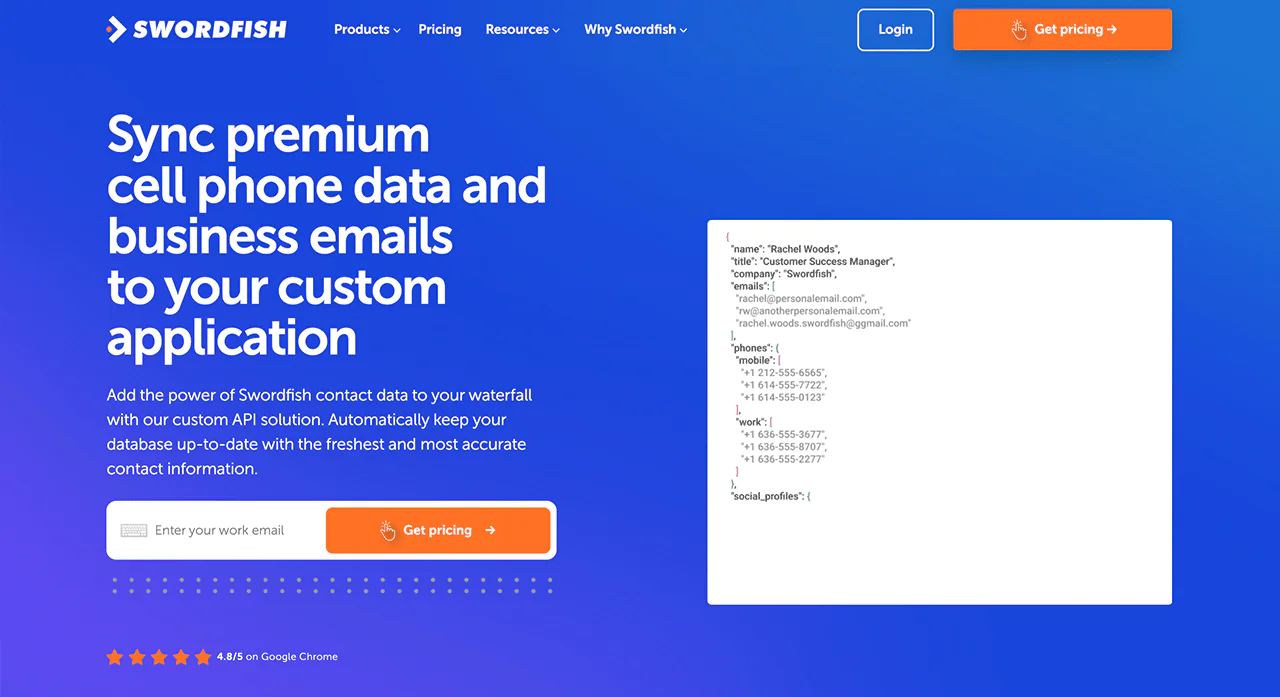 For teams running a CRM, sales, or marketing stack, Swordfish AI’s API integration enriches records automatically inside the tools you already use, rather than requiring a separate export-import cycle.
Pricing
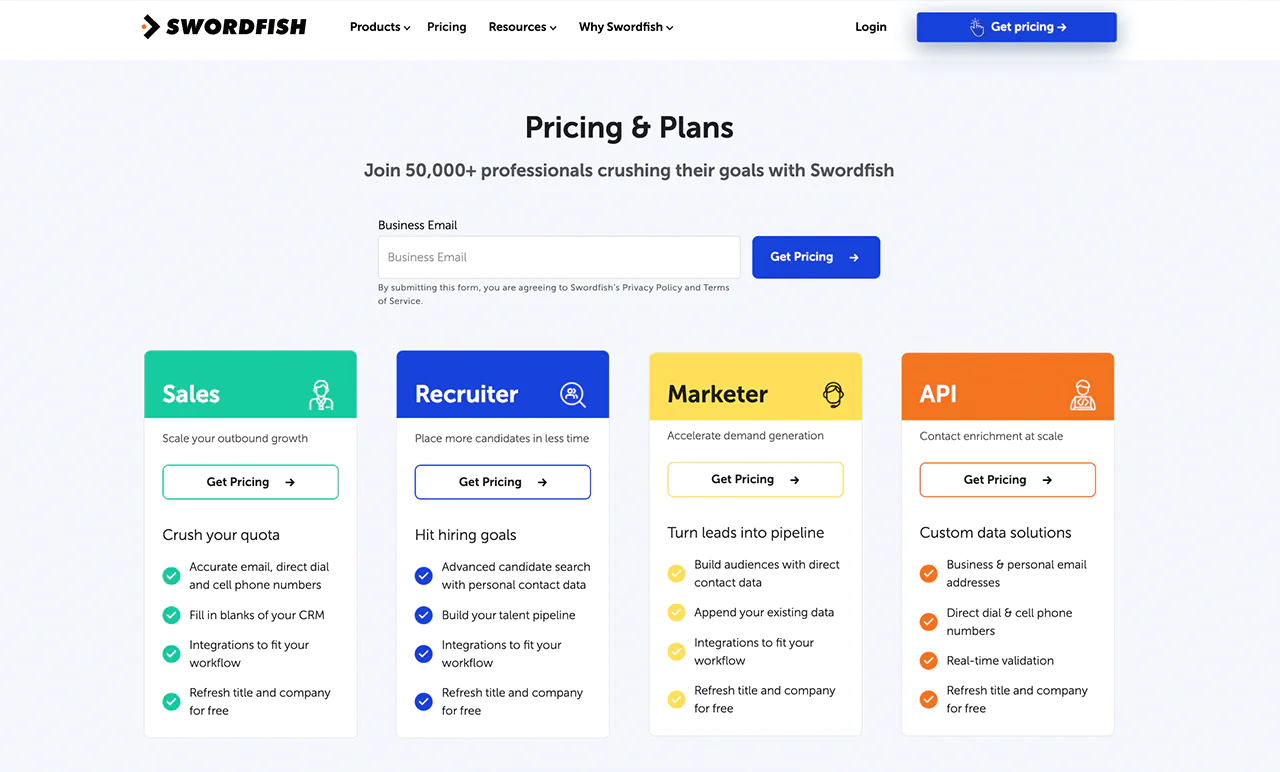
Swordfish AI offers pricing options built around different use cases, including sales, recruitment, marketing, and API access. Pick a plan aligned with your goal, whether that’s scaling outreach, improving recruiting efficiency, or supporting a marketing team.
Plans include verified email addresses, direct and mobile contacts, and regular updates on job changes and company information. Reach out directly for detailed pricing.
ZoomInfo vs Swordfish AI: A Quick Comparison
Both platforms serve prospecting needs, but with different emphasis. Here’s how they compare on the details that matter most when picking one.
|
Features |
ZoomInfo |
Swordfish AI |
|
Database Size |
Large database of professionals and companies, with figures that vary by product line and are periodically updated. | Swordfish AI provides access to billions of data profiles, with an emphasis on verified cell phone data. |
| Data Accuracy | ZoomInfo ensures the reliability of its data through frequent updates. |
Swordfish AI checks phone line connectivity in real time as part of its validation process. |
|
Prospecting Tools |
ZoomInfo offers tools like detailed contact search options, scoring leads, and insights into the market to help target prospects effectively. | Swordfish AI’s Chrome Extension makes it easy to find contact details on platforms like LinkedIn, Twitter, Facebook, etc. |
| Intended Users | Aimed at sales, marketing, and recruitment professionals in search of comprehensive B2B contact data. |
Designed for sales and recruitment professionals who need immediate access to phone numbers and emails. |
|
Validation Process |
ZoomInfo independently manages and updates its database to keep data accurate. | Swordfish AI collaborates with cell phone carriers to validate data. |
| Integration | Salesforce, Zoho, HubSpot, Microsoft Dynamics 365, etc. |
Salesloft, Salesforce, LOXO, Outreach, Zapier, Lever, etc. |
 Try Swordfish Ai
Conclusion
ZoomInfo’s prospecting offering combines a B2B contact database, filtering options, and sales tools. Its intent data can help teams prioritize accounts showing relevant research activity, but an intent signal alone does not establish buying readiness or guarantee a faster sales cycle.
Swordfish AI takes a different approach, with features described here including phone data, reverse search, a Chrome extension, and Bombora intent integration. If direct contact data is important to your prospecting, compare the platforms against your team’s workflow, coverage needs, and budget.
FAQs
How do ZoomInfo credits work?
ZoomInfo uses a credit system for exports, including company and contact records. Each export typically consumes credits, and adding a brand-new account not already in your CRM can cost more credits than enriching an existing one, which can drive up usage faster than expected if you’re not tracking it.
Is ZoomInfo Worth it?
ZoomInfo tends to make sense for larger teams that need its full suite of sales, marketing, and recruiting tools, but the annual cost is significant, and smaller teams may find the investment hard to justify. Lower-cost alternatives like Swordfish AI can cover a narrower but still useful slice of that same need.
Are ZoomInfo’s data reliable?
ZoomInfo is known for its quality contacts, but users sometimes run into outdated records, like contacts for employees who’ve since left a company. Regular database updates help, but no B2B data provider is immune to occasional inaccuracies.

