


 View Products


Key takeaways
- Skrapp.io focuses on finding professional email addresses, including through a Chrome extension and LinkedIn workflows.
- The article describes single and bulk email lookup, company search, and list management features.
- Skrapp.io offers a free plan for testing, while paid plans are described as scaling by credits and team size.
- Email verification can provide a useful signal, but it does not guarantee that an address will be deliverable.
- The article describes Skrapp.io as an email-focused tool that does not provide phone-number data.
- Check current pricing, plan limits, and features directly with each provider before choosing a tool.
Last updated: September 3, 2026

Skrapp.io is one of the better-known names among email extraction tools. It built its reputation on a large contact database and a Chrome extension that pulls professional email addresses straight out of LinkedIn profiles and search results. For sales and recruiting teams that rely on outbound email, that combination of speed and simplicity is a big part of the appeal.
This review looks at what Skrapp.io actually does well, where it falls short, how its pricing works, and which alternatives are worth considering if you need more than email addresses alone — including phone data for cold calling, which Skrapp.io does not provide.
Skrapp.io: A Quick Overview
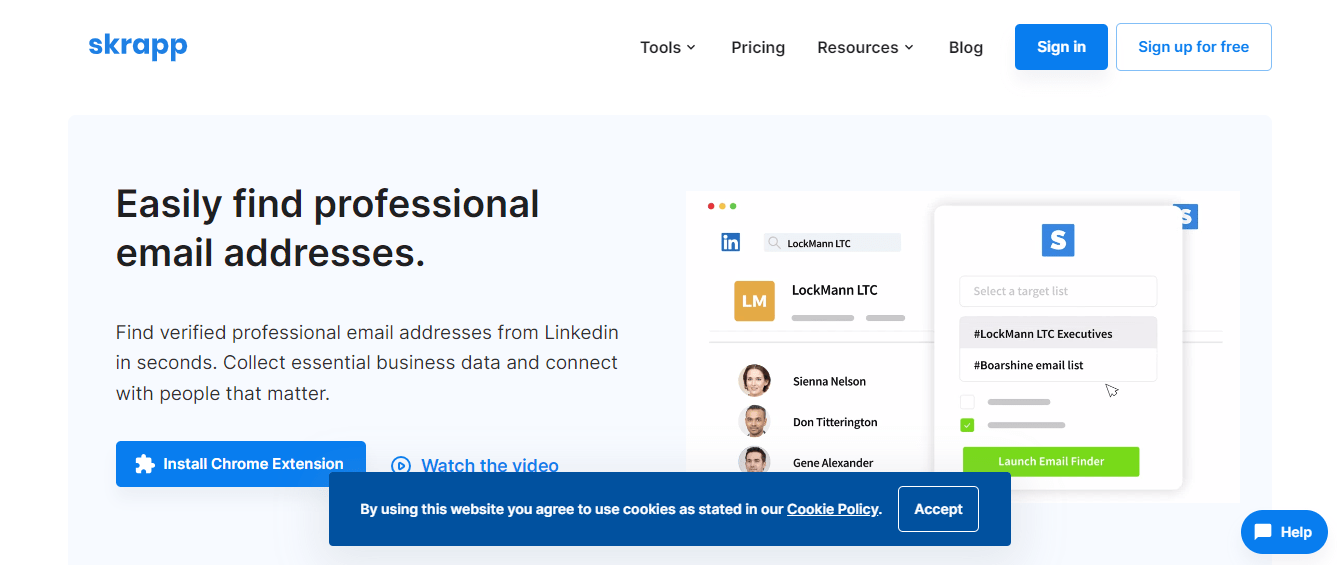
Skrapp.io is a browser-based tool with a Chrome add-on built to find and save professional email addresses. It works well for anyone pulling contacts off LinkedIn without wanting to do it by hand — you can search using just a name or a company website, and the tool returns a match along with a verification status.
The free plan is limited but can be used to test the tool, and paid tiers scale up based on monthly credits and team size. Unlike buying a static email list, on-demand lookup lets users search for contacts as needed; whether it is cheaper or produces fresher results depends on the list and plan being compared.
Features of Skrapp.io
Here are some of the core features:
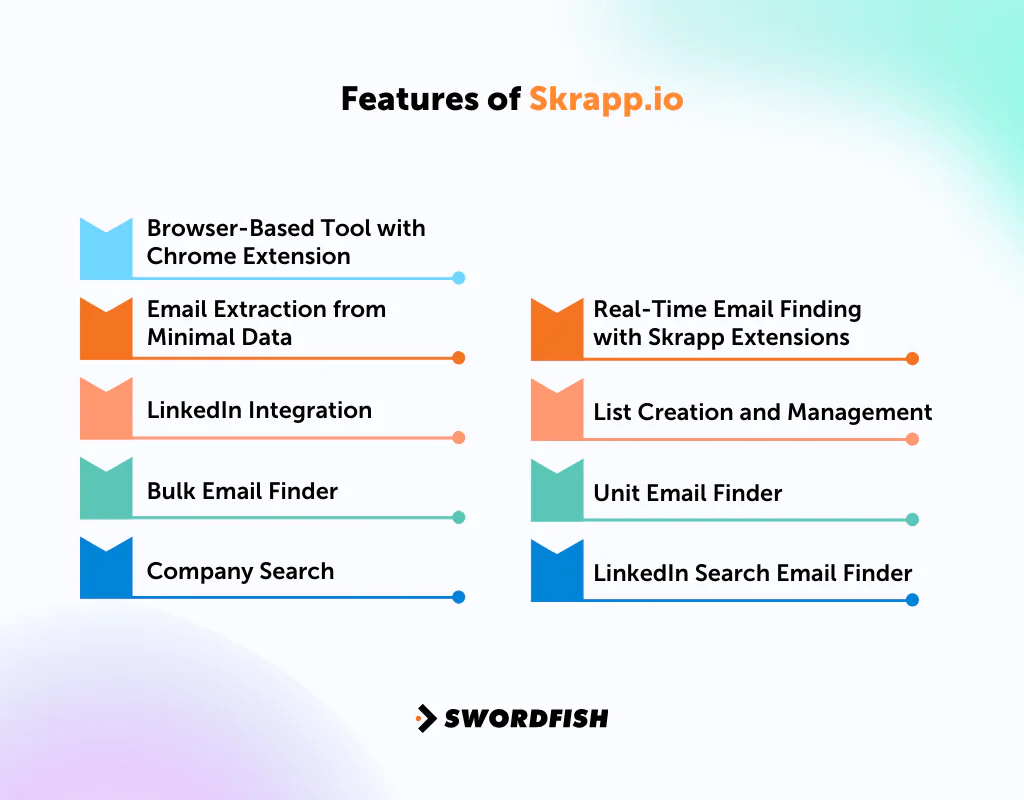
Browser-Based Tool with Chrome Extension
Skrapp.io operates online and comes with a Chrome extension. The extension is designed to help you find and save emails from various sources, including LinkedIn profiles and search results.
Email Extraction from Minimal Data
With just a name or a company’s website URL, Skrapp can quickly find the associated email addresses. This simplifies the process of gathering emails for prospecting.
LinkedIn Integration
Skrapp integrates directly with LinkedIn. You can search for profiles and then use Skrapp to extract the business email addresses tied to those results.
Curious about extracting emails from professional profiles? Learn the tricks on how to find someone’s email on LinkedIn.
Bulk Email Finder
If you have a list of names, company names, or domain addresses, Skrapp’s Bulk Finder can process this data to find the associated emails in one pass rather than one at a time.
Company Search
By entering a domain URL or company name, you can pull a broader set of email data tied to that organization, including a contact’s role and location.
Real-Time Email Finding with Skrapp Extensions
Even off the Skrapp website, the browser extension can surface emails in real time from other pages. That’s useful for quick LinkedIn email extraction from any site you’re browsing.
List Creation and Management
Before running searches, users typically set up lists to store found emails and contacts, organized by criteria such as target account or campaign.
Having the right tools is crucial to B2B marketing. Check out the best b2b lead generation tools.
Unit Email Finder
This feature lets users search for a single email using a person’s name or a domain/URL, and flags whether the result is likely valid.
LinkedIn Search Email Finder
While browsing LinkedIn, you can search by keyword — a person, company, or hashtag — and Skrapp will attempt to extract business email addresses from the resulting profiles.
Pros of Skrapp
- Web-based tool with Chrome extension.
- Finds emails using minimal data.
- Extracts emails from LinkedIn profiles and searches.
- Offers bulk email search capabilities.
- Provides email verification for accuracy.
Cons of Skrapp
- Monthly plans can be pricier than yearly ones.
- No phone or mobile number data, which limits usefulness for teams that rely on calling as part of outreach.
- Coverage and pricing tiers have shifted over time, so it’s worth checking the current plan details directly on Skrapp’s site before budgeting.
Skrapp.io User Experience
Users evaluating Skrapp.io commonly consider its ease of use, email verification, free-plan limits, and the reach of its browser extension.

Ease of Use
The LinkedIn workflow is designed to be straightforward: users can try to find an email from a profile or search result through the extension. The interface is intended for use without a technical background.
Accuracy
The "email verified" tag offers a signal to consider before sending, but it does not guarantee deliverability. Results can vary depending on how current the underlying data is for a contact.
Cost-Effective for Testing
The free plan gives new users a way to test the tool’s workflow and assess its results before committing to a paid tier.
Real-time Extraction
The Chrome extension is described as finding emails on sites beyond LinkedIn, which may be useful for people doing manual prospecting.
Alternative to Cold Outreach
By focusing on email lookup, Skrapp can support personalized email campaigns. It does not replace cold calls or LinkedIn messages for teams that use those channels.
Skrapp.io Support for Users
Skrapp.io offers a mix of self-service and support resources:
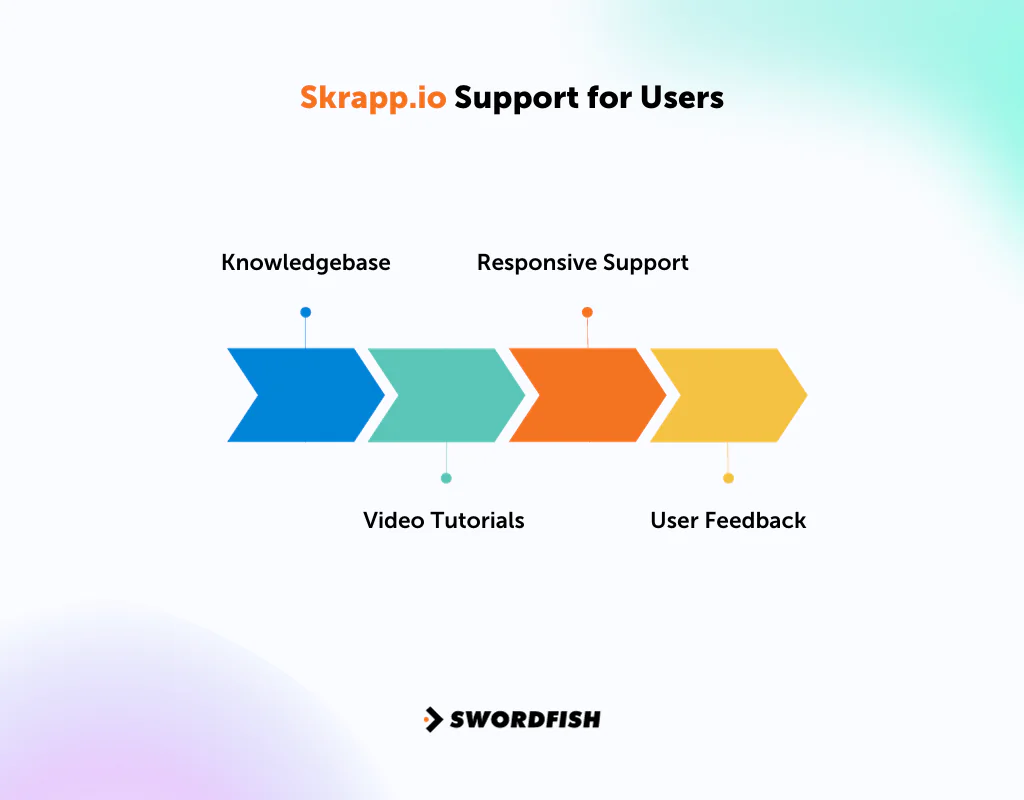
- Knowledgebase: A detailed self-help resource that walks through features and troubleshooting for common issues.
- Video Tutorials: For visual learners, video guides cover the essential functions so you can get more out of the tool faster.
- Responsive Support: Some users have asked for faster live-chat support, though the knowledgebase and tutorials generally fill the gap for routine questions.
- User Feedback: Occasional technical hiccups have been reported, but the support team has generally been responsive in addressing them.
Skrapp.io Pricing
Here’s a breakdown of skrapp pricing and the features offered in each package. Note that credit-based pricing plans change from time to time, so it’s worth confirming current rates directly with Skrapp before purchasing:
|
Feature |
Starter Plan | Seeker Plan | Enterprise Plan |
Global Plan |
|
Cost per month |
$49 | $99 | $199 |
$299 |
|
Credits per month |
1,000 | 5,000 | 20,000 |
50,000 |
|
Number of users |
2 | 5 | 8 |
15 |
|
Eliminating duplicate entries from lists |
Yes | Yes | Yes |
Yes |
|
Downloading lists in CSV or XLSX format |
Yes | Yes | Yes |
Yes |
|
Reducing LinkedIn search results by >1 page |
Yes | Yes | Yes |
Yes |
|
Receiving quick and reliable support |
Yes | Yes | Yes |
Yes |
Our Review: Is Skrapp.io the Right Tool for Your Business?
Skrapp.io is a B2B email finder focused on finding professional addresses from sources such as LinkedIn. The article also describes a Chrome extension and API integration for outbound workflows.
Some users have reported occasional inaccuracies in fetched email addresses, which may contribute to bounced messages, as well as technical glitches that can slow prospecting. Reports and results may vary. Because Skrapp.io is described here as an email-only tool, it may not suit teams that need mobile numbers for cold calling or SMS outreach.
Our take: Skrapp.io covers the basics of LinkedIn email extraction. Check and verify lists before a large send, and consider other tools if phone data is part of your outreach mix.
Best Alternatives to Skrapp.io
Skrapp.io has real strengths, but it’s worth comparing against a few alternatives depending on whether you need broader data coverage, phone numbers, or a different pricing structure.
1. Swordfish AI
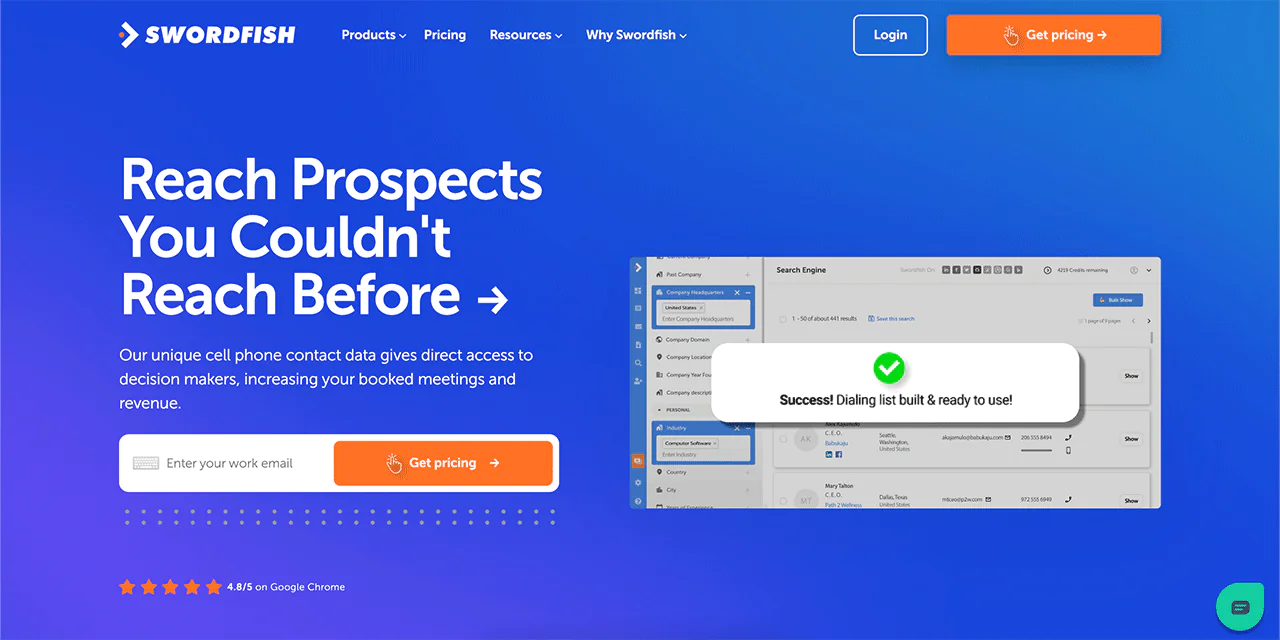
Swordfish AI takes a different approach to contact data. While both Swordfish AI and Skrapp.io offer email finding, what sets Swordfish AI apart is its cell phone number capability, backed by a proprietary cell phone verification system — a meaningful advantage for teams that still rely on cold calling as part of their outreach mix.
Swordfish AI also draws on a large pool of data profiles, positioning it as one of the more comprehensive LinkedIn email finders for teams that need both email and phone coverage in one place.
New users can get a sense of fit through a free custom trial before committing to a paid plan.
|
Features |
Swordfish AI |
Skrapp.io |
|
Main Offering |
Cell Phone and Email Finder |
Email lookup for LinkedIn |
|
Extension |
Access to data on Linkedln, Facebook, Twitter, Dribble, StackOverflow, GitHub, Bing and Google. |
Easily find professional email addresses from LinkedIn |
|
Prospector |
Lists for targeted dialing or emailing |
Not available |
|
Integrations |
Pipedrive, Salesforce, Outreach, LOXO |
Pipedrive, ZOHO, Google Sheet |
|
Pricing (Monthly) |
Custom free trial along with multi tiered packages. |
Starter Plan: $49/mo (1000 credits, 2 users), Seeker Plan: $99/mo (5000 credits, 5 users), Enterprise Plan: $199/mo (20000 credits, 8 users), Global Plan: $299/mo (50000 credits, 15 users) |
|
Compliance |
GDPR Compliance |
GDPR Compliance |
 Try Swordfish Ai
Note: Try Swordfish AI Email Verifier
2. Spylead
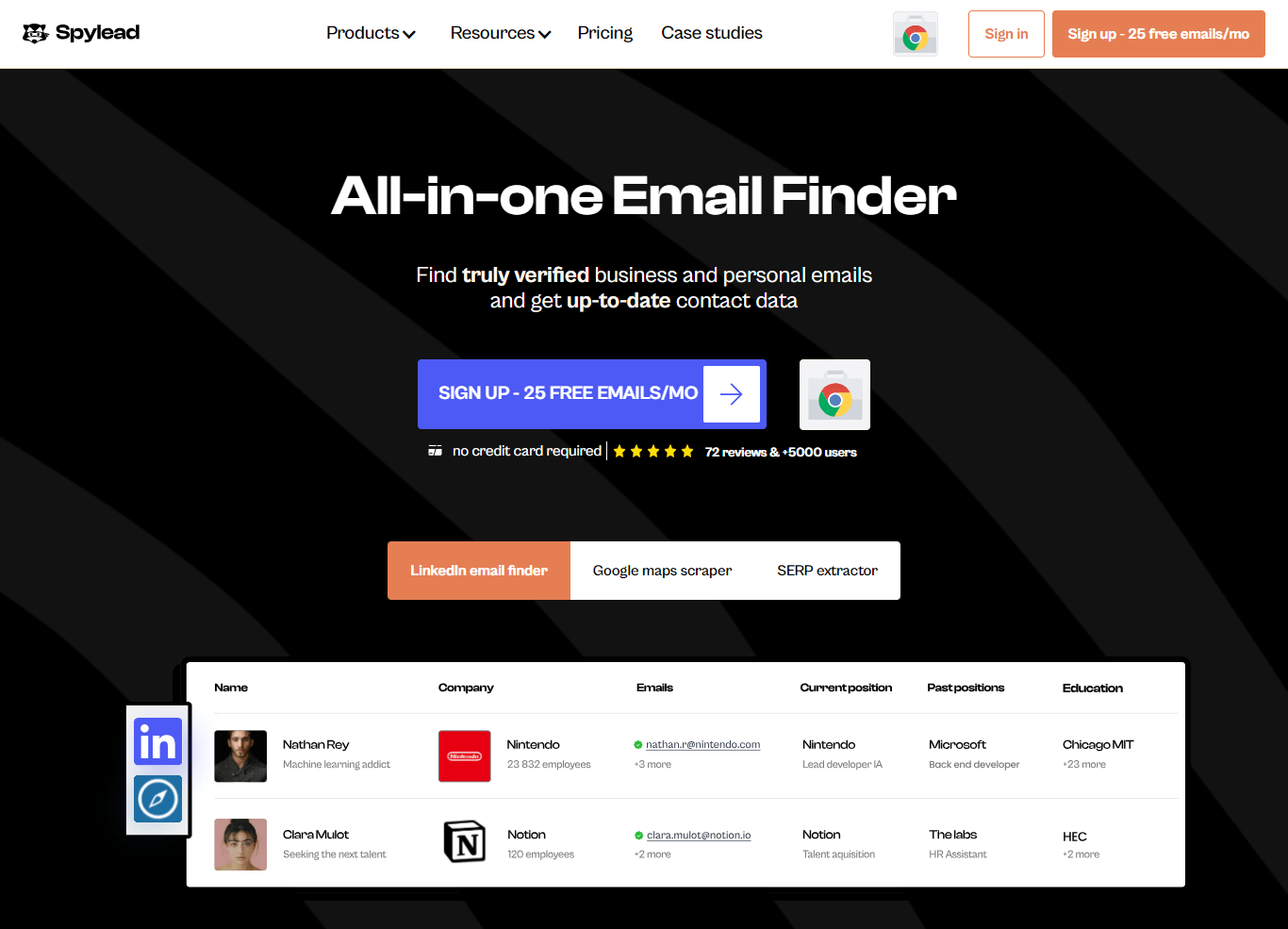
Spylead is described as supporting email extraction across LinkedIn, Google Maps, and search engine results pages, with a focus on finding verified business and personal emails.
The article also describes a Google Maps scraper and SERP extractor, which can help users gather contact data across these sources.
Those features may help users build prospecting lists without switching between multiple tools.
|
Features |
Spylead |
Skrapp.io |
|
Main Offering |
Email Finder for LinkedIn, Google Maps, and SERP |
Email lookup for LinkedIn |
|
Unique Selling Point |
All-in-one Email Finder with up-to-date contact data |
Easily find professional email addresses from LinkedIn |
|
Email Verifier |
Yes |
Yes |
|
Integrations |
LinkedIn, Google Maps, SERP |
LinkedIn, Sales Navigator |
|
Pricing (Monthly) |
Basic Plan: $39/mo (1500 credits), Standard Plan: $99/mo (5000 credits), Business Plan: $199/mo (15,000 credits), Corporate Plan: $399/mo (40,000 credits) |
Starter Plan: $49/mo), Seeker Plan: $99/mo, Enterprise Plan: $199/mo, Global Plan: $299/mo |
|
Special Offers |
25 free emails per month |
Get started with 50 free monthly credits |
While discussing email finding tools, it’s worth checking out our snovio review to see how it stacks up against the competition.
3. Growbots
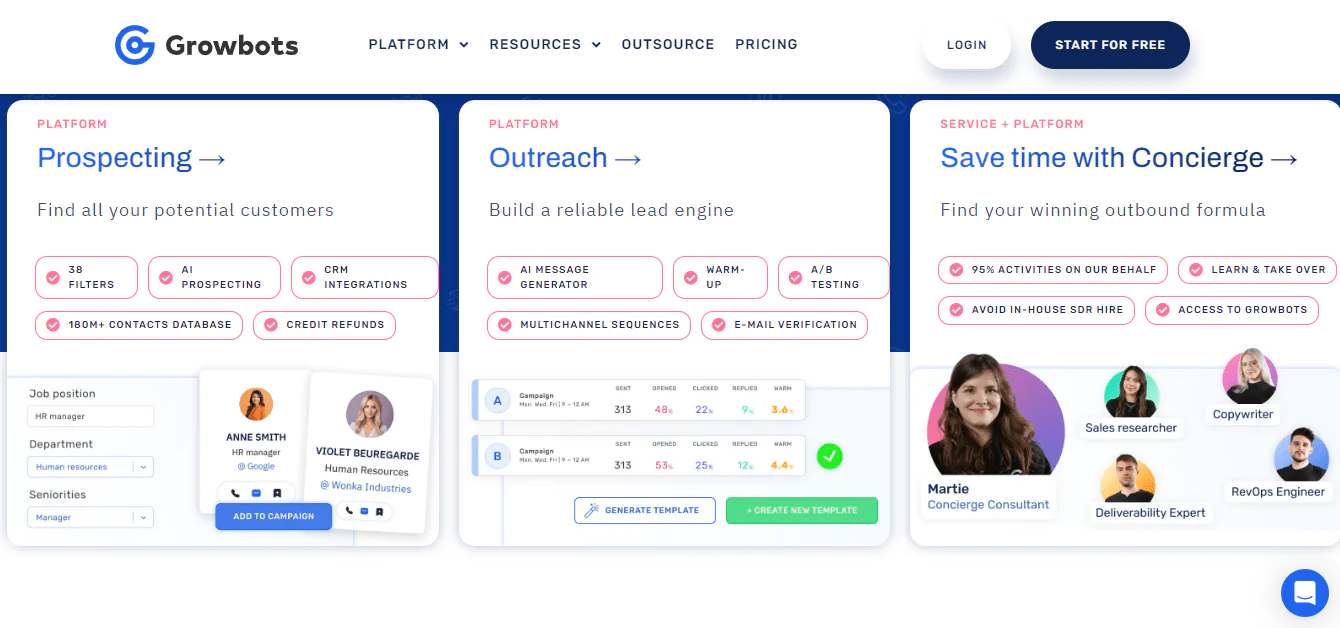
Growbots is positioned as a lead-generation platform that automates tasks such as searching for prospects, drafting emails, and managing follow-ups.
The platform is described as drawing on a database of decision-makers from third-party data providers and generating prospect lists based on user criteria.
The article lists reply detection, follow-ups, and time-zone-aware sending among Growbots’ features.
|
Features |
Growbots |
Skrapp.io |
|
Main Offering |
Outbound Sales Platform powered by AI |
Email lookup for LinkedIn |
|
Email Verification |
Live Verifier |
Yes |
|
Database |
Prospecting from 180M+ verified prospects |
Data on 150 million prospects |
|
Integrations |
Salesforce, Hubspot, Zapier |
LinkedIn, Sales Navigator |
|
Pricing (Monthly) |
Outreach: Starting from $49, All-in-one: Starting from $199, PRO: Contact for pricing |
Starter Plan: $49/mo , Seeker Plan: $99/mo, Enterprise Plan: $199/mo, Global Plan: $299/mo |
|
Special Offers |
Don’t offer |
Get started with 50 free monthly credits |
Conclusion
Skrapp.io is designed to find LinkedIn email addresses and reduce manual lookup work. Its Chrome extension, bulk finder, and email verification status may make it a practical option for teams running email-first outbound campaigns.
Its scope is limited to email, and some users have reported occasional accuracy issues and technical glitches. Teams that need phone and email data in one tool may want to compare Swordfish AI, which the article describes as offering phone-number coverage and a verification approach.
Whichever tool you choose, consider how well it fits your team’s workflow. Verify data before a large send and match the tool’s capabilities to the outreach channels you use.
FAQs
Can Skrapp.io extract emails from platforms other than LinkedIn?
While Skrapp.io is primarily known for its LinkedIn integration, it also provides features to extract emails from other websites and platforms.
How does Skrapp.io handle duplicate email entries?
Skrapp.io offers a feature that eliminates duplicate entries from lists, helping ensure a clean, unique list of emails each time you export.
Can I integrate Skrapp.io with other CRM tools or software?
Yes, Skrapp.io offers integration capabilities with popular CRM tools, so extracted email data can flow into your existing workflow.

