


 View Products


Key takeaways
- Phone number lookup methods include company websites, business listings, social profiles, search engines, directories, public records, and dedicated lookup tools.
- Company websites and business listings may provide an organization’s main phone number rather than an individual’s direct line.
- Social profiles may show a phone number only when the person has chosen to make it visible.
- Lookup results can be incomplete or out of date, so verify a number before relying on it.
- The article lists nine tools, including Swordfish.AI, AnyWho, Whitepages, LinkedIn, Google, SpyDialer, BeenVerified, AeroLeads, and LeadIQ.
Last updated: September 3, 2026

Finding a phone number can take more than one search. For a physician partnership, a healthcare recruiter follow-up, or other outreach, the best method depends on whether you need a business main line or a person’s direct number.
What’s the best way to find phone numbers online? This guide covers eight practical methods for finding someone’s phone number, plus the tools that make the process faster and more reliable.
Key Takeaways
- There are several ways to find someone’s phone number, and accuracy varies a lot between them.
- Free tools exist, but they’re not always accurate or current.
- For consistent accuracy, a dedicated phone number finder like Swordfish.ai tends to outperform manual methods.
- Other options include social media profiles, specialized directories, Google searches, and local records.
- Before you rely on any number, check whether it’s on a Do Not Call list and whether it’s still valid.
The 8 best ways to find someone’s phone number
To find someone’s phone number, start with sources that fit your purpose: company websites and business listings for organizational numbers, public social profiles for information someone has chosen to share, and search engines or lookup tools for additional leads. The guide covers eight methods; results can vary, so verify a number before relying on it.
1. Using phone number finder tools and people search engines
If you need accurate direct dials for prospects or hard-to-reach contacts, a dedicated phone number finder is usually the fastest path to a working number.
Tools like Swordfish.ai draw on large data sets and matching algorithms built to help you find someone’s phone number. Features like Reverse Phone Lookup let you search using just a name, social media profile, or email address.
You can try Swordfish.ai’s Reverse Phone Lookup tool for free by signing up here.
2. Checking social media profiles
If you already know the person’s social media handle, such as Facebook or LinkedIn, sometimes their number is listed right on the profile.
This works best when someone has chosen to make that information public. Many people, understandably, keep their contact details private instead.
If the number isn’t visible on their profile, specialist Google Chrome extensions or Reverse Lookup tools can still use that social profile as a starting point to find a phone number.
3. Using a specialized directory
The web is full of people-search directories, but not all of them are reliable or safe. It’s worth sticking to established names like WhitePages, TruePeopleSearch, and SpyDialer rather than obscure sites you’ve never heard of.
4. Do a Google search
Sometimes the simplest option works. Adding more detail, such as company, job title, or location, alongside the person’s name usually improves your odds of a useful result.
5. Visiting company websites
Many organizations list employee or departmental phone numbers directly on their websites. Check the contact page for the company where your prospect works. This is often one of the more reliable ways to find a phone number for a business contact.
If you can’t find a specific extension, the general company line might connect you to an operator or internal directory, which can be helpful for reaching a specific department, such as a hospital’s HR or credentialing office.
6. Checking online business listings
Online business directories often list contact information for organizations, including phone numbers.
Better Business Bureau, Yelp, Y Combinator, Yellow Pages, LinkedIn, and Google Business Profiles are all worth checking.
These listings can provide direct numbers or mainlines that help you find their phone number and get in touch with your prospect.
7. Using a Google Chrome extension
Google Chrome extensions can pull phone numbers and other contact details directly from social media and websites as you browse. Notable options include Swordfish.ai, Lead 411, Datanyze, and AeroLeads.
Swordfish stands out for the number of platforms it covers when it comes to helping you collect valid phone numbers, cell phone numbers, and email addresses. It works across sites including Facebook, Twitter/X, LinkedIn, GitHub, Dribbble, StackOverflow, Google, and Bing.
8. Exploring local records
It might feel old-fashioned, but local public records are still a legitimate way to find a phone number.
These records are usually held in county databases, which you can search online or in person at the courthouse.
Online searches typically require a phone number or some form of identification, such as a government-issued ID. In-person searches usually require a driver’s license or similar ID.
Either way, you’ll need to know the name and location of the person you’re looking for.
Top 9 Tools to Find Someone’s Phone Number
Now that you’ve seen the main methods, it’s worth looking at the tools themselves. A good tool speeds up the process considerably and, in most cases, delivers more accurate results than manual searching.
Here are nine tools worth considering.
1. Swordfish.AI
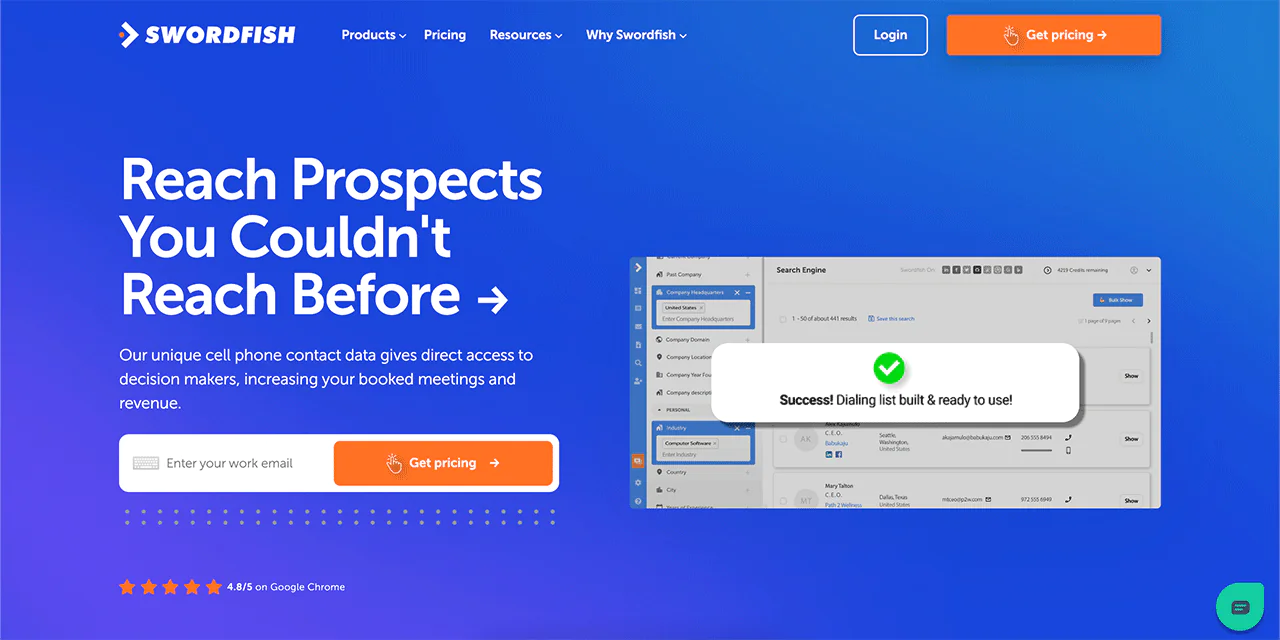
Swordfish.AI is built for finding a phone number by email or name when you need to reach decision-makers directly, drawing on a large database of contact profiles.
A key differentiator is its access to cell phone data and direct dials, matched to the right prospect using its own algorithms. Its phone number matching is designed to reduce the guesswork common with manual lookups.
For teams handling sensitive contact data, such as healthcare provider outreach, compliance matters. Swordfish.AI operates within data privacy frameworks like GDPR and CCPA, which is worth confirming against your own compliance requirements before use.
It’s a solid option for sales, recruitment, or any workflow where you need to look up someone’s phone number reliably.
Pros
- Large contact database spanning billions of data points.
- Verifies phone numbers with validation checks.
- Matches contacts quickly, saving research time.
- Sources data from carriers for more reliable results.
- Several tools available depending on your workflow needs.
- Built with data privacy laws like CCPA and GDPR in mind.
Cons
- Coverage is limited to the USA.
 Try Swordfish Ai
2. AnyWho
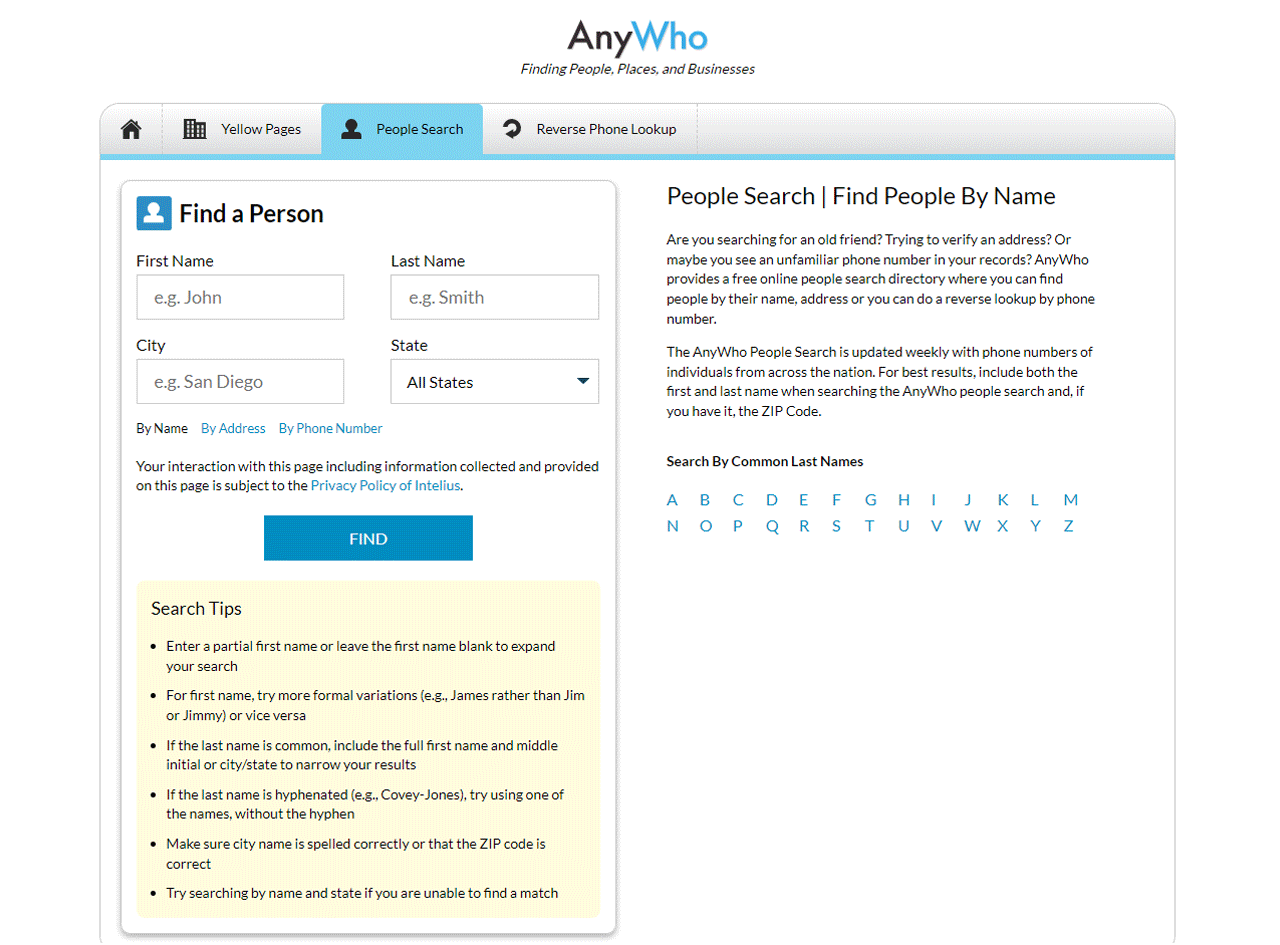
AnyWho works well for toll-free numbers or basic lead generation. It searches White Pages listings, and its reverse lookup feature can tell you who owns a specific number.
It’s straightforward to use: enter a first and last name plus a zip code.
For a broader search, you can look up a last name and zip code alone to pull up everyone with that surname in the area.
Pros
- Searches a directory by name, address, or phone number.
- Database is updated regularly for nationwide coverage.
- Simple, easy-to-navigate interface.
- National coverage for a wide range of searches.
- Includes reverse phone lookup.
Cons
- Listings can be sparse, and not always accurate or current.
3. Whitepages
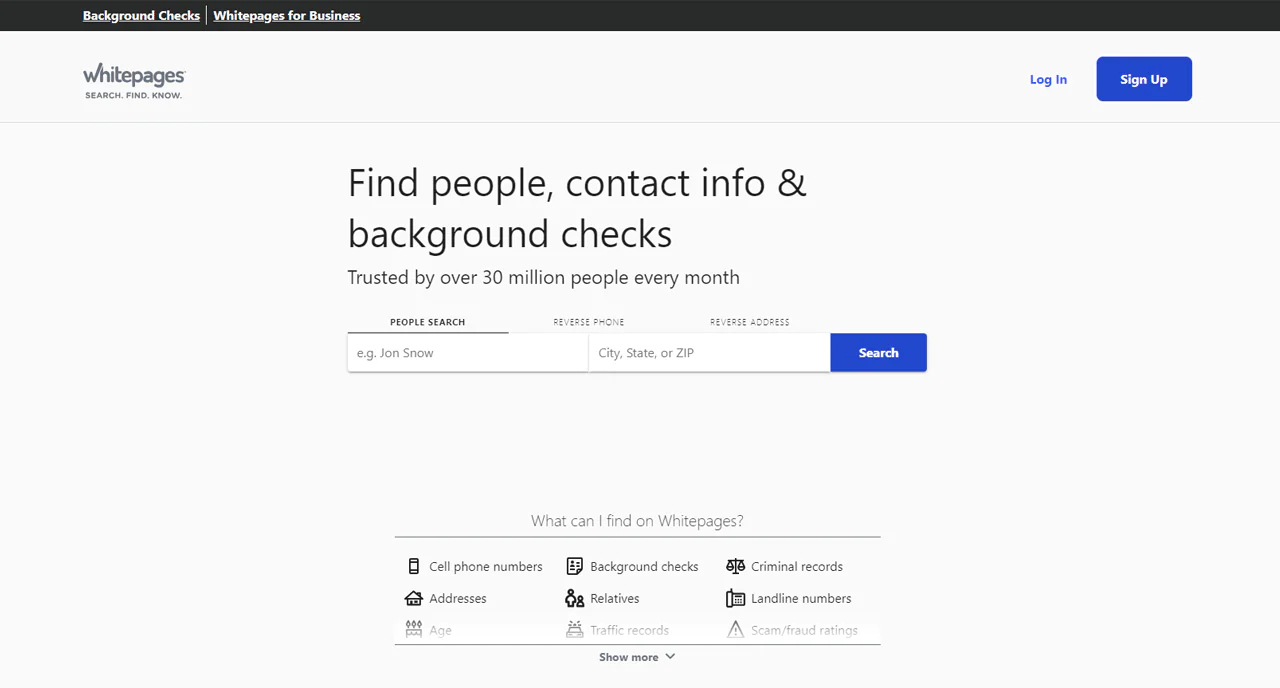
Whitepages, launched in 1997, is one of the longest-running sites for finding people’s contact details, with a database covering a large share of the U.S. population, making it one of the best-known websites for finding phone numbers and other contact info.
It also runs background checks using records from across the U.S., which can be useful if you need more context on someone for safety or business reasons.
Whitepages sees heavy daily traffic from people searching for phone numbers and other contact details, and it’s connected to related sites like 411 and Switchboard.
It works well for reconnecting with someone, verifying an identity, or running a more detailed background check.
Pros
- Broad nationwide contact information access.
- Reliable background check capabilities.
- Handles high search volume efficiently.
- Intuitive, easy-to-use interface.
- Connected to well-known, trusted search domains.
Cons
- Certain services require a subscription.
- Limited to the USA.
4. LinkedIn
LinkedIn is a strong option for finding phone numbers through professional connections. It covers a large global membership base across many countries, including companies, professionals, and organizations.
LinkedIn’s search is a reasonable way to find someone’s verified phone number if they’ve shared it on their profile. Typically you’ll need to connect first, and they’ll need to accept the request.
Once connected, you may be able to see their contact information, including phone number and email, on their profile.
This only works if the person has added a phone number and made it visible. If it’s hidden, you’ll need to look elsewhere, such as an email finder or dedicated lookup tool.
Pros
- Extensive global database of companies and employees.
- Displays skills and achievements to potential employers.
- Enables job seekers to discover and apply for jobs.
- Facilitates industry insights and networking with professionals.
- Helps employers find ideal candidates via detailed profiles.
Cons
- Can’t surface numbers that aren’t publicly shared.
- Requires careful management of privacy settings.
5. Google
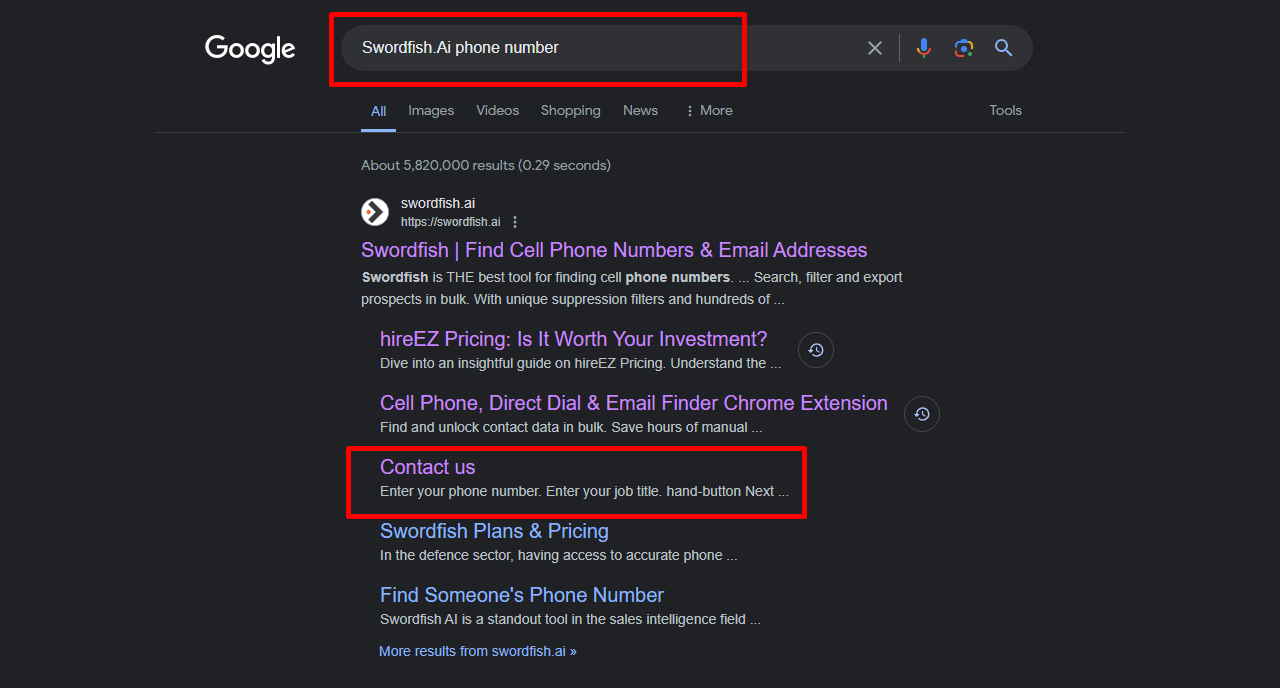
Google works well for finding a company’s phone number. Try searching the company name plus \”phone number,\” similar to the example above.
If a company is large enough, or has a Google Business Profile, its number often shows up directly in the results.
This method is free, but it only works if your lead’s information is indexed by Google, and it usually surfaces a company’s main line rather than a direct number.
Pros
- Business profiles often include detailed contact info.
- Widely accessible and convenient.
- Free to use, making it good for cost-saving searches.
- Simple searches yield quick results.
- Often surfaces additional relevant information.
Cons
- Not every search yields a useful number.
6. SpyDialer

SpyDialer was created by Robert Scott, a best-selling author and certified private investigator focused on locating phone numbers online.
Backed by a team of researchers, it has become a well-used tool for person searches and phone number lookups.
You can search SpyDialer using a name, address, zip code, or email, or run a reverse lookup on a mobile number to identify its owner.
Pros
- Offers a basic version for free.
- Allows anonymous search for user privacy.
- Effective for identifying callers with reverse lookup.
- Usually returns results quickly.
Cons
- Only effective within the USA.
7. BeenVerified
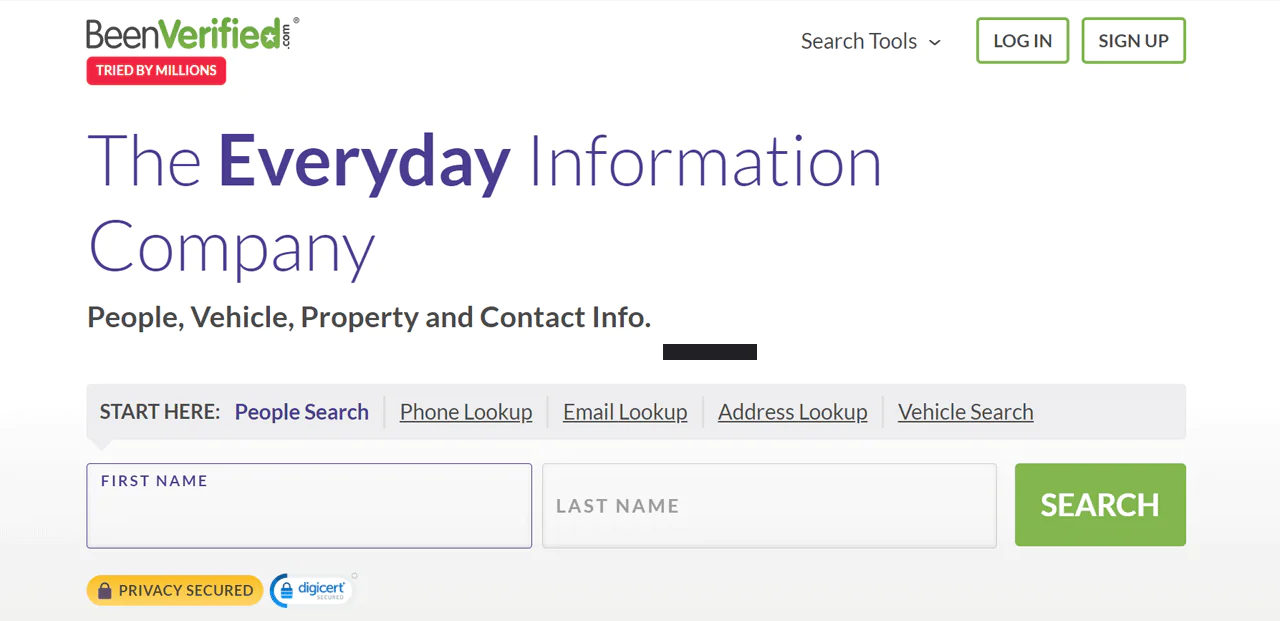
BeenVerified’s reverse phone lookup searches public records to surface personal and business contact details. It’s especially useful for identifying who’s behind an unfamiliar call or text.
Beyond identity, it can offer additional context, such as location, email address, age, and linked social media accounts. It may also surface relatives or other connections.
It also goes beyond basic reverse phone searches with a broader range of features than many competing sites.
You can also search by username or VIN (Vehicle Identification Number), and the platform includes a tool for checking unclaimed funds linked to a name, which adds some versatility beyond pure phone lookups.
Pros
- Provides a wide range of information about individuals.
- Easy to navigate and use.
- Offers additional background check services beyond phone lookup.
- Multiple subscription options.
- VIN-based search adds an extra layer of specificity.
Cons
- Manual searches can take time.
- Many advanced features require a subscription.
8. AeroLeads
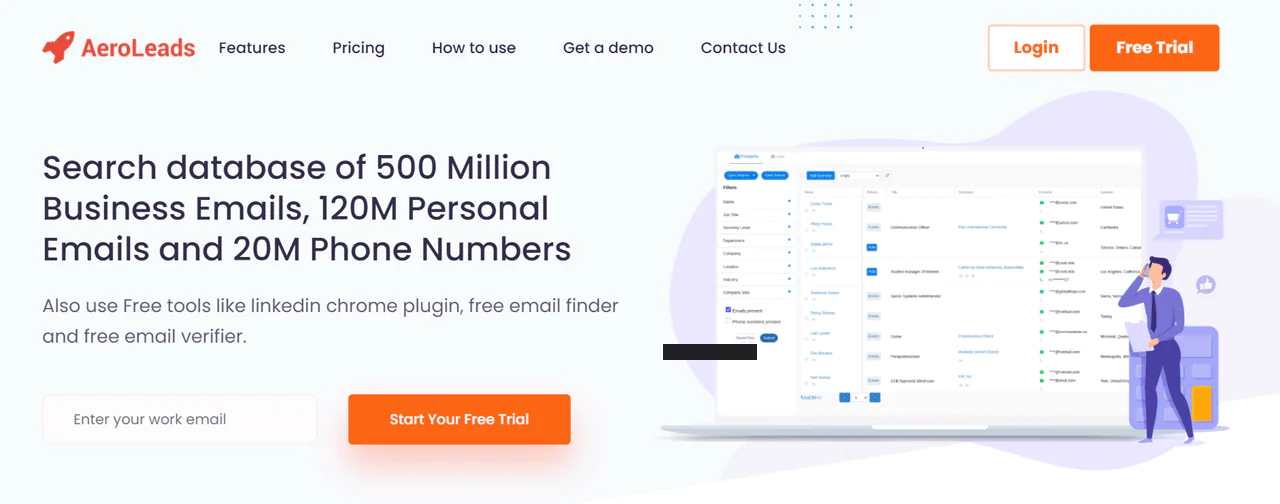
AeroLeads is a web-based prospecting tool built to identify relevant contacts and pull their details. It lets you save, export, and transfer data to platforms like Salesforce, Zapier, HubSpot, and Mailchimp.
It’s one of the more capable sales intelligence tools for prospecting across sites like LinkedIn, Crunchbase, and AngelList, and it also supports bulk list uploads to find numbers at scale.
It offers several pricing tiers, which makes it workable for different team sizes and budgets.
Pros
- Effective for growing a lead pipeline.
- Browser extension makes online searching convenient.
- Access to a large pool of potential leads.
- Includes a feature to find valid email addresses.
- Integrates with common CRM systems.
Cons
- Not every search returns complete information.
9. LeadIQ
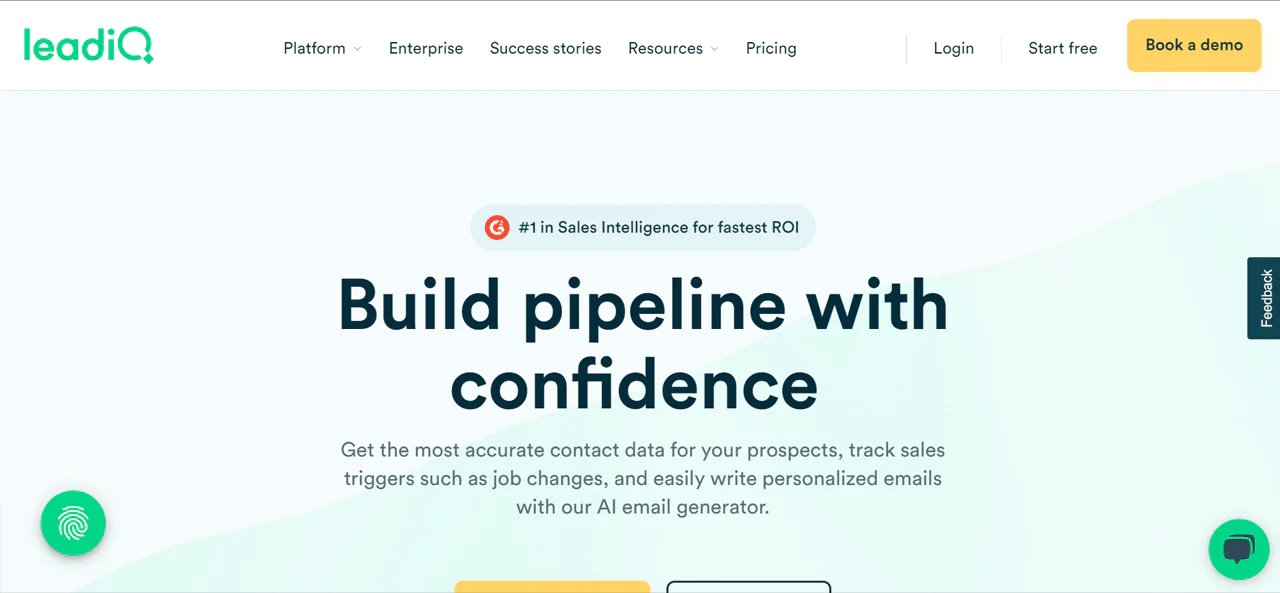
LeadIQ is a lead-generation platform that lets you search its lead generation database to identify strong leads, with access to millions of contacts including verified emails and phone numbers.
Its browser extension lets you pull phone numbers and contact details straight from a company profile, including numbers listed on LinkedIn, while prospecting.
You can then save leads directly into campaigns from the extension.
Cost is worth factoring in, though, since relying heavily on LeadIQ’s extension to find numbers can add up.
Pros
- Integrates well with CRM systems for lead discovery.
- Works smoothly with well-known CRM platforms.
- Offers dependable contact details for leads.
- Improves lead information for targeted outreach.
- Supports refined searches with specific criteria.
Cons
- Some contacts lack phone numbers.
- Dashboards can feel limited or inconsistent.
FAQs
How can I find out if a phone number is legitimate?
The simplest check is calling the number directly; an invalid one will usually return a voicemail or an error message. Dedicated validation tools cross-reference public and proprietary databases and can confirm a number’s status, though these often come with a cost.
How do you find out if a phone number is available?
Phone validators can return details about a cell phone number, including its status. Once you’ve confirmed a number is available, you’d contact a phone service provider to discuss getting it assigned.
How can I ensure the accuracy of phone numbers found using lookup tools?
No platform is perfect, but sticking with reputable, regularly updated tools like Swordfish.ai improves your odds of getting a working number.
Is it safe to find phone numbers using a lead generation tool?
Generally yes, as long as you choose reputable providers that comply with data privacy laws like GDPR or CCPA. Check that the tool has clear consent mechanisms and reasonable data security practices before relying on it, especially if you’re handling healthcare contact data subject to additional compliance requirements.
Conclusion – What is the best way to find someone’s phone number?
Finding someone’s phone number today is less about flipping through a phone book and more about knowing which digital source to check first. Social platforms, professional directories, and dedicated search tools each offer a different route to the same result.
Each approach has its own strengths, from breadth of data to ease of access to the level of detail returned. Mixing methods, social networks, LinkedIn’s professional layer, or a targeted search engine query, often gets you further than relying on just one.
Swordfish AI is a strong option when precision matters, since it’s built specifically to match data against the right contact rather than returning loosely related results. If you need a solid database and a straightforward interface, it’s worth trying Swordfish AI as your starting point.

