


 View Products


Key takeaways
- Leadfeeder focuses on identifying companies that visit a website and supporting company-level follow-up.
- Swordfish AI is positioned for teams seeking person-level contact details and direct outreach tools.
- Salespanel emphasizes visitor tracking, lead qualification, and customer-journey analysis.
- Clearbit is presented as a contact-data enrichment and lead-generation option; verify current product details and availability.
- Factors.ai focuses on account identification and marketing-performance analysis, while Lead Forensics emphasizes B2B website visitor identification.
- Compare current features, data coverage, integrations, and pricing with providers before choosing a tool.
Last updated: September 3, 2026

Leadfeeder identifies companies visiting your website, including visitors who never fill out a form. This gives sales and marketing teams company-level signals they can use to prioritize follow-up.
Leadfeeder is designed for website visitor identification and works with common CRM systems. Its company-level focus may not meet the needs of teams looking for verified, person-level contact details, and the value of visitor tracking depends partly on website traffic and the follow-up workflow.
This guide outlines the limitations to consider, compares five alternatives, and offers criteria for choosing a tool that fits your workflow.
Quick List of Top 5 Alternatives to Leadfeeder
Here’s a quick list of the top five options, each with a different strength —
- Swordfish AI: Best for direct access to decision-makers with real-time validated cell phone and email data.
- Salespanel: Best for real-time visitor tracking and data-driven lead qualification in B2B marketing.
- Clearbit: Best for B2B teams seeking extensive contact databases and intent-based sales intelligence.
- Factors.ai: Best for AI-powered account identification and journey analytics to optimize marketing ROI.
- Lead Forensics: Best for businesses wanting in-depth B2B website visitor identification and actionable insights.
Reasons to Consider an Alternative to Leadfeeder
A few recurring limitations come up when teams evaluate Leadfeeder against their actual lead-generation needs —
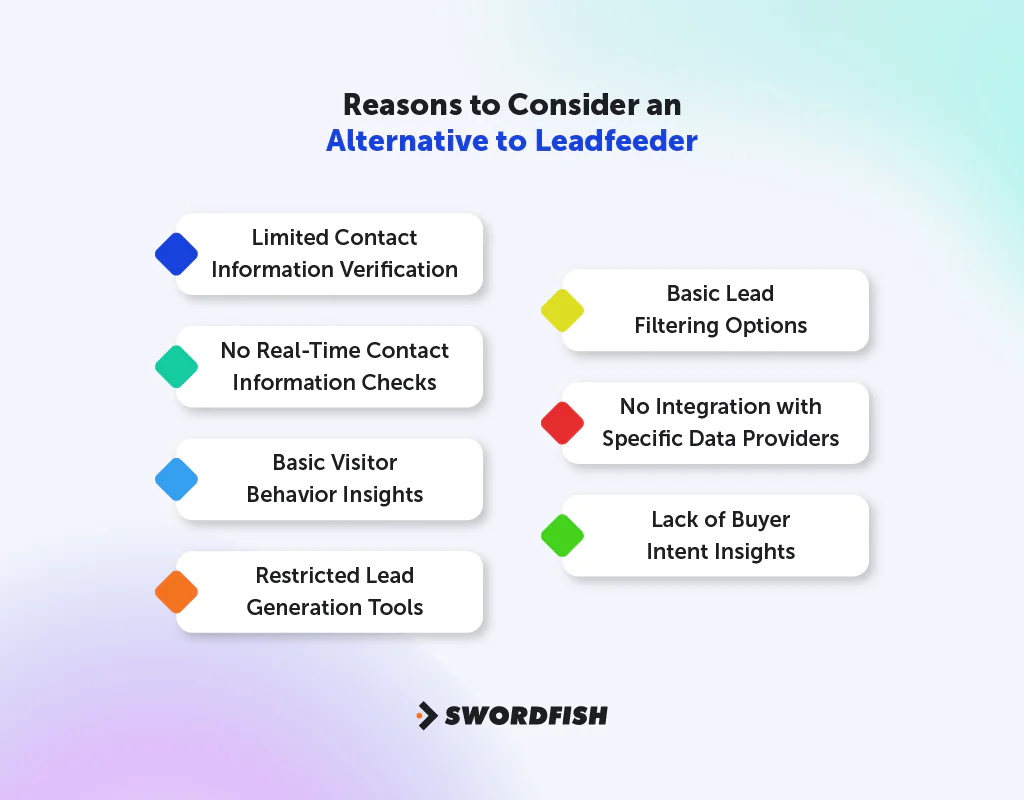
Limited Contact Information Verification
Leadfeeder can identify companies visiting your site, but it may not provide verified direct-dial numbers for individuals at those companies. Teams that need to contact time-sensitive leads may need a separate source for person-level contact details.
No Real-Time Contact Information Checks
Leadfeeder’s visitor-identification focus does not include ongoing validation of individual contact details. If your workflow depends on current phone numbers or email addresses, check whether an alternative provides contact validation and how that validation works.
Basic Visitor Behavior Insights
Leadfeeder can show which companies visit your site, but teams seeking more detail about visitor actions should compare the depth of behavioral analytics offered by each tool.
Restricted Lead Generation Tools
Leadfeeder focuses on website visitor tracking. Teams that also need targeted outreach or bulk prospecting may need additional tools.
Basic Lead Filtering Options
Lead filtering and suppression on the platform are fairly basic. More advanced filtering helps teams zero in on the right leads and keep list quality high.
No Integration with Specific Data Providers
The article describes Leadfeeder as focused on company-level visitor signals rather than direct integration with specialized contact-data providers. Check current integrations if connecting visitor identification to person-level contact data is important to your workflow.
Lack of Buyer Intent Insights
The article describes Leadfeeder as not including built-in buyer-intent signals. If intent data is a priority, compare the types of intent signals available in each product and how they are sourced.
Top 5 Leadfeeder Competitors: Comparison Chart
Here’s a side-by-side look at how the top five alternatives to Leadfeeder stack up on the features that matter most for B2B lead generation and management.
Tools | Contact Data | Lead Generation | Data Analysis | Marketing Automation |
 | Extensive cell phone and email data, real-time validation | Targeted list creation, Chrome Extension | Real-time connectivity checks, bulk data handling | API integration, social platform support |
 | Real-time lead sync from various tools | Multiple channel lead capture | Predictive lead scoring, real-time tracking | Data sync and automation workflows |
 | 30M+ B2B contacts, high deliverability | Target account identification, buying intent analysis | HubSpot integration, CRM compatibility | Integrates with major marketing tools |
 | AI-fueled account identification | Anonymous traffic qualification | AI insights, unified sales & marketing reporting | Account intelligence for marketing and sales |
 | B2B visitor identification, quality leads | Anonymous visitor identification | Detailed intelligence reports, CRM integration | Advanced lead nurturing integrations |
Top 5 Leadfeeder Alternatives for Better Lead Verification and Identification
If you need stronger lead verification and identification than Leadfeeder provides on its own, these five tools are worth a closer look.
1. Swordfish AI
Swordfish AI stands out because it hands you direct contact details for decision-makers, including phone numbers and emails, rather than just a company name. That distinction matters when speed to first contact affects whether a lead converts.
Swordfish AI says it validates contact details in real time. If you are evaluating it, confirm which fields are checked, how validation is performed, and which tools support it.
The article says Swordfish AI’s Chrome Extension and related tools can help find contacts across online platforms, and that the service incorporates Bombora® intent data. Confirm current platform coverage and intent-data availability with the provider.
Swordfish AI is positioned for teams that need person-level contact details for direct outreach, rather than starting with an anonymous website visit.
About Swordfish
- Founding Team: Ben Argeband
- Founding Year: 2015
- Company Size: 11 to 50 employees
What Sets Swordfish Apart?
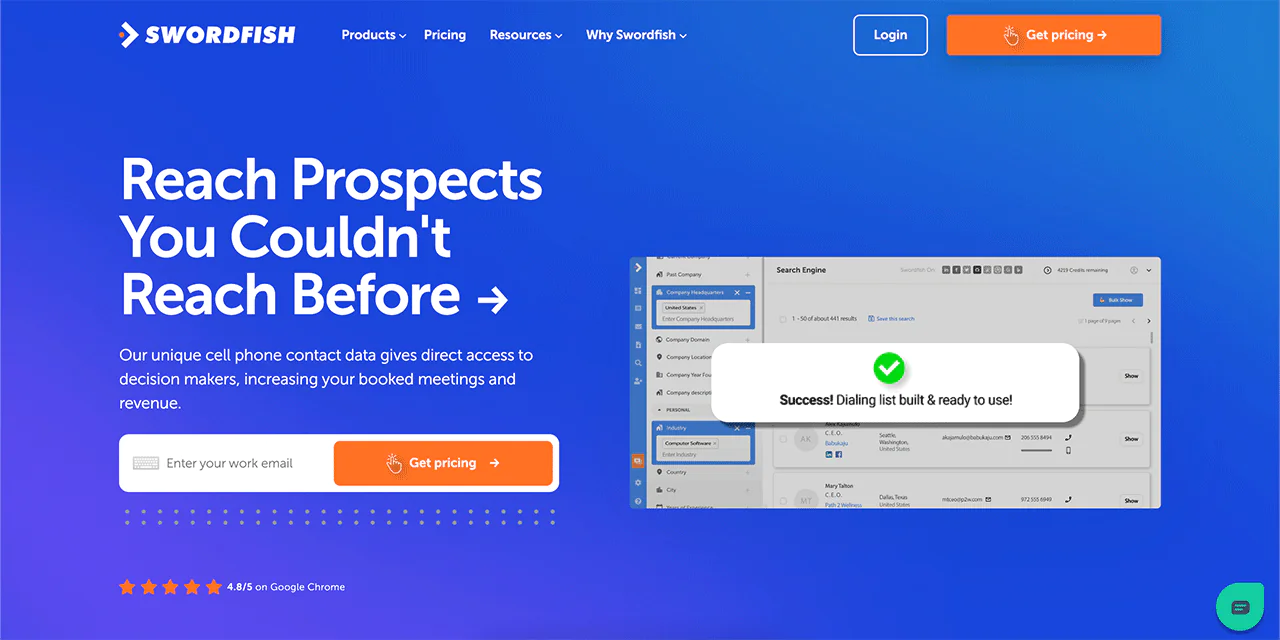
Swordfish ranks among the best B2B lead generation tools largely because of its emphasis on direct dials. It gives users access to cell phone numbers along with a system that checks these numbers for accuracy — a real advantage for cold-calling workflows.
The platform also maintains a database of over 3.5 billion profiles, giving users a wide pool of contacts to draw from. Together, these features make Swordfish a common choice for sales and recruitment teams that need to reach people directly rather than wait for them to visit a website.
Leadfeeder identifies companies visiting your site and supports CRM-based follow-up. Swordfish AI takes a different approach by focusing on direct contact details, making it more relevant to teams whose workflow centers on cold calling or other direct outreach.
Key Features of Swordfish AI
Swordfish AI provides several tools for finding leads and contact information —
-
Chrome Extension
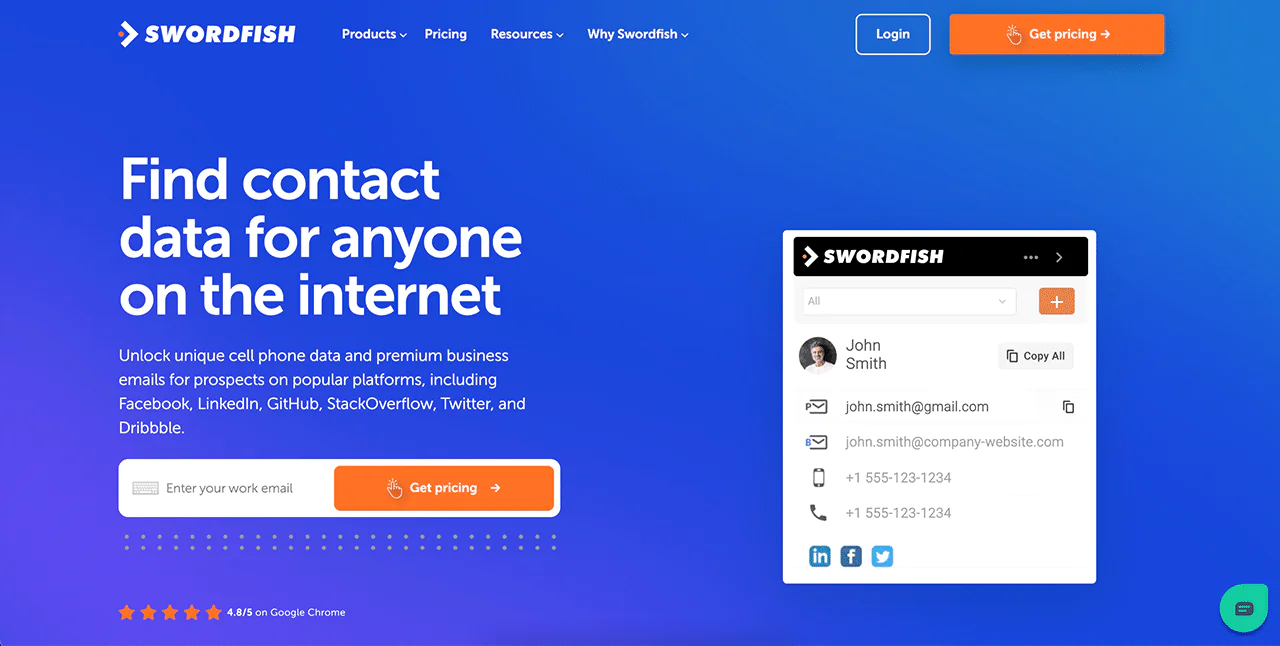
Swordfish AI’s Chrome Extension helps you find people’s contact details on sites like LinkedIn, Twitter, and Facebook. It’s a fast way to get verified contact information, making it easier to generate leads than just Leadfeeder’s tracking of website visitors.
-
Prospector
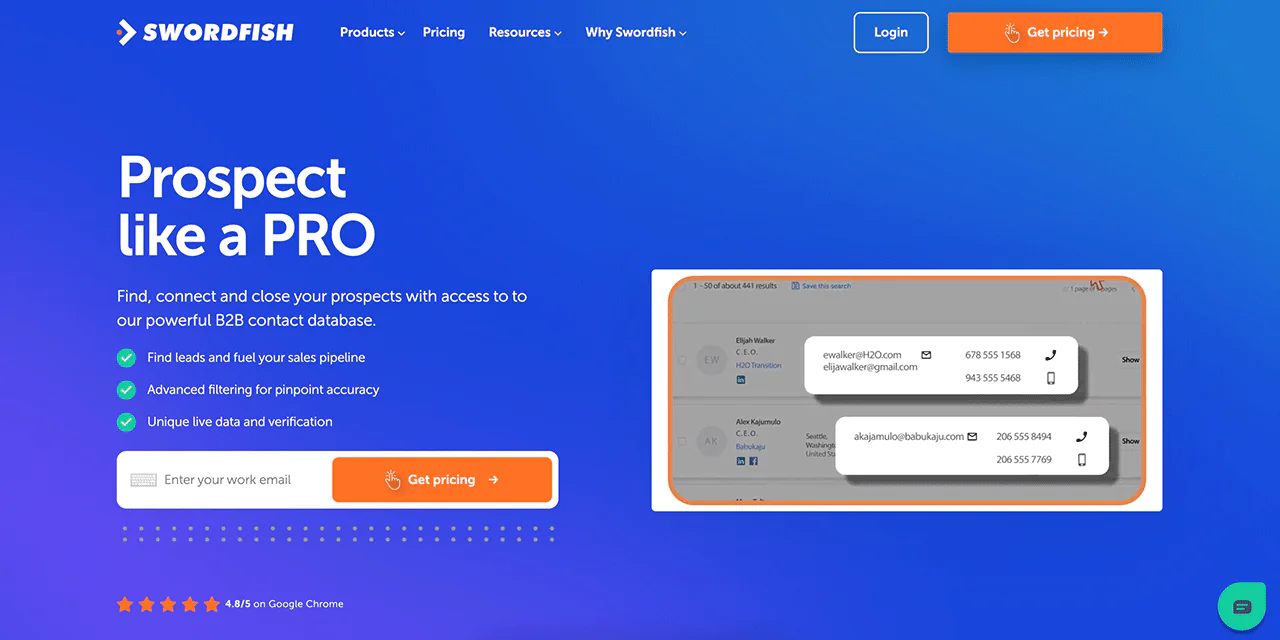
Swordfish AI’s Prospector lets you quickly build lists for calling or emailing many people at once, using detailed filters to zero in on the right leads — a more active approach than Leadfeeder’s passive visitor tracking.
-
Reverse Search
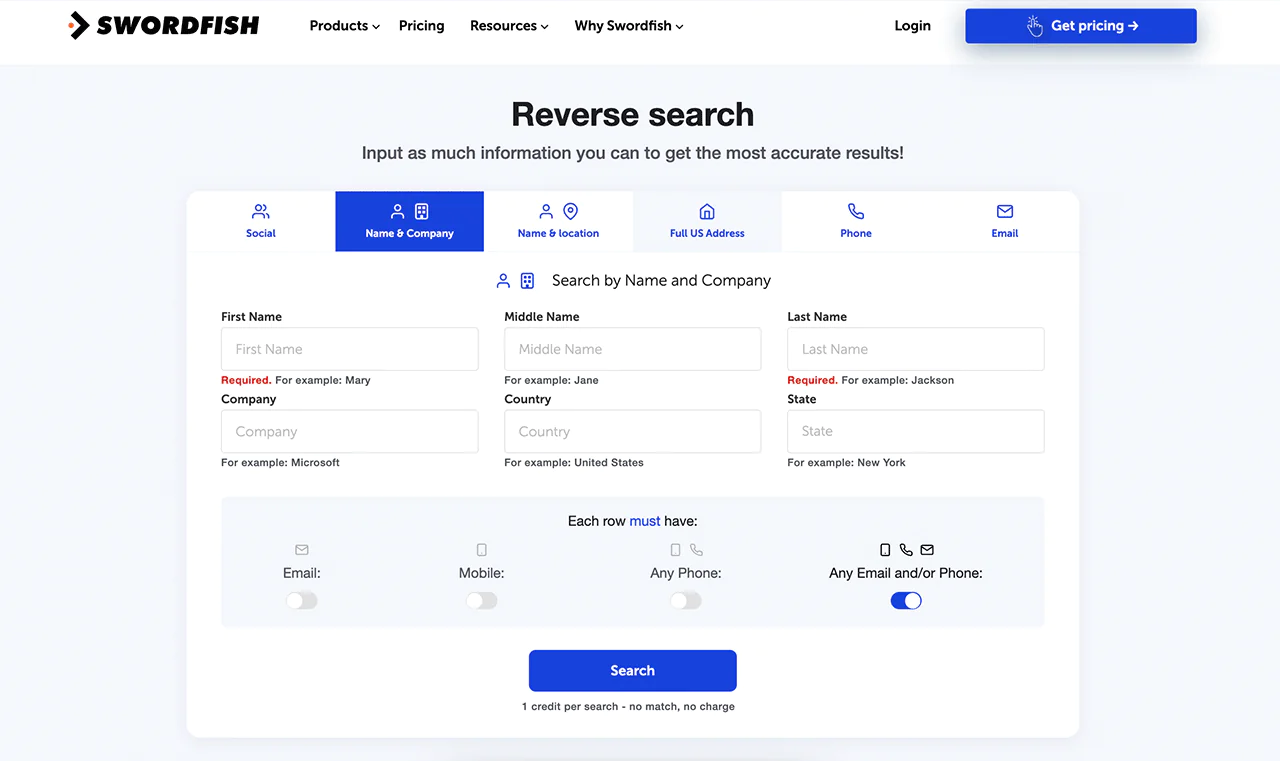
With reverse search, you can start from just a name, company, email, or phone number and pull complete contact details — a depth of contact discovery that goes beyond what Leadfeeder offers.
-
API Integration
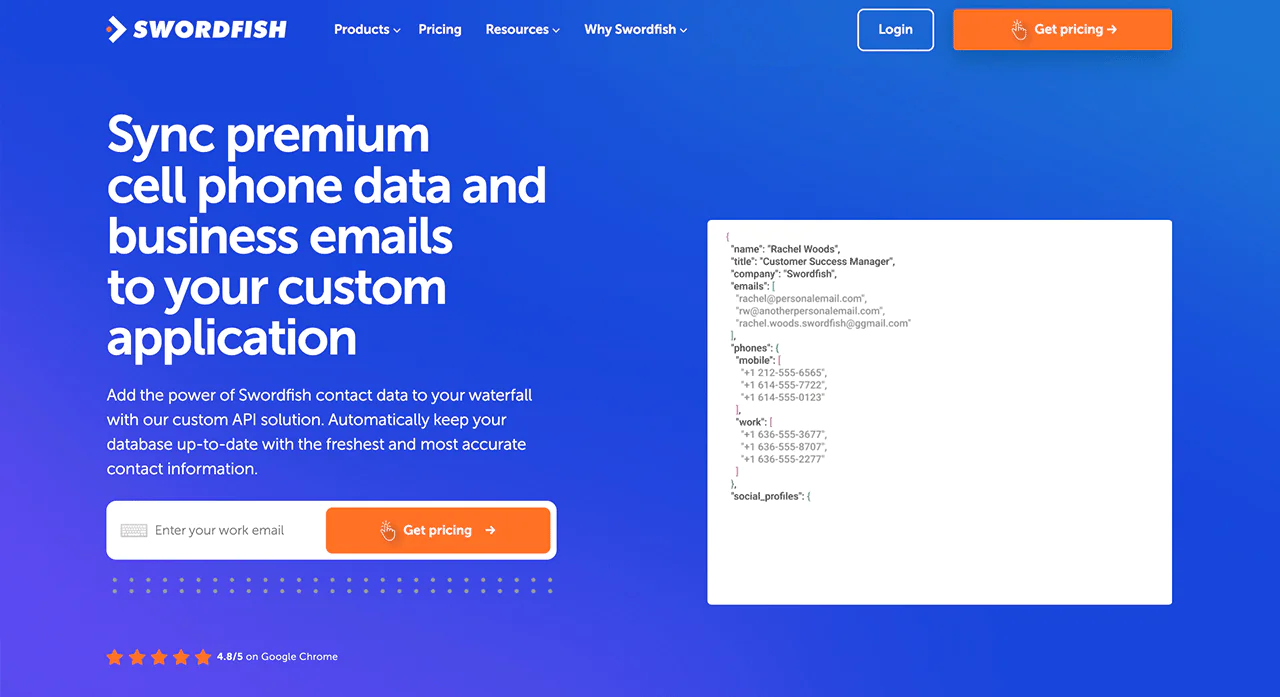
Swordfish AI also offers API integration, letting you pull Swordfish data directly into your own software — a capability Leadfeeder doesn’t emphasize.
-
Bombora Intent Data Integration
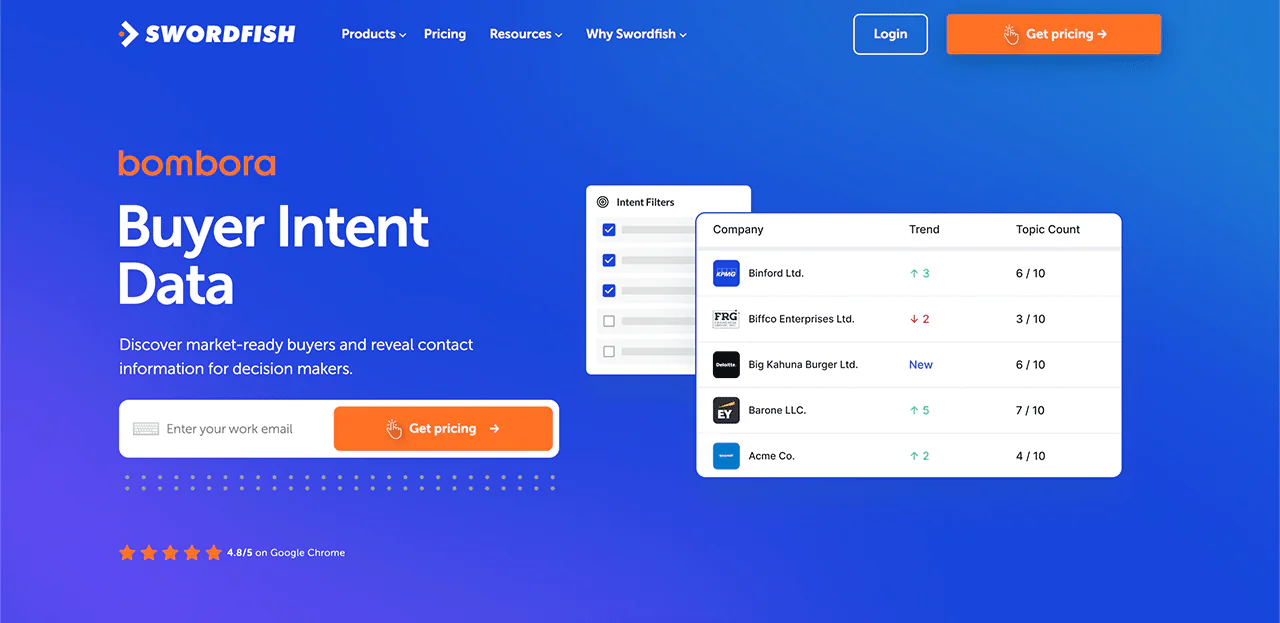
Swordfish AI uses Bombora Intent Data to surface businesses actively researching your products or services, helping you prioritize leads more likely to buy — a step beyond simply tracking who visited your website.
Best Use Cases of Swordfish AI
- Sales Outreach: If you’re in sales and need to contact decision-makers directly, Swordfish AI is built for that — it gives you direct phone numbers and emails.
- Recruitment Processes: Recruiters can use Swordfish AI to find accurate contact details of potential candidates.
- Marketing Campaigns: Marketing professionals can build detailed contact lists for targeted campaigns.
- Business Development: Swordfish AI helps you find and connect with potential partners or clients.
- Lead Generation: Detailed contact information supports more personalized, effective outreach strategies.
- Data Enrichment: Companies can use Swordfish AI to fill in missing contact details, keeping databases current.
- Customer Research: Businesses can use it to collect contact information for customer research and feedback.
Pros of Using Swordfish
- Handles large data sets at once to generate leads.
- Allows for thorough searches on various social media platforms.
- Offers an easy-to-use interface for a better user experience.
- Connects with a wide network for greater outreach.
- Enables fast and effective gathering of data.
Cons of using Swordfish
- Higher cost for subscription upgrades
Pricing
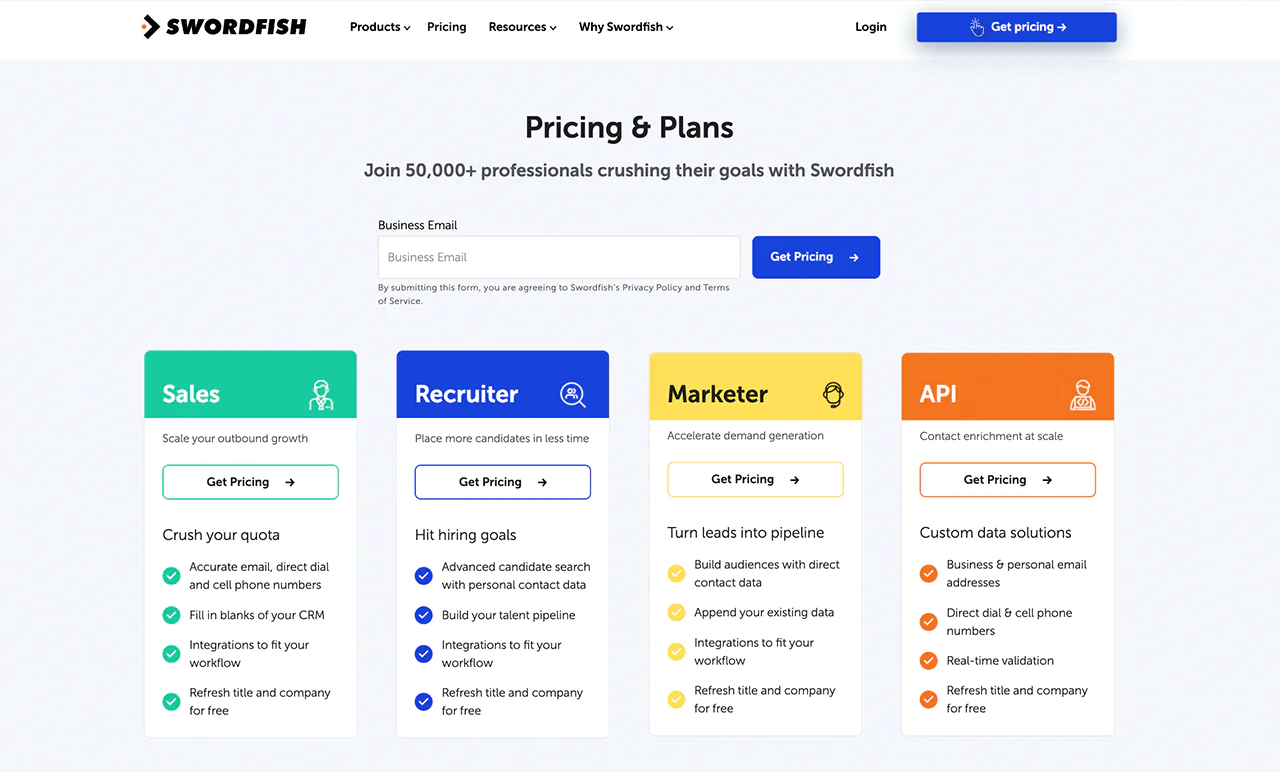
The article describes Swordfish AI plans for sales, recruitment, marketing, and API use, with email addresses and phone numbers among the data available. It also mentions a customized free trial on request. Confirm current plan details, included data, and trial terms directly with the provider.
 Try Swordfish Ai
What Users Say About Swordfish?
G2 Review: 5 out of 5
“Keeping track of my credits and linking the Chrome Extension and Bulk Enrich Files have reduced my work by 95%.”
Capterra: 5 out of 5
“Phone and Email validation are only available on the Chrome Extension at the moment.”
Why Should You Choose Swordfish over Leadfeeder?
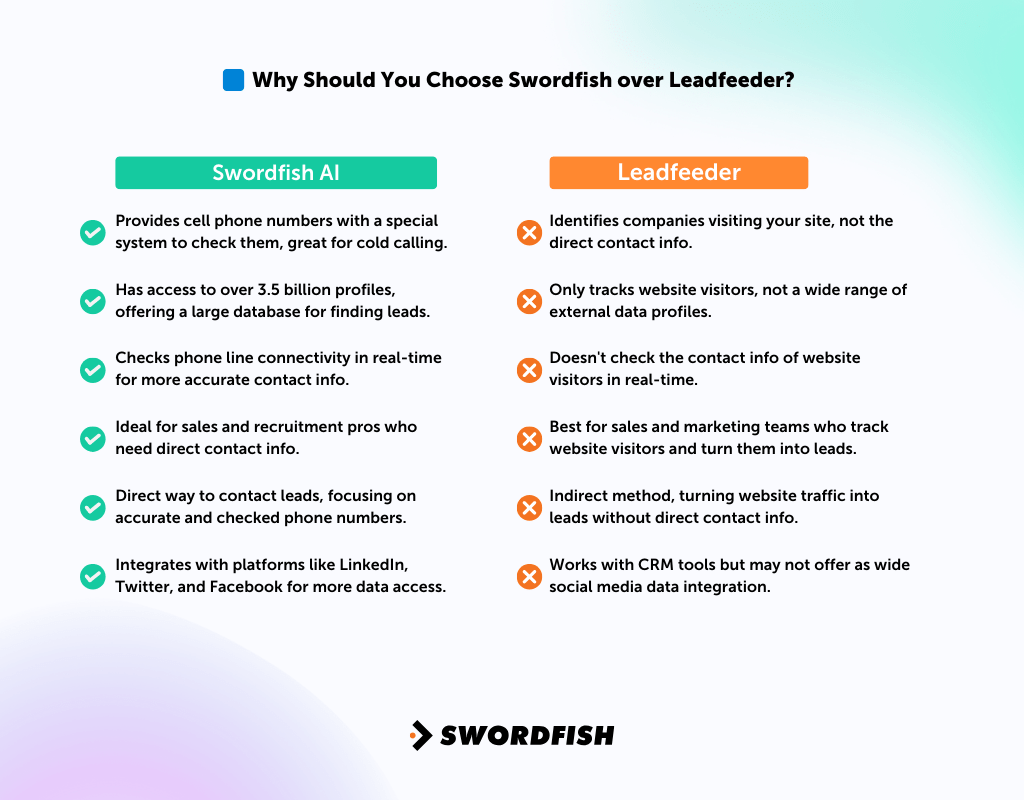
The table compares Swordfish AI and Leadfeeder on contact data, visitor identification, and related capabilities. Verify current features with each provider before making a decision.
|
Swordfish AI |
Leadfeeder |
| Provides cell phone numbers with a special system to check them, great for cold calling. | Identifies companies visiting your site, not the direct contact info. |
| Has access to over 3.5 billion profiles, offering a large database for finding leads. | Only tracks website visitors, not a wide range of external data profiles. |
| Checks phone line connectivity in real-time for more accurate contact info. | Doesn’t check the contact info of website visitors in real-time. |
| Ideal for sales and recruitment pros who need direct contact info. | Best for sales and marketing teams who track website visitors and turn them into leads. |
| Direct way to contact leads, focusing on accurate and checked phone numbers. | Indirect method, turning website traffic into leads without direct contact info. |
| Integrates with platforms like LinkedIn, Twitter, and Facebook for more data access. | Works with CRM tools but may not offer as wide social media data integration. |
2. Salespanel
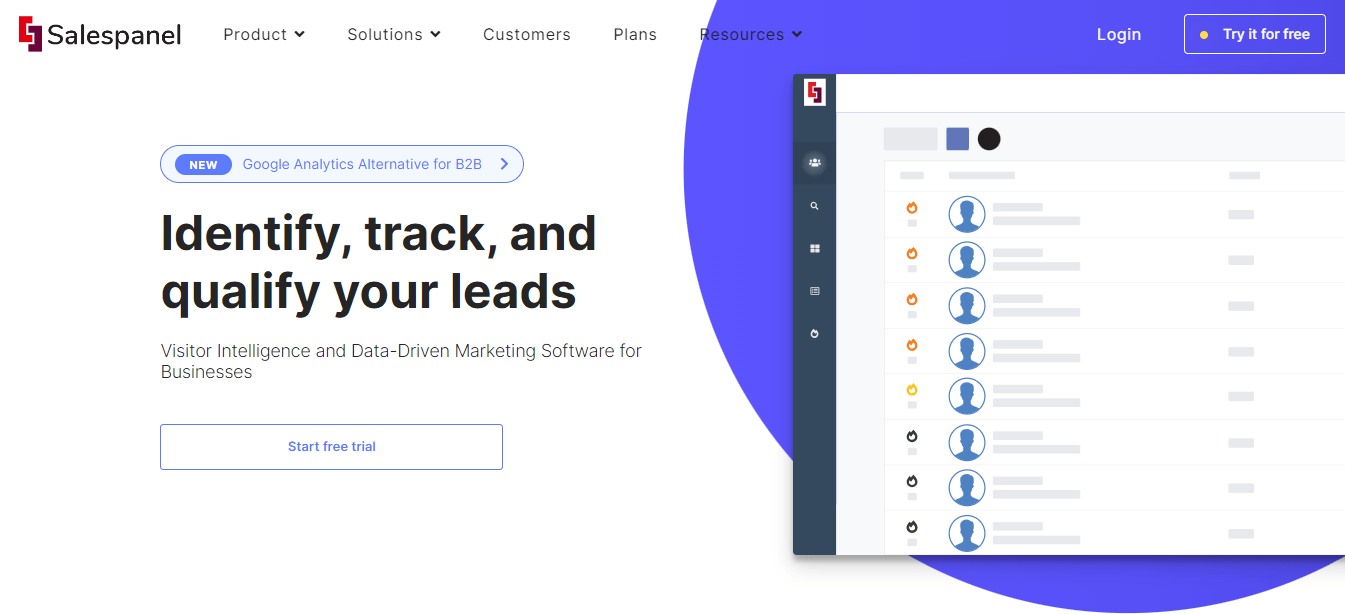
Salespanel is an option to evaluate if you need visitor intelligence and lead qualification. The article describes it as a tool for identifying, tracking, and qualifying leads.
Salespanel is described as helping sales and marketing teams analyze interactions with visitors, leads, and customers, and use that information in follow-up. Evaluate its CRM and marketing-tool integrations against your existing stack.
Compared with Leadfeeder’s company-level visitor identification, Salespanel is described as putting more emphasis on lead tracking, scoring, segmentation, and customer-journey analysis.
About Salespanel
- Founding Team: Nilangana Ray
- Founding Year: 2018
- Company Size: 2 to 10 employees
Key Features of Salespanel
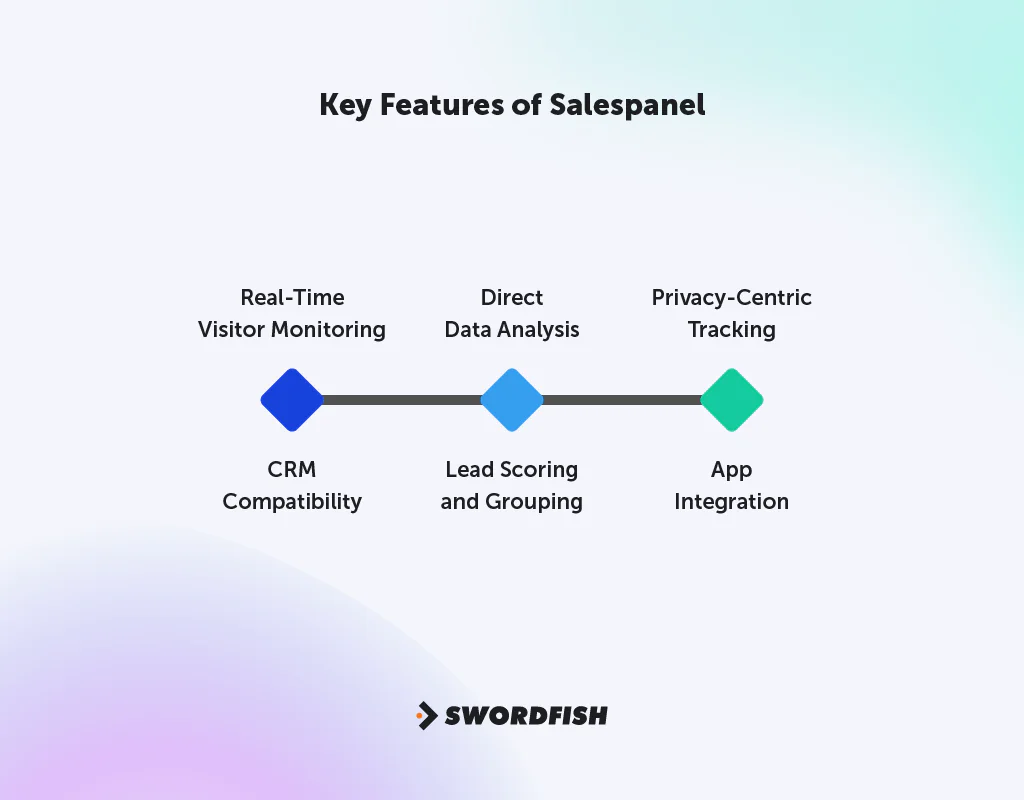
Salespanel is designed for B2B businesses that need to track customer journeys and analyze direct user data —
- Real-Time Visitor Monitoring: Tracks visitors and leads on your website as they browse, offering insights in real time.
- CRM Compatibility: Integrates smoothly with CRM and marketing tools for efficient data management and transfer.
- Direct Data Analysis: Gathers detailed data on customer interactions to support targeted marketing and sales campaigns.
- Lead Scoring and Grouping: Assesses and categorizes leads based on detailed interaction data.
- Privacy-Centric Tracking: Prioritizes user privacy with tracking methods that don’t rely on cookies.
- App Integration: Compatible with a variety of applications, including WordPress and Zapier.
Pros of Using Salespanel
- Tracks lead activities instantly, enhancing lead tracking efficiency.
- Uses direct user data for insightful analytics.
- Smoothly connects with various CRM and marketing platforms.
- Offers strong lead scoring and categorization features.
- Prioritizes user privacy through tracking without cookies.
Cons of Using Salespanel
- Missing features for automated emails and SMS.
Pricing
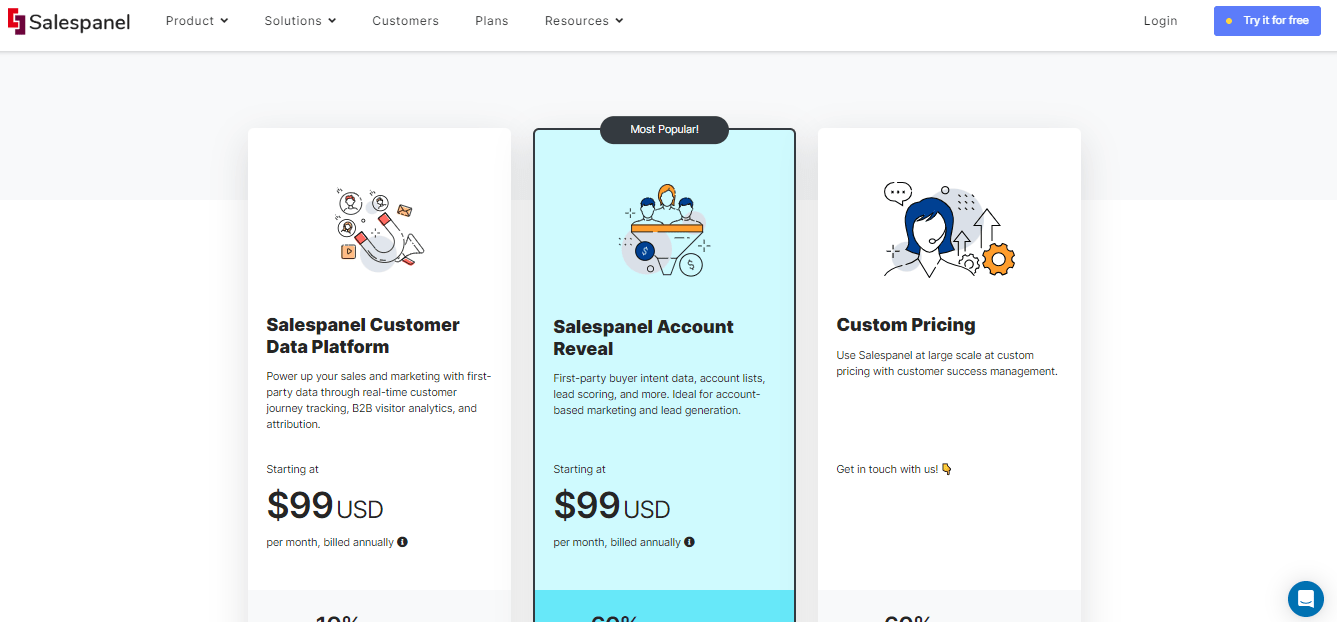
The article lists Salespanel’s Basic plan at $149 per month for up to 5,000 tracked visitors and its Growth plan at $499 per month for up to 20,000 visitors; Scale pricing is described as tailored. Pricing and visitor limits can change, so confirm current terms with Salespanel.
What Users Say About Salespanel?
G2: 5 out of 5
“Install is easy, if you want to set up some automations then their tutorials are easy to follow.”
Capterra: 5 out of 5
Wish it had a few more integrations, but overall good. – Mikhail A.
Is Salespanel Better than Leadfeeder?
Salespanel and Leadfeeder address different priorities. Salespanel is described as emphasizing real-time tracking and analysis of customer interactions for targeted marketing, while Leadfeeder focuses on identifying companies visiting a website.
Leadfeeder focuses on identifying companies visiting a website and provides a company-level view of site activity. Compare the products’ current visitor-identification capabilities and coverage for your audience.
The right pick depends on your priorities: Salespanel for granular customer intent insight, or exploring Leadfeeder pricing if a company-level view of website interactions is what you actually need.
Our Review of Salespanel
Salespanel puts real emphasis on customer intent data and tracking customer journeys, and it works well with CRM systems for handling multiple clients and scoring leads.
It’s strong at tracking visitors and leads in real time, which suits businesses that want to watch customer interactions closely. That said, it lacks automated email and SMS features and can fall short on reporting depth for some use cases.
For B2B companies that value in-depth analysis of customer journey stages and data-driven marketing, Salespanel is a strong choice.
3. Clearbit
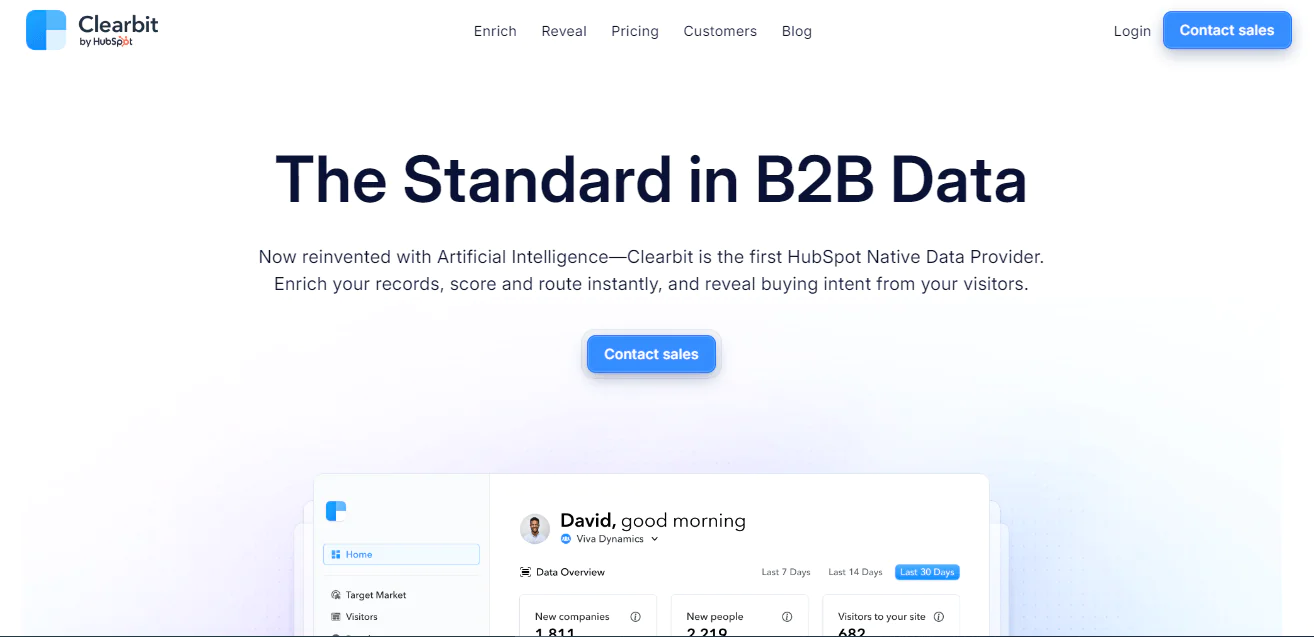
Clearbit is presented as an alternative for lead data enrichment and email finding, with a database of business and contact records. Check current product availability, coverage, and features before evaluating it.
The article describes Clearbit as offering lead generation and contact-data enrichment, with data updates intended to help keep records current. Verify update frequency and data coverage for your use case.
The article describes Clearbit as integrating with CRM systems. For businesses seeking contact enrichment as well as visitor tracking, compare its current capabilities with Leadfeeder’s.
About Clearbit
- Founding Team: Alex MacCaw, Andrew O’Neal, Amit Vasudev, Matt Sornson, Harlow Ward, and Rob Holland
- Founding Year: 2015
- Company Size: 51 to 200 employees
Features of Clearbit
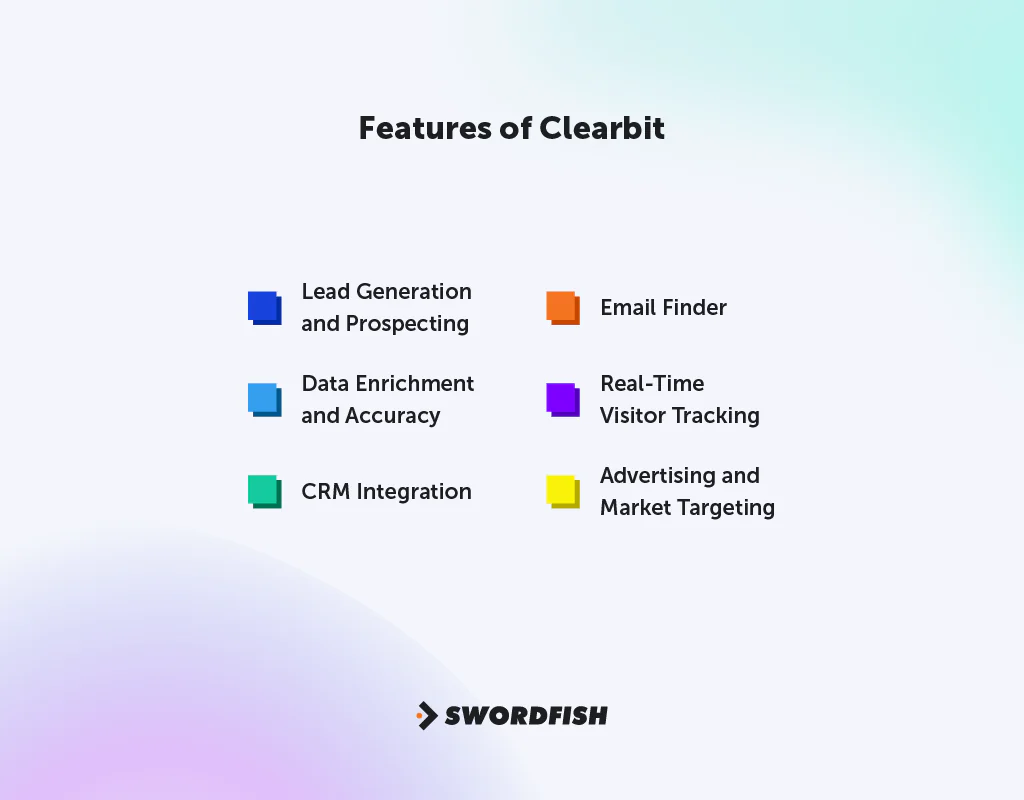
Clearbit offers a range of features designed to boost sales and marketing —
- Lead Generation and Prospecting: Tools to identify new leads from a large contact and business database, useful for expanding your customer base.
- Data Enrichment and Accuracy: Updates contact data with detailed insights, keeping information current for more accurate outreach.
- CRM Integration: Works smoothly with various CRM systems to streamline sales and marketing.
- Email Finder: Helps you find emails for direct outreach and improved engagement.
- Real-Time Visitor Tracking: Tracks website visitors in real time for instant insight into customer behavior and preferences.
- Advertising and Market Targeting: Improves ad targeting with dozens of B2B filters for Facebook ads, aiming to boost ROI and reach the right people.
Pros of Using Clearbit
- Access to a large contact database.
- Enriching and accurate data in real-time.
- Easy integration between CRMs and marketing tools.
- Helps generate leads and identify new accounts.
- User-friendly interface and easy access.
Cons of using Clearbit
- Lacks multi-user capabilities for teams.
- Higher pricing for premium features.
Pricing
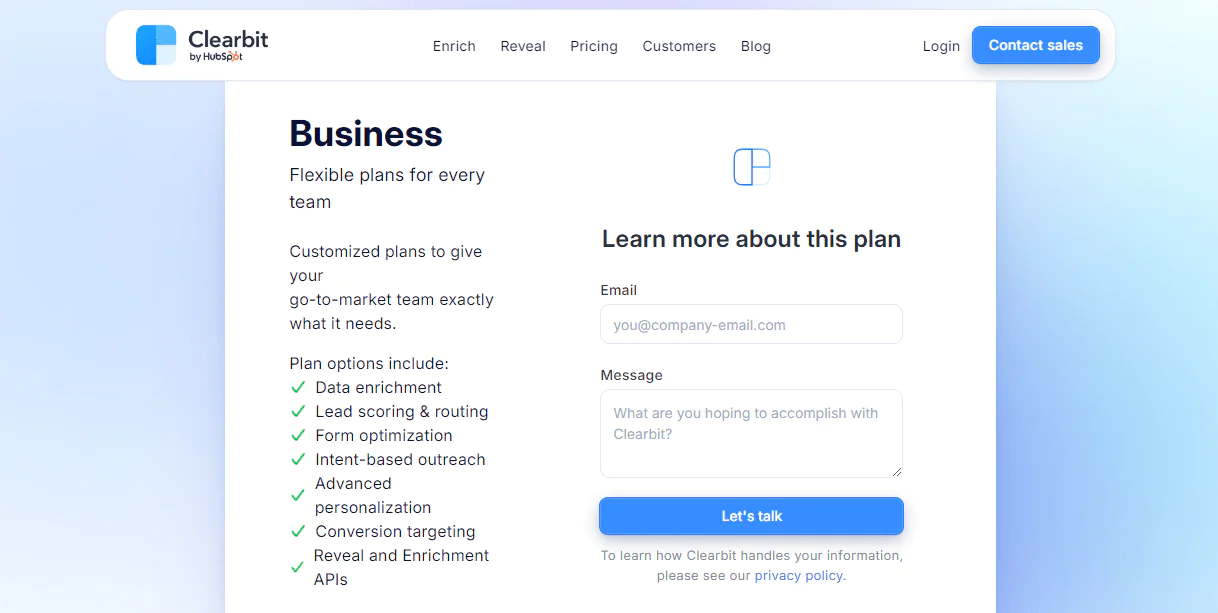
Clearbit offers several plans. You can start with the Clearbit Free plan, which includes a monthly credit allowance at no cost. The Growth plan scales credits up with pricing that increases accordingly, and the Business plan offers custom solutions with more credits and support.
What Users Say About Clearbit?
G2: 5 out of 5
“Clearbit makes it easy to enrich the leads and contacts in our database that are missing data.”
– Ryan S.
Capterra: 4 out of 5
“It would be nice to also have some kind of confidence score based on how they sourced the data.”
Is Clearbit Better than Leadfeeder?
Clearbit is described as a fit for teams that need lead data enrichment and detailed information about potential leads and accounts. Its database, data updates, and email-finding tools are features to verify against your requirements.
Leadfeeder focuses on identifying companies visiting a website and understanding their site activity, making it relevant to B2B teams seeking company-level visitor signals.
Our Review of Clearbit
Clearbit performs well at generating leads and enriching data, backed by a sizable contact database that benefits sales and marketing teams.
The article notes that Clearbit’s pricing and team features may be less suitable for some smaller businesses. Check current plans, pricing, and collaboration features before deciding.
Overall, Clearbit is a solid choice for businesses aiming to strengthen sales and marketing through lead generation and data enrichment.
4. Factors.ai
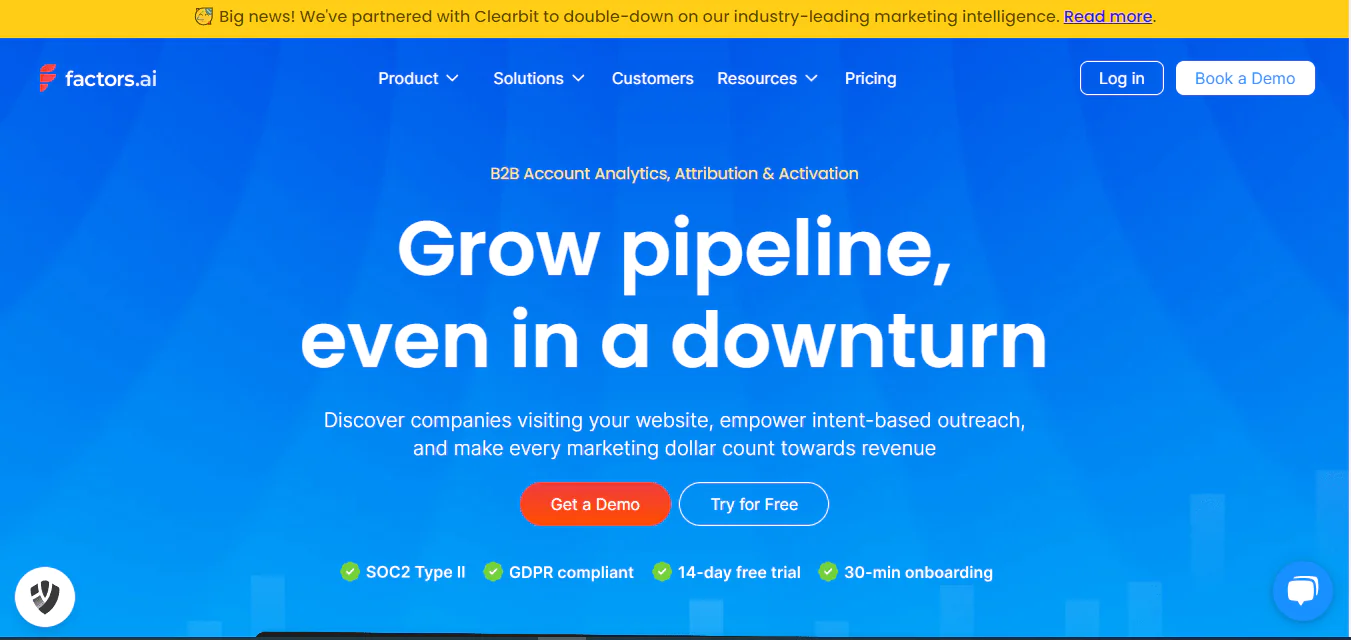
Factors.ai is an option to consider if you need account identification and marketing-performance analysis alongside website visitor tracking. The article describes it as a B2B platform for identifying visitors, mapping customer paths, and measuring marketing performance.
Factors.ai is described as using AI to identify and track accounts among website visitors and analyze buyer journeys. Confirm the product’s current identification methods and capabilities with the provider.
You can also track campaign, content, and sales interaction performance, and bring marketing, sales, and pipeline data together for quick, custom reporting.
Overall, Factors.ai suits businesses looking to fine-tune marketing spend and improve conversion rates.
About Factors.ai
- Founding Team: Srikrishna Swaminathan
- Founding Year: 2020
- Company Size: 11 to 50 employees
Features of Factors.ai
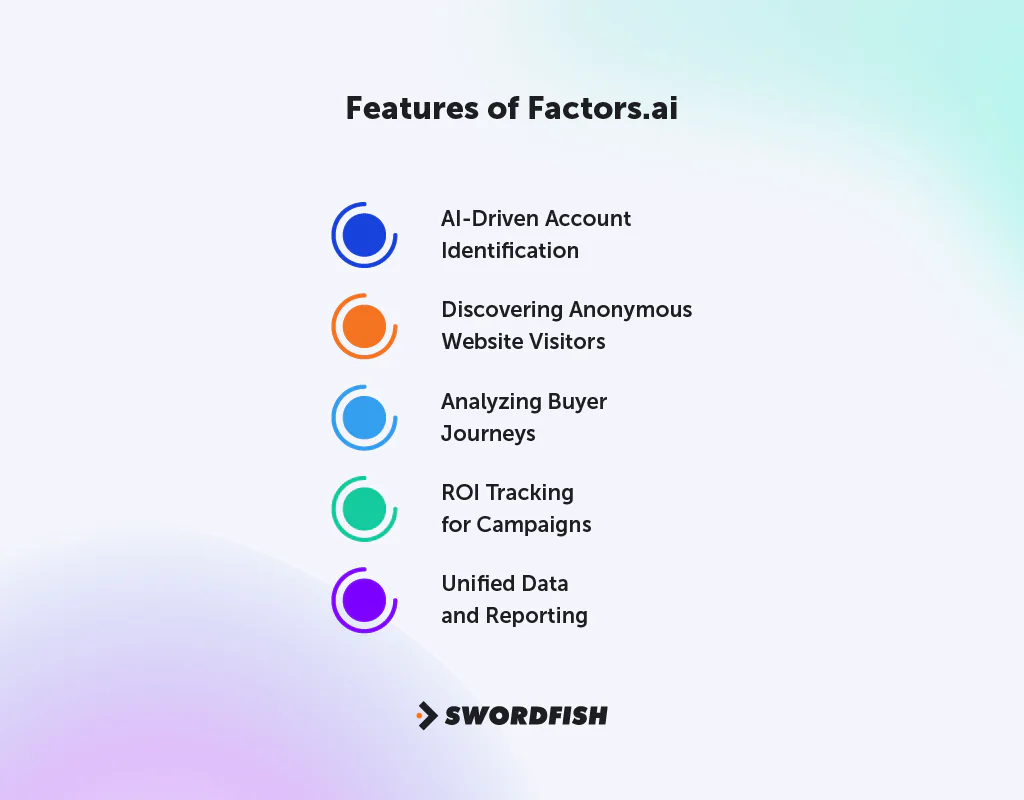
Factors.ai comes with a set of tools designed for B2B account analysis and engagement —
- AI-Driven Account Identification: Uses AI to find and track sales-ready accounts visiting your website, helping predict potential sales.
- Discovering Anonymous Website Visitors: Uses advanced IP-lookup technology, powered by 6sense & Clearbit, to identify unknown companies on your site.
- Analyzing Buyer Journeys: Uses funnels, path analysis, and AI insights to map the buyer’s journey from click to conversion.
- ROI Tracking for Campaigns: Measures campaign, content, and sales interaction success to improve marketing effectiveness.
- Unified Data and Reporting: Brings together marketing, sales, and pipeline data for a complete view and fast reporting.
Pros of Using Factors.ai
- Identifies anonymous website visitors effectively.
- Offers AI-powered insights for marketing strategies.
- Simplifies data management and reporting processes.
- Enhances marketing operations efficiency.
- Provides comprehensive website analytics at scale.
- Facilitates deep dives into a range of metrics.
Cons of Using Factors.ai
- Some users may find the interface challenging initially.
Pricing
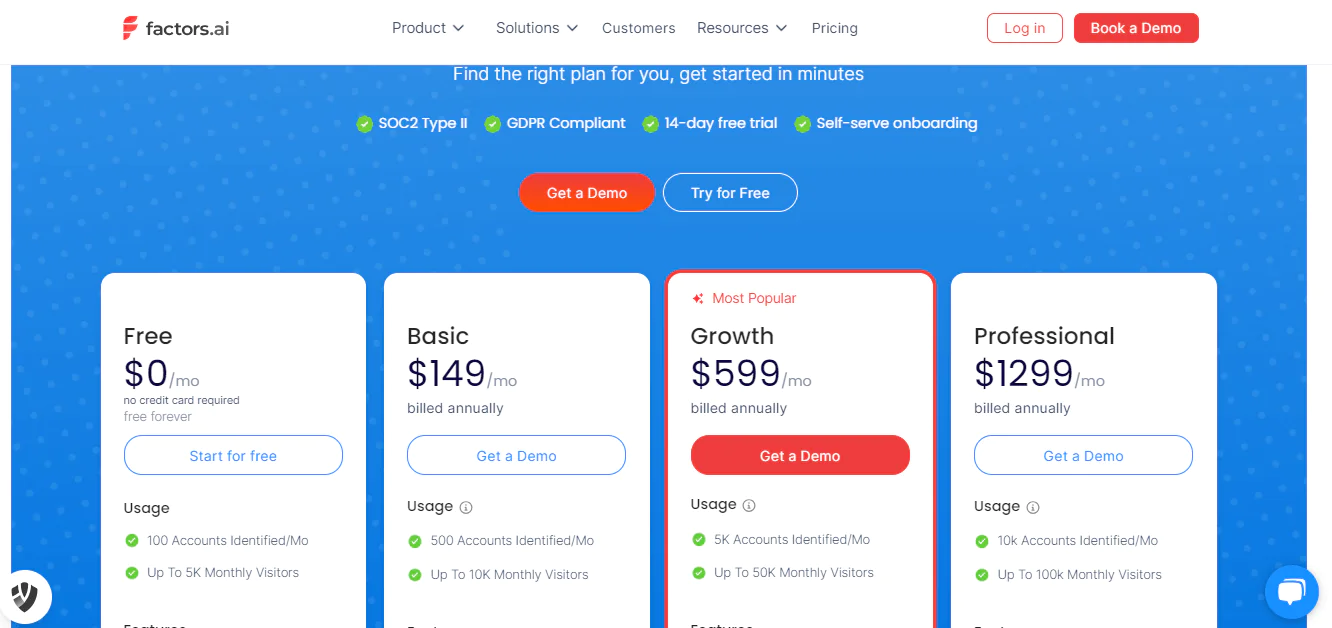
The article lists four Factors.ai plans: Free for up to 5,000 monthly visitors; Basic at $149 per month for 10,000 visitors; Growth at $599 per month for up to 50,000 visitors; and Professional at $1,299 per month for up to 100,000 visitors. Verify current prices, limits, and plan features with Factors.ai.
What Users Say About Factors.ai?
G2: 5 out of 5
“Implementing automated alerts by Factors has dramatically enhanced the efficiency of our sales team.”
– Ashok D.
Capterra: 4 out of 5
“Their customer support team is quick to address and solve any issues.”
Is Factors.ai Better than Leadfeeder?
Factors.ai is presented as an option for teams seeking account identification among anonymous website visitors, buyer-journey analysis, and campaign measurement. Leadfeeder, by contrast, is described here as focused on identifying visiting companies.
Leadfeeder is stronger at spotting companies visiting your website and understanding their actions, which suits B2B businesses wanting a broad view of company activity and website traffic patterns.
Our Review of Factors.ai
Factors.ai is described as offering account identification, buyer-journey analysis, and campaign ROI tracking. Review the current feature set and assess whether its analytics match your team’s needs.
New users may find the interface takes some getting used to, and the more advanced features benefit from a working understanding of data analytics. Overall, Factors.ai suits B2B marketing teams focused on pipeline growth backed by detailed data.
5. Lead Forensics
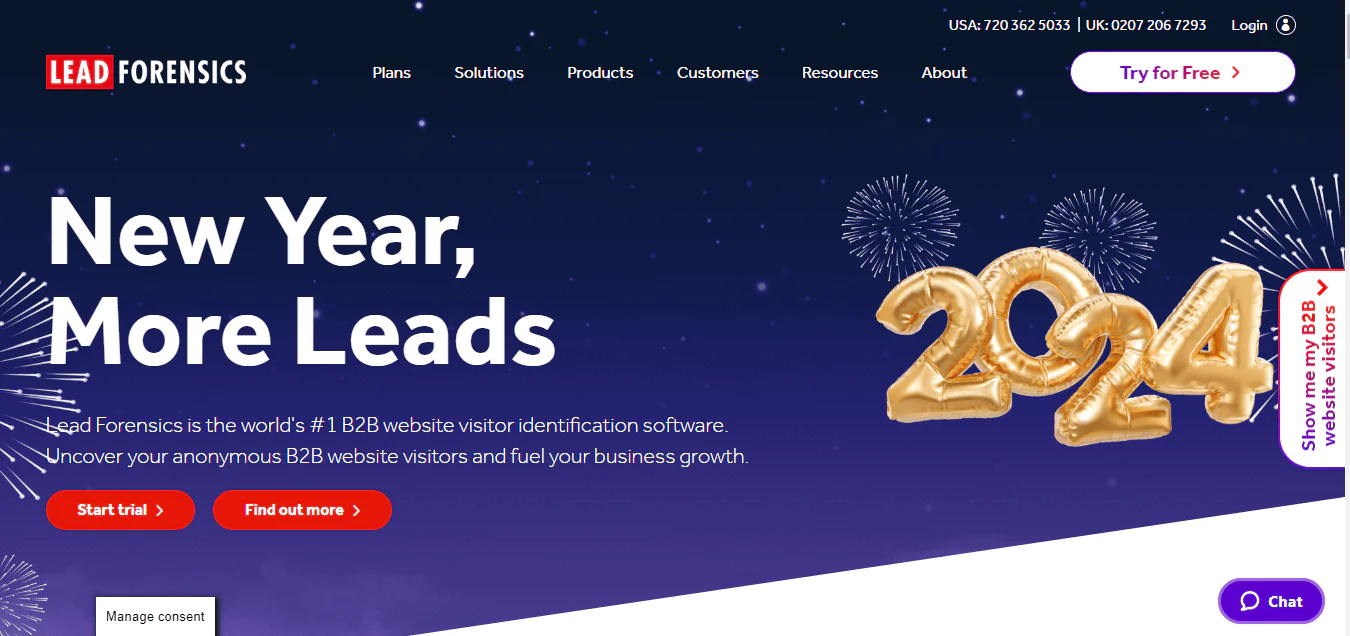
Lead Forensics is worth evaluating if your priority is identifying B2B companies visiting your website. The article describes it as focused on detecting anonymous business visitors and helping turn them into leads.
The article says Lead Forensics uses a B2B IP-address database to identify companies visiting a site and provides visitor-behavior information and alerts. Check identification coverage and alert capabilities with the provider.
It integrates cleanly with your existing workflow, feeding key information straight into your CRM.
About Lead Forensics
- Founding Team: Paul Thomas
- Founding Year: 2009
- Company Size: 201 to 500 employees
Features of Lead Forensics
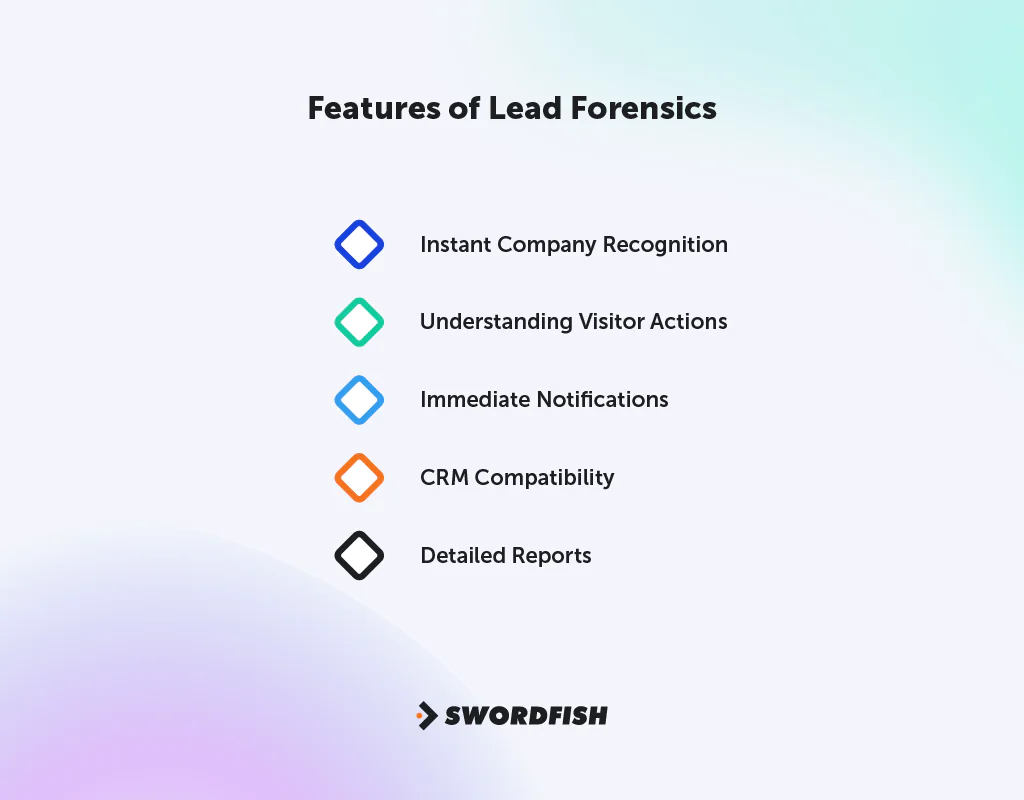
Lead Forensics has several features to improve B2B lead generation and website visitor tracking —
- Instant Company Recognition: Quickly identifies companies visiting your site using a vast B2B IP address database.
- Understanding Visitor Actions: Gives insight into what customers do on your site, helping surface more sales opportunities.
- Immediate Notifications: Alerts you when certain B2B clients visit your support pages.
- CRM Compatibility: Sends important information straight to your CRM.
- Detailed Reports: Provides in-depth reports for a thorough understanding of your website visitors.
Pros of Using Lead Forensics
- Provides detailed visitor behavior insights.
- Instant alerts for specific B2B customer visits.
- An easy integration with CRM systems.
- Advanced reporting for comprehensive analysis.
- Converts anonymous visitors into actionable leads.
Cons of Using Lead Forensics
- May be costly for smaller businesses.
- Limited personal user data availability.
Pricing
The article describes Lead Forensics pricing as tailored to business requirements and recommends contacting the provider for a quote or demo. Confirm current pricing directly with Lead Forensics.
What Users Say About Lead Forensics
G2: 5 out of 5
“Real-time tracking is a game-changer, offering immediate visibility into user activity.”
Capterra: 4 out of 5
“Lead Forensics was more than enough for us to do our job effectively.”
– Sean D.
Is Lead Forensics Better than Leadfeeder
Lead Forensics is described as identifying companies visiting a website using a B2B IP-address database, with visitor insights, alerts, and CRM integration. Compare its identification coverage and current features with Leadfeeder’s before choosing.
Leadfeeder is described as providing company-level website visitor identification and activity signals. Assess which platform better fits your audience and visitor-tracking needs.
Our Review of Lead Forensics
Lead Forensics is described as identifying companies visiting a website and providing information about visitor activity. Its value for your team will depend on identification coverage, the detail of its reports, and how those signals fit your sales process.
It can be expensive for smaller businesses, though, and focuses mainly on company-level data rather than individual users. Overall, it’s an effective tool for businesses aiming to improve lead generation and customer relationships.
How to Choose the Best Leadfeeder Alternative for Your Business
Choosing a Leadfeeder alternative comes down to matching features to your actual workflow. The right choice depends on your specific business goals, not just which tool has the longest feature list.
Up-to-Date Contact Verification
Choose a tool that explains how it checks contact details and how recently those details were verified. If outreach is subject to industry or privacy requirements, review the relevant compliance obligations separately.
Detailed Visitor Tracking
Choose a tool that digs into how visitors interact with your website. This insight is key for crafting marketing strategies that resonate with your target customers.
Large B2B Contact List
If reaching a wide range of decision-makers is the goal, prioritize a tool with a substantial, verified B2B contact database.
Efficient Lead Generation and Assessment
Pick a tool that’s good at finding leads and smart at assessing them — one that pulls from multiple sources and uses data effectively to identify which leads are most likely to convert.
Marketing Automation and Easy Integration
Look for a tool that simplifies marketing with automation and fits into the CRMs and marketing platforms you already use. This saves time and reduces friction across teams.
Targeted Account Marketing
If your business focuses on specific sectors or company types, consider tools built for account-based marketing, which support personalized outreach to high-value accounts.
Informed Sales and Marketing Decisions
Prioritize tools that provide solid data to guide sales and marketing decisions, with clear analytics that help teams understand and nurture leads effectively.
So, What’s The Best Leadfeeder Alternative?
Swordfish AI may suit teams that need direct phone numbers and email addresses for outreach, rather than relying solely on website visitor identification. Confirm data coverage and accuracy for your target audience.
The article says Swordfish AI validates contact details in real time. Sales and recruitment teams should verify which data fields are checked and whether the validation process meets their needs.
Swordfish AI is described as offering a Chrome Extension and Prospector, along with plans tailored to different use cases. Compare current product features, pricing, and support terms with your requirements.
Salespanel is presented as an option for real-time lead tracking and analysis. Clearbit is described as offering B2B contact data and CRM integrations; verify current product availability and integrations, including any HubSpot connection, with the provider.
Ready to strengthen your lead generation process? Explore Swordfish AI’s features and see how it fits into your lead management workflow with a free trial.
Conclusion
Evaluate Leadfeeder alternatives against your requirements: whether you need company-level visitor identification, person-level contact data, visitor behavior analysis, or prospecting tools.
Easy integration with your current systems and solid marketing automation can also make a real difference in day-to-day efficiency.
When choosing an alternative, compare contact-data coverage, account targeting, analytics, integrations, and total cost. Each tool has different strengths and tradeoffs, so base the decision on your goals and budget.
FAQs
Does Swordfish AI validate data more effectively than Leadfeeder?
Yes. Swordfish AI checks contact details in real time, which helps keep information more accurate than what Leadfeeder typically provides.
What makes Lead Forensics better at recognizing unknown website visitors?
Lead Forensics uses a large database of business IP addresses to spot unknown visitors, giving deeper visitor insight than Leadfeeder offers on its own.
How does Salespanel improve the process of qualifying leads?
Salespanel blends personal, company, and behavior data to qualify leads, offering a more detailed evaluation than Leadfeeder’s approach.
What makes Clearbit unique in targeting specific business markets?
Clearbit’s large database and HubSpot integration let you focus precisely on your ideal business segments.

