


 View Products


Key takeaways
- FindThatLead focuses on finding and verifying email addresses, including through searches associated with professional profiles and company domains.
- The platform also supports email campaigns, while its verification checks are intended to help reduce bounces rather than guarantee delivery.
- The article lists paid plans at $49, $150, and $399 per month, with different credit and sending limits, and says a free plan is available.
- The review identifies potentially thinner coverage for newer or smaller companies and a learning curve as limitations.
- Swordfish AI is presented as an alternative for teams that also need phone contact data; Reply.io and Overloop are described as more focused on sales automation and email management.
Last updated: September 3, 2026

FindThatLead is a lead generation tool focused on finding and verifying email addresses associated with professional profiles and company domains. It also supports email campaigns. This review covers its features, reported benefits and limitations, pricing, and alternatives. Teams evaluating contact-data vendors—including healthcare recruiters and business development staff who need phone and email data—should check whether the tool’s coverage fits their needs before committing.
FindThatLead: A Quick Overview
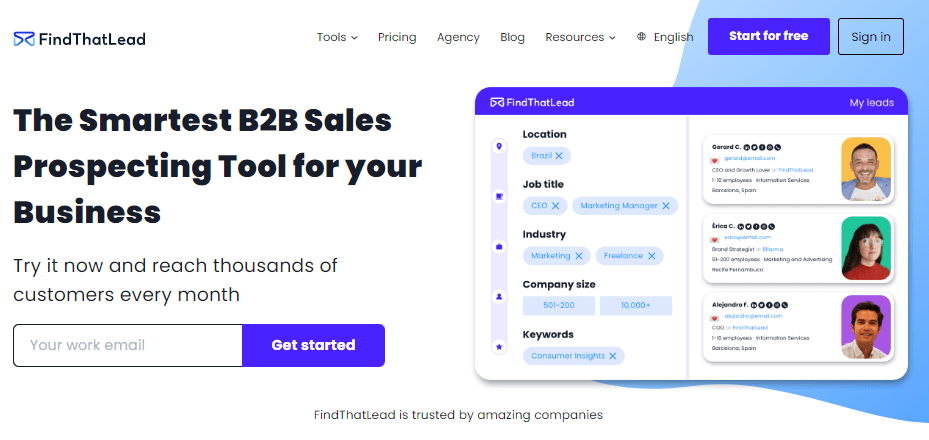
FindThatLead was built in Barcelona by Gerard Compte and Cristian Vitales, who created it to solve a problem they ran into in their own work: finding genuine, working email addresses and confirming they were valid before spending time on outreach. What started as an internal tool is now available to any business.
FindThatLead’s Chrome extension can search for emails associated with professional profiles, particularly on LinkedIn. Enter a name and company, and the tool attempts to return a matching email address.
FindThatLead checks whether an address is likely to bounce, which may help reduce wasted outreach to inactive inboxes. It also supports email campaigns in addition to one-off lookups.
For recruiters, the pitch is similar: start from a social profile, and the tool tries to surface a contact’s network and email in a few clicks.
Features of FindThatLead
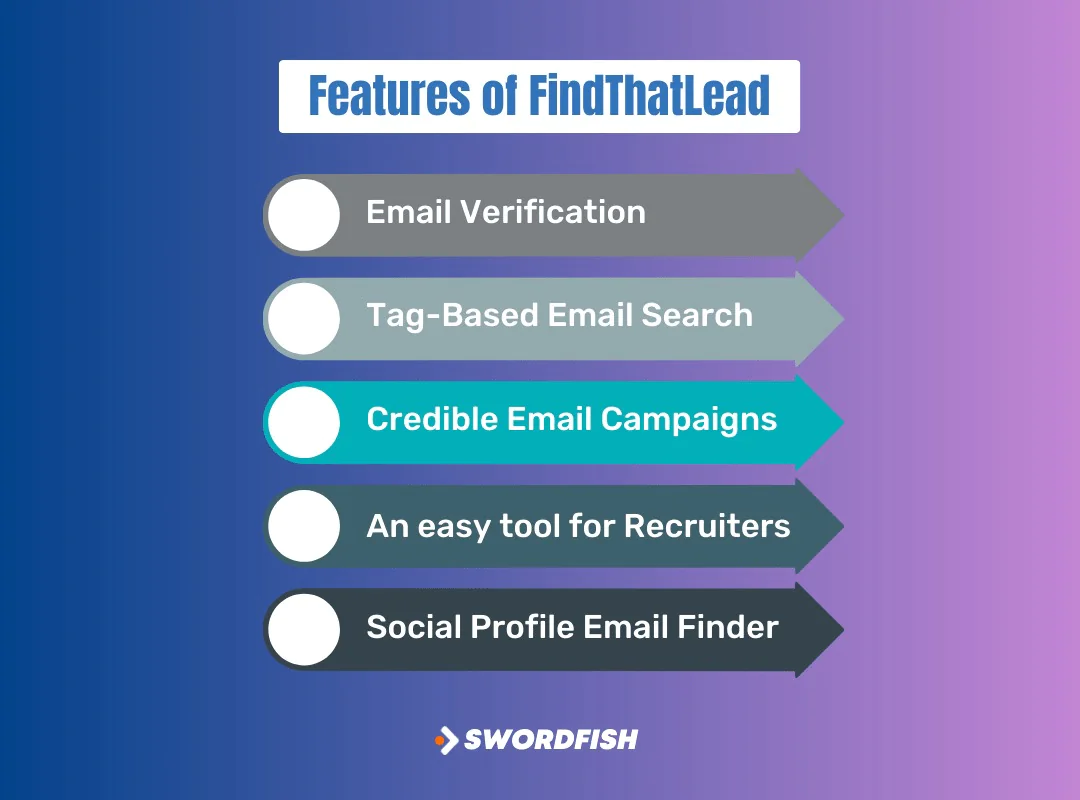
FindThatLead goes beyond a basic email lookup. Here’s what’s included in the core toolset.
Email Verification
FindThatLead checks discovered addresses before returning them. The verification is intended to help reduce email bounces, but it does not guarantee that an address is current or that a message will be delivered.
Tag-Based Email Search
Search by name and company title, and the tool uses that combination to narrow down the right contact.
Credible Email Campaigns
Beyond finding addresses, you can build out campaigns with offers and track basic performance analytics from inside the platform.
An Easy Tool for Recruiters
With 83% of employers in the U.S. now using some form of recruiting technology, FindThatLead lets recruiters pull lists of candidates filtered by category, which can speed up early-stage sourcing.
Social Profile Email Finder
Drop in a LinkedIn or Twitter URL, and the tool attempts to match it to an associated email address — useful for teams that rely on social platforms for networking rather than cold lists.
Pros of FindThatLead
- Quickly find and verify email addresses.
- Send personalized and targeted emails.
- Verifies emails to ensure they are valid.
- Easily find potential candidates’ emails.
- Find prospects in specific locations.
- Fetch emails using LinkedIn and Twitter URLs.
Cons of FindThatLead
- Some information might be missing.
- Efficiency relies on updated profiles.
Worth noting for any niche use case, including healthcare staffing: a tool that leans on public LinkedIn data is only as current as the profile it’s pulling from. Provider directories change often — practices close, physicians switch networks, and LinkedIn profiles frequently lag behind those moves. That’s a limitation to factor in rather than a dealbreaker on its own.
FindThatLead User Experience
Here’s a summary of common user feedback.
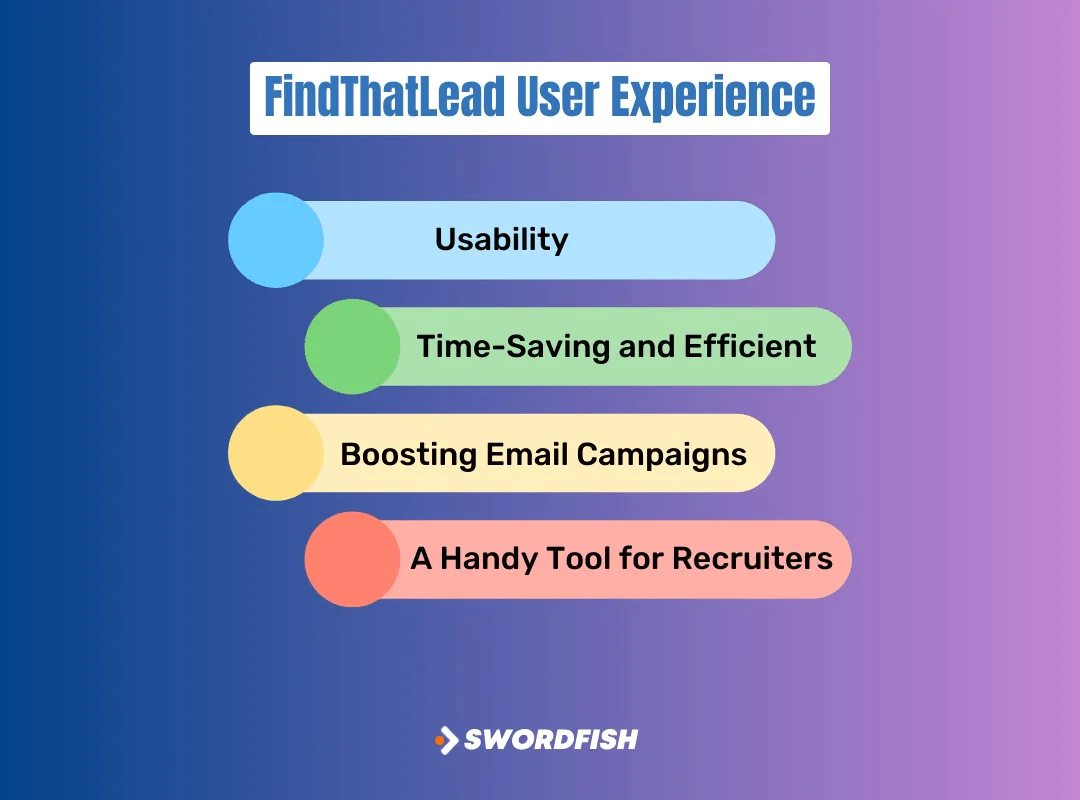
Usability
Users consistently describe the interface as straightforward, which shortens the ramp-up time for new team members.
Time-Saving and Efficient
The main appeal is skipping manual searches. Reviewers say verified results come back quickly enough to fit into a normal prospecting workflow.
Boosting Email Campaigns
Some users report better engagement after switching to more targeted, personalized outreach built on the tool’s contact data.
A Handy Tool for Recruiters
Recruiters cite faster candidate sourcing as one of the clearer wins, particularly for reaching passive candidates who aren’t actively job hunting.
FindThatLead Support for Users
Here’s what to expect if you run into an issue.
Personalized Assistance
The support center is built to handle both new and experienced users, with staff available to work through account or search issues directly.
Quick Response Time
Response times get positive mentions from users, which matters if outreach campaigns are time-sensitive.
User-Friendly Resources
Beyond direct support, the platform offers tutorials and FAQs that cover most common setup and usage questions.
FindThatLead Pricing
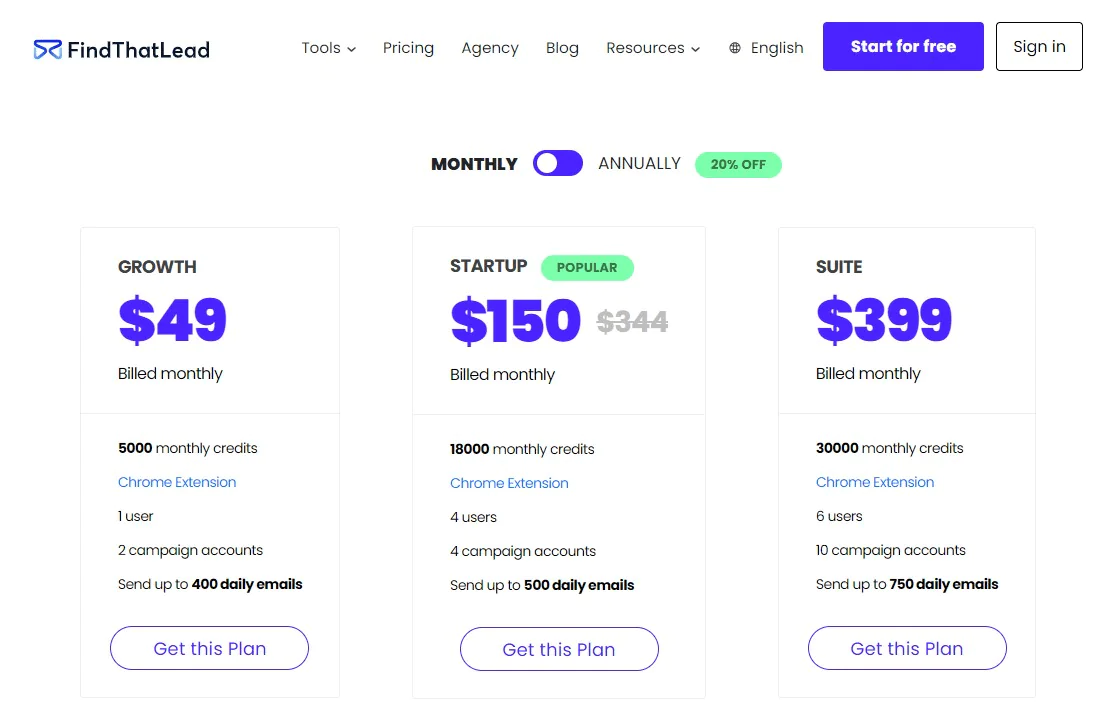
The article lists pricing by monthly credits and daily email sending limits. It says the GROWTH plan costs $49 a month and includes 5,000 monthly credits and up to 400 daily emails.
The article lists the STARTUP plan at $150 a month for 18,000 monthly credits and the SUITE plan at $399 a month for 30,000 credits and up to 750 daily emails.
The article also says a free plan is available for testing the platform before choosing a paid tier.
Our Review: Is FindThatLead the Right Tool for Your Business?
FindThatLead combines email verification, search by name and company, and LinkedIn-related lookup features. These may help teams speed up prospecting, but suitability depends on the contact coverage and outreach workflow a business needs.
FindThatLead may not suit every use case. The article notes that coverage for newer or smaller companies can be thinner and that the platform’s range of features may take time to learn.
If you need a linkedin email finder and lead generation tool that balances functionality with a manageable learning curve, FindThatLead is a reasonable option to evaluate against your specific data needs — particularly if email is your primary outreach channel rather than phone.
Best Alternatives to FindThatLead
FindThatLead has earned its following, but it’s not the only option. Here’s how it stacks up against other tools worth considering.
Swordfish AI
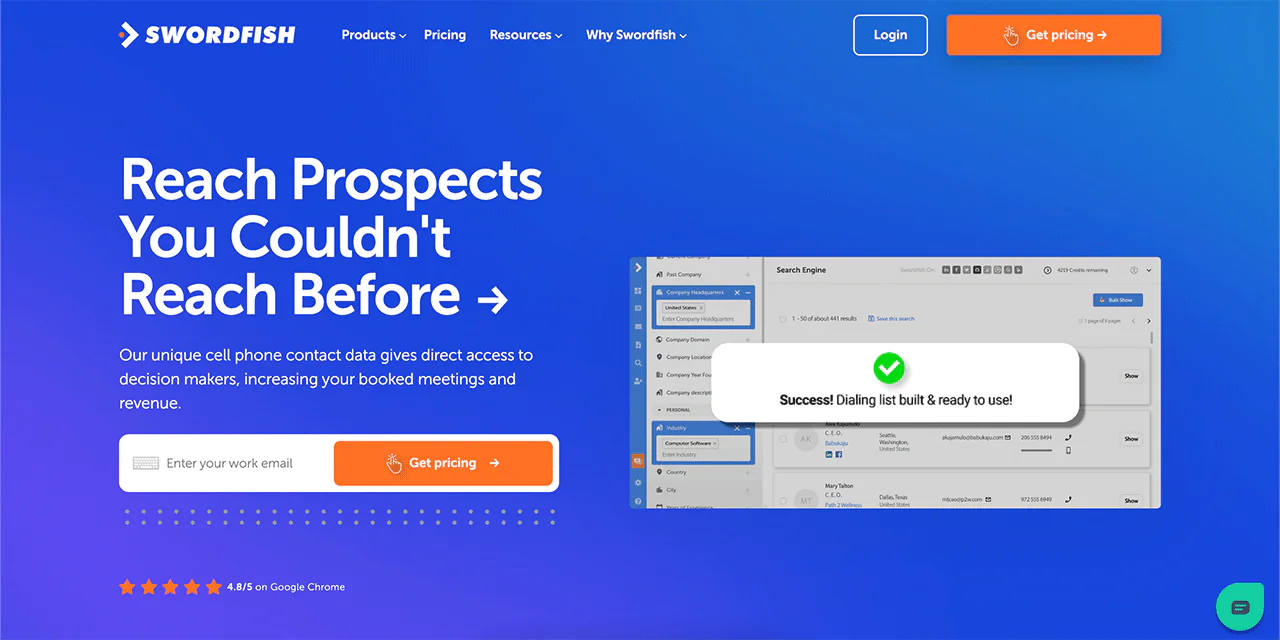
Swordfish AI is a contact extraction platform built for teams that need both personal and business contact details, including for those specifically searching for LinkedIn email finder tools.
Swordfish maintains a unique cell phone number database along with a proprietary cell phone verification system. The platform draws on over 3.5 billion data profiles. It also includes Bombora intent data, which flags research activity from organizations around topics relevant to your outreach.
The Chrome Extension pulls contact data from Facebook, GitHub, LinkedIn, StackOverflow, Twitter, and Dribbble. A reverse search feature is also built in, designed to return usable results even when you’re starting with limited information.
For teams that rely on phone outreach as well as email, the article presents Swordfish AI’s cell phone data and verification as a practical difference from FindThatLead’s email-first approach. Teams should compare coverage and verification against their own needs.
Swordfish vs FindThatLead: A Quick Comparison Table
Here’s a side-by-side look at the two platforms.
| Features | FindThatLead | Swordfish AI |
|---|---|---|
| Overview | B2B Sales Prospecting Tool | Cell Phone and Email Finder |
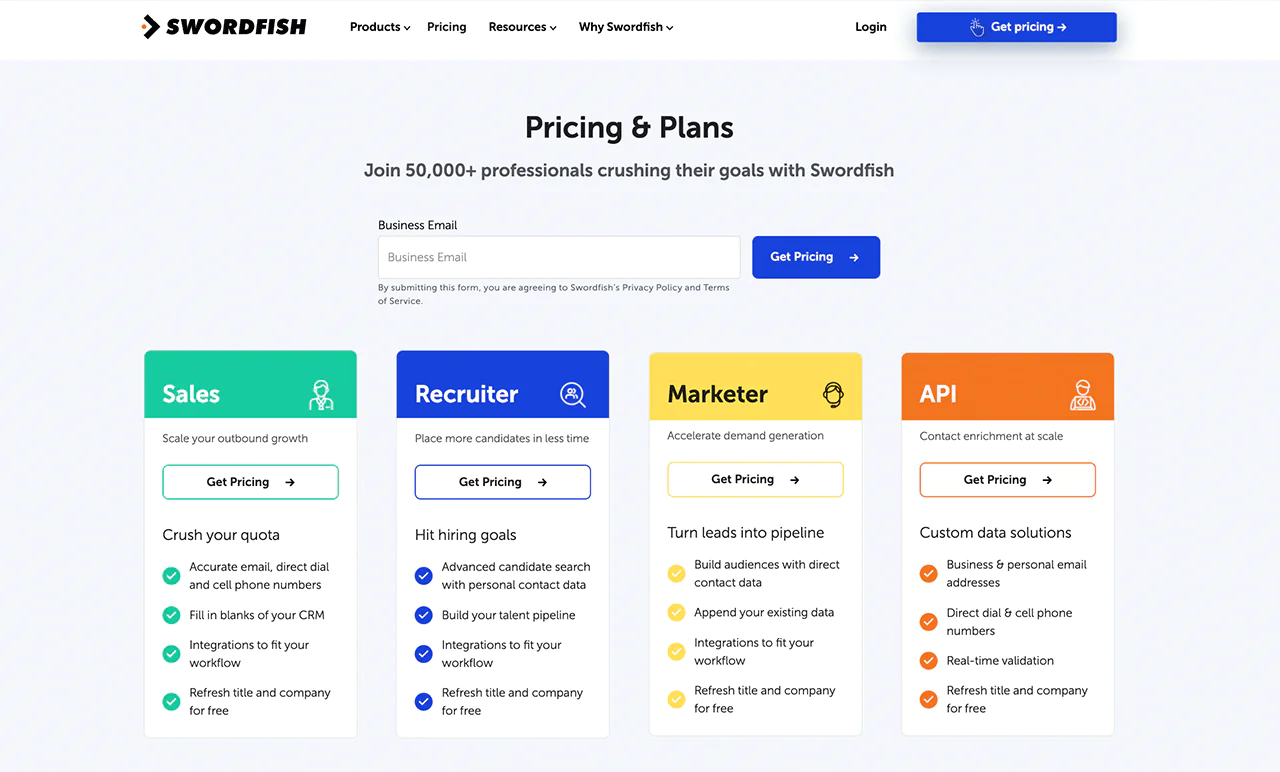
| Lead Generation | Prospector tool to generate leads based on location, industry, etc. | Accurate email, direct dial, and cell phone numbers. |
| Chrome Extension | Available | Available |
| Email Verification | Email verification to ensure high deliverability of campaigns. | Real-time validation. |
| Pricing | Growth: $49 single user Startup: $150 (4 users) Suite: $399 (6 users) | Offer different plans for sales, recruiters, marketers, along with custom trial. |
| Integrations | Integration across marketing and sales campaigns. | Integrations to fit various workflows. |
Get in touch for a free custom trial and details on Swordfish AI pricing.
 Try Swordfish Ai Today!
Reply.io

Reply.io focuses on sending and tracking automated email sequences rather than just finding addresses. You can set up sequences, watch response patterns, and connect the platform to other sales tools.
It also supports prospecting for new contacts, which makes it more of a full sales-automation platform than a pure lookup tool.

| Features | FindThatLead | Reply.io |
|---|---|---|
| Platform Purpose | Lead Generation Tool | Sales Automation Platform |
| Pricing |
|
|
| Integration with Other Platforms | Piepdrvie, Zapier | Salesforce, Hubspot |
| Email Tracking | Not available | Open, Click, Reply tracking |
| Multi-Channel Approach | Not available | Email, LinkedIn, Calls, SMS |
Overloop
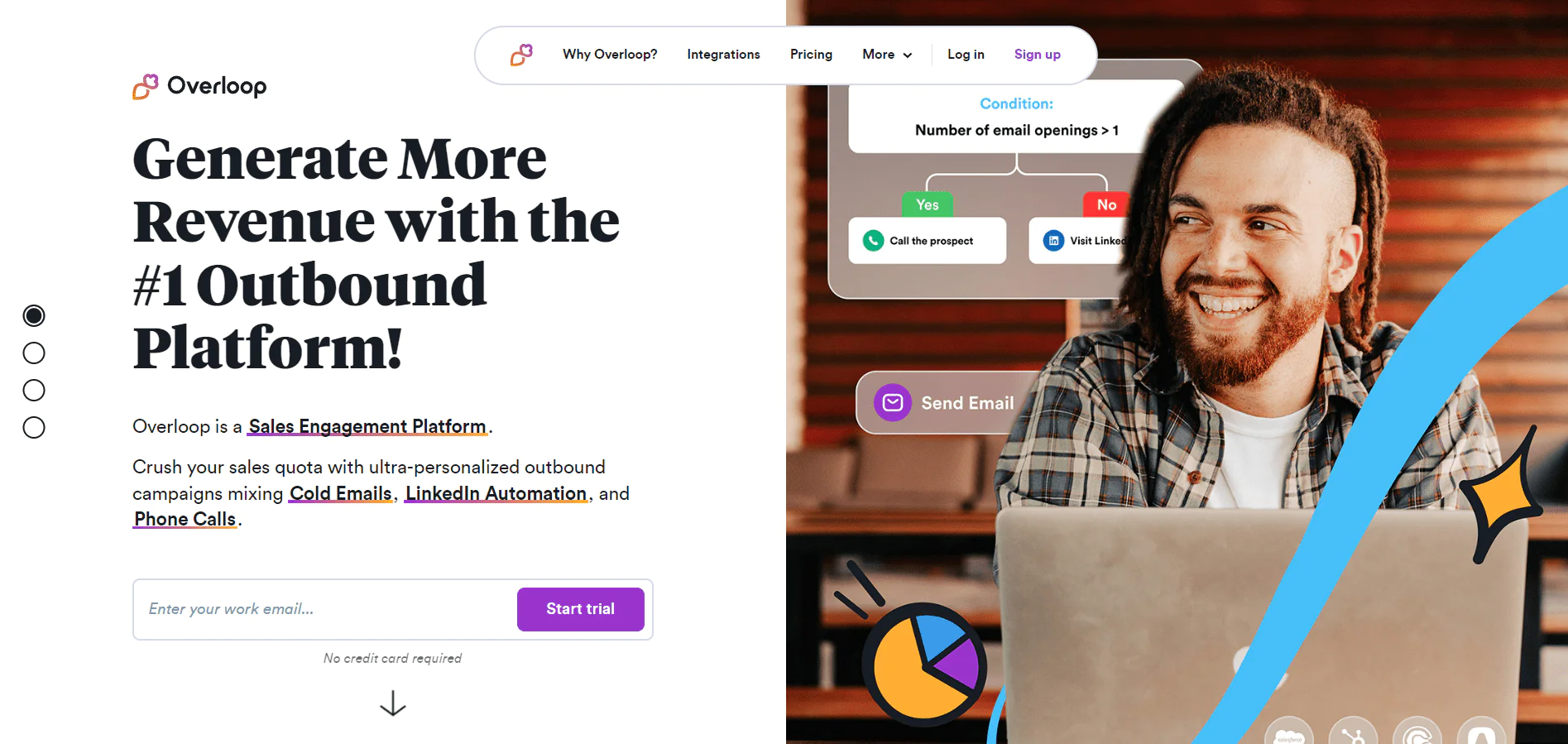
Overloop is built around sales email management, with built-in address lookup so you’re not searching for contacts separately.
It also supports personalization based on prospect interests, which matters since 50% of businesses report that personalized emails generate more responses from subscribers.
Open and click tracking is built in as well, giving a basic read on what’s working in a given campaign.
| Features | FindThatLead | Overloop |
|---|---|---|
| Main Purpose | Lead generation and email sending | Sales automation and multichannel outreach |
| Pricing |
|
|
| Prospector tool | Available | Not offered |
| Unique Features | Bulk processing, Email sender | Sales email templates, List upload/download |
| Integrations | Chrome Extension | Advanced CRM integrations, REST API access |
Conclusion
FindThatLead combines email verification, search features, and email sending to support lead generation and outreach.
But it’s rarely the only tool worth evaluating.
FindThatLead has its strengths, and it’s still worth comparing against other platforms that approach the problem differently. Swordfish AI is one worth a look, particularly if phone-based outreach is part of your strategy.
The article says Swordfish AI draws on over 3.5 billion data profiles and offers a Chrome extension that pulls contact information from multiple social platforms. Before choosing a tool, compare its current data coverage and supported channels with your team’s workflow.
Frequently Asked Questions
What happens if the tool can’t find an email address?
If Find That Lead can’t find an email address for a specific domain or individual, it will notify you. You won’t be charged for unsuccessful searches on the paid plans.
How quickly does FindThatLead return results?
It typically returns results within seconds after a search is initiated. However, the time may vary depending on the complexity of the search and the number of email addresses being sought.
Do I need to install any software to use Find That Lead?
No, it’s a web-based platform, which means you can access it directly from your browser without the need to download or install any software. They may also offer browser extensions for added convenience.

