


 View Products


Key takeaways
- ContactOut combines a professional contact database with a Chrome extension designed for LinkedIn-based sourcing.
- The Search Portal and bulk enrichment features extend its use beyond looking up one LinkedIn profile at a time.
- Email verification and data accuracy are worth testing on a sample list before a large campaign.
- Pricing, plan limits, and fair-use terms can change, so confirm current details with the vendor before buying.
- ContactOut may fit teams that work heavily in LinkedIn; teams needing broader sourcing or direct-dial data may want to compare alternatives.
Last updated: September 3, 2026

ContactOut is a contact database and outreach tool whose Chrome extension is designed to surface email addresses and phone numbers from LinkedIn profiles. Its main appeal is a faster sourcing workflow for sales teams, recruiters, and healthcare talent sourcers who spend much of their day on LinkedIn.
This review walks through what ContactOut actually does, where it holds up well, where users run into friction, and how it stacks up against a few common alternatives. If you’re weighing ContactOut against other contact-finding tools, the goal here is to give you enough detail to make that call without the marketing gloss.
What is ContactOut?
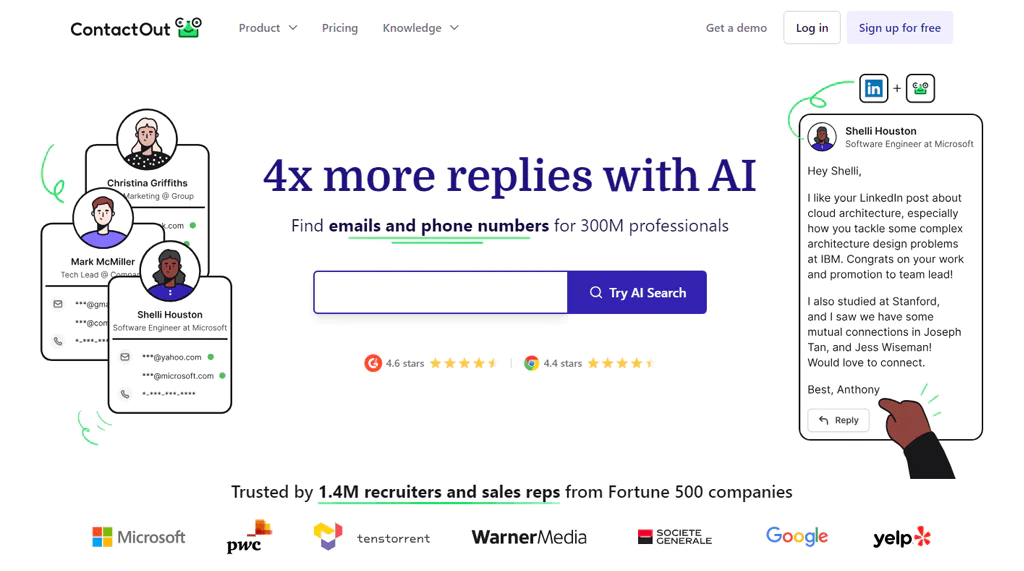
ContactOut is a lead contact database and management tool built for teams that need to reach professionals directly rather than through gatekeepers. It’s built to help businesses connect with professionals more directly, and it’s often listed among the best contact finder tool options for that reason.
ContactOut’s core appeal is its database of professional profiles and company records, paired with CRM and applicant tracking system (ATS) integrations. These integrations can help sales, marketing, and recruiting teams move contacts into their existing workflows without manual re-entry.
ContactOut highlights email verification as a feature for B2B outreach. Pricing and plan limits can change, and published figures vary by source and date, so check the vendor’s current pricing page before committing.
Features of ContactOut
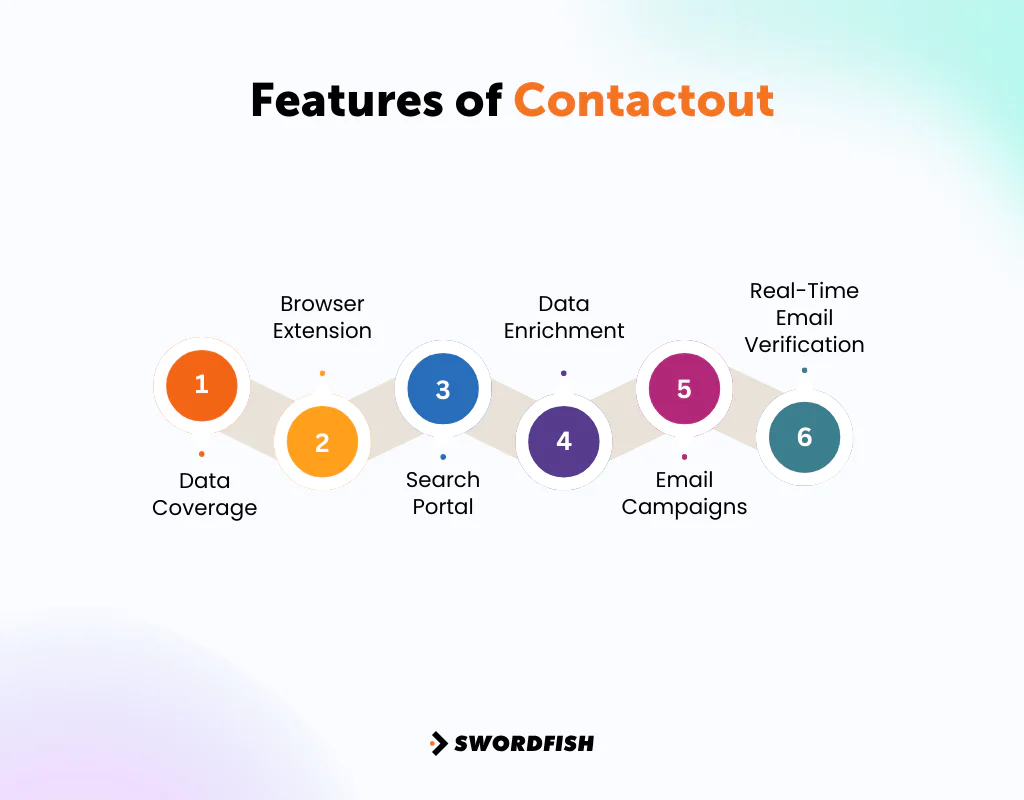
Here’s a closer look at the features that matter most to day-to-day users.
Data Coverage
ContactOut’s database includes professional profiles and company records, with personal and work email addresses and direct-dial phone numbers. The exact coverage and availability of these details can vary.
This breadth may help teams sourcing across multiple industries or geographies. Coverage can be less consistent in niche verticals with limited public profile data; healthcare provider outreach is one example where results may vary.
Browser Extension
The Chrome extension integrates directly with LinkedIn, surfacing contact details while you browse a profile instead of requiring a separate search step.
For recruiters and sales reps who already work in LinkedIn, the extension can reduce tab-switching. Its value depends on how much of your prospecting already happens on LinkedIn.
Search Portal
The Search Portal lets users search the contact database independently of LinkedIn, which helps when you need to find contacts outside that single platform.
This is the piece that extends ContactOut beyond a pure LinkedIn add-on, useful for building lists in bulk rather than one profile at a time.
Data Enrichment
ContactOut can enrich LinkedIn profile URLs in bulk with details such as role, experience, and contact information.
For outreach teams building target lists from LinkedIn profile URLs, enrichment can make the list easier to segment and personalize.
Email Campaigns
ContactOut lets users send emails from LinkedIn using reusable templates and reach multiple prospects at once.
This keeps outreach and lead discovery in one place rather than exporting to a separate email tool, though heavier senders will likely still want a dedicated sequencing platform for deliverability and tracking depth.
Real-Time Email Verification
ContactOut says it verifies emails before delivering them. Verification may help users identify potentially invalid addresses, but it cannot guarantee that every message will avoid a bounce or protect sender reputation.
User feedback on verification is mixed, so test a sample list before relying on the results for a large campaign.
Versatile Templates
Pre-built, editable templates give users a starting point for outreach rather than a blank page.
Templates can save setup time, but personalization depends on the information available for each contact. A generic template paired with a sparse profile may be less useful than a message based on more complete research.
Pros of ContactOut
- Extensive Database so access to over 300 million professional profiles.
- Effortless Chrome extension for easy lead capture.
- Versatile search options and advanced search capabilities for targeted leads.
- Ensures email data accuracy and reliability.
- Simplifies large-scale lead processing with contact capabilities
- Integrates with major CRM systems for streamlined workflow.
Cons of ContactOut
- Requires LinkedIn account linking for optimal contact retrieval.
- Published usage caps on “unlimited” plans mean heavy users should confirm current fair-use limits before buying.
ContactOut User Experience
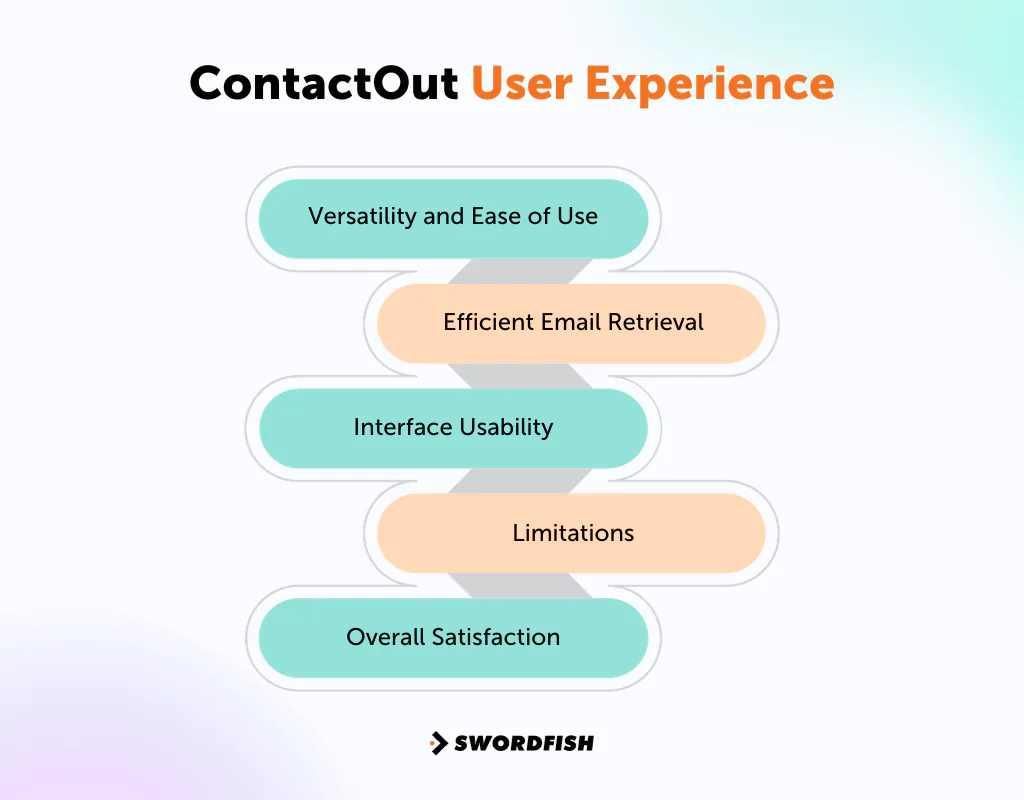
Reported user feedback focuses on ease of use, contact lookup speed, data quality, and plan limits.
Versatility and Ease of Use
Many users point to straightforward functionality for lead generation and email marketing, with enough flexibility to fit different business scenarios.
Efficient Email Retrieval
Quick email lookups, particularly from LinkedIn, are consistently cited as a time-saver.
Interface Usability
The interface is generally described as easy to navigate, even for non-technical users.
Limitations
Some users report inconsistent data accuracy and occasional issues with email verification, along with usage caps that surface only after signing up for a paid plan.
Overall Satisfaction
The feedback summarized here is generally positive about the core experience, while some reported complaints focus on pricing transparency and data limits.
ContactOut Support for Users
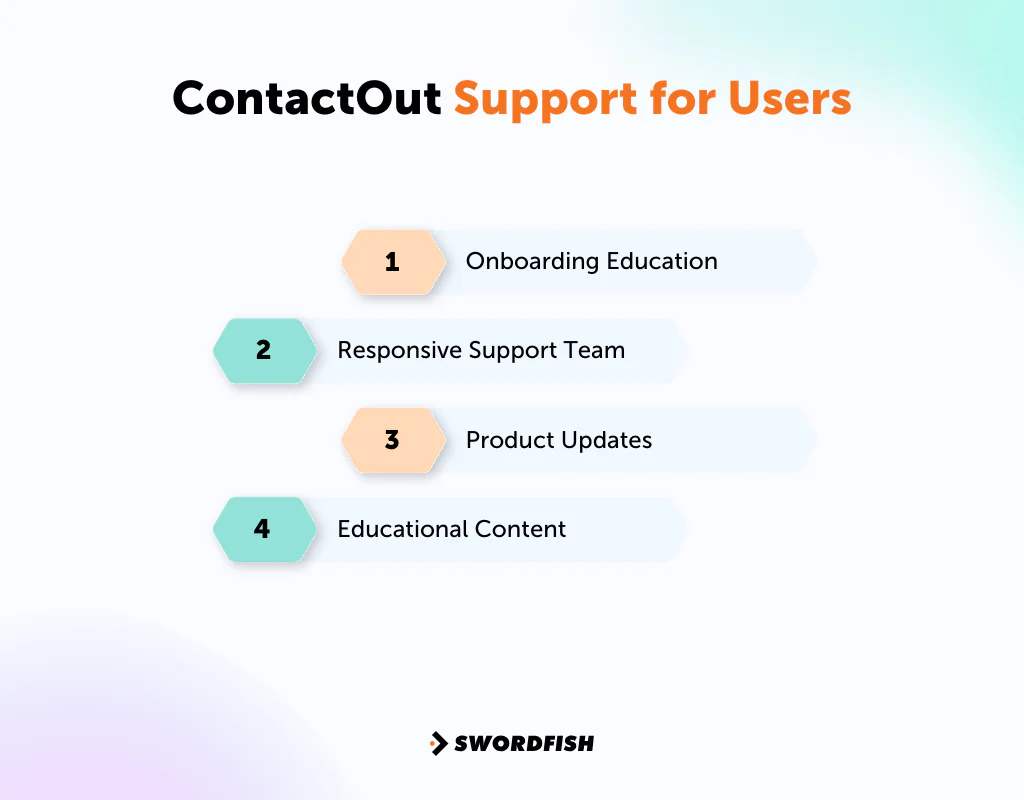
ContactOut’s support experience is one factor to compare when choosing a contact-data vendor. The points below summarize the support features described in this review.
Onboarding Education
Video tutorials and guides help new users get familiar with the tool’s features early on.
Responsive Support Team
Some users describe the support team as responsive when issues arise.
Product Updates
The review describes ContactOut as releasing periodic updates in response to user feedback, including bug fixes and requested capabilities.
Educational Content
Beyond the core product, ContactOut publishes recruitment-focused content that helps users sharpen sourcing practices.
ContactOut Pricing
Pricing and plan limits for tools like this change fairly often, so treat the figures below as a starting point rather than a locked-in quote, and confirm current numbers on the vendor’s own ContactOut pricing page before budgeting.
| Feature | Free Plan | Sales Plan | Recruiter Plan | Team Plan |
|---|---|---|---|---|
| Cost | $0/month | $79/month | Custom Pricing | Custom Pricing |
| Emails per Year | 4 emails/day | 6,000 | 12,000 | Custom |
| Phone Numbers per Year | 2 numbers/day | 600 | 600 | Custom |
| LinkedIn Compatibility | Standard | Sales Navigator | LinkedIn Recruiter | As in Recruiter |
| CRM Integration | None | Salesforce & HubSpot | Salesforce, HubSpot | As in Recruiter |
| Additional Features | None | Zapier Integration | ATS Integrations | Volume Discount, Team Collaboration |
Our Review: Is ContactOut the Right Tool for Your Business?
ContactOut combines a professional contact database with a LinkedIn Chrome extension, allowing users to find contact details while browsing profiles. Its usefulness depends in part on how closely that workflow matches a team’s sourcing habits.
ContactOut offers a limited free tier, while advanced filters and higher search volumes require a paid plan. Whether a paid plan is worthwhile depends on your outreach volume and current plan limits. High-volume teams should confirm any fair-use caps before assuming a plan is unlimited.
ContactOut may suit teams that want to organize contacts and enrich outreach lists without building that infrastructure themselves. It does not replace strategic targeting, but it can reduce some of the manual work involved in finding contact data across LinkedIn and other sources.
3 Best ContactOut Alternatives
ContactOut’s database and feature set won’t be the right fit for every team’s budget or workflow. Comparing it against a few alternatives helps clarify what you’d be trading off. Here are three worth considering:
1. Swordfish AI
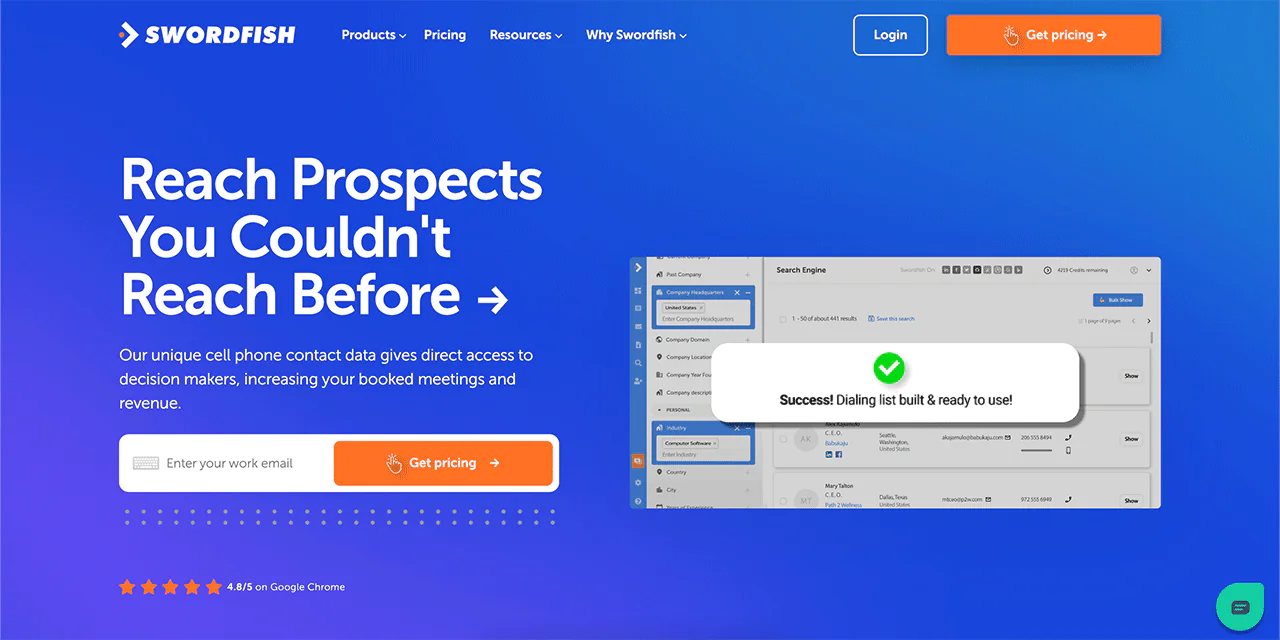
Swordfish AI differentiates itself with a cell phone verification system built for teams that rely on direct-dial outreach rather than email alone.
Its database spans more than 3.5 billion profiles, offering broader coverage than a LinkedIn-centric tool, and it integrates with Bombora Intent for buyer-intent signals alongside contact data.
The Swordfish Chrome Extension pulls email addresses from multiple platforms, including Facebook and LinkedIn, rather than a single source. A Reverse Search function also lets users identify contacts starting from partial information, which is useful when you’re working from an incomplete lead record.
Swordfish vs ContactOut: A Quick Comparison Table
Here’s a comparison table highlighting the features of Swordfish AI and ContactOut
| Feature | Swordfish AI | ContactOut |
|---|---|---|
| Email Finder | Finds emails accurately on platforms like LinkedIn and Twitter. | Provides access to emails and phone numbers of professionals, with a focus on LinkedIn. |
| Data Profiles | Access to over 3.5 billion profiles for comprehensive lead generation. | Offers a database of over 300 million professionals and 30 million companies. |
| Integration | Integrates with CRM systems like Zapier, and Salesforce; also syncs with outreach platforms. | Integrates with LinkedIn, Zapier Lever, Greenhouse, and Hubspot |
| Cell Phone Verification System | Proprietary system for verifying direct phone numbers. | Real-time email verification to ensure the accuracy of contact information. |
| Chrome Extension | Extension for easy data extraction from social media and professional sites. | Chrome extension available for integration with LinkedIn for lead finding and saving. |
 Try Swordfish Ai
2. Zoominfo
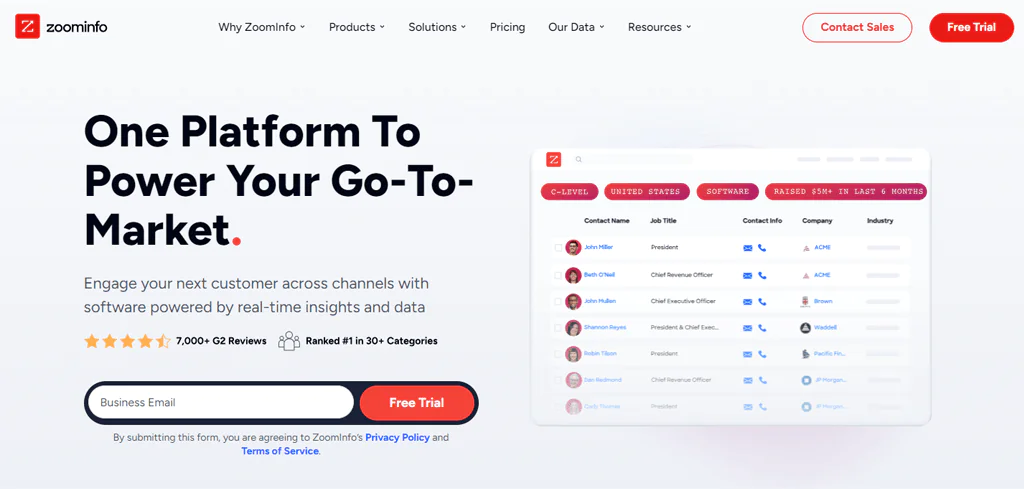
ZoomInfo is built around comprehensive B2B intelligence rather than a single-platform lookup. It offers access to hundreds of millions of professional profiles and over a billion company profiles, including a large set of verified phone numbers.
The review describes ZoomInfo’s AI and machine-learning features as tools for surfacing buying signals, demographic information, and market trends. These insights may help teams prioritize accounts, depending on their needs and how they use the data.
ZoomInfo’s coverage extends internationally, spanning tens of millions of global companies and hundreds of millions of individual profiles. That scale supports high-volume sales prospecting, though it comes with a steeper price tag than ContactOut for most teams.
ZoomInfo suits organizations that need deep firmographic and intent data alongside contact details. Teams that only need LinkedIn-based contact lookups may find it more platform than they need.
Zoominfo vs ContactOut: A Quick Comparison Table
Here is a tabular look at how Zoominfo and Contacout compare–
| Feature | ZoomInfo | ContactOut |
|---|---|---|
| Database Size | Over 600 million company and contact profiles | Over 300 million professionals |
| Chrome Extension | Available for web research and data extraction | Chrome extension primarily for LinkedIn |
| Integration | Integrates with CRM systems like Salesforce, HubSpot | Integrates with LinkedIn, Salesforce, Zapier, HubSpot, and ATS systems like Lever, Greenhouse, Bullhorn |
| Email Verification | Offers extensive email and contact verification tools | Provides real-time email verification |
| Sales Intelligence | Advanced lead scoring and market insights | Email campaigns and technographic data for targeted outreach |
| Contact Extraction | Efficient extraction of contact details from various sources | Extracts contact information from LinkedIn, providing both personal and professional details |
3. Apollo io
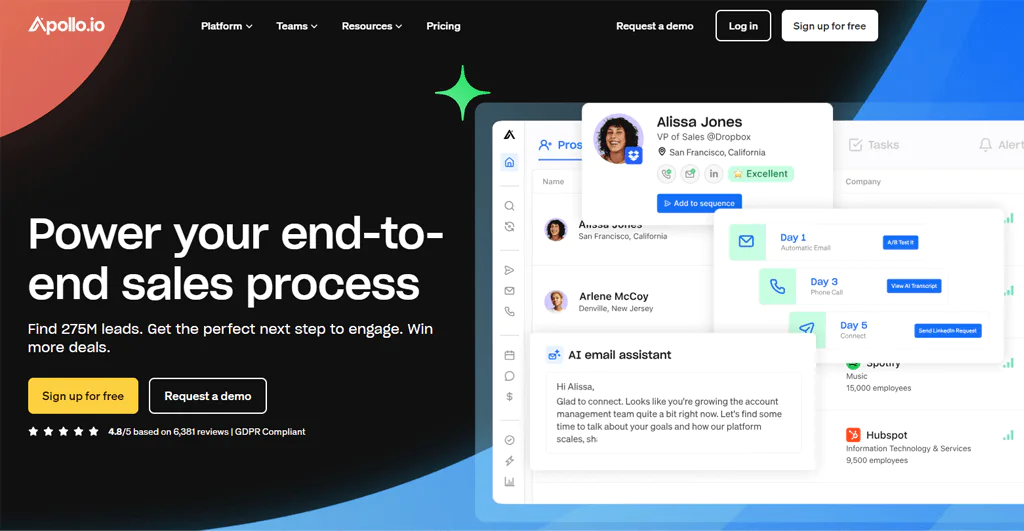
Apollo.io is a sales engagement platform for B2B teams that want lead generation and outreach in one place. Its contact database supports targeted campaigns, though users should assess the data’s fit and accuracy for their own needs.
The review lists integrated email outreach, AI-enabled calling, and enriched contact records from multiple sources among Apollo.io’s capabilities. These features can provide context for personalized messaging.
By combining a large contact database with built-in engagement tools, Apollo.io lets sales teams manage targeting and outreach from a single workflow, and its CRM integrations help keep that data in sync with the rest of the sales stack.
Apollo io vs ContactOut: A Quick Comparison Table
Here’s a comparison table for Apollo.io and ContactOut
| Feature | Apollo.io | ContactOut |
|---|---|---|
| Database Size | Over 220 million contacts | Over 300 million professionals |
| Extension Type | Chrome extension for LinkedIn and web integration | Chrome extension primarily for LinkedIn |
| Integration | Integrates with Salesforce, Pipedrive, Hubspot, etc. | Links with LinkedIn for direct contact saving; integrates with CRMs like Salesforce and HubSpot |
| Email Verification | Offers email validation and verification tools | Provides real-time email verification |
| Sales Engagement | Sales sequences for emails and calls | Email campaign functionality from LinkedIn |
| Lead Enrichment | Provides additional context and info about leads | Offers detailed professional and contact information, including technographic data |
Conclusion
ContactOut may suit teams that work primarily in LinkedIn and want contact discovery, verification, and basic outreach in one tool. Its Chrome extension and Search Portal support LinkedIn-based and database searches.
Reported drawbacks include pricing transparency, usage caps on some plans described as unlimited, and occasional data-accuracy concerns. Before choosing an annual plan, test the data against your own contacts and confirm the current usage terms.
Teams that prioritize direct-dial numbers or need sourcing beyond LinkedIn may want to compare ContactOut with broader contact databases, including Swordfish, before deciding.
FAQs
Is ContactOut free?
ContactOut offers a free tier with limited daily usage rather than a fully-featured free plan. Historically that’s meant a small number of emails and phone numbers per day, and it typically works only with standard LinkedIn rather than Sales Navigator or Recruiter. Confirm current daily limits on ContactOut’s site, since these figures change.
Is there an option for an annual payment with a discount?
ContactOut has historically offered discounted annual billing compared to paying monthly, though the exact discount percentage should be verified on their current pricing page.
Can I change my plan up or down whenever I want?
Yes, ContactOut allows users to adjust their plan to better match usage needs.
Are the primary focuses of ContactOut alternatives centered around LinkedIn for contact sourcing?
Many tools, including ContactOut, lean heavily on LinkedIn, but several alternatives pull contacts from a wider range of platforms and websites, which broadens lead generation options.
How do these alternatives guarantee the accuracy of contact details?
Most alternatives rely on a mix of algorithms, web crawling, and regular database updates to keep contact information current, though no tool guarantees perfect accuracy and periodic verification is still worthwhile.

