


 View Products


Last updated: September 1, 2026

You’ve found the right candidate or the right prospect, and then the trail goes cold. LinkedIn messages sit unread, generic company emails bounce back with an out-of-office reply, and the person you actually need to reach never sees your outreach.
A direct cell phone number or personal email changes that math. Reaching someone on a channel they actually check tends to produce faster, more genuine replies than another message buried in a platform inbox.
The problem is finding that direct line. The information usually exists somewhere online, scattered across public records, professional profiles, and data partnerships, but pulling it together by hand takes far too long. Contact finding tools exist to close that gap by searching across large data sets and returning verified details in seconds instead of hours.
Below is a practical look at ten of the tools recruiters and sales teams currently use, what each one does well, where it falls short, and how to think about picking one for your own workflow.
Key takeaways
- Contact finding tools search for phone numbers or email addresses using details such as a person’s name, company, or LinkedIn URL.
- Useful tools combine contact lookup with features such as email verification, search filters, and CRM or ATS integrations.
- The ten tools covered differ in emphasis, including direct contact data, domain-based email discovery, and broader company intelligence.
- Choose a tool based on the contact data you need, lookup volume, verification approach, integrations, scale, and compliance considerations.
- Test a tool against a sample list or trial before committing, because vendor claims alone do not establish how well its data fits your workflow.
What is a Contact Finding Tool?
A contact finding tool helps you locate someone’s phone number or email address without manual digging. You enter what you already know, usually a name, company, or LinkedIn URL, and the tool searches its data sources for a match.
Most of these platforms pull from multiple data sources rather than a single database, which improves coverage and reduces the chance of a dead end. The better ones also refresh their records regularly, so a recent job change or promotion is less likely to leave you with stale contact information.
Think of it as a modern version of a phone book, except it’s searchable by job title, company, or social profile instead of just a last name.
What are the Features of the Best Contact Finding Tools?
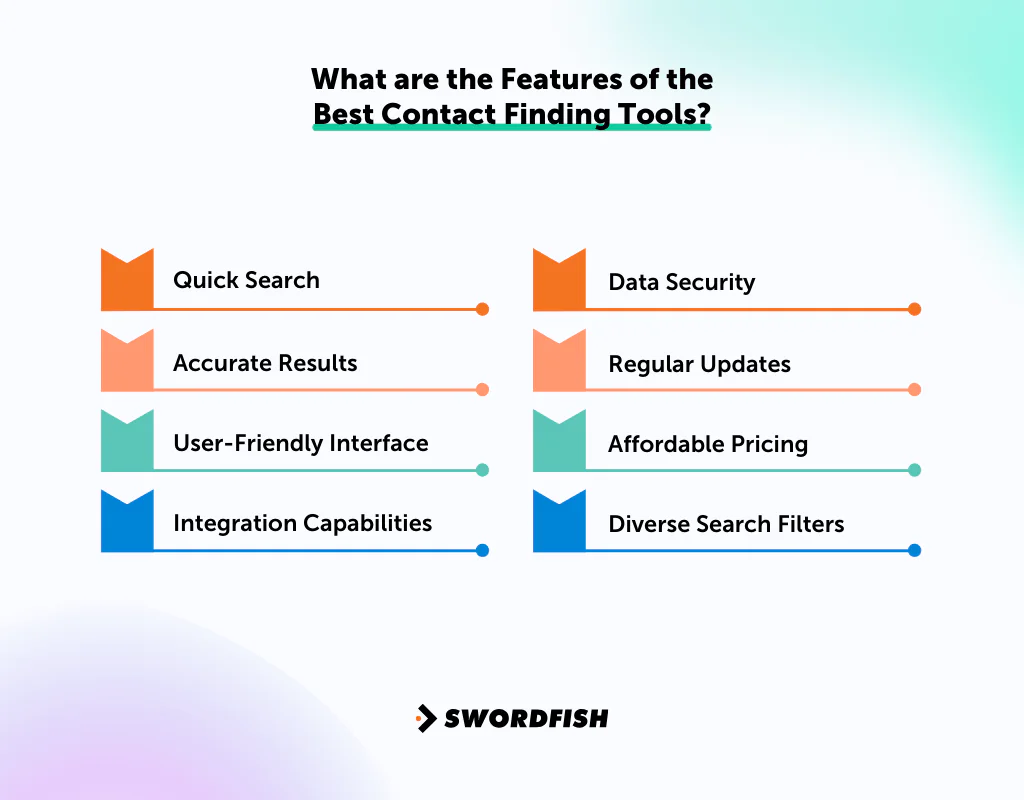
Useful contact finding tools make it possible to search quickly, return relevant contact details, and work with your existing systems; verification, integrations, security, and pricing are also important factors to assess.
Not every contact finder is built the same way. Here’s what separates a genuinely useful tool from one that wastes your credits.
Quick Search
Speed matters when you’re working through a prospect list or a candidate pipeline. A good tool returns results almost instantly rather than making you wait or click through multiple screens.
Accurate Results
Speed without accuracy is worthless. A wrong number or dead email costs you the outreach attempt and, in regulated industries like healthcare, can create compliance headaches if you’re contacting the wrong person entirely. Look for tools that publish or can explain their verification process rather than just claiming a high accuracy percentage.
User-Friendly Interface
The best tools don’t require training. If you need a manual to run a basic search, that’s a sign the product wasn’t built with the end user in mind.
Integration Capabilities
A contact finder that plugs into your CRM or applicant tracking system saves you from manually copying data between platforms. This matters more as your search volume grows.
Data Security
Your searches and results are sensitive. Reasonable data security practices, encrypted storage, and clear handling policies should be table stakes, not a premium add-on.
Regular Updates
People change jobs, phone numbers, and email providers constantly. A database that isn’t refreshed regularly becomes less useful every month.
Affordable Pricing
Price should scale with the volume and type of data you need. Many providers offer trial periods or lower-tier plans worth testing before committing to an annual contract.
Diverse Search Filters
Filtering by location, industry, seniority, or company size lets you narrow a search instead of sorting through irrelevant results.
Quick List of Top 10 Contact Finding Tools
The ten tools in this comparison include options for direct contact details, email discovery, B2B data, and company intelligence; their stated best-fit use cases are summarized below.
- Swordfish AI: Best for direct contact data, including verified cell phone numbers.
- ContactOut: Best for sourcing direct contact details quickly.
- ZoomInfo: Best for comprehensive B2B contact data at scale.
- Hunter.io: Best for email discovery and verification by domain.
- Lusha: Best for pulling contact details from social profiles.
- D&B Hoovers: Best for detailed company insight and lead enrichment.
- Uplead: Best for verified B2B data and lead generation.
- Data Axle Genie: Best for data-driven contact discovery at volume.
- Salesfully: Best for affordable, high-volume lead generation.
- RocketReach: Best for combined email, phone, and social lookups.
Top 10 Contact Finding Tools: Comparison Table
The table below provides a side-by-side comparison of where each tool tends to stand out and where it has limits, to help narrow your shortlist before you dig into individual reviews.
Tools | Cell Phone & Email Info | CRM Integration | Real-time Verification | Bulk Lookup | Unlimited Exports |
 | Yes | Yes | Yes | Yes | Yes |
 | No | Yes | Yes | No | Yes |
 | Yes | Yes | Yes | Yes | No |
 | No | Yes | Yes | Yes | No |
 | Yes | Yes | No | No | No |
 | Yes | Yes | No | Yes | No |
 | Yes | Yes | Yes | Yes | No |
 | Yes | No | Yes | No | No |
 | No | Yes | Yes | No | No |
 | No | Yes | Yes | Yes | No |
The 10 Best Contact Finding Tools for Building Your Network
Each of these platforms takes a slightly different approach to contact discovery. Here’s a closer look at what each one actually offers.
1. Swordfish.AI
Swordfish AI focuses specifically on cell phone numbers and personal emails, the contact details that are hardest to find through a standard search. It’s built for recruiters and sales professionals who need a way to reach candidates or prospects who don’t respond on LinkedIn or through a generic company inbox.
The core workflow runs through the Swordfish AI Google Chrome extension, which overlays contact data directly on top of supported profile pages so you don’t have to switch tabs to run a lookup.
The tool is built for speed rather than depth of company-level intelligence. If you need cell phone or personal email data quickly and don’t need firmographic or intent data layered on top, that focus is an advantage. If you need org charts, technographics, or department-level data, you’ll want a broader platform alongside it.
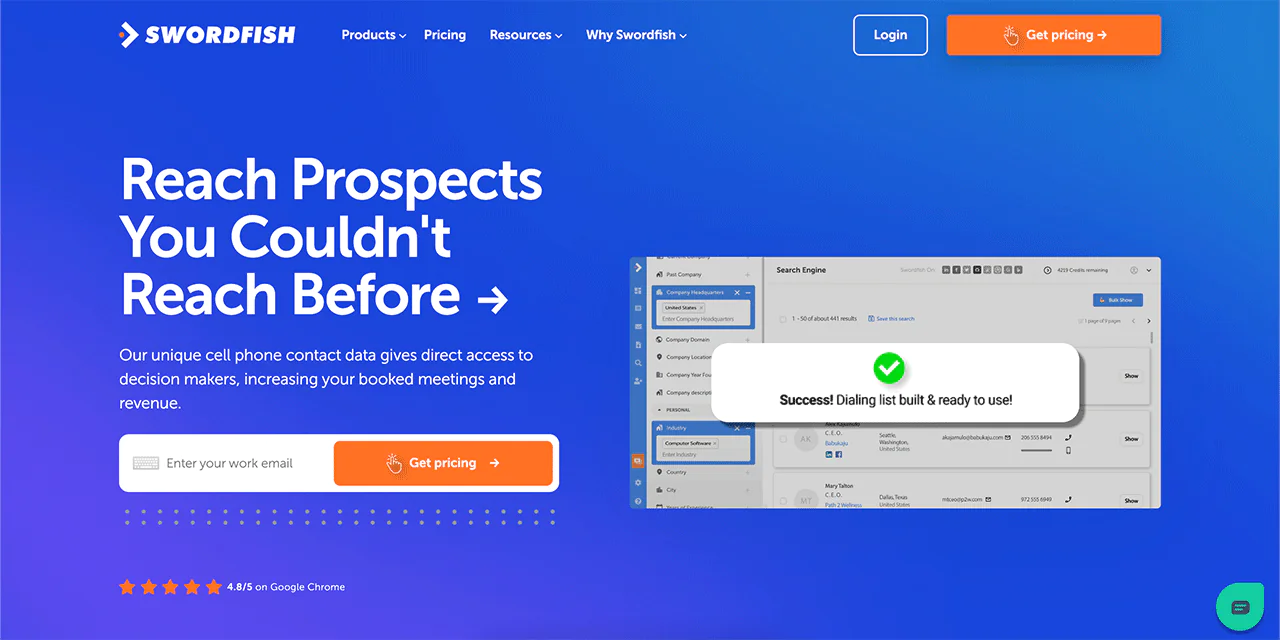
About Swordfish AI
- Founding year: 2015
- Founding team: Ben Argeband
- Operates as a bootstrapped, self-funded company rather than a venture-backed one
What Sets Swordfish Apart?
Swordfish’s core differentiator is its verification approach for cell phone numbers. Rather than pulling from one static list, the platform cross-checks each number against a network of data partners before returning a result, which reduces the odds of dialing a disconnected or reassigned line.
The company reports a database built from billions of individual data points across contact records, which gives it broad reach even though it isn’t a general-purpose B2B intelligence platform the way some competitors are.
Swordfish also ties into other parts of a sales or recruiting stack through its integrations with other tools, which matters if you don’t want contact data sitting in a silo separate from your CRM or ATS.
Key Features of Swordfish
The feature set is narrower than an all-in-one sales intelligence suite, but each piece is built around the same goal: getting you a working phone number or email fast.
- Large Contact Database: A sizable pool of phone and email records drawn from cross-verified data partners.
- Cell Phone Accuracy Focus: The platform’s core positioning is around surfacing working mobile numbers rather than office lines, using cross-verification against multiple partner sources.
- Real-time Checks: Numbers are checked for connectivity before being returned, part of what the company calls real-time line connectivity validation.
- Chrome Extension: Lets you find people’s contact info directly from LinkedIn, Facebook, Twitter/X, GitHub, and several other platforms without leaving the page.
- Bulk Searching: The Prospector tool supports searching and filtering across the database for list-building, useful when you’re working through a longer pipeline rather than one profile at a time.
Best Use Cases of Swordfish
- Collaboration: Shared contact records help keep a team’s outreach efforts from overlapping or duplicating work.
- Communication: Verified numbers reduce the back-and-forth of chasing bad contact info.
- Data Retrieval: Quick lookups save time compared to manual research.
- Networking: Useful for expanding a professional network by locating direct contact paths.
- Sales and Marketing: Helps teams reach decision-makers directly instead of relying on general inboxes.
- Recruitment: Recruiters can reach candidates who don’t respond through standard channels.
- Research: Useful for gathering verified contact points on individuals or companies as part of a broader research task.
Pros of Using Swordfish
- Large database built specifically around cell phone and personal email data
- Available as a browser extension and web app
- Cross-verification approach aims to reduce dead or reassigned numbers
- Integrates with common CRM and outreach tools
Pricing
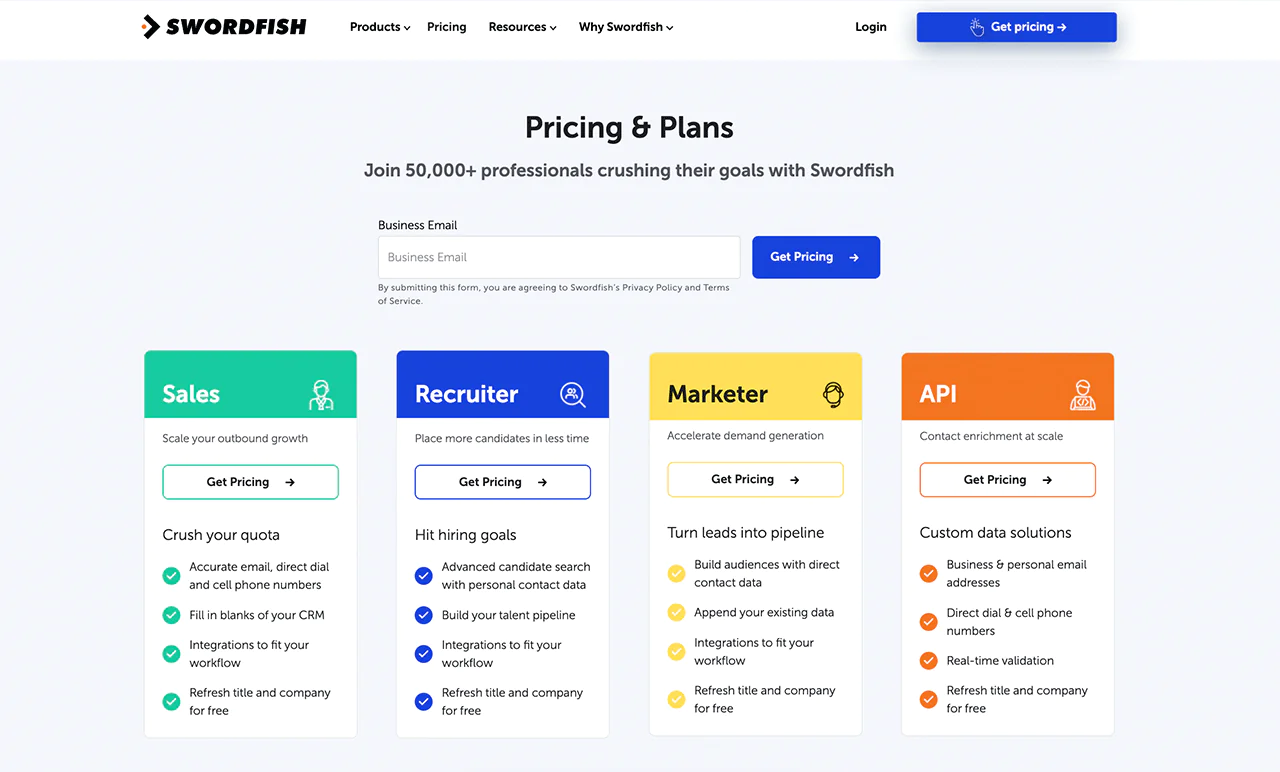
 Try Swordfish Ai
Customer Ratings
- Ratings are published on G2, the Google Chrome Web Store, and Gartner Peer Insights; check each platform directly for current scores and review counts, since these figures shift over time.
2. ContactOut
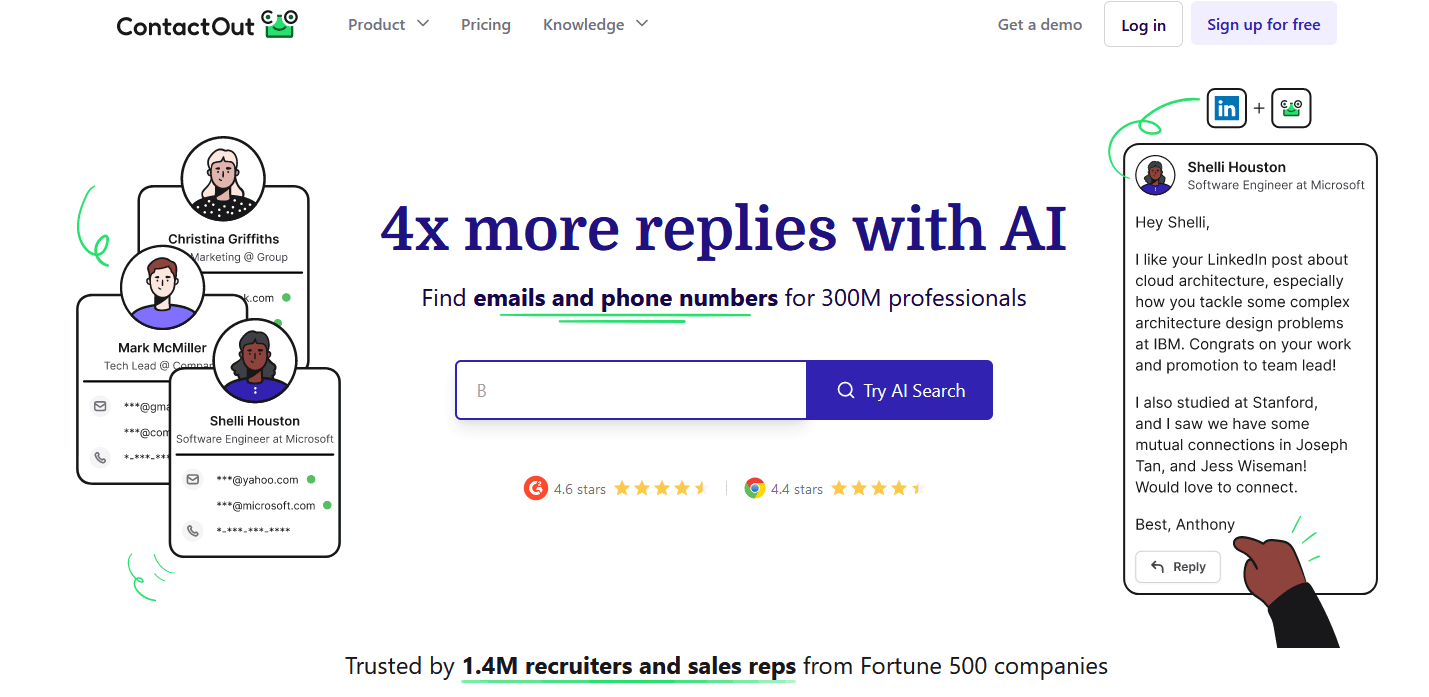
ContactOut is built around finding professional email addresses and phone numbers at scale, drawing on a database that reportedly covers hundreds of millions of professional profiles.
It positions itself as compliant with CCPA and GDPR, which is worth confirming against your own legal requirements if you’re handling contact data across regions.
About ContactOut
- Founding year: 2015
- Founding team: Rob Liu
Features of ContactOut
- Email Finder: Enter a name and domain to get a matching email address.
- Browser Extension: Pulls contact details directly from LinkedIn profiles.
- Real-time Verification: Checks email addresses before returning them.
- Triple Verified Emails: Runs multiple checks to reduce bounce rates.
- Search Portal: Lets you find, save, and organize leads in one place.
Pros:
- Reports a high data accuracy rate
- Positions itself as compliant with CCPA and GDPR
- Integrates with common outreach and CRM platforms
- Generally positive user experience feedback
Cons:
- Some profiles may lack full contact details
- Accuracy can drop in niche or less common industries
- Primarily focused on professional email rather than broader data
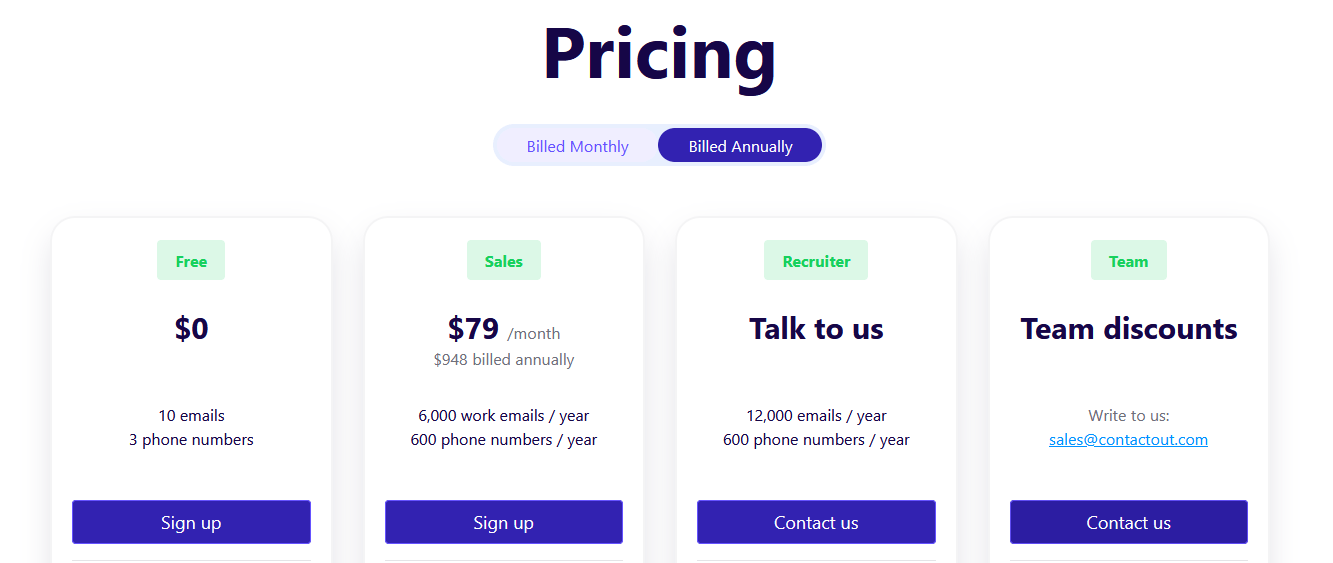
Pricing
Customer Ratings
- G2: 4.6 (97 Reviews)
- Capterra: 4.4 (10 Reviews)
- Trustpilot: 1.7 (45 Reviews)
3. ZoomInfo
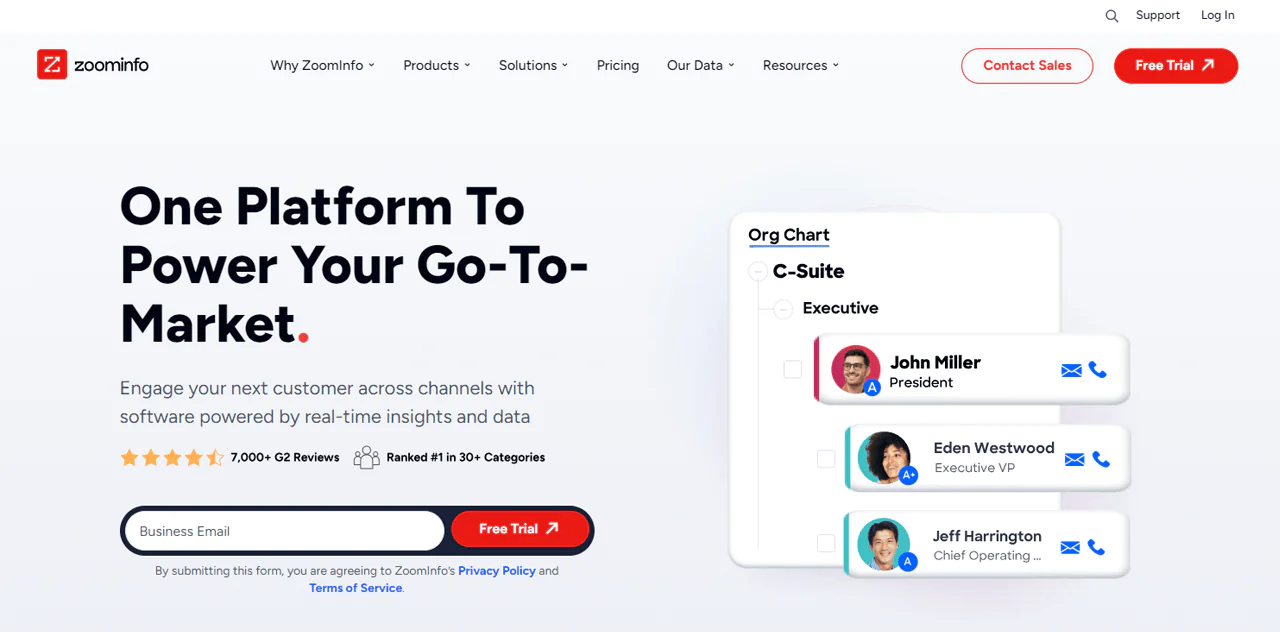
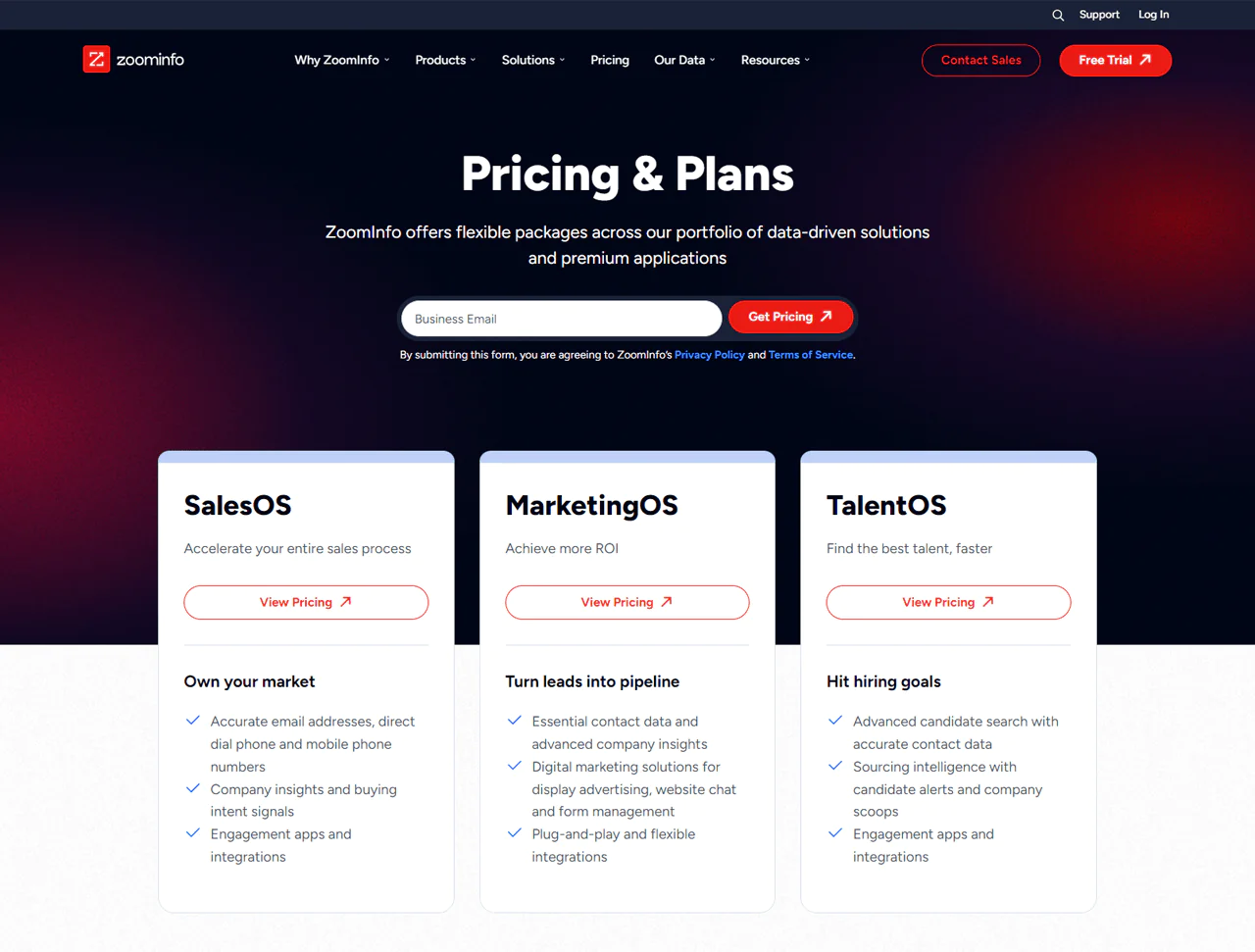
ZoomInfo is one of the largest B2B data platforms on the market, combining contact records with company-level intelligence like firmographics, technographics, and intent signals.
Where a narrower tool answers one question, ZoomInfo tries to answer a broader set: who to target, when to reach out, and what signals suggest they’re ready to buy.
About ZoomInfo
- Founding year: 2007
- Founding team: Henry Schuck
Features of ZoomInfo
- Comprehensive Database: Millions of professional profiles and company records.
- Direct Dials and Emails: Verified contact details for reaching people directly.
- WebSights Technology: Tracks which companies are visiting your website.
- Intent Data: Flags companies actively researching relevant products or services.
- Enhanced Data Management: Cleans and appends data to keep contact lists current.
Pros
- High-quality, verified contact data
- Smooth CRM integrations
- AI-assisted prospecting features
- Real-time alerts on target accounts
- Broad toolset for varied sales needs
Cons
- Premium tiers carry a higher cost
- Coverage can be thinner in some industries
Pricing
Customer Ratings
- G2: 4.5 (7,114 Reviews)
- Capterra: 4.2 (273 Reviews)
4. Hunter.io
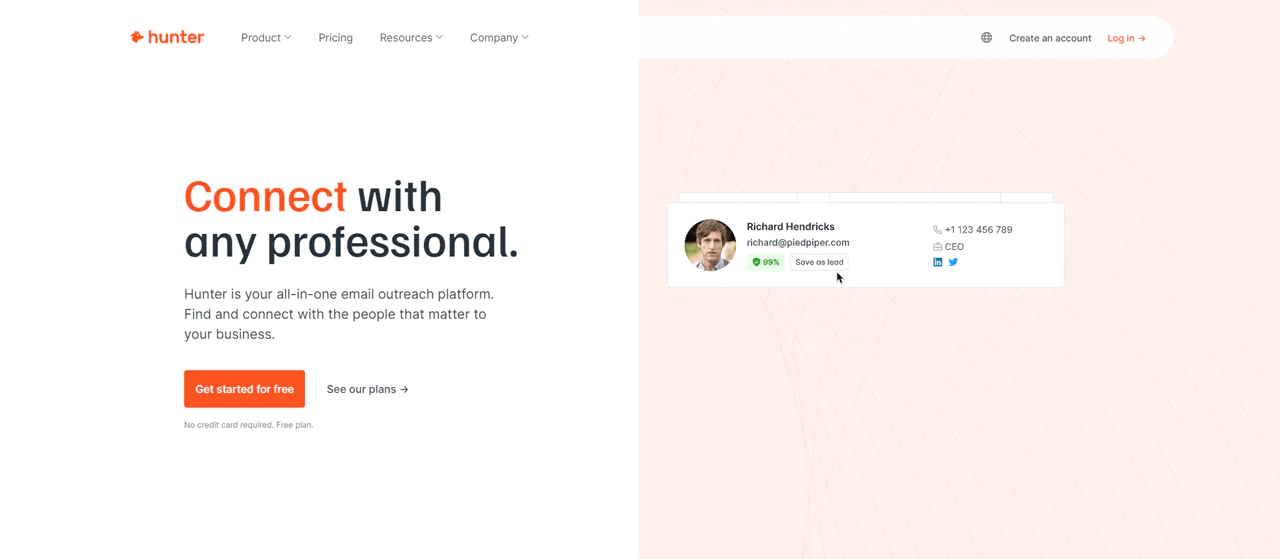
Hunter.io is widely used for finding email addresses tied to a specific domain. Enter a company’s website, and it returns email addresses associated with that domain, along with context on where those addresses appear online.
About Hunter.io
- Founding year: 2015
- Founding team: François Grante and Antoine Finkelstein
Features of Hunter.io
- Domain Search: Find email addresses tied to a specific company domain.
- Email Finder: Enter a name and domain to get a likely email match.
- Email Verifier: Checks deliverability before you send.
- Chrome Extension: Find emails while browsing websites or LinkedIn.
- Bulk Tasks: Run searches and verifications at scale for larger campaigns.
Pros
- Straightforward domain-based email search
- Works well alongside other outreach tools
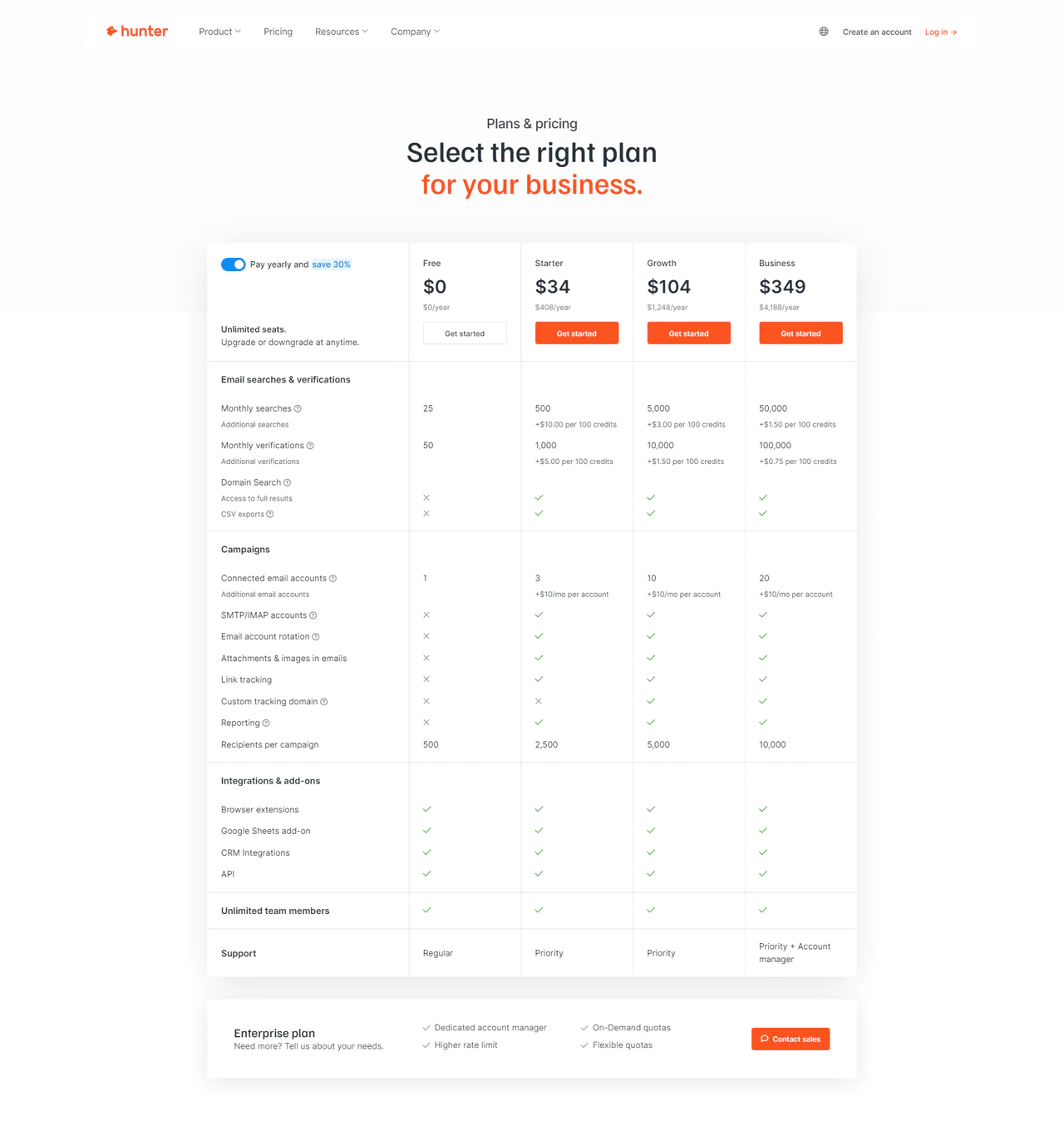
- Free tier available for light use
- Handles bulk tasks efficiently
Cons
- Free version has limited monthly searches
- Some paid plans get expensive at higher volumes
Pricing
Customer Ratings
- G2: 4.4 (509 Reviews)
- Capterra: 4.6 (593 Reviews)
- Trustpilot: 4.7 (182 Reviews)
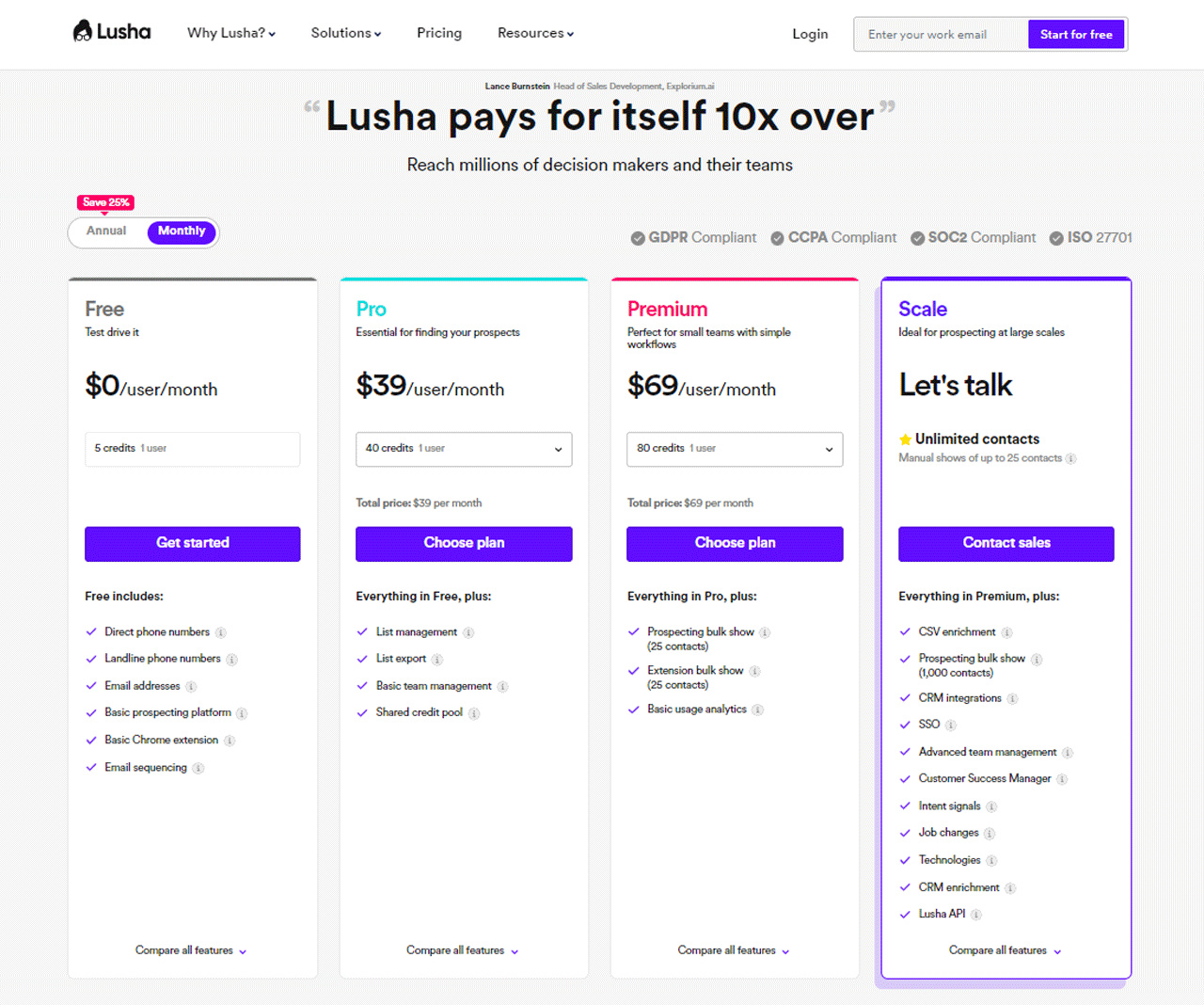
5. Lusha
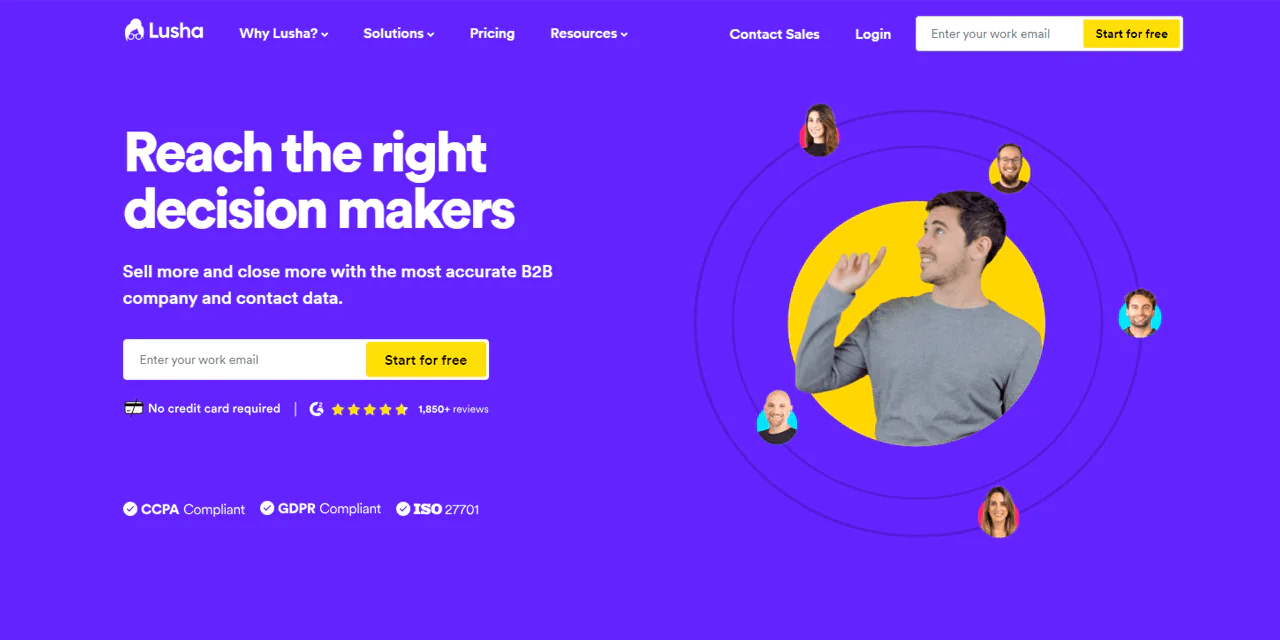
Lusha pulls phone numbers and email addresses for professionals, with a strong tie-in to LinkedIn browsing. It’s a common choice for sales teams that want contact data without leaving the profile they’re already viewing.
About Lusha
- Founding year: 2016
- Founding team: Yoni Tserruya and Assaf Eisenstein
Features of Lusha
- Integration With Different Tools: Pulls contact details directly from LinkedIn and other platforms.
- Direct Contact Information: Phone numbers and email addresses in one lookup.
- Browser Extension: Access contact details without leaving your current page.
- Company Profiles: Insight into company size, industry, and other basics.
- API Access: Supports custom integrations for developers.
Pros and Cons of Using Lusha
Pros
- Solid B2B contact data coverage
- Tools for both individuals and teams
- Integrates easily with common CRMs
- Simple, easy-to-navigate interface
- Generally positive user feedback
Cons
- Premium plans can get pricey
- Free tier has limited monthly searches
Pricing
Customer Ratings
- G2: 4.3 (1393 Reviews)
- Capterra: 4.0 (354 Reviews)
- Trustpilot: 2.5 (535 Reviews)
6. D&B Hoovers
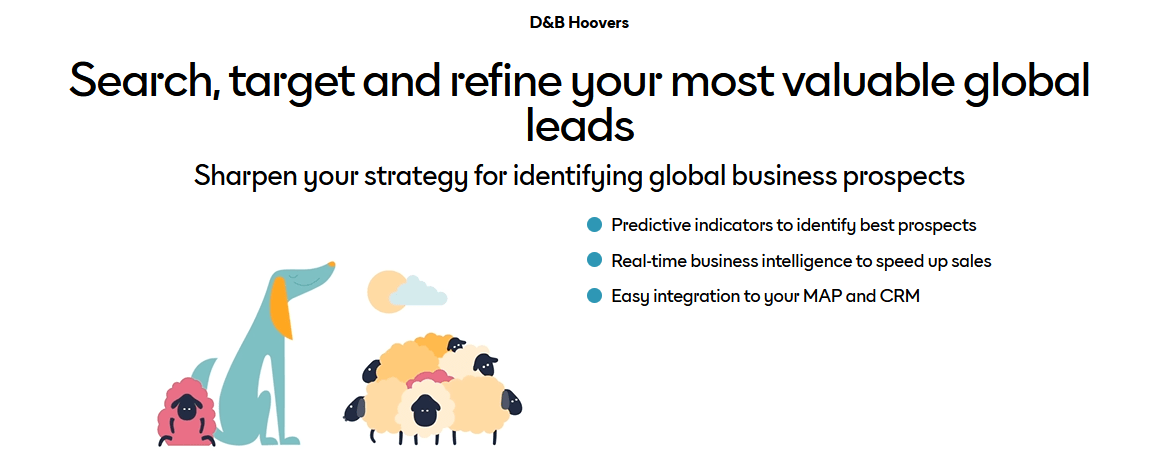
D&B Hoovers draws on a large business database covering companies worldwide, positioning itself as a sales intelligence tool rather than a simple contact lookup. It’s built for identifying leads, researching market trends, and evaluating business risk before you reach out.
It integrates with common CRM platforms and includes tools for building targeted lead lists based on company-level criteria rather than just individual contact details.
About D&B Hoovers
- Founding year: 1990
- Founding team: Gary Hoover & Patrick Spain
Features of D&B Hoovers
- Vast Database: Covers millions of companies and decision-makers globally.
- Targeted Insights: Detailed profiles covering operations, financials, and strategy.
- Lead Builder Tool: Build targeted lead lists based on specific criteria.
- Real-time Alerts: Notifications on mergers, financial results, and other key events.
- Industry Analysis: Insight into market trends and challenges by sector.
Pros
- Detailed business data insights
- Large database of company profiles
- Customizable search and filtering
- Smooth CRM integration
Cons
- Subscriptions can be pricier than competitors
- Interface can feel complex at first
Pricing
Pricing isn’t publicly listed.
Customer Ratings
- G2: 4.0 (547 Reviews)
- Capterra: 4.5 (12 Reviews)
- Trustpilot: 3.8 (2 Reviews)
7. Uplead
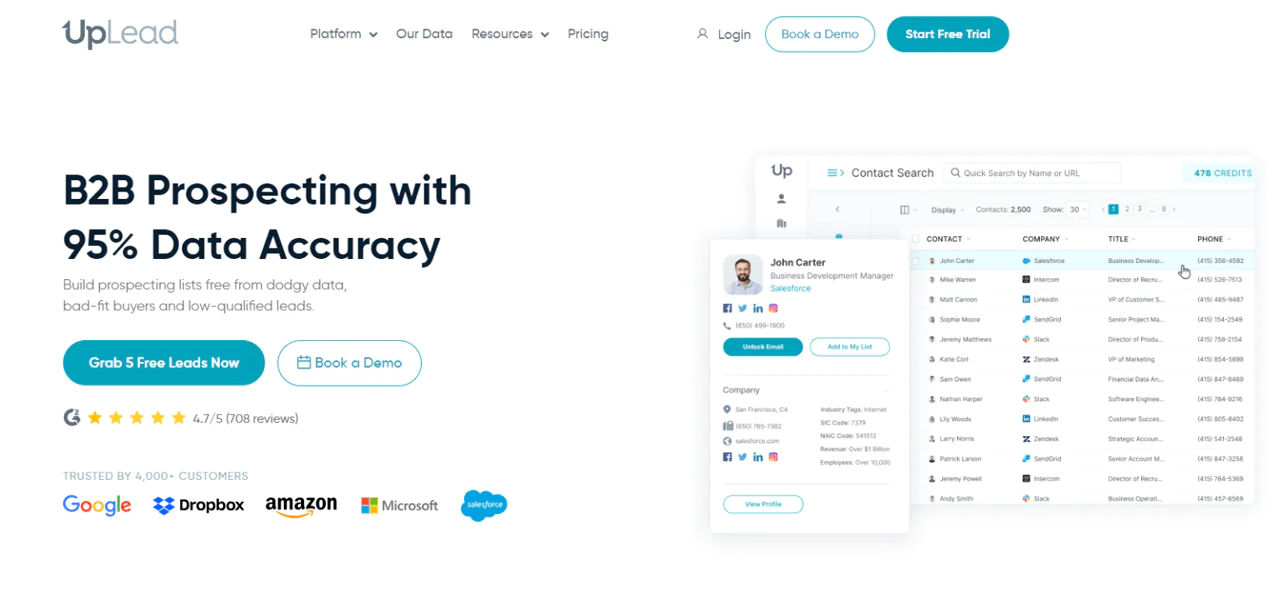
Uplead is a B2B data provider built around verified business emails and lead-finding, with an emphasis on data accuracy over sheer database size.
Uplead advertises a real-time verification process meant to ensure the emails and numbers you pull are current before you use them, which matters most when reaching decision-makers who don’t tolerate a bounced first contact.
About Uplead
- Founding year: 2017
- Founding team: Will Cannon
Features of Uplead
- Rich B2B Database: Millions of business contacts across industries and roles.
- Real-time Email Verification: Checks addresses instantly before you use them.
- Advanced Search Filters: Filter by job title, industry, location, and more.
- CRM Integration: Smooth data transfer into popular CRMs.
- Data Enrichment: Fills in missing details on existing contact lists.
Pros
- Real-time email verification for users
- Integrates with popular CRM systems
- Custom list building based on criteria
- Browser extension supports online prospecting
Cons
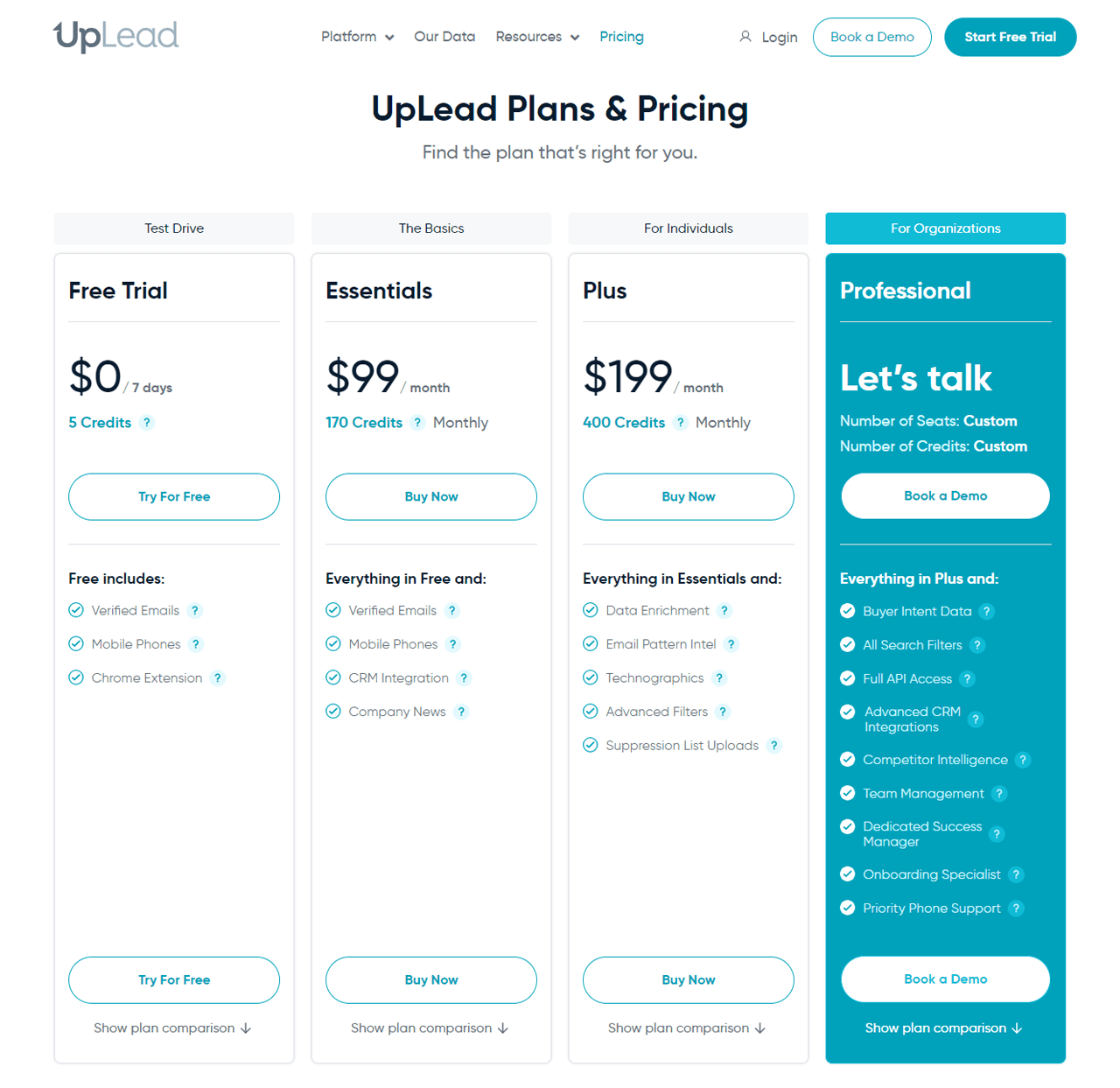
- Premium features can get costly
- Data coverage may not span every niche industry
Pricing
Customer Ratings
- G2: 4.7 (708 Reviews)
- Capterra: 4.7 (74 Reviews)
- Trustpilot: 2.7 (12 Reviews)
8. Data Axle Genie
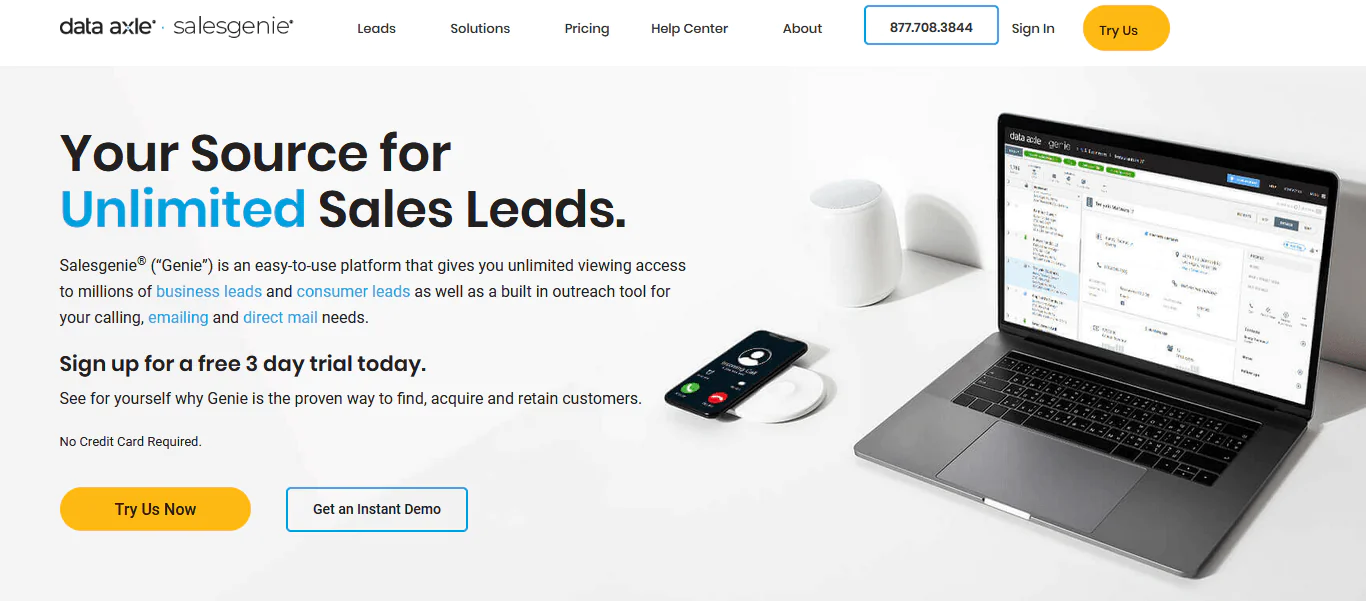
Built by Data Axle, this tool provides access to a large database of global companies with a focus on B2B data collection and lead generation at volume.
It includes a bulk data pull feature suited to larger outreach campaigns, along with verification steps meant to keep contact records current before you use them.
About Data Axle
- Founding year: 1972
- Founding team: Vinod Gupta
Features of Data Axle Genie
- Extensive Database: Covers numerous industries and professionals.
- Instant Data Retrieval: Quick access to contact details.
- Segmentation Tools: Categorize leads based on various criteria.
- CRM Compatibility: Smooth transition of data between systems.
- Real-time Updates: Database refreshed regularly for current information.
Pros and Cons of Using Data Axle Genie
Pros
- Tools for effective sales lead generation
- Customizable lists based on specific criteria
- Integrates with popular CRM platforms
- Regular updates help keep data fresh
Cons
- Some data points may lack accuracy
- Learning curve for new users
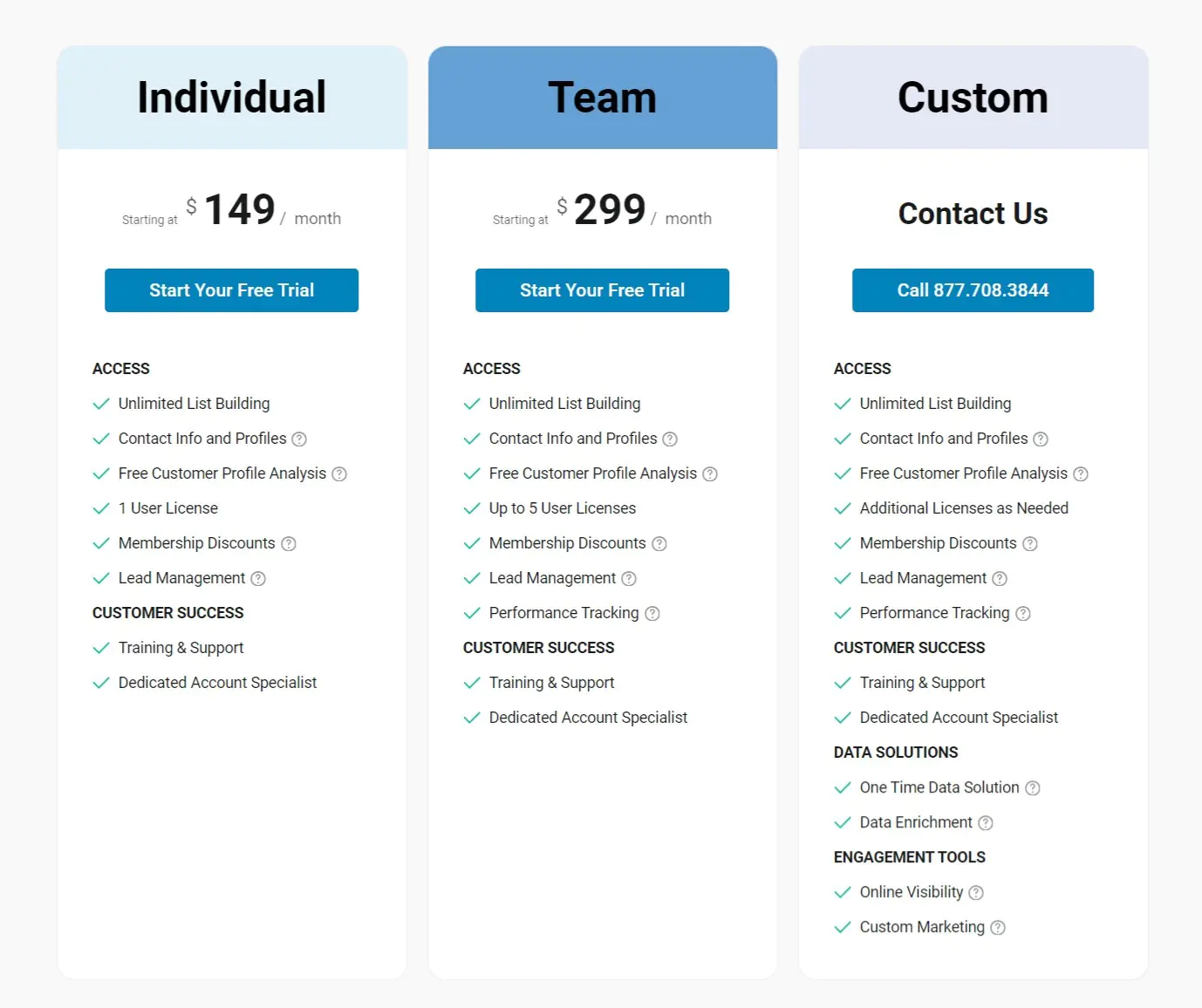
Pricing
Customer Ratings
- G2: 4.3 (141 Reviews)
- Capterra: 4.0 (1 Review)
- Trustpilot: 4.0 (69 Reviews)
9. RocketReach
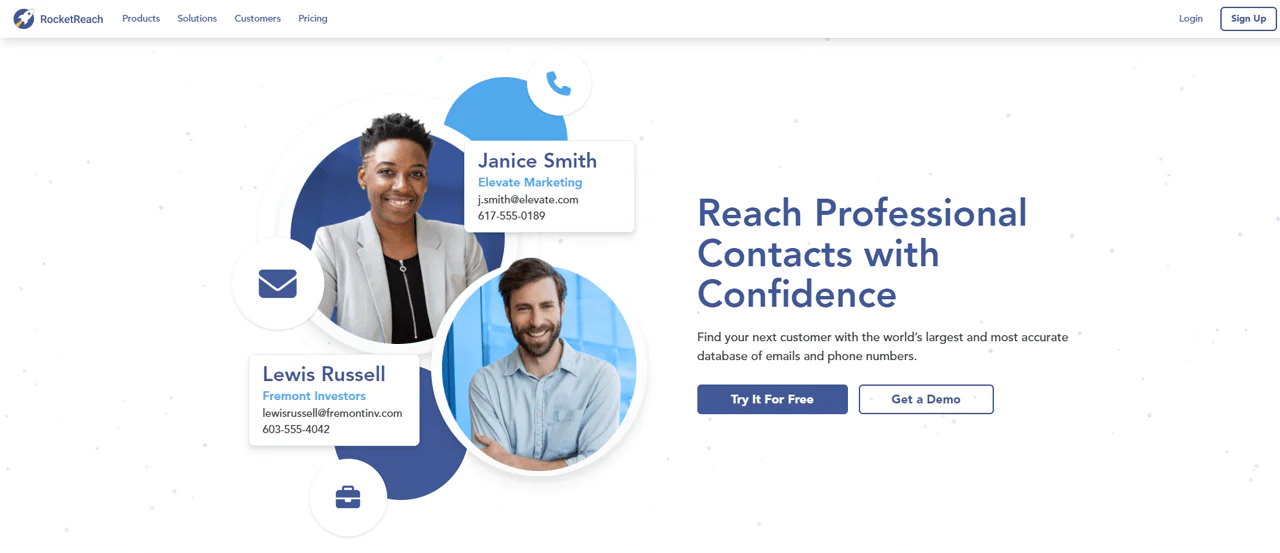
RocketReach provides links to email, phone, and social media details for a large base of professional profiles, positioned as a bridge between sales, recruiting, and networking use cases.
It offers integrations with platforms including LinkedIn, letting users pull contact information directly from a profile rather than searching separately.
About RocketReach
- Founding year: 2016
- Founding team: Andrew TSO and Amit Shanbhag
Features of RocketReach
- Broad Database: Details on a large base of professionals worldwide.
- Profile Lookup: Enter a name to retrieve associated contact details.
- LinkedIn Integration: Helps users find email addresses directly from LinkedIn profiles.
- Email Verification: Checks validity before you use an address.
Pros
- Browser extension supports online search
- Integrates with popular CRM platforms
- Both individual and bulk lookup options
- Coverage across a wide range of industries
Cons
- Premium plans can be costly
- Accuracy can vary by sector
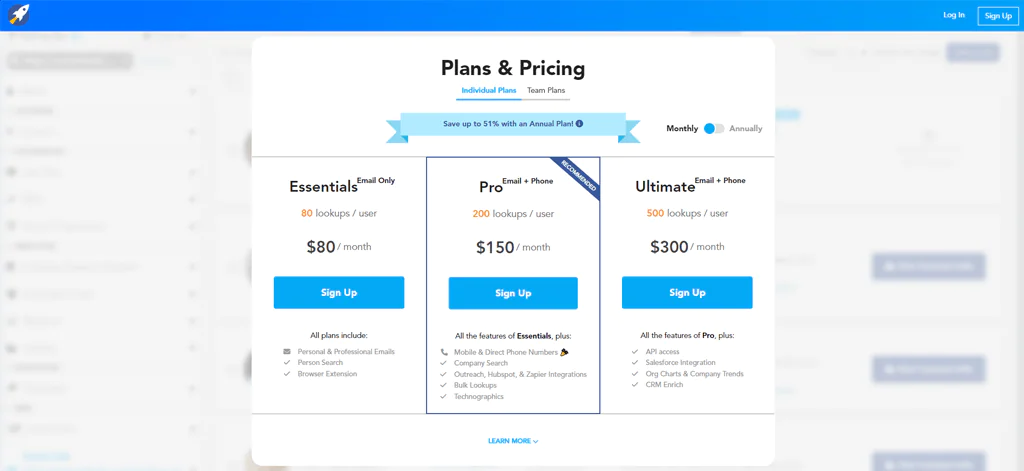
Pricing
Customer Ratings
- G2: 4.5 (636 Reviews)
- Capterra: 4.2 (126 Reviews)
- Trustpilot: 2.2 (903 Reviews)
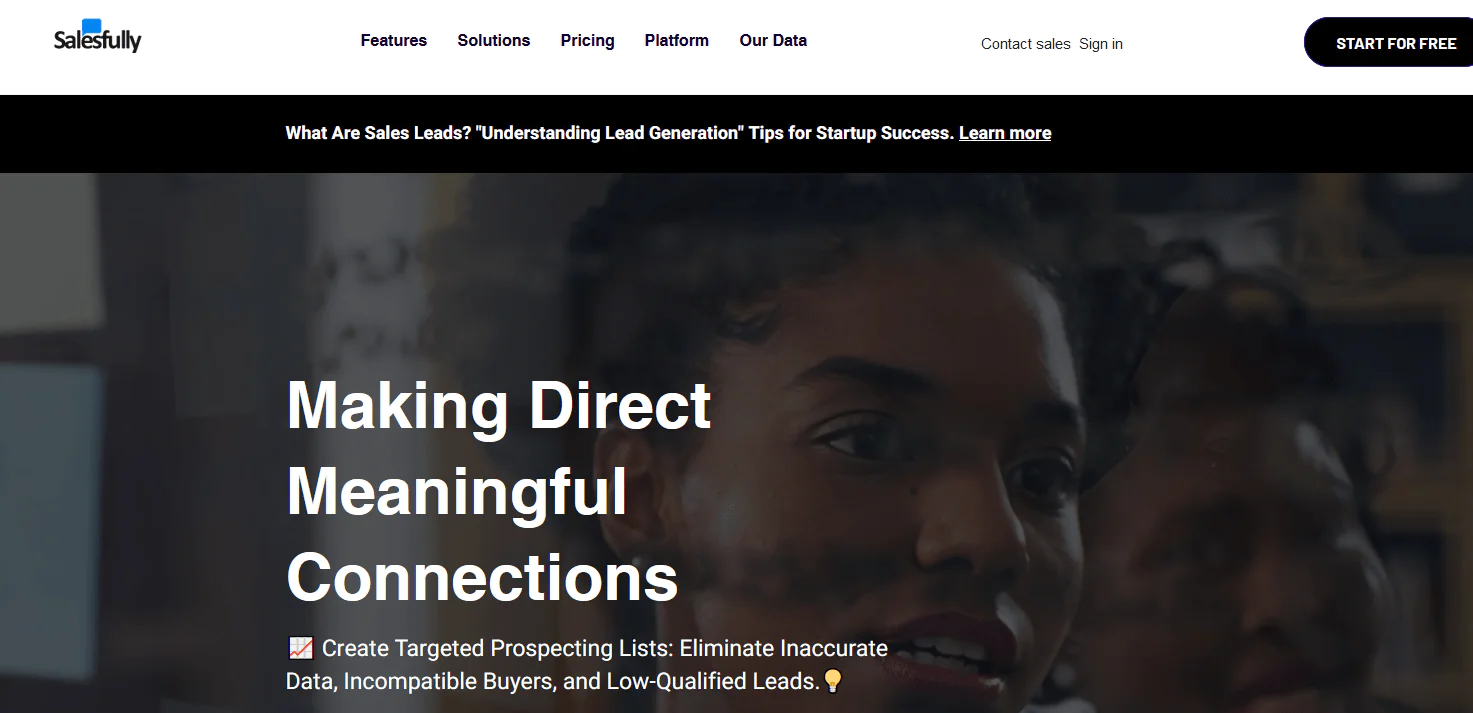
10. Salesfully
Salesfully covers both consumer (B2C) and business (B2B) data with a large database of sales leads, aimed at teams that need volume without a heavy price tag.
The interface leans simple, with straightforward search filters rather than a deep analytics suite, and it emphasizes data security practices to protect user information.
About Salesfully
- Founding year: 2015
- Founding team: Frank Dappah
Features of Salesfully
- Advanced Search Filters: Pinpoint leads by job title, location, industry, and more.
- Data Verification: Records go through a verification step before delivery.
- Bulk Downloads:Supports large-scale outreach through bulk data extraction.
- CRM Integration: Smooth data transfer into popular CRM platforms.
Pros
- Simple interface for searching and filtering
- Covers both consumer and business contact lists
- Regularly updated data
- Supports high-volume data downloads
Cons
- Lacks advanced analytics and reporting
- Fewer integrations than larger competitors
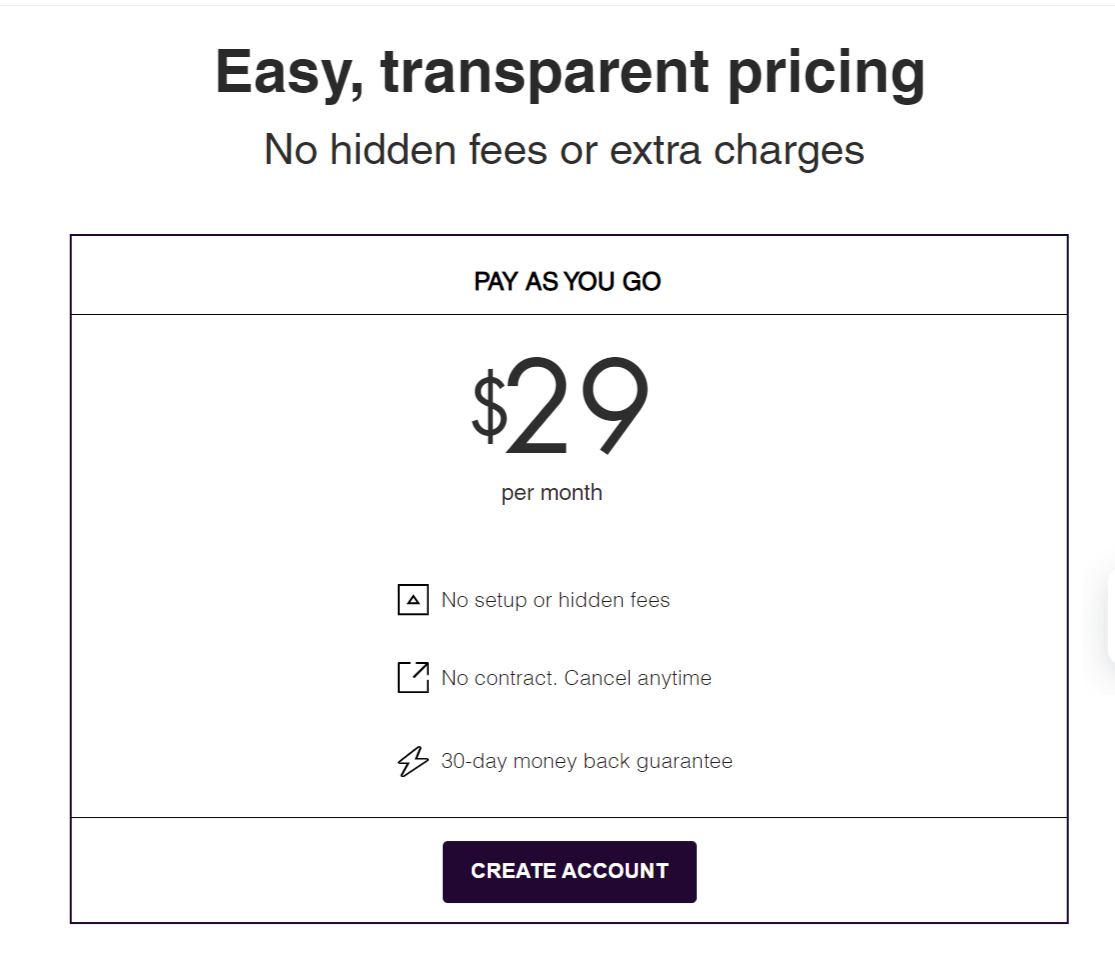
Pricing
Customer Ratings
- G2: 5.0 (1 Review)
How to Choose the Right Contact Finding Tool for Your Business
Choose a contact finding tool by matching its data type and verification approach to your use case, then assess volume, integrations, pricing, scale, compliance considerations, and support before committing.
The right tool depends on what you’re actually trying to do, not just which platform has the biggest database headline. A few things worth weighing before you commit to a subscription:
- Start with your use case. Are you sourcing B2B contacts or consumer data, and roughly how many lookups do you need each month? A tool priced for occasional use won’t hold up under high-volume prospecting.
- Accuracy is the whole point. Ask how a vendor verifies its data, whether that’s real-time checks, cross-referencing multiple sources, or periodic refreshes, rather than taking a stated accuracy percentage at face value.
- Test before you commit. A free trial or demo run against a sample list tells you more about real-world accuracy than any marketing page.
- Check integration fit. If your team lives in a CRM or ATS, a contact finder that doesn’t connect to it creates extra manual work that eats into the time savings you’re paying for.
- Think about scale. A tool that works fine for ten lookups a week may not hold up once your outreach volume triples. Look at whether pricing tiers and rate limits can grow with you.
- Weigh compliance exposure. Personal cell phone numbers and emails carry different regulatory considerations than business contact data, particularly if you’re operating across state or international lines. This matters even more in healthcare-adjacent outreach, where the person on the other end of a lookup may also be a patient contact in some other context.
- Don’t underrate support. When a lookup fails or a billing question comes up, responsive customer support saves real time.
Final Note
Finding the right contact remains one of the most basic bottlenecks in sales, recruiting, and outreach work. Tools like Swordfish AI and RocketReach approach the problem from different angles, one built around cell phone and personal email accuracy, the other around breadth across email, phone, and social data, and both include features like LinkedIn integration to cut down on manual searching.
There’s no single best answer here. The right choice comes down to what data you actually need, how much volume you’re running, and how well a given tool fits into the systems you already use every day.
Frequently Asked Questions
Why are accurate contact finding tools essential?
Accuracy ensures outreach reaches the intended recipient, which keeps marketing and sales campaigns from wasting time and credits on dead contacts.
Can these tools integrate with other platforms?
Many contact finding tools offer integrations with CRMs, email marketing platforms, and other business software.
How do contact finding tools verify email addresses?
Most combine algorithms, cross-referenced databases, and real-time verification checks to confirm an address is active before returning it.
Are there free contact finding tools available?
Some tools offer limited free tiers or trials, though premium features typically require a paid subscription.
Can I use multiple contact finding tools simultaneously?
Many teams combine tools to maximize coverage, since no single database has complete accuracy across every industry or region.

