


 View Products


Key takeaways
- An email extractor scans online sources for email addresses and compiles them into a list.
- Extracted addresses may be outdated, duplicated, or unrelated to your target audience.
- Finding an address does not by itself mean you have permission to email it.
- Choose a tool based on your budget, list size, and required features.
- Before outreach, review the source, remove duplicates, and verify addresses.
Last updated: September 3, 2026
Building a reliable list of contacts is still one of the hardest parts of running an email marketing program, especially in healthcare, where job titles, credentials, and organizational structures change constantly. An email extractor won’t fix a bad targeting strategy, but it can take a big chunk of manual research off your plate. This guide covers what these tools actually do, where they fall short, how to evaluate one, and what to watch out for when your list includes clinicians, administrators, or other healthcare professionals.
What Is an Email Extractor?
An email extractor is software that scans public sources such as websites, directories, and social platforms for email addresses and compiles the results into a list. Instead of copying addresses one at a time from a hospital directory or professional association site, you direct the tool to a source and let it scan.
For healthcare-focused outreach, this matters because provider contact information tends to live in scattered, inconsistently formatted places: practice websites, NPI registries, conference speaker pages, and association member directories. A decent extractor cuts down the hours spent hunting across those sources.
How Does an Email Extractor Work?
Most tools rely on web scraping or crawling technology to scan pages for email patterns and pull them into a list. More advanced extractors use natural language processing techniques to identify addresses hidden behind contact forms or rendered dynamically through JavaScript, which is common on hospital and health system websites.
Scraped addresses are only as current as the pages they came from, and staff turnover can make healthcare contact lists outdated. Extracting an address does not, by itself, establish permission to email it. How outreach may be regulated depends on the applicable law and the way the data and messages are used; misuse can also lead to spam complaints and damage to sender reputation.
Benefits
Manually searching for email addresses across dozens of provider websites is slow. An extractor automates that first pass, freeing up time for outreach and follow-up instead of research.
Purchasing pre-built lists can be expensive and the data quality is often uneven. Extracting addresses yourself, from sources you trust, tends to be more cost-effective, though it requires more hands-on verification work.
Pulling addresses directly from relevant sites, such as specialty association pages or practice directories, gives you a more targeted starting list than a generic purchased database.
Email remains one of the more cost-efficient outreach channels when the list is accurate and relevant. Extraction tools help build that relevance, provided the output is verified before use.
Types of Email Extractors
Hosted online, these require no installation and are easy to start with, though they often come with fewer advanced features.
Installed locally, desktop tools generally offer more configuration options but cost more and need regular updates to keep working reliably.
- Plugin
- Browser plugins extract addresses from pages as you browse. They’re convenient for quick lookups but limited in scale and functionality compared to dedicated platforms.
Choosing the Right Tool for Your Business
The right choice depends on budget, list size, and required features. For healthcare-focused outreach, check whether a tool distinguishes generic organizational inboxes from direct provider contacts, and assess which type fits your campaign.
Pricing ranges from free tools to enterprise platforms costing thousands per month. Match the tool to what you can realistically justify given your list volume.
A browser plugin might be enough for small, occasional list-building. Larger campaigns generally need a desktop or platform-based solution built for volume.
Decide what you actually need, such as extraction from social platforms, built-in verification, or CRM integration, and choose accordingly rather than paying for capabilities you won’t use.
Best Practices
Pull addresses from sites and directories genuinely tied to your target audience. Scraping unrelated sources just for volume produces a low-quality list.
Don’t send unsolicited email to every address you extract. This can damage your sender reputation, and outreach to healthcare professionals may raise compliance concerns depending on the applicable rules, message content, and context.
Extractors frequently pull the same address more than once, especially from sites with multiple staff listing pages. Clean duplicates before loading a list into your outreach platform.
Extracted addresses can be outdated or malformed. Run a verification pass before sending anything, particularly for healthcare contacts where inboxes change hands often due to staff turnover.
Common Mistakes to Avoid
Casting too wide a net produces a list full of contacts who have no reason to engage with your outreach.
Duplicate entries inflate your list size without adding value and can hurt engagement metrics.
Sending to unverified addresses raises bounce rates, which can hurt domain reputation over time.
Email Campaigns Worth Running
Regular updates keep your list engaged and familiar with your organization over time.
Discounts or limited-time offers can drive conversions when sent to a well-targeted list.
Webinar, conference, or product-demo invitations are possible campaign formats for professional audiences, including healthcare contacts. Use them only when they are relevant to the recipients and appropriate for the way their addresses were obtained.
Measuring Success
Reflects how compelling your subject line was and how well your list matches your intended audience.
Shows whether the content inside the email actually resonated once someone opened it.
Tracks whether recipients took the action you wanted, such as booking a call or filling out a form.
Notable Email Finder Tools
1. Hunter
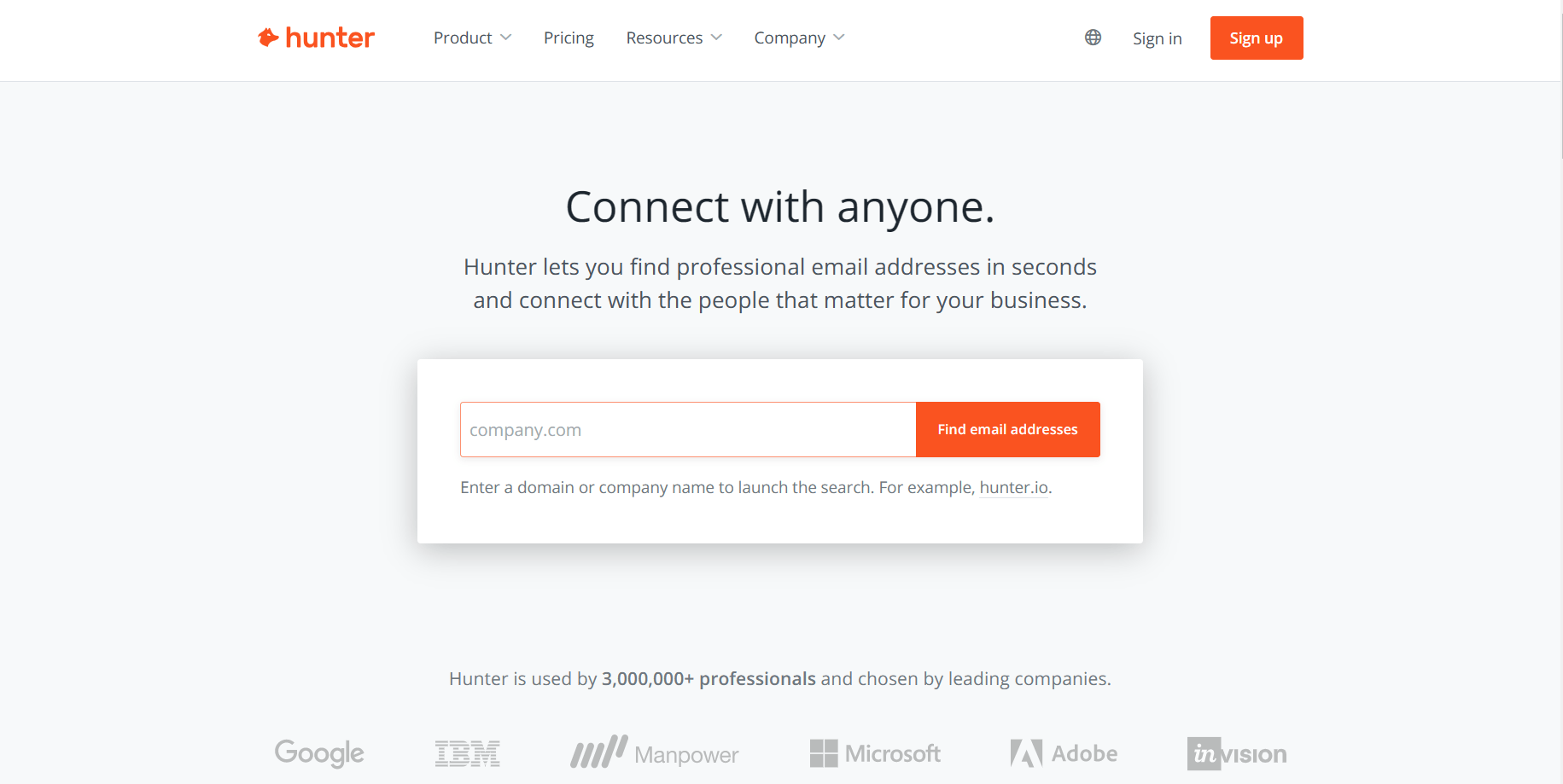
Hunter is a web-based tool that extracts email addresses from websites and social platforms. It’s widely used, but it has clear tradeoffs worth knowing before you commit.
Pros
- Large database: A sizeable index of email addresses makes it a reasonable starting point for lookups.
- Easy to use: The interface is straightforward for users at any skill level.
- Email verification: A built-in verification feature helps confirm contact accuracy.
Cons
- Accuracy gaps: Some generated addresses turn out to be outdated or invalid.
- Limited support channels: Support is email-only, with no phone or chat option, which can slow down urgent issues.
- Narrow search filters: Filtering options make it harder to zero in on very specific contacts.
2. Snov.io
Snov is a web-based application for extracting email addresses from websites, social platforms, and directories.
Pros
- Advanced filters: Search results can be narrowed by job title, company size, and location.
- Integrations: Connects with tools like Salesforce, Zapier, and HubSpot for smoother workflows.
Cons
- Verification inconsistencies: Some verified addresses still turn out incorrect or outdated.
- Pricing: Snov’s pricing can feel steep for users who only need occasional, low-volume searches.
Read More: Competing Solutions for Snovio
3. Swordfish
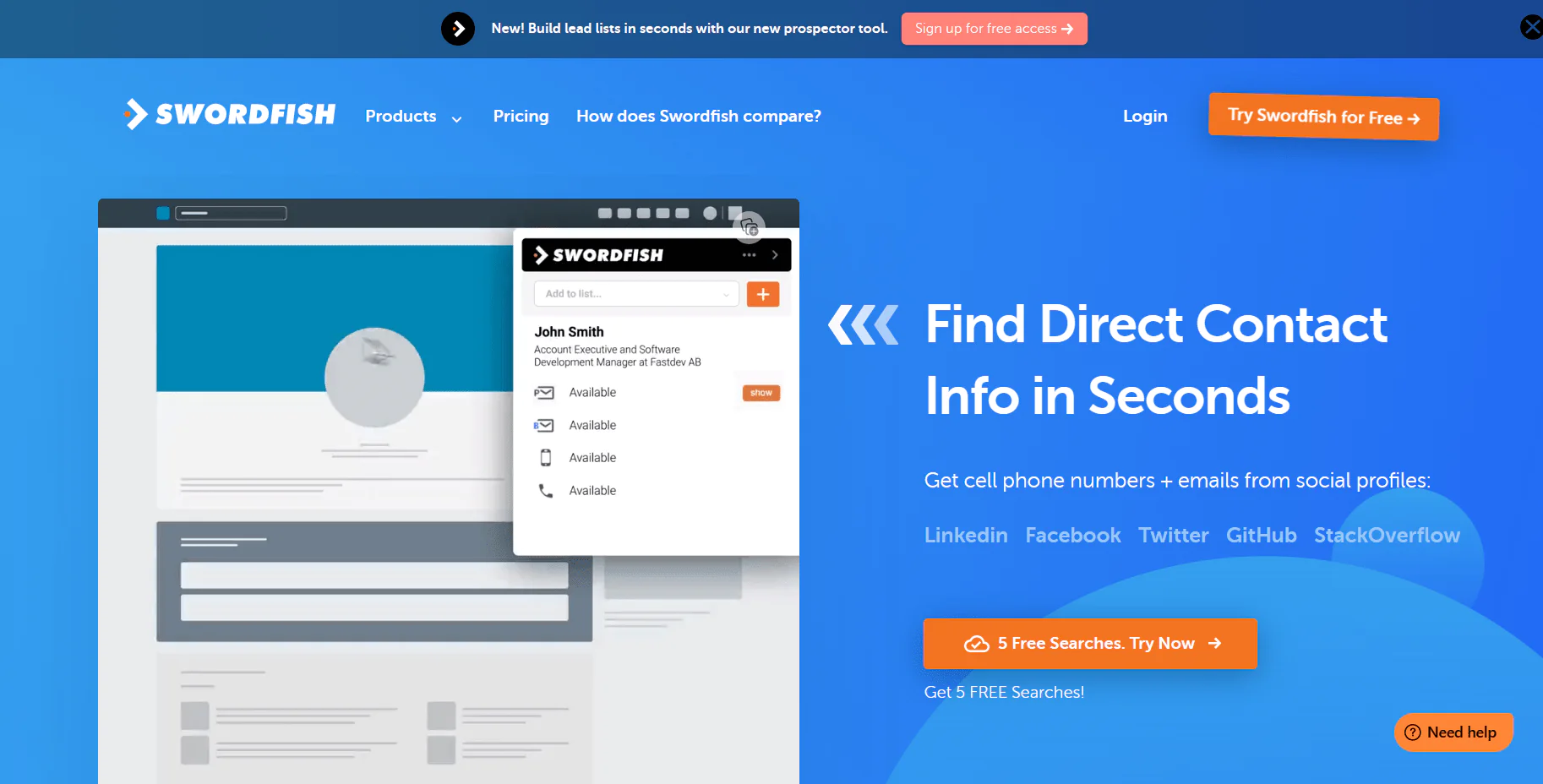
Swordfish helps you find and verify contact information, including mobile numbers and emails, which is useful when building healthcare provider outreach lists that need direct-dial accuracy rather than generic front-desk contacts.
Pros
- Accuracy focus: Verification steps are built into the finding process to reduce bad data.
- Pricing: Plans are positioned to be accessible relative to comparable tools.
- Customizable filters: Search criteria can be tailored by location, position, organization, and more.
- Support availability: Email and chat support are available for troubleshooting.
- Integrations: Connects with tools like Zapier, Zoho, Pipedrive, and HubSpot.
Cons
- No phone support: Phone-based support isn’t currently offered.
Where This Leaves You
An email extractor helps collect raw addresses from online sources faster than searching for them by hand. It does not establish that an address is current, appropriate to use, or connected to the right decision-maker. Those checks matter in healthcare outreach, where contact information can change and compliance considerations may apply.
Treat extraction as the first step, not the last. Verify addresses before sending, remove duplicates, and choose sources that match the audience you are trying to reach.
Ready to see how verified provider contact data compares to raw extraction? Try Swordfish’s email extractor tool and check the results against your current list.
Frequently asked questions
What is an email extractor?
An email extractor is software that scans sources such as websites, directories, and social platforms for email addresses and compiles the results into a list.
Are extracted email addresses guaranteed to be current?
No. Extracted addresses may be outdated or malformed, so the article recommends verifying them before sending.
Does extracting an email address mean you have permission to email it?
No. Finding an address does not by itself establish permission to email it. Applicable requirements depend on the law and how the data and messages are used.
How should you choose an email extractor?
Compare tools against your budget, list size, and needed features, such as verification or CRM integration. For healthcare outreach, check whether the tool distinguishes organizational inboxes from direct provider contacts.
What should you do before using an extracted list?
Use sources relevant to your audience, remove duplicate entries, verify addresses, and check that your planned outreach is appropriate.

