


 View Products


Key takeaways
- Swordfish AI focuses on direct contact details for sales and recruitment, rather than primarily compiling public-records reports.
- BeenVerified, TruthFinder, and Instant Checkmate are presented as options for public-record and background-related searches.
- Lenso.ai and Eyematch.ai focus on finding image or face matches, while Pixalytica is presented as a facial-recognition-based KYC tool.
- Many services use subscriptions or paid trials, and the article lists different pricing structures across providers.
- People-search results may be incomplete or outdated, so verify important details before relying on them.
Last updated: September 3, 2026
Most people finder sites promise instant answers, but the reality is messier. Results can be thin, outdated, or locked behind a paywall you didn’t expect, and privacy practices vary a lot from one provider to the next.
That inconsistency makes it hard to choose a useful tool for contact lookups or preliminary public-record research. Treat results as starting points, not definitive or necessarily current records.
We built this list around common problems: shallow databases, stale records, and unclear data-handling practices. Each entry covers a different use, such as public-record research, face search, or direct contact lookups.
Here’s how the top options stack up.
Quick List of Top People Finder Sites
A quick overview of what’s covered below —
- Swordfish AI: Best for finding direct contact information, essential for sales prospecting efforts.
- BeenVerified: Best for conducting in-depth background checks and accessing diverse public records.
- TruthFinder: Best for generating detailed reports with deep background information on individuals.
- Lenso.ai: Best for reverse face search; search for people by image.
- Spokeo: Best for aggregating data from social media and various public records efficiently.
- Instant Checkmate: Best for thorough criminal records and background checks.
- Pipl: Best for global searches, analyzing digital footprints across international databases effectively.
- Intelius: Best for accurate people search and identity verification, supporting decision-making processes.
- US Search: Best for basic people search and public records, offering quick results.
- PeopleFinders: Best for accessing detailed public records and conducting in-depth background checks.
- Whitepages: Best for reliable contact information and identity verification, trusted for accuracy.
- PeopleLooker: Best for detailed privacy-conscious background checks on individuals.
- Infotracer: Best for accessing a vast database of public records effortlessly.
- PeopleSmart: Best for improving business contacts and lead generation efficiently.
- Eyematch.ai: Best for face search and face recognition
- Pixalytica: Best for people’s background check
Comparison Table of Top People Finder Sites
A side-by-side look at how these tools differ —
Tools | Database | Search Capabilities | Ethical and Privacy-Focused |
 | 3.5 billion data profiles | Cell phone numbers, emails | GDPR and CCPA |
 | 47 billion unique images | Face search; face recognition | GDPR and CCPA |
 | Eyematch.ai 50+ billions of uniques images | AI-powered Face search | GDPR and CCPA |
 | Pixalytica 300 million+ pages indexed | AI-powered KYCFacial Recognition Reports | GDPR and CCPA |
 | Not available | Thorough background checks, contact info, and more | California Consumer Privacy Act (CCPA) |
 | Over 350 million total records | Detailed background reports, contact information | Follows legal compliance for residents of Connecticut, California, Utah, Virginia, and Colorado. |
 | 12 billion records | Contact information, personal details, location history | CCPA |
 | Not mentioned | Criminal records, background checks, contact info | State-specific regulations |
 | Over 3 billion global mobile numbers | Online identity and trust, broad data points | GDPR and CCPA |
 | Not available | People search, background checks, public records | Follows state data privacy laws |
 | Criminal records in 43 US states | People search, contact info, background checks | State-specific regulations without naming specific acts |
 | 120 billion public records | People search, background checks, criminal records | CCPA |
 | 250 million U.S. adults | Contact info, background checks, criminal records | CCPA and GDPR |
 | Over a million background reports | Names, addresses, criminal records | CCPA and GDPR |
 | Access to over 5 billion records | People, arrest history, deep web | GDPR and CCPA |
 | Over 100 million targeted leads | Email, phone number, LinkedIn profile info | Not available |
13 Best People Search Sites to Find People Anywhere
Below is a closer look at each platform: what it does, where it holds up, and where it falls short. We picked these based on search depth, data accuracy, and how seriously each vendor treats user privacy.
We also weighted platforms that give straight answers about what’s in a report rather than hiding the details behind a paywall. Let’s get into it.
1. Swordfish AI
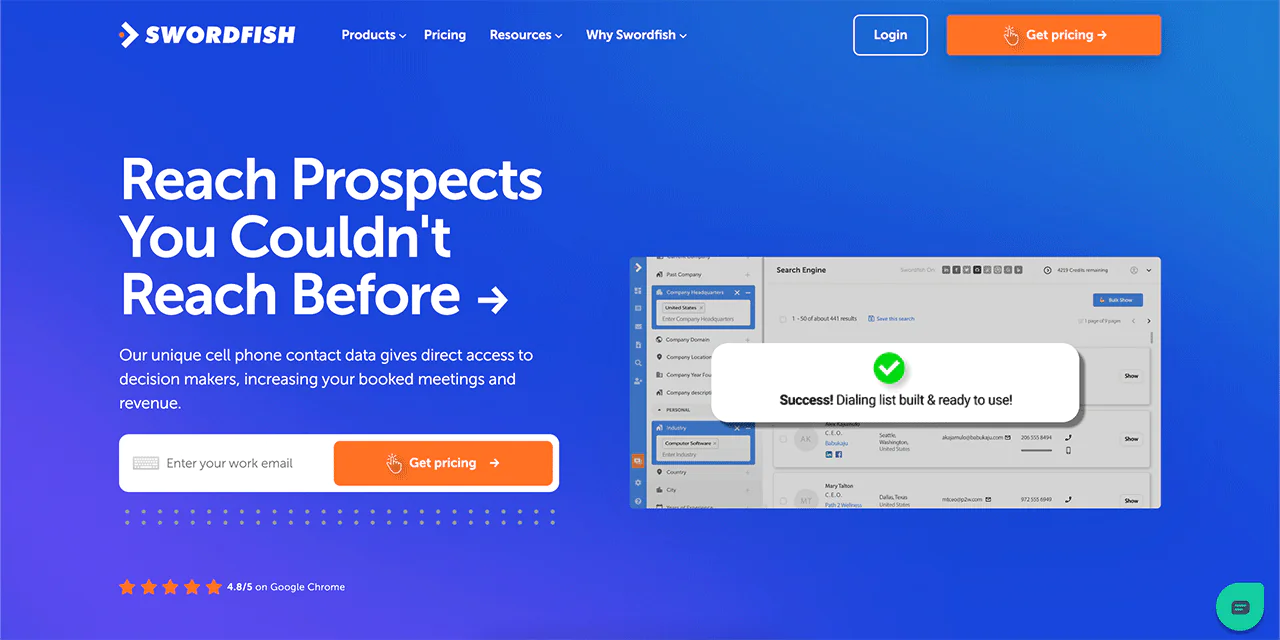
Swordfish AI differs from most tools on this list: it focuses on finding cell phone numbers and business email addresses rather than compiling public-records reports. The company describes its contact database as large and continuously updated.
The practical upside is speed: once you have a name or company, the platform is designed to return contact details for CRM use. Check that a match is current and belongs to the right person before reaching out.
If your priority is outreach rather than background investigation, Swordfish AI is built for that use case specifically.
About Swordfish AI
- Founding Team: Ben Argeband
- Founding Year: 2015
- Company Size: 11 to 50 employees
What Sets Swordfish Apart?
Swordfish is built specifically for sales and recruitment teams that need direct-dial cell numbers, not just office lines. Its verification process is designed to reduce the number of dead numbers you get on a list.
The company reports an 82% success rate on first-dial attempts and roughly 95% accuracy per profile, figures it publishes itself rather than through third-party audit, so treat them as vendor claims worth spot-checking against your own prospect list.
Its database emphasizes personal cell numbers and business emails, which is the main reason sales and recruiting teams reach for it over directories built primarily for landlines and public records.
The company has built a customer base among sales and recruiting professionals who rely on its contact-matching approach for outreach.
Features of Swordfish AI
Here’s what’s actually inside the platform —
-
Prospector
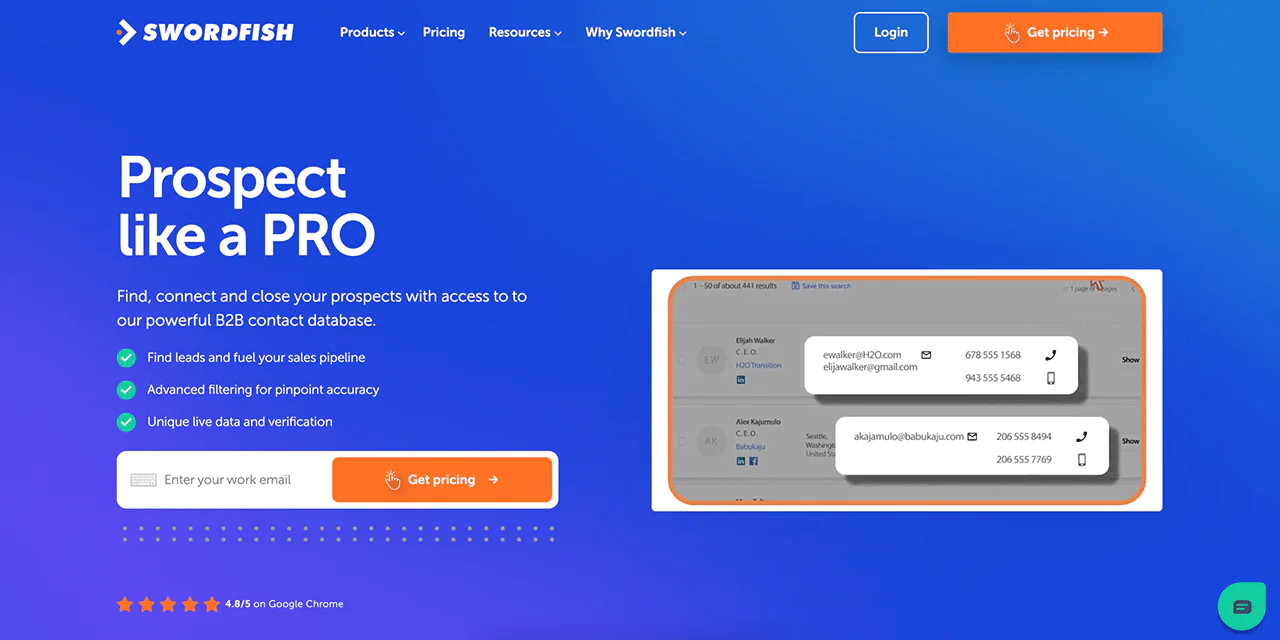
The Prospector is built for sales and recruitment professionals who need to build targeted outreach lists using advanced filters. It’s a solid starting point if you’re trying to find recruiter leads that match a specific role or region.
-
Chrome Extension
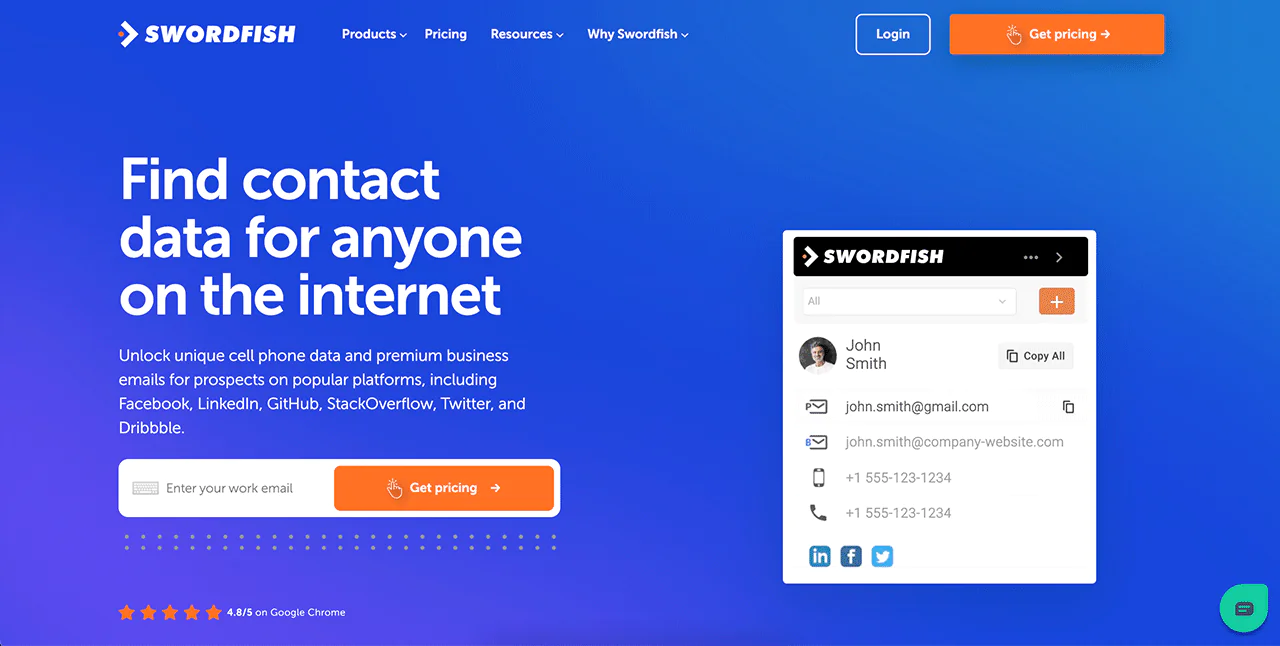
The Chrome Extension pulls contact details while you browse LinkedIn, Twitter, and similar platforms, so you’re not switching tabs constantly during prospecting.
-
Reverse Search
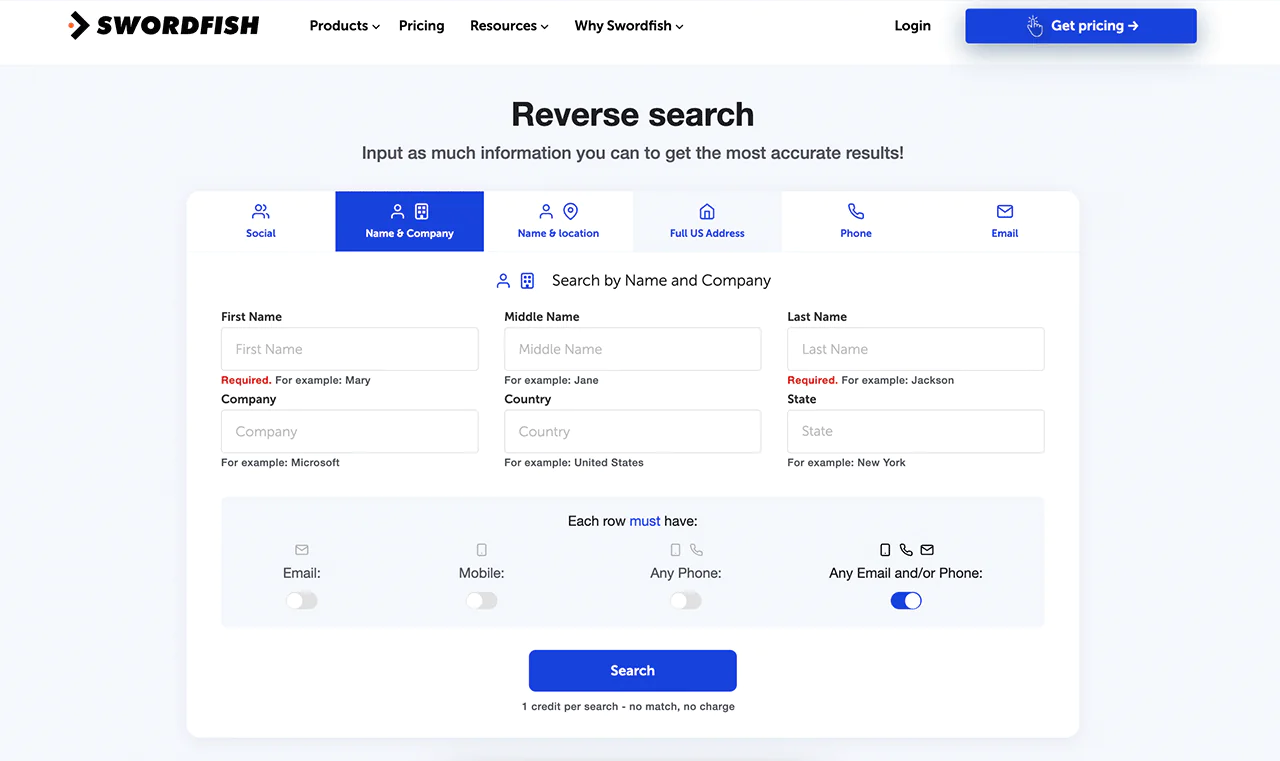
If all you have is a name or an email address, Reverse Search works backward to fill in the rest of a profile, useful for turning a partial lead into a workable contact record.
-
File Upload
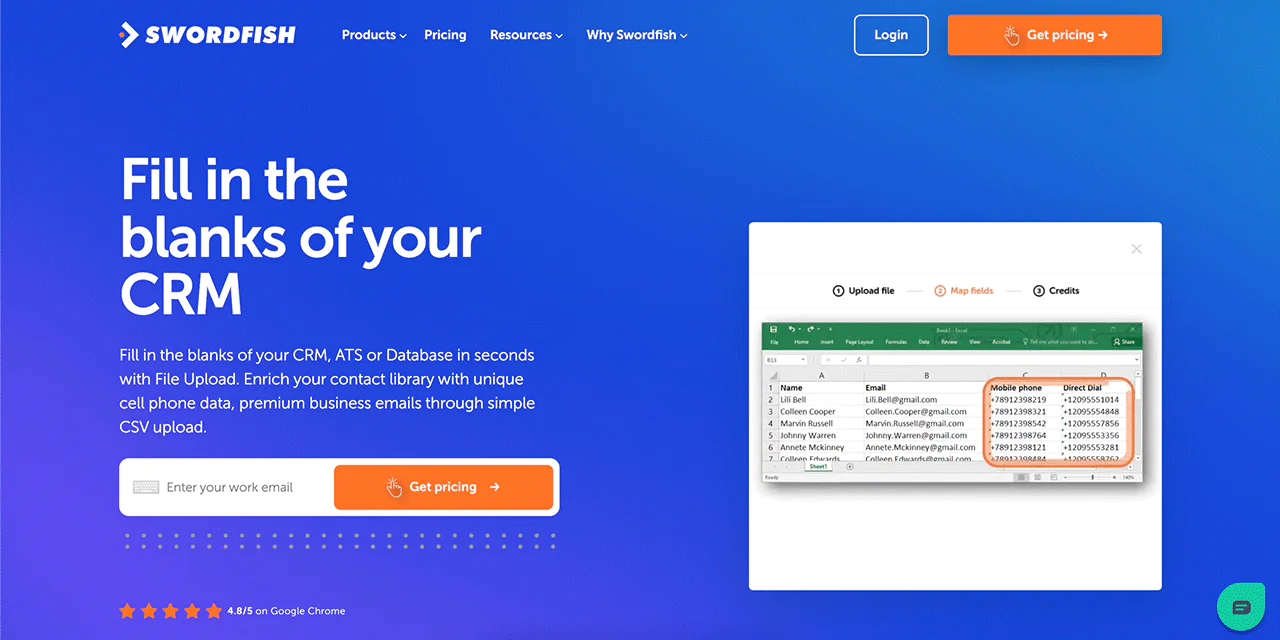
The File Upload feature lets you bulk-upload a contact list and have Swordfish fill in the missing fields, which saves a lot of manual CRM cleanup.
-
Bombora Intent Data
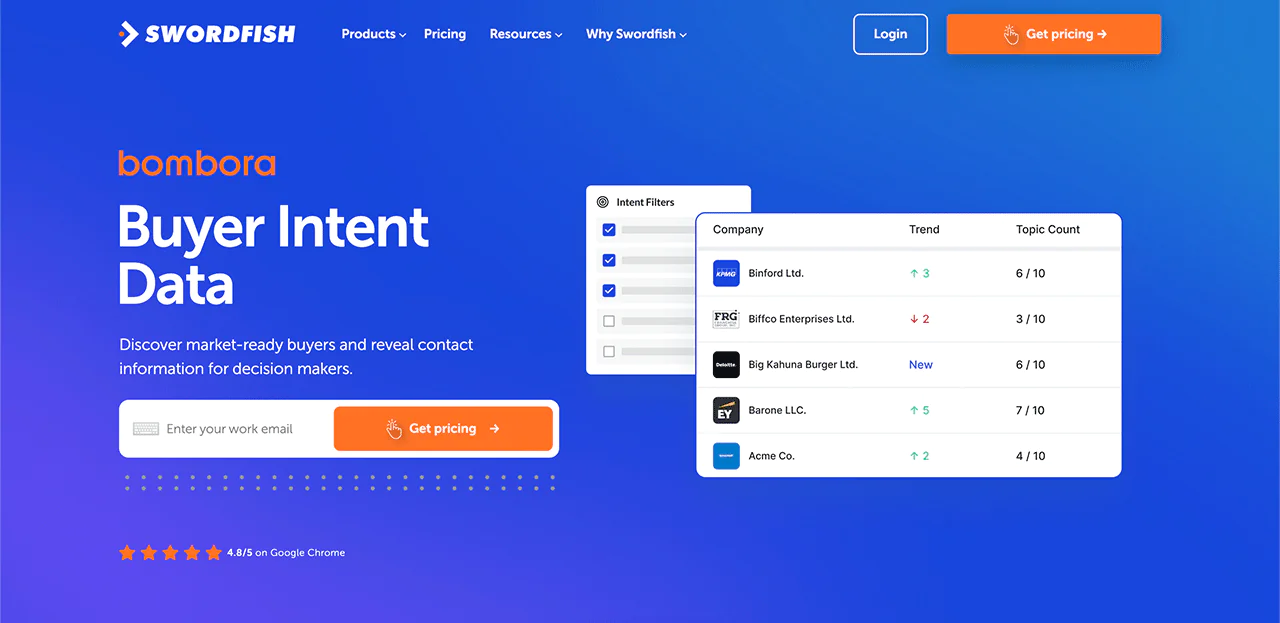
Bombora Intent Data flags companies actively researching products or services like yours, so you can prioritize prospects who are more likely to convert right now.
-
API Integration
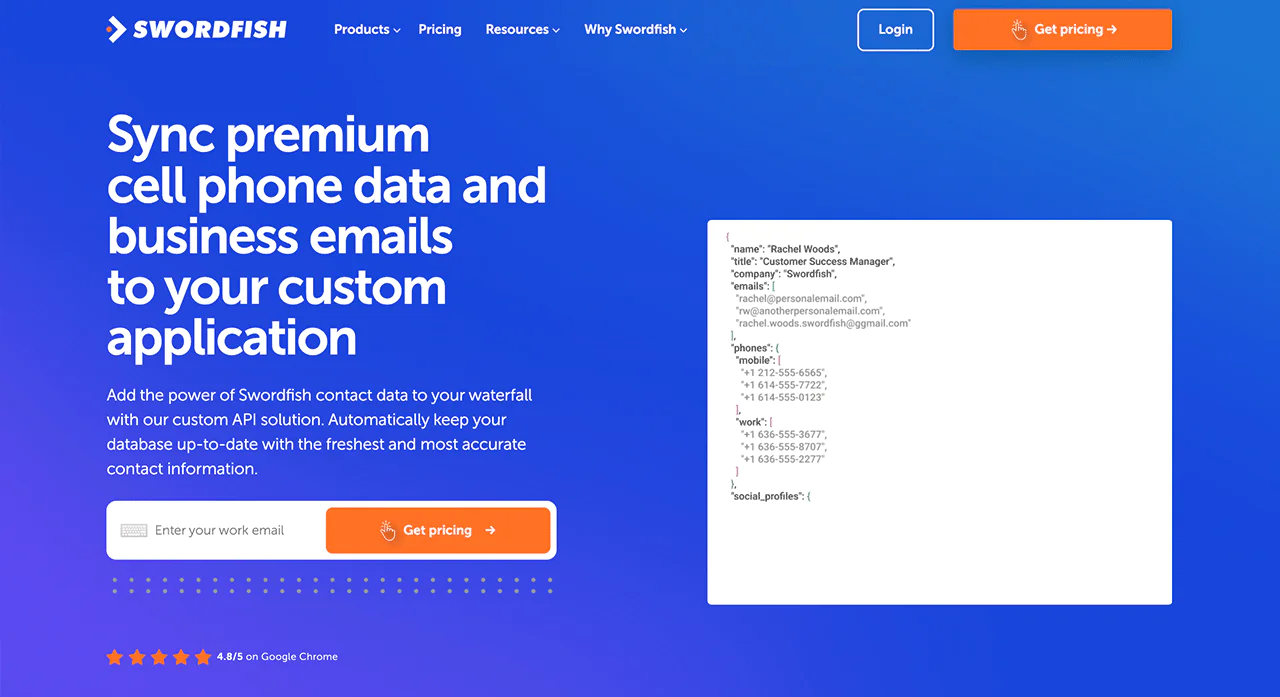
For technical teams, API Integration lets you pull Swordfish’s contact data directly into your own applications or internal tools, in real time.
Best Use Cases of Swordfish AI
Where this platform tends to earn its keep —
- Improved Team Productivity: Teams spend less time on lead generation for B2B saas and contact verification, and more time actually selling.
- Shortening Recruitment Processes: Recruiters can find and reach ideal candidates faster, tightening the recruitment cycle.
- Enhancing Data Management: Businesses can keep contact databases current with far less manual upkeep.
- Improving Outreach Success: Direct access to decision-maker contacts can strengthen the results of email marketing campaigns.
- Facilitating Targeted Lead Generation: Organizations can build prospect lists tailored to specific corporate marketing strategies.
- Supporting Detailed Investigations: Researchers and investigators can pull detailed data on individuals or companies for deeper analysis.
- Integrating with Existing Tools: Developers can enrich applications with contact data, improving functionality.
- Optimizing Marketing Efforts: Marketers can focus on prospects showing active buying interest, improving conversion rates.
Pros
- Creates detailed outreach lists with advanced filters.
- Fills in blank contacts from minimal information.
- Easily updates CRM with bulk data upload feature.
- Improves applications with accurate contact API integration.
- Identifies ready-to-buy companies with intent data.
Cons
- Quote-based pricing on some plans can feel restrictive for very small teams.
- No automatic alert when a contact changes jobs, so lists can go stale between searches.
Pricing
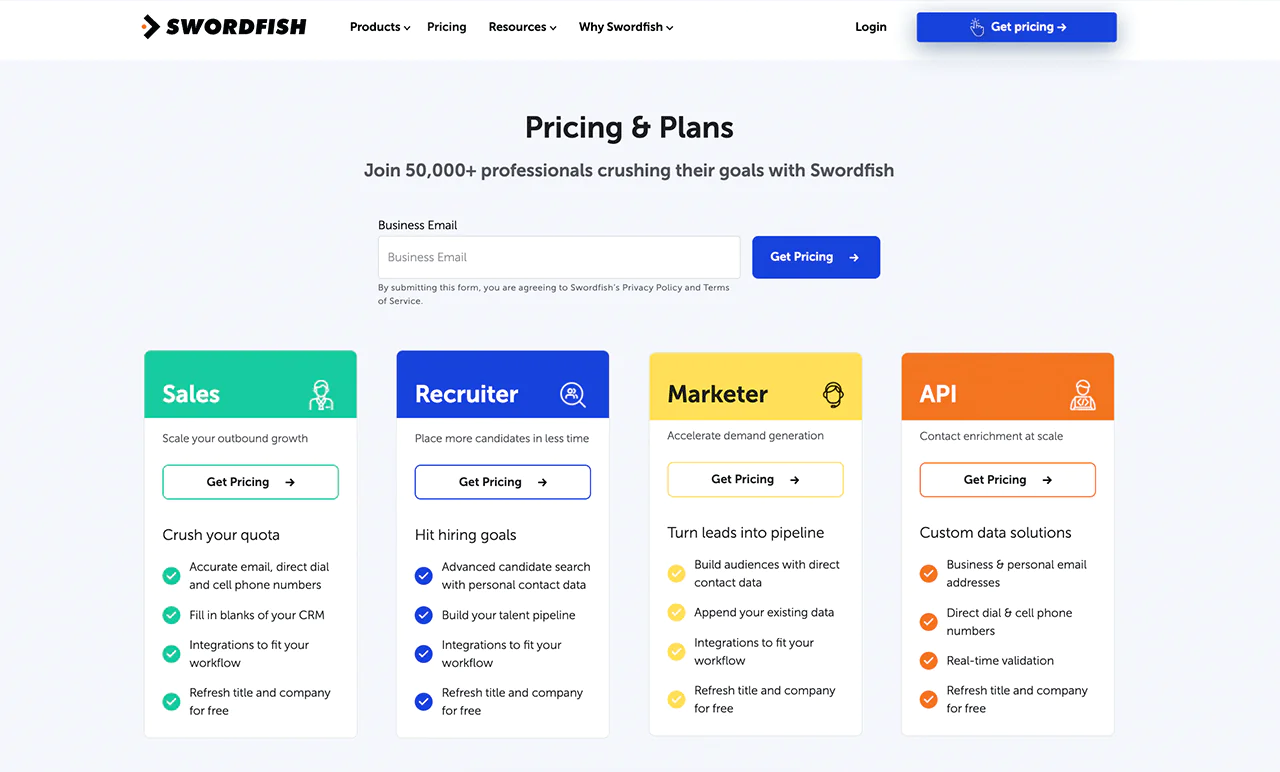
Swordfish AI offers flexible pricing plans designed to meet the needs of various professions, including sales, recruitment, marketing, and those requiring API access.
Plans are structured around finding candidates, running email campaigns, or pulling core contact info, depending on what your team needs most.
New users can also try a personalized free trial before committing to a paid plan.
 Try Swordfish Ai
What Users Say About Swordfish AI
- G2: 4.5 out of 5 (101 reviews)
“What I love most about the swordfish app is that it gives me the numbers I need to not only be able to hammer dials but gain access to contacts I otherwise would have never been able to reach.” – William-Paul T.
- Capterra: 5 out of 5 (12 reviews)
“I like the fact that not the database is able to redeem contacts not only from LinkedIn but also more B2C social media platforms such Facebook and Instagram” – Verified Reviewer
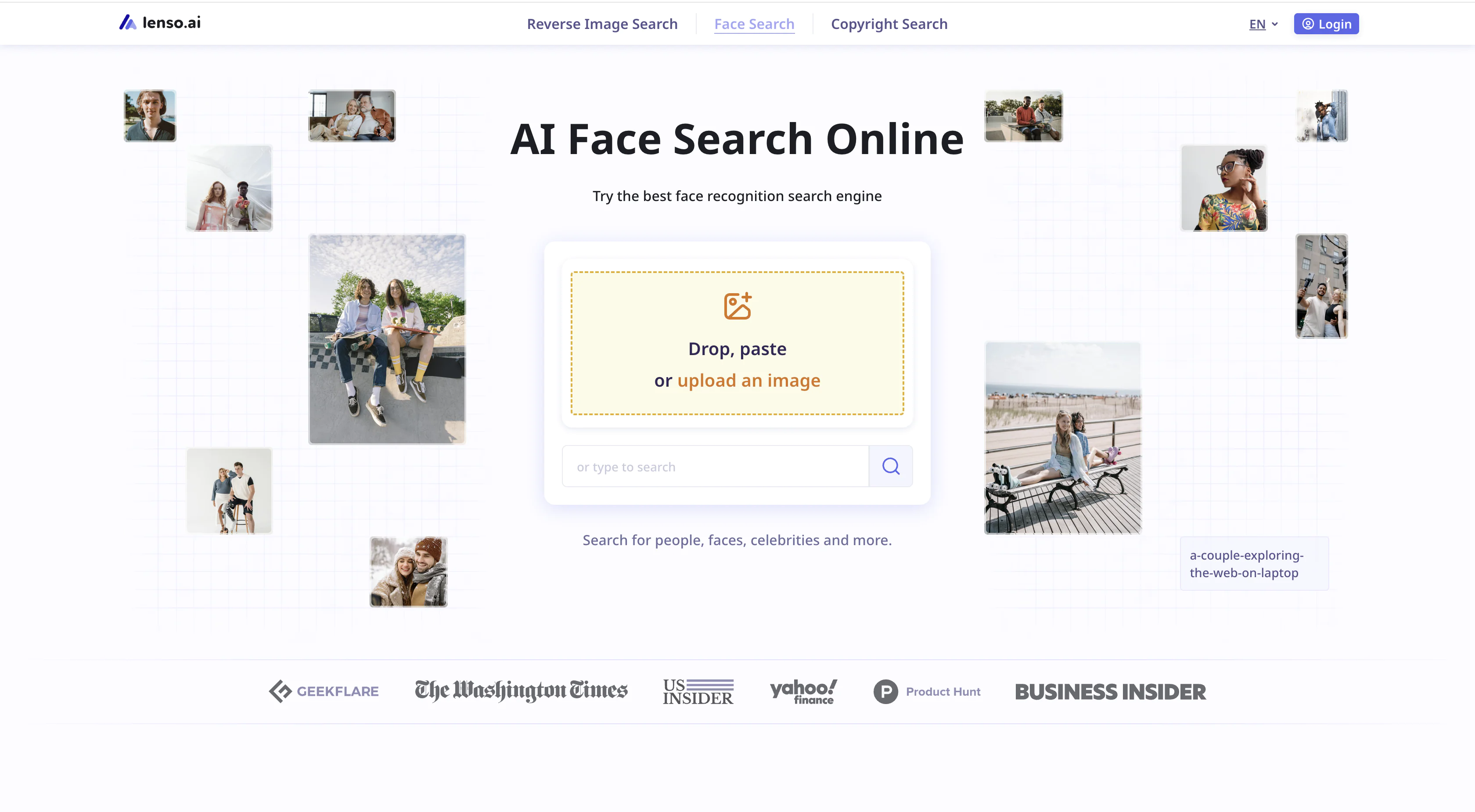
2. Lenso.ai
About Lenso.ai
- Founding year: 2024
- Founding team: Lukasz Kowalczyk
- Company Size: 50 to 100 employees
Key Features of Lenso.ai
Here’s what the platform can do —
- Reverse Image Search Engine:With AI-powered technology, you can easily search by image and find results across various categories, includingPeople, Duplicates, Places, Related, and Similar Images.
- Facial Recognition Engine: An advanced system that accurately matches faces across a growing image index.
- Copyright Image Search Tool: Thanks to lenso’s duplicate finder feature, you can check whether your images have been used—or misused—online.
- Chrome Extension: With lenso’s reverse image search extension, users can easily perform a reverse image search by simply right-clicking on any image.
- Face Search API: lenso.ai offers a Face Search API that allows developers to integrate its facial recognition technology into various applications—ideal for OSINT tools, private investigations, and copyright enforcement agencies.
Pros
- Advanced facial recognition engine
- Reverse face search tool
- Vast index
- Sorting options
- Filter options
- Alert feature
Cons
- Freemium
- Face recognition available in selected regions
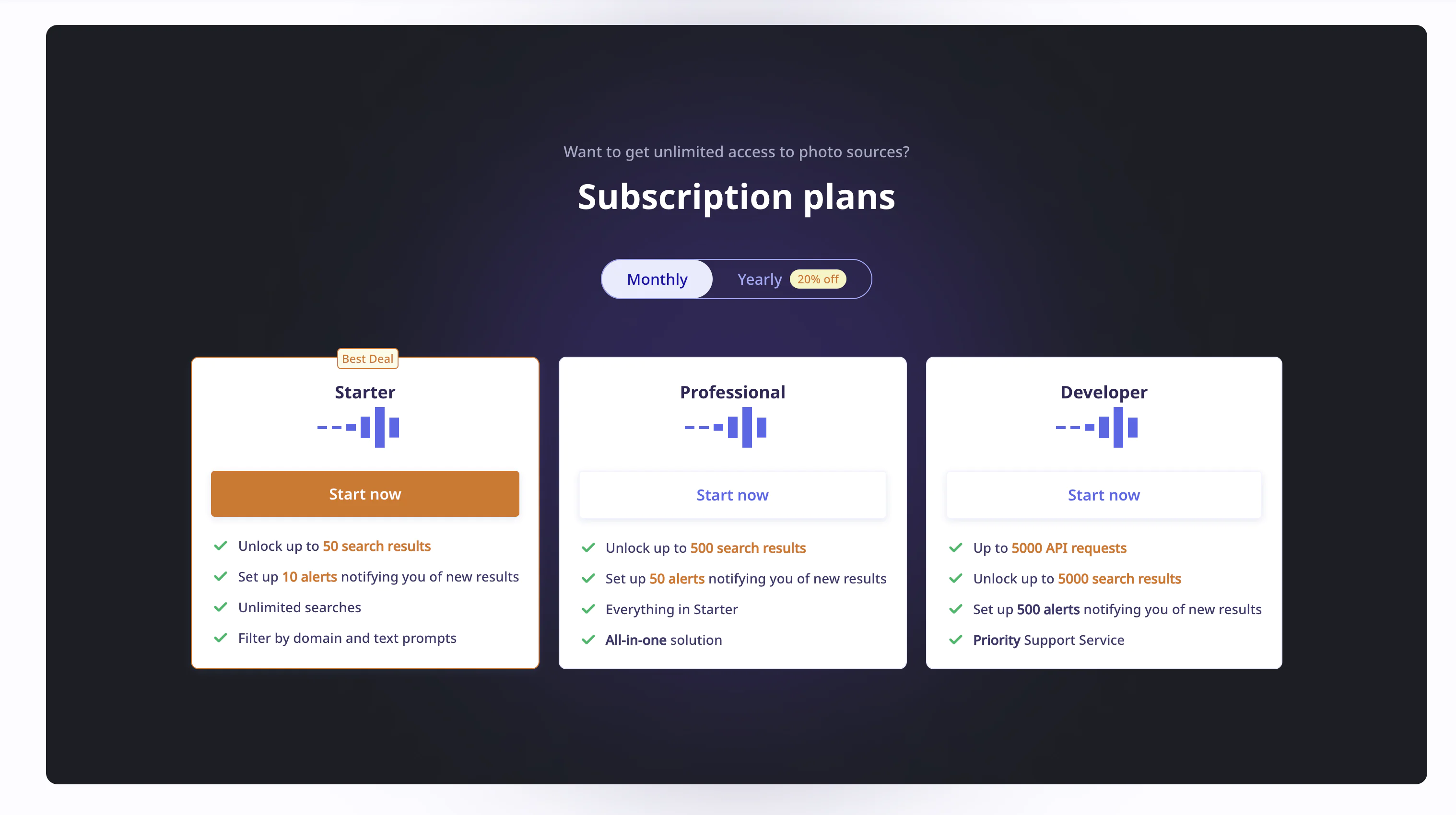
Pricing
What Users Say About Lenso.ai
- Trustpilot: 3.8 out of 5 (8 reviews)
- Google: 5 out of 5 (5 reviews)
3. Eyematch.ai
About Eyematch.ai
- Founding year: 2026
- Founding team: Lukasz Kowalczyk
- Company Size: 10 to 30 employees
Key Features of Eyematch.ai
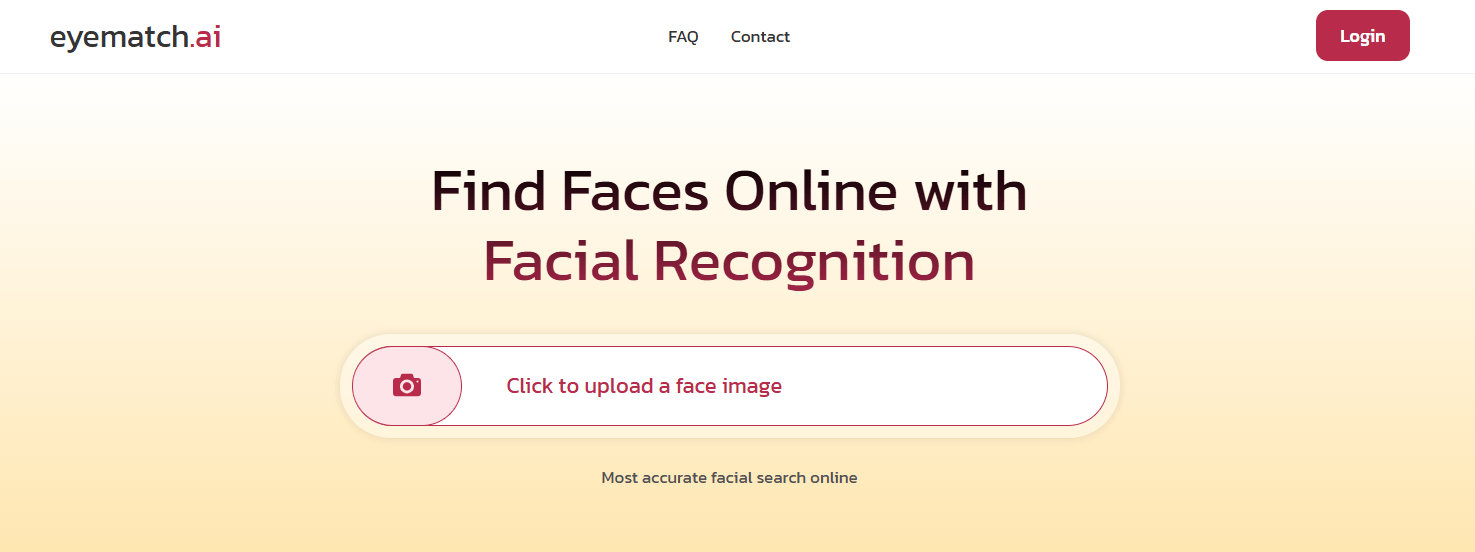
- Facial recognition: Advanced facial recognition engine that can easily find even heavily filtered photos, find a person at different ages, detect a face in a group photo, etc.
- People search: Thanks to eyematch.ai, you can find more information about a specific photo using only an image. When you receive face search results, simply check where the image was originally published — you can find the URLs attached to each result
Pros
- Vast index
- Advanced face search engine
Cons
- Available in selected regions
- Freemium
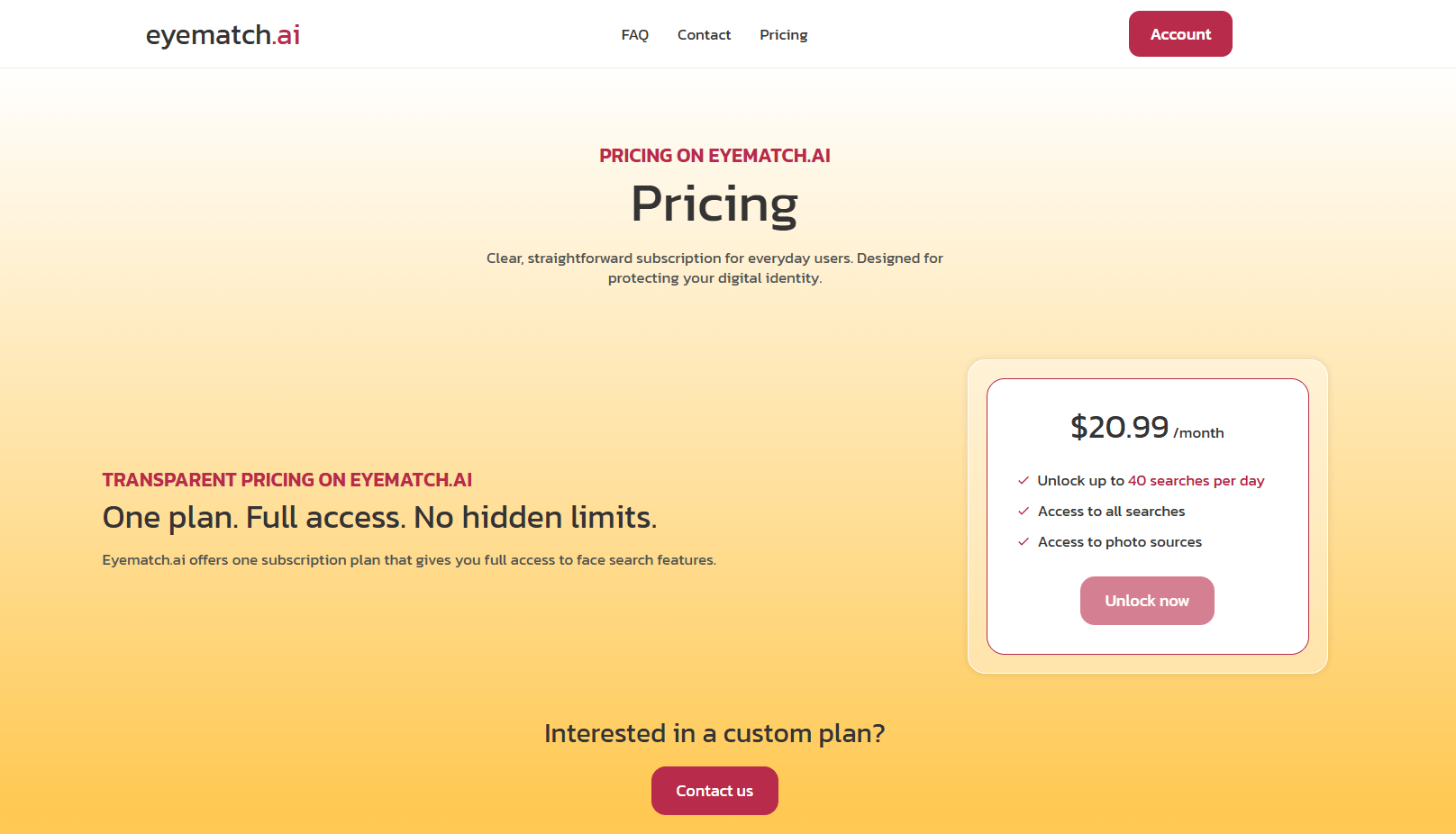
Pricing
4. Pixalytica
About Pixalytica
- Founding year: 2026
- Founding team: Lukasz Kowalczyk
- Company Size: 10 to 30 employees
Key Features of Pixalytica
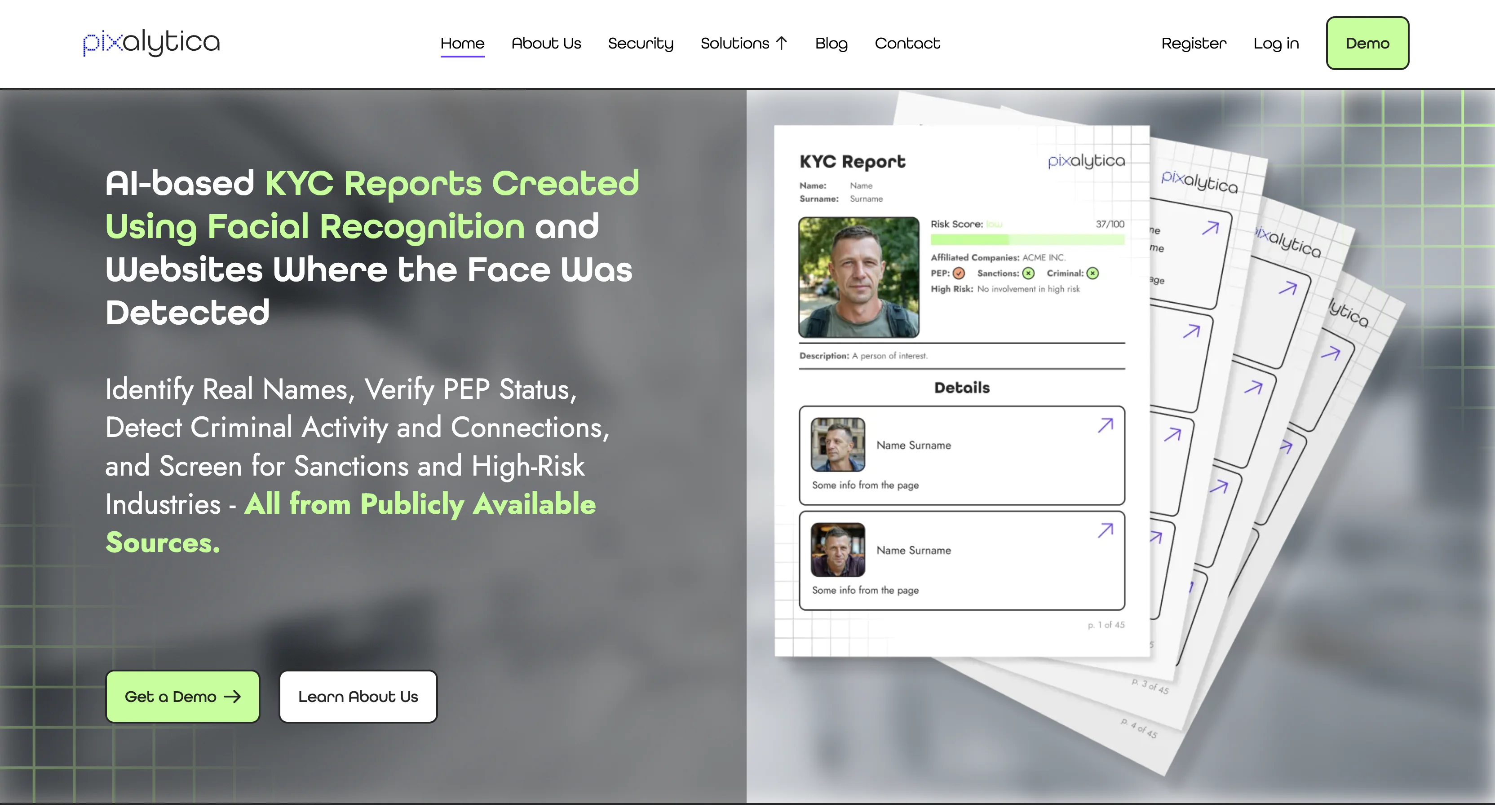
- AI-based facial recognition KYC reports: Using just one image, you will receive a full report about a specific person, including standard KYC elements
- Background check reports: Pixalytica’s reports include all public mentions about a person, especially suspicious ones. They also depict the person’s associations and provide a short summary about them.
- Risk factor reports: The KYC report will include all possible risk factors, such as PEP status, criminal connections, sanctions, and involvement in illegal or high-risk industries.
Pros
- Facial recognition reports
- KYC reports
- Risk factors related to a person’s activity
Cons
- B2B product
Pricing
5. BeenVerified
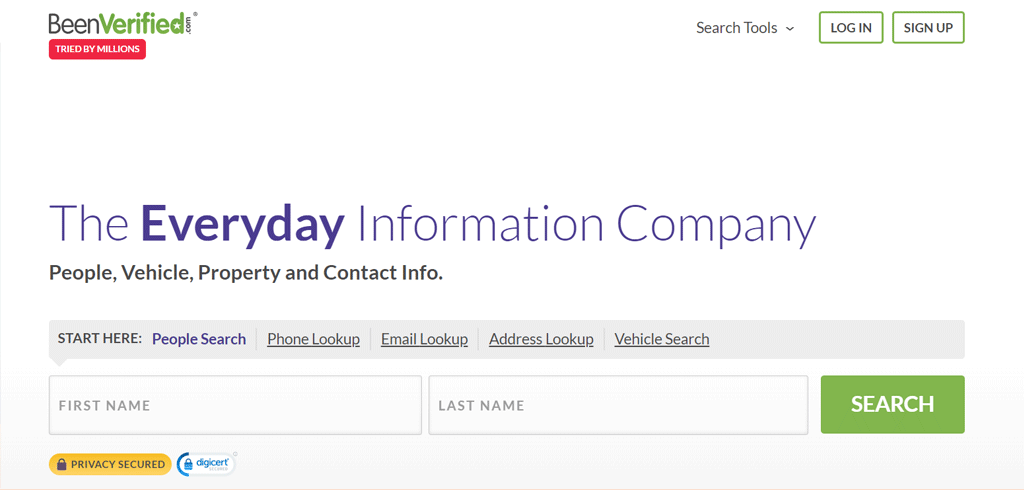
BeenVerified pulls public records from many sources into one report, and you can search by name, phone number, address, email, or vehicle details.
Results can include criminal records, addresses, phone numbers, property records, and social media accounts, all from one search.
Compared with Spokeo: Spokeo covers more social platforms (120+), while BeenVerified leans harder on public records for deeper background reports.
For legal and residential history, BeenVerified tends to go deeper; for social media and quick basics, Spokeo is the faster option.
About BeenVerified
- Founding year: 2007
- Founding team: Ross Cohen and Josh Levy
- Company Size: 50 to 100 employees
Key Features of BeenVerified
What the platform can do —
- People Search: Find someone’s criminal records, contact details, property ownership, and social profiles using a name, phone number, address, email, or vehicle details.
- Reverse Address Lookup: Look up a US property, its residents, and appearance without going through a realtor.
- Reverse Phone Search: Identify unknown callers, including their name, associated business, and location.
- Reverse Email Lookup: Works like the phone search but for emails, helping you spot scammers versus legitimate senders based on background and social accounts.
- Username Search: Learn more about the person or organization behind a username across platforms.
- Unclaimed Money Search: Check for unclaimed funds under your name, from forgotten savings bonds to overpaid bills.
- VIN Search: Pull a used car’s history — accidents, current value, safety recalls — by checking its VIN.
Pros
- Simplifies finding people with minimal information.
- Increases personal safety with reverse phone lookups.
- Helps avoid scams with reverse email searches.
- Unclaimed money searches could reveal unexpected funds.
- Detailed vehicle history helps make informed purchases.
Cons
- Mainly US-focused, so international info might be a bit thin.
Pricing
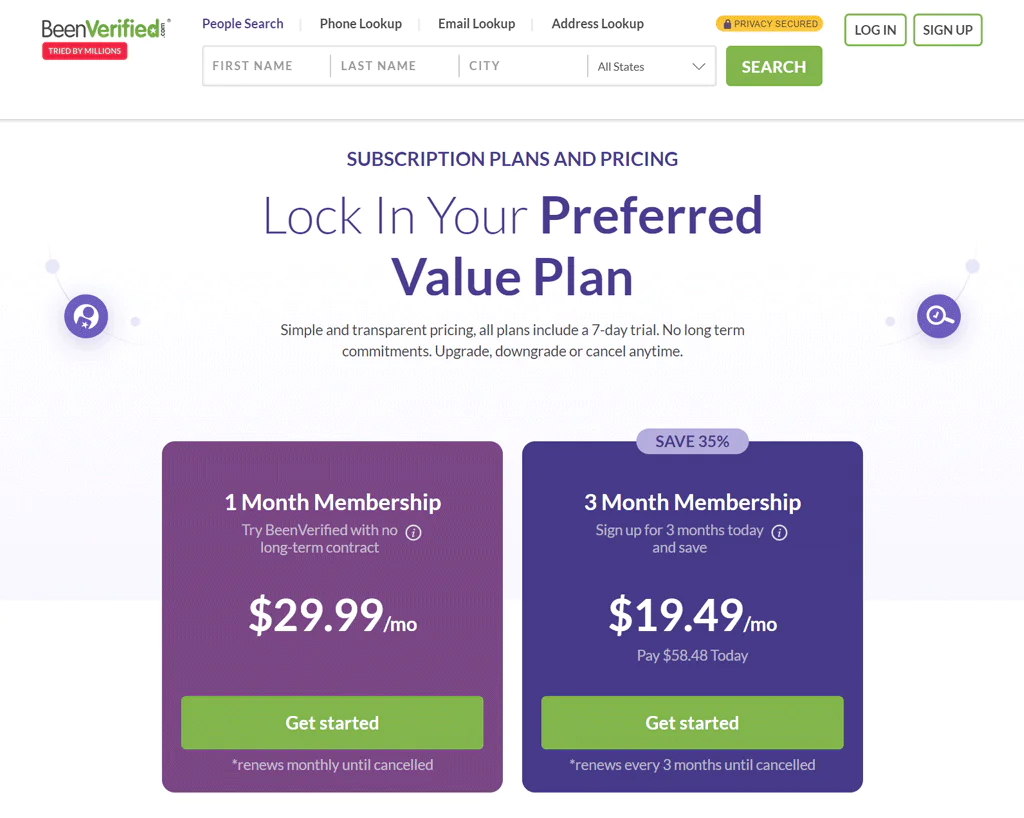
Monthly membership runs $29.99, with up to 100 reports per month. A 3-month plan comes to $19.49 per month, billed as $58.48 upfront.
Membership access ranges from basic info to more thorough records, including phone, email, and address lookup.
Add-ons like PDF report downloads and dark web monitoring are billed separately.
What Users Say About BeenVerified
- Trustpilot: 3.5 out of 5 (1,879 reviews)
- ConsumerAffaris: 4.8 out of 5 (619 reviews)
“Thanks, very helpful. was able to find and get in touch with people. I like that you update on most recent findings.” – Carmen
Our Review of BeenVerified
Testing BeenVerified for business use, the standout is how much you can find with just a name, phone number, address, email, or vehicle detail.
That’s genuinely useful for background checks, updating stale customer records, or reconnecting with former clients.
The subscription requirement is the main friction point for businesses that only need occasional lookups.
Overall, it’s a dependable option when you need broad access without micromanaging every search.
Note: For more data access, consider BeenVerified’s other alternatives.
6. TruthFinder
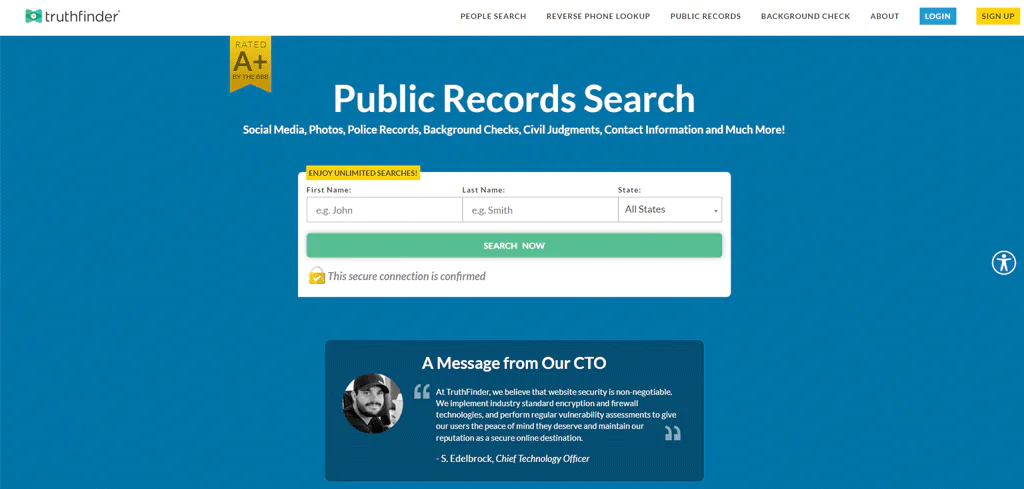
TruthFinder works like a search engine for personal details, scanning public records alongside sources that are harder to reach on your own, like certain social media data.
Search results can include social media presence, legal history, contact info, previous addresses, and photos.
Compared with US Search: TruthFinder pulls from both private and public sources for deeper background checks. US Search offers more customizable search criteria but covers less ground on criminal and marriage records.
About TruthFinder
- Founding year: 2015
- Founding team: Kris Kibak and Joey Rocco
- Company Size: 1 to 10 employees
Key Features of TruthFinder
What it covers —
- People Search: Enter a first and last name plus location to get contact info, social activity, and more.
- Reverse Phone Lookup: Identify an unknown caller, useful for dodging spam or catching up with a missed call.
- Background Check: Reveals criminal history and previous addresses for a fuller picture.
- Public Records Search: Criminal records, marriage details, and other legal filings without a manual government-site search.
- Address Lookup: Current and past occupants, property value, and neighborhood details.
- Dark Web Scan: Checks whether your personal info has surfaced in a known data breach.
- Email Lookup: An email address collected from Twitter or elsewhere can reveal a name, social profiles, and other public associations.
Pros
- Simplifies finding individuals with minimal information.
- Offers insights into unknown phone numbers with reverse lookup.
- Consolidates public records for thorough searches.
- Helps uncover email address ownership and associated profiles.
- Includes dark web scans for improved personal security.
Cons
- Extra cost for reverse phone or email lookups.
Pricing
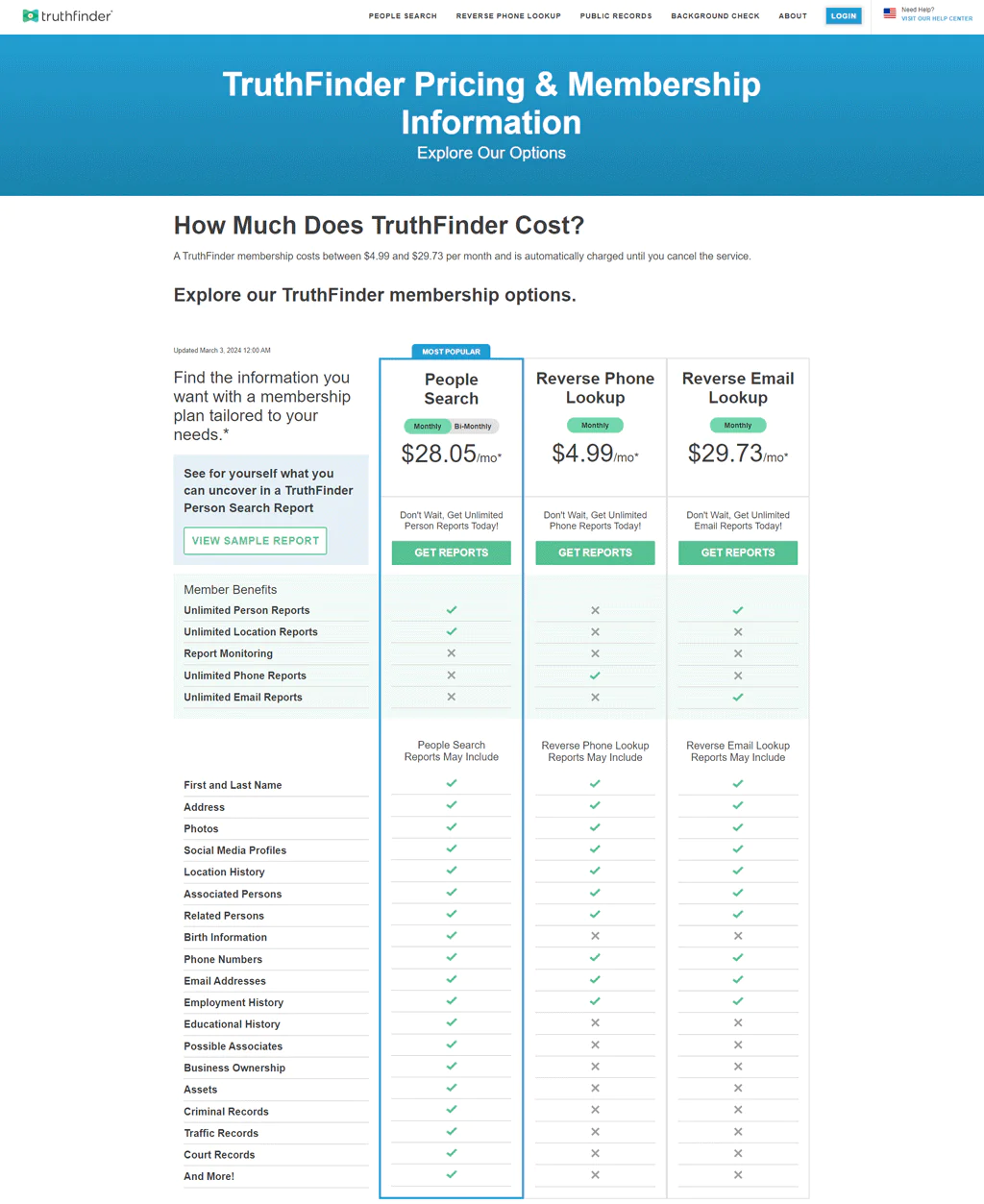
Monthly membership runs $4.99 to $29.73, auto-renewing until canceled, and covers everything from basic contact info to deeper records.
Add-ons include PDF report downloads for $3.99/month and dark web monitoring for $2.99/month.
What Users Say About TruthFinder
- Trustpilot: 2.3 out of 5 (1,270 reviews)
- Sitejabber: 2.8 out of 5 (661 reviews)
“I took out a free membership to look for a long lost friend, and OMG, this thing is incredibly powerful” – Sab
Our Review of TruthFinder
TruthFinder is efficient at scanning both public and harder-to-reach private-source records in one pass, which sets it apart from more basic lookup tools.
It’s useful for vetting potential partners or clients and for reducing risk before a business relationship starts.
A pay-per-report option would be a welcome addition for teams that only need occasional searches, since the subscription model can feel like overkill otherwise.
Its US-centric records also limit how useful it is for global operations.
7. Spokeo
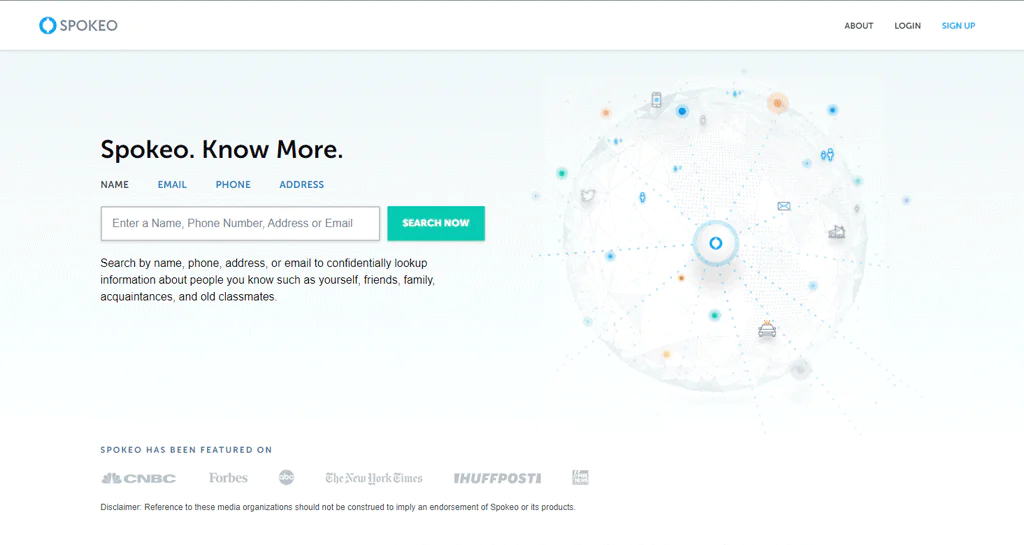
Spokeo blends phone books, public records, and social media into detailed profiles covering contact information, social activity, and family connections.
Compared with Intelius: both offer similar search capabilities, but Spokeo tends to win on simplicity and its privacy-forward approach.
If you want deep insight through an easy interface, Spokeo is the more approachable free people search option.
About Spokeo
- Founding year: 2006
- Founding team: Harrison Tang, Eric Liang, and Mike Daly
- Company Size: 101 to 250 employees
Key Features of Spokeo
It covers the essentials —
- People Search: Type in a name to find contact info and online activity.
- Reverse Address Search: Enter an address to see the owner, value, and surrounding area.
- Email Search: Find who an email belongs to, their social media, and more.
- Reverse Phone Lookup: Works with landlines and cell phones to identify who’s registered to a number.
- Business Search: Helps professionals gather contact info, background, and social details in one place.
Pros
- Quickly find detailed info on people with just a name.
- Find the owner of an email address effortlessly.
- Identify unknown callers with reverse phone lookups.
- Learn about properties and their residents easily.
- Helps businesses get thorough insights on contacts.
Cons
- Full access requires a paid subscription.
Pricing
Spokeo doesn’t list pricing publicly, but based on our research it offers a 7-day trial for $0.95, then $29.95 monthly. Regular plans include the 1-Month Membership at $19.95 or the 3-Month Membership at $14.95/month (billed quarterly).
The Professional plan at $69.95/month is geared toward heavy or business users.
|
Plans |
Price | Billing Period |
Monthly Total Searches |
|
7-day trial |
$0.95 | One-time | Limited |
| 1-Month Membership | $19.95 | Monthly |
100 |
|
3-Month Membership |
$14.95 per month (billed quarterly) | Quarterly | 100 |
| Professional plan | $69.95/month | Monthly |
500 |
What Users Say About Spokeo
- Trustpilot: 3 out of 5 (703 reviews)
- Sitejabber: 1.8 out of 5 (1,328 reviews)
“A scammer, Melissa Breeden, stole $80,000 from us this last year (2023).” – Stephanie Atkinson
Our Review of Spokeo
Spokeo is a solid option for quickly pulling together background information from multiple sources into one readable report.
The interface is straightforward, and the database is broad enough for most day-to-day checks on customers or contacts.
It’s limited to US searches, so it won’t help with international lookups, and since it relies on public records, the most recent updates may lag behind real-time changes.
Note: To gain more insights, look into alternatives to Spokeo.
8. Instant Checkmate
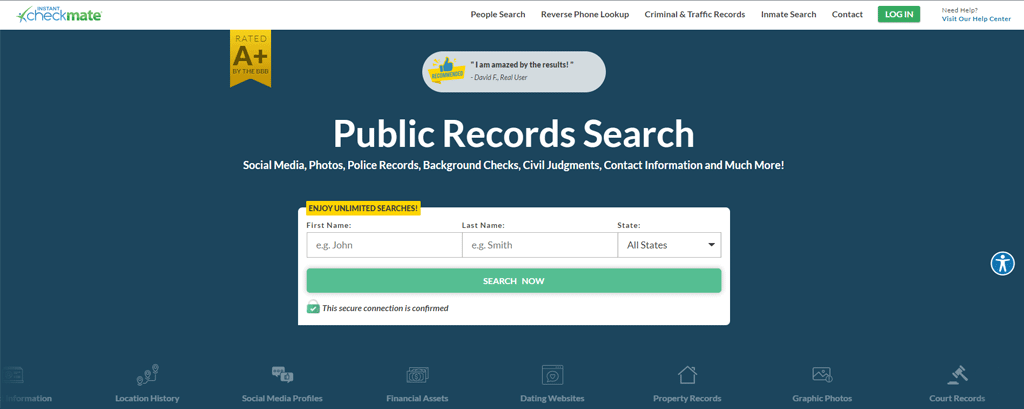
Instant Checkmate focuses on criminal records and traffic incidents in the US, searchable by name or phone number.
Compared with BeenVerified: Instant Checkmate’s interface and detail level make it stronger for sex offender lookups, while BeenVerified covers a wider range of records, including vehicle history and unclaimed assets.
About Instant Checkmate
- Founding year: 2010
- Founding team: Joey Rocco, and Kris Kibak
- Company Size: 101 to 250 employees
Key Features of Instant Checkmate
- People Search: Find contact details and social profiles by entering a name.
- Reverse Phone Lookup: Identify unknown callers or potential spam.
- Criminal Records Search: Look up felony, misdemeanor, or traffic violation records.
- Inmate Search: Check if someone is incarcerated and where.
Pros
- Easily reconnects you with old friends or acquaintances.
- Identifies unknown callers or potential spam with a phone number.
- Reveals criminal histories for personal or professional securities.
- Locates incarcerated individuals with a simple name search.
- Offers insights into social media profiles and online presence
Cons
- Full detailed reports require a paid subscription.
Pricing
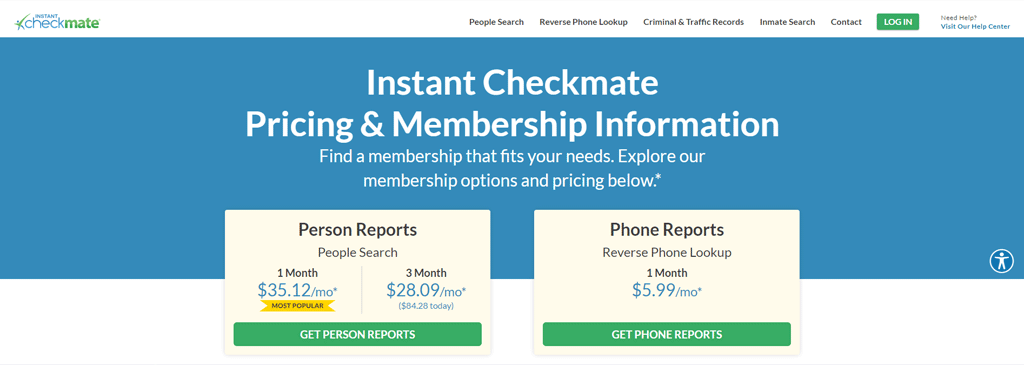
Basic searches run $35.12/month, or $28.09/month on a 3-month plan (billed $84.28 upfront). A reverse phone lookup add-on costs $5.99/month for unlimited phone reports.
Additional add-ons include downloadable report files ($3.99) and dark web monitoring ($1.99/month).
What Users Say About Instant Checkmate
- Trustpilot: 2.2 out of 5 (357 reviews)
- Sitejabber: 1.5 out of 5 (335 reviews)
“This has helped me track down some and I have mostly been able to contact them for interviews.” – Roger Plew
Our Review of Instant Checkmate
Instant Checkmate is fast at pulling together criminal records and contact info in one search.
For businesses vetting a hire or partner, that speed is valuable, though the tool only covers the US, limiting it for international needs.
Full reports still require a subscription, which may not suit every budget.
9. Pipl
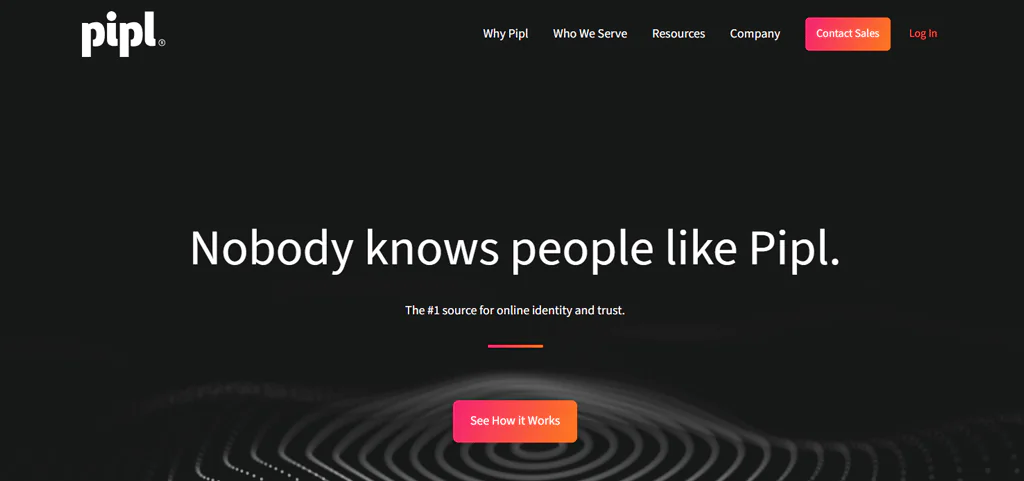
Pipl focuses on connecting fragments of online activity into a verified digital identity, drawing from a wide range of sources to give a fuller picture of someone’s online presence.
It’s built for fraud prevention, identity verification, and smoother customer onboarding.
For business identity verification, Pipl is the stronger pick; for personal background checks on a neighbor or old friend, TruthFinder is more suited to that use case.
About Pipl
- Founding year: 2021
- Founding team: Matthew Hertz
- Company Size: 101 to 250 employees
Key Features of Pipl
- Understanding Digital Identities: Builds a full picture of someone’s online life, important for user verification.
- Investigating Crime and Fraud: Pulls detailed results that connect the dots in investigations.
- Protecting Content and Media Online: Helps content platforms keep out fake users and spam reviews.
- Search API: Integrates into platforms for instant identity checks.
- Improved People Searches: Vast digital identity data makes searches more comprehensive.
- Keeping Online Marketplaces Safe: Helps spot fraudsters and fake profiles on marketplaces and community sites.
Pros
- Unravels complex digital identities from multiple sources.
- Speeds up crime and fraud investigations with detailed data.
- Integrates easily with platforms via Search API.
- Blocks fake users, protecting online media and content.
- Improves people’s search and background checks with vast data.
Cons
- Captcha checks can be a bit much.
Pricing
Pipl offers a free trial, subscription plans, and custom quotes.
What Users Say About Pipl
- G2: 4.4 out of 5 (43 reviews)
- Capterra: 4 out of 5 (14 reviews)
“Pipl lets you identify people of interest with identifiers like addresses, phone numbers, social media, addresses, employment, education, and much more” – RASHAB K.
Our Review of Pipl
Pipl is genuinely strong at piecing together online identities from scattered data points, which helps with fraud prevention and onboarding.
The flip side is that gathering this much data raises legitimate privacy questions, and a heavy focus on digital footprints can miss offline context that matters for a full picture.
Note: For a broader information scope, try Pipl alternatives.
10. Intelius
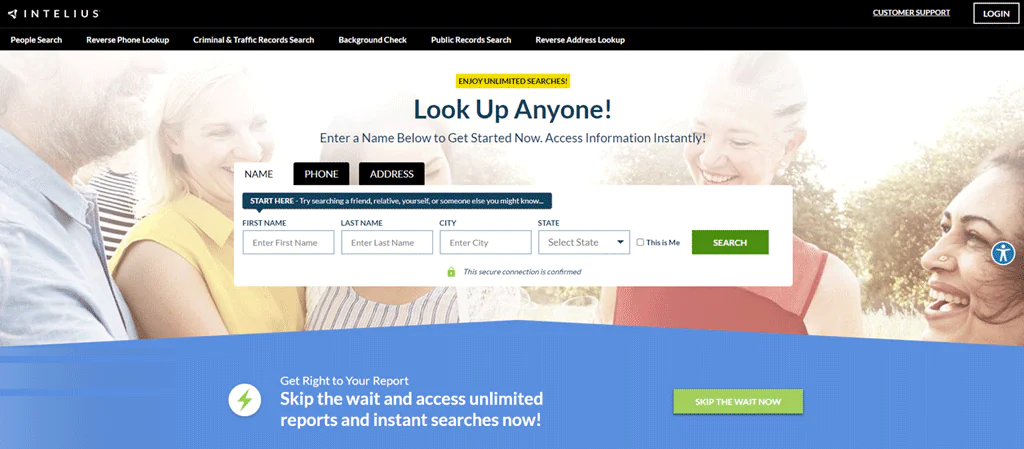
Intelius delivers in-depth reports from just a name, phone number, or address, covering everything from criminal checks to general people searches.
Compared with PeopleFinders: Intelius leans toward validated, detailed reports and phone lookups, while PeopleFinders offers a larger 120 billion-record database but less transparent pricing and user feedback.
The choice comes down to whether you want breadth (PeopleFinders) or validated depth (Intelius).
About Intelius
- Founding Year: 2003
- Founding Team: Chandan S. Chauhan, Naveen Jain, Ed Petersen, and Niraj Shah
- Company Size: 101 to 200 employees
Key Features of Intelius
- Reverse Phone Lookup: Identify a caller’s name and address.
- Background Check: Sources criminal history, work background, and associations.
- Reverse Address Lookup: Shows property history, including past and current owners.
- People Search: Find contact details for old friends or new acquaintances.
- Criminal Records Search: Look up past offenses and traffic violations.
- Public Records Search: Marriage and divorce records, bankruptcy filings, and more.
Pros
- Instant caller identification for unknown numbers.
- Offers thorough background checks on individuals.
- Provides a detailed history of properties and owners.
- Allows for rediscovery of old acquaintances and connections.
- Enables checking of criminal and traffic records easily.
- Accesses a wide range of public records in one place.
Cons
- May not always have up-to-date information about a person.
Pricing
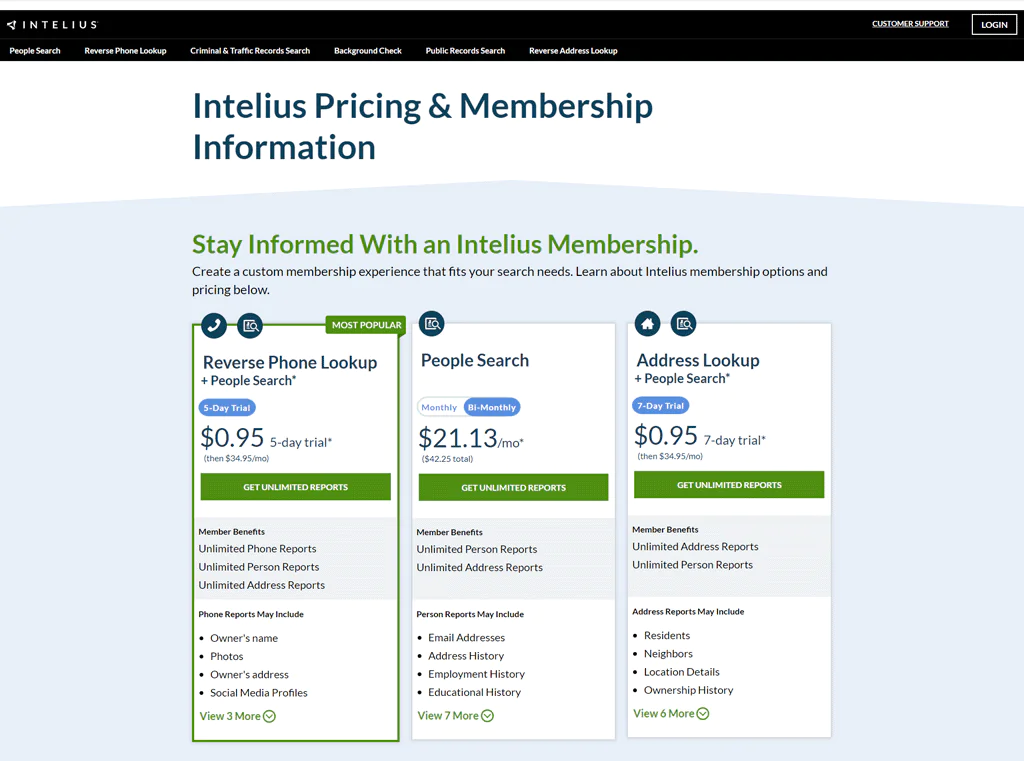
A trial runs $0.95 for 5–7 days with unlimited access, then $34.95/month. A $24.86/month plan offers unlimited people/address searches.
Individual report downloads cost a one-time $3.99. The Identity Protect plan ($9.95/month) includes credit monitoring and up to $1 million in identity theft insurance.
What Users Say About Intelius
- G2: 5 out of 5 (3 reviews)
- Trustpilot: 2.1 out of 5 (298 reviews)
“What do you like best about Intelius? Is so easy to find emails, phones and people’s information, I just love that is not scam.” – Diana H.
Our Review of Intelius
Intelius is solid for public-records access and risk assessments, but it isn’t built for pre-employment screening, which may rule it out for HR use cases.
Cost is worth weighing if you plan to use it at scale across a business.
Note: Intelius alternatives could offer more detailed public records.
11. US Search
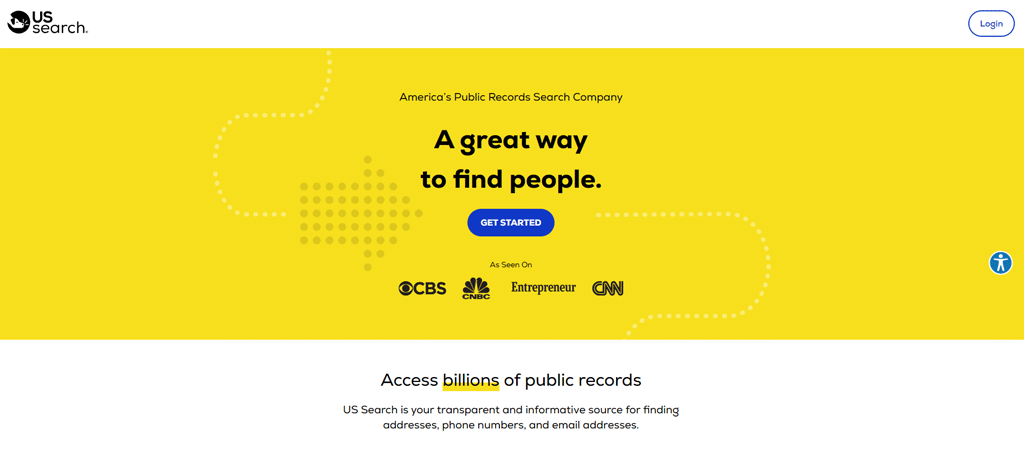
US Search lets you enter a name, phone number, or address to access criminal records, contact details, and property information quickly.
Compared with Instant Checkmate: Instant Checkmate offers more detailed reports and features like criminal records and social media details, while US Search is simpler and more budget-friendly but less transparent on pricing and coverage outside the US.
About US Search
- Founding Year: 1993
- Company Size: 101 to 250 employees
Key Features of US Search
- People Search: Searches billions of public records for current addresses, phone numbers, and emails.
- Criminal Records Search: Felonies, misdemeanors, and traffic offenses across several states.
- Background Check: Criminal records, employment history, and personal associations.
- Reverse Phone Lookup: Identify unknown callers.
- Property Records Search: Property history and ownership from an address.
- Social Network Search: Surfaces someone’s online activity across social platforms.
Pros
- Quickly find contact information with People Search.
- Detailed background reports offer thorough insights.
- Criminal Records Search improves personal safety.
- Provides a glimpse into digital footprints.
Cons
- May not always include the latest information.
Pricing
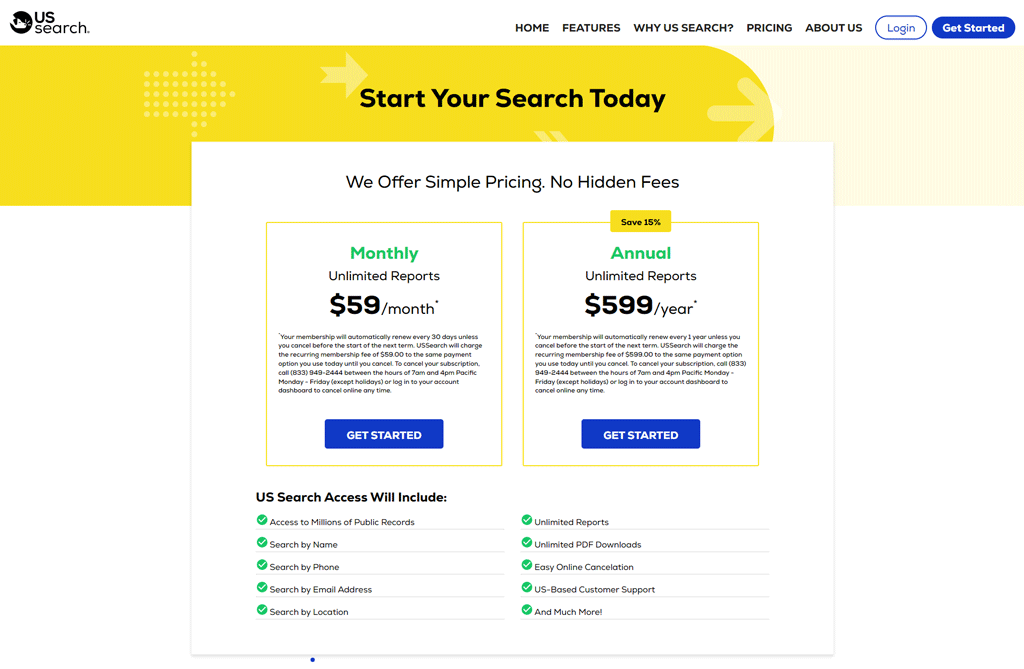
The Monthly plan runs $59 with unlimited reports and easy cancellation. The Annual plan at $599 saves about 15% over the monthly rate and adds PDF downloads and US-based support.
What Users Say About US Search
- ConsumerAffairs: 4.7 out of 5 (182 reviews)
- Sitejabber: 1.3 out of 5 (13 reviews)
“I needed an address verification service to update my clients’ addresses for holiday cards. It delivered 100% what I needed.” – Luke
Our Review of US Search
US Search is effective for quick public-records lookups, with an intuitive interface for pulling criminal records, contact info, and property details.
For due diligence or verifying client information, it can save real time, though data recency varies and isn’t always current enough for time-sensitive decisions.
12. PeopleFinders
PeopleFinders has operated for more than two decades and gives access to a claimed 120 billion US records for locating people and checking backgrounds.
Compared with Pipl: Pipl offers broader global and social-media-based identity verification, while PeopleFinders specializes in detailed US records for reconnecting with people domestically.
For wide-reaching global data, Pipl fits better; for detailed US-specific lookups, PeopleFinders is usually the stronger choice.
About PeopleFinders
- Founding year: 1999
- Founding team: Rob Miller
- Company Size: 50 to 99 employees
Key Features of PeopleFinders
- Reverse Phone Lookup: Identify who called using just a phone number.
- Email Lookup: Check who sent an email and whether it’s legitimate.
- Address Lookup: Property history and occupants from an address.
- People Search: Find current address, phone numbers, and more by name.
- Criminal Records Search: Arrest records, misdemeanors, felonies, and other legal issues.
- Public Records Search: Marriage, divorce, and bankruptcy filings.
Pros
- Check for criminal backgrounds to ensure safety.
- Extensive U.S.-centric public records and background information.
- User-friendly interface facilitates easy searches.
- Offers both one-time reports and subscription options.
- Detailed reports include contact information and criminal records.
Cons
- Some searches may lead to additional fees.
Pricing
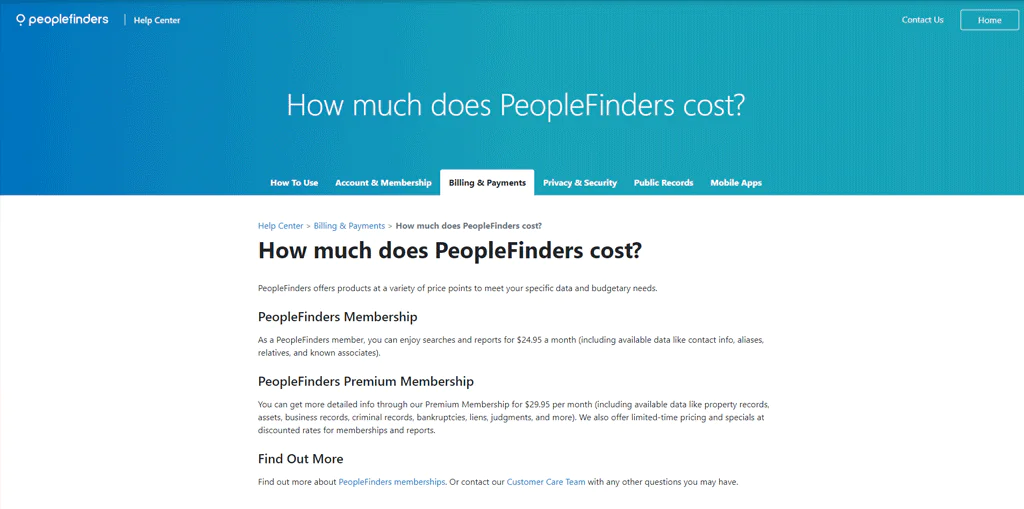
Basic access runs $24.95/month. The Premium Membership at $29.95/month adds property, business records, and criminal history. Discounts run periodically.
What Users Say About PeopleFinders
- Trustpilot: 4.6 out of 5 (2,444 reviews)
- ConsumerAffairs: 4.4 out of 5 (361 votes)
“The customer service was excellent. There was no problem when I cancelled. Excellent.” – AJC
Our Review of PeopleFinders
PeopleFinders makes background checks and contact lookups straightforward, which is useful for general research.
Worth flagging: it’s not compliant with the Fair Credit Reporting Act (FCRA), so it isn’t suitable for employment screening decisions.
The subscription model may also be more than smaller businesses need for infrequent searches.
13. Whitepages
Whitepages maintains a large database of phone numbers, addresses, and related records for people across the country.
Compared with BeenVerified: both are strong options, but Whitepages leans on its reputation and contact-detail focus, while BeenVerified goes deeper on public records. For speed and accuracy on contact data specifically, Whitepages tends to edge ahead.
About Whitepages
- Founding year: 1997
- Founding team: Alex Algard
- Company Size: 51 to 100 employees
Key Features of Whitepages
- Email Search: Check an unfamiliar email sender’s identity.
- Reverse Phone Lookup: Identify unknown callers.
- Reverse Address Search: Property history and current or past residents.
- Background Checks: Criminal records and employment history for security or verification.
- People Search: Find or verify contact details easily.
Pros
- Quickly find out who’s behind unknown phone numbers.
- Finds detailed property and resident histories.
- Verify sender identities with an email search.
- Easily reconnect with people or verify their information.
- Conduct thorough background checks for safety or employment.
Cons
- Limited free version with basic information only.
Pricing
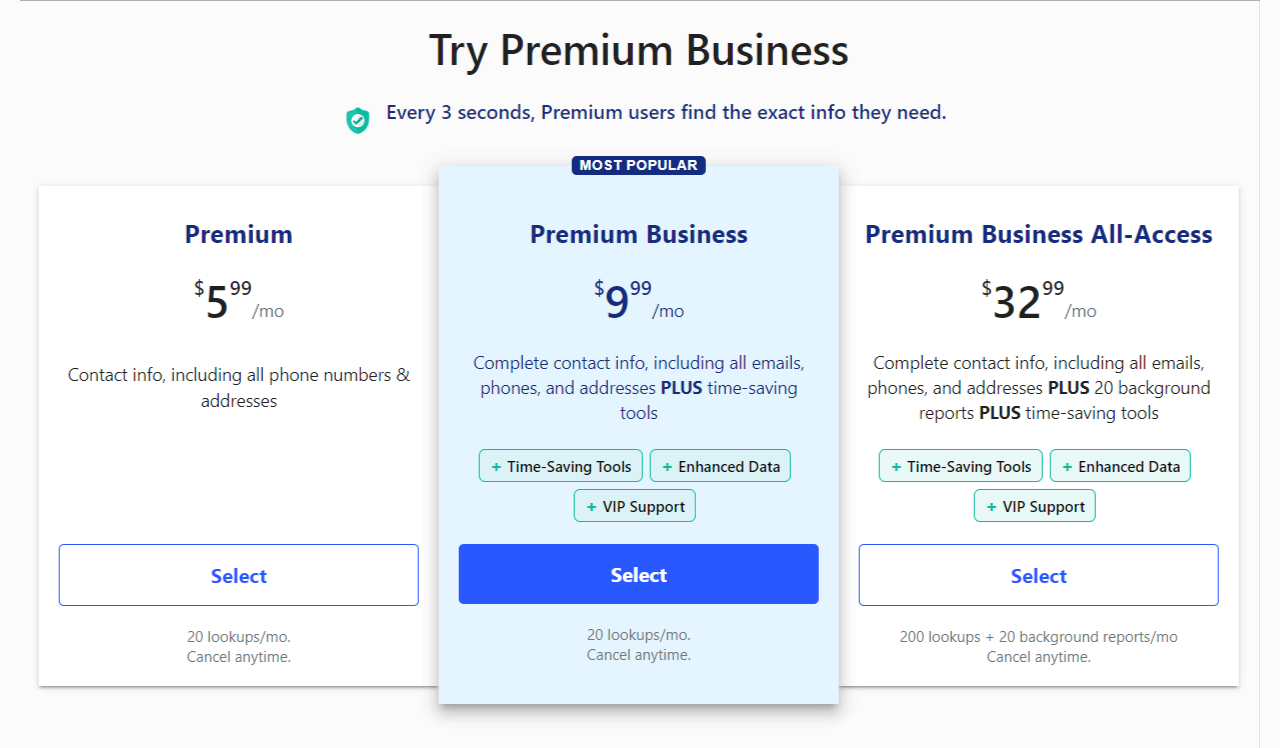
Premium starts at $5.99/month for up to 20 searches. Premium Business is $9.99/month with the same search cap plus extra support. Premium Business Plus runs $22.99/month for 100 searches, and Premium Business All-Access is $32.99/month for 200 searches and 20 detailed reports.
A one-time Background Report costs $11.99 for a single detailed check without a subscription.
What Users Say About Whitepages
- Glassdoor: 4.3 out of 5 (135 reviews)
- Trustpilot: 1.6 out of 5 (40 reviews)
“Found everything that I was looking for.” – Sheila Kessem
Our Review of Whitepages
Whitepages is dependable for contact info and basic background checks, and it can genuinely help a business find new contacts or verify existing ones.
Because it leans on public records, some info may not be current, and pricing for the deeper reports can add up if you need them often.
14. PeopleLooker
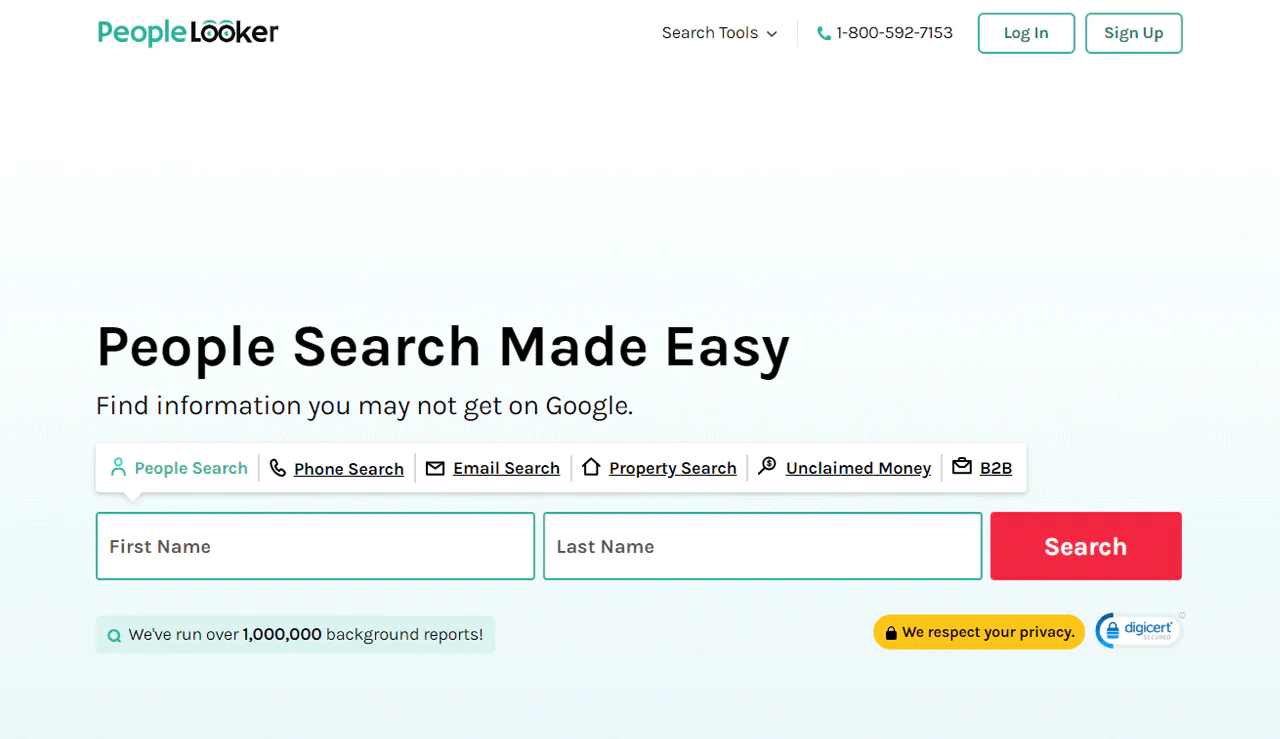
PeopleLooker has completed over a million background reports and covers names, addresses, phone numbers, and criminal records.
Compared with PeopleFinders: PeopleFinders has a stronger search database, but PeopleLooker puts more emphasis on privacy protection and report variety.
About PeopleLooker
- Founding year: 2016
- Founding team: The Lifetime Value Co.
- Company Size: 51 to 100 employees
Key Features of PeopleLooker
-
- People Search: Find residence history, relatives, and criminal records by name.
- Phone Number Search: Confirm who called or owns a number.
- Email Lookup: Verify who an email belongs to and check for scams.
- Address Search: See who lives or lived at an address.
- Social Media Search: Find linked profiles from a username.
- Unclaimed Money: Check if unclaimed government funds belong to you or someone close.
Pros
- Provides detailed background checks with just a name.
- Identifies unknown phone call origins for peace of mind.
- Verifies email address legitimacy to avoid scams.
- Reveals present and past residents at specific addresses.
- Uncovers social media profiles from a single username.
Cons
- You’ll need mobile devices for some searches.
Pricing
Pricing isn’t published on the site. Based on our research, a $1 seven-day trial is available, along with a three-month membership at $18.28/month (billed $54.83) or a monthly plan at $22.86.
What Users Say About PeopleLooker
- Trustpilot: 3.2 out of 5 (190 reviews)
- Sitejabber: 1.7 out of 5 (94 reviews)
“Since being here on Peoplelooker I have found so many more results over time.” – Leah Haskins
Our Review of PeopleLooker
PeopleLooker is a reliable option for casual public-records digging, useful for reconnecting with contacts or spotting a potential scam.
It’s not built for official checks like tenant screening or financial assessments, which narrows its use for certain professional needs, but for personal research it’s solid.
15. Infotracer
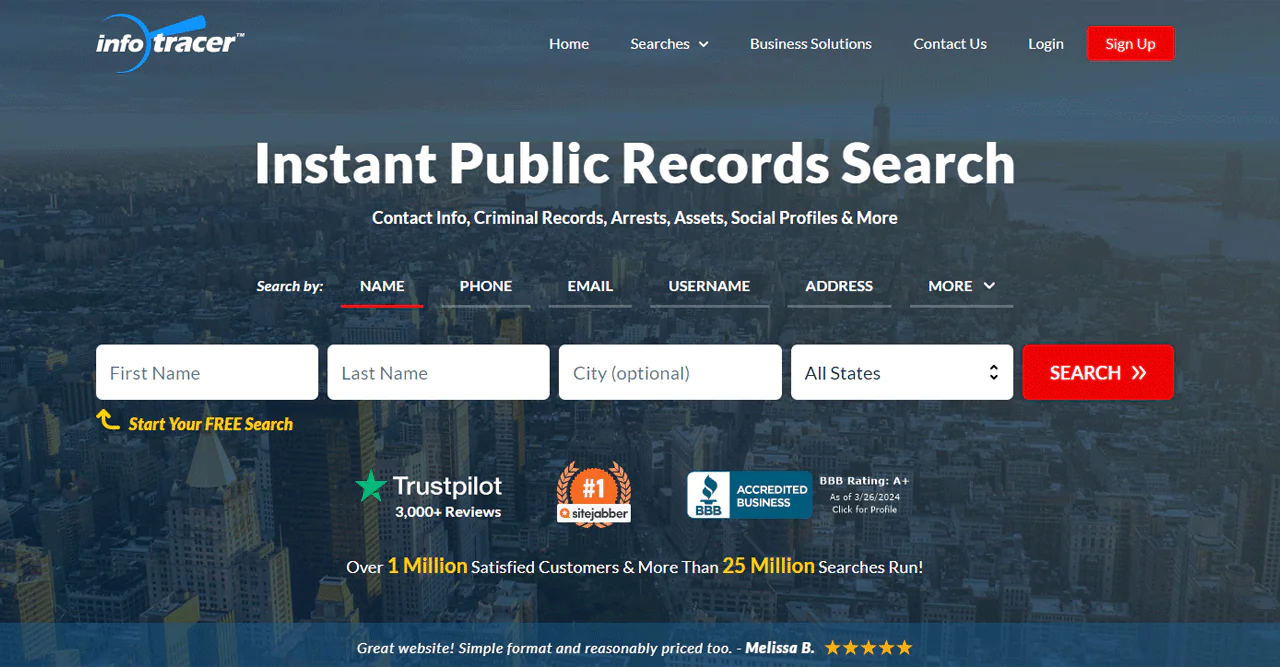
Infotracer gives access to a database of more than 5 billion records, including criminal and arrest history.
Compared with Intelius: Infotracer covers more varied data, including deep web searches for deeper investigations, while Intelius is more streamlined for general background checks.
About Infotracer
- Founding Year: 2010
- Founding Team: Levon Gasparian
- Company Size: 11 to 50 employees
Key Features of Infotracer
- People Search: Find contact details and social profiles by name, address, or phone.
- Arrest Records: Over a billion arrest and warrant records, including mugshots.
- Deep Web Search: Surfaces hard-to-find social profiles beyond standard search engines.
- Email Lookup: Find who an email belongs to along with public records.
- Criminal Records: Detailed crime records from across the country.
- Reverse IP Lookup: Identify who an IP address belongs to and any linked public records.
- Inmate Search: Find inmates anywhere in the US, including offenses and sentences.
Pros
- Quick people search with just a name, address, or phone.
- Extensive arrest and warrant records for background checks.
- Deep web searches reveal hard-to-find social profiles.
- Email lookups help verify contacts and avoid scams.
- Property records provide detailed ownership and value insights.
Cons
- Information overload can sometimes be overwhelming.
Pricing
A $1.95 seven-day trial is available. Based on our research, the monthly plan runs around $24.95. Individual services like Person Search and UCC Search cost $1.50, while reports such as Background, Property, and Criminal Records range from $5 to $25. Vehicle History and License Plate Verification cost $9 and $5, respectively.
What Users Say About Infotracer?
- Trustpilot: 4.2 out of 5 (3,099 reviews)
- Sitejabber: 3 out of 5 (25,929 reviews)
“So far,I am impressed with service!” – robert mielke
Our Review of Infotracer
Infotracer’s 5-billion-record database makes it useful for detailed background checks and contact information.
The depth can be a double-edged sword: sifting through the volume takes time, and record accuracy can vary enough that some findings need cross-checking.
16. PeopleSmart
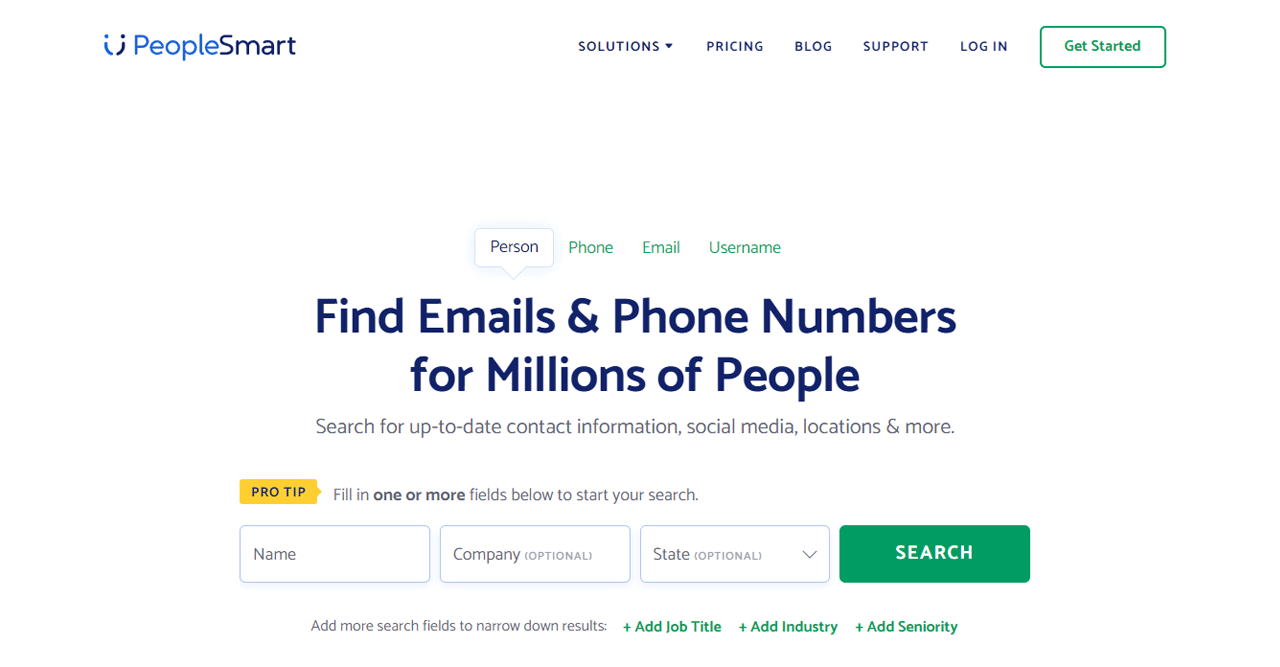
PeopleSmart is built for sales, marketing, and recruitment use cases, with AI-assisted matching across more than 100 million targeted leads.
Its Chrome Extension makes it easy to grab contact info from LinkedIn profiles for quick lead qualification.
Compared with Whitepages: Whitepages covers broader general search, while PeopleSmart is more specialized for lead generation, marketing, or hiring workflows.
About PeopleSmart
- Founding year: 2010
- Founding team: Joshua Levy and Ross Cohen
- Company Size: 11 to 50 employees
Key Features of PeopleSmart
- Lead Enrichment: Enter an email, phone number, or LinkedIn profile to get job title and employer details.
- Finding Leads: Regularly updated database for targeted outreach.
- Chrome Extension: Pull phone numbers and emails right from LinkedIn.
- Competitive Edge: No long-term contracts required for businesses of any size.
- Data Quality: Over 100 million business contacts with direct-dial numbers and emails.
Pros
- Easily find lead information using basic details
- Allows for swift acquisition of LinkedIn contacts
- Updated database to ensure the latest contact info
- Gives detailed lead information with simple inputs
- No long-term commitments required
Cons
- Focus on professional data might not suit all needs.
Pricing
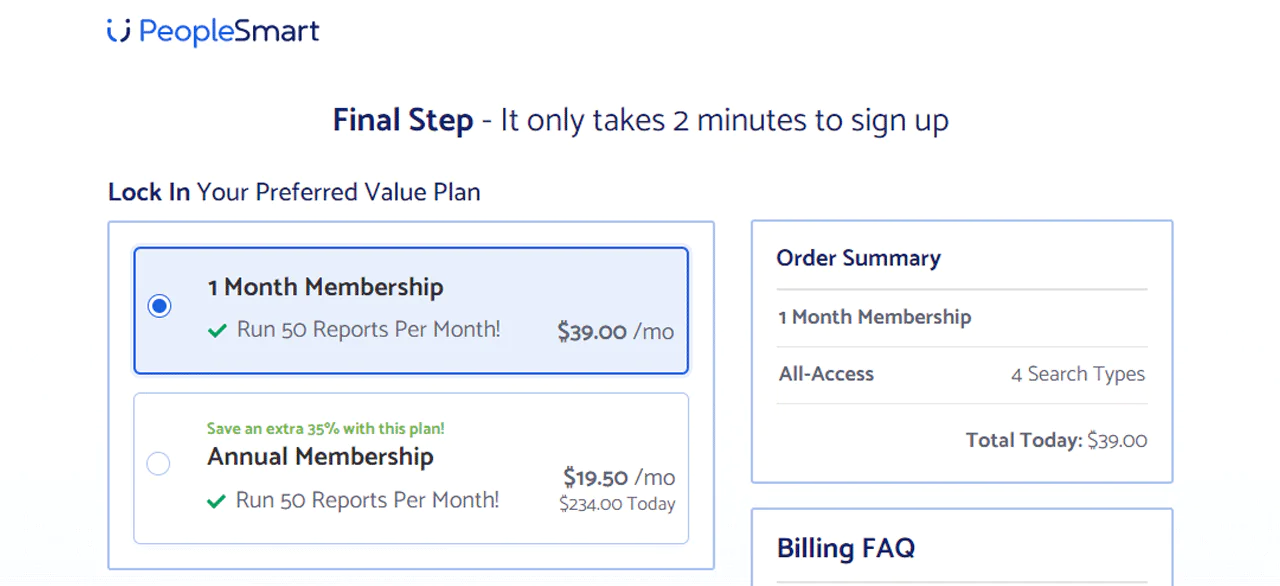
The Basic plan is $39/month for 50 reports. Professional is $69/month for 150 contacts. Business is $99/month for 300 contacts.
Each plan includes a 7-day trial for $1 and access to the Chrome Extension, with the option to upgrade, downgrade, or cancel anytime.
What Users Say About PeopleSmart
- ConsumerAffairs: 3.8 out of 5 (25 reviews)
- Sitejabber: 1.6 out of 5 (125 reviews)
“I found an email of his, I emailed him and the next day he emailed me and we starting talking.” – Karianne R.
Our Review of PeopleSmart
PeopleSmart’s AI-driven matching and LinkedIn extraction feature make it a genuinely useful tool for building out a contact list quickly.
The volume of data can be a bit much for casual users, and its focus on professional contacts means it’s a poor fit for consumer-facing research.
How We Tested The Best People Search Finder Services
To narrow the field, we started with the most well-known people search platforms and worked through a consistent process —
- We created a set of standards to evaluate each site, focusing on features, benefits, cost, user ratings, user-friendliness, and customer support.
- We tested each platform to see how quickly and accurately they could find people using known details.
- Out of all of them, most didn’t meet our standards, leaving us with the top-performing sites listed here.
- We also assessed whether these sites are suitable for personal or professional use.
How to Choose The Best People Search Finder
With this many options, picking the right one comes down to a handful of practical factors.
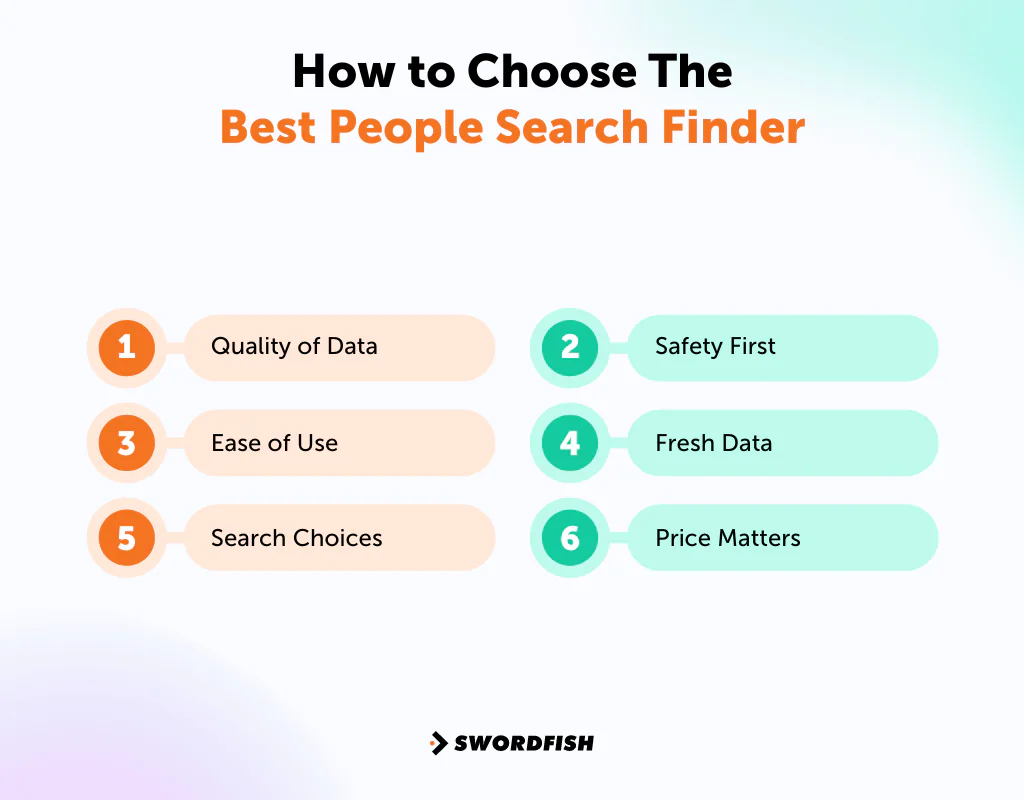
Quality of Data
Start with accuracy. You want a service that pulls from public records, social media, and more to give you information you can trust. Intelius, for example, even surfaces education history that others might overlook.
Ease of Use
You need a platform that’s easy to navigate, with searches and reports that are simple to interpret. Swordfish AI and BeenVerified are known for keeping this process straightforward.
Search Choices
The best services let you search by name, phone number, email, or social media username, so you can start from whatever information you already have. TruthFinder and BeenVerified, for instance, give you a range of options, including the ability to scan the dark web.
Safety First
In 2022, organizations globally detected 493.33 million ransomware attacks. Choose a service that protects your searches with strong encryption and privacy law compliance. Some let you remove your own information from their databases for an extra layer of privacy.
Alt: In 2022, organizations globally detected 493.33 million ransomware attacks
Fresh Data
As people’s lives change, so does their information. A service that regularly updates its database reduces the odds of running into outdated or wrong data, which matters if you’re making decisions based on the results.
Price Matters
Cost plays a real role here. Some services offer basic free searches, but detailed reports usually carry a price. Decide whether you need a one-time report or ongoing subscription access before you commit.
Why You Should Use People Search Engines?
People turn to people-search platforms for a range of reasons —
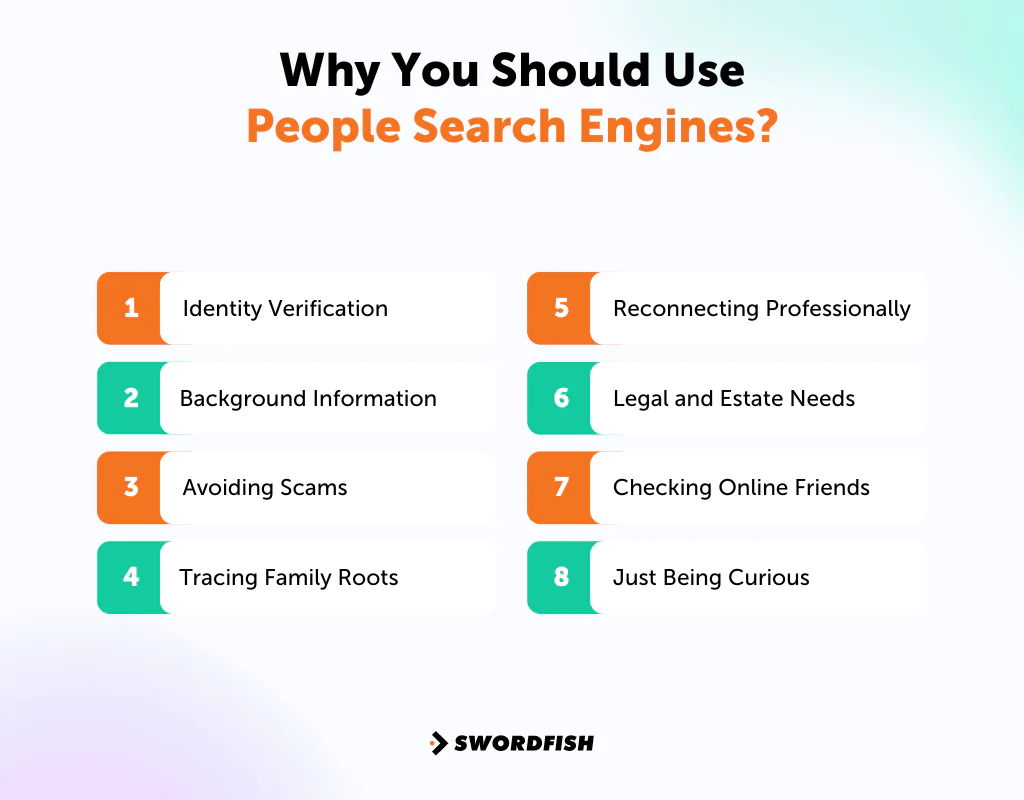
- Identity Verification: With more online interactions today, confirming someone is who they claim to be matters for safety.
- Background Information: These sites can reveal a person’s criminal past, other names they might use, and more.
- Avoiding Scams: A 2021 study from Juniper Research projected online payment fraud losses could exceed $206 billion globally by 2025. Using a reliable people finder can help confirm if someone is genuine, especially in financial dealings.
- Tracing Family Roots: Genealogy researchers use these platforms to trace ancestors and access historical records like census data.
- Reconnecting Professionally: Professionals might use these sites to get back in touch with old colleagues or clients, potentially leading to new opportunities.
- Legal and Estate Needs: For legal cases or managing estates, finding witnesses or beneficiaries is crucial. These sites can help locate such individuals.
- Checking Online Friends: With online dating and social media, verifying someone’s real identity can prevent scams or deceit.
- Just Being Curious: Sometimes people just want to learn more about someone they’ve met or heard of.
What Information Can People Search Websites Provide?
Here’s what you might typically find —
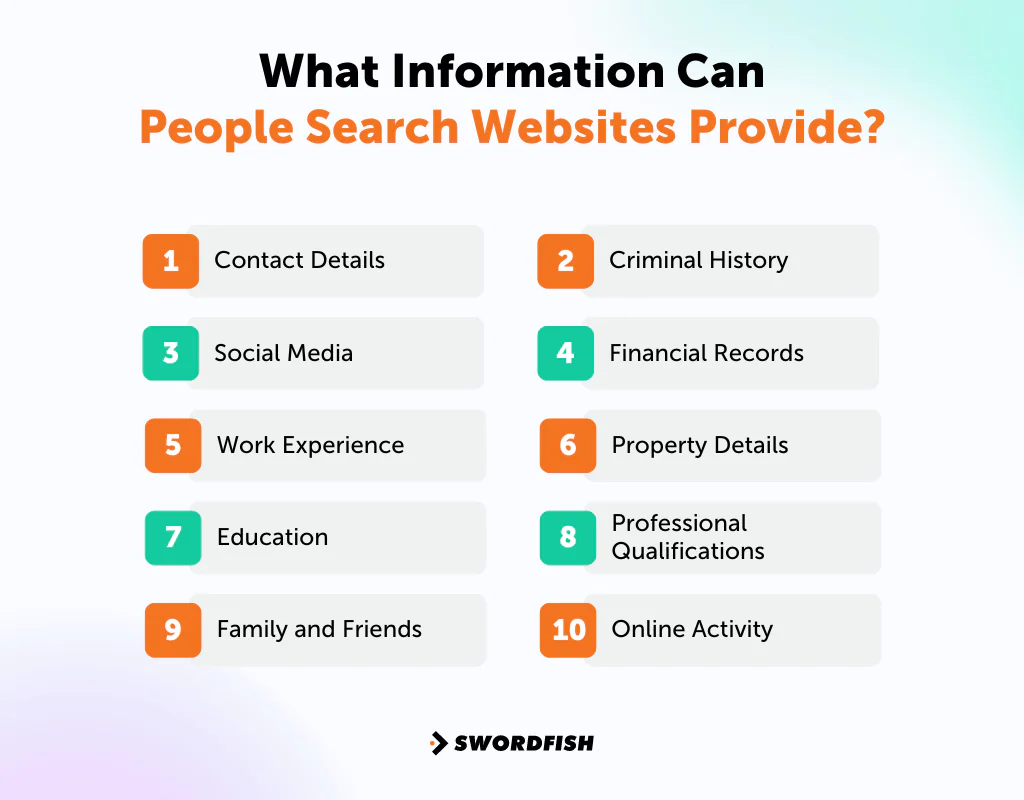
- Contact Details: Names, addresses, phone numbers, and email addresses, useful for reconnecting with a lost contact.
- Social Media: Direct links to social profiles, showing what someone shares and who they interact with.
- Work Experience: Job history, roles held, and tenure at each employer.
- Education: Schools attended and degrees or certificates earned.
- Family and Friends: Relatives and close connections, offering insight into someone’s personal life.
- Criminal History: Criminal records where available, though this varies by local law.
- Financial Records: Bankruptcies or debts that offer a snapshot of financial health.
- Property Details: Owned houses or land, giving a sense of assets and investments.
- Professional Qualifications: Licenses or certifications tied to someone’s profession.
- Online Activity: Recent posts or interactions beyond social media, for broader context.
What is the Best People Finder Site?
For direct contact data, Swordfish AI focuses on cell phone numbers and business emails, while many directory-style tools emphasize public records.
Swordfish says its phone-matching and email-verification process is designed to reduce dead numbers and bounced emails. Results can still be outdated or mismatched, so verify important contact details.
BeenVerified and TruthFinder remain strong for background checks and public records, but they aren’t built around the same direct-contact-data focus.
If your priority is cell phone and email data for outreach, Swordfish AI is positioned as a purpose-built option; check matches before relying on them.
Conclusion
When comparing people finder sites, weigh your budget, the type and likely freshness of the data, and how easily a tool fits your workflow. Choose a service for the task it actually supports.
Every option on this list brings something different to the table, whether that’s advanced search filters, privacy protections, or sheer database size. We picked this range to match different needs and use cases.
Among these, Swordfish AI stands apart for its focus on real-time contact verification, so you’re working with fresher data. If accurate, current contact info is what you’re after, Swordfish AI is worth trying first.
FAQs
How do these search sites find people?
These sites pull from public records, online databases, and social media. Enter a name, address, phone number, or email, and you’ll get a report covering contact details, job history, and more.
Is it okay to use these sites?
Generally, yes — they’re working with public information. Still, consider your purpose and local rules. It’s fine for things like finding old friends or researching your family tree; just use good judgment.
Can I find my long-lost cousin or school friends?
Usually. Enter their name or what you remember, and you might surface contact info or social media profiles. It’s a good first step, though results aren’t always exact.

