


 View Products


Key takeaways
- People Data Labs is presented as an API-driven option for data enrichment at scale.
- Swordfish is positioned for outreach teams that prioritize cell phone data and cold calling.
- ZoomInfo is described as a broad B2B database with sales intelligence features; compare its cost and regional coverage with your needs.
- Lusha is presented as a contact-enrichment option with LinkedIn integration and API access.
- Before choosing a provider, test data quality on your own records and compare coverage, pricing, and CRM or API integrations.
Last updated: September 3, 2026
People Data Labs (PDL) built its name on data breadth rather than a single-source scrape. Instead of pulling profiles from one network, PDL aggregates public and partner data and exposes it through an API, giving buyers access to personal emails, phone numbers, and a flexible search layer. That approach made it a common pick for teams building enrichment workflows.
Even so, no single provider covers every use case well. Coverage tends to be strongest for technical roles at mid-size and large US companies, and thinner for smaller companies, non-English-speaking regions, and non-technical roles. Refresh cycles also matter: PDL ships major updates quarterly with monthly interim releases, which means data can lag in fast-moving markets. For teams that need fresher contact data, broader source diversity, or features PDL doesn’t prioritize, it’s worth comparing alternatives directly.
Below are five tools worth evaluating, what each does well, and where the tradeoffs show up in practice.
Quick List of 5 Alternatives to Peopledatalabs
- Swordfish AI: Best for AI-driven lead generation.
- ZoomInfo: Best tool for B2B contact database.
- Lusha: Best for finding contact information.
- Clearbit: Best for enriching and verifying contact data for businesses.
- Adapt: Best tool for extracting contact information from LinkedIn and other sources for prospecting.
Reasons to Consider an Alternative to Peopledatalabs?
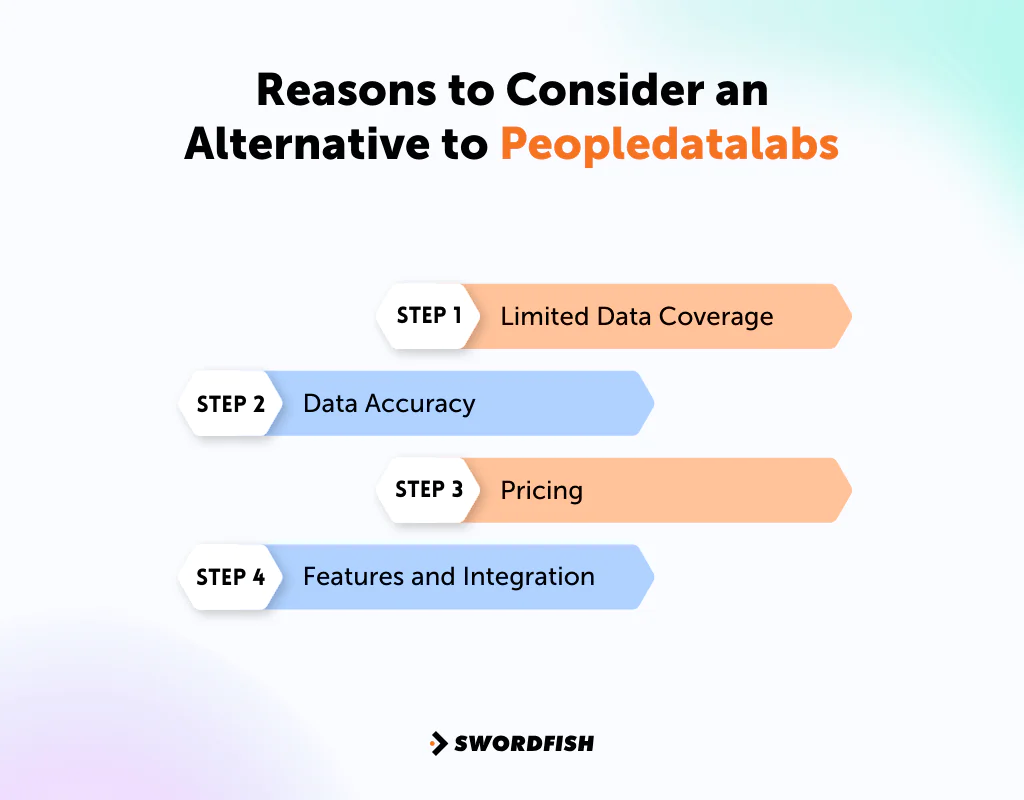
Before switching from Peopledatalabs to an alternative, evaluate your specific needs first. Look closely at data quality, pricing, and support responsiveness rather than switching on reputation alone.
Limited Data Coverage
Peopledatalabs may have limitations in the profiles and industries it covers, particularly outside technical roles and larger US companies. An alternative may offer a more balanced dataset for your target audience.
Data Accuracy
Data accuracy is central to lead generation and outreach that actually converts. If records feel stale or mismatched, that’s a legitimate reason to test other providers against your own list.
Pricing
The cost of a data provider may not match your budget or the value you get from the features included. Alternatives may offer more flexible plans or pricing that scales better with your usage.
Features and Integration
Depending on your workflow, you might need features or CRM integrations that Peopledatalabs doesn’t offer. Comparing alternatives can surface a tool that fits your stack more directly.
Top 5 Competitors of Peopledatalabs: Comparison Chart
Company | Database | Contact Details | Lead Scoring |
 | 3.5 billion data profiles | Cell phone numbers, emails, real-time validation. | Advanced filters for accurate generation |
 | 321 million professional contacts | Business contacts including emails, direct dial phone numbers, intent data. | Scoring and routing with detailed info, corporate hierarchies |
 | 50 million enterprise business profiles | Emails, mobile numbers, and company data with automated data enrichment. | Targets with behavioral data for identifying ready-to-buy decision-makers |
 | 389 million contact records | Company technology, contact emails, job titles, industry data, role & seniority normalization. | IP intelligence data, visitor dashboard for targeting |
 | Over 200 million contact profiles | Email addresses, phone numbers, social media profiles, job titles. | Search filters and parameters for high-conversion prospects |
Top 5 Peopledatalabs Alternatives for Your Project Management Needs
When it comes to project management and data enrichment, Peopledatalabs has been a common default for many teams. Still, it’s worth checking alternatives to confirm you have the right fit for how your team actually works.
Below are five alternatives and the strengths and tradeoffs to compare for data enrichment and sales workflows.
1. Swordfish
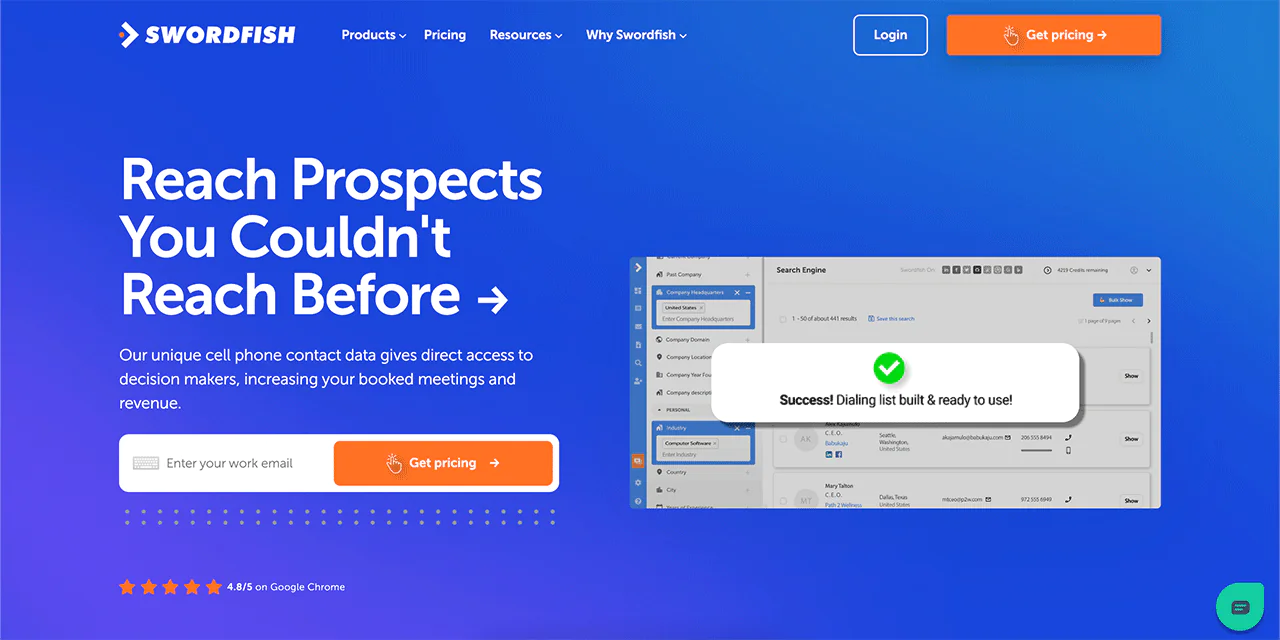
Swordfish is built around finding and reaching prospects quickly, with a particular focus on mobile and direct contact data rather than just email addresses. Instead of only aggregating records, it layers in behavioral and activity signals to help surface prospects more likely to respond.
This focus on contact accuracy rather than raw volume is intended to reduce time spent on leads that do not convert, particularly for teams doing high-volume outbound or cold calling.
About Swordfish AI
- Founding year: 2015
- Founding team: Ben Argeband
- No. of users: 50,000
Customer Ratings
- G2: 4.5 · 84 reviews
- Capterra: 4.6 · 12 reviews
What Sets Swordfish Apart?
Swordfish provides access to a large pool of data profiles, which helps you find and engage the right leads and contacts for your business. That scale also supports teams looking to build a prospect list from scratch.
What distinguishes Swordfish for many users is its access to cell phone numbers alongside emails and business details. That’s a meaningfully different channel than email alone, especially for outbound teams that rely on calling.
Swordfish says its proprietary cell phone verification process is intended to keep numbers current and reduce wasted dials.
Key Features of Swordfish
A few features stand out for teams evaluating Swordfish against other providers.
-
User-Friendly Interface
Swordfish’s interface is designed to be straightforward, so teams can get to the data they need without a long onboarding period.
-
Multi-Platform Accessibility
Swordfish is available across mobile, web, and desktop, so reps can pull data from whichever device fits their workflow.
-
Proprietary Cell Phone Verification System
The verification system is built to keep contact information current, which directly affects how reliable your outreach is.
Best Use Cases of Swordfish
- Lead Generation: Swordfish works as an intent data provider, which suits teams focused on expanding pipeline and revenue.
- Sales and Marketing: Accurate contact information paired with broad data profiles supports more effective outreach campaigns.
- Cold Calling: The cell phone verification system is particularly useful here, since it improves the odds of actually reaching someone.
- Data Enrichment: Existing contact lists can be enriched for more personalized, data-driven outreach.
- Workflow Integration: Integrates with CRMs like Salesforce, HubSpot, and Pipedrive to keep lead management in one place.
- Precision Targeting: The platform’s signals help focus effort on prospects more likely to convert.
- Personalization: Detailed enrichment data supports more tailored messaging.
- Efficiency: Focusing on higher-intent leads reduces time spent on dead-end outreach.
- Global Outreach: Broad database coverage and phone verification support outreach beyond a single region.
Note: Read more here most popular Anymail Finder alternatives.
Why Should You Choose Swordfish over Peopledatalabs?
A key difference described here is cell phone verification: Swordfish emphasizes it for cold-calling workflows, while the article does not identify it as a core focus for People Data Labs.
Swordfish emphasizes a large pool of data profiles for building lead lists, while People Data Labs is presented as a stronger fit for API-driven enrichment and technical or company-level data.
The better fit depends on the workflow. People Data Labs is presented as an option for API-driven enrichment at scale, while Swordfish is positioned around outreach and cold-calling workflows.
If your priority is reaching people by phone with verified numbers, that’s the clearer differentiator to weigh.
|
Features |
Swordfish.AI | Peopledatalabs |
| Cell Phone Verification | Yes, with a unique system |
Limited |
|
Data Profiles |
Over 3.5 billion | Available, but with limitations |
| Data Accuracy | High, commitment to verified data |
Reliable, but may vary |
|
Lead Generation |
Strong emphasis on lead generation | Comprehensive data, focus may vary |
| Cold Calling | Excellent choice for cold calling |
Suitable, but not a primary focus |
|
Data Sources |
Broad data sources | Focus on web scraping |
| Integrations | Integrates with various CRMs |
Limited |
|
AI-driven Insights |
AI-powered lead identification | Limited AI-driven features |
| Pricing | Varies based on usage and features |
Custom pricing plans available |
Pros of Using Swordfish
- Robust security features to protect sensitive data.
- Scalable enough for businesses of various sizes.
- Intuitive interface for easy navigation.
- This contact finding tool integrates with popular third-party systems.
- Real-time analytics and reporting support faster decisions.
- Responsive customer support and documentation.
Cons of Using Swordfish
- Some users report a learning curve early on.
- Pricing can feel high depending on usage scale.
- Advanced customization may need some technical familiarity.
- Niche integrations aren’t all covered.
Pricing
 Try Swordfish Ai
2. ZoomInfo
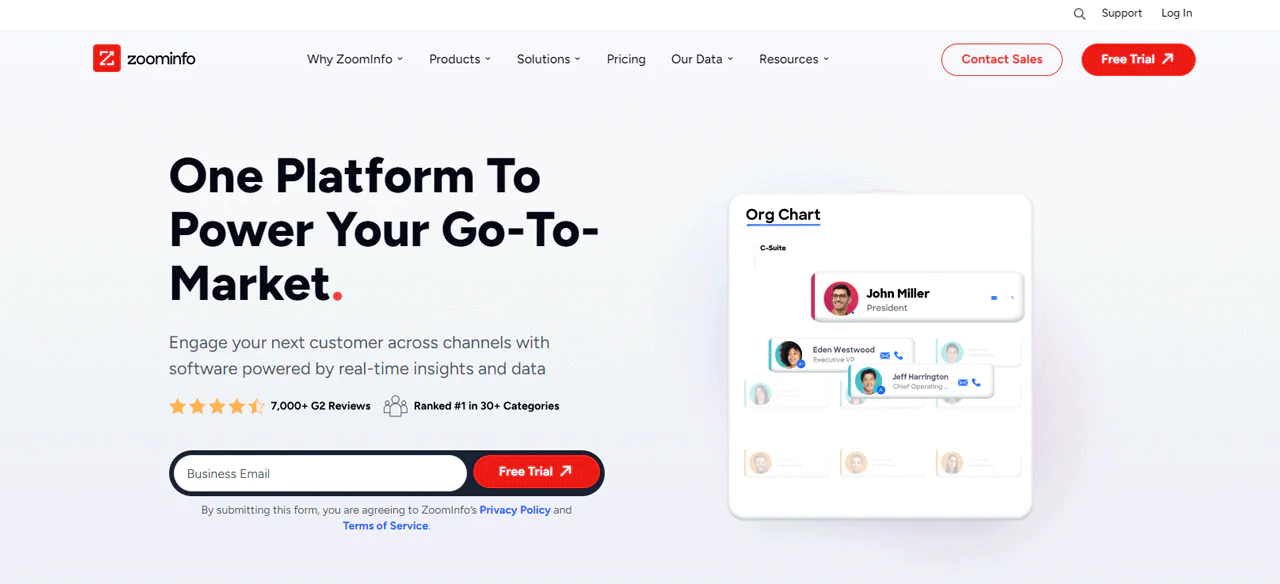
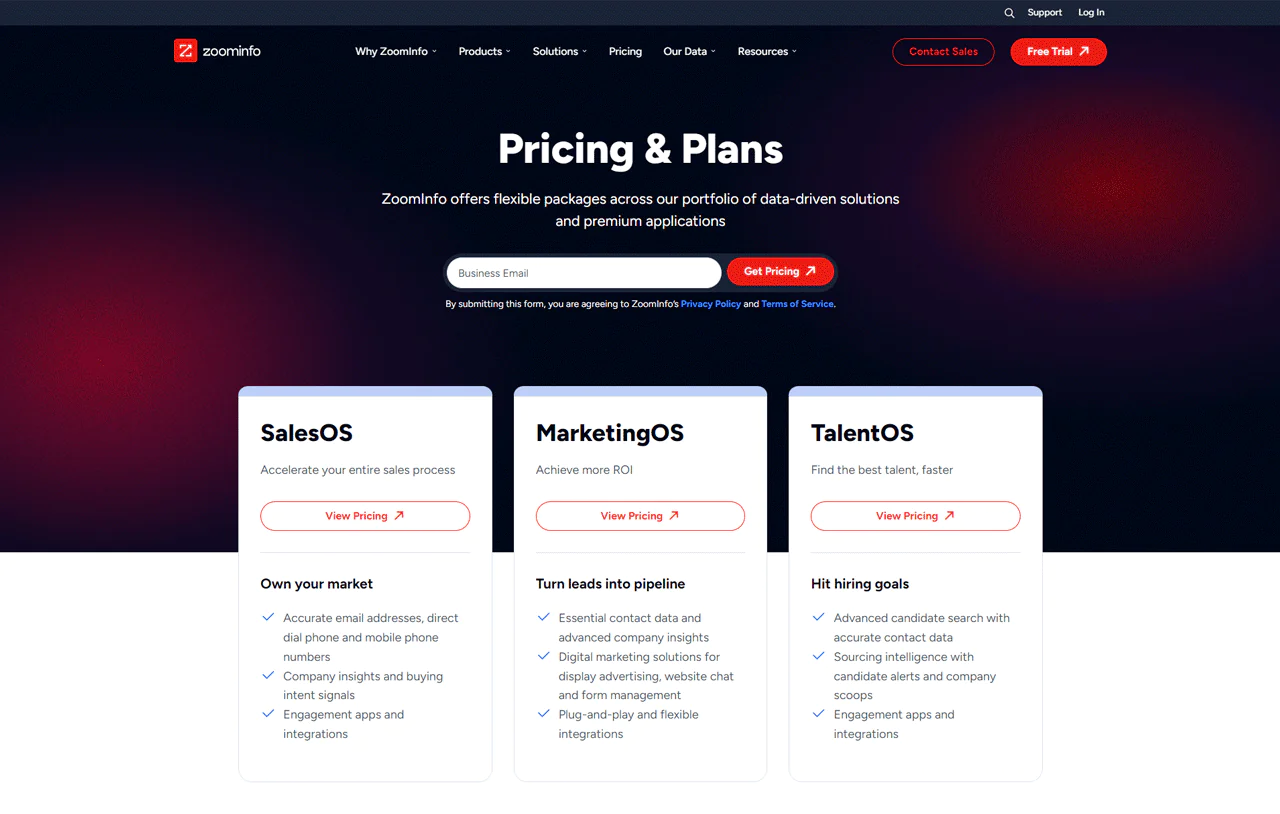
ZoomInfo is a large B2B contact database and sales intelligence platform built to help teams find and connect with ideal customers at scale. Its SalesOS product bundles contact and account search, lead scoring, and CRM integration into one workflow.
The core value is the size and freshness of the underlying database, which SalesOS uses to help sales teams identify leads and target accounts more efficiently.
About ZoomInfo
- Founding Year: 2007
- Founding Team: Henry Schuck
Key Features of ZoomInfo
A few features define the SalesOS experience:
-
Extensive Integrations
ZoomInfo SalesOS connects with popular CRM systems, keeping lead management consistent across tools.
-
User-Friendly Experience
The interface is built to make it easy to extract insights from a large database without extensive training.
-
Cross-Platform Accessibility
ZoomInfo SalesOS is available on web, iOS, Android, and desktop, so teams can access data wherever they work.
Note: Have a look at some other alternatives for VoilaNorbert.
Pros and Cons of Using ZoomInfo
Pros
- Detailed and generally accurate data coverage.
- Integrates cleanly with popular CRM systems.
- Provides regular data updates.
- Advanced filtering helps teams narrow to the right prospects.
Cons
- Pricing tends to run higher than many alternatives.
- Coverage can thin out in certain global regions.
Pricing
Customer Ratings
- G2 Rating: 4.4 out of 5 (6,891 Reviews)
- Capterra: 4.2 Out of 5 (273 Reviews)
Is ZoomInfo SalesOS Better than Peopledatalabs?
ZoomInfo may be a better fit for teams seeking a broad B2B database and sales features such as email verification, firmographic data, and intent data.
People Data Labs is presented as a fit for company-level enrichment, including employee, technology, and firmographic details.
ZoomInfo is generally positioned as a premium service, while People Data Labs may be more budget-friendly for narrower enrichment needs. Compare current quotes and features against your goals and budget before choosing.
Our Review of ZoomInfo
Feedback on ZoomInfo consistently points to a large, detailed B2B contact database as its main strength, with users describing it as a dependable source of leads when trying to find important people in target companies.
The interface is often described as intuitive, with a fairly quick setup process. Real-time updates are another point users bring up often, since current data matters for outreach that depends on timing.
Taken together, it holds up as a solid pick for sales and marketing teams looking to scale outbound, with the caveat that cost and regional coverage are worth checking against your specific market.
Note: Read more here most popular SalesIntel alternatives.
3. Lusha
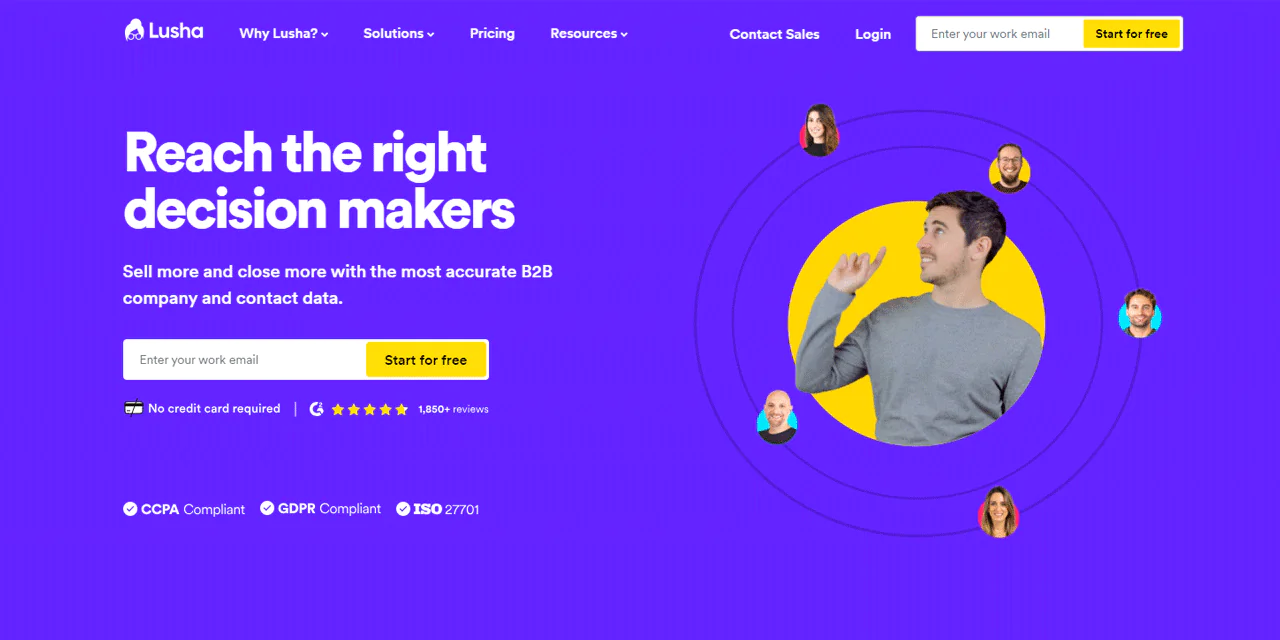
Lusha focuses on accurate, current contact information rather than trying to be a full data platform. That narrower focus is exactly why sales and marketing teams use it to connect more reliably with prospects and clients.
As a Peopledatalabs alternative, its strengths are LinkedIn integration, lead scoring, and API access for teams that want contact enrichment built into an existing workflow.
That said, some users raise privacy concerns about how Lusha sources its data, so it’s worth weighing that against your specific compliance needs when picking a plan.
About Lusha
- Founding year: 2016
- Founding team: Assaf Eisenstein
Key Features of Lusha
Here’s where Lusha tends to stand out:
-
Contact Information Enrichment
Lusha specializes in finding and verifying emails and phone numbers, which reduces communication errors during outreach.
-
LinkedIn Integration
Lusha integrates with LinkedIn, making it easy to pull data on leads directly from the platform while prospecting.
-
Lead Scoring
Leads can be prioritized by criteria like job title and company size, so reps focus effort on the highest-potential accounts.
-
API Integration
Lusha’s API plugs into CRM systems and marketing automation tools, keeping the workflow consistent.
Bulk Enrichment
Bulk enrichment lets teams update multiple contacts at once instead of one at a time.
Pros of Using Lusha
- Strong track record for accurate, verified contact information.
- LinkedIn integration simplifies lead generation.
- Lead scoring helps teams focus where results are most likely.
- API integration connects cleanly with other sales and marketing tools.
- Bulk enrichment saves time on large contact lists.
Cons of Using Lusha
- Free plan offers a limited number of credits.
- Some users have raised privacy concerns about data-gathering methods.
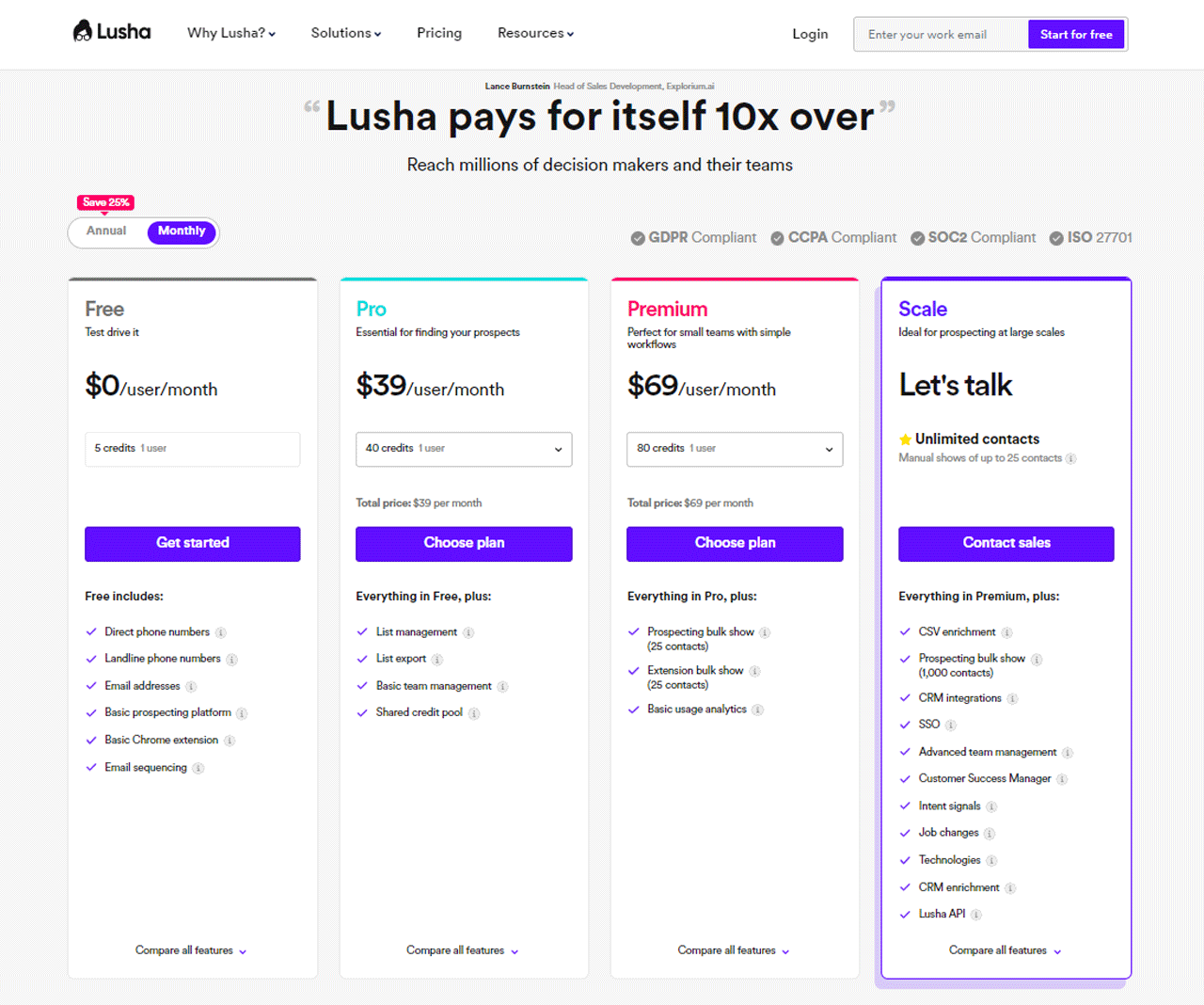
Pricing
Customer Ratings
- G2: 4.3 out of 5 (Based on 1393 reviews)
- Capterra: 4.0 out of 5 (Based on 354 reviews)
Is Lusha Better than Peopledatalabs?
Both Lusha and People Data Labs can support access to contact information, but they serve somewhat different needs: Lusha emphasizes contact enrichment and LinkedIn prospecting, while People Data Labs is presented as a broader data platform.
Integrating tools like Lusha and Peopledatalabs into your LinkedIn strategy can significantly enhance your prospecting efforts. Lusha’s precision in extracting up-to-date contact information from LinkedIn profiles ensures reliable data for sales initiatives.
Peopledatalabs offers broader data collection but varies more in accuracy and lacks Lusha’s direct LinkedIn integration. For professionals seeking to optimize their LinkedIn activities, considering LinkedIn Sales Navigator plans could provide additional capabilities tailored to advanced sales and marketing strategies.
Our Review of Lusha
What stands out most with Lusha is accuracy: pulling email addresses and phone numbers for potential leads generally comes back precise and current, which matters directly for outreach reliability.
The LinkedIn integration is a genuine time-saver for anyone prospecting heavily on that platform, since contact details can be pulled from profiles without switching tools.
The main limitation worth flagging is the free plan’s limited credit allowance, which may not stretch far for teams doing high-volume prospecting.
4. Clearbit
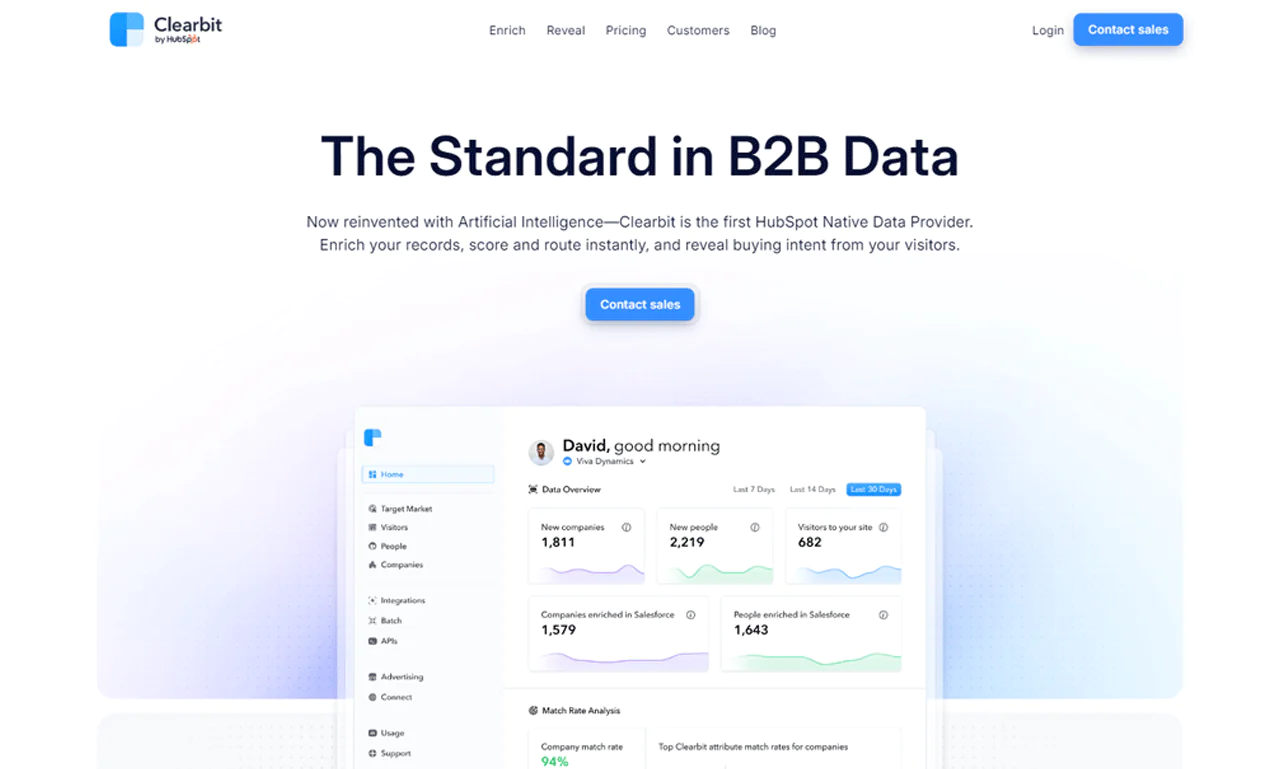
Clearbit is a data enrichment and customer intelligence platform built to help businesses enhance customer data, sharpen targeting, and streamline marketing and sales workflows.
It provides company details, employee information, and social profile data that can be used to build a clearer picture of customers and prospects, feeding directly into more effective outreach.
About Clearbit
- Founding Year: 2011
- Founding Team: Alex MacCaw
Key Features of Clearbit
Here’s where Clearbit tends to add the most value:
-
Prospecting Tools
Prospecting tools help identify and target customers based on criteria like industry, location, and company size.
-
Integration
Clearbit integrates with popular CRM systems and marketing automation platforms, keeping data unified across tools.
-
Real-time Data Updates
Keeping data current matters for campaigns that depend on timing, and Clearbit is built with that in mind.
-
API Access
Developers can use Clearbit’s API to build a prospect list or custom applications that extend its functionality.
Pros and Cons of Using Clearbit
Pros
- Known for solid data security and accuracy.
- Integrates well with various software and platforms.
- Timely updates keep information current.
- Offers flexibility for developers building custom solutions.
Cons
- Clearbit’s pricing can run higher for some businesses.
- Like many enrichment tools, new users may face a learning curve.
- Data coverage may skew toward certain regions.
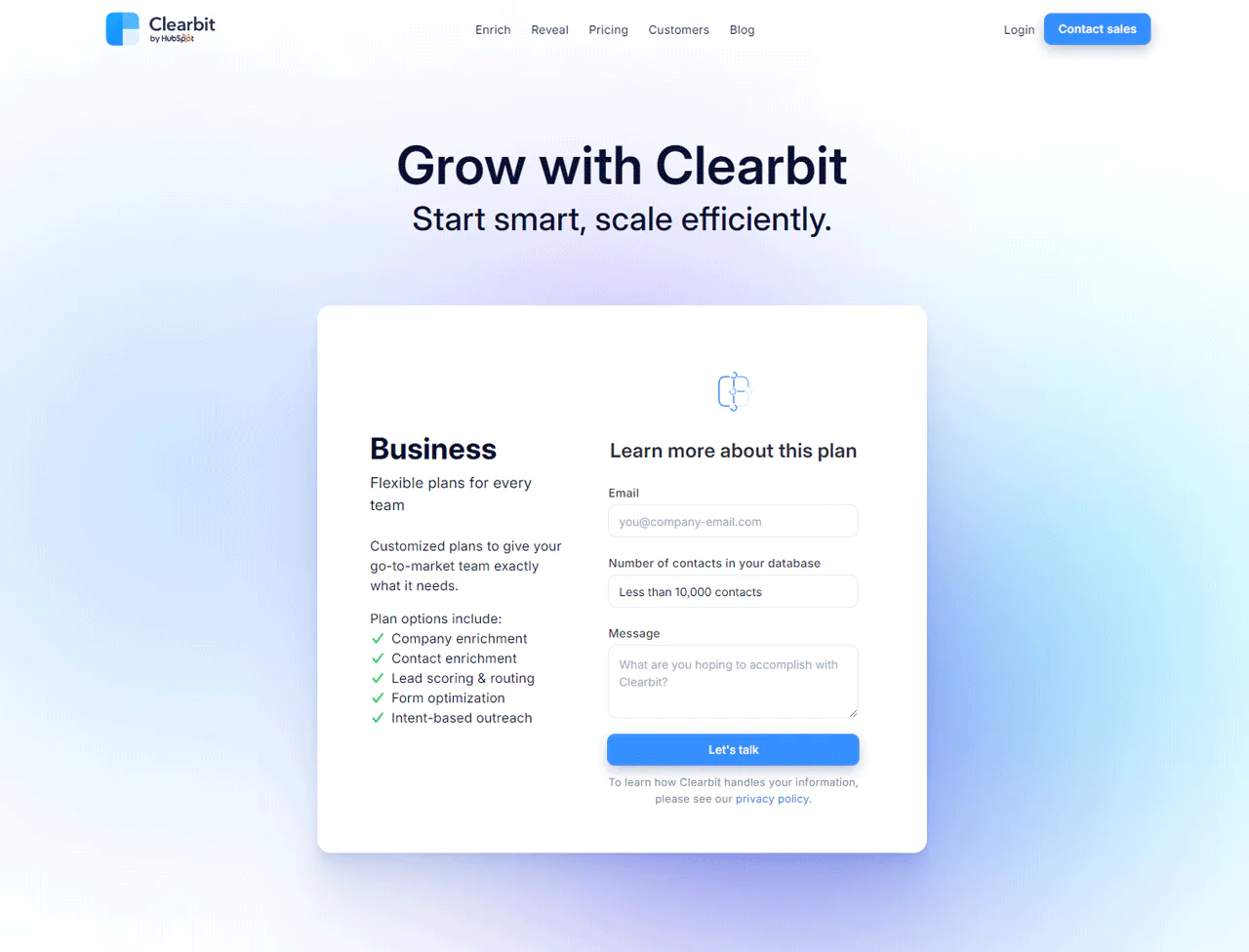
Pricing
Customer Ratings
- G2: 4.4 out of 5 (602 Reviews)
- Capterra: 4.5 Out of 5 (32 Reviews)
Is Clearbit Better than Peopledatalabs?
Whether Clearbit or People Data Labs is the better fit depends on your use case. Compare the data fields, coverage, integrations, and pricing available to your team.
The right choice depends on your data needs, budget, and existing tech stack. Request current product information or a demo from each provider to check whether it meets your requirements.
Our Review of Clearbit
Clearbit’s data enrichment consistently delivers rich, useful detail about leads and prospects, which makes a real difference for lead-generation campaigns built on contact and company information.
The enrichment capability fills in missing pieces on existing lead data, giving a more complete picture of prospects without extra manual research, which saves time and improves outreach quality.
Integration options are another strength: connecting cleanly with CRM and marketing automation tools keeps imports and interaction tracking simple, which makes sales and marketing processes more efficient overall.
Real-time updates and data security round out the picture, keeping data fresh and relevant for outreach that depends on accurate, current information.
5. Adapt
Adapt is described as a B2B contact database and sales intelligence platform for identifying and engaging target customers.
The interface is built for quick navigation, and real-time updates help keep outreach data current and accurate.
Advanced search filters allow for precise targeting, so teams can connect with the right audience rather than casting broadly and hoping for relevance.
Core offerings include current contact information plus features like intent signals and technographic data for targeting, along with CRM integration, which together make it a practical option for active sales teams.
About Adapt
- Founding Year: 2007
- Founding Team: Henry Schuck
Key Features of Adapt
Here’s what stands out most about Adapt:
-
Integrations
Adapt integrates with leading CRM systems, keeping lead management consistent for sales teams.
-
User-Friendly Experience
The interface is built for easy navigation and quick access to insights from its database.
-
Cross-Platform Accessibility
Adapt is available across web, iOS, Android, and desktop, so sales teams can access data from any location.
Pros and Cons of Using Adapt
Pros
- Large database of professional profiles.
- Generally reliable, current contact information.
- Integrates smoothly with popular CRM systems.
- Real-time updates keep data fresh.
- Robust search and filtering for precise targeting.
Cons
- Can be relatively expensive.
- Some customers find it takes time to master.
- Coverage may be limited in certain regions.
Pricing
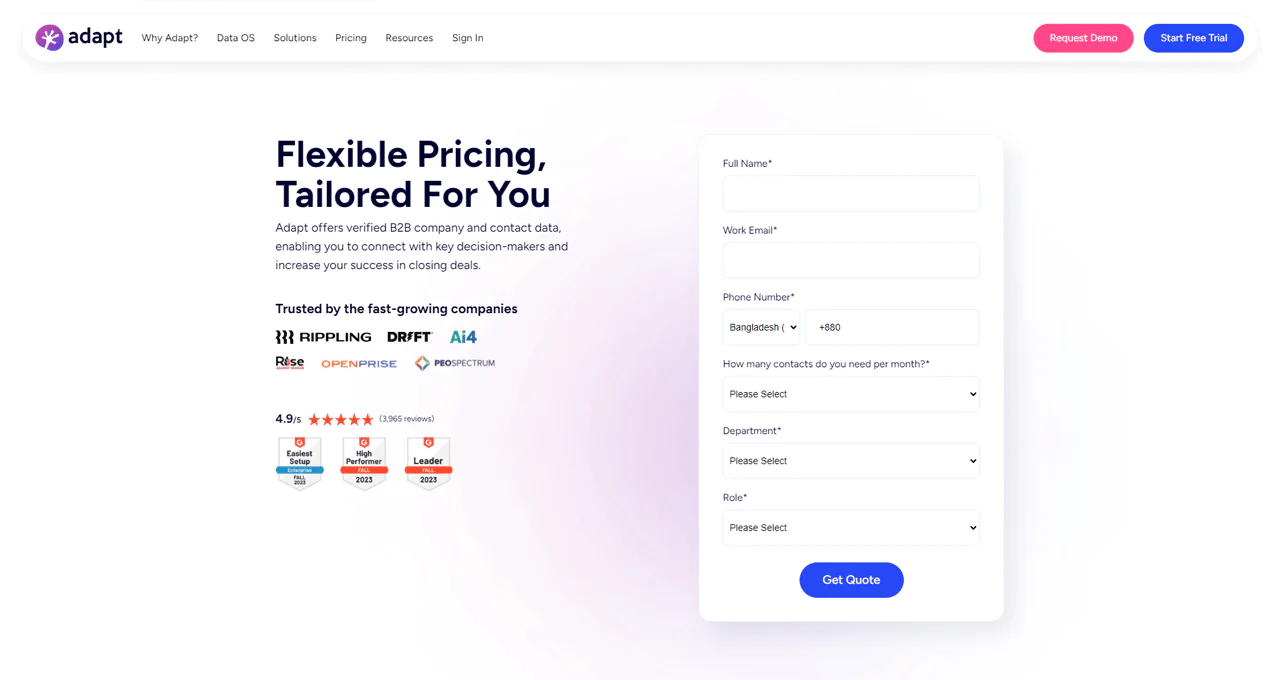
Pricing for Adapt is available upon request.
Customer Ratings
- G2: 4.4 out of 5 stars (6,891 reviews)
- TrustRadius: 6.3 out of 10 (6 Reviews)
Is Adapt Better than Peopledatalabs?
Adapt may suit teams seeking a B2B contact database, CRM integrations, and outbound prospecting features. Compare its current coverage and integrations with People Data Labs against your workflow.
The article describes Adapt as offering real-time updates and advanced search options, which may be relevant to teams focused on outbound prospecting. Verify these capabilities and coverage for your target market before choosing.
Our Review of Adapt
The interface is easy to pick up quickly, with navigation that doesn’t require much ramp-up time for new users.
The article also describes personalized recommendations as a feature; check whether this capability is relevant to your prospecting workflow.
Performance holds up well even with large datasets, and the platform’s approach to data security is a meaningful part of what sets it apart from lighter-weight tools.
How to Choose the Best Peopledatalabs Alternative for Your Business
Choosing the right alternative comes down to a handful of concrete factors rather than brand reputation. Getting this right has a direct impact on your data enrichment and lead generation results.
Here’s a practical checklist to work through:
- Start by defining your data requirements: contact information, company details, or social profile data.
- Consider the volume you actually need, whether that’s a handful of individuals or full datasets for a larger campaign.
- Check the accuracy and reliability of the data before committing, since quality drives every downstream result.
- Compare pricing structures across alternatives, since some offer flexible models and others fixed rates.
- Weigh cost-effectiveness against the value delivered, not just the sticker price.
- Look for enrichment features like email verification, lead scoring, and data cleansing.
- Check how easily the tool integrates with your existing systems or CRM.
- Confirm API access and integration options for seamless data flow into your workflow.
End Note
The right data provider depends on your outreach and pipeline needs. Use the alternatives above as a starting point, then compare them against your specific requirements.
Choose based on your data needs, budget, and integration requirements. The alternatives described here emphasize different strengths, including contact accuracy, database breadth, and enrichment workflows.
Test shortlisted providers against your own records and requirements before committing; this helps you assess data quality and workflow fit.
Frequently Asked Questions
How do PeopleDataLabs alternatives compare in terms of data accuracy?
Data accuracy varies among alternatives, so reviewing each platform’s data quality and verification methods against your own list is the most reliable way to judge it.
Are there budget-friendly alternatives to PeopleDataLabs?
Some alternatives offer competitive pricing plans, making them more budget-friendly for smaller businesses.
Can I find industry-specific data using PeopleDataLabs alternatives?
Some alternatives provide industry-specific data to help you target your ideal audience more effectively.
What is the average pricing range for PeopleDataLabs alternatives?
Pricing varies, but alternatives typically offer tiered plans, with costs ranging from a few hundred to several thousand dollars per month depending on volume and features.
Do PeopleDataLabs alternatives offer trial periods or demos?
Many alternatives provide free trials or product demos, which lets you test features before committing to a plan.

