


 View Products


Key takeaways
- AeroLeads combines B2B prospect search, email verification, a Chrome extension, and CRM or CSV export workflows.
- The review highlights ease of use and CRM integration as strengths, while noting concerns about data accuracy and performance on larger lists.
- The article reports conflicting AeroLeads database sizes, so verify the current figure with the vendor before relying on it.
- The pricing table lists annual plans from $19 to $199 per month, but plan details and credit allowances may change.
- Compare AeroLeads with alternatives based on your needs for contact data, outreach features, integrations, and budget.
Last updated: September 3, 2026

AeroLeads presents itself as a prospecting platform with a large database, paired with tools for email lookups, verification, and CRM-ready organization.
The platform has become a familiar name among sales and recruiting teams that need contact data without stitching together several point solutions. It finds prospects, checks whether the emails it surfaces are likely to work, and pushes the results into whatever CRM a team already uses.
This review walks through what AeroLeads actually does, where it tends to fall short, what it costs, and how it stacks up against a few alternatives worth considering before you commit to a plan.
What is AeroLeads?
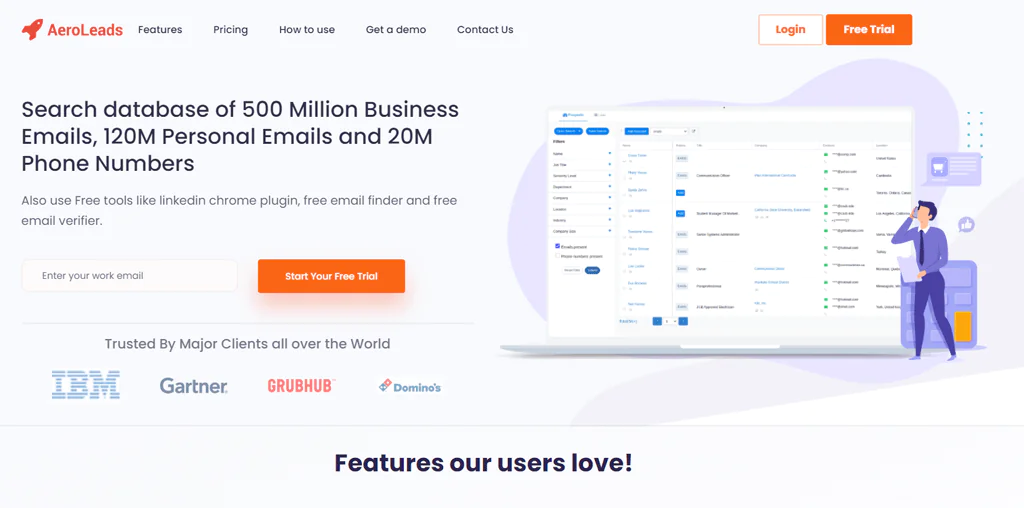
AeroLeads launched in 2016 as a lead generation tool built to find and collect contact information for potential customers. Headquartered in Bangalore, India, it was designed from the start to help sales and marketing teams cut down on manual lead research.
Its focus on B2B contacts, and its integration with business networking platforms, is what separates it from more generic contact-finding tools.
Users can pull professional email addresses, phone numbers, and social profiles from sources like LinkedIn, AngelList, and Crunchbase, then export those contacts directly into CRMs such as Salesforce for follow-up.
For teams that would otherwise be checking individual company sites and LinkedIn profiles one by one, that consolidation is the main appeal.
Features of AeroLeads
AeroLeads packages several capabilities that matter most for B2B prospecting. Here’s how each one works in practice.
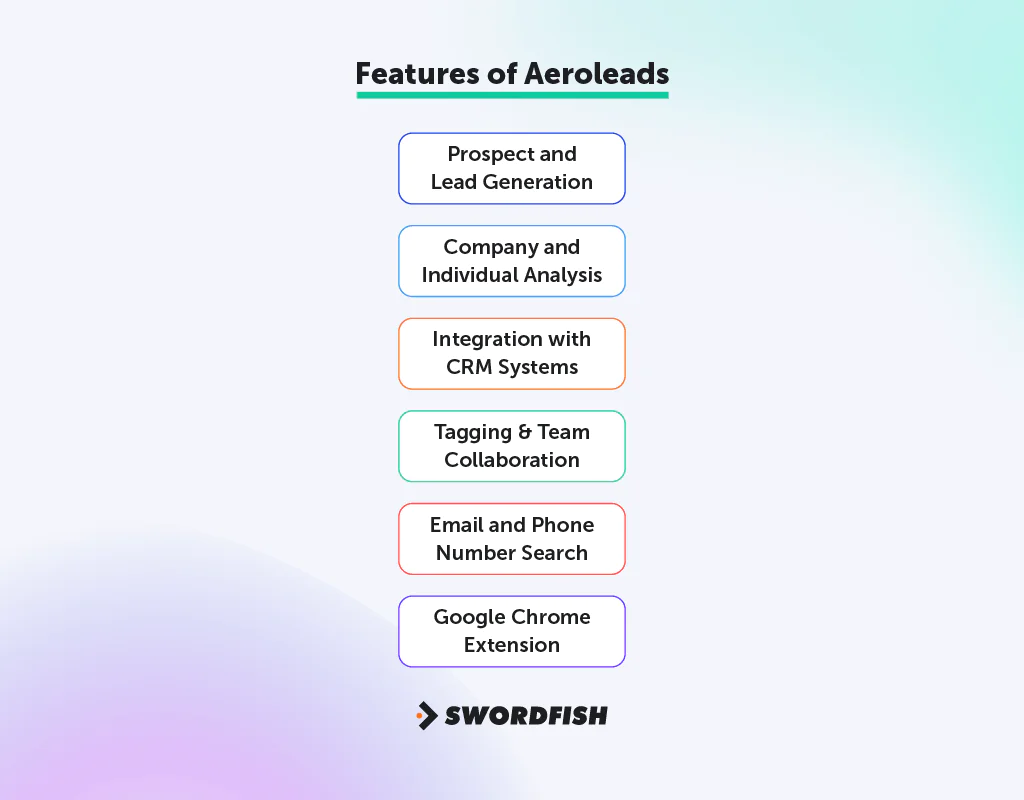
Prospect and Lead Generation
The review cites a database of 500 million profiles, including personal emails and phone numbers, with filters for job title, department, company, location, and industry.
That level of filtering matters when you’re trying to reach a specific type of buyer rather than casting a wide net. A ‘Bulk Add All’ feature lets users move multiple records into a working list at once, which speeds up list-building for larger campaigns.
Email Verifier
The AeroLeads Email Verifier checks both individual and bulk emails, and includes a Chrome plugin for real-time checks across domains like Gmail, Yahoo, Hotmail, and Outlook.
New users get a small batch of free credits to test the tool before committing to a paid plan. The verifier checks syntax, domain validity, and server status, which helps catch obvious bounces before they hurt sender reputation. That said, no verification tool is perfect, and independent reviews of AeroLeads have flagged inconsistent accuracy on certain email checks, so treating verification as one layer of a broader deliverability process, rather than a guarantee, is the safer approach.
Integration with CRM Systems
AeroLeads pushes prospect details into popular CRM systems like Salesforce, MailChimp, HubSpot, and Zapier. That integration matters because it keeps sales team stay productive instead of forcing reps to manually re-enter contact data every time they source a new lead.
Tagging & Team Collaboration
Tags help teams organize and track leads without building a separate spreadsheet system on the side. Team members can share notes and status updates on the same leads, which keeps everyone working from the same information rather than duplicating outreach efforts.
Email and Phone Number Search
The platform works as a straightforward tool for finding email addresses and phone numbers, which matters most for teams trying to open conversations with prospects quickly rather than waiting on referrals or inbound leads.
Google Chrome Extension
The Chrome extension captures data from online sources as you browse, which cuts down on the back-and-forth between a browser tab and a separate prospecting tool. It’s one of the more practical parts of the workflow for reps who spend most of their day on LinkedIn.
Pros of AeroLeads
- Easily sync with CRM systems like Salesforce, HubSpot, and Mailchimp.
- User-friendly platform, simplifying contact information discovery.
- Effective LinkedIn integration for lead discovery.
- Downloadable data in CSV format for lead management.
- Plugin for easier prospect finding and list addition.
- Generates a large number of good leads.
- Chrome extension allows quick and efficient lead data extraction.
Cons of AeroLeads
- Occasional delays in loading information.
- Sometimes displays incorrect or inactive emails.
AeroLeads User Experience
The review describes feedback on AeroLeads as generally positive on ease of use and CRM integration, but mixed on data accuracy at scale.

Adapts to Diverse Business Needs
Many users point to the combination of CRM syncing and email tools as the main reason they stick with the platform, particularly for pulling executive contact details off LinkedIn.
Integrates CRM and Email Functionality
The interface is generally easy to pick up, even for people outside sales and marketing roles. Finding and exporting email addresses is one of the simpler workflows in the tool.
User-Friendly Interface and Features
Not every experience is smooth, though. Email verification accuracy is inconsistent for some users, and there are occasional reports of slow performance or timeout errors when handling larger lead lists.
Room for Improvements
A few recurring complaints stand out:
- Functionality Issues: Users have reported needing to reload and refresh pages frequently for updates, which can interrupt workflow during lead list creation.
- Accuracy Concerns: There are instances where the email addresses and contact information provided are invalid or outdated, necessitating double-checking before outreach. Manually verifying emails through Google is advised as a best practice.
AeroLeads Support for Users
AeroLeads offers a fairly full range of support channels for a tool at its price point.

Aeroleads Help Desk
The Helpdesk covers articles and FAQs on using AeroLeads, installing and using the Chrome extension, integrating with other APIs, and pricing—topics that can help new users get set up.
Email and Phone Support
AeroLeads lists a direct phone support line (+1 (631) 619 7770) for users who prefer to speak with a customer service representative.
Also, the Email Support (hello@aeroleads.com) is active and responsive. It’s a reasonable option for non-urgent queries or requests that need documentation attached.
Chat Support
Skype support is available for teams that already rely on it for business communication, alongside a website chat feature for quicker questions.
WhatsApp support is also offered, which gives users a mobile-first option for reaching the team outside a desktop workflow.
AeroLeads Pricing: How Much Does AeroLeads Cost?
Our AeroLeads pricing comparison breaks down the plans in more detail, but here’s the structure at a glance. Note that AeroLeads periodically adjusts its tiers and credit allowances, so it’s worth checking the vendor’s pricing page directly before budgeting against the figures below.
| Features (Annual Plans) | Take Off | Climb | Cruise | Enterprise |
|---|---|---|---|---|
| Cost per month | $19 | $49 | $79 | $199 |
| Unlimited Search | Yes | Yes | Yes | Yes |
| Unlimited Users | Yes | Yes | Yes | Yes |
| Export all your data | Yes | Yes | Yes | Yes |
| Dedicated Account Manager | Yes | Yes | Yes | Yes |
| Credits Total | 24,000 | 60,000 | 120,000 | 240,000 |
| Guaranteed Valid Emails | 9,600 | 24,000 | 48,000 | 96,000 |
| Personal phone Numbers Guaranteed | 960 | 2,400 | 4,800 | 9,600 |
| Email Verifications | 24,000 | 60,000 | 120,000 | 240,000 |
| Email Campaigns | Yes | Yes | Yes | Yes |
| Prospect Finding from LinkedIn, Crunchbase, AngelList, Xing etc. | Yes | Yes | Yes | Yes |
| Transfer/Integrate to CRM | Yes | Yes | Yes | Yes |
| Import and Export Data in CSV | Yes | Yes | Yes | Yes |
| Email Support | Yes | Yes | Yes | Yes |
| Chat Support | No | No | Yes | Yes |
| Call Support | No | No | No | Yes |
Credit-based pricing models like this one are worth reading carefully: check whether credits are consumed on failed lookups, whether unused credits roll over month to month, and whether phone number access is capped separately from your general credit balance. Those details often matter more to total cost than the headline monthly price.
Our Review: Is AeroLeads the Right Tool for Your Business?
So, is AeroLeads worth it?
AeroLeads is a solid option for B2B lead generation, particularly for teams that want a straightforward interface and detailed contact information without a steep learning curve.
Its LinkedIn integration and CSV export make it popular among sales and marketing professionals who need to move quickly from prospect research to outreach.
Before committing budget, weigh the drawbacks: the review reports inconsistent email and phone accuracy, along with occasional performance issues on larger lead lists.
Note: You may read here UpLead review.
Best AeroLeads Alternatives
If you’re exploring a variety of b2b prospecting tools to use as an alternative to AeroLeads, here are three worth comparing against it directly.
1. Swordfish AI
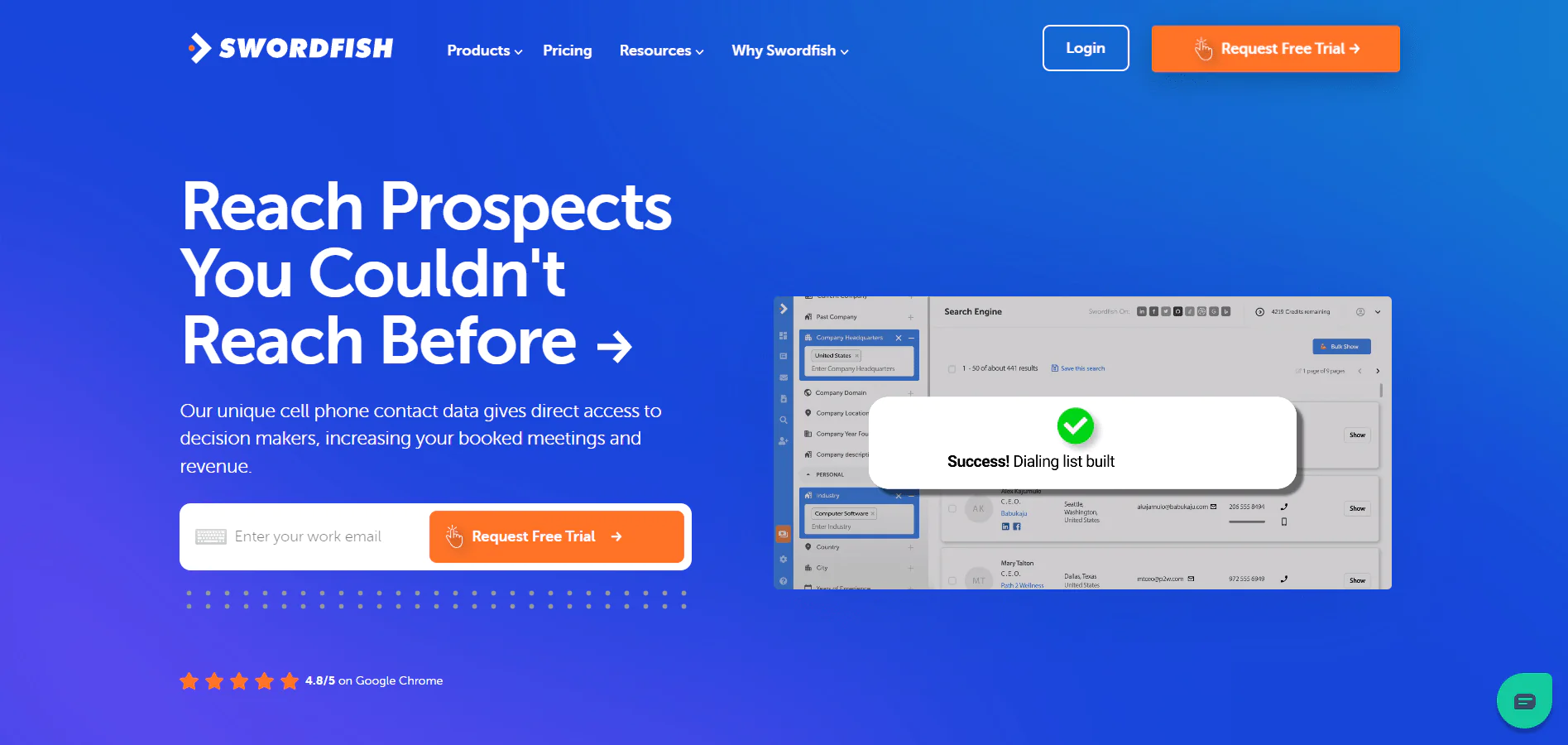
Swordfish AI is built around verified contact data at scale, with a particular emphasis on direct-dial cell phone accuracy rather than just email discovery.
The database spans over 3.5 billion professional profiles, giving customers access to detailed lead information, including unique cell phone numbers, run through our proprietary systems.
A partnership with Bombora layers in market intelligence, giving sales and marketing teams intent signals alongside contact data rather than treating the two as separate research steps.
The email finder tool performs well on platforms like Facebook and LinkedIn, and the Swordfish Chrome extension pulls contact data directly into a working list as you browse.
A reverse search feature lets users identify contacts starting from minimal information, which is useful when you have a name or a partial detail but not a full profile to work from.
Overall, Swordfish AI is built for teams that need verified, direct-dial contact data rather than a broad but shallower email database.
Swordfish AI vs AeroLeads: A Quick Comparison
Here’s a comparison table to highlight Swordfish AI and AeroLeads offerings side-by-side.

| Feature | Swordfish AI | AeroLeads |
|---|---|---|
| Email Finder | Accurately finds emails on platforms like LinkedIn and Twitter. | Finds lead information, including emails on various sites. |
| Data Profiles | Access to 3.5+ billion profiles for comprehensive lead generation. | Access to over 750 million prospects. |
| Integration | Integrates with CRM systems like Zapier, Salesforce; also syncs with outreach platforms. | Integrates with CRM systems like Salesforce, HubSpot, MailChimp, and Zapier. |
| Cell Phone Verification System | Proprietary system for verifying direct phone numbers. | Not explicitly stated, but offers phone number searches. |
| Chrome Extension | Extension for easy data extraction from social media and professional sites. | Chrome extension available for capturing data from LinkedIn, AngelList, and more. |
 Try Swordfish Ai
2. Zoominfo
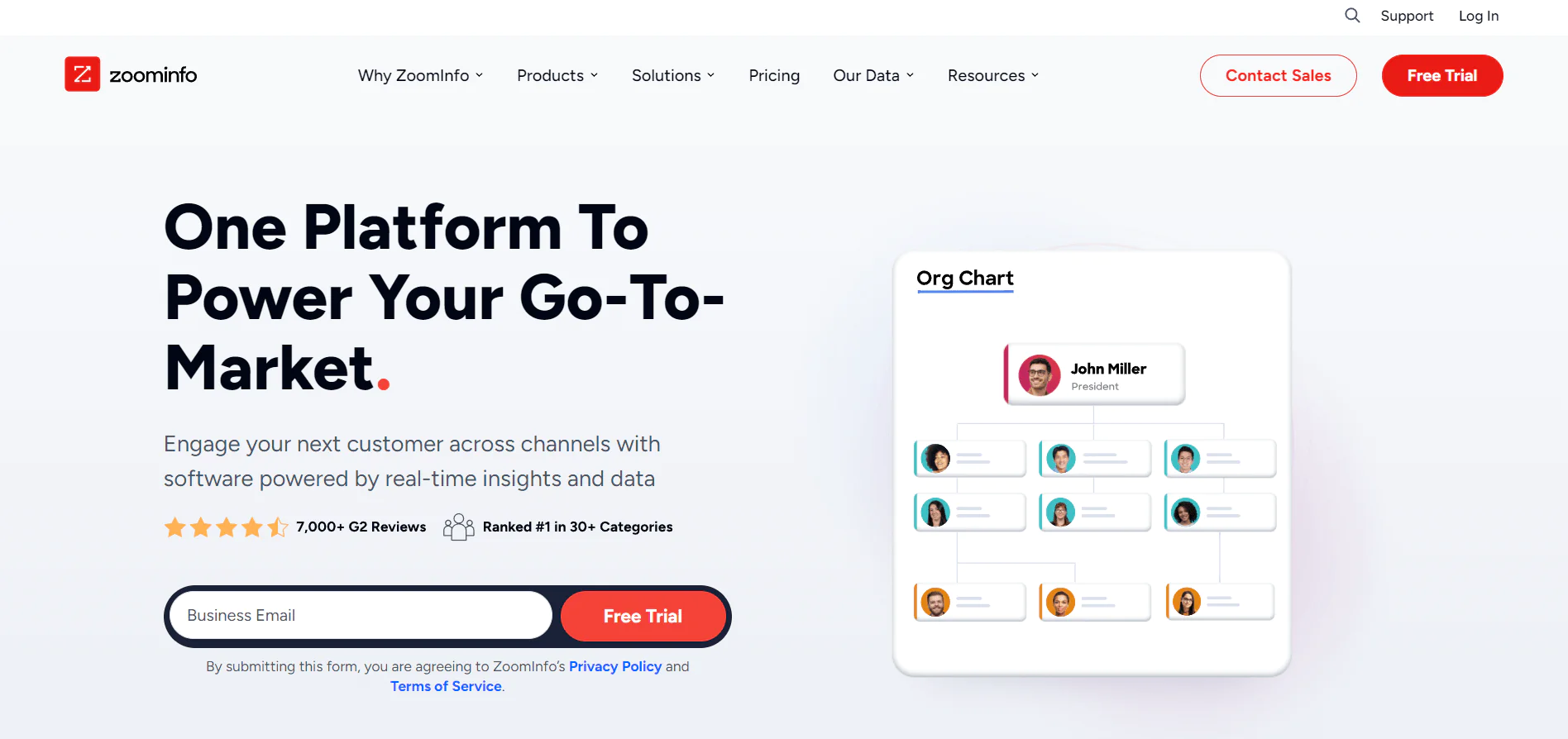
ZoomInfo is a long-established B2B intelligence platform, founded in 2007, and remains a major player in contact database services and sales enablement.
Its main strength is scale: a large database of phone numbers and detailed customer insights that sales and marketing teams use to identify and engage prospects.
Integration is another strong point. ZoomInfo connects with platforms like Salesforce and HubSpot, so lead data flows into systems teams already use daily.
The tradeoff is cost. ZoomInfo comes with a high price, which can be a barrier for smaller teams, and some users have raised concerns about data freshness given how large the underlying database is.
Zoominfo vs AeroLeads: A Quick Comparison
Here’s a comparison of ZoomInfo and AeroLeads.

| Feature | ZoomInfo | AeroLeads |
|---|---|---|
| Database Size | Over 600 million verified company and contact profiles. | Access to a database of over 750 million prospects. |
| Chrome Extension | Available for web research and data extraction. | Available for capturing data from LinkedIn, AngelList, and more. |
| Integration | Integrates with CRM systems like Salesforce, HubSpot, etc. | Integrates with CRM systems like Salesforce, HubSpot, MailChimp, and Zapier, etc. |
| Email Verification | Offers email verification tools. | Finds lead information with email, and phone numbers quickly and allows download in CSV format. |
| Unique Features | Advanced lead scoring, market insights, and firmographic details. | Best for B2B lead prospecting with a focus on finding emails and phone numbers. |
| User Experience | Known for extensive market intelligence and company insights. | Praised for its user-friendly interface and real-time data validation. |
| Target Market | Suitable for larger companies with needs for advanced sales intelligence. | Primarily serves B2B companies focusing on lead generation and prospecting. |
3. Apollo io
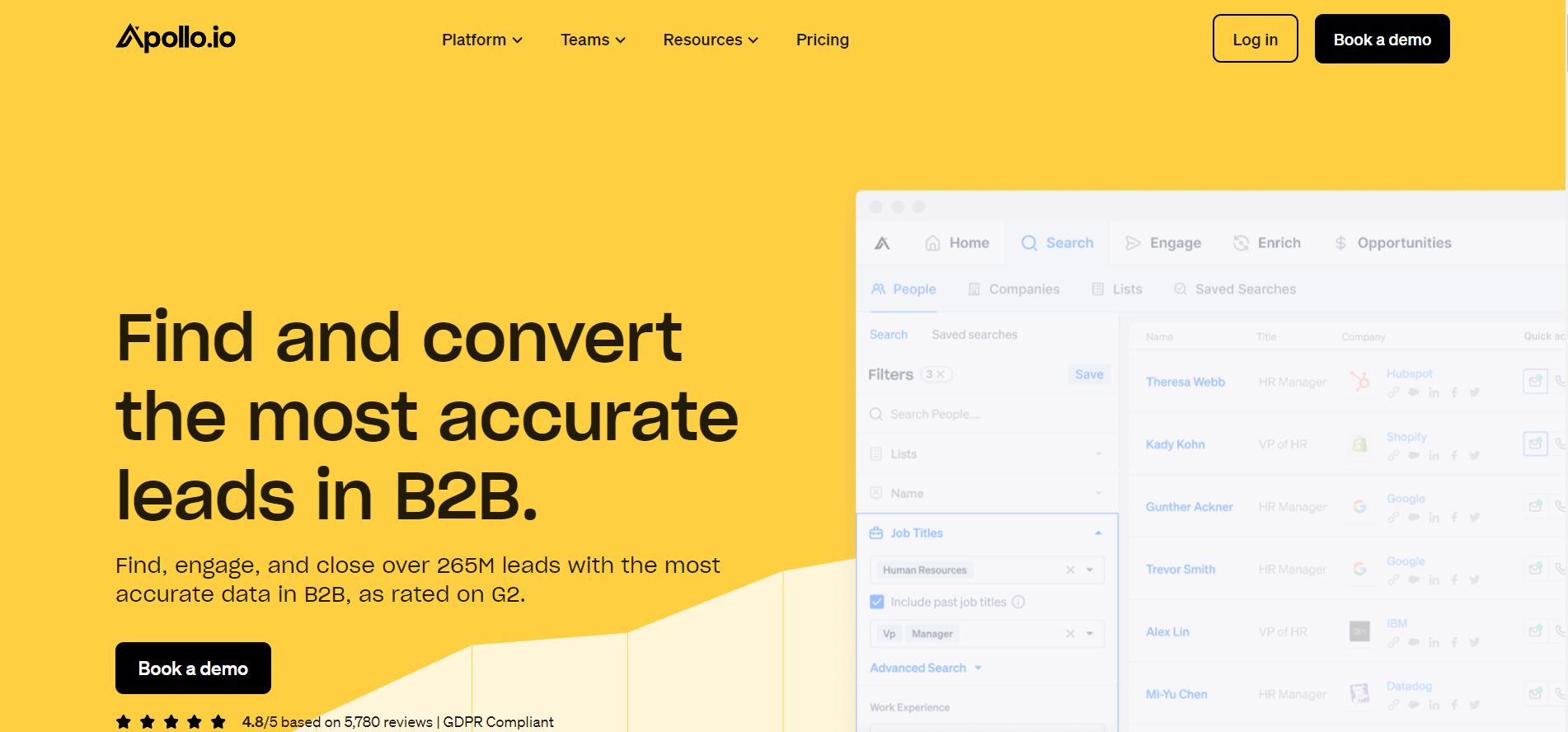
Apollo.io is a common choice for B2B sales and marketing teams, backed by a contact database of over 220 million records. It covers lead generation, outreach automation, and data enrichment in one platform.
With Apollo.io, teams can find prospects, pull detailed information for targeting, run personalized campaigns, and track performance, which keeps the sales process in a single system rather than spread across tools.
One practical advantage is time saved switching between tools. Apollo.io also connects with existing CRM and sales tools, so adopting it doesn’t require rebuilding an existing workflow from scratch.
For teams looking to speed up prospecting and keep the process contained in one platform, Apollo.io is worth serious consideration.
Apollo.io vs AeroLeads: A Quick Comparison
Here’s a comparison of Apollo.io and AeroLeads.

| Features | Apollo.io | AeroLeads |
|---|---|---|
| Database Size | Over 220 million contacts. | Access to a database of over 750 million prospects. |
| Extension Type | Chrome extension for LinkedIn and web integration. | Chrome extension for LinkedIn, AngelList, and more. |
| Integration | Integrates with Salesforce, Pipedrive, Hubspot, etc. | Integrates with Salesforce, HubSpot, MailChimp, Zapier, etc. |
| Email Verification | Offers email validation and verification tools. | Finds lead information with email, and phone numbers quickly and allows download in CSV format. |
| Sales Engagement | Sales sequences for emails and calls. | Focuses on lead generation and prospecting. |
| Lead Enrichment | Provides additional context and info about leads. | Provides detailed information about companies and individuals. |
| Unique Features | AI-powered conversation intelligence tool, CSV enrichment, goal tracking capabilities. | Best for B2B lead prospecting with a focus on finding emails and phone numbers. |
Conclusion AeroLeads Review
After going through the features, support options, and pricing, AeroLeads comes across as particularly useful for small to medium-sized B2B teams.
Its large database of professional contacts helps teams gather and qualify leads efficiently, saving time compared to tools that rely mainly on social media scraping for data.
It isn’t the right fit for every team, though. If your workflow depends on advanced social media sourcing or precise phone number validation at scale, a platform like ZoomInfo may serve you better.
The right choice ultimately comes down to your specific needs, team size, and how much you’re willing to spend verifying data the tool surfaces.
If AeroLeads doesn’t quite match what you’re looking for, Swordfish AI is worth exploring as an alternative built around verified contact data and direct-dial phone accuracy.
FAQs
Is AeroLeads free?
AeroLeads offers a free version, though it comes with usage limits and doesn’t allow exporting data to platforms like Mailchimp, HubSpot, or Salesforce.
Is AeroLeads good for small businesses?
Yes, AeroLeads works across business sizes, including smaller teams, and is particularly useful for finding and managing new prospects efficiently.
Can I use AeroLeads for sending marketing emails?
You can use AeroLeads to gather email addresses for marketing campaigns, but you’re responsible for following applicable email marketing laws and regulations.
Note: You may read here ContactOut review.

