


 View Products


Key takeaways
- The article lists GetProspect’s free plan as including 50 new email addresses per month.
- The listed paid plans start at $49 per month, with higher tiers offering larger email and verification allowances.
- The article says phone-number allowances are limited on lower tiers; confirm current limits if calling is important to your outreach.
- GetProspect’s stated 95% accuracy rate is a provider claim and should be tested against your own contacts.
- Compare current pricing, plan features, integrations, and contact coverage before choosing a prospecting tool.
Last updated: September 3, 2026

GetProspect is used by sales teams, recruiters, and marketers to turn LinkedIn profiles into contact lists. It offers tools for finding email addresses, some phone numbers, and sending contact data to a CRM.
Lead volume is one factor to consider when choosing a prospecting tool. GetProspect aims to speed up list-building, but the right option depends on your budget, use case, and the contact data you need. For healthcare outreach, check whether a general B2B database provides adequate coverage and accuracy for your audience.
This breakdown summarizes GetProspect’s listed pricing, plan features, and potential limitations to help you assess whether it fits your workflow.
What is GetProspect?
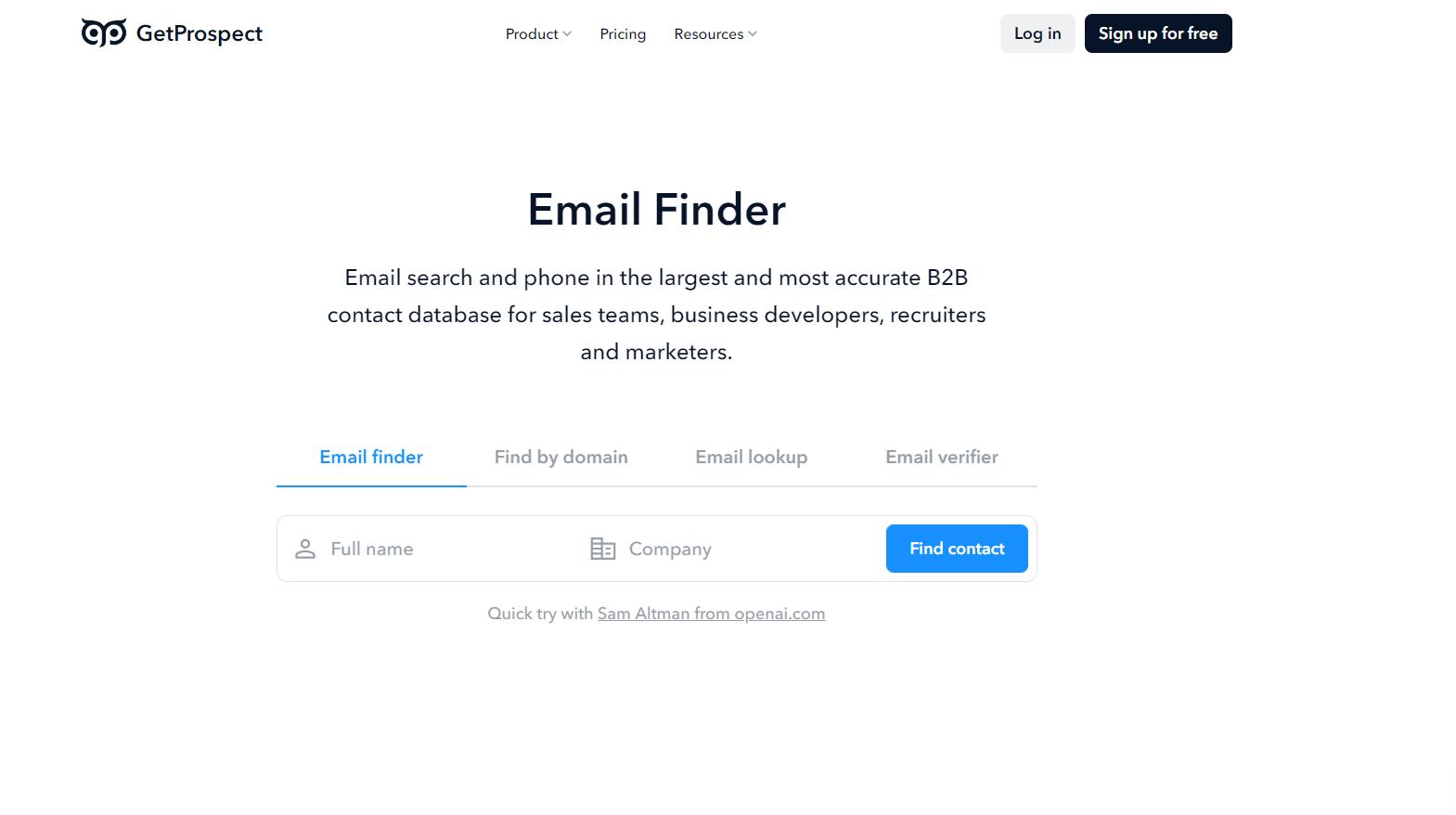
GetProspect is a Ukrainian company built for sales, marketing, and recruiting teams that need to find and verify email addresses and phone numbers from LinkedIn profiles. It’s positioned around targeted contact lists, making it easier to identify and reach B2B prospects.
GetProspect is presented as an option for sales and marketing teams that need to collect contact information at scale.
The GetProspect Chrome extension can export leads from LinkedIn searches, reducing manual list-building and data entry.
Key Features of GetProspect
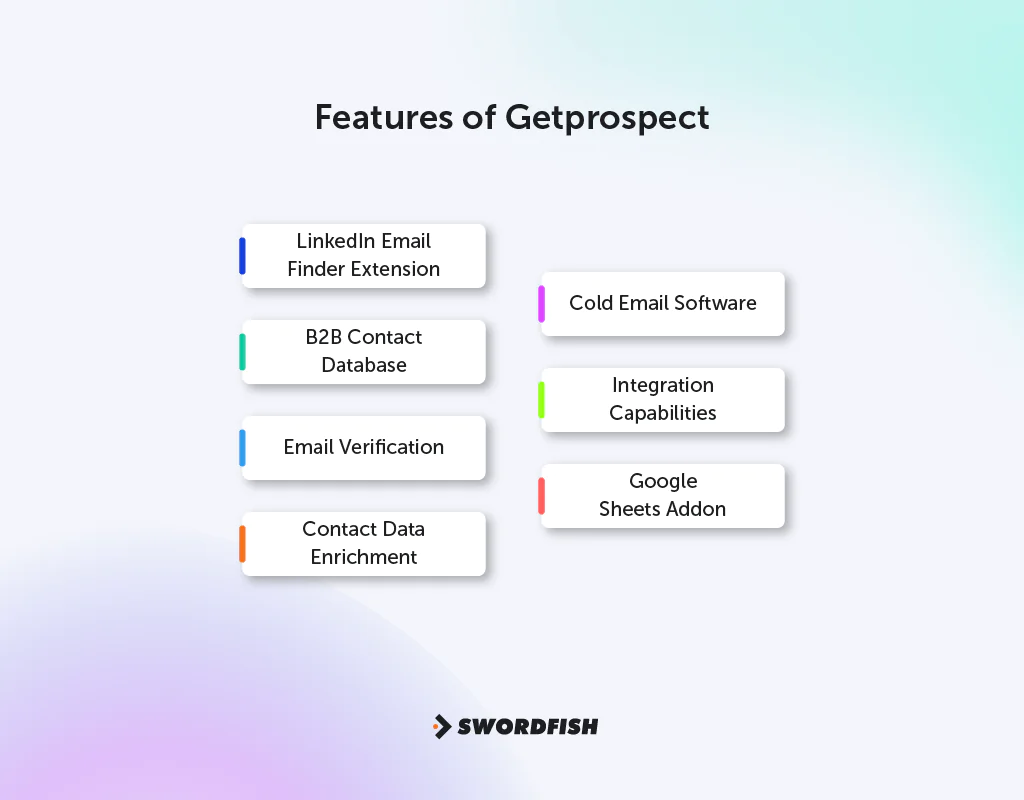
A few features tend to matter most to the people actually using GetProspect day to day:
LinkedIn Email Finder Extension
The extension pulls leads directly from LinkedIn Sales Navigator searches, groups, or saved lists with a single click, which streamlines the process of finding valuable contacts on LinkedIn.
B2B Contact Database
GetProspect says its database spans over 200 million business contacts and 26 million companies. Treat database size as a measure of potential reach, not a guarantee that every target contact will be available or current.
Email Verification
GetProspect includes a bulk email verification feature aimed at keeping deliverability high, which matters for any cold email program since bad addresses hurt sender reputation over time.
Contact Data Enrichment
You can look up corporate email addresses and enrich contact records with more than 40 data attributes, including location, industry, and technology stack, using a name, domain, or LinkedIn URL as the starting point.
Cold Email Software
The built-in outreach tool is described as supporting personalized sends and follow-ups, analytics, open and click tracking, and A/B testing.
Integration Capabilities
GetProspect lists integrations with CRM and marketing platforms including HubSpot, Salesforce, Pipedrive, and Zoho. Check the current plan details to confirm which integrations are included.
Popular Spreadsheets Addon
Google Sheets, Airtable, and MS Excel add-ons are described as ways to enrich rows of names, companies, or LinkedIn URLs from a spreadsheet.
Key Benefits of GetProspect
A few practical advantages stand out for teams evaluating whether GetProspect fits their workflow:
- Streamlined Lead Generation: Finding and organizing leads takes less manual effort, which matters for teams trying to grow a contact base quickly.
- Comprehensive B2B Database: Access to more than 200 million business contacts improves your odds of finding potential leads that match your target profile.
- Data Accuracy Claims: GetProspect advertises a 95% accuracy rate, though independent testing has found real-world results vary by geography and contact type, so it’s worth validating against your own lists before relying on it heavily.
- Enhanced Email Campaigns: Verification plus personalization tools work together to improve deliverability and engagement on outbound sends.
- Seamless CRM Integration: Native connections to popular CRMs keep lead management inside tools your team already uses.
- Customizable Data Export: Data can move to Google Sheets and other formats, giving flexibility in how lists get used downstream.
- User-Friendly Interface: The platform is straightforward enough for both new and experienced users to navigate without much of a learning curve.
GetProspect Pricing Breakdown
The pricing information below lists a free tier and higher-volume plans. Confirm current prices, allowances, and billing terms with GetProspect before purchasing.
|
Tier |
Cost |
Features |
Best Suited For |
| Free | $0/month | 50 new email addresses monthly | Individuals or small startups testing the waters |
| Basic | $49/month | 1,000 valid emails and 2,000 verifications per month, 5 phone numbers | Small businesses or solo entrepreneurs |
| Standard | $99/month | 5,000 valid emails, 10,000 verifications, 5 phone numbers | Growing businesses with regular lead generation needs |
| Growth 20K | $199/month | 20,000 valid emails, 40,000 verifications, 5 phone numbers | Large companies or agencies requiring broader outreach |
The article lists annual billing as a way to reduce the effective monthly rate and mentions a higher-volume Growth 50K tier. It also lists limited phone-number allowances on the lower tiers, so check current plan details if calling is central to your outreach.
When Should I Pay for GetProspect?
Deciding when to invest in GetProspect can be important for your business’s growth and efficiency. Here are some scenarios where upgrading to a paid version becomes beneficial:
Starting a Large-Scale Email Campaign
If you’re planning a large email campaign, the free plan’s listed limits may be restrictive. A paid plan may provide more email-finding and verification capacity; compare the current allowances with your campaign needs.
Need for Advanced Features
When your business requires advanced lead generation features like detailed search filters and bulk email verification, the paid versions of GetProspect offer these sophisticated tools.
Regular Lead Generation Requirement
For businesses that regularly need new leads, the free plan’s listed limit of 50 new email addresses per month may not be enough. Compare paid-plan allowances with your ongoing lead-generation needs.
Integration with CRM Systems
If you want to connect lead generation to your CRM, check which integrations are available on the plan you’re considering.
Scaling Your Business
As your business grows, its lead-generation needs may change. Consider a paid GetProspect plan if its additional capacity or features match those requirements.
Swordfish AI is the #1 GetProspect Alternative
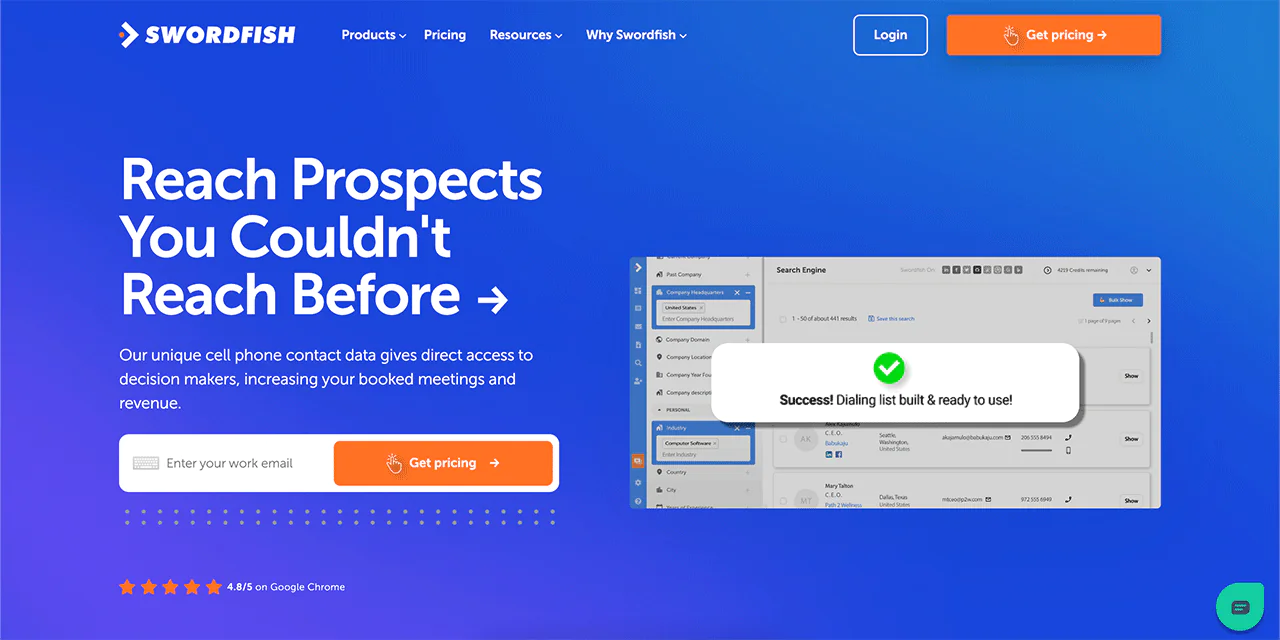
Swordfish AI stands out as a strong alternative to GetProspect, particularly for teams that rely on cold calling as part of their outreach strategy, including healthcare recruiters and vendors who need verified provider phone numbers rather than email-only contact data.
One notable feature is Swordfish’s cell phone number coverage paired with a proprietary cell phone verification system, aimed at giving cold callers accurate, reachable numbers instead of outdated landlines.
Swordfish states that its database spans over 3.5 billion data profiles. Database size alone does not establish the availability or accuracy of a particular contact record.
Swordfish describes Bombora intent data as a way to track research trends within target companies. Teams may use those signals to inform outreach messaging and timing.
Swordfish says its Chrome extension can pull contact data from Facebook, LinkedIn, GitHub, StackOverflow, Twitter, and Dribbble. Check current product documentation for supported platforms and functionality.
Swordfish describes a reverse search feature that can look for contact details from limited information. Results may vary depending on the information provided and the contact sought.
Swordfish vs GetProspect: A Quick Comparison Table

The table below summarizes the article’s comparison of GetProspect and Swordfish AI.
|
Feature |
GetProspect |
Swordfish AI |
| Database Size | Over 200 million business contacts and 26 million companies | Access to over 3.5 billion data profiles |
| Email Finding and Verification | Email finding and verification from LinkedIn and company websites | Unique cell phone number and proprietary cell phone verification system for cold calling |
| Data Enrichment | Enriches contact data with over 40 accurate data attributes | Collects data from 200x data partners and updates existing database |
| Chrome Extension | LinkedIn Email Finder extension for exporting up to 2,500 leads at once | Extract data from Facebook, LinkedIn, GitHub, StackOverflow, Twitter, and Dribbble |
| Special Features | Real-time data verification and worldwide coverage | Bombora feature for detecting research trends relevant to your business |
 Try Swordfish Ai
What are the Other Alternatives to GetProspect?
Lusha and RocketReach are other leading GetProspect alternatives for finding email addresses and enriching contacts from LinkedIn. Let’s look into it:
1. Lusha
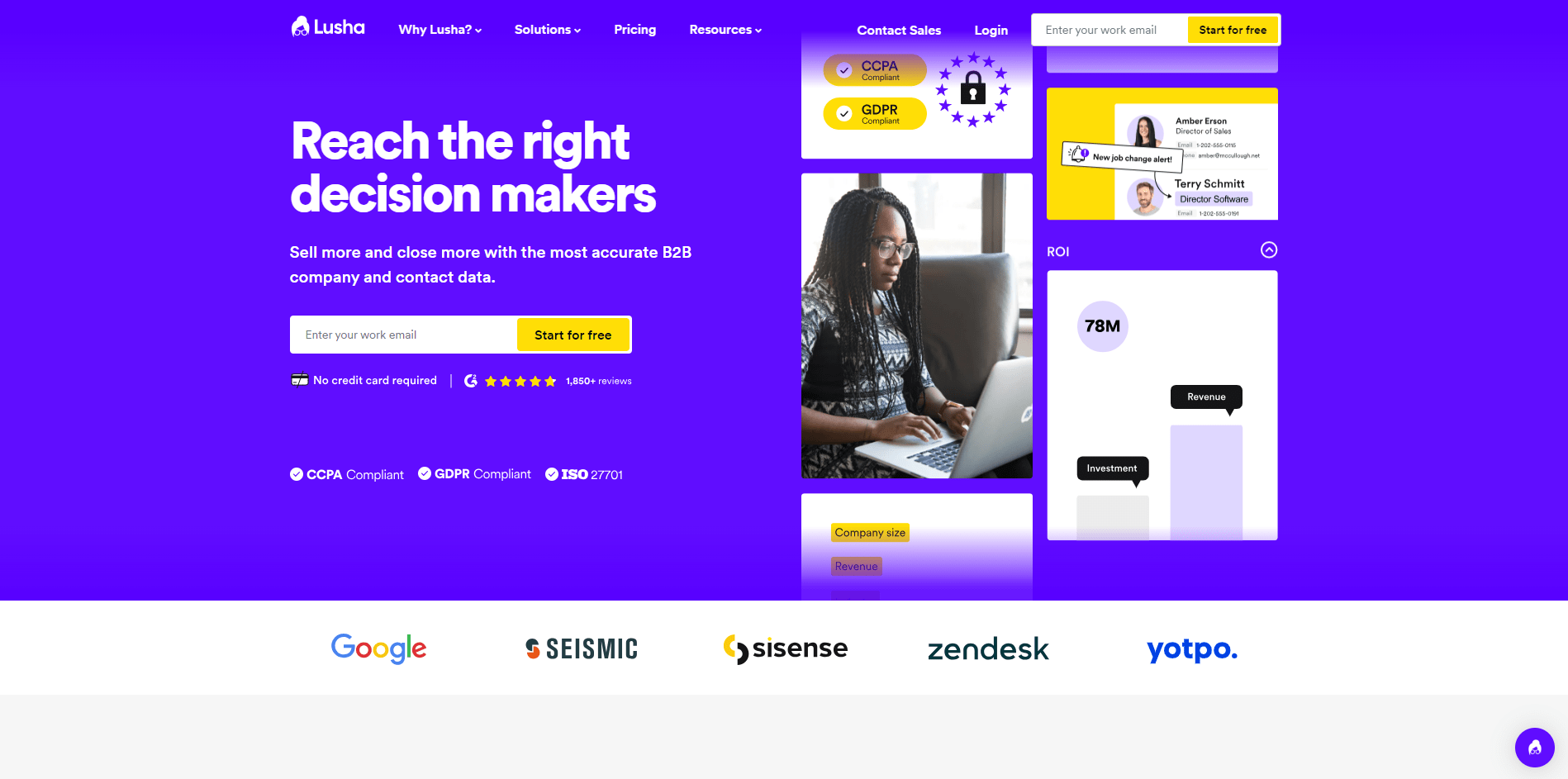
Lusha is described as providing contact data from social networks, the web, and Salesforce, with a focus on helping users reach decision-makers.
The article attributes an 80% data accuracy rate to Lusha. Accuracy figures may depend on the measurement method, geography, and contact type, so verify how the rate was calculated before comparing providers.
These features may make Lusha an option for sales and marketing teams evaluating contact-data tools.
Lusha vs GetProspect: A Quick Comparison Table

The table below summarizes the article’s comparison of GetProspect and Lusha.
|
Features |
GetProspect |
Lusha |
| Email Finding and Verification | Yes | Yes |
| Data Accuracy Rate | 95% | 80% |
| User-Friendly Interface | Yes | Yes, with a focus on ease of use |
| Pricing Options | $49+/mo (Annual) | $59+/mo (Annual) |
| Lead Generation Tools | Yes, with 17+ search filters | Yes, with a focus on reaching decision-makers |
| Integration with CRM Systems | Yes | Yes, particularly emphasized on Salesforce |
2. RocketReach
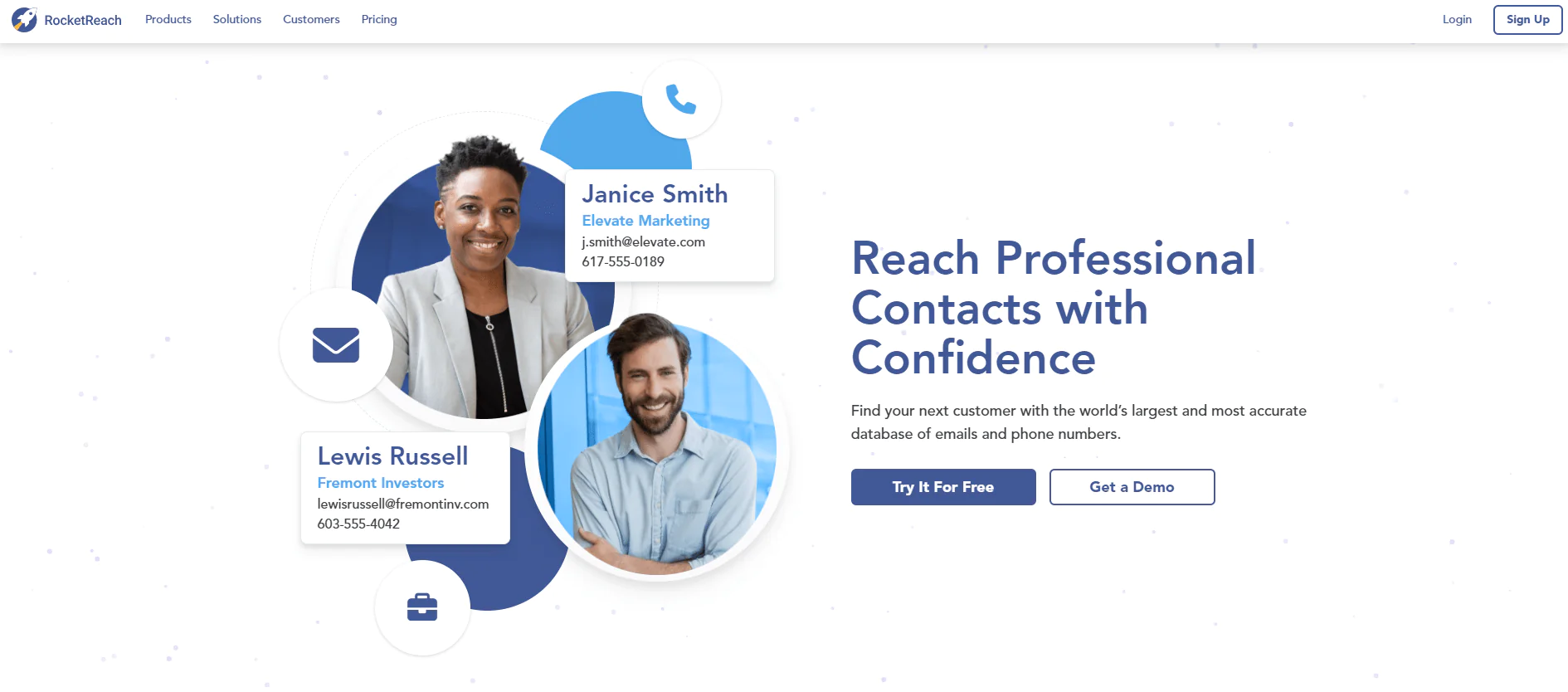
RocketReach is a widely used tool for finding professional contact information, built around one of the largest databases of emails and phone numbers available. Its emails are reported to have strong deliverability rates, which makes it a reliable option for accurate contact details.
RocketReach lets users build and filter prospect lists by location, job title, industry, and other criteria. The article also describes signals that may help identify prospects evaluating solutions.
RocketReach offers CRM and marketing-tool integrations, according to the article, and may be an alternative for teams seeking a larger database. Compare its current coverage and integrations with your requirements.
Note: Try out competitors of RocketReach and RocketReach Monthly Plans for more scopes.
RocketReach vs GetProspect: A Quick Comparison Table

The table below summarizes the article’s comparison of GetProspect and RocketReach.
|
Feature |
GetProspect |
RocketReach |
| Email Finding and Verification | Yes | Yes |
| Data Accuracy Rate | 95% | 90-98% deliverability on verified emails |
| User-Friendly Interface | Yes | Yes |
| Pricing Options | $49+/mo annual | $99+/mo annual |
| Lead Generation Tools | Yes, with 17+ search filters | Yes, with automated prospect lists and Intent Data |
| Integration with CRM Systems | Yes | Yes, compatible with CRM and marketing automation platforms |
| Browser Extension | Yes, LinkedIn Email Finder extension | Yes, for prospecting on social media sites |
3. ZoomInfo
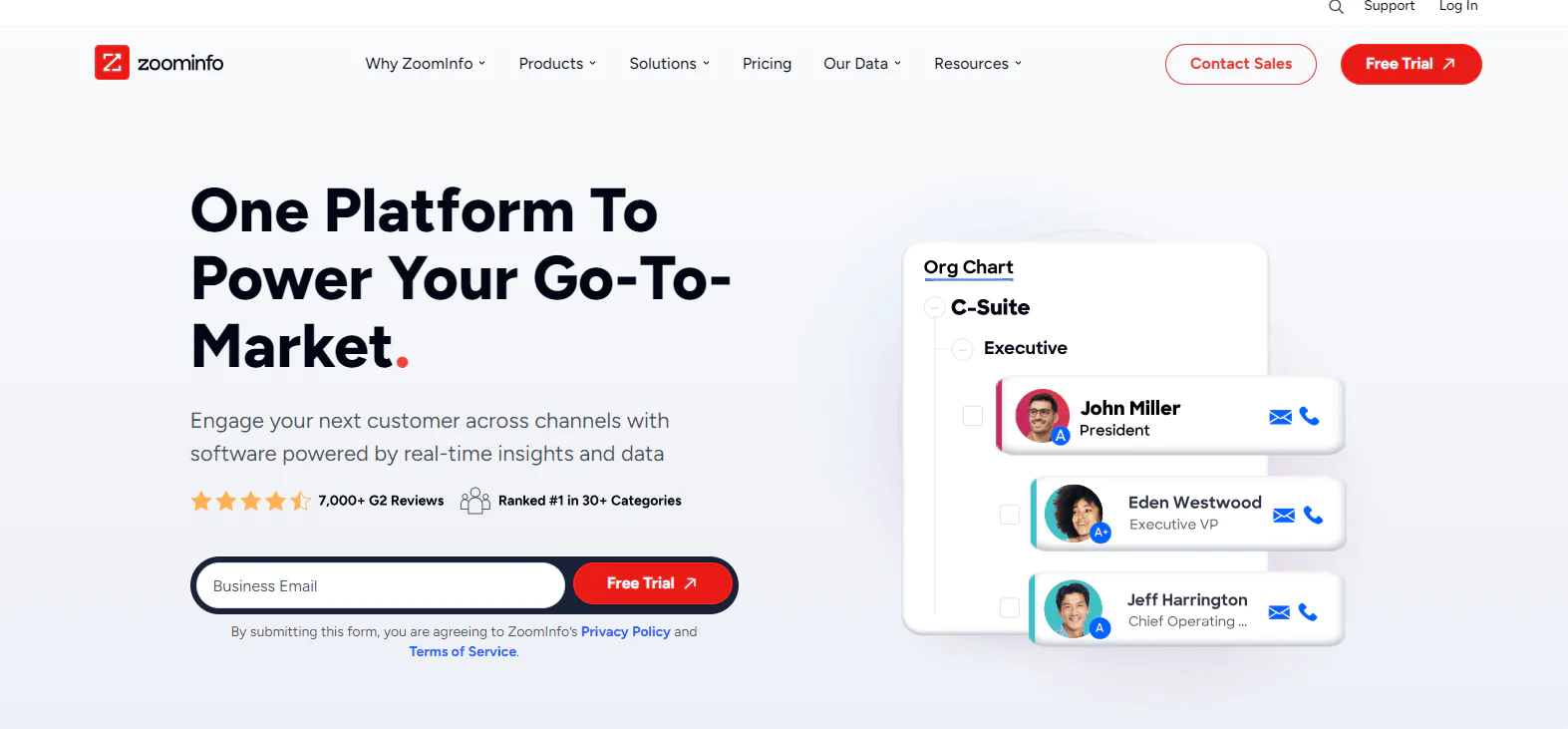
ZoomInfo is another option to consider for prospecting and contact data. The article states that Great Hill Partners acquired a majority stake in ZoomInfo in 2017; verify this historical claim before publication.
ZoomInfo offers sales and marketing features, and its pricing may vary by functions, licenses, and credits, according to the article. Confirm current pricing directly with the provider.
The article characterizes ZoomInfo as more expensive and GetProspect as a more budget-friendly option with a narrower feature set. Compare current quotes and included features to determine which is more suitable for your organization.
ZoomInfo vs GetProspect: A Quick Comparison Table

The table below compares selected ZoomInfo and GetProspect features; it does not establish that one platform is better for every use case.
|
Features |
ZoomInfo |
GetProspect |
| Purpose and Functionality | SalesOS, Lead Generation, MarketingOS, Talent Acquisition, OperationsOS | Email search and phone in B2B contact database, Cold Email Software, CRM, Bulk Email Verifier |
| Key Features | Company Insights, Direct Communication, Market Research | Email Finder, Email Verifier, Lead Enrichment, Integrations, CRM |
| Global Reach | Global presence and commitment to excellence | Worldwide coverage of prospects |
| Unique Selling Points | Comprehensive suite for sales, marketing, and talent acquisition | Powerful B2B database, integration with LinkedIn and other platforms, email personalization tool |
| Data Sources | 600m professional profiles, 1.3B+ company profiles, and 1.5B+ data points | Over 200M B2B contacts, 230M corporate emails, LinkedIn database |
Conclusion
The article lists GetProspect paid plans starting at $49 per month and describes increasing volume at higher tiers. It also cites an advertised 95% accuracy figure; treat that as a provider claim and test a sample of your own contacts before relying on it.
Whether GetProspect fits depends on its features and phone-number allowances relative to your outreach needs. If cold calling or healthcare-specific contact data matters, compare Swordfish’s stated focus on cell phone data and enrichment with your coverage and accuracy requirements.
Swordfish describes its offering as including personal and work email addresses, cell phone numbers, and social-profile links. Check whether the data types and coverage meet your research needs.
GetProspect and Swordfish AI offer different features. Choose between them based on your required outreach channels, budget, and the contact data you can validate.
Compare current pricing, plan limits, and data quality against your team’s requirements before choosing a lead-generation and contact-verification tool.
FAQs
Is GetProspect free?
GetProspect offers a free plan with limited monthly credits, but full access to its features requires a paid subscription.
Does GetProspect offer custom plans for larger enterprises?
For businesses with unique needs, GetProspect provides custom plans tailored to the scale and requirements of larger enterprises, and these are typically aimed at high-volume users.
Are there any discounts for annual subscriptions to GetProspect?
Yes. Annual billing brings down the effective monthly cost compared to paying month to month, which makes it a more budget-friendly option for long-term users.
Are there any additional costs or fees with GetProspect?
GetProspect’s monthly pricing is generally transparent, without hidden fees, but access to more advanced features requires moving up to a higher-tier plan.

