


 View Products


Last updated: September 3, 2026
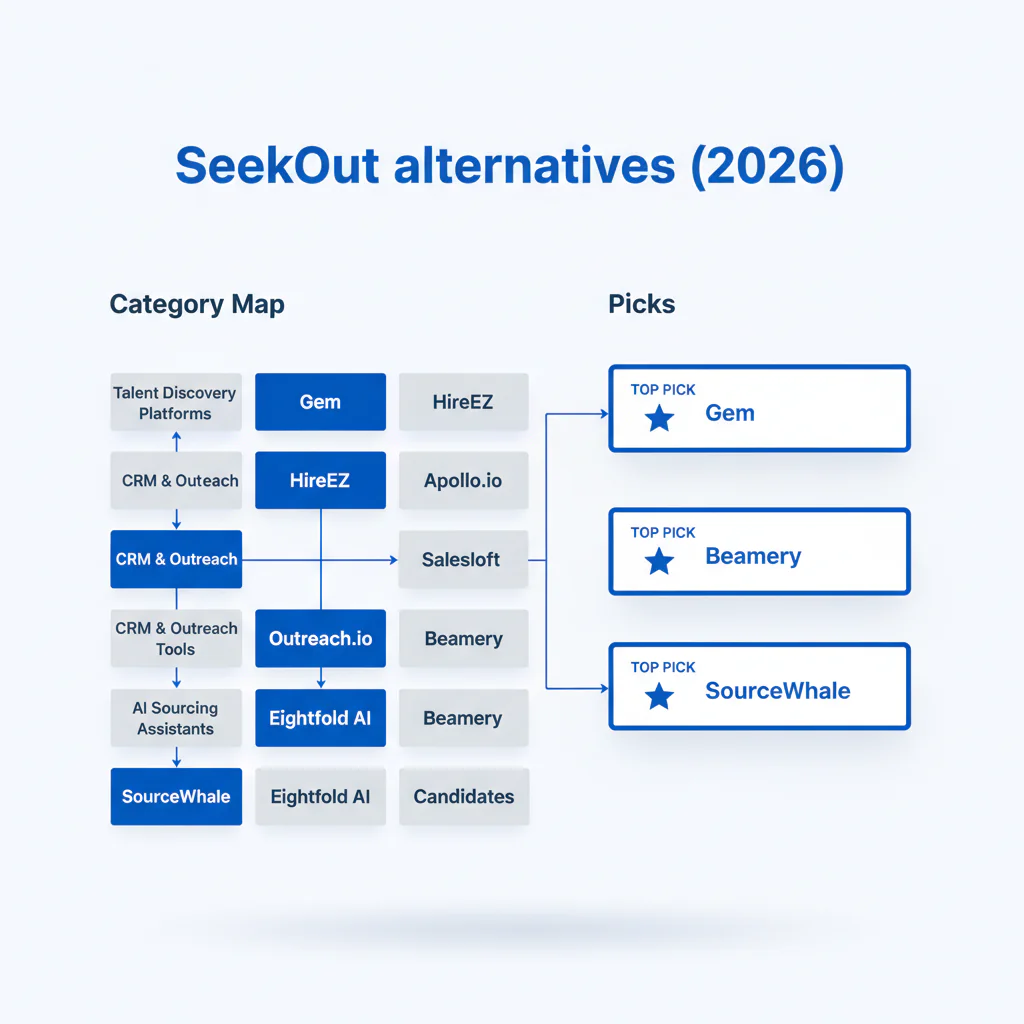
- Core concept
- seekout alternatives are tools you choose based on the bottleneck in your recruiting workflow: Intel to find qualified profiles faster, CRM to run consistent outreach and nurture, or Data to improve reachability so you can book screens with fewer touches.
- Key insight
- Pick the category that removes your constraint, then run a controlled 2-week bake-off on one req using the same target profile and the same outreach copy.
- Ideal team profile
- Teams hiring hard-to-fill roles (senior engineering, security, data) in the US, UK, or EU who are accountable for speed-to-screen, candidate experience, and clean opt-out/suppression handling.
By: Head of Talent, Swordfish.ai
Who this is for
- In-house recruiting leaders who need faster shortlist-to-screen without increasing candidate touch volume.
- Sourcers who can find profiles but can’t reliably reach them (bounces, stale data, low connects).
- Recruiting ops teams standardizing a recruiting stack while keeping ATS hygiene and opt-out suppression tight.
- Agencies who need repeatable outreach workflows across multiple clients and locations.
Quick answer
SeekOut is built primarily as an Intel tool, and most seekout alternatives fall into one of three buckets depending on what’s actually slowing your pipeline down: Intel, CRM, or Data.
- Intel (discovery): when you need more qualified profiles per hour.
- CRM (engagement): when you need consistent sequences, follow-ups, and pipeline visibility.
- Data (reachability): when your outreach fails because candidates never receive or see your message.
Fix the actual constraint rather than adding another tool on top of the same problem. Cutting the number of touches needed per booked screen tends to improve speed and candidate experience together.
Compliance & Safety
This method is for legitimate recruiting outreach only. Always respect candidate privacy and opt-out requests.
Use candidate/contact data ethically and honor opt-out/consent requirements.
Step-by-step method
- Write the success metric for one req. Example: “10 qualified screens for a Senior Backend Engineer in London within 10 business days.”
- Locate the bottleneck.
- Discovery bottleneck: not enough relevant candidates, or irrelevant shortlists.
- Engagement bottleneck: outreach is inconsistent, follow-up is messy, no reporting.
- Reachability bottleneck: bounces, low opens, low connects, too many touches per booked screen.
- Apply the framework: Alternatives map (Intel vs CRM vs Data). This prevents overlapping spend while the constraint stays unsolved.
- Run a controlled bake-off. Two weeks, one req, same target profile, same copy, same follow-up cadence. Track valid contact rate, reply rate, and qualified screen rate.
- Set candidate experience guardrails. Cap touches in the trial, stop immediately on “no” or opt-out, and avoid switching channels mid-sequence unless the candidate asks.
- Operationalize the winner. Document channel rules by persona, enforce suppression lists, and standardize what gets logged back to your ATS/CRM.
Alternatives map: categories (Intel vs CRM vs Data)
This category map ties your tool choice to the outcome you’re trying to improve, rather than to feature lists that overlap across vendors.
| Category | Best for | What you measure | Typical workflows |
|---|---|---|---|
| Intel (talent intelligence alternatives) | Finding and qualifying the right profiles faster | Qualified profiles per hour; shortlist quality | Sourcing, filters, market mapping, list building |
| CRM (talent CRM alternatives) | Sequencing and nurture with consistent follow-up | Reply rate; time-to-screen; pipeline stage aging | Campaigns, rediscovery, silver medalist nurture |
| Data (recruiting contact data tools) | Reachability (getting the message to the right channel) | Deliverability; connect rate; touches per booked screen | Enrichment, validation, exporting into your systems |
| If your constraint is… | Start with… | What improves first |
|---|---|---|
| You can’t build a relevant slate quickly | Intel | Shortlist quality and speed-to-slate |
| You have interest but follow-up is inconsistent | CRM | Reply-to-screen conversion and scheduling speed |
| Your messages don’t reach candidates | Data | Deliverability/connect rate and fewer wasted touches |
Examples by category (not exhaustive):
- Intel examples: SeekOut, HireEZ, Eightfold AI.
- CRM examples: Gem, Entelo.
- Data examples: Swordfish.
If your debate is specifically “intel vs reachability,” Swordfish vs SeekOut frames the tradeoffs using recruiting outcomes.
CTA: Download the Alternatives Map
Checklist: diagnostic table
| Symptom | Most likely cause | Fix that improves speed and candidate experience |
|---|---|---|
| High opens, low replies | Message doesn’t map to the candidate’s current context | Rewrite the first line to mirror their likely day-to-day problem and ask one specific question. |
| Low opens | Deliverability or wrong channel for the persona | Validate emails before send, then run a parallel touch on LinkedIn for the same candidate set. |
| Replies are positive but scheduling is slow | Too much back-and-forth | Offer two time windows in the candidate’s timezone and include interview steps in one message. |
| “Not interested” dominates | Seniority mismatch or generic framing | Adjust scope signals (ownership, team size, impact) and lead with one concrete work example. |
| Lots of outreach, weak screens | Discovery filters are too broad | Tighten must-haves to 2–3, and move the rest to screening questions. |
| Good candidates, inconsistent reach | Stale or incomplete contact data | Add enrichment/validation and set channel rules by persona so candidates aren’t hit repeatedly in the wrong channel. |
Decision tree: weighted checklist
This checklist weighs impact against effort based on the three most common recruiting failure points: an unclear bottleneck, inconsistent follow-up, and weak reachability. Use it to decide what to fix first instead of running every workstream at once.
| Move | Impact on placement speed | Effort | When it’s the right first step |
|---|---|---|---|
| Choose tools by the alternatives map (Intel vs CRM vs Data) | High | Low | Any time you’re evaluating seekout alternatives |
| Controlled 2-week bake-off on one req (same copy, same persona) | High | Medium | When demos don’t translate into booked screens |
| Validate/enrich contact data before sequencing | High | Medium | When low opens or bounces force extra touches |
| Standardize follow-up cadence and ATS/CRM logging fields | Medium | Medium | When candidate experience varies by recruiter |
| Re-do intake: 2–3 must-haves, explicit seniority signals | Medium | Low | When replies are decent but screens are weak |
| Regional channel rules (US vs UK/EU) with compliance review | Medium | High | When results swing by market |
How to improve response rates
- Match channel to persona and market. Use email and LinkedIn as the default for senior technical roles; keep outreach minimal and consistent.
- Keep the message to three blocks.
- Why them: one line tied to their background.
- Why now: one line tied to the outcome of the role.
- Next step: one ask with two time options and timezone.
- Use a defined follow-up cadence. Set a finite sequence over 10 business days, then stop.
- Log what matters. Require tags for role, seniority, channel, and template version so improvements are based on evidence.
Troubleshooting table: outreach templates
Template 1: Passive senior engineer (UK/EU) — email
Subject: Quick question about {domain} work at {Company}
Hi {FirstName} — I’m hiring for a {Role} where the core scope is {Outcome}.
Your background in {SpecificSignal} stood out. Are you open to a 10-minute intro to see if it’s relevant? If not, reply “no” and I’ll close the loop.
{TimeOption1} or {TimeOption2} ({Timezone})?
— {YourName}, {Company}
Template 2: High-intent profile (US) — LinkedIn message
Hi {FirstName} — reaching out because of your {SpecificSignal}. I’m hiring a {Role} (level: {Level}) working on {OneSentenceProject}. Open to a short intro this week?
Template 3: Re-engaging a previously contacted candidate — email
Subject: Updated scope for {Role}
Hi {FirstName} — we spoke earlier about {OldContext}. The role has changed to {NewScopeInOneLine}. Interviews are {StepsInOneLine}.
Should I keep you in the loop, or close the loop on my side?
— {YourName}
Legal and ethical use
- Use data for legitimate recruiting only. Tie outreach to real roles and a defined hiring process.
- Honor opt-out fast. If a candidate opts out, suppress them across your email tool, CRM, and any exports.
- Minimize and retain responsibly. Keep only what you need to recruit and delete stale records on a schedule.
- Be clear in outreach. Identify yourself, the role context, and the opt-out path.
- Match rules to region. Align your approach with market expectations (US vs UK/EU) and your internal counsel guidance.
Evidence and trust notes
- Freshness: Updated Jan 2026.
- Disclosure: This page includes Swordfish as an option in the Data category because reachability is a common constraint in outbound recruiting.
- How to evaluate seekout alternatives without guesswork:
- Use one req, one target persona, and the same outreach copy for all tools.
- Compare valid contact rate, reply rate, and qualified screen rate over the same two-week window.
- Define a maximum number of touches per candidate during trials and stop immediately on opt-out.
- Confirm the tool supports suppression lists and auditable exports before scaling use.
- Product context: If you’re establishing what SeekOut already covers well before switching, start with the SeekOut review.
Implementation notes
- Visuals to add:
- Alternatives map visual showing Intel vs CRM vs Data, with the funnel stage each category improves.
- Trial scorecard layout: valid contacts, replies, qualified screens, and touches per booked screen.
- Channel rules one-pager by persona (email/LinkedIn/phone) with an opt-out handling note.
Next steps
- Today: Tag your current bottleneck as Intel, CRM, or Data using the category map.
- Next 48 hours: Pick one req and define the target persona, outreach copy, follow-up cadence, and a hard cap on touches.
- Next 2 weeks: Run the bake-off and decide based on qualified screens and candidate experience (fewer touches, faster scheduling, clean opt-out handling).
- Week 3: Document the SOP and train the team (channel rules, logging fields, suppression workflow).
CTA: See Swordfish for Reachability
Frequently Asked Questions
What is the best SeekOut alternative?
The best SeekOut alternative depends on your constraint: choose Intel if you need better discovery, CRM if you need consistent engagement workflows, or Data if you need higher reachability to book screens.
What tools are like SeekOut?
Tools like SeekOut typically sit in the Intel category. Many teams pair Intel with a CRM for sequencing and a Data layer when connect rates and deliverability limit results.
Do I need talent intelligence or contact data?
If you can build a qualified slate but struggle to reach candidates, prioritize contact data and validation. If you can’t find qualified profiles efficiently, prioritize talent intelligence.
How do I decide?
Use the category map, then run a controlled 2-week bake-off on one req using the same target persona and the same outreach copy.
What’s best for agencies?
Agencies typically benefit from a repeatable stack: Intel for slate-building speed, CRM for consistent follow-up, and Data for reachability when candidates are hard to contact.
About the Author
Ben Argeband is the Founder and CEO of Swordfish.ai and Heartbeat.ai. With deep expertise in data and SaaS, he has built two successful platforms trusted by over 50,000 sales and recruitment professionals. Ben’s mission is to help teams find direct contact information for hard-to-reach professionals and decision-makers, providing the shortest route to their next win. Connect with Ben on LinkedIn.

