


 View Products


Key takeaways
- Syntax checks catch formatting errors but do not show whether a mailbox exists.
- DNS and MX lookups can show whether a domain has mail-routing configuration, but they cannot confirm a specific mailbox.
- SMTP verification may provide clues about a mailbox, but recipient servers can block or limit these checks.
- Email verification results are not guarantees that a message will be delivered or read.
- Combining checks can provide a more useful assessment than relying on a single method.
Last updated: September 3, 2026
A bad email address in a healthcare outreach list can bounce and contribute to deliverability problems, potentially slowing an important patient or provider communication. Before sending a campaign to physicians, clinics, or care coordinators, it helps to check whether an address appears valid without sending a test message.
You have several options: syntax checks, DNS or MX lookups, SMTP verification, API-based checks, or a dedicated email verification tool. Each has trade-offs in speed, accuracy, and technical effort, so the right choice depends on your list size and how much risk you can tolerate.
Below, we walk through what verification actually means, why it matters more in provider-focused outreach than in typical B2C email, and nine practical methods you can use before sending a single message.
What Does a Verified Email Mean?
Email verification checks an address for signs that it is usable—not just whether it is correctly formatted. Checks may include syntax, domain configuration, and signals about mailbox responsiveness, but they cannot guarantee that a message will reach the recipient.
For teams working with healthcare provider contact data, this matters because provider email addresses change often — physicians switch practices, hospital systems consolidate, and staff turnover is high. An address that was valid a year ago may now bounce. Verification reduces the chance you’re sending to a dead or nonexistent mailbox, which keeps your outreach efficient and protects your sending reputation.
Why Should You Verify an Email Address Before Sending Messages?
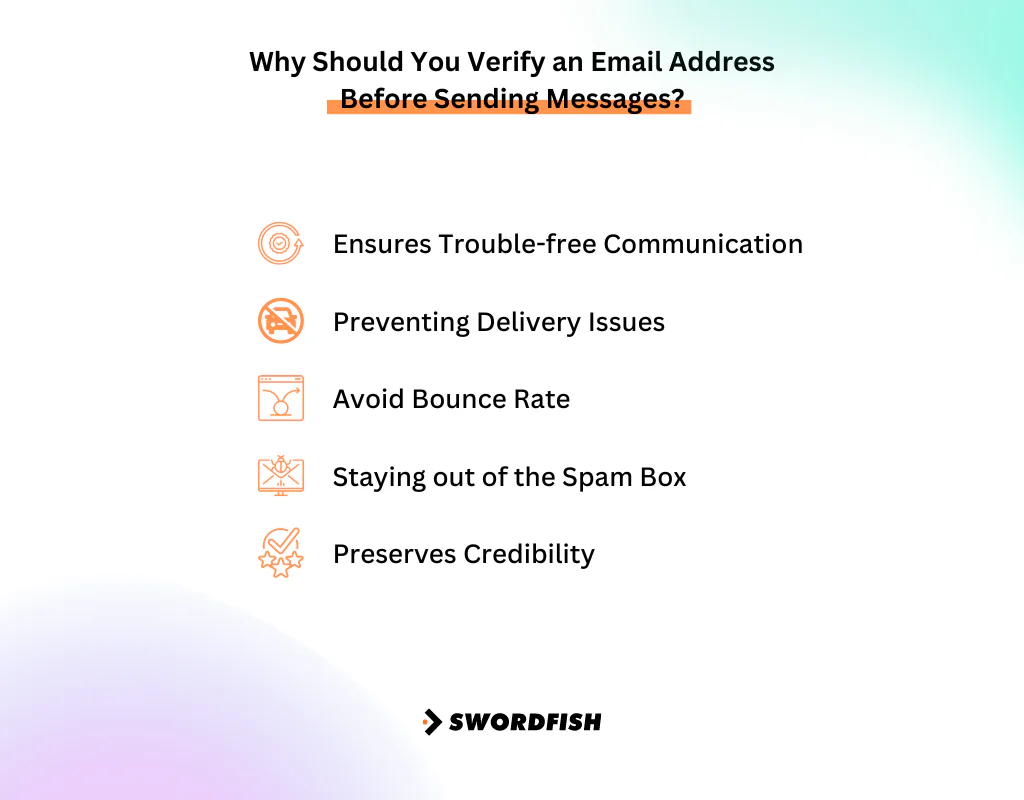
Verifying addresses upfront keeps your campaigns running smoothly, improves delivery rates, and protects your sender reputation from the damage caused by bounces and spam filters. Repeatedly emailing bad addresses eventually drags down deliverability across your entire domain, not just that one campaign.
Here are the main reasons this step is worth the extra effort.
Ensures Trouble-Free Communication
Verifying an email checks for signs that an address may be usable before you invest time reaching out. It can help identify likely dead or incorrectly formatted addresses, but it cannot confirm that a specific person will receive or read your message.
Preventing Delivery Issues
Frequent bounces hurt your sending reputation with mail providers. Confirming address validity beforehand is a small step that avoids a much bigger deliverability headache later.
Avoiding a High Bounce Rate
Inaccurate addresses drive up bounce rates, which mail providers use as a signal against you. Verification filters out the bad addresses before they can damage a campaign’s performance.
Staying Out of the Spam Folder
Emails sent from unverified or messy lists are more likely to get flagged as spam. Verification helps preserve your sender reputation so your messages actually reach the inbox.
Preserving Credibility
Routinely checking your contact data signals that you take accuracy seriously. Over time, that consistency builds trust with mail providers and recipients alike.
How to Check If an Email Is Valid Without Sending – 9 Effective Methods

There’s no single “correct” way to verify an email address — some methods are quick and manual, others require more technical setup. Here are nine approaches, roughly ordered from simplest to most comprehensive.
1. DNS Check
DNS (Domain Name System) checkup for email verification involves looking up information about the email’s domain. This starts by extracting the domain from the address, then checking its MX records, confirming their validity, and reviewing priority values.
This confirms the domain is properly configured to handle email. It won’t tell you whether the specific mailbox exists, though — only that the domain itself is legitimate.
2. Syntax Lookup
Check whether the address follows a standard format like “user@example.com.” This method of syntax checking catches obvious formatting errors without ever contacting the mail server — a quick first filter before anything more involved.
3. SMTP Verification
SMTP verification attempts to communicate with the recipient’s email server to look for signs that a mailbox exists, without delivering a message. Results are not definitive: servers may block or limit these checks, and some do not disclose whether a mailbox is valid.
4. API-Based Authentication
API-based verification is one of the most popular ways to check addresses without sending anything. These services are purpose-built for validation, tend to be fast, and are useful when you need answers quickly for a large list.
5. Spam Trap Detection
Spam-trap screening attempts to flag addresses known or suspected to function as traps, which can be used to identify senders with poor list hygiene. These checks may reduce risk, but they cannot guarantee that every trap will be detected.
6. TLD Validation
TLD validation checks whether a domain ending is on a list of recognized top-level domains. It can catch some obvious formatting or domain-ending errors, but a recognized TLD does not establish that the domain or mailbox is legitimate.
7. MX Record Check
An MX record check looks for mail-routing records configured for a domain. It can indicate that the domain has a route for receiving email, but it does not confirm that a particular mailbox exists.
8. Disposable Email Check
Disposable email checks flag addresses from known temporary or throwaway email services. This matters in provider outreach especially, where you want a persistent contact point rather than an address someone abandons after a single use.
9. Email Verifier
If you’d rather skip juggling all of the above manually, a dedicated email verifier bundles these checks into one process. Businesses, marketers, and anyone managing an email list commonly rely on these tools to confirm addresses are accurate and deliverable at scale.
A verifier can help identify addresses that may cause delivery problems and support better list hygiene, but results vary and no check can guarantee campaign performance or protect sender reputation on its own.
Swordfish AI: Making Email Verification Easy
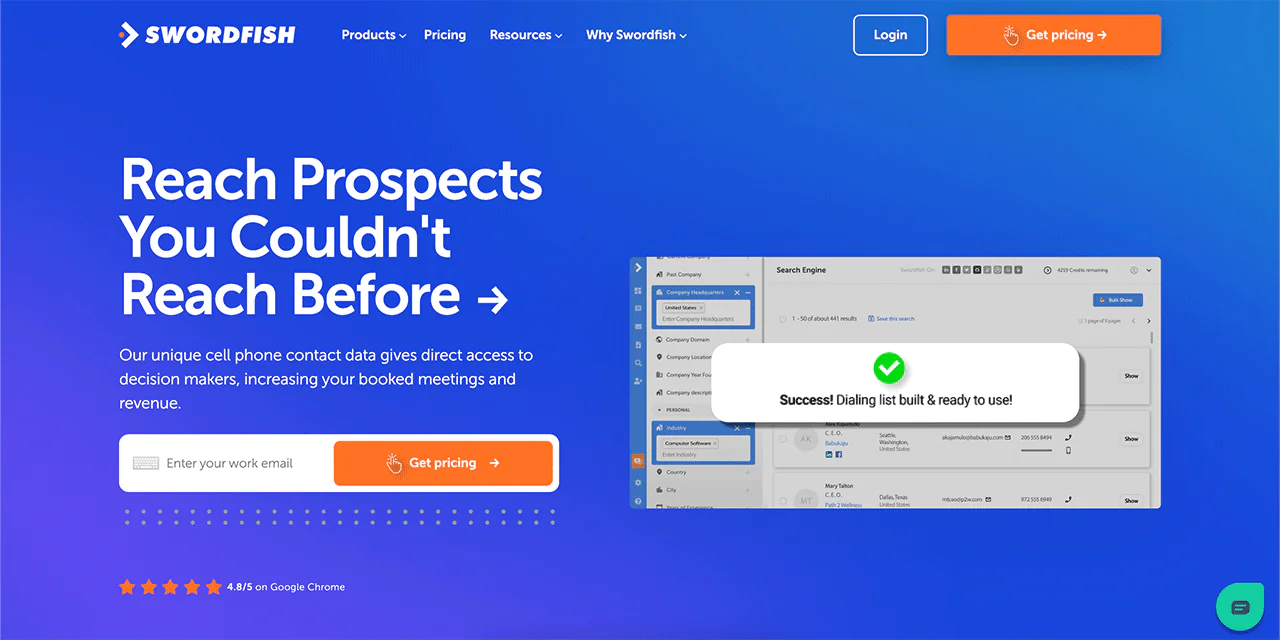
Swordfish AI is built to solve exactly this problem: confirming an email address is valid without sending a test message first. That matters for teams that need to reach providers and healthcare contacts quickly and reliably, without wasting outreach on dead addresses.
Swordfish combines contact verification with a large underlying database of phone and email records, aimed at keeping contact details current and reducing the odds of messages going to the wrong address.
The platform’s database spans billions of consumer and professional profiles, which makes it possible to check whether an email address is valid before you ever send anything. That’s particularly useful for healthcare-focused outreach, where provider directories go stale fast and accuracy directly affects response rates.
With Swordfish, verifying addresses becomes one step in a broader outreach workflow rather than a separate manual task.
Features of Swordfish AI
Here are some of the tools you’ll have access to.
-
Chrome Extension
The Chrome Extension from Swordfish AI lets you look up and check contact details directly from your browser, without switching tools mid-workflow.
-
Prospector Tool
Build targeted calling or emailing lists using detailed filters to narrow down exactly the contacts you need.
-
File Upload for CRM
Upload a CSV file and the platform fills in missing phone numbers and emails, syncing smoothly with your existing CRM.
-
Reverse Search
Enter the contact information you already have to surface additional details, making your research more thorough.
 Try Swordfish Ai
Final Verdict
To check whether an email address appears valid without sending a message, you can check its syntax and domain or MX records, use an API-based verifier, or screen for disposable addresses and possible spam traps. SMTP checks may offer additional clues, but server restrictions mean no method can guarantee that a mailbox exists or will accept a message. Combining checks can provide a more useful assessment than relying on one alone.
For most teams, though, the more practical route is using an email verifier like Swordfish.AI that bundles these checks together instead of running each one manually every time.
If you’re still weighing your options, it’s worth trying out Swordfish directly to see how it fits your workflow.
Frequently Asked Questions
1. What are the common reasons for email bounces?
Bounces typically happen because of invalid addresses, full mailboxes, or problems on the recipient’s mail server. Verifying addresses beforehand helps flag likely bounces before you send.
2. Is there a difference between email validation and verification?
The terms are often used interchangeably, but they’re not identical. Validation generally refers to checking an address’s format and syntax, while verification confirms the address is legitimate and can actually receive mail.
3. Can email verification guarantee 100% accuracy?
No. Verification substantially improves accuracy, but it can’t guarantee perfection — email statuses change over time, and some checks are limited by privacy protections on the recipient’s server.

