


 View Products


Key takeaways
- UpLead combines B2B prospecting, email verification, data enrichment, and contact search tools.
- The platform advertises a 95% data accuracy guarantee; review its definition and credit-refund conditions before relying on the claim.
- The review describes Essentials and Plus as single-user plans with credits that do not roll over.
- Professional is described as an annual, custom-priced plan with team features and expanded access.
- UpLead may fit teams whose expected prospecting volume matches the available credits and plan limits.
Last updated: September 3, 2026

UpLead is a B2B prospecting platform for finding contact data and company information. It combines a prospecting database, email verification, a Chrome extension, and an API, and positions itself as an alternative to larger providers such as ZoomInfo.
This review covers UpLead’s features, pricing, credit limits, support, and alternatives. Teams handling healthcare or other regulated data should assess data-handling requirements separately; the pricing and credit details below address cost and usage, not regulatory compliance.
What is UpLead?
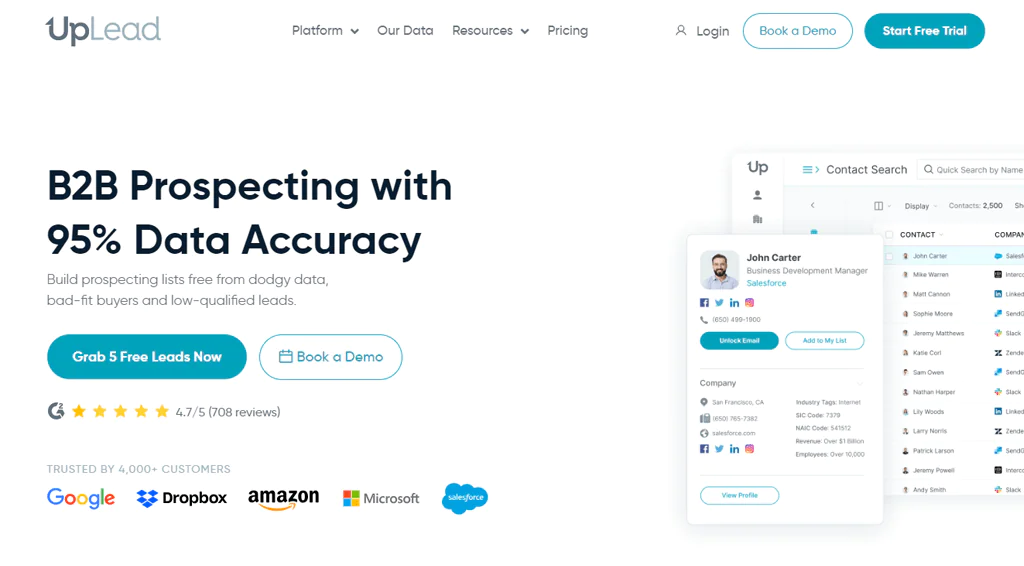
Founded in 2017, UpLead is a B2B prospecting tool that advertises a 95% data accuracy guarantee, with credit refunds for invalid email addresses subject to its terms. It is designed to help sales teams build prospect lists and find contact information.
UpLead says it verifies email addresses in real time at export and offers more than 50 search filters for narrowing contacts and companies by criteria such as industry, title, and location.
The platform also provides direct-dial phone numbers and intent data, which may help sales reps prioritize accounts showing buying signals.
UpLead integrates with common CRM and outreach tools, which is one reason it gets adopted by smaller sales teams that don’t want to build custom data pipelines.
Features of UpLead
UpLead is built around a handful of core modules that cover prospecting, verification, and enrichment. Here’s how each one works in practice.
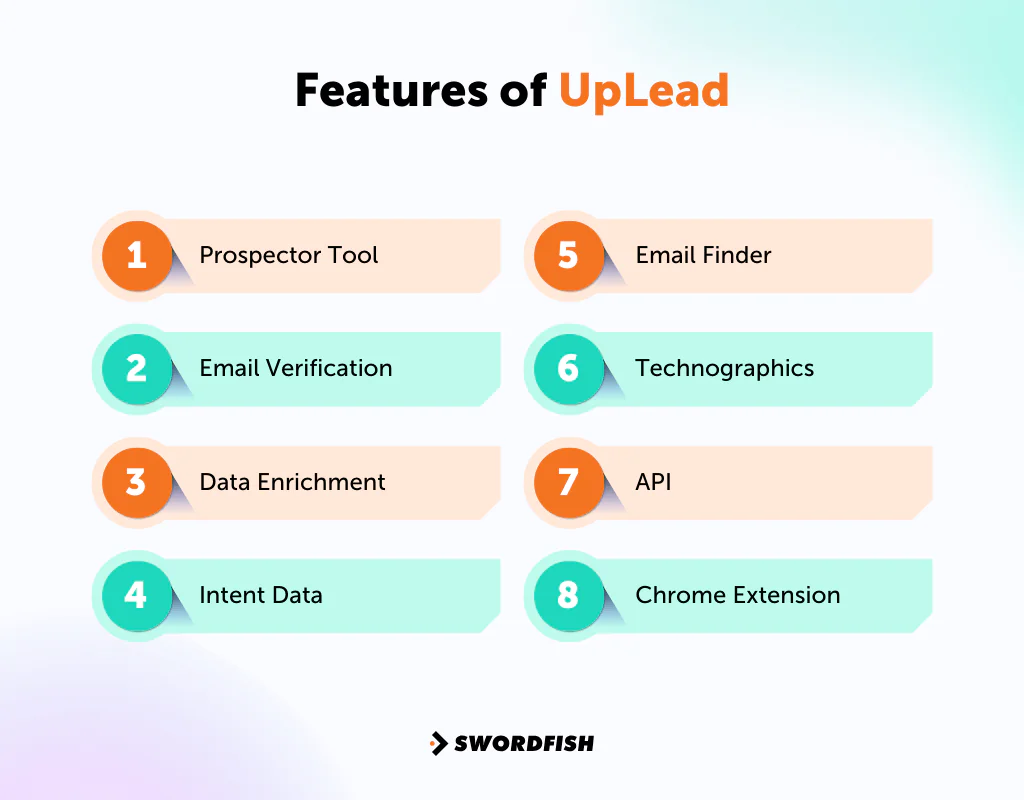
Prospector Tool
UpLead’s Prospector tool is the main way most users find leads. With more than 50 search filters, you can find contacts and companies that fit a defined buyer profile rather than scrolling through generic lists.
Email Verification
UpLead describes its email verification as real-time: when users export leads, it checks email addresses at that point. The feature is intended to reduce invalid addresses and help limit email bounces, but it cannot guarantee delivery or sender reputation.
Data Enrichment
UpLead’s data enrichment feature lets you add more than 50 data points to existing contact and company records, useful for filling gaps in a CRM that’s grown stale.
Intent Data
UpLead’s intent data flags prospects showing buying signals. These signals can help reps prioritize outreach, but they do not by themselves confirm that an account is actively evaluating a purchase.
Email Finder
UpLead’s Email Finder locates email addresses by entering a company name or website URL, a quick way to fill in gaps when you already know who you want to reach but not how to reach them.
Technographics
UpLead’s Technographics feature shows which technologies a target company uses, tracking a large set of technology data points so reps can tailor pitches around a prospect’s existing stack.
API
The API lets teams integrate UpLead data into existing systems, which matters for anyone trying to automate prospecting at scale rather than exporting CSVs by hand for sales strategies.
Chrome Extension
UpLead’s Chrome Extension captures leads directly from the web as you browse, saving contact information without switching tabs to run a separate search.
Pros of UpLead
- Advertises a 95% data accuracy guarantee with credit refunds for invalid emails.
- Real-time email verification to minimize bounce rates.
- Over 50 search filters for precise lead targeting.
- Bulk lookup option for larger-scale lead generation.
- Data enrichment to round out existing contact databases.
Cons of UpLead
- Limited customization for specialized industry workflows, and credits on Essentials and Plus do not roll over month to month, which can waste unused allotments.
- Essentials and Plus are single-user plans; adding teammates requires upgrading to Professional.
User Experience of UpLead
Day-to-day use of UpLead tends to center on a few recurring strengths and a handful of friction points worth knowing before you commit to a plan.
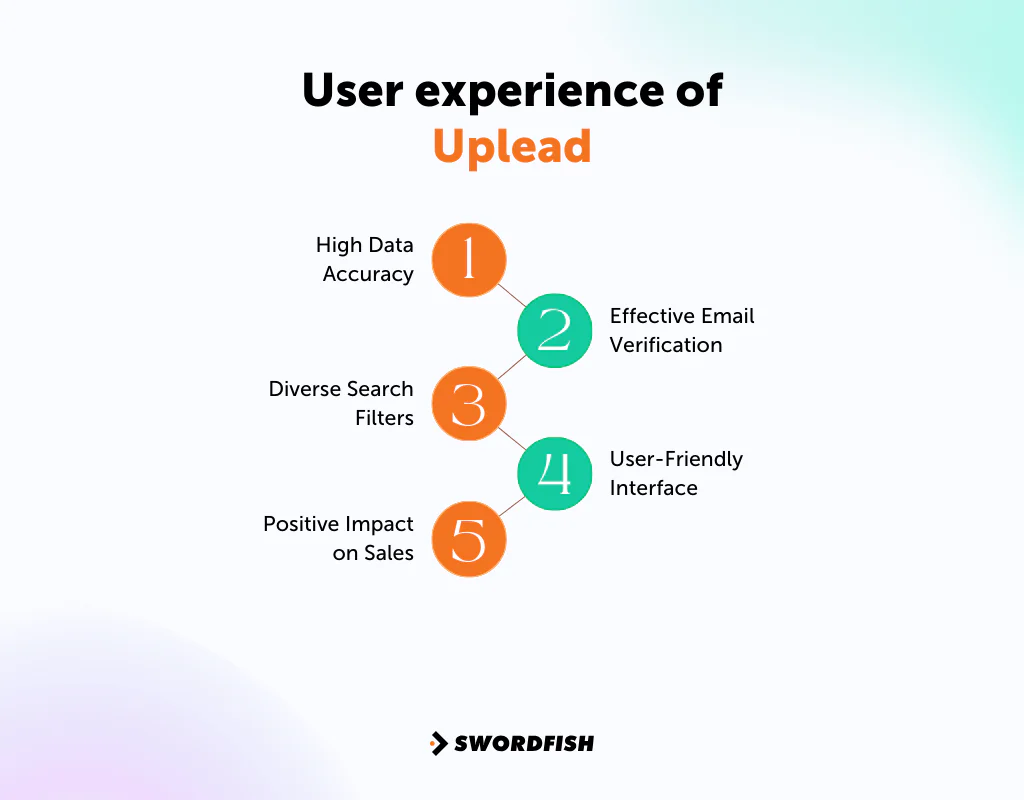
High Data Accuracy
UpLead advertises a 95% data accuracy guarantee. The guarantee’s scope and credit-refund conditions are important to review before relying on it.
Effective Email Verification
UpLead says it verifies email addresses in real time. This is intended to help reduce bounces, but actual results can vary with the data and campaign.
Diverse Search Filters
With more than 50 search filters, users can narrow prospect lists down to a tight match against an ideal customer profile instead of sorting through broad results.
User-Friendly Interface
Many users describe the interface as straightforward, which shortens the learning curve for new team members.
Positive Impact on Sales
The article reports that teams using UpLead’s filtering and verification may spend less time on unproductive outreach; results will depend on the data and how teams use it.
UpLead Support for Users
Support quality is one of the less flashy but more practical factors when evaluating a data vendor. Here’s what UpLead offers.
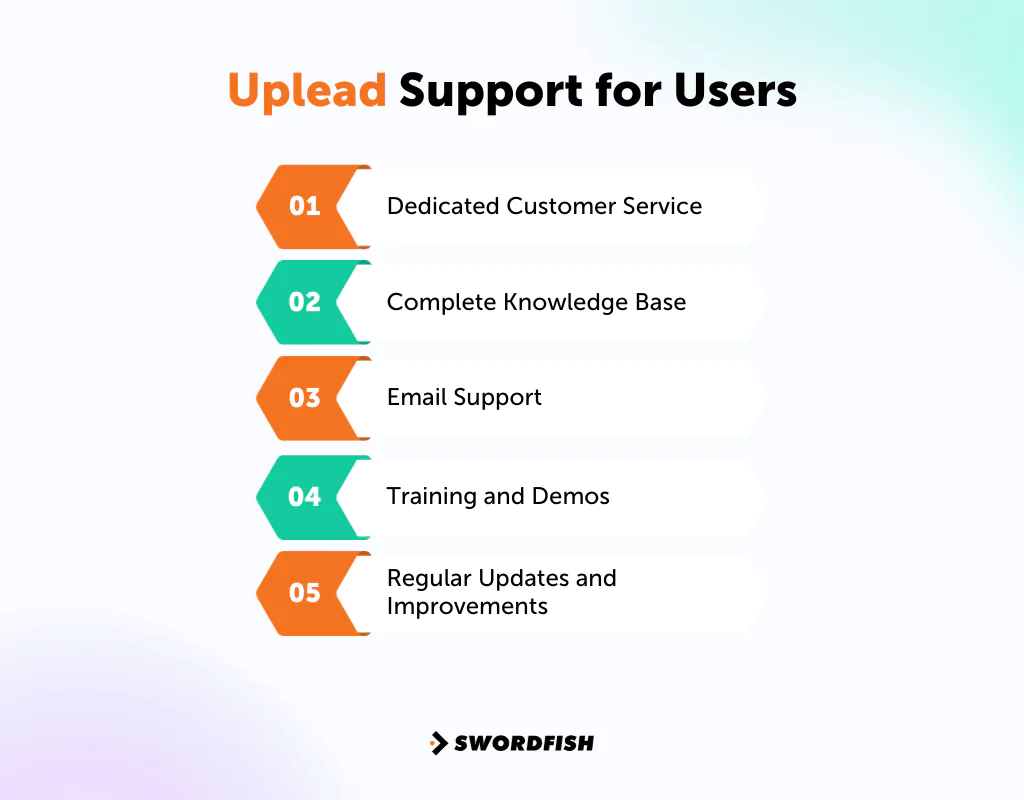
Dedicated Customer Service
The article describes UpLead’s customer service as responsive, though support experiences may vary.
Complete Knowledge Base
The platform maintains a knowledge base with guides and FAQs that helps users troubleshoot without waiting on a support ticket.
Email Support
UpLead offers email support. The article characterizes responses as reasonably prompt based on user feedback, but response times may vary.
Training and Demos
UpLead also runs training sessions and demos aimed at new users, covering feature walkthroughs and lead-generation best practices.
Regular Updates and Improvements
UpLead continues to update its platform, rolling out feature changes based on user feedback and shifts in the prospecting market.
UpLead Pricing
UpLead’s pricing structure covers everyone from individuals testing the platform to larger teams needing full feature access. Here’s a detailed breakdown of UpLead’s cost, including the discount available for paying annually.
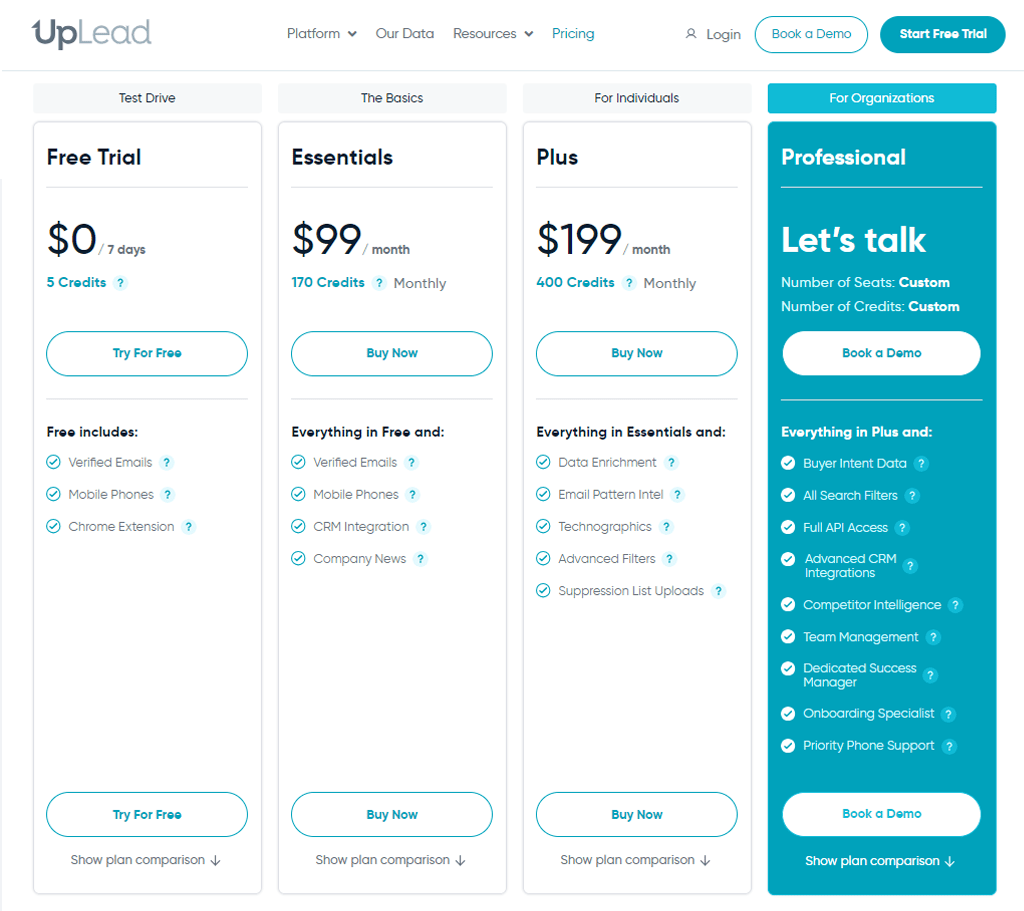
Free Trial (Test Drive)
- Who it’s for: New users wanting to try UpLead.
- What you get: 5 credits over 7 days, access to verified emails and mobile direct dials, and a Chrome extension for enhanced browsing and data collection.
- Cost: Free, making it a no-risk way to explore UpLead’s features.
Essentials
- Who it’s for: Ideal for small businesses or individual users.
- What you get: 170 credits each month, with features like verified emails, mobile direct dials, CRM integration, and company news alerts.
- Cost: $99 per month billed monthly, or $74 per month if billed annually.
Plus
- Who it’s for: Users needing more advanced features.
- What you get: 400 credits per month, including everything in Essentials plus data enrichment, email pattern intelligence, and technographics. Plus, it has advanced filters, and suppression list uploads.
- Cost: $199 per month billed monthly, or $149 per month if billed annually.
Professional
- Who it’s for: Large organizations or teams needing a high degree of customization and support.
- What you get: A custom number of credits and advanced features like buyer intent data, all search filters, full API access, advanced CRM integrations, and competitor intelligence.
Also, it has team management tools, a dedicated success manager, an onboarding specialist, and priority phone support.
- Cost: Custom, annual-only, and typically requires a sales conversation since it scales with seats and credit volume.
Our Review: Should You Choose UpLead for Your Business?
UpLead advertises a 95% data accuracy guarantee and credit refunds for invalid emails. Businesses evaluating the claim should check how UpLead defines accuracy and which refund conditions apply.
The article reports that users praise UpLead’s real-time email verification and search filters. These features can support targeted prospecting, but they do not guarantee campaign outcomes.
Another plus is UpLead’s compatibility with various CRM systems and its easy-to-use interface, which shortens onboarding for new team members.
According to the plan details in this review, credits on the self-serve plans do not roll over, and Essentials and Plus are single-user plans. Teams needing additional seats may need to consider Professional, which has custom pricing. The article also notes user reports of data variability; check applicable platform terms before prospecting.
Despite these caveats, UpLead is well-regarded, particularly among B2B companies looking for dependable tools for lead generation and data enrichment on a mid-size budget.
Top 3 UpLead Alternatives You Should Check Out
Here’s how the leading UpLead alternatives compare, and where each one might fit better depending on your priorities.
1. Swordfish AI
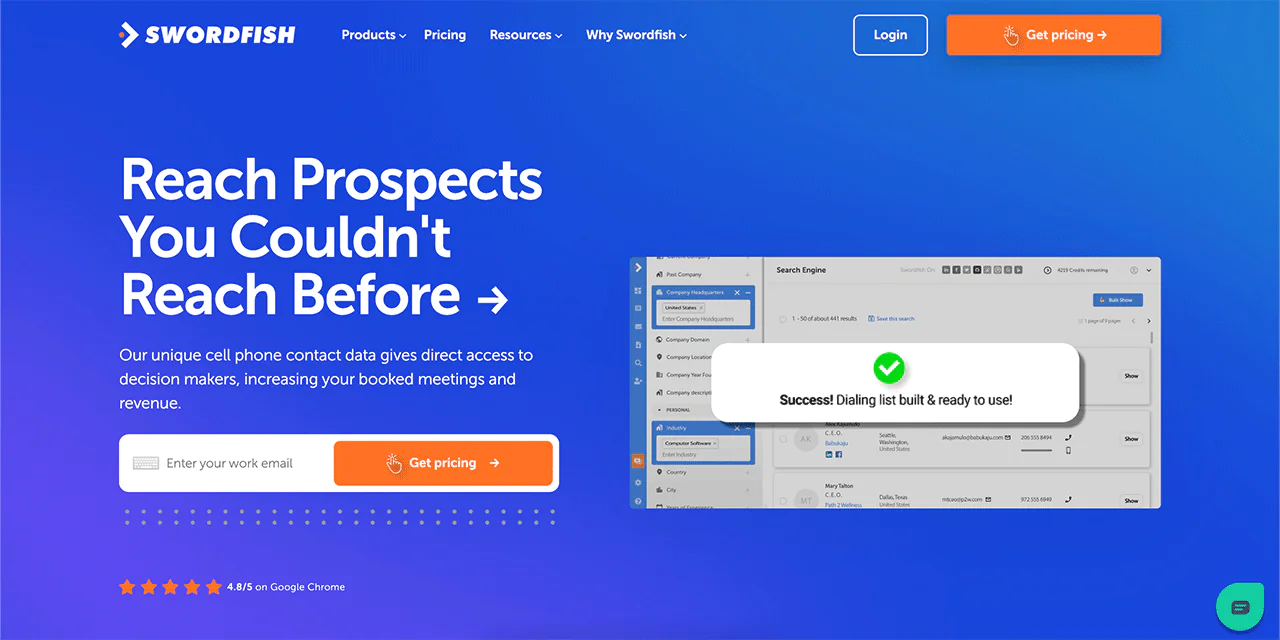
When you compare UpLead against competitors, Swordfish AI stands out for a different reason: mobile-first contact data.
It’s built for finding cell phone numbers and emails, which makes it useful for sales and recruitment professionals who need to reach people directly rather than through a corporate switchboard. Swordfish emphasizes accuracy in cell phone number data, with 33% more cell phone numbers and 45% more accurate numbers.
With real-time line connectivity validation, Swordfish aims to keep contact data current. Its Chrome Extension lets users pull contact information from platforms like LinkedIn, Twitter, Facebook, and more.
Additionally, Swordfish offers Prospector for bulk lead generation, File Upload for CRM data enhancement, and Reverse Search for full contact lookups. It also integrates Bombora® Intent Data to help identify businesses that are actively in a buying cycle.
Quick Comparison Table: Swordfish AI vs UpLead
Here’s the difference between Swordfish and UpLead:
| Features | Swordfish AI | UpLead |
|---|---|---|
| Primary Use | Cell phone number and email finding | B2B lead generation and data enrichment |
| Database | Over 3.5 billion contact data profiles | +155 million (and growing) accurate contacts |
| Key Strength | 45%+ accuracy in cell phone data | 95% data accuracy rate for lead |
| Unique Features | Bombora® Intent Data | Email verification |
| Target Users | Sales and recruitment professionals | B2B sector for sales and marketing |
| Additional Tools | Prospector, File Upload, Reverse Search | Prospector tool, Bulk Lookup, Data Enrichment |
 Try Swordfish Ai
2. ZoomInfo
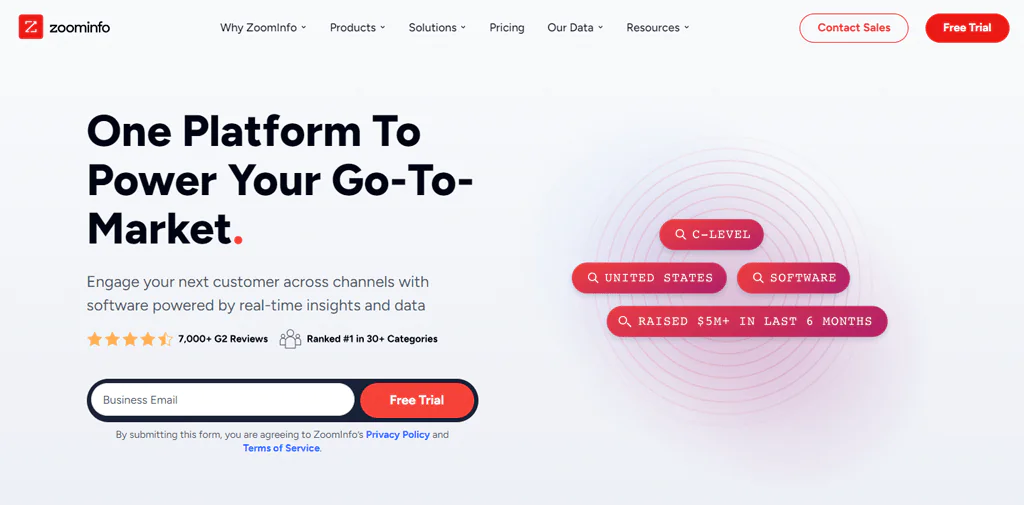
ZoomInfo was founded in 2007 as a B2B database tool that offers detailed information about businesses and professionals. It’s built around deep company insights, contact data, and advanced search capabilities.
The platform is known for its extensive database spanning a wide range of industries and job titles, making it a common choice for larger sales and marketing teams.
Thus, ZoomInfo tends to work well for targeting specific market segments at scale.
Comparison Table: UpLead vs ZoomInfo
Here’s a quick comparison table of ZoomInfo and UpLead:
| Features | ZoomInfo | UpLead |
|---|---|---|
| Primary Use | B2B database and insights | B2B lead generation |
| Database Size | 321 million professional contacts at 104 million companies | 155+ million accurate contacts and companies |
| Search Capabilities | Advanced search and filtering capabilities | Over 50 filters to find leads |
| Integration | Pipedrive, Salesforce, HubSpot, Zoho etc | HubSpot, Pipedrive, Slack, Google Sheets etc |
| User Interface | Comprehensive and detailed | User-friendly and intuitive |
3. Apollo.io
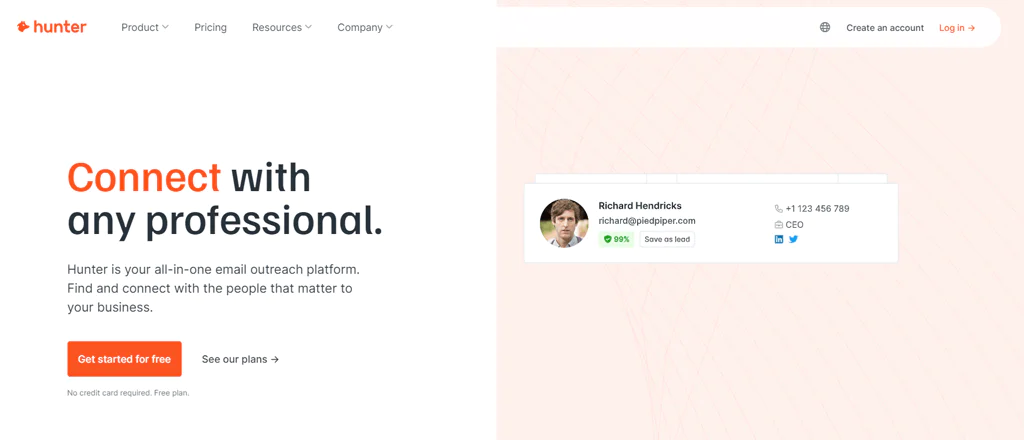
Apollo.io, established in 2015, is a sales intelligence and engagement platform with a large database covering over 275 million individuals and 73 million companies, and a customer base reportedly exceeding 9,000 organizations.
Its core value is helping users discover and connect with potential leads, guiding sales teams through finding, engaging, and closing deals with prospects.
The platform is generally user-friendly and integrates with a range of sales tools, which is why many teams treat it as a core piece of their sales stack.
Quick Comparison Table: UpLead vs Apollo
Here’s a sneak peek at how Apollo and UpLead compare against each other:
| Features | Apollo.io | UpLead |
|---|---|---|
| Primary Use | Sales intelligence and engagement | B2B lead generation |
| Key Strength | Up-to-date lead database | Real-time email verification |
| Search Function | Verified emails and phone numbers | Detailed company and lead search |
| Ease of Use | Intuitive | User-friendly |
| Target Audience | Sales teams and professionals | Sales and marketing teams |
Conclusion UpLead review
So, is UpLead worth it?
For most B2B teams, yes, with some caveats. In this UpLead review, we’ve highlighted its effectiveness as a B2B lead generation tool: accurate lead data, straightforward CRM integration, and an interface that doesn’t require much ramp-up time.
Match the credit structure to your expected usage before choosing a plan. According to the plan details in this review, Essentials and Plus credits do not roll over and both plans are limited to one user. Teams that outgrow these tiers should account for Professional’s custom pricing before committing.
UpLead may suit businesses whose outreach volume fits its credit limits and plan structure. Teams seeking mobile-first contact data or a different approach to intent signals may also want to evaluate Swordfish AI.
All the best!
FAQs
Is UpLead easy to use for beginners?
Yes, UpLead is designed for ease of use, even for beginners. Its clear interface and straightforward tools make finding and managing leads simple, regardless of technical expertise.
What industries can benefit most from UpLead?
UpLead is beneficial across various industries, particularly those in the B2B sector, and is well suited to businesses looking to expand their client base and market reach.
How Does UpLead Compare to Its Top Competitors in 2024?
When considering alternative solutions to Uplead, it’s worth evaluating its top competitors. UpLead stands out with its user-friendly interface, accurate and up-to-date data, and reasonable entry-level pricing. However, competitors like ZoomInfo and Clearbit offer broader data coverage and different feature sets, making them strong alternatives to Uplead.
How does UpLead ensure data accuracy?
UpLead ensures data accuracy through verification processes at export and regular database updates, backing its accuracy claim with credit refunds for invalid emails.

