


 View Products


Key takeaways
- Closely combines LinkedIn automation and email outreach in a single campaign workflow.
- Its described features include connection requests, follow-up messages, response tracking, meeting scheduling, CRM integrations, and a built-in B2B contact database.
- Closely may fit teams running repeatable LinkedIn-first campaigns; occasional or highly personalized outreach may benefit less from automation.
- The article positions Swordfish AI as an option for teams seeking direct phone contact data, GetProspect for email finding and verification, and Lusha for B2B contact data.
- Verify current plan prices, limits, and data-quality claims directly with each provider before buying.
Last updated: September 3, 2026
Closely is a cloud-based LinkedIn automation platform built around multi-account campaign management, letting sales and recruiting teams run connection requests, messages, and email follow-ups from a single dashboard. It has become a common name in outreach stacks for teams that want to connect with people across LinkedIn and email without juggling separate tools.
Closely automates parts of LinkedIn outreach that are usually manual, including sending connection requests, following up, and tracking replies. This can reduce repetitive work for teams running high-volume campaigns.
No single automation tool fits every workflow. Teams evaluating LinkedIn automation may want to compare platforms before committing budget and accepting the account risks associated with third-party automation.
This review walks through what Closely actually does, where it holds up well, where it falls short, and how it compares to a few commonly considered alternatives.
What is Closely?
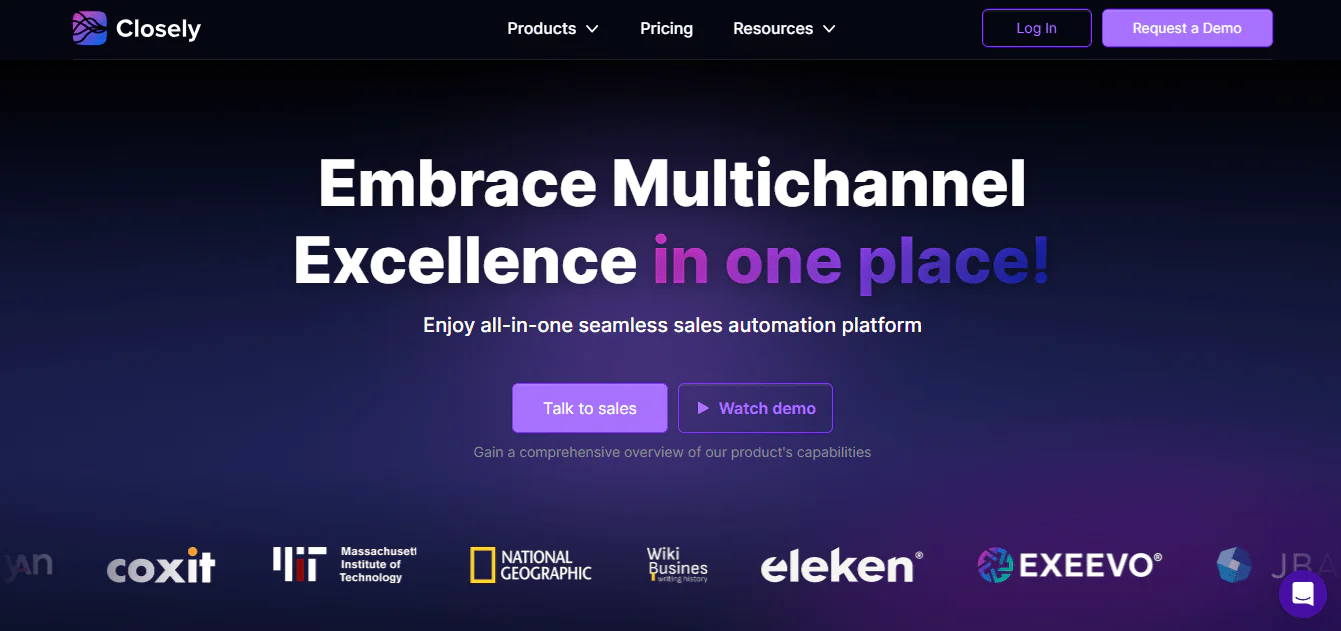
Closely is a LinkedIn automation platform built to reduce the manual work involved in networking and outreach on the platform.
Closely automates parts of LinkedIn prospecting, including connection requests, follow-up messages, and response tracking. It runs these steps as part of a campaign sequence.
Setup is fairly simple. You build a campaign, define your target audience, and let the platform run the sequence. Closely also layers email outreach on top of LinkedIn actions, so a single campaign can combine both channels.
Whether the subscription is worthwhile depends on outreach volume and workflow. Teams doing consistent, repeatable outreach may save time on manual connection requests and follow-ups; for occasional or highly personalized outreach, automation may add less value.
Key Features of Closely
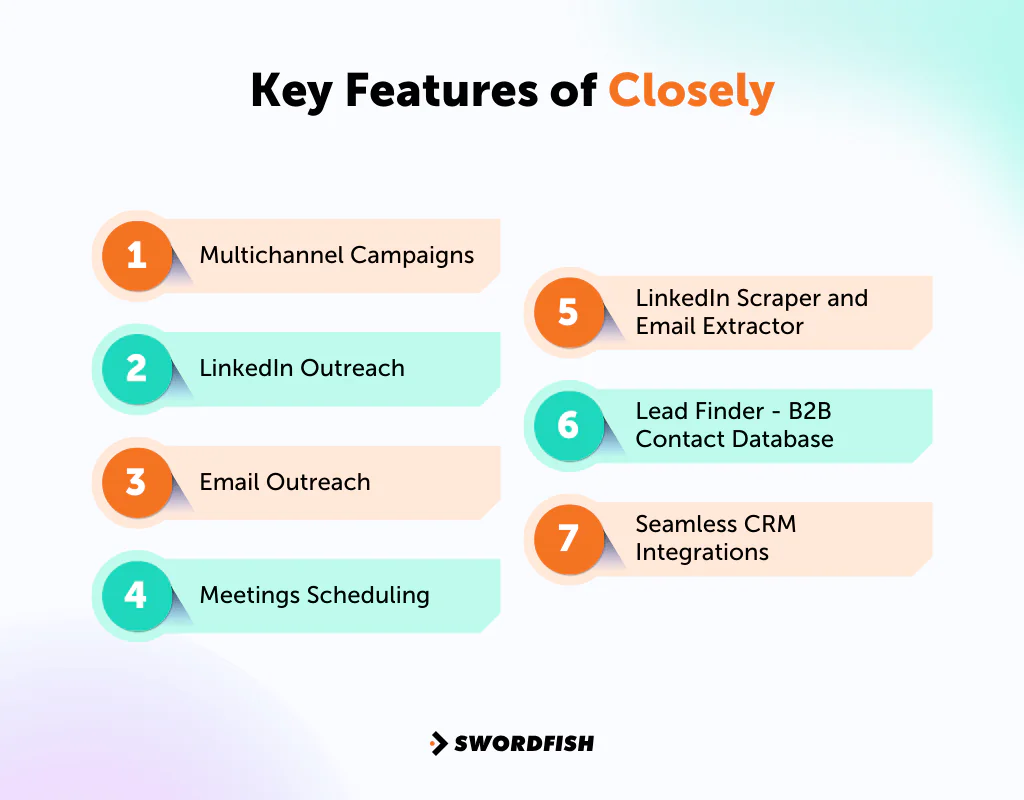
Closely’s feature set covers most of the core LinkedIn outreach workflow. Here’s a breakdown of the main capabilities:
Multichannel Campaigns
Closely combines LinkedIn actions and email outreach in a single campaign, allowing teams to follow up on another channel when a prospect does not respond. Coordinating messaging across channels can help keep the prospect experience consistent.
LinkedIn Outreach
Connection requests and messages can be automated and sequenced, which helps maintain a steady outreach cadence without manual daily effort. This matters most for teams running ongoing prospecting rather than one-off campaigns.
Email Outreach
Email is folded into the same campaign logic as LinkedIn, giving you an additional channel to reach prospects who aren’t active on LinkedIn or haven’t responded there. This adds more touchpoints without requiring a separate email tool.
Meetings Scheduling
The platform simplifies scheduling meetings with prospects by integrating with your calendar and automating reminders, which cuts down on the manual back-and-forth of booking calls.
LinkedIn Scraper and Email Extractor
Closely’s scraper and email extractor are described as tools for collecting contact information from LinkedIn profiles. Before using them, review LinkedIn’s current terms and assess any compliance and account risks.
Lead Finder – B2B Contact Database
Closely includes a built-in database for finding business contacts, which is useful for expanding a target list without leaving the platform. Database size and accuracy vary by provider, so it’s worth spot-checking data quality against your own records before relying on it heavily.
Seamless CRM Integrations
Closely connects with common CRM platforms so outreach activity and pipeline stages stay synced. This keeps sales teams from manually re-entering contact and activity data.
Pros of Using Closely
- Saves time on LinkedIn networking and speeds up connecting with leads.
- Improves email outreach consistency by pairing it with LinkedIn activity.
- Reduces scheduling friction with automated meeting booking.
- Broadens outreach through multichannel campaigns.
- Integrates with CRMs for better lead tracking.
- Includes a built-in B2B database for faster lead discovery.
Cons of Using Closely
- Has a learning curve for users new to LinkedIn automation.
- Limited to LinkedIn and email — no other outreach channels.
- LinkedIn account restrictions remain a risk with any third-party automation tool, Closely included.
Closely User Experience
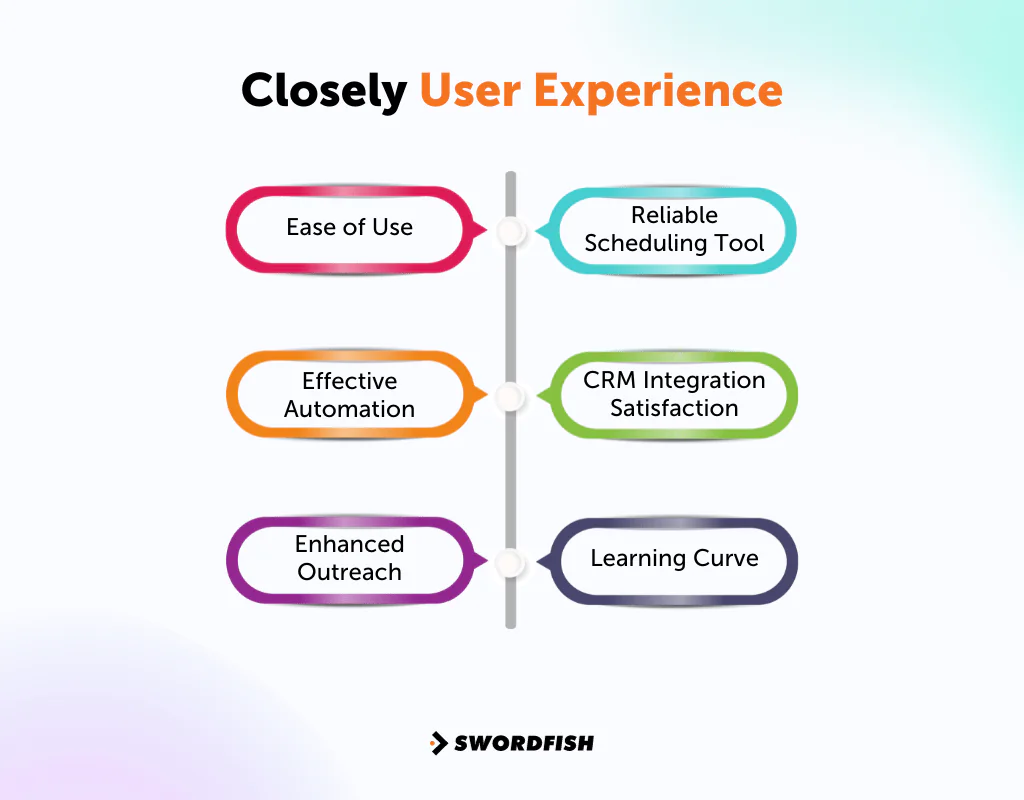
The user-experience themes summarized in this review include ease of use, automation, multichannel outreach, scheduling, CRM syncing, and the time needed to learn the platform.
Ease of Use
Users frequently describe the interface as straightforward, which shortens the time it takes to get a campaign running.
Effective Automation
Routine tasks like connection requests are a common highlight, since automating them frees up time for higher-value work like personalizing messages or qualifying leads.
Enhanced Outreach
Running LinkedIn and email sequences from one platform is often cited as a meaningful efficiency gain over managing separate tools.
Reliable Scheduling Tool
The built-in scheduling feature gets consistent praise for cutting down on manual coordination.
CRM Integration Satisfaction
Users generally find the CRM sync helpful for keeping pipeline data current without manual entry.
Learning Curve
New users sometimes need time to get comfortable with the platform, but most report it becomes intuitive once the initial setup is done.
Closely Support for Users
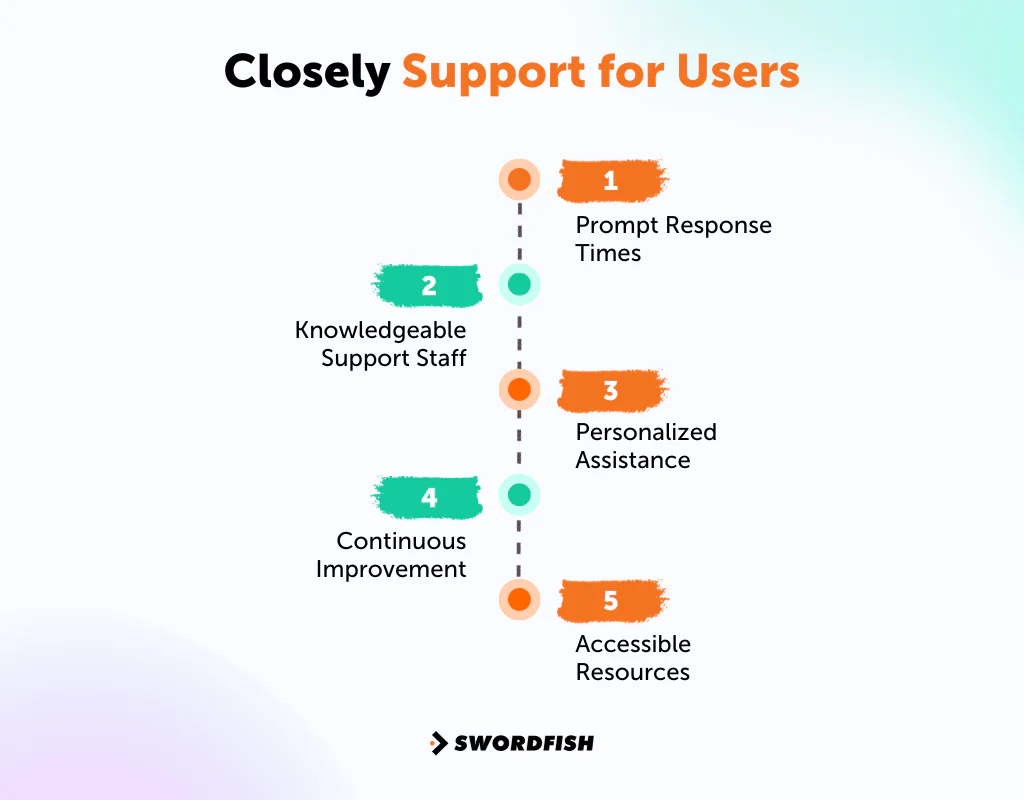
Support quality is a common factor in how satisfied users are with any automation tool, and Closely’s support generally covers the following:
- Prompt Response Times: Queries are typically addressed quickly rather than sitting in a queue.
- Knowledgeable Support Staff: Staff are generally familiar with the platform’s features and able to troubleshoot effectively.
- Personalized Assistance: Support tends to address specific account issues rather than offering generic responses.
- Continuous Improvement: Product updates reflect ongoing user feedback.
- Accessible Resources: FAQs, guides, and tutorials are available for self-service troubleshooting.
Closely Pricing Breakdown
Closely’s pricing may vary by billing cycle and account tier. Treat the figures below as a reference only and confirm current rates and plan details directly with Closely before purchasing.
|
Plan |
Best Suited For |
Monthly Cost |
LinkedIn Accounts |
Email Accounts |
Calendar Connections |
Lead Finder Credits |
|
Personal |
Individuals | $79/month | 1 | 1 | 1 | 500 monthly |
|
Growth |
Small Teams | $133/month | 2 | 2 | 2 | 5,000 monthly |
|
Pro |
Midsize Teams | $249/month | 5 | 5 | 5 | 20,000 monthly |
|
Custom |
Custom Needs | Custom Pricing | Up to Unlimited | Up to Unlimited | Up to Unlimited | Up to Unlimited |
Our Review: Is Closely the Right Tool for Your Business?
Closely’s strength is combining lead discovery with smooth LinkedIn and email integration in one workflow. That combination works well for small and mid-sized teams that want to build connections across both channels without managing separate tools.
The plans listed below include multiple LinkedIn accounts and lead-finder credits, which may suit teams looking to increase outreach volume. Check the current plan limits to confirm they meet your needs.
Pricing is the main constraint. As plans scale up in LinkedIn accounts and lead credits, costs rise accordingly, and solo users or very small teams may find the higher tiers harder to justify.
Overall, Closely is a capable LinkedIn-centric outreach tool. Whether it’s the right fit comes down to how much of your outreach happens on LinkedIn specifically, versus needing broader data coverage — including direct phone access — for channels like cold calling.
Best Alternatives to Closely
Closely has a solid feature set for LinkedIn-first outreach, but it’s not the only option. Depending on what your team prioritizes — data accuracy, channel coverage, or pricing structure — one of these alternatives may fit better.
1. Swordfish AI
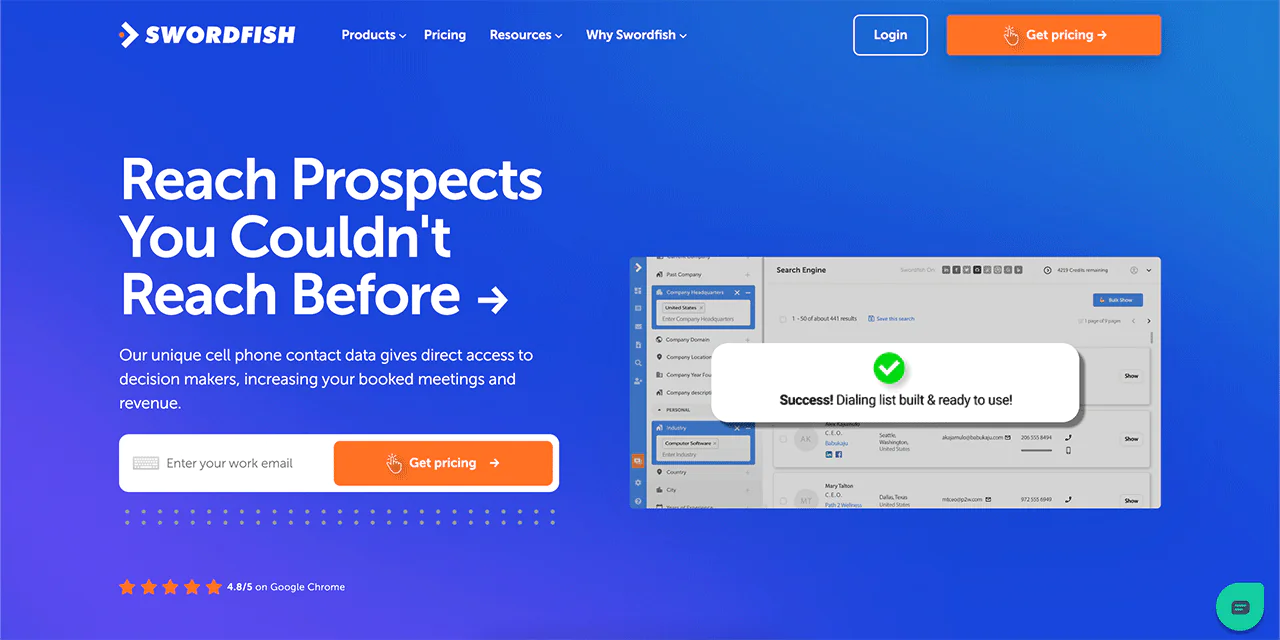
Swordfish may suit teams that need direct phone contact data in addition to LinkedIn and email. For cold-calling workflows, including outreach to healthcare providers, compare available phone coverage and verify contact data before relying on it.
Swordfish has built a following among sales and recruiting teams for its contact verification approach, which is commonly cited as useful for cold calling workflows.
The platform also offers a Chrome Extension that extracts contact details from multiple platforms, including LinkedIn, Twitter, Facebook, and GitHub.
Advanced filtering helps build targeted outreach lists quickly, and reverse search functionality can surface contact details from minimal starting information.
The article says Swordfish integrates Bombora intent data, which can help teams prioritize accounts based on research activity. Confirm the available data and features with the provider.
In short, Swordfish’s advantages are direct phone access, broad contact coverage, and additional data enrichment layered on top of standard prospecting.
Swordfish vs Closely: A Quick Comparison Table
Here’s a side-by-side look at how the two platforms compare:
|
Feature/Aspect |
Closelyhq |
Swordfish AI |
| Primary Focus | LinkedIn Automation and Sales Pipeline Management | Cell Phone and Email Finder for Sales and Recruitment |
| Key Feature | LinkedIn Scraper | Chrome Extension for Contact Info |
|
Unique Selling Proposition |
Seamless sales automation platform with CRM integration | High accuracy and match rates for cell phone numbers |
|
Target Audience |
Sales Teams, Recruiters, Marketing Agencies | Sales teams, recruiters, and marketers focus on cold calling and extensive data access. |
|
Integration |
Integrates with various CRMs, meeting schedulers, and monitoring tools | Solid Integration capabilities, and works with many popular CRM platforms. For example- Salesforce, Zapier, HubSpot, etc. |
|
Customer Feedback |
Positive reviews for ease of use and LinkedIn automation capabilities | Praised for accuracy in finding cell phone numbers and time-saving in sourcing |
|
Accessibility |
Cloud-based platform | Chrome extension and web-based services |
 Try Swordfish Ai
2. GetProspect
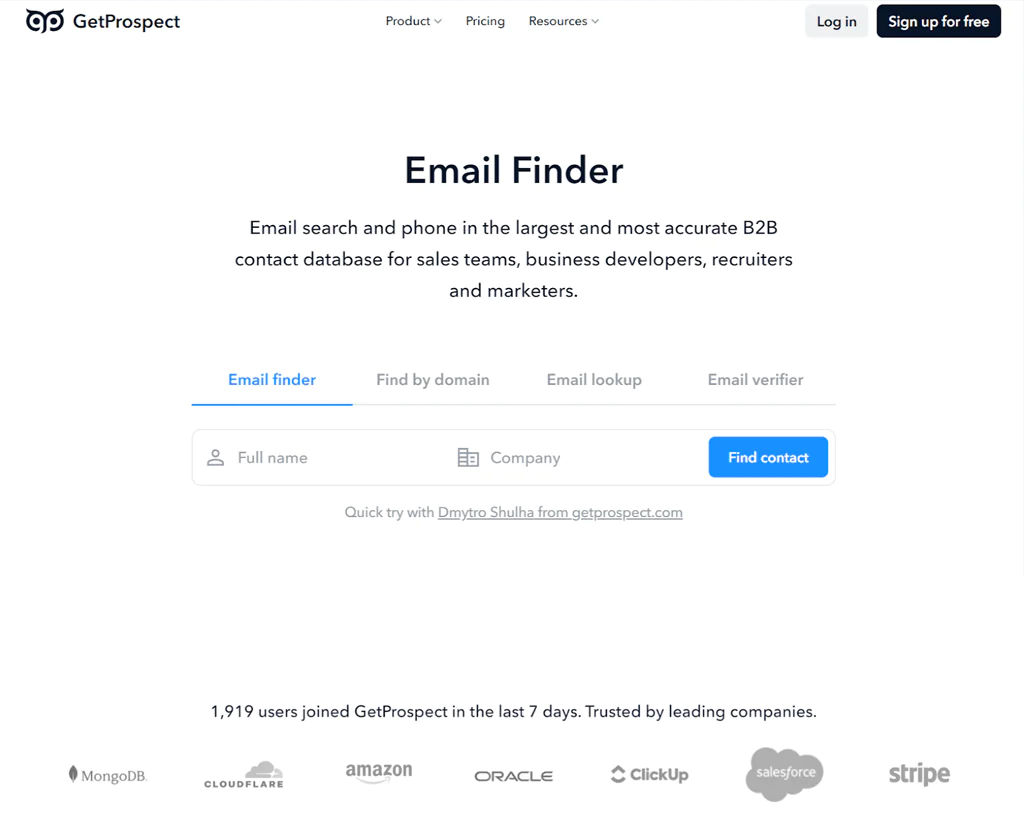
GetProspect is a Ukraine-based B2B contact database provider focused primarily on email finding and verification, built for sales teams, business developers, recruiters, and marketers.
The platform includes a Chrome Extension for exporting leads from LinkedIn, a B2B database with a stated 95% data accuracy rate, and contact enrichment for adding attributes to existing records.
GetProspect also offers cold email software with AI personalization and CRM integrations, and is generally well regarded for ease of use and lead list accuracy.
Where GetProspect specializes in email data, Closely positions itself as a broader LinkedIn automation and sales pipeline management platform.
For teams comparing options further, our analysis of alternative solutions to GetProspect covers additional providers worth considering.
GetProspect vs Closely: A Quick Comparison Table
Here’s a simplified comparison between GetProspect and Closelyhq:
|
Aspect |
GetProspect |
Closelyhq |
| Main Focus | Email Finding and Verification | LinkedIn Automation and Sales Pipeline Management |
| Key Feature | B2B Contact Database | LinkedIn Scraper |
| Benefits | – High data accuracy (95%), large database access, and AI-personalized cold emails | Seamless CRM integration, comprehensive LinkedIn automation, and User-friendly interface |
| Pricing | Starts at $49/month for 1,000 valid emails | Starts at $79/month for individuals |
| Target Audience | Sales Teams, Business Developers, Recruiters, Marketers | Sales Teams, Recruiters, Marketing Agencies |
| Integrations | CRM, Marketing Software | Various CRMs, Meeting Schedulers, and Monitoring Tools |
| Unique Selling Point | Large and accurate B2B database with email finder and verifier | Comprehensive LinkedIn automation with multichannel campaign capabilities |
3. Lusha
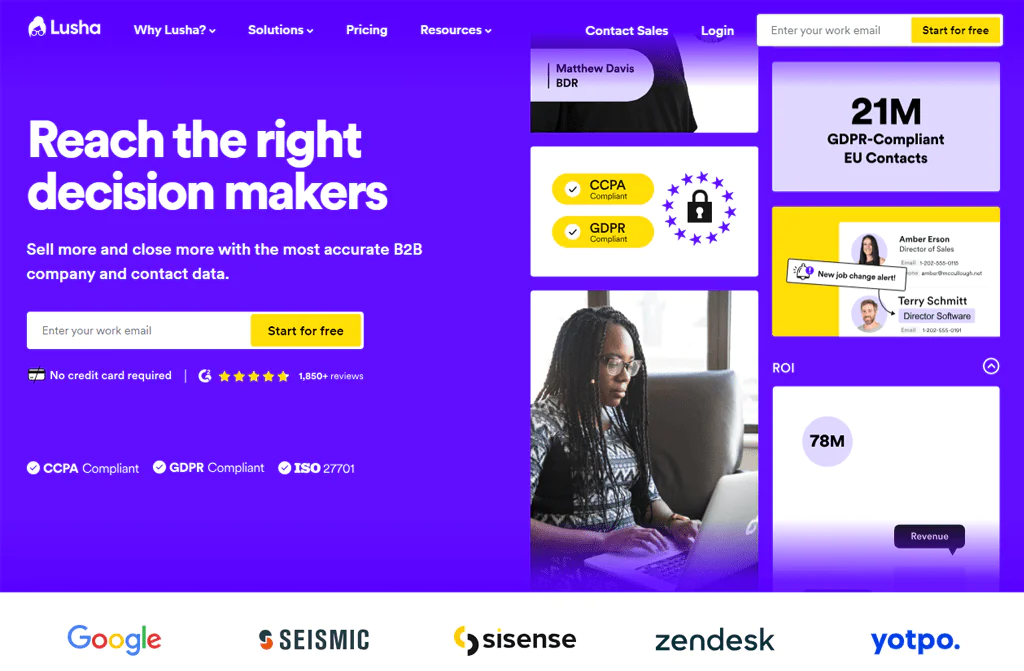
Lusha focuses on B2B contact data for sales and marketing teams. The article cites an 80% accuracy rate for contact details; check the provider’s methodology and current documentation before relying on that figure.
The tool gets regular praise for its user-friendliness and demo booking flow, and it offers a prospecting platform, buyer insights API, and integrations with other sales tools.
Lusha’s browser extension is one of its more widely used features, simplifying how reps pull contact details while browsing prospect profiles.
Lusha vs Closely: A Quick Comparison Table
Here’s a straightforward comparison between Lusha and Closelyhq, focusing on their key attributes:
|
Aspect |
Lusha |
Closelyhq |
| Main Focus | B2B Data Provision and Contact Information | LinkedIn Automation and Sales Pipeline Management |
| Benefits | High data accuracy, direct access to decision-makers, and user-friendly experience | Comprehensive LinkedIn automation, seamless CRM integration, and user-friendly interface |
| Pricing | Pro version starts with $29/user/month | Starts at $79/month for individuals |
| Target Audience | Sales and Marketing Professionals | Sales Teams, Recruiters, and Marketing Agencies |
| Integrations | Various CRM and marketing tools | Various CRMs, meeting Schedulers, and monitoring Tools |
| Unique Selling Point | High-quality B2B contact data with emphasis on privacy | Comprehensive LinkedIn automation with multichannel capabilities |
Conclusion
Closely may suit teams whose outreach centers on LinkedIn. It combines LinkedIn automation, email follow-up, and sales pipeline management, with CRM integration and scraping tools described in this review.
Closely is positioned here as a LinkedIn-and-email tool. Teams that need broader contact-data coverage or direct phone access for cold calling may want to compare it with providers focused on those needs.
If your outreach depends on reaching decision-makers directly by phone, particularly in fields like healthcare where public directories are often incomplete, Swordfish AI is worth evaluating alongside Closely.
Before choosing a platform, compare its data coverage, outreach channels, current pricing, and fit with your workflow.
FAQs
What makes Closelyhq different from other LinkedIn tools?
Closelyhq stands out for combining multichannel campaigns, email outreach, and CRM integration in one platform, rather than requiring separate tools for each function.
What is Closelyhq primarily used for?
Closely is built for LinkedIn automation and sales pipeline management, helping teams refine outreach and manage contacts directly within the platform.
How does Closely improve LinkedIn outreach?
Closely automates connection requests and messaging, which allows for more consistent and targeted outreach campaigns without manual daily effort.
How do I decide between GetProspect and Closely?
Compare features, pricing, and your specific requirements to make an informed decision. Explore GetProspect Pricing plans to understand the cost aspect.

