


 View Products


Key takeaways
- Choose a ZoomInfo alternative based on the specific problem you need to solve, such as reachability, list-building, pricing friction, or workflow complexity.
- Test mobile and direct-dial usefulness against your own contacts; track wrong numbers and whether the contact matches the intended person.
- Compare pricing terms in writing, including credit limits, throttles, and any conditions attached to “unlimited” usage.
- Test CRM field mapping, overwrite controls, and change logs in a sandbox before production use.
- Review compliance documentation and opt-out processes before scaling across regions.
Last updated: September 3, 2026
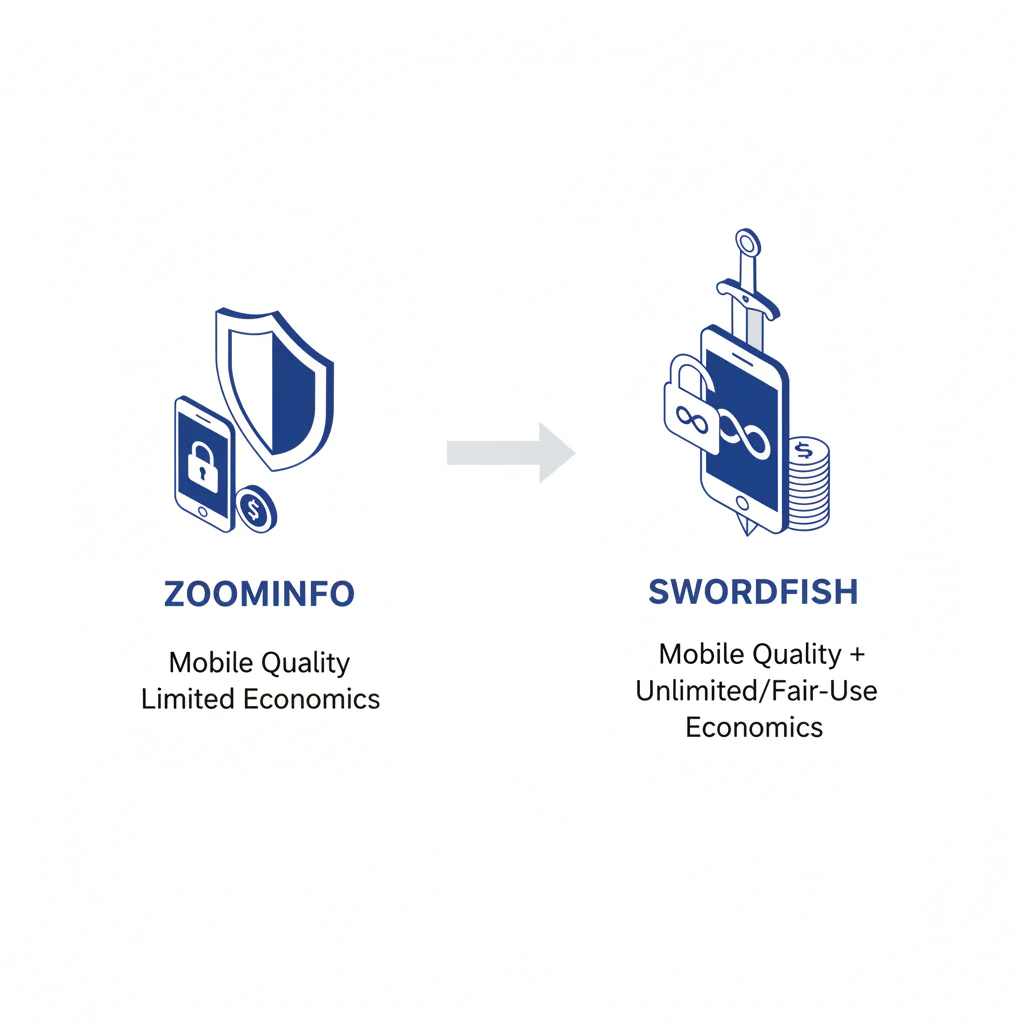
Byline: Swordfish.ai Research Team (operator-led buying review). Last updated: Jan 2026.
Who this is for
- Buyers replacing ZoomInfo because the real cost isn’t the subscription fee — it’s wasted dials, list rot, and the cleanup that follows bad enrichment.
- Teams that need mobile and direct dials that actually work, plus repeatable phone data quality, rather than another database export.
- RevOps and procurement teams who need to weigh pricing model risk (credits vs. unlimited) and CRM write controls before a rollout, especially teams working provider or clinician contact data where numbers change often as people move between practices and health systems.
Quick Verdict
- Core Answer
- The best zoominfo alternatives are the ones that produce working mobile and direct dials for your ICP and region, and that let reps validate on demand instead of rationing lookups — so you’re not dialing a stale export.
- Key Stat
- Database size is a weak predictor of outcomes. Phone data quality and pricing friction are what actually decide your effective cost per connect.
- Ideal User
- Teams willing to run a short pilot on their own list, measure wrong numbers and connect rates, and reject tools that look good in a demo but fall apart in production.
ZoomInfo alternatives are contact data providers and sales intelligence tools used to source and validate B2B contact details when ZoomInfo’s cost, complexity, or workflow friction doesn’t fit your motion. Treat any shortlist, including this one, as a starting point and validate against your own list before committing.
- Phone-first reachability: Swordfish.ai
- EMEA compliance-first posture: Cognism
- SMB all-in-one (prospecting + sequences): Apollo.io
- Human-verified positioning: SalesIntel
- Low-cost entry (expect variance): Lusha
- Real-time search workflow: Seamless.AI
- Email-first verification: Hunter.io
How to shortlist (framework)
To shortlist ZoomInfo alternatives, identify the failure you need to fix, choose a pricing model that fits how your team works, and run a pilot that measures outcomes rather than enrichment counts.
- Pick the bottleneck: pipeline volume vs. reachability. If your team already has accounts but can’t reach people, stop optimizing for “more records.”
- Pick the pricing model: credits vs. unlimited. Credit rationing is predictable — reps validate less, and the CRM slowly fills with stale contacts.
- Define pass/fail: “working” means the data supports uninterrupted calling blocks without constant fallback research.
- Run a controlled pilot: same list, same dial windows, randomized output ordering, and written plan terms captured for procurement.
Where buyers get burned (hidden costs)
- Data decay: exports age the moment they’re pulled. Role changes and number reassignments turn “enriched” contacts into wasted dials — a familiar problem for anyone tracking providers who move between hospital systems, groups, or private practice.
- Integration headaches: enrichment that overwrites trusted CRM fields creates downstream cleanup and silent history loss.
- Pricing friction: credits create lookup scarcity, and scarcity changes rep behavior in ways that increase decay and reduce validation frequency.
- Admin overhead: tools that demand heavy training become shelfware, and shelfware is just a more expensive spreadsheet.
Checklist: Feature Gap Table
| Buyer control / failure point | What to verify in a pilot | Why it matters (operational) |
|---|---|---|
| Pricing model behavior (credits vs unlimited) | Do reps slow down lookups when limits approach? Get “fair use” terms and throttles in writing. | Rationing reduces validation, increases decay, and raises effective cost per connect. |
| Mobile/direct dial usefulness | Measure wrong-number frequency and whether contacts match the intended person during real calling blocks. | Bad mobiles burn rep time and push teams back to gatekeepers. |
| Validation timing | Is data checked at search time or left to batch refresh? | Time lag between export and dial is where decay becomes cost. |
| CRM write controls | Can you block overwrite of “know good” fields and review a change log? | Uncontrolled overwrite creates silent data corruption. |
| Audit trail and governance | Can you see who exported what, when, and to where? | Needed for internal reviews, vendor disputes, and compliance posture. |
| Regional compliance workflow | Can the vendor provide a DPA and an opt-out process you can audit? | Compliance is documentation plus process, not a marketing badge. |
| Integration effort | Test field mapping and sync behavior in a sandbox before production. | Bad integrations create recurring operational debt. |
| Pricing model field truth | If the vendor says “unlimited,” ask what triggers throttling, caps, or “reasonable use” enforcement. | Teams budget around “unlimited” and then discover it was conditional. |
Decision Tree: Weighted Checklist
Weighting logic (non-numeric): prioritize items that directly affect reachability, compliance exposure, or CRM integrity, and that can be verified quickly with a pilot. This follows the standard failure points in contact-data tooling: decay, rationing, and overwrite risk.
- Highest impact / easiest to verify: call-test mobile and direct dials, and track wrong numbers and time-to-first-usable number.
- Highest impact / easiest to verify: confirm the plan doesn’t create rationing; if reps hesitate to validate, decay wins. “Unlimited” language needs plain-language limits and written terms.
- Highest impact / moderate effort: test high-decay records, such as recent role changes, to stress phone data quality.
- High impact / moderate effort: require compliance artifacts — a DPA, opt-out handling, and a written sourcing/refresh summary.
- High impact / moderate effort: validate CRM write controls, overwrite rules, and change logs in a sandbox.
- Medium impact / easiest to verify: confirm export logging and governance controls are usable without a dedicated admin.
Troubleshooting Table: Conditional Decision Tree
Stop Condition: if any stop condition triggers, stop evaluating that vendor until it’s resolved in writing or proven in a pilot.
- If mobiles or direct dials don’t support uninterrupted calling blocks: stop. More data doesn’t fix wasted dials.
- If the plan structure causes lookup rationing: stop. Human behavior will defeat your intended workflow.
- If compliance documentation is incomplete or vague: stop. Require a DPA and an auditable opt-out process.
- If enrichment overwrites CRM fields without granular controls and logging: stop. You’re buying silent corruption.
- If there’s no export log or audit trail: stop. You won’t be able to investigate issues or enforce policy.
- If the vendor can’t explain sourcing and refresh in plain language: stop. Confusion becomes your risk after signature.
Tool fit by use case (variance explainer)
Don’t treat the tool list as a promise. Outcomes depend on ICP, region, and the workflow controls you put around the data.
Recruiting
- High job-change frequency raises decay risk, so outcomes hinge on validation timing and mobile/direct dial usefulness — a real factor when sourcing clinicians and healthcare staff who change employers frequently.
- If recruiters rely on phone-first outreach, prioritize workflows where validation is routine and never rationed.
Sales
- If sequences are primary and calling is secondary, email-first workflows can work, but CRM overwrite risk still needs controls.
- If calling is a daily activity, mobile and direct dials become the gating factor and should be the primary acceptance criterion in a pilot.
North America vs EMEA
- Compliance expectations and permissible outreach vary by region. Require documentation and operational controls before scaling across geographies.
How to test with your own list
- Pull 100–200 contacts attempted in the last 60 days so you can compare against recent outcomes.
- Split the list by region (NA vs. EMEA) and persona to expose variance.
- Run the same list through two or three tools with the same settings (mobile/direct dials plus email where available).
- Have two reps call outputs in randomized order during the same call windows.
- Track operational outcomes: wrong numbers, time-to-first-usable number, and whether the contact matches the intended person.
- Test CRM sync in a sandbox: confirm field mapping, overwrite rules, and change logs before production.
- Capture plan terms — credit limits, “fair use,” export limits, throttles, renewal mechanics — and keep them with the pilot notes.
- Collect compliance artifacts (DPA, opt-out process) and store them with the pilot results for procurement review.
Pilot worksheet fields: tool name, lookup timestamp, channel (mobile/direct dial/email), reached intended person (yes/no), wrong number (yes/no), no answer/voicemail, time spent finding a usable number, rep note on lookup rationing behavior, CRM overwrite incident (yes/no), export logged (yes/no).
Evidence and trust notes
- Freshness: last updated January 2026.
- Method standard: outcome testing (reachability and rework) beats database-size comparisons.
- What we treat as evidence: pilot results on your own list, written plan terms, and compliance artifacts you can file and re-check later.
- What we don’t treat as evidence: demos, screenshots, or broad accuracy claims without a reproducible test on your ICP.
- Disclosure: Swordfish.ai publishes this guide. Treat vendor marketing as non-evidence and rely on your pilot results and written terms.
For baseline compliance context, use the California Attorney General’s CCPA overview, the GDPR.eu summary of GDPR concepts, the UK ICO guidance on direct marketing, and the FTC privacy and data security topic hub.
Internal controls (reduce list rot and pricing friction)
- Use a documented data quality standard so “good” means the same thing across ops, sales, and recruiting.
- Choose a pricing model that won’t be rationed; the trade-offs are laid out in unlimited contact credits.
- If your workflow is phone-first, benchmark against best mobile number lookup tools to set acceptance criteria for mobile/direct dials.
- If you’re evaluating replacement risk directly, use ZoomInfo vs Swordfish to structure questions around staleness, pricing friction, and CRM integrity.
- For category context under this pillar, keep stakeholder language consistent with ZoomInfo alternatives.
FAQs
What is the best alternative to ZoomInfo?
The best choice depends on what’s failing today. If reachability is failing, select a tool that supports working mobile/direct dials for your ICP and doesn’t force rationing. If pipeline is failing, pick a tool optimized for list-building and enforce validation before dialing.
Which ZoomInfo alternative is cheapest?
The cheapest tool is the one that produces usable contacts with minimal rework and doesn’t create ongoing admin and integration cleanup.
Which has the best mobile numbers?
Run a call test on recent contacts and measure wrong numbers. If the output doesn’t support a calling block without constant fallback research, it’s not good enough for phone-first teams.
Are ZoomInfo alternatives compliant?
Some are. Treat compliance as a paperwork-and-process requirement: DPA, opt-out handling, and written sourcing/refresh explanation before scale.
How do I test quickly?
Use a controlled pilot: same list, randomized call order, tracked outcomes, and written plan terms. If wrong numbers and rationing show up early, stop and move on.
Next steps (timeline)
- Today: write down your bottleneck and your stop conditions (rationing, CRM overwrite risk, missing compliance artifacts).
- This week: run the pilot and capture plan terms in writing.
- Next week: roll out only after CRM write rules, export logging, and validation cadence are set.
Primary action: Trial click / rubric download using the Rubric download (Google Sheet template) so the scoring is consistent across stakeholders.
Compliance note
Before using contact data, verify vendor claims with a pilot and confirm that your team’s use follows applicable consent and opt-out requirements.
About the Author
Ben Argeband is the Founder and CEO of Swordfish.ai and Heartbeat.ai. With deep expertise in data and SaaS, he has built two successful platforms trusted by over 50,000 sales and recruitment professionals. Ben’s mission is to help teams find direct contact information for hard-to-reach professionals and decision-makers, providing the shortest route to their next win. Connect with Ben on LinkedIn.

