


 View Products


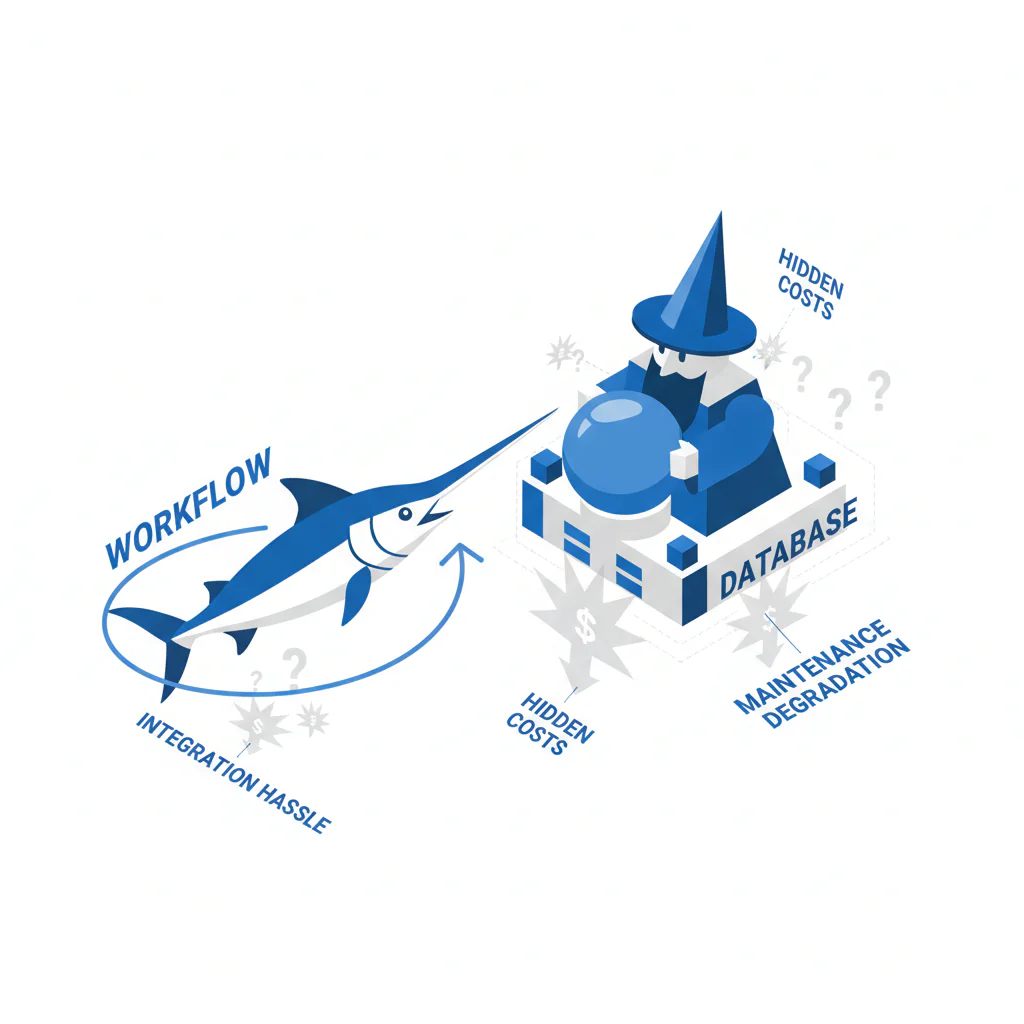
Swordfish vs Wiza: workflow vs database (and where the hidden costs show up)
Byline: Ben Argeband, Founder & CEO of Swordfish.AI
FIELD NOTE: Export is easy; usable mobiles are hard. Most teams don’t fail because they can’t get a CSV. They fail because the “phone” column doesn’t produce conversations, and the integration work to fix it shows up later as ops overhead.
If you need CSV export, Wiza fits. If you need usable mobiles/direct dials for calling, Swordfish fits.
Who this is for
This is for teams deciding between an export-first LinkedIn export workflow (Wiza) and a phone-first prospecting workflow (Swordfish) where reachability is the constraint. If your stack is email-first, export tools can look cheaper until you price in the second vendor you’ll need for phones. Email-only tooling can be complementary, but it won’t fix phone reachability.
If your buying criteria is “how fast can I turn LinkedIn profiles into a LinkedIn leads CSV,” Wiza will feel straightforward. If your buying criteria is “how many of those rows turn into answered calls,” you’ll end up auditing mobile coverage, direct dials, and how often you have to re-enrich due to data decay.
Quick verdict
- Core answer
- swordfish vs wiza comes down to workflow vs database: Wiza is typically export-oriented for LinkedIn-to-CSV, while Swordfish is built around contact enrichment with prioritized direct dials (ranked mobiles) to improve reachability.
- Key stat
- No universal “accuracy %” is credible across vendors because results vary by seat count, API usage, list quality, and industry. The only stat that matters is your own reachability rate after enrichment (answered calls / dials, replies / sends) measured on a sample list.
- Ideal user
- Teams that need phone-first outreach (sales prospecting workflow or recruiter sourcing workflow) and want fewer dead-end numbers, plus predictable usage via true unlimited with fair use.
- Pick Wiza when
- You mainly need LinkedIn-to-CSV export and you already have enrichment and outreach handled elsewhere.
- Pick Swordfish when
- Your bottleneck is phone reachability and you want ranked mobiles/prioritized direct dials plus repeatable enrichment without rationing.
What Swordfish does differently
Wiza’s center of gravity is export: take LinkedIn profiles, export, and then you figure out what to do with the data. That’s fine until you realize your downstream cost is not the export—it’s the cleanup, re-enrichment, and CRM hygiene when contact data decays.
Swordfish is built around contact enrichment and reachability. The practical difference is that Swordfish prioritizes direct dials and verified mobiles by returning ranked mobile numbers (prioritized direct dials) so reps don’t waste time cycling through low-probability numbers. That changes call efficiency because the rep’s first dial is more likely to be a real mobile, not a stale switchboard or a recycled line.
On usage, Swordfish positions unlimited credits as “true unlimited + fair use,” which matters when you’re integrating enrichment into multiple workflows (CRM sync, sequencing, list cleaning). The hidden cost with export-first tools is that teams ration usage, then compensate with manual research.
If you need bulk enrichment beyond a browser export workflow, Swordfish’s Bulk Enrichment via File Upload is the operational path: you bring your list, enrich it, and push it where it needs to go. That reduces handoffs where data gets duplicated, mis-mapped, or left to rot in a spreadsheet.
Checklist: Feature Gap Table
| Area | Wiza (export-first) | Swordfish (enrichment + reachability) | Hidden cost if you get this wrong |
|---|---|---|---|
| Primary workflow | LinkedIn export to CSV; strong when your process starts in LinkedIn and ends in a spreadsheet. | Contact enrichment that fits into calling + sequencing; designed to be used repeatedly as data decays. | CSV becomes a dead-end artifact; you pay later in rework and duplicate records. |
| Phone outcomes | Phone fields may exist, but the operational question is “does it ring the right person?” which varies by list. | Ranked mobiles / prioritized direct dials to improve reachability and reduce wasted dials. | Rep time loss: low connect rates force more dials per conversation and inflate the cost per meeting. |
| Data decay handling | Export once, then you own the decay problem. | Designed for repeat enrichment; easier to re-run on stale records. | CRM hygiene debt: bounced emails, wrong numbers, and compliance risk from outdated contact points. |
| Integration surface | Often starts as a browser workflow; integration depends on what you do after export. | More natural fit for API/ops-driven enrichment pipelines and list refresh cycles. | Integration headaches: mapping fields, deduping, and reconciling “source of truth” across tools. |
| Usage predictability | Export usage can be predictable, but downstream enrichment often becomes a second vendor. | True unlimited + fair use reduces rationing behavior when enrichment becomes part of the process. | Budget creep: you buy an export tool, then buy enrichment anyway, then pay ops to stitch it together. |
| Best-fit team | Teams that primarily need LinkedIn leads CSV output and already have a separate enrichment provider. | Teams that need calling outcomes and want fewer tools in the chain. | Tool sprawl: more vendors means more contracts, more failure points, and more blame-shifting. |
Decision guide
Framework: Export is easy; usable mobiles are hard. If you’re buying for phone-first outreach, treat “export” as a solved problem and treat reachability as the thing you must test.
Most “vs” pages pretend there’s a universal winner. There isn’t. The variance is driven by four things you can actually measure: (1) seat count and how many people will hit the tool daily, (2) API usage vs manual usage, (3) list quality (fresh LinkedIn profiles vs old CRM exports), and (4) industry (some verticals have better public coverage than others).
Workflow comparison (what actually happens after procurement)
- Wiza typical flow: LinkedIn profiles → export → CSV → enrichment elsewhere (or manual cleanup) → CRM/sequence/calling.
- Swordfish typical flow: list/IDs → enrich → ranked mobiles/prioritized direct dials → dial/sequence → re-enrich on a cadence to manage data decay.
If your process has more than one CSV handoff, assume you’ll pay for dedupe rules, field mapping, and “which system is the source of truth” meetings.
How to test with your own list (5–8 steps)
- Pull two samples: 100–300 LinkedIn profiles from your current ICP and 100–300 CRM records that are 6–18 months old.
- Segment before you test: split by geo, seniority, and function so you can see where variance is coming from.
- Define pass/fail in business terms: answered calls per dial attempt, replies per send, and manual correction time per 100 records.
- Run each tool on the same inputs and export results in a consistent schema (same phone fields, same email fields).
- Audit duplicates and mismatches: count how often you get multiple phones, conflicting titles, or records that won’t map cleanly into your CRM.
- Have reps use the output for one short calling block and one short email block, then record what was actually reachable.
- Re-run enrichment on the CRM-aged sample after a short interval to see how your workflow handles decay and rechecks.
- If results are mixed, don’t average them; decide based on the segment that drives revenue.
Decision Tree: Weighted Checklist
- Highest weight: Reachability on your ICP (measured on a sample list). If your business outcome is more conversations, prioritize tools that return usable mobiles/direct dials and let you re-enrich as records decay. This is weighted highest because it directly impacts connect rate and rep time, and it’s where vendors differ most by industry and list quality.
- High weight: Workflow fit (export-first vs enrichment-first). If your process starts with LinkedIn and ends with a CSV handoff, export-first can work. If your process is CRM/sequence/calling, enrichment-first reduces handoffs and field-mapping errors. This is weighted high because handoffs create integration overhead and duplicate records.
- High weight: Usage predictability (rationing vs repeatable enrichment). If your team will re-run enrichment monthly/quarterly to fight data decay, you need pricing/limits that don’t punish normal hygiene. This is weighted high because rationing causes manual workarounds and inconsistent data quality.
- Medium weight: Integration surface (API vs browser-only habits). If you need automation, evaluate API access and how results map into your CRM fields. This is medium because some teams can live with manual steps, but ops-heavy teams can’t.
- Medium weight: Data quality controls and auditability. You need a way to evaluate quality over time (sampling, rechecks, and clear definitions of what “verified” means in your workflow). This is medium because you can build audits yourself, but you’ll pay time to do it.
- Lower weight: Speed of initial export. Export speed matters on day one, but it rarely determines pipeline outcomes after week two. This is lower because the ongoing cost is decay + rework, not the first CSV.
If you want a rubric for evaluating enrichment output without vendor math tricks, use data quality to define what “good” means for your team and measure it on your own lists.
Troubleshooting Table: Conditional Decision Tree
- If your primary deliverable is a LinkedIn leads CSV for downstream tools, then an export-oriented tool like Wiza can fit, unless you also need high phone reachability for calling.
- If your team’s KPI includes calls connected (not just emails sent), then prioritize Swordfish’s ranked mobiles/prioritized direct dials because it reduces wasted dials and improves rep throughput.
- If you already pay for a separate enrichment provider and Wiza is only feeding that system, then Wiza may be acceptable as a front-end export step, but audit the total workflow cost (export + enrichment + ops time).
- If you need bulk enrichment from existing lists (CRM exports, event lists, inbound signups), then use Swordfish File Upload as the operational path instead of forcing everything through a LinkedIn export workflow.
- Stop condition: If you cannot run a 100–300 record sample test on your real ICP (same titles, same geos, same seniority) and measure reachability outcomes against your current connect rate, stop. Don’t buy either tool yet.
Limitations and edge cases
Variance is real. Phone and email coverage changes by industry, geography, and seniority. A tool can look “accurate” on one list and fail on another. That’s why any vendor-wide accuracy claim without your ICP context is noise.
Export-first breaks down when calling is the bottleneck. If your team is moving into phone-first outreach, the failure mode is not “can we export?” It’s “do we have a usable mobile for the right person?” When you don’t, reps compensate with manual research or extra vendors.
Integration headaches show up after procurement. CSV workflows create field mapping issues (multiple phone fields, inconsistent formatting, duplicates). If you’re serious about CRM hygiene, you’ll want enrichment that can be re-run and reconciled, not a one-time export artifact.
Define “verified” before you buy. Ask vendors what “verified mobiles” means in practice and how you should audit it in your workflow. Ask whether “verified” means recent activity, multi-source agreement, or a carrier-level check, then audit it on your own list.
Evidence and trust notes
I’m biased: I run Swordfish. So here’s the audit-friendly way to evaluate swordfish vs wiza without trusting my opinion or anyone else’s marketing.
Run a controlled sample. Take 100–300 LinkedIn profiles from your ICP and a separate 100–300 record CRM list that are 6–18 months old. Measure (1) percent with a usable mobile/direct dial, (2) connect rate on the first two dials, and (3) how many records require manual correction.
Track workflow cost, not tool cost. Seat count and API usage change your real spend. List quality changes your re-enrichment frequency. Industry changes coverage. Those are the drivers of variance that procurement should model.
If you’re specifically comparing Wiza’s packaging and limits, review Wiza pricing. If you want a narrative breakdown of where Wiza fits and where it tends to create downstream work, see Wiza review and Wiza alternatives.
FAQs
Is Wiza a LinkedIn export tool?
Wiza is commonly used as a LinkedIn export workflow to produce a CSV. That’s useful when your process is spreadsheet-driven or when another system handles enrichment and outreach.
What does “workflow vs database” mean here?
It’s the difference between optimizing for exporting profiles (workflow) versus optimizing for ongoing contact enrichment and reachability (database/enrichment behavior). The business outcome difference is whether you spend more time exporting or more time actually connecting with people.
Why emphasize ranked mobiles / prioritized direct dials?
Because reps dial in order. If the first number is low quality, you burn time and reduce conversations per hour. Ranked mobiles are a practical way to bias the first dial toward higher reachability.
Does “unlimited” actually mean unlimited?
In practice, “unlimited” always comes with fair use boundaries. The procurement question is whether normal enrichment hygiene (re-enriching stale records, bulk cleaning lists) triggers throttling or surprise limits.
Can I use both?
Yes, but you should only do it if each tool has a clear job. If Wiza is just producing a CSV that Swordfish then enriches, confirm you’re not paying twice for the same step and adding a handoff that creates duplicates.
Next steps
Week 1 (1–2 days of effort): Define your ICP sample lists (LinkedIn-sourced and CRM-aged). Decide what “reachability” means for you (answered calls, correct person, usable mobile).
Week 1 (same week): Run the side-by-side test and record outcomes by segment (geo, seniority, function). If you can’t segment, you won’t know whether the tool failed or your list did.
Week 2: Map the winning workflow into your stack (CRM fields, dedupe rules, re-enrichment cadence). If bulk enrichment is part of the plan, start with Bulk Enrichment to avoid spreadsheet drift.
Week 3: Roll out to a small seat group, monitor connect rate and manual correction time, then expand. If usage limits cause rationing behavior, you picked the wrong pricing model for your workflow.
About the Author
Ben Argeband is the Founder and CEO of Swordfish.ai and Heartbeat.ai. With deep expertise in data and SaaS, he has built two successful platforms trusted by over 50,000 sales and recruitment professionals. Ben’s mission is to help teams find direct contact information for hard-to-reach professionals and decision-makers, providing the shortest route to their next win. Connect with Ben on LinkedIn.

