


 View Products


Key takeaways
- This page covers the LinkedIn extension workflow. If you need server-side enrichment inside internal systems, evaluate API options separately because extensions and APIs fail differently (UI breakage versus rate limits and integration work).
- Review the exact permissions shown at install time and confirm they align with your internal compliance policy. Keep a record of what was approved so you can re-audit after updates.
- It can be used for email discovery in a LinkedIn workflow, but outcomes vary by industry domains, company size, and list quality. Test on your own segments before you automate anything downstream.
- Decide whether you are exporting to CSV for batch import or pushing into a CRM workflow. If you are doing CSV, expect mapping and dedupe work unless you standardize fields and ownership rules. For a workflow reference, see export LinkedIn contacts to CSV .
Last updated: September 3, 2026
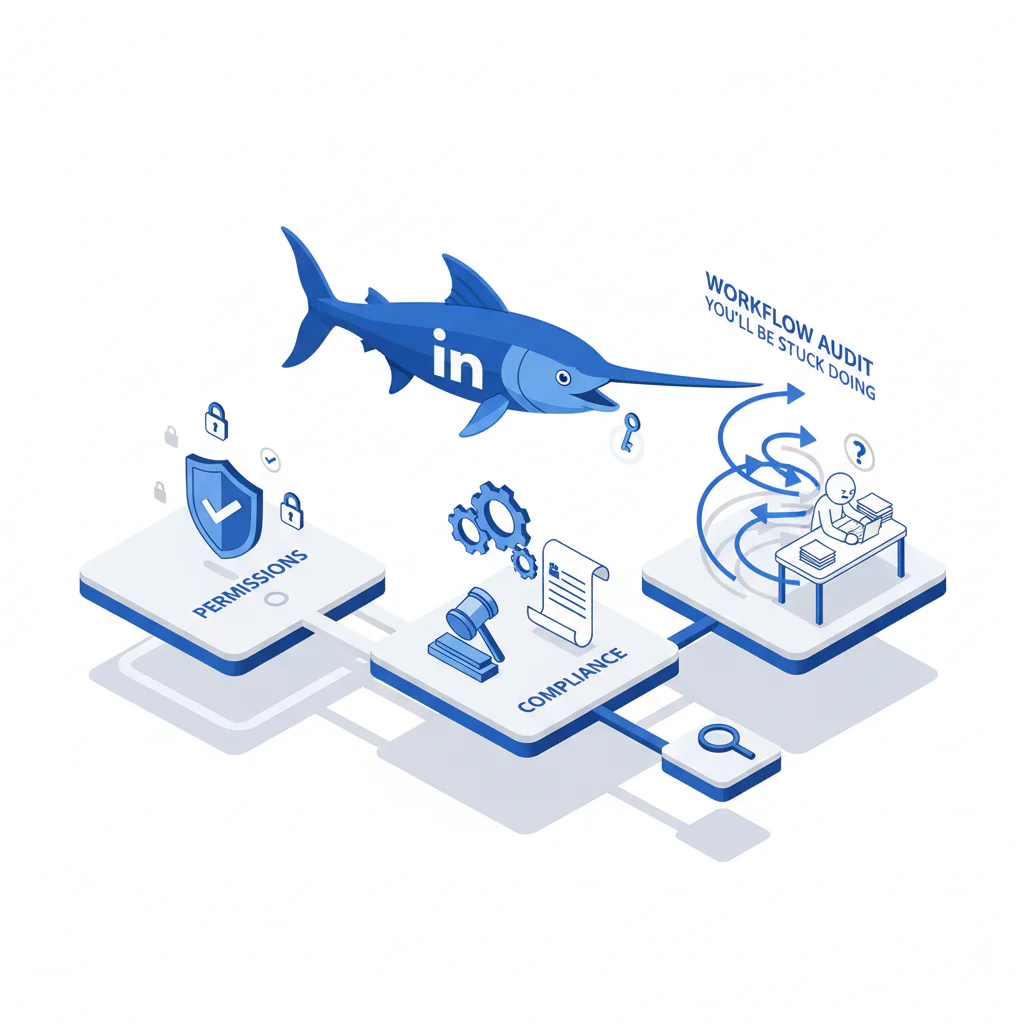
This page explains what the Swordfish LinkedIn extension does, what permissions it needs, and how a security or RevOps reviewer can test it without generating CRM cleanup work later.
Byline: Ben Argeband, Founder & CEO of Swordfish.AI
Who this is for
This is for developers and RevOps teams integrating enrichment into internal systems and CRMs who still need a browser-based LinkedIn workflow for day-to-day prospecting. If you own security review, data quality, or the cleanup that follows a messy Sales import, you are the person who pays for bad tooling twice.
Quick verdict
- Core answer
- The Swordfish LinkedIn extension is a linkedin extension built for browser enrichment inside LinkedIn. It is positioned for teams that want contact discovery without building a custom scraper, and it is described as unlimited with fair use — verify the fair use terms and throttling behavior during a pilot rather than assuming they match the marketing copy.
- Key stat
- There is no single accuracy number that holds across industries and list sources; results vary by seat count, usage patterns, list quality, geography, and role seniority.
- Ideal user
- Teams that need contact discovery while working inside LinkedIn and want a clean export path into a CRM or internal system, with documented permissions and compliance expectations from day one.
What Swordfish does differently
Most extensions fail on the boring stuff: unclear permissions, workflow breakage when LinkedIn changes its UI, and “unlimited” that quietly becomes a soft cap once usage spikes. Swordfish is built around a practical LinkedIn workflow and markets unlimited with fair use, which can reduce campaign stalls caused by hard limits — but only if your usage pattern stays inside fair use and you can actually operationalize governance around it.
Treat every capability claim as something you verify during a pilot, not something you assume from marketing. That discipline is what keeps you from buying seats and then discovering the workflow does not match the LinkedIn surfaces your team actually works from.
On contact types, buyers usually want direct dials or mobile numbers because that is what moves connect rates. If your goal is more conversations per rep-hour, a linkedin phone finder extension only helps when the number is actually reachable for your segment; availability varies by geography, seniority, and how complete the LinkedIn profile is.
Permissions and compliance are the real cost center here. If you cannot document what the extension can access and how data moves through your workflow, you will lose weeks to review cycles or end up with shadow usage nobody can audit. This isn’t unique to Swordfish — it’s the standard failure mode for any browser extension that touches a professional workflow.
Workflow (what actually happens)
This is the minimum workflow you should be able to explain to Security and RevOps: install the extension, authenticate, open a LinkedIn profile, request enrichment, then export or store the result. If any step requires broad permissions you cannot justify in writing, the workflow is not compliant for your environment. Chrome’s Manifest V3 rules already push developers toward requesting the narrowest access that supports a given feature, so a well-built extension should be able to explain each permission it asks for in plain terms.
For the official install path for LinkedIn usage: Install for LinkedIn usage.
Decision guide
Do not evaluate this like a demo. Evaluate it like an operational dependency: permissions, workflow reliability, export hygiene, and how quickly the data decays after you enrich it.
If you are deciding between approaches, here is the trade: an extension is fast to deploy but fragile when LinkedIn changes its UI and it always triggers a permissions review; an API is more stable for automation but costs engineering time and forces you to handle rate limits, retries, and logging; manual research avoids extension permissions entirely but burns rep-hours and produces inconsistent data capture. Pick the failure mode you can actually afford.
Framework: Is your LinkedIn workflow compliant?
- Permissions: Can you justify the extension permissions requested, in writing, under your internal policy?
- Compliance: Do you have an approved process for how enriched data is stored, retained, and accessed?
- Workflow: Does it work on the exact LinkedIn surfaces your team uses, consistently?
- Data privacy: Can you explain the data flow (browser to service to export to CRM) and who becomes the data owner?
Checklist: Feature Gap Table
| Area | What buyers expect | Where hidden costs show up | What to verify in Swordfish | Variance explainer (why results differ) |
|---|---|---|---|---|
| LinkedIn workflow | Enrich while viewing profiles with minimal steps | Breakage when LinkedIn UI changes; reps revert to manual research | Works on the LinkedIn pages your team actually uses | Different LinkedIn surfaces can behave differently across accounts and roles |
| Phone discovery | Direct dials/mobile numbers when available | Low availability in certain regions; wasted rep time chasing dead ends | How phone fields are labeled and exported; how your team validates reachability | Geography, seniority, and profile completeness drive availability |
| Email discovery | Work emails for routing and outreach | Bounces become your deliverability problem; CRM pollution | How results are exported and deduped before CRM import | Industry domains, company size, and lead source quality affect matchability |
| Unlimited with fair use | Predictable usage without surprise caps | Soft throttles during spikes; campaigns stall mid-quarter | Fair use terms and what triggers throttling or review | Seat count and usage patterns change enforcement risk |
| Export and handoff | Export LinkedIn leads into CRM/internal systems | CSV cleanup, field mapping, and dedupe become recurring labor | Export format, field names, and whether it matches your CRM schema | List quality (duplicates, stale titles) drives cleanup time |
| Permissions and compliance | Clear permission scope and auditable usage | Security review delays; blocked rollout; untracked shadow usage | Documented permissions, data handling expectations, and your internal approval record | Compliance requirements vary by industry and region; internal policy varies by risk tolerance |
Decision Tree: Weighted Checklist
How to weight this: Do not assign arbitrary points. Weight by failure cost in your environment. The weights below follow the standard extension failure points: permissions risk, workflow breakage, and downstream data hygiene.
- High weight: permissions and compliance approval — If you cannot approve permissions, you cannot deploy. Screenshot the permission prompts at install time and store them with your approval ticket. Re-check after every extension update, since Chrome can add new permission requests without always surfacing a warning to the user.
- High weight: workflow reliability on your LinkedIn surfaces — Test on the exact pages your team uses. If it fails there, adoption collapses and reps revert to manual research.
- High weight: export hygiene into your system of record — If you cannot export cleanly, you will pay in CSV debt. Validate field mapping, dedupe keys, and ownership rules before rollout. If your goal is to export LinkedIn leads, confirm the export format supports your routing rules.
- Medium weight: data decay plan — Contact data decays. Decide when you re-enrich and who owns stale records. The business outcome is fewer wasted touches; the cost is reprocessing and governance.
- Medium weight: usage governance under fair use — “Unlimited with fair use” still requires internal norms. Define seat count expectations and burst behavior so you do not trigger throttling during a push.
- Lower weight: auditability — You need to answer “who enriched this and when?” to debug bad imports and reduce incident time.
Troubleshooting Table: Conditional Decision Tree
- If Security cannot approve the extension permissions, then stop and use an API-first enrichment approach instead. Stop condition: permissions cannot be documented and approved in writing.
- If your team lives inside LinkedIn and needs contact discovery without building internal tooling, then run a controlled pilot and measure downstream cleanup time (mapping, dedupe, stale records).
- If your outcome is “reduce manual research time per lead,” then validate the browser enrichment workflow on the exact LinkedIn pages used in your process; otherwise you will buy seats that revert to manual steps.
- If you need a linkedin extension for contacts mainly to improve connect rates, then test by segment (geo, seniority, industry) because phone availability varies; do not generalize from one list source.
Limitations and edge cases
Data decay is guaranteed. Emails and phone numbers change. If you enrich once and treat it as permanent truth, your bounce rate and connect rate will drift. Plan re-enrichment based on your sales cycle length and how often your CRM is actually used for outreach.
Extensions break when LinkedIn changes. Any extension that depends on page structure can degrade when LinkedIn updates its layout. Manifest V3 also tightened how background scripts and persistent automation work, which has pushed some older scraping-style tools toward rebuilds or removal. Your mitigation is operational: keep a small pilot group, monitor failures, and document a fallback workflow.
Compliance is company-specific. “Data privacy LinkedIn” questions are internal policy questions: what data is collected, where it is stored, and who can access it. If your policy requires DPA review, SSO, or specific audit logs, confirm requirements before rollout — and if your organization handles healthcare provider contact data, factor in whatever internal privacy and access-control standards already govern that data before adding a new browser tool to the chain.
List quality determines your outcome. If your targeting is messy — duplicates, wrong companies, stale titles — you will spend time cleaning exports and blaming the tool. Clean inputs reduce wasted enrichment and reduce CRM pollution.
Evidence and trust notes
This page avoids made-up accuracy rates because they do not survive contact data variance. Expect differences driven by seat count, usage patterns, list quality, industry, geography, and role seniority.
Separate two problems when you evaluate results: availability (whether a phone/email exists for your segment) and verification/deliverability (whether it still works when you contact it). Both vary with list quality and how stale your targets are.
Permissions audit method: during install, capture the permission prompts and store them with your internal approval record. Then document the data flow: LinkedIn page in the browser, extension action, vendor response, export, and final storage location in your CRM/internal system. If you cannot trace that flow, you cannot defend compliance or debug bad data.
Data ownership note: once you export into your CRM/internal system, your team owns retention, access control, and deletion. If you do not assign an owner, you will fail the next audit.
API fit expectations (if you later automate): define authentication ownership, rate-limit handling, retries, logging, dedupe keys, and a re-enrichment cadence. This prevents the common failure where a browser workflow works fine for reps but collapses when RevOps tries to operationalize it.
If you need a browser-first option beyond LinkedIn-specific usage, review the Swordfish Chrome extension page to confirm the supported workflow matches your process.
FAQs
Is this an extension or an API?
This page covers the LinkedIn extension workflow. If you need server-side enrichment inside internal systems, evaluate API options separately because extensions and APIs fail differently (UI breakage versus rate limits and integration work).
What permissions does the extension need?
Review the exact permissions shown at install time and confirm they align with your internal compliance policy. Keep a record of what was approved so you can re-audit after updates.
Can I use it as a linkedin email finder extension?
It can be used for email discovery in a LinkedIn workflow, but outcomes vary by industry domains, company size, and list quality. Test on your own segments before you automate anything downstream.
How do I export and operationalize results?
Decide whether you are exporting to CSV for batch import or pushing into a CRM workflow. If you are doing CSV, expect mapping and dedupe work unless you standardize fields and ownership rules. For a workflow reference, see export LinkedIn contacts to CSV.
What if I only need phone numbers from LinkedIn profiles?
Then measure connect rate, not “records enriched.” Run a segmented pilot by geography and seniority because phone availability varies. For that narrow use case, see LinkedIn phone number finder.
Next steps
- Day 0–1: Security/IT review: document permissions, compliance requirements, and whether browser extensions are allowed for the LinkedIn workflow.
- Day 2–3: Pilot: install for a small group; test on the exact LinkedIn pages used; log failures and document fallback steps.
- Day 4–7: Data ops: validate export format, field mapping, and dedupe keys; measure cleanup time and CRM pollution risk.
- Week 2: Rollout decision: expand seats only if permissions are approved, workflow is stable, and governance exists for fair use and re-enrichment.
Install from the official listing for LinkedIn usage: Install for LinkedIn usage.
About the Author
Ben Argeband is the Founder and CEO of Swordfish.ai and Heartbeat.ai. With deep expertise in data and SaaS, he has built two successful platforms trusted by over 50,000 sales and recruitment professionals. Ben’s mission is to help teams find direct contact information for hard-to-reach professionals and decision-makers, providing the shortest route to their next win. Connect with Ben on LinkedIn.

