


 View Products


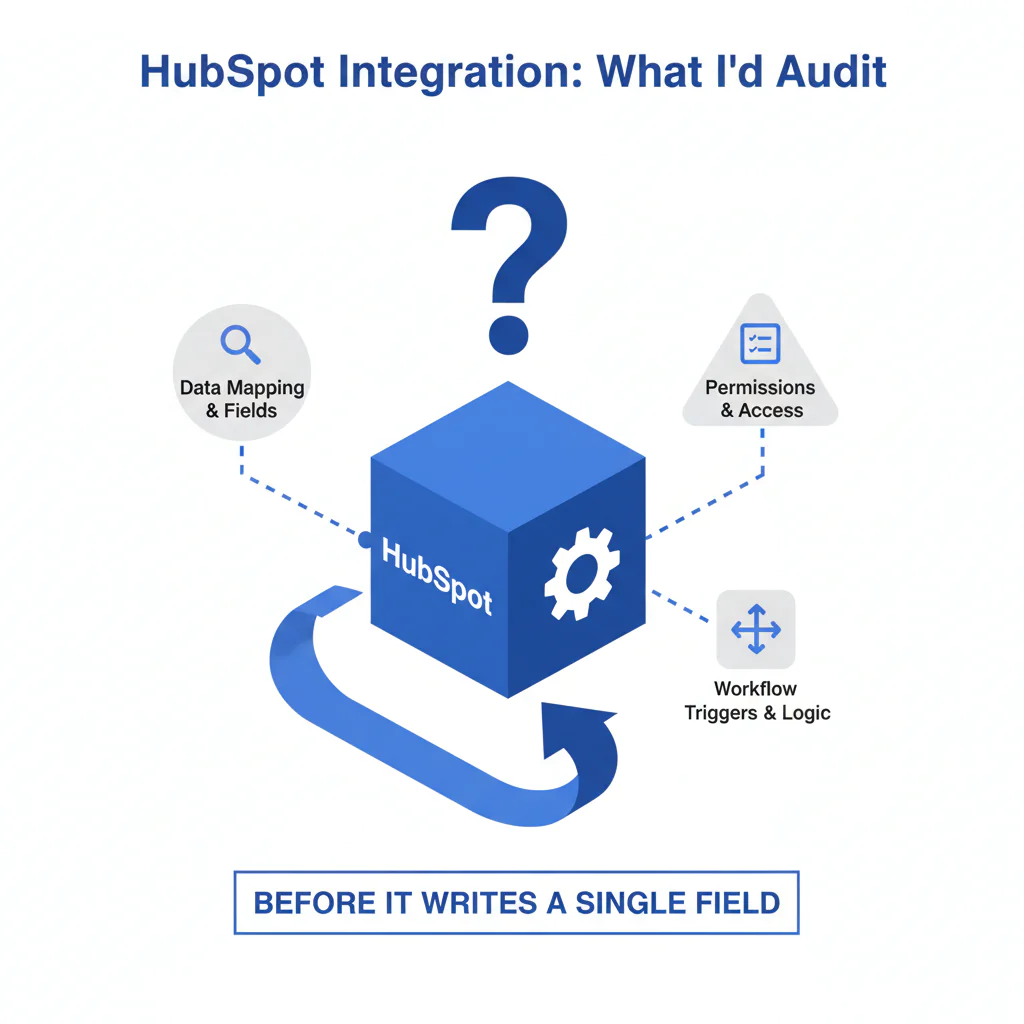
HubSpot integration: what I’d audit before it writes a single field
By Ben Argeband, Founder & CEO of Swordfish.AI
Publishing gate: Only publish this page if Swordfish has a real, supported HubSpot integration and you can link to the official HubSpot Marketplace listing or Swordfish integration documentation (link required before publishing). If you can’t point to a maintained artifact, this is not an integration page; it’s a manual workflow.
Who this is for
Recruiters and TA teams using HubSpot who need better reachability for passive candidates and don’t want the usual integration hangover: duplicates, broken lifecycle routing, and a CRM hygiene backlog that never clears.
Verified mobile numbers can improve outreach, but only if the integration respects dedupe and data governance. Otherwise you get more “contacts” and fewer conversations.
Quick verdict
- Core answer
- A HubSpot integration is only worth deploying if it can push verified mobile numbers and prioritized direct dials into the right HubSpot properties with predictable field mapping and dedupe behavior; otherwise you’ll pay in cleanup time and reporting damage.
- Key stat
- There is no universal “accuracy %” that applies across teams because outcomes vary by seat count, API usage, list quality, and industry; measure lift using your own HubSpot routing and outreach outcomes.
- Ideal user
- TA/Recruiting Ops teams that treat HubSpot as a system of record and enforce data governance, lifecycle routing, and dedupe as non-negotiables.
Definition: Here, “HubSpot integration” means a supported method to write enrichment into HubSpot (native app, supported connector, or documented workflow) with controlled mapping, update rules, and auditability.
What Swordfish does differently
Most enrichment tools optimize for “more fields” and let you discover the hidden costs later: overwritten properties, duplicate contacts, and routing rules that start behaving differently with no paper trail. In recruiting, the operational requirement is reachability, not record volume.
- Ranked mobile numbers or prioritized direct dials: When multiple numbers exist, you need a deterministic “primary” number written to a primary field and alternates stored separately. That reduces wasted touches and keeps recruiter behavior consistent.
- True unlimited + fair use: “Unlimited” is a contract word. If fair use is vague, you’ll find the ceiling when seat count grows or API usage spikes.
- Extension-driven push into HubSpot: The Swordfish extension should push data into HubSpot in the flow of work so recruiters don’t copy/paste numbers into the wrong record and create duplicates.
- Governance-friendly writes: Enrichment should follow data governance: don’t overwrite user-entered fields, don’t create duplicates, and don’t write into properties that break reporting.
Confirm these HubSpot specifics before rollout: which objects are touched (Contacts only vs also Companies), which properties are written, whether writes are read-only or writeback, how “update vs create” is decided, whether property history is preserved, and what rate limits apply under fair use.
Typical fields to map (so recruiters can work and Ops can audit): primary mobile, alternate phones, direct dial (if applicable), enrichment source, last enriched timestamp, and an opt-out/suppression field governed by your data governance policy.
If your goal is HubSpot contact enrichment, treat it like a controlled change to your CRM, not a browser add-on.
Decision guide
Integration readiness framework: routing → enrichment → measurement. If you skip a step, HubSpot becomes the place where good data goes to die.
Routing: List the HubSpot properties that drive lifecycle routing (lifecycle stage, lead status, owner assignment, sequences). Decide where enriched phone data lands so routing doesn’t change because a tool wrote to the wrong field.
Enrichment: Decide when enrichment runs (on create, on stage change, on demand) and what it is allowed to overwrite. If you can’t state this, you don’t have data governance.
Measurement: Measure outcomes tied to business results: connect rate, reply rate, and time-to-first-response for passive candidates. If results vary, the usual drivers are seat count, API usage, list quality, and industry.
Pilot setup prerequisites (what I require before enabling writes)
- Permissions: Confirm who can write to Contacts and which properties are writable.
- Properties: Create or confirm dedicated enrichment properties (primary mobile, alternate phones, enrichment source, last enriched) so you can audit changes.
- Dedupe rules: Decide match keys and enforce “update vs create” behavior before any automation runs.
- Suppression: Define opt-out handling in HubSpot and ensure enrichment cannot overwrite suppression under data governance.
- Rollback: Decide how you will stop writes and revert mapping if duplicates or routing drift appear.
Pilot execution steps (generic, because details vary)
- Select a small cohort of contacts that represent your real sourcing mix (fresh vs older records) so list quality variance shows up early.
- Run enrichment once, then freeze the cohort so you can attribute changes to the integration, not ongoing imports.
- Verify field mapping: confirm primary mobile, alternates, source, and last enriched are written where you expect.
- Verify dedupe: confirm the integration updates existing contacts instead of creating new ones under your match rules.
- Verify lifecycle routing: confirm no unexpected owner assignment or lifecycle stage changes occurred due to enrichment writes.
- Verify suppression: confirm opt-out stays enforced after enrichment runs.
- Only then expand seats or automation triggers.
What to monitor in HubSpot during the pilot
- Duplicate creation: New contacts created for people who already exist under your dedupe rules.
- Lifecycle routing drift: Unexpected owner assignment or lifecycle stage changes after enrichment writes.
- Property history: Evidence of overwrites to user-entered fields or routing properties.
- Workflow enrollment: Unexpected enrollments triggered by enrichment updates.
- Opt-out integrity: Suppressed contacts staying suppressed after enrichment runs.
Checklist: Feature Gap Table
| Integration requirement (what breaks in real life) | What “basic” tools often do | What to require for HubSpot | Hidden cost if missing |
|---|---|---|---|
| Field mapping aligned to lifecycle routing | Write into default fields with minimal control | Explicit mapping for mobile, direct dial, alternates, enrichment source, and timestamps | Routing rules misfire; recruiters chase the wrong segment |
| Dedupe-safe writes | Create new contacts when email is missing or different | Deterministic match rules and “update vs create” controls | Duplicate records inflate pipeline and wreck reporting |
| Non-destructive enrichment | Overwrite existing fields without auditability | Write to dedicated enrichment properties; preserve user-entered values; store “last enriched” | Ops time spent restoring data and rebuilding trust |
| Opt-out and compliance handling | Leave it to the user to remember | Documented suppression workflow and guidance for opt-out fields | Compliance risk and brand damage from unwanted outreach |
| Usage transparency under “unlimited” | Market unlimited, enforce soft caps later | Fair use terms you can audit: rate limits, concurrency, and what counts as usage | Budget surprises when adoption grows |
Decision Tree: Weighted Checklist
- Highest weight (blocks rollout): Field mapping controls that match lifecycle routing and data governance. If mapping is sloppy, routing breaks and reporting becomes fiction.
- Highest weight (blocks rollout): Predictable dedupe behavior (match keys plus update vs create). If dedupe is unclear, you will create duplicates and lose trust in HubSpot.
- Highest weight (blocks rollout): Verified mobile numbers with deterministic prioritization (ranked mobile numbers or prioritized direct dials). If recruiters can’t trust the “primary” number, you won’t see reachability lift.
- High weight (reduces ongoing ops cost): Auditability (enrichment source + last enriched timestamp + non-destructive writes). This is how you debug data decay instead of arguing about it.
- High weight (prevents budget surprises): True unlimited + fair use terms you can audit (rate limits, what counts as usage). This is where “cheap” becomes expensive after rollout.
- Medium weight (workflow-dependent): Enrichment automation triggers that match your RevOps workflow. If automation runs at the wrong lifecycle stage, you enrich the wrong records and pay for noise.
Troubleshooting Table: Conditional Decision Tree
- If you can link to a maintained HubSpot integration artifact (Marketplace listing or Swordfish docs) and it documents field mapping and dedupe behavior, then proceed to a controlled pilot.
- If the workflow is CSV-only, then use CSV contact enrichment and treat it as an import process with strict dedupe controls, not an integration.
- If you need real-time enrichment at volume and want to control routing and measurement, then validate rate limits and consider the contact data API path.
- If you cannot define match keys and “update vs create” rules before enabling enrichment automation, then stop and write the data governance policy first.
- Stop condition: If the pilot creates duplicates or causes unexpected lifecycle routing changes you can’t trace via property history and mapping, stop enrichment writes and fix dedupe/field mapping before expanding seats.
Limitations and edge cases
Variance is normal and explainable: Results vary by seat count (how many people enrich), API usage (how often you refresh), list quality (fresh inbound vs old exports), and industry (regulated roles vs high-churn roles). Don’t accept a single number as proof of fit.
Data decay is the default: Phone numbers change, candidates switch jobs, and preferences shift. Plan refresh rules and store “last enriched” so recruiters know whether they’re dialing something current or historical.
Dedupe in HubSpot is not optional: If you enrich from multiple sources (forms, imports, outbound lists), you need a consistent dedupe strategy or you’ll pay twice: once for enrichment and again for cleanup.
Compliance/opt-out: For recruiter outreach, you need a suppression workflow. Store opt-out status in HubSpot, honor it in sequences and manual outreach, and prevent enrichment automation from reintroducing suppressed numbers. Treat this as data governance, not a preference.
Evidence and trust notes
I don’t trust vendor claims because I’ve seen too many “integrations” that are just a write operation with no guardrails. Trust comes from observable behavior in HubSpot: what gets written, where it gets written, and what happens when the same person shows up twice.
Before rollout, require documentation that covers: field mapping, dedupe logic, overwrite rules under data governance, audit fields (source and timestamps), and fair use constraints (rate limits and what counts as usage). If any of that is “we’ll configure it later,” you’re volunteering for cleanup.
To validate outcomes without invented metrics, run a controlled pilot and compare against a control cohort. If results differ across teams, investigate workflow timing (when enrichment runs), list quality, and mapping choices.
FAQs
- Does Swordfish have a native HubSpot integration? Only publish this page if you can link to a maintained HubSpot Marketplace listing or Swordfish integration documentation that describes supported behavior.
- What should we map for recruiting in HubSpot? Map a primary mobile number, alternate phones, direct dial (if applicable), enrichment source, last enriched timestamp, and an opt-out/suppression field governed by data governance.
- How do we prevent duplicates? Decide match keys and enforce “update vs create.” If you can’t explain your dedupe rules, you will create duplicates.
- How does this affect lifecycle routing? If enrichment writes into properties used by lifecycle routing, it can change who gets assigned and when. Keep routing properties stable and map enrichment into dedicated fields unless you have a controlled reason not to.
- How should we handle opt-out for recruiter outreach? Store opt-out in HubSpot, suppress outreach across sequences and manual dialing, and prevent enrichment from overwriting suppression.
Next steps
Week 0 (prep): Confirm the integration artifact exists (Marketplace/docs), document field mapping, define dedupe rules, and write a short data governance policy (what can be overwritten, what cannot).
Week 1 (pilot): Enable enrichment for a small cohort, push data into HubSpot via the extension workflow, and monitor duplicates, workflow enrollment, and lifecycle routing changes using property history and audit fields.
Week 2 (measure): Compare connect/reply rates and time-to-first-response against a control cohort. If variance is high, inspect list quality and when enrichment runs.
Week 3 (scale or stop): Scale seats only if dedupe stays stable and routing behavior remains explainable. If not, stop automation and fix mapping/routing before expanding.
About the Author
Ben Argeband is the Founder and CEO of Swordfish.ai and Heartbeat.ai. With deep expertise in data and SaaS, he has built two successful platforms trusted by over 50,000 sales and recruitment professionals. Ben’s mission is to help teams find direct contact information for hard-to-reach professionals and decision-makers, providing the shortest route to their next win. Connect with Ben on LinkedIn.

