


 View Products


Key takeaways
- B2B lead generation tools serve different purposes, including contact discovery, website visitor identification, outreach automation, and sales pipeline management.
- Compare tools by database and data needs, automation, integrations, features, and cost.
- Sales Navigator is centered on LinkedIn prospecting and relationship context, while contact-data platforms focus more on finding phone numbers or email addresses.
- Leadfeeder identifies companies visiting a website; tools such as Apollo.io focus on contact search and outreach.
- Trials and free plans can help teams assess a tool’s fit before committing to paid plans.
Last updated: September 3, 2026
Choosing a B2B lead generation tool often involves balancing budget, automated prospecting versus hands-on filtering, data accuracy, and responsible outreach.
This comparison covers fifteen platforms, outlining their features, pricing, and use cases to help you assess which may fit your team’s needs.
Quick List of Best Lead Generation Tools for B2B
Here’s a fast overview of what each platform does best before you dig into the details.
- Swordfish AI: Best for getting precise contact details across multiple platforms.
- LinkedIn Sales Navigator: Best for tapping into vast professional networks for leads within LinkedIn.
- FindThatLead: Best for quick email discovery and verification in-browser.
- Overloop: Best for simplified lead management and sales automation.
- LeadFuze: Best for AI-driven lead discovery and automated outreach.
- ZoomInfo: Best for accessing detailed profiles and direct contact info of key decision-makers.
- Pipedrive: Best for visual tracking and managing sales pipelines efficiently.
- Skrapp.io: Best for LinkedIn email scraping and direct lead generation.
- Apollo.io: Best for comprehensive sales engagement with integrated CRM and email automation.
- Snov.io: Best for CRM integration and email verification for outreach.
- Leadfeeder: Best for identifying and tracking company website visitors as leads.
- Datanyze: Best for generating leads through technology stack identification and analysis.
- Seamless.AI: Great for instantly accessing a comprehensive database of B2B contacts
- Kaspr.io: Best for quickly gathering contact information from LinkedIn profiles
- SalesIntel: Best for reliable B2B contact data with research on demand.
Top Lead Generation Companies: A Comparison Chart
Choosing the right lead generation tool usually comes down to four factors: database size, how much of the workflow is automated, how deep the contact and firmographic data goes, and cost. The chart below lines up the leading platforms on those points.
B2B Lead Generation Tools | Database | Depth of Information | Pricing |
 | 3.5 billion profiles | Name, email, phone | Custom |
 | LinkedIn Professionals | Profile details, contact | Core Plan: $99 per month Advance Plan: $149 per month Advanced Plus Plan: $1600 per month |
 | 200 million professional profiles | Email, social links | Growth Plan: €55 per month Pro Plan: €150 per month Business Plan: €399 per month |
 | Not available | Contact info, activities | Startup Plan: $59 per month Growth Plan: $99 per month Enterprise Plan: $149 per month |
 | Over 500 million people | Contact, company info | UNLIMITED Plan: $397 per month SCALING Plan: $147 per month Custom |
 | 321 million professional contacts | In-depth firmographics, technographics, and real-time intent data | Professional Plan: $14,995 per year Advanced Plan: $24,995 per year Elite Plan: $39,995 per year |
 | Not available | Deal details, contact | Essential Plan: $11.90 monthly per user Advanced Plan: $24.90 monthly per user Professional Plan: $49.90 monthly per user Power Plan: $59.90 monthly per user Enterprise Plan: $74.90 monthly per user |
 | Over 20 million companies | Email addresses | Starter Plan: $29 per month Seeker Plan: $79 per month Global Plan: $299 per month |
 | Over 275 million contacts | Email, phone numbers, and job titles | Free Plan Basic Plan: $59 per month Professional Plan: $99 per month Organization: $149 per month |
 | Over 550 million prospects | Email, social profiles | Starter Plan: $30 per month Pro Plan: $75 per month Managed Service: $3,999 per month |
 | Not available | Company, visitor actions | Paid Plan: €198 per month |
 | 84 million email addresses and 63 million direct dials | Tech stack, contact info | Nyze Pro 1: $29 per month Nyze Pro 2: $55 per month |
 | 1.9 billion contact | Emails, direct dials | Custom |
 | Over 500 million phone numbers and email addresses | Name, job, email | Starter Plan: $65 per month Business: $99 per month Organization: $99 per month (24,000 phone and email credits) |
 | 7.2 million contacts worldwide | Contact, company insights | Individual: $69 per month Teams: $199 per month Unlimited Everything: Custom |
15 B2B Lead Generation Tools for Every Business [Small to Enterprise]
The fifteen tools cover use cases for solo operators, growing sales teams, and large enterprises, with different approaches to prospecting, outreach, and lead management.
Whether you’re refining your outreach, tightening your marketing, or trying to reach a wider market, here are 15 worth evaluating.
1. Swordfish AI
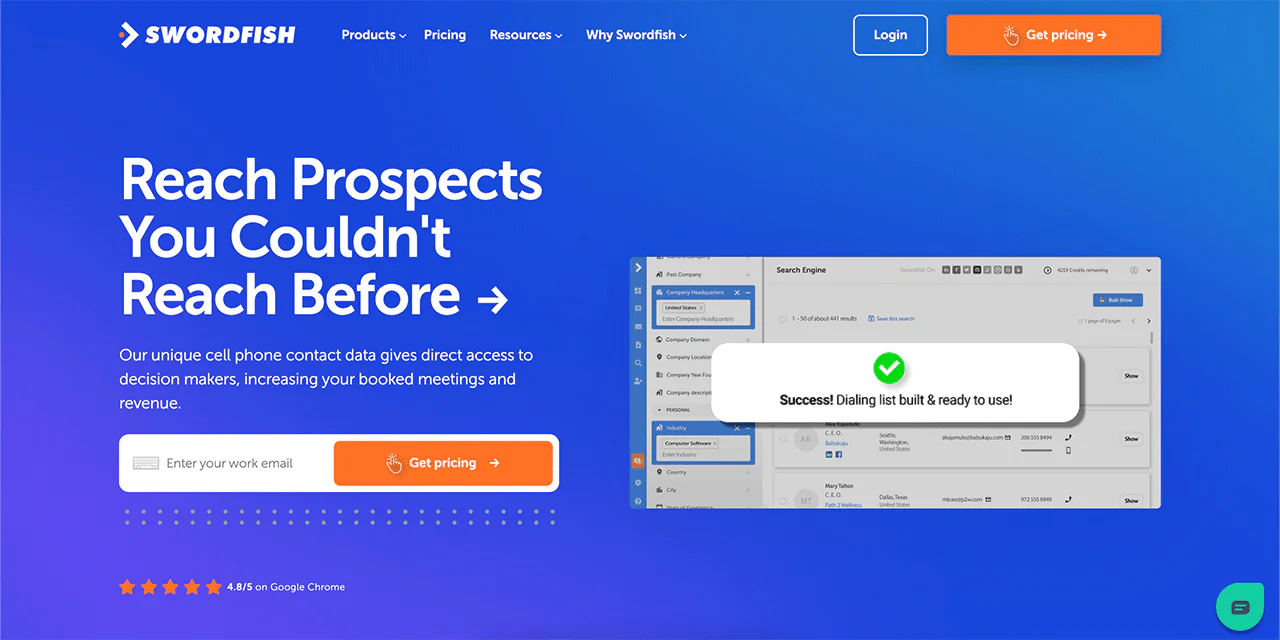
Swordfish AI is built around a large, continuously refreshed contact database rather than the static, often outdated lists found on many competing platforms. It gives you direct access to phone numbers and premium email addresses so you can reach decision-makers without getting stuck behind gatekeepers or bouncing off dead contact info.
For sales, recruiting, and business development teams, current contact information can help reduce time spent pursuing outdated details. Direct dials and verified emails may make it easier to reach the right people.
Using Swordfish AI to reduce manual research may help teams spend less time looking up contact details.
About Swordfish AI
- Founding year: 2015
- Founding team: Ben Argeband
- Company Size: 11 to 50 employees
What Sets Swordfish Apart?
For cold callers and email marketers, Swordfish highlights its cell phone verification system and a contact database spanning consumer and professional profiles. The article presents this combination as a way to find cell numbers and email addresses that may be missing from other databases.
Swordfish AI is used by sales, recruiting, and business development teams that need to reach decision-makers directly rather than working through general company lines or outdated public listings.
Features of Swordfish AI
Swordfish AI packages a set of tools meant to make lead generation faster and more reliable. Here’s what each one does.
Prospect Search
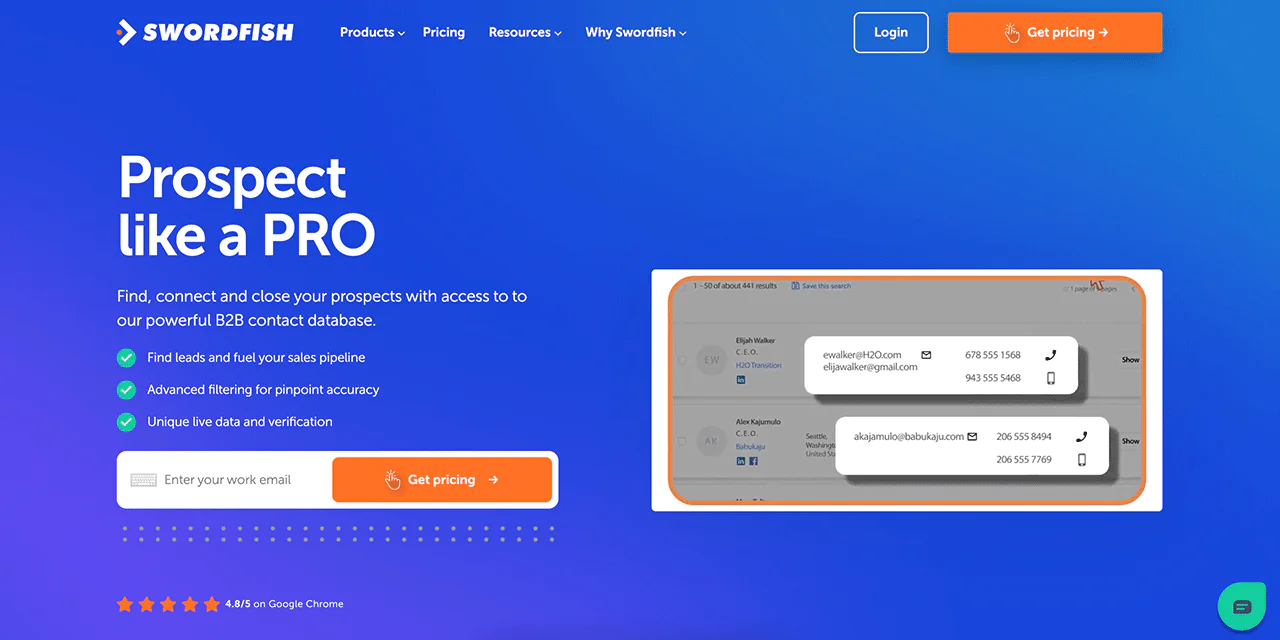
For bulk lead generation, the Prospect Search tool lets you apply custom filters to build a targeted list of contacts, complete with emails, phone numbers, and addresses, without manually searching one profile at a time.
Reverse Lookup
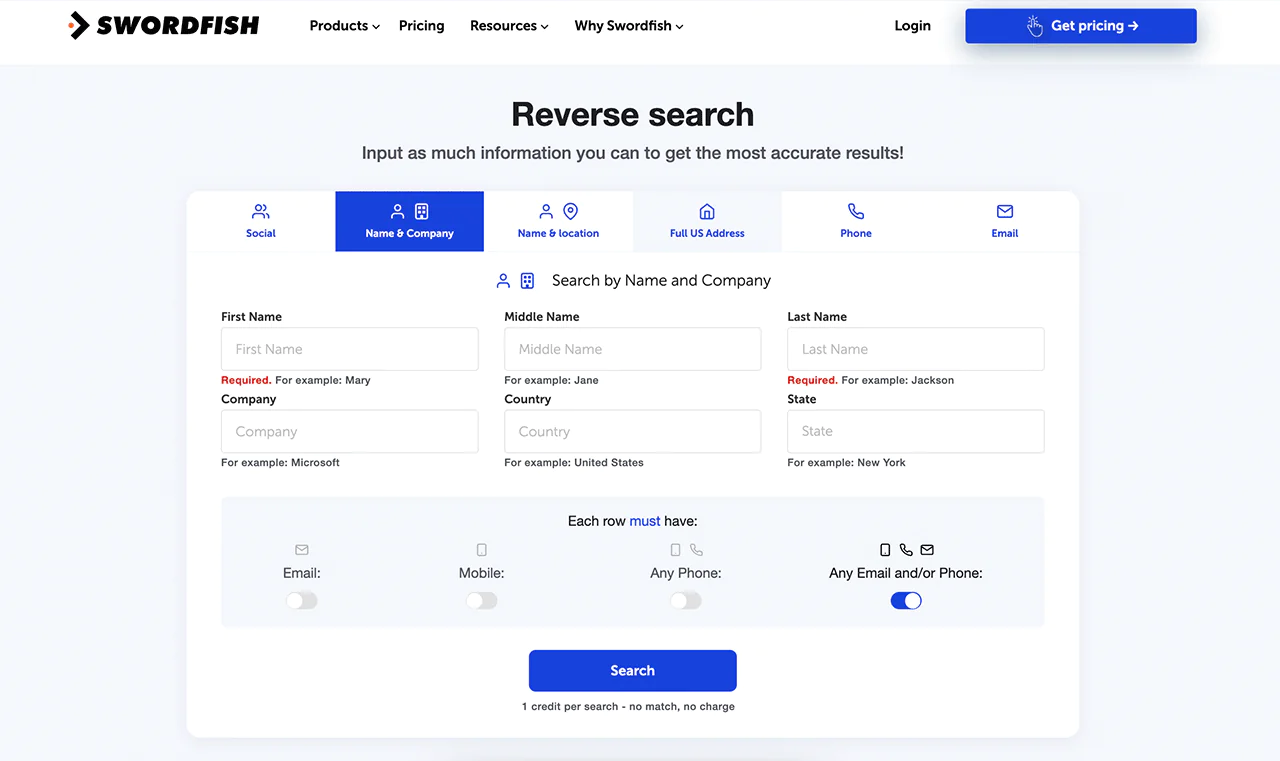
When you only have partial information on a contact, Reverse Lookup fills in the gaps, which keeps your contact list usable instead of half-finished.
Chrome Extension
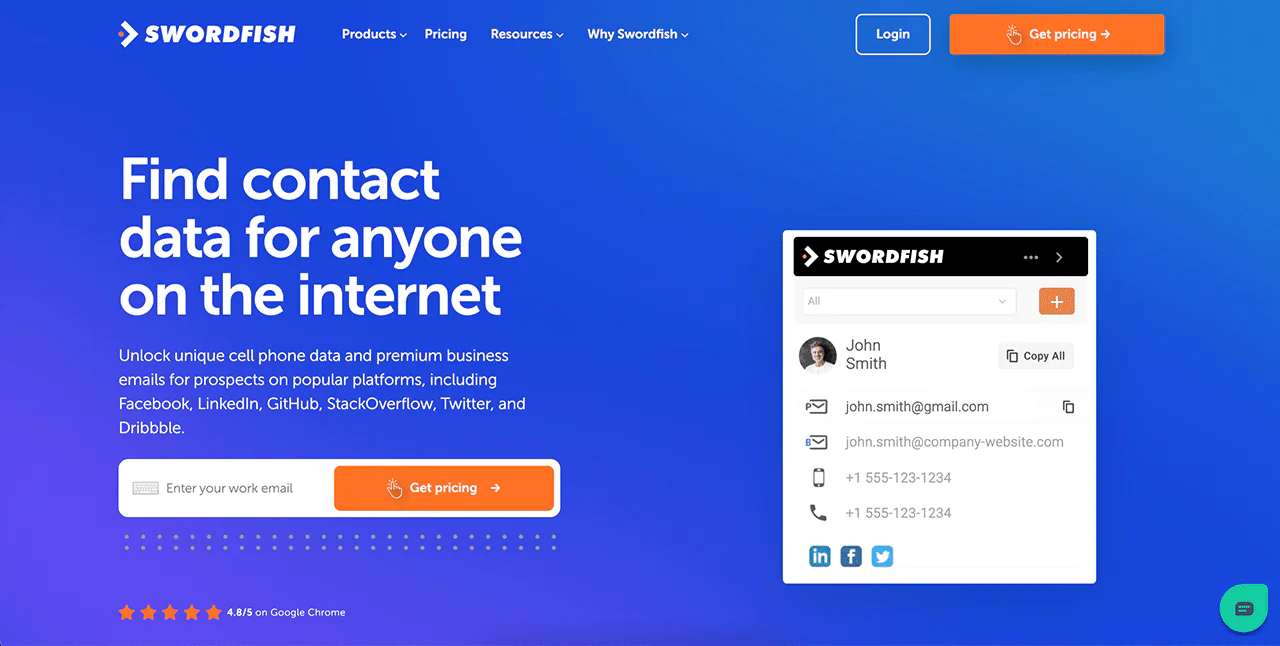
The Swordfish AI Chrome Extension pulls contact details from web pages you’re already browsing, saving you from switching tabs between prospecting and outreach.
Email Verifier
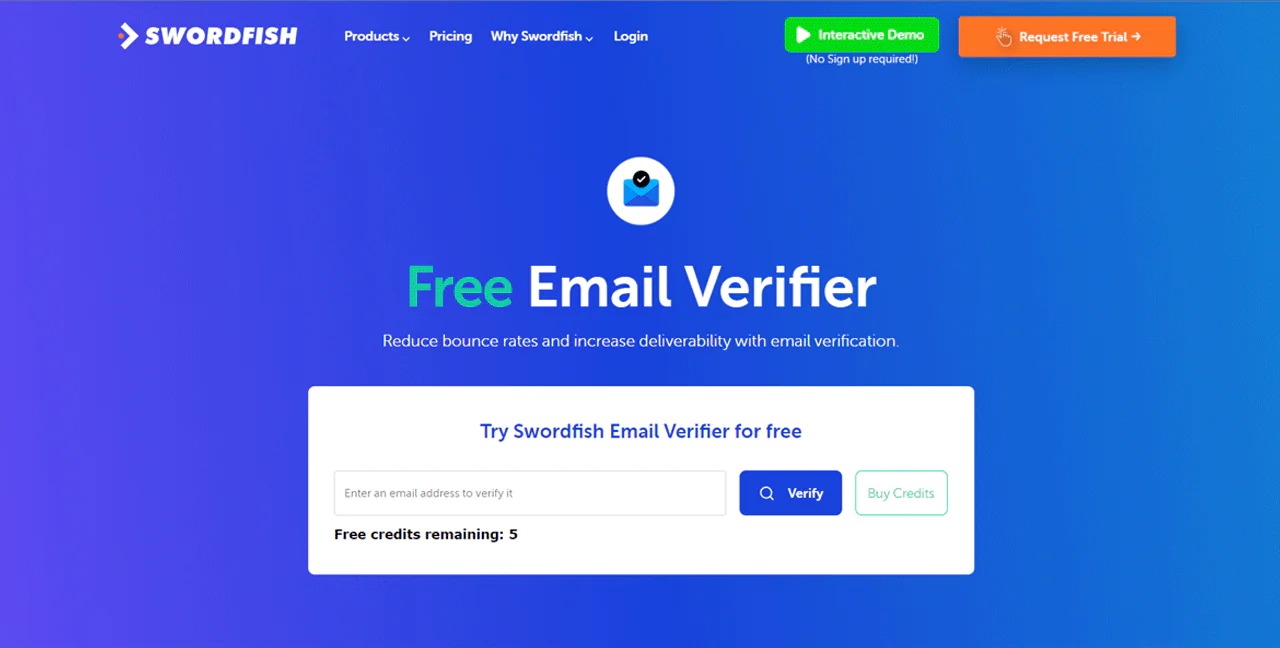
The Email Verifier checks address validity before you send, which helps keep bounce rates down and protects sender reputation.
API Integration
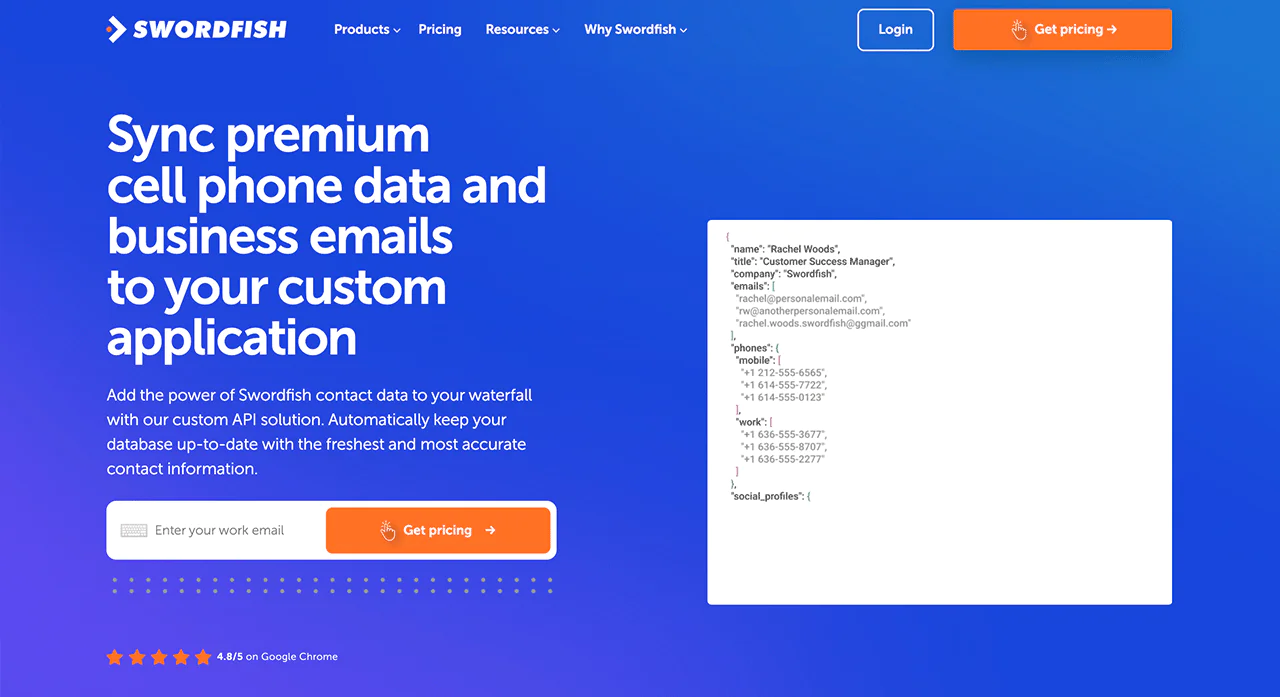
Connecting Swordfish AI’s database via API gives your existing systems ongoing access to updated contact information instead of one-time exports that go stale.
File Upload
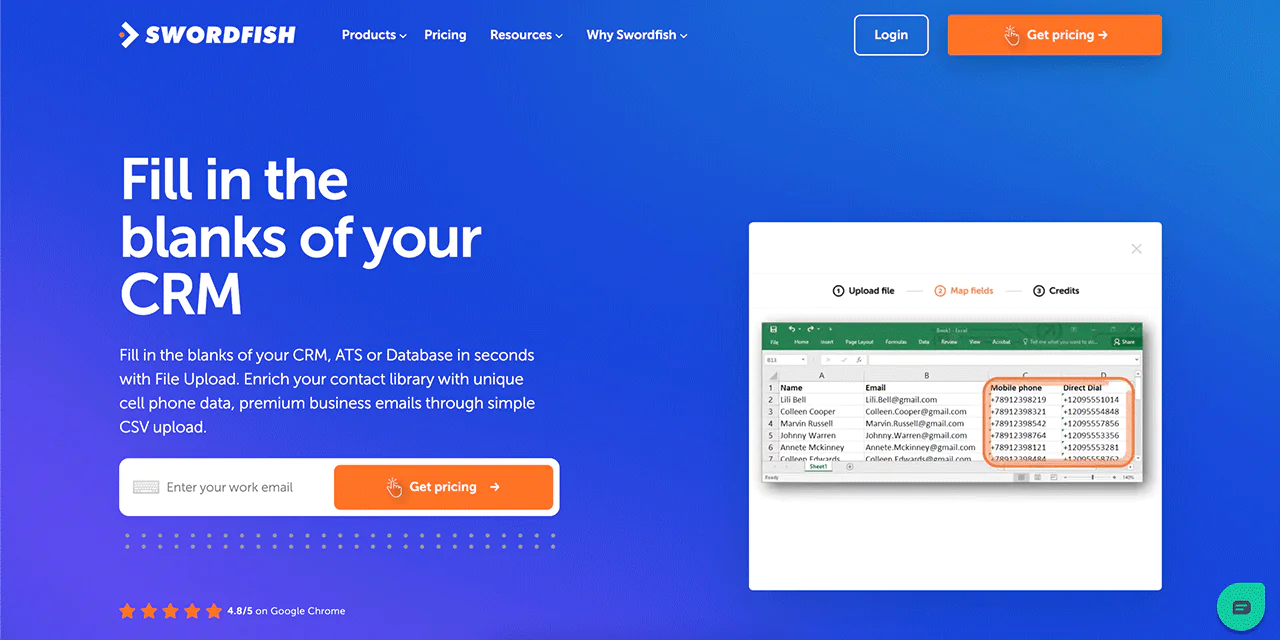
With File Upload, you can bulk-refresh a CRM export. Upload a CSV and Swordfish AI fills in missing details across the file.
Bombora Intent Data
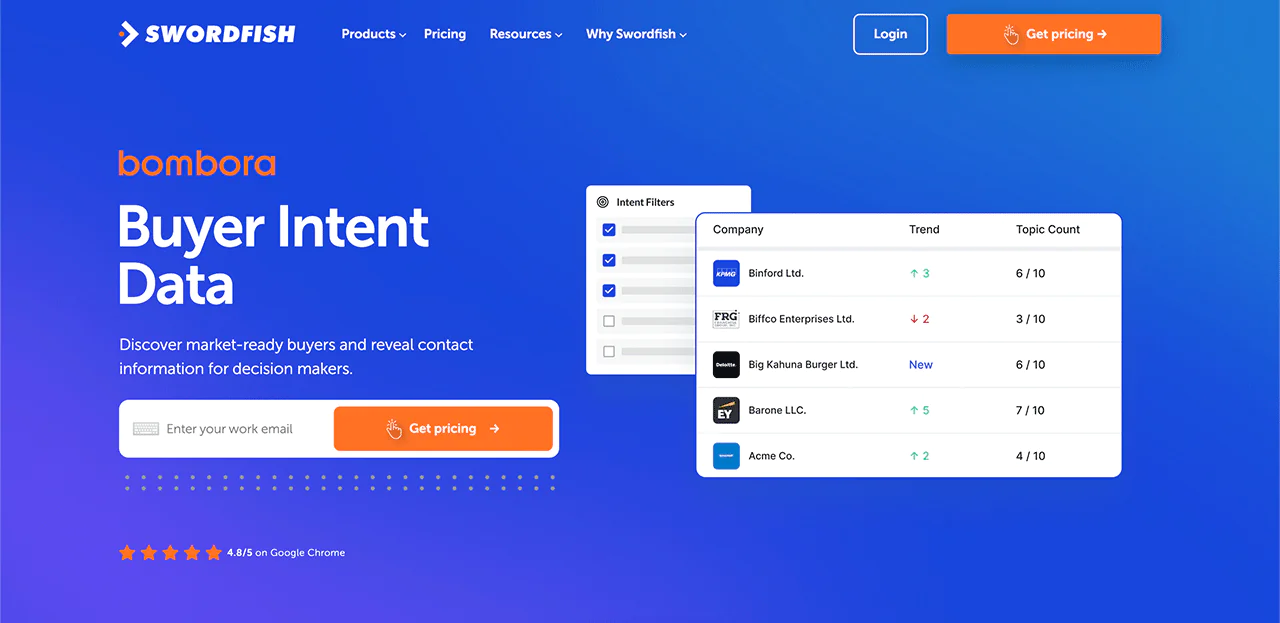
Bombora Intent Data flags accounts actively researching topics related to your product, so you can prioritize outreach toward people who are already looking rather than cold prospects.
Refresh Title-Data
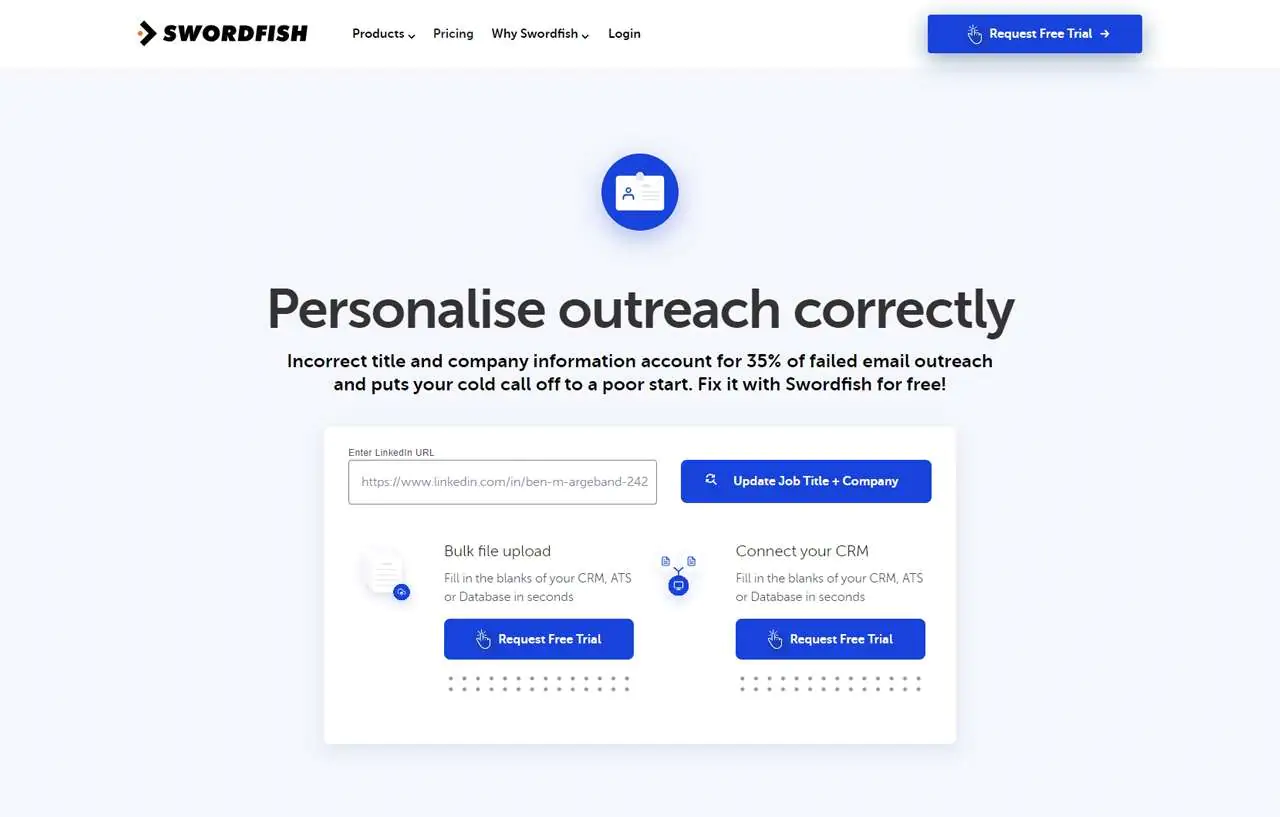
The Refresh Title-Data feature updates job titles and company details on existing contacts, which matters for personalizing messages to people who’ve since changed roles.
Best Use Cases of Swordfish AI
- Sales Teams: Find key contacts quickly. Get phone numbers and emails to easily reach out to potential customers.
- Marketing Teams: Use verified emails for your campaigns. Cut down on undelivered emails and engage more recipients.
- Recruiters: Get detailed contact info for candidates. Speed up the recruitment process and connect with the best talent swiftly.
- Business Developers: Use accurate data to touch base with important contacts, opening doors to new partnerships and growth.
- CRM Updates: Keep your CRM accurate. Add missing details or update old contacts to keep your data clean.
- Lead Generators: Use powerful search tools to find leads fast. Fill your sales funnel with quality contacts.
- Email Verification: Check emails before sending them. This step cuts down on bounces and increases the chances of your message being read.
- Using Intent Data: Target interested prospects. With intent data, focus your efforts on leads more likely to convert.
Pros of Using Swordfish AI
- Improves outreach efficiency with quick contact retrieval.
- Simplifies bulk lead generation and targeting.
- Completes contact lists with minimal info.
- Enables easy CRM updates through bulk file uploads.
- Offers smooth integration for real-time data accuracy.
- Customizes outreach with up-to-date contact information.
Cons of Using Swordfish AI
- Initial setup might require 1 to 2 minutes.
Pricing
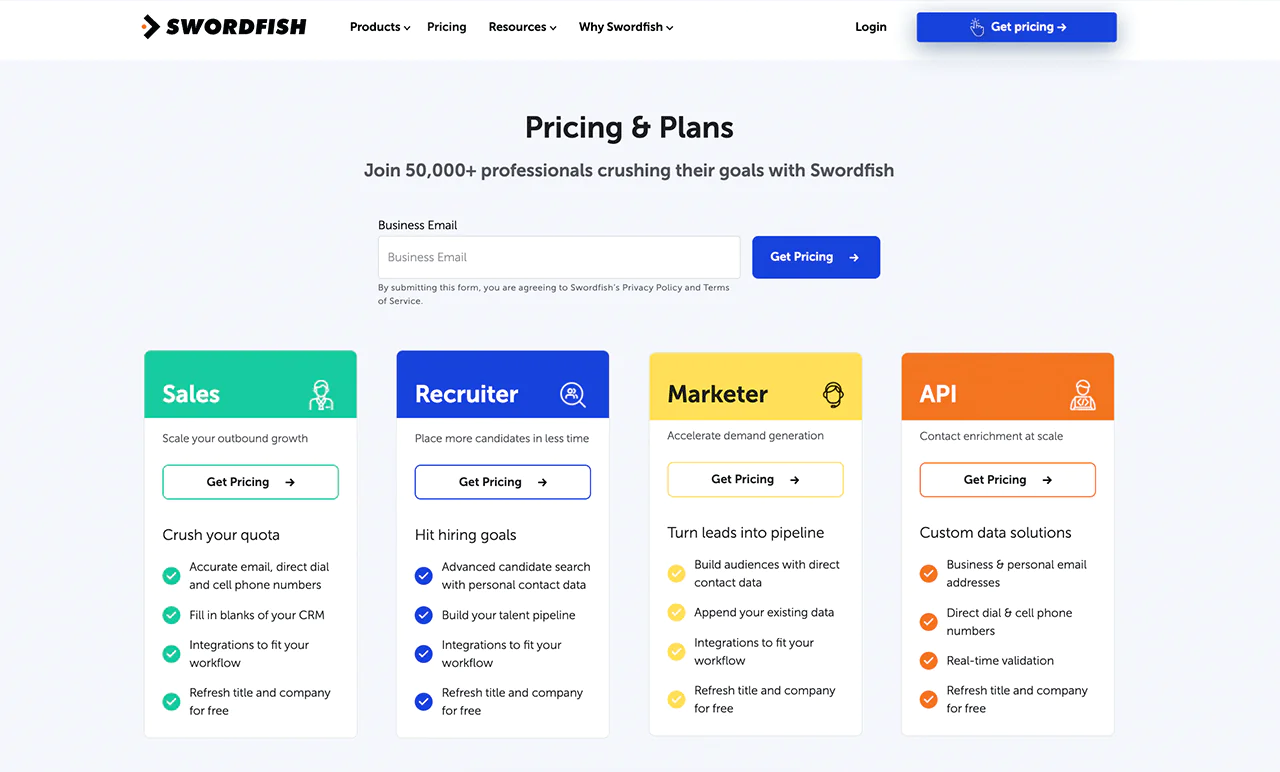
Swordfish AI offers several packages built around different professional needs. The Biz Dev package supplies the contact details business development teams need for CRM updates and pipeline work. The Recruiter package speeds up candidate sourcing with recruiting-specific search options, and the Real Estate package cuts down on manual data gathering for agents and brokers.
If you need programmatic access, the API package supports contact enrichment at scale, and all plans include free updates to job titles and company details.
 Try Swordfish Ai
What Users Say About Swordfish AI
- G2: 4.5 out of 5 (84 reviews)
“Swordfish has given me the opportunity to contact several candidates that I was unable to reach out to in the past.” – Brad C.
- Gartner: 4 out of 5 (48 reviews)
“Swordfish is fantastic. It’s easy to use, they have a fantastic customer support team” – a Gartner reviewer
2. LinkedIn Sales Navigator
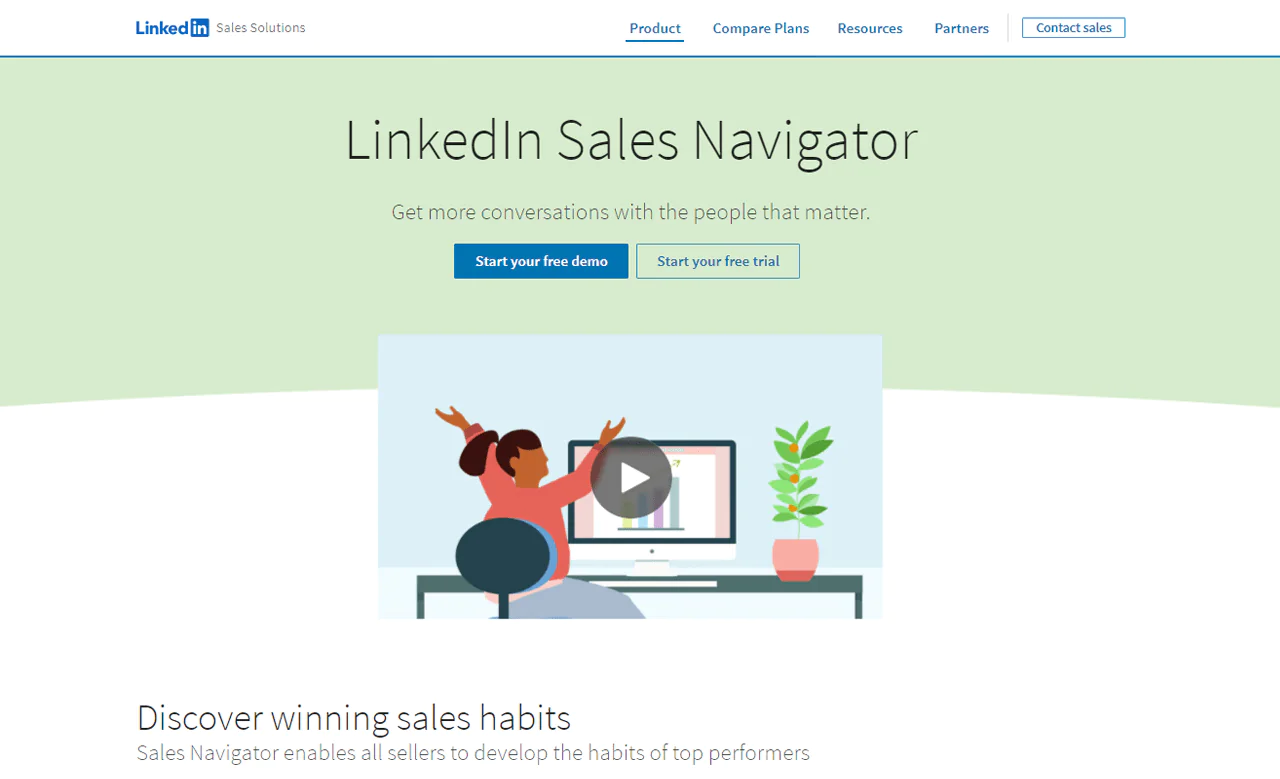
LinkedIn Sales Navigator is purpose-built for sales professionals working inside LinkedIn’s network, offering targeted search and lead recommendations that pull directly from the platform’s member base. If you rely on LinkedIn heavily, it’s also worth understanding how to manage invite limits so outreach doesn’t get throttled.
Sales Navigator and Kaspr.io serve different needs. Sales Navigator draws on LinkedIn’s network for account insights and relationship management, while Kaspr.io focuses on retrieving phone and email contact data. Sales Navigator may suit teams prioritizing relationship context and account planning; Kaspr.io may suit teams seeking contact details within a LinkedIn-centered workflow.
About LinkedIn Sales Navigator
- Founding year: 2014
- Founding team: LinkedIn
Features of LinkedIn Sales Navigator
- Advanced Search Filters: Detailed criteria such as job title, company size, and industry help you pinpoint the exact prospects you’re looking for.
- InMail Messages: Message anyone on LinkedIn regardless of connection status, opening a direct line to decision-makers.
- Lead and Account Recommendations: The tool suggests leads and accounts based on your activity and preferences.
- Real-time Updates: Job changes, company news, and other activity from saved leads help you time outreach and tailor messaging.
- Saved Searches and Alerts: Once criteria are set, Sales Navigator alerts you to new matching prospects automatically.
- CRM Integration: Sales Navigator syncs with a variety of CRM systems to keep pipeline data current.
Pros
- Detailed search filters allow for targeted prospecting.
- Recommends leads and accounts based on your preferences.
- Send direct messages to anyone on LinkedIn.
- Get alerts about new prospects matching your criteria.
- Provides real-time leads and account updates.
- Tracks sales with efficient CRM integration.
Cons
- Lacks the ability to export contacts to Excel
Pricing
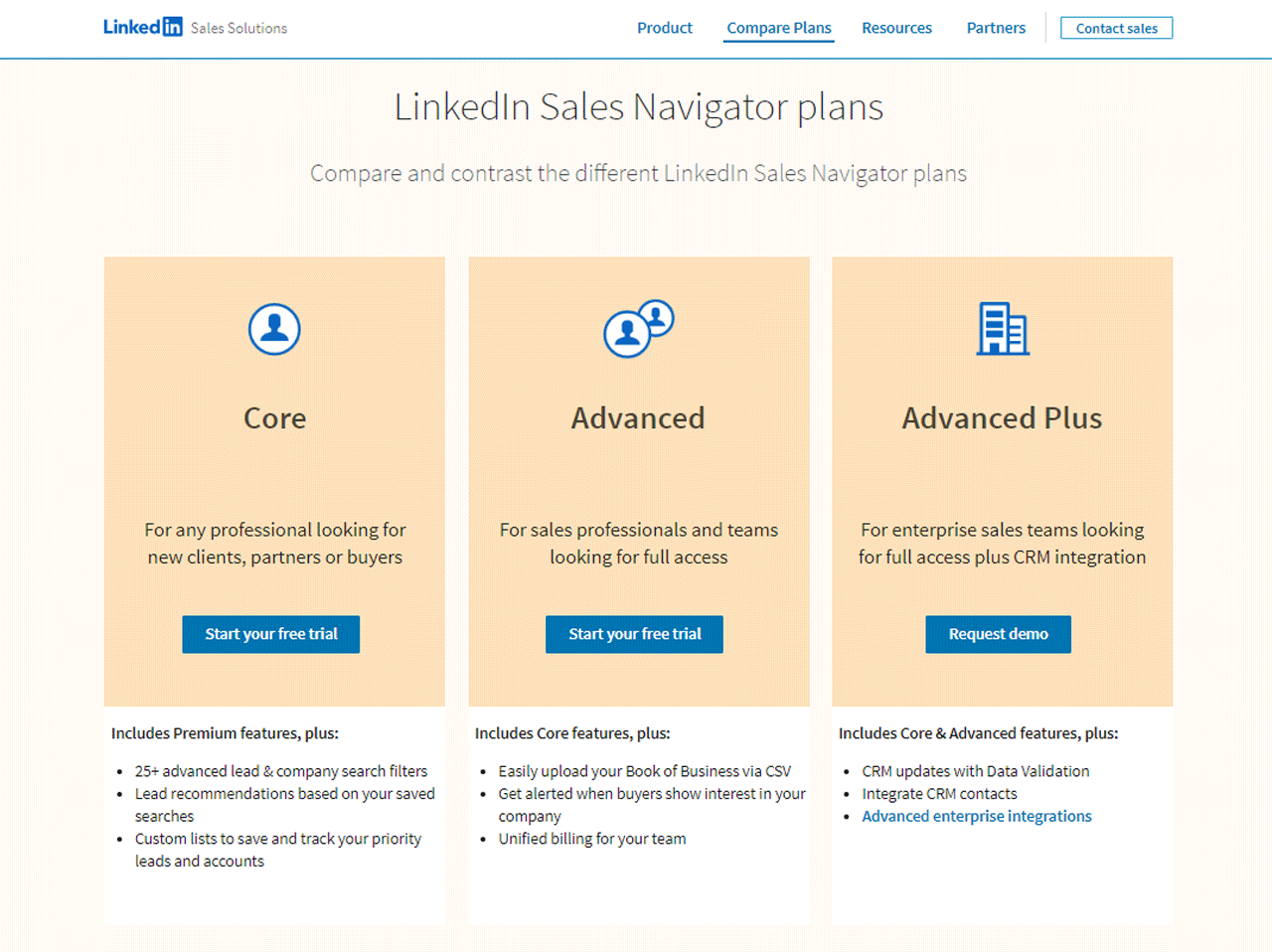
LinkedIn doesn’t publish Sales Navigator pricing prominently, so here’s the current breakdown. LinkedIn offers three tiers: Core for individual users, Advanced for teams that need collaboration and light CRM sync, and Advanced Plus for large sales organizations needing full CRM integration.
As of 2026, Core runs $119.99 per month (roughly $89.99 per month billed annually), Advanced runs $159.99 per month (about $149.99 per month annually), and Advanced Plus is custom-priced, typically starting around $1,600 per seat per year. Annual billing generally offers the biggest discount on Core.
What Users Say About LinkedIn Sales Navigator
- G2: 5 out of 5 (1,831 reviews)
- Capterra: 4 out of 5 (136 reviews)
“I like that it uses a permission based marketing approach.” – Maricka B.
Our Review of LinkedIn Sales Navigator
Sales Navigator earns its reputation among sales teams through deep integration with LinkedIn’s network, detailed search, and lead suggestions that make it easier to identify and connect with the right people.
The tradeoffs: cost can be prohibitive for solo operators or small teams, and the feature set takes time to learn. If budget is tight, it’s worth exploring free B2B lead generation options before committing.
Note: Check out our full LinkedIn Sales Navigator review for a deeper look.
3. FindThatLead
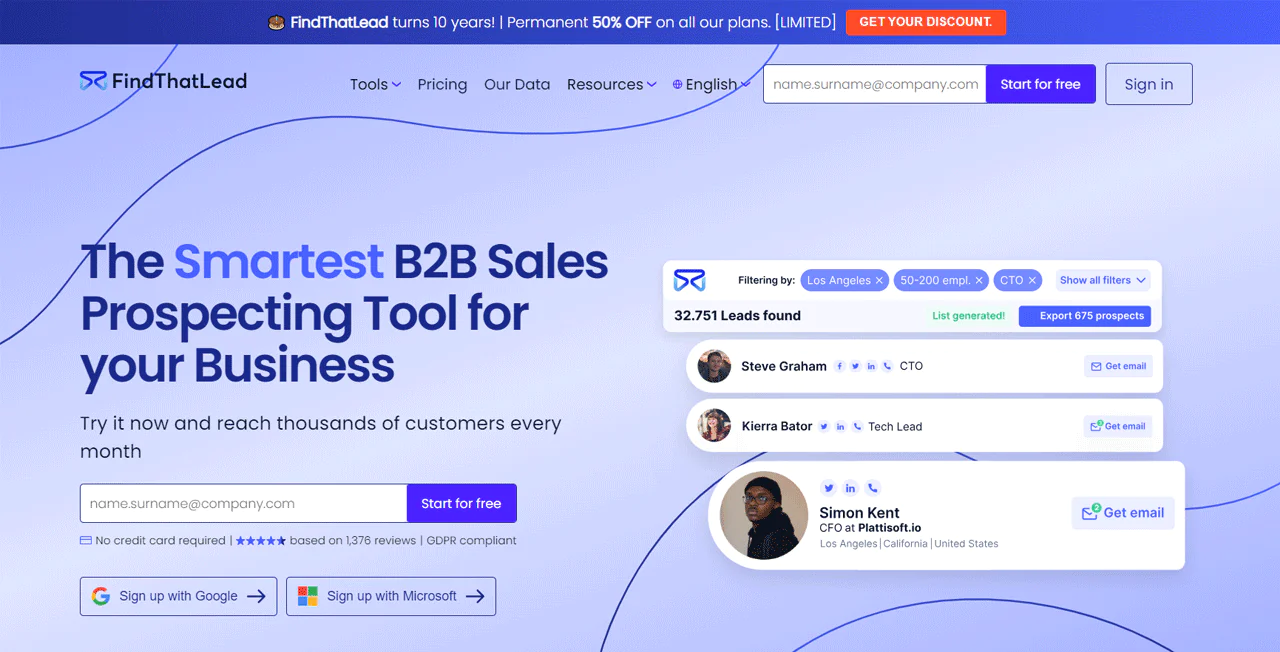
FindThatLead is a solid option for finding and connecting with potential clients, and it includes tools for running email marketing campaigns directly on the platform.
The platform checks over 200 million professional and 9 million company profiles to keep its data current, and it follows GDPR rules, which matters if you’re prospecting across the EU.
Compared to Leadfeeder, which is built around identifying companies that visit your site, FindThatLead takes a more proactive approach, actively searching and verifying contact data rather than waiting for visitors to show up.
About FindThatLead
- Founding year: 2014
- Founding team: Gerard Compte and Cristian Vitales
- Company Size: 11 to 50 employees
Features of FindThatLead
- Email Finder: Simplifies finding email addresses by name, domain, or company.
- Chrome Extension: Extracts emails directly from web pages, LinkedIn, and Crunchbase.
- Social Search: Input a LinkedIn profile URL to quickly obtain an associated email address.
- Email Sender: Send personalized cold emails and drip campaigns directly from the platform.
- Local Businesses Tool: Provides email addresses and phone numbers for local businesses in a specific geographic area.
- Prospector: Advanced lead searching using filters and real-time data.
- Lead Manager: An internal CRM feature for sorting, tagging, and categorizing leads.
Pros
- Simplifies finding email addresses for lead generation.
- Integrates with browsers for easy email extraction.
- Quickly collects emails from LinkedIn and other social media.
- Automates sending personalized emails and drip campaigns.
- Improves local business targeting with specific contact details.
- Offers advanced lead search with real-time data filtering.
Cons
- Potential for data privacy concerns with email extraction.
Pricing
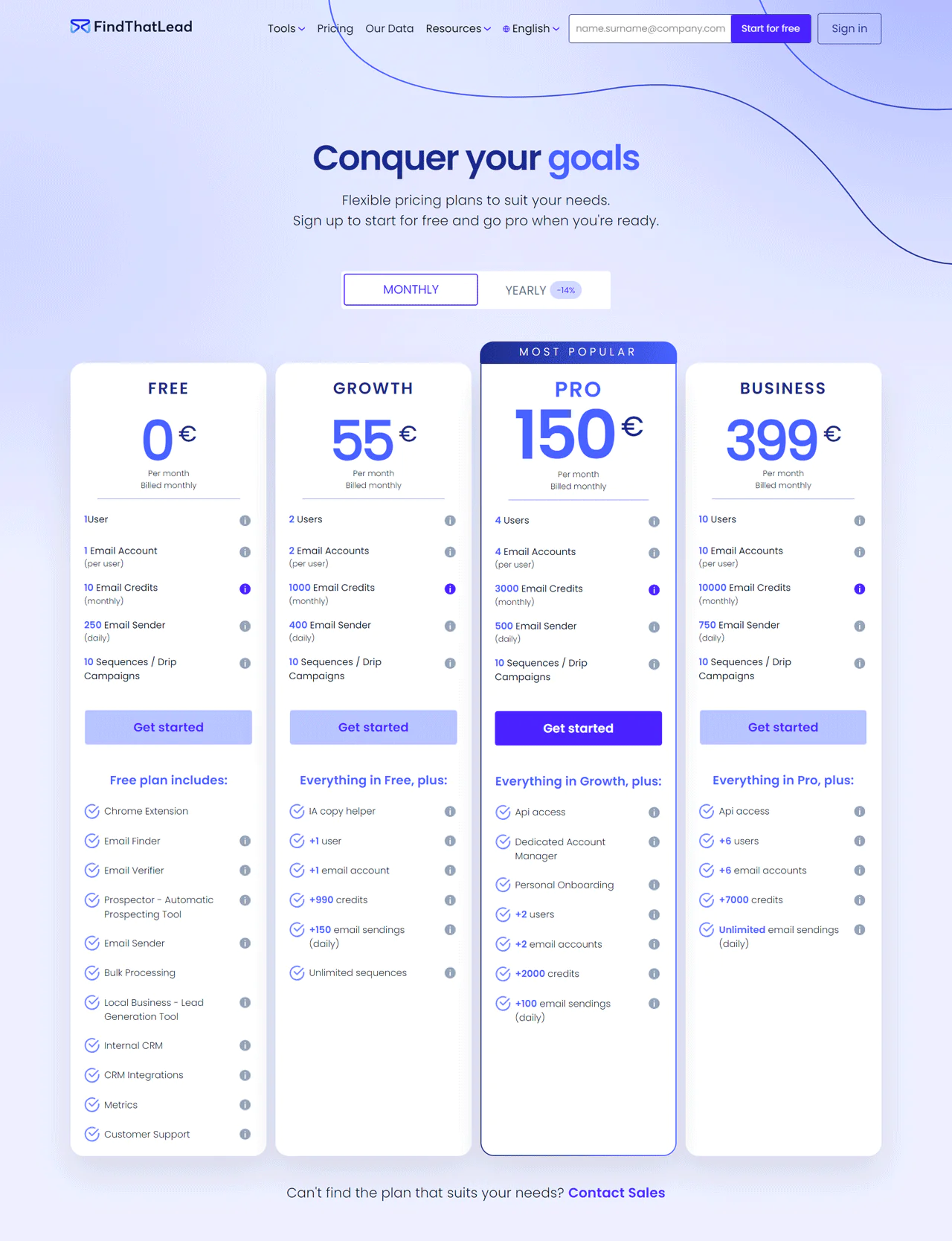
FindThatLead’s free plan gives individual users 10 email credits monthly. The Growth plan, at €55 a month, provides 1,000 email credits for two users plus an AI copy helper and unlimited sequences.
The Pro plan at €150 a month offers 3,000 email credits for up to four users, along with a dedicated account manager. The Business plan at €399 a month comes with 10,000 email credits and support for up to 10 users.
What Users Say About FindThatLead
- G2: 4 out of 5 (85 reviews)
- Capterra: 4.2 out of 5 (74 reviews)
“FTL is an easy to learn and use tool that BOOSTS your clients” – Raúl R.
Our Review of FindThatLead
FindThatLead is effective at building custom email lists quickly, and the real-time verification gives some confidence in data accuracy before you reach out. The main downside is relying on outside data sources, which some businesses may want to avoid. Overall it’s a useful resource for boosting lead generation activity.
4. Overloop
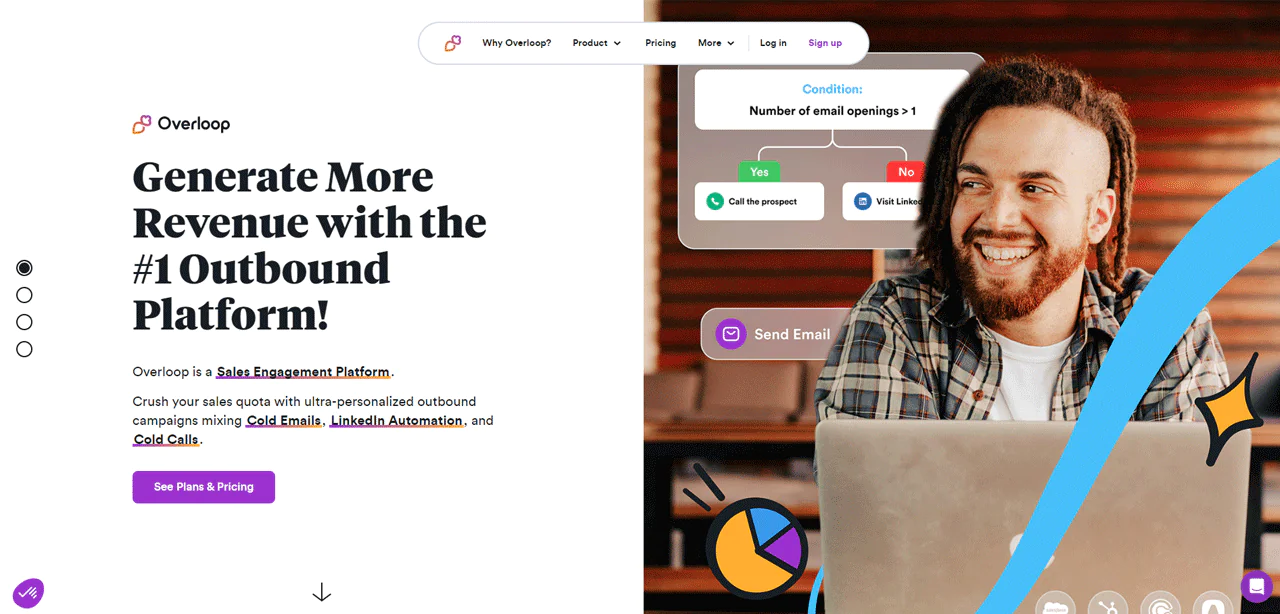
Overloop (formerly Prospect.io) makes outbound sales campaigns easier through cold email and LinkedIn automation. It combines lead generation, light CRM functionality, and multi-channel campaign management in one interface.
Compared to Snov.io, Overloop’s edge is its unified handling of email, LinkedIn, and phone outreach in a single workflow, while Snov.io leans more heavily on lead-generation tooling on its own.
About Overloop
- Founding year: 2016
- Founding team: Vincenzo Ruggiero
- Company Size: 11 to 50 employees
Features of Overloop
- Multi-Channel Sales Platform: Connect with prospects through cold email, LinkedIn, and phone from one place.
- Cold Emailing Tool: Craft and send personalized, automated email campaigns.
- LinkedIn Automation: Automates connection requests and messages to grow your network and pipeline.
- Cold Calling Software: Make VoIP calls from your browser with CRM sync and real-time analytics.
- Email Finder: Locates professional email addresses from websites or LinkedIn.
- Visual Campaign Builder: Drag-and-drop interface for building multi-channel campaigns.
- Automated Sequences: Automates follow-ups across channels without manual effort.
- Smart Action Blocks: Conditions, delays, and reviews guide each prospect through a tailored journey.
- Personalization and Segmentation: Tailor messages based on prospect behavior and profile.
- Reporting and Analytics: In-depth insight into campaign performance, useful for refining your B2B sales strategies over time.
Pros
- Makes managing outbound sales efforts more efficient.
- Lets you easily contact prospects where they like to communicate.
- Makes crafting and automating personalized emails easier.
- Automates LinkedIn tasks, saving valuable time.
- Improves sales calls by linking with CRM and providing analytics.
- Provides detailed analytics to help refine your sales strategy.
Cons
- Learning to use all its features can take some time.
Pricing
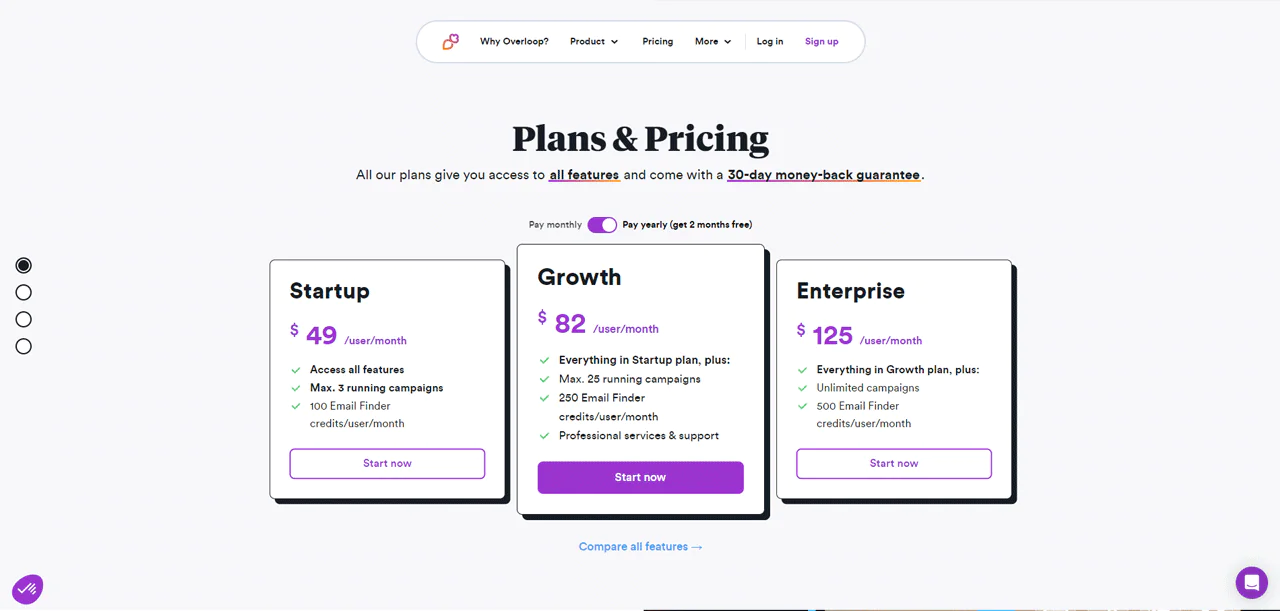
Overloop backs its plans with a 30-day money-back guarantee. The Startup plan is $59 per user monthly with 3 campaigns and 100 Email Finder credits. The Growth plan is $99 per user monthly with up to 25 campaigns and 250 credits. The Enterprise plan at $149 per user monthly removes campaign limits and includes 500 credits, plus added support.
What Users Say About Overloop
- G2: 4.3 out of 5 (119 reviews)
- Capterra: 4 out of 5 (1 review)
“The easy extension makes sure to have a fast and reliable experience for Email finding and Cold Email Campaigns.” – Siebe V.
Our Review of Overloop
Overloop is strong at smoothing out outbound campaigns by combining cold email, LinkedIn automation, and calling in one place. The interface is approachable, though there’s a learning curve to using every feature well, and the investment needs to make sense for your outbound volume.
5. LeadFuze
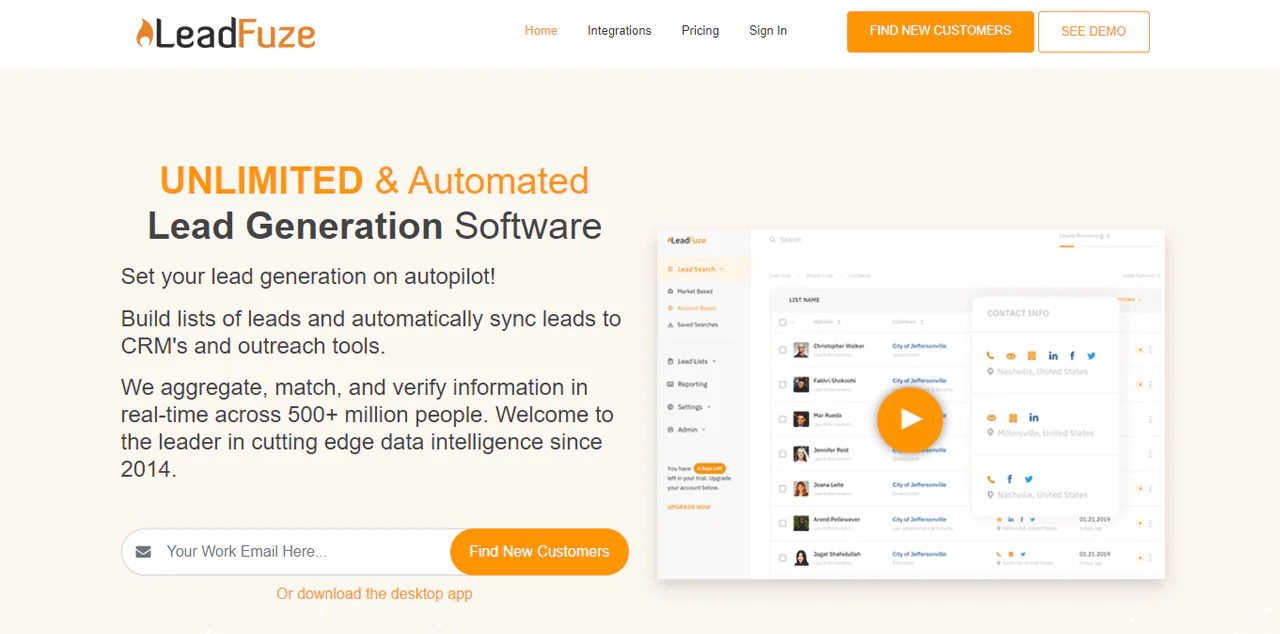
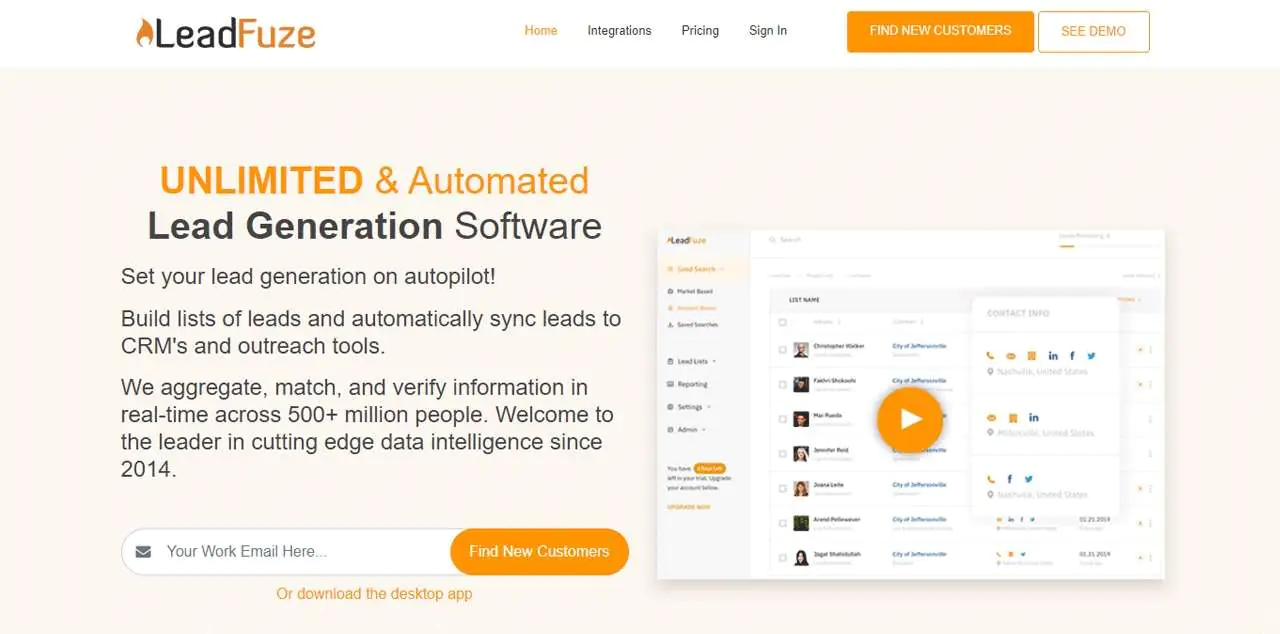
LeadFuze taps into a large B2B database and verifies contact info in real time, aiming at sales teams, recruiters, and marketers who want automated list-building rather than manual searching.
Compared to Apollo.io, LeadFuze is stronger at precise targeting and automated list creation — a set-and-forget approach to data gathering and CRM sync. Apollo.io, meanwhile, is a broader sales engagement platform combining a large contact database with outbound campaign tools, making it the more complete solution if you need more than just lead sourcing.
About LeadFuze
- Founding year: 2014
- Founding team: Justin McGill
- Company Size: 1 to 10 employees
Features of LeadFuze
- Building Lead Lists Automatically: Creates lead lists on its own and adds them to your CRM and outreach tools.
- Filtering Leads in Detail: Search by job roles, industries, and technologies used, verified for fit.
- Different Ways to Search for Leads: Target specific companies directly or search broader markets by industry.
- Reaching Out Across Channels: Contact prospects via email, phone, and social with verified contact info.
- Works Well With Other Tools: Integrates with many CRM and marketing tools, plus over a thousand more via Zapier.
- Automating Sales Processes: Its AI system, Fuzebot, constantly searches for new leads matching your criteria.
Pros
- Saves time by automating lead list creation.
- Carefully check leads to ensure they fit your criteria.
- Offers flexible search options for targeted lead generation.
- Simplifies reaching out to prospects on multiple channels.
- Integrates easily with a wide range of tools.
- Automates sales processes, allowing focus on closing deals.
Cons
- May overwhelm new users with its array of options.
Pricing
The UNLIMITED plan starts at $397 per month for unlimited lead credits per year. The SCALING plan at $147 per month gives 500 lead credits monthly. Custom plans are available for teams needing 2,500+ credits without a monthly commitment.
What Users Say About LeadFuze
- G2: 4.6 out of 5 (118 reviews)
- Capterra: 4.7 out of 5 (96 reviews)
“Great lead finder with automated searches and automated updating of leads lists on a regular basis.” – Elaine J.
Our Review of LeadFuze
LeadFuze automates a lot of the grunt work in prospecting, checking contact details and building lists without manual input. Costs can run high for small businesses and the feature set can overwhelm newcomers, but for teams that use it consistently it noticeably speeds up outreach.
6. ZoomInfo
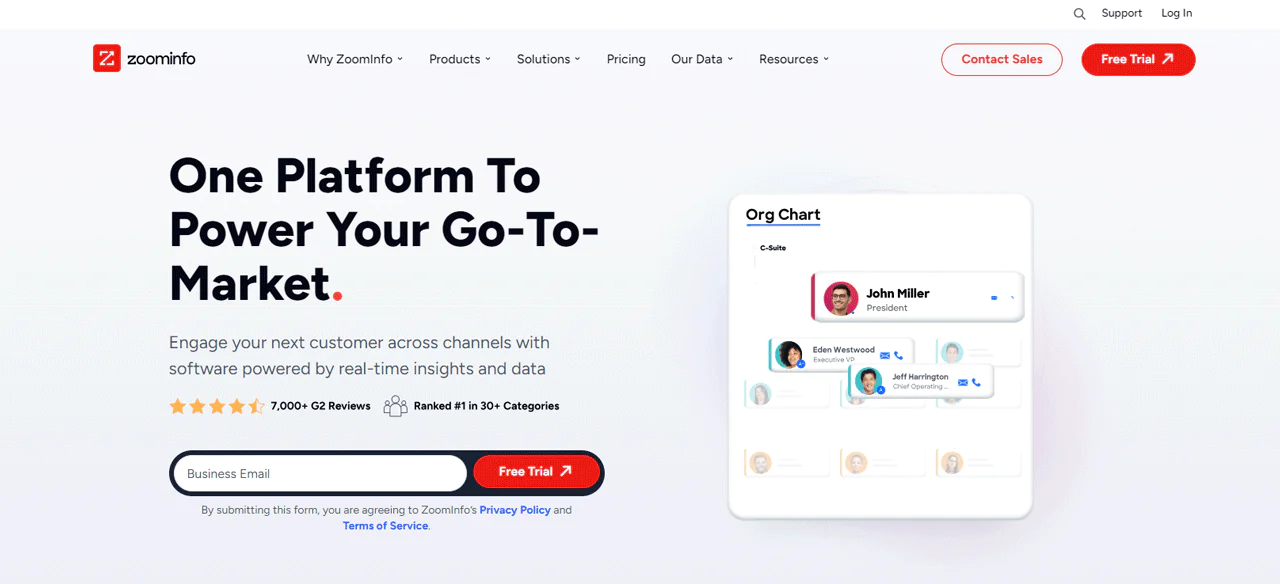
ZoomInfo maintains a large database of business professionals pulled from public sources and its own research, making it easy to pinpoint and reach decision-makers.
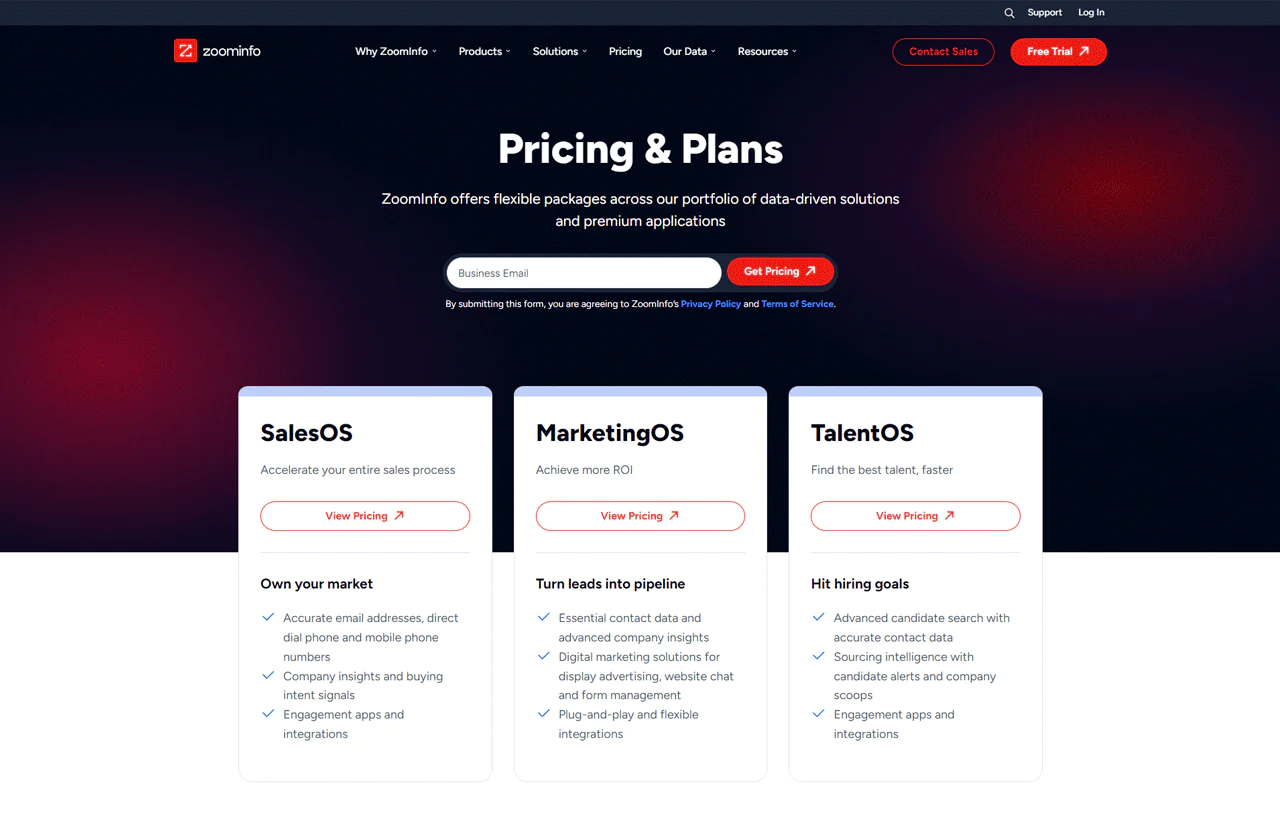
Its SalesOS, MarketingOS, and TalentOS product lines cover job-change alerts, direct dials, and company intelligence for sales, marketing, and recruiting teams respectively.
Weighed against LinkedIn Sales Navigator, ZoomInfo generally offers deeper direct-contact data and firmographic detail, while Sales Navigator is stronger for relationship-building within LinkedIn’s own network. Which one wins depends on whether you need direct contacts or network-based introductions.
About ZoomInfo
- Founding year: 2007
- Founding team: Henry Schuck
- Company Size: 1,001 to 5,000 employees
Features of ZoomInfo
- Buyer Intent: Identifies companies exploring solutions early in their buying process.
- Website Visitor Tracking: WebSights shows who’s visiting your site and what content they engage with.
- Conversation Intelligence: Chorus reviews calls, emails, and meetings to highlight effective strategies.
- Sales Automation: Engage helps run multi-touch sequences across calls and emails.
- Data Enrichment: Improves the accuracy and completeness of customer data in real time.
- Data Orchestration: Automates data cleansing, normalization, and enrichment.
- Advanced Audience Targeting: Uses firmographic and demographic data to power targeted ad campaigns.
- Lead Scoring and Routing: Prioritizes leads by job function, company size, and behavior.
- Market Intelligence: Deep insight into market trends and competitor behavior.
- Talent Acquisition and Management: Streamlines recruiting with a database of potential candidates.
Pros
- Detects prospective buyers early, improving engagement timing.
- Converts site visits into actionable marketing insights.
- Analyzes communications to refine sales strategies.
- Automates sales tasks, increasing operational efficiency.
- Keeps customer data accurate and actionable.
Cons
- Subscription costs may be high for smaller businesses.
Pricing
ZoomInfo uses custom pricing, but published plan tiers give a general sense of cost. The Professional Plan runs around $14,995 annually and suits solo experts or small groups. The Advanced Plan is roughly $24,995 a year for broader data needs, and the Elite Plan runs about $39,995 per year for large organizations needing wide-ranging data solutions. These are annual rates, and actual quotes vary by seat count and modules.
What Users Say About ZoomInfo?
- G2: 4.4 out of 5 (8,230 reviews)
- Capterra: 4.1 out of 5 (285 reviews)
“ZoomInfo gives us direct access to the stakeholders that are able to influence the procurement of our clients services” – Eddy R.
Our Review of ZoomInfo
ZoomInfo’s value comes from its scale and real-time updates on buyer intent, which help time outreach well. The tradeoff is cost: smaller businesses may find it hard to justify, and there’s a real onboarding period before you’re using it efficiently.
7. Pipedrive
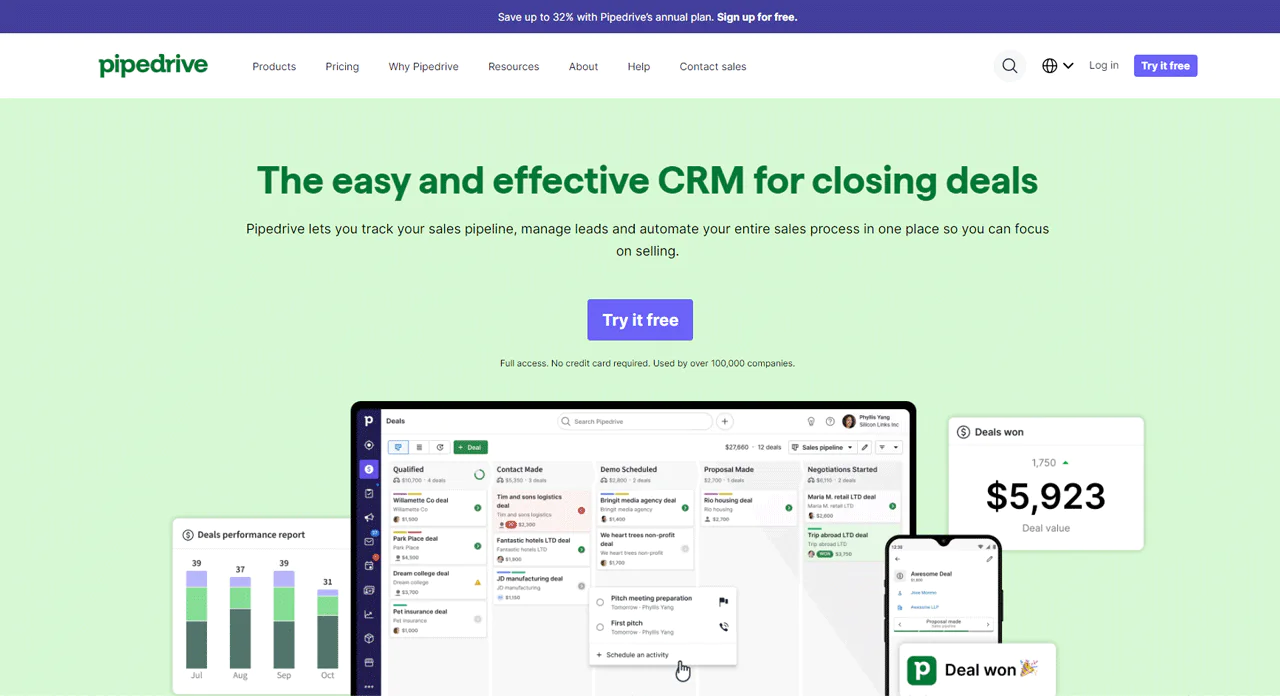
Pipedrive is built around visual sales pipeline management, automating routine tasks so reps can spend more time actually selling.
Compared to Overloop, Pipedrive is stronger at pipeline management while Overloop leans toward outbound campaign management. For a more integrated approach to managing deals from first contact to close, Pipedrive has a slight edge.
About Pipedrive
- Founding year: 2010
- Founding team: Timo Rein, Ragnar Sass, Urmas Purde, Martin Henk, and Martin Tajur
- Company Size: Over 900 employees
Features of Pipedrive
- Visual Sales Pipelines: A clear visual display of where each deal stands.
- Email Features: Manage emails within the CRM and track opens and clicks.
- Task Automation: Moves deals along the pipeline and sends automated emails and tasks.
- Data Insights and Reports: Generates reports on sales activity to inform strategy.
- Customization: Adjust pipeline stages and add custom data fields.
- Email Marketing Integration: Build emails, segment audiences, and analyze results.
Pros
- Simplifies sales process management with visual pipelines.
- Automates routine sales tasks to improve efficiency.
- Provides valuable sales insights and reporting.
- Offers extensive customization to fit business needs.
- Simplifies email marketing with integrated tools.
Cons
- Might require a learning curve for new users.
Pricing
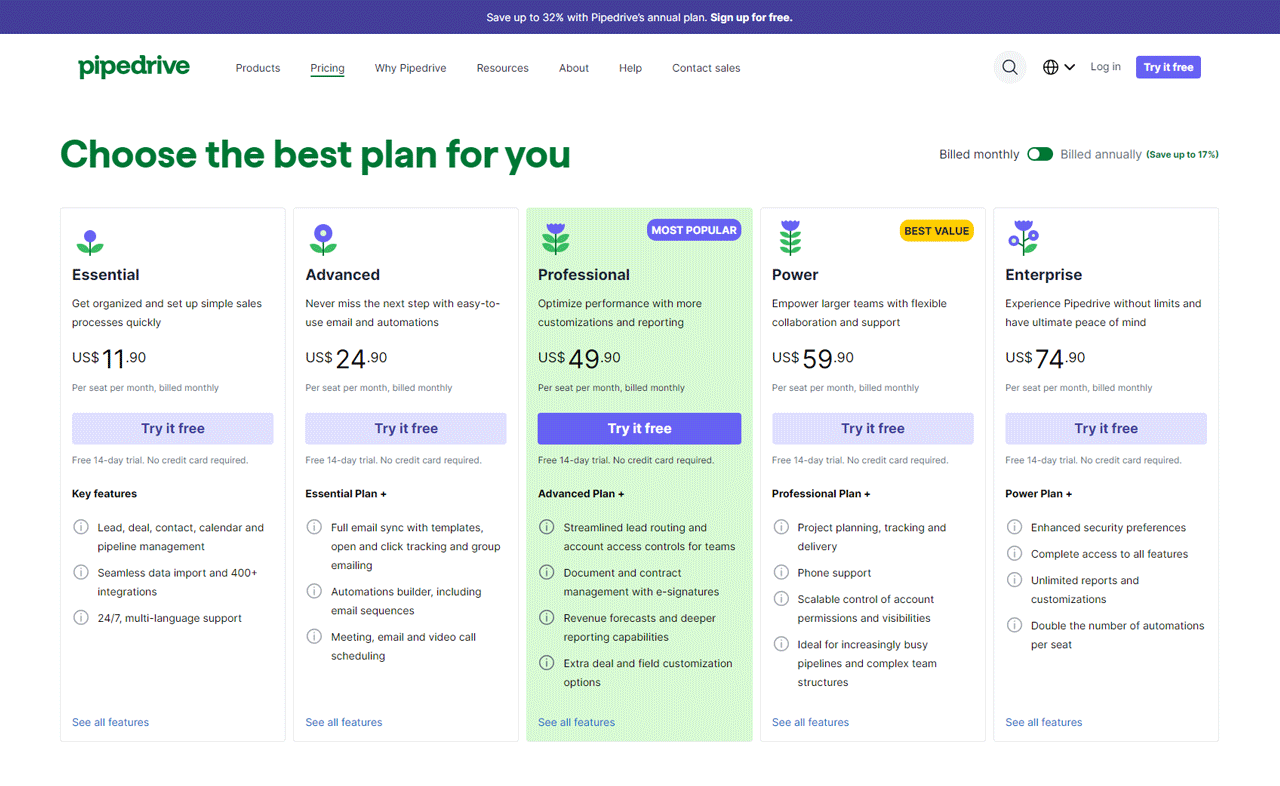
- Essential Plan: $11.90 monthly per user for straightforward sales processes.
- Advanced Plan: $24.90 monthly per user, adds enhanced email and automation tools.
- Professional Plan: $49.90 monthly per user, deep customization and advanced reporting.
- Power Plan: $59.90 monthly per user, flexible collaboration tools for larger teams.
- Enterprise Plan: $74.90 monthly per user, unlimited access to Pipedrive’s features.
Every plan includes a 14-day free trial.
What Users Say About Pipedrive
- G2: 4.2 out of 5 (1,751 reviews)
- Capterra: 4.6 out of 5 (2,938 reviews)
“Pipedrive CRM is an excellent tool for managing sales processes and keeping track of customer interactions.” – Angel Jr S.
Our Review of Pipedrive
Pipedrive is a solid pick for managing sales pipeline and customer relationships, with automated workflows and clear reporting. Compatibility with many other apps adds flexibility. The tradeoff is a real learning curve and no free plan, which may matter for budget-conscious small teams.
8. Skrapp.io
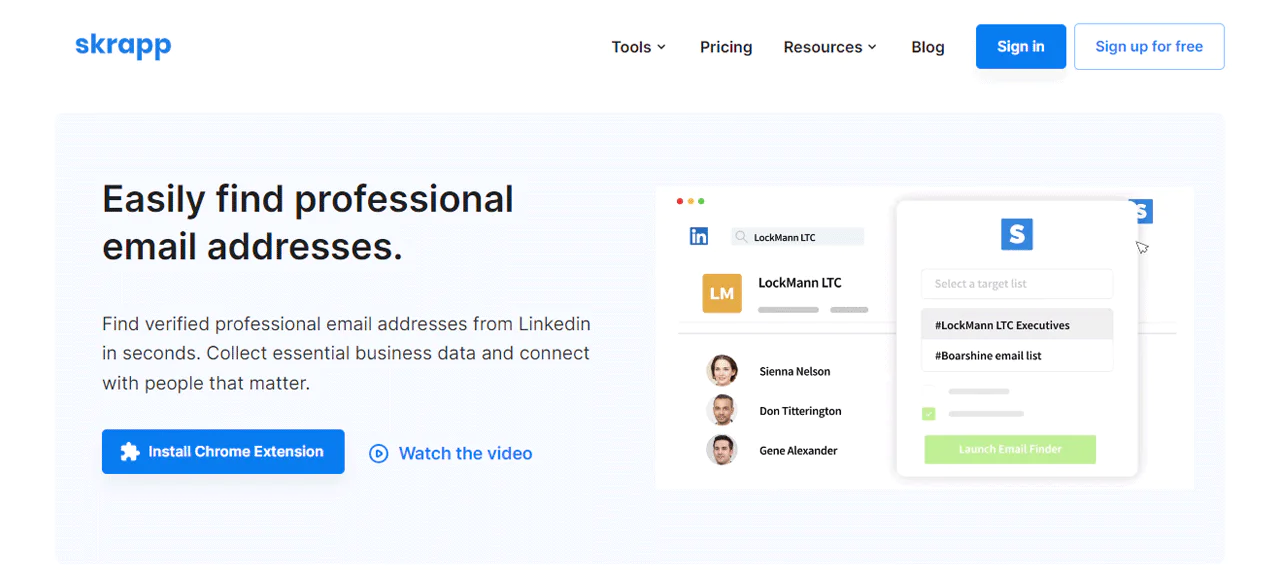
Skrapp.io uses web scraping and social media analysis to find email addresses and enrich business profiles, with tight LinkedIn integration for prospecting.
Compared to LeadFuze, Skrapp.io’s advantage is direct LinkedIn and Sales Navigator connectivity for finding and confirming emails. LeadFuze offers a broader set of automated features, including AI-powered list building and wider CRM integration, making it a better fit for managing leads across multiple platforms.
About Skrapp.io
- Founding year: 2016
- Founding team: Othmane Ghazi
- Company Size: 1 to 10 employees
Features of Skrapp.io
- LinkedIn Integration: Turns LinkedIn into an email-search platform via a Chrome extension.
- Email Finder: Enter a name and company domain to get verified email addresses.
- Bulk Email Finder: Upload a list of names and companies to get a verified list back.
- Email Verifier: Checks emails in real time to reduce bounce rates.
- People Search: Find prospects by job title, industry, and company size.
- Company Search: Search specific companies to uncover key employees and their emails.
Pros
- Quickly finds verified professional email addresses.
- Integrates smoothly with LinkedIn for efficient lead generation.
- Offers bulk email finding to speed up list creation.
- Validates emails in real-time to minimize bounce rates.
- Allows detailed searches of specific companies and key employees.
- Provides a large database for finding prospects by various criteria.
Cons
- May show slower results for large companies.
Pricing
- The Free plan offers 100 email searches, 200 verifications, and 50 company lookups monthly.
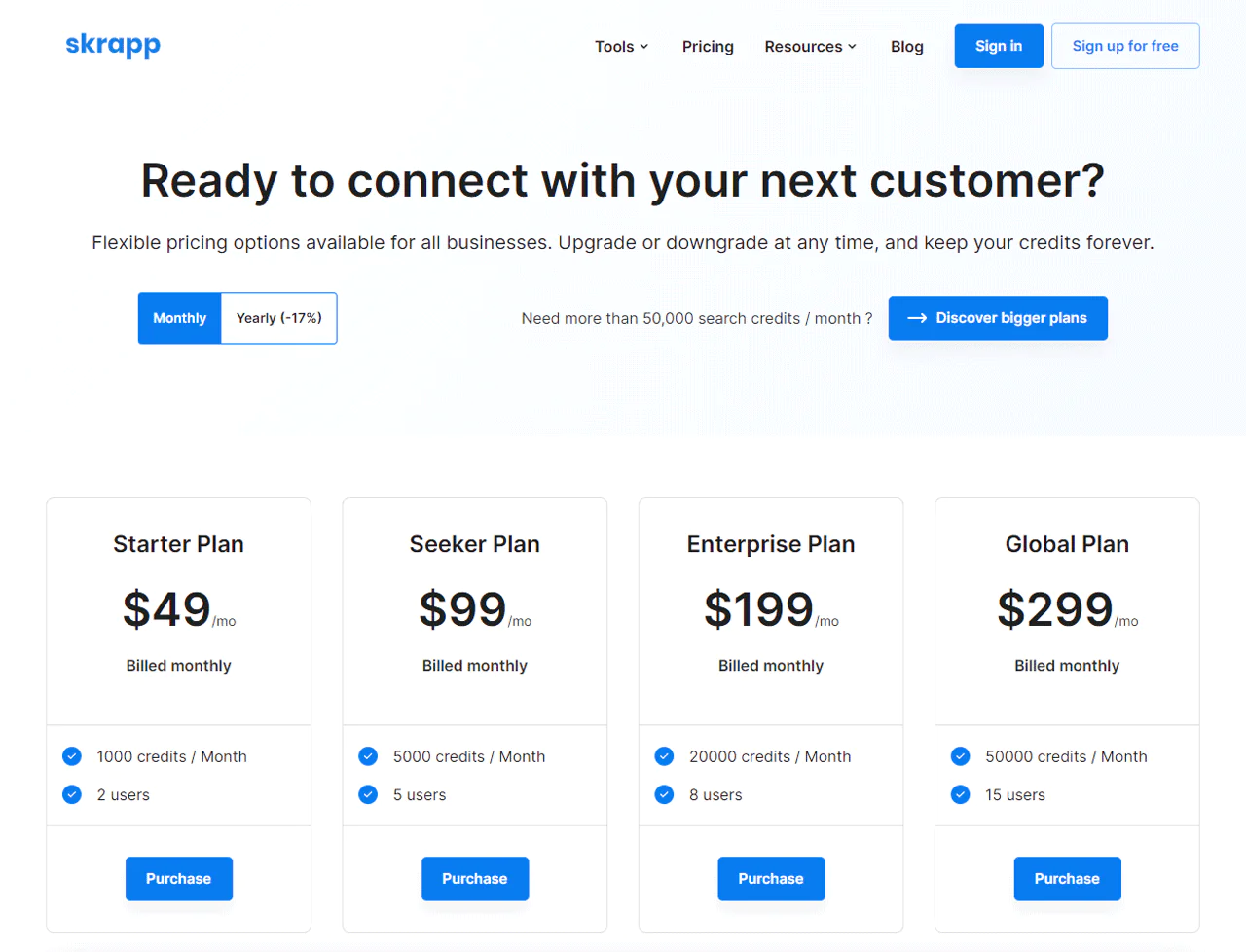
- The Starter plan at $29 a month allows 1,000 email searches, 2,000 verifications, and 500 company lookups.
- The Seeker plan, at $79 a month, allows 5,000 email searches, 10,000 verifications, and 2,500 company lookups for up to five users.
- The Global plan at $299 a month provides 50,000 email searches, 100,000 verifications, and 25,000 company lookups for 15 users.
What Users Say About Skrapp.io
- G2: 3.9 out of 5 (100 reviews)
- Capterra: 4.6 out of 5 (55 reviews)
“That I can get executive emails – pull lists of email – and it is considerably cheaper than the alternatves.” – Yoni L.
Our Review of Skrapp.io
Skrapp.io is genuinely useful for pulling verified emails from LinkedIn, and the company profile detail helps tailor outreach. Finding emails at large companies can take longer, and the free tier has real limitations, but it’s a solid option for boosting email prospecting on a budget.
9. Apollo.io
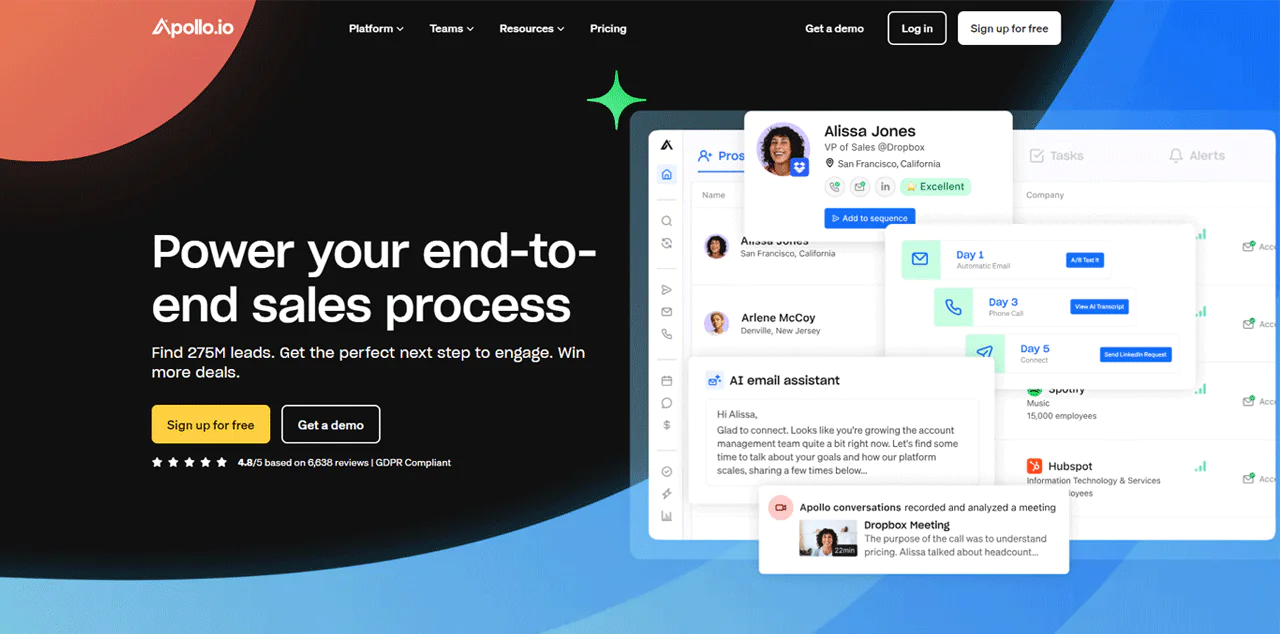
Apollo.io combines a large B2B database with active engagement tools, positioning it as an all-in-one platform rather than a pure lead-sourcing tool. Advanced filters, scoring, and CRM connections make it easier to find and follow through on leads.
Leadfeeder focuses on identifying companies that visit your website. Apollo.io focuses on contact search and sales engagement, including outreach tools and CRM connections. The better fit depends on whether you prioritize identifying website visitors or finding contacts and managing outreach.
About Apollo.io
- Founding year: 2015
- Founding team: Tim Zheng
- Company Size: 501 to 1001 employees
Features of Apollo.io
- Enrich & Cleanse: Real-time enrichment and deduplication for CRM data.
- Conversation Intelligence: AI analyzes sales chats and offers recommendations.
- Deal Management: Monitors deal progress and flags risk.
- Contact & Account Search: Advanced filters target your ideal customer profile.
- Prospecting Tools: Prospect scoring and lead prioritization based on data analytics.
- Sales Engagement: Automate email sequences, calls, and meeting scheduling.
- CRM Integration: Syncs lead and activity data with existing CRM systems.
- AI Sales Assistant: Suggests optimal engagement strategies based on lead behavior.
- Analytics and Reporting: Custom reporting to evaluate and refine sales strategy.
- Email and Communication Tracking: Shows which messages are opened and links clicked.
Pros
- Improves accuracy of contact data for reliable outreach.
- Provides actionable insights from sales conversations.
- Accelerates deal closures with efficient management tools.
- Simplifies finding high-quality leads with detailed filters.
- Uses AI to personalize and improve communication strategies.
Cons
- Better if they gave a guide to show how to create a person to send emails.
Pricing
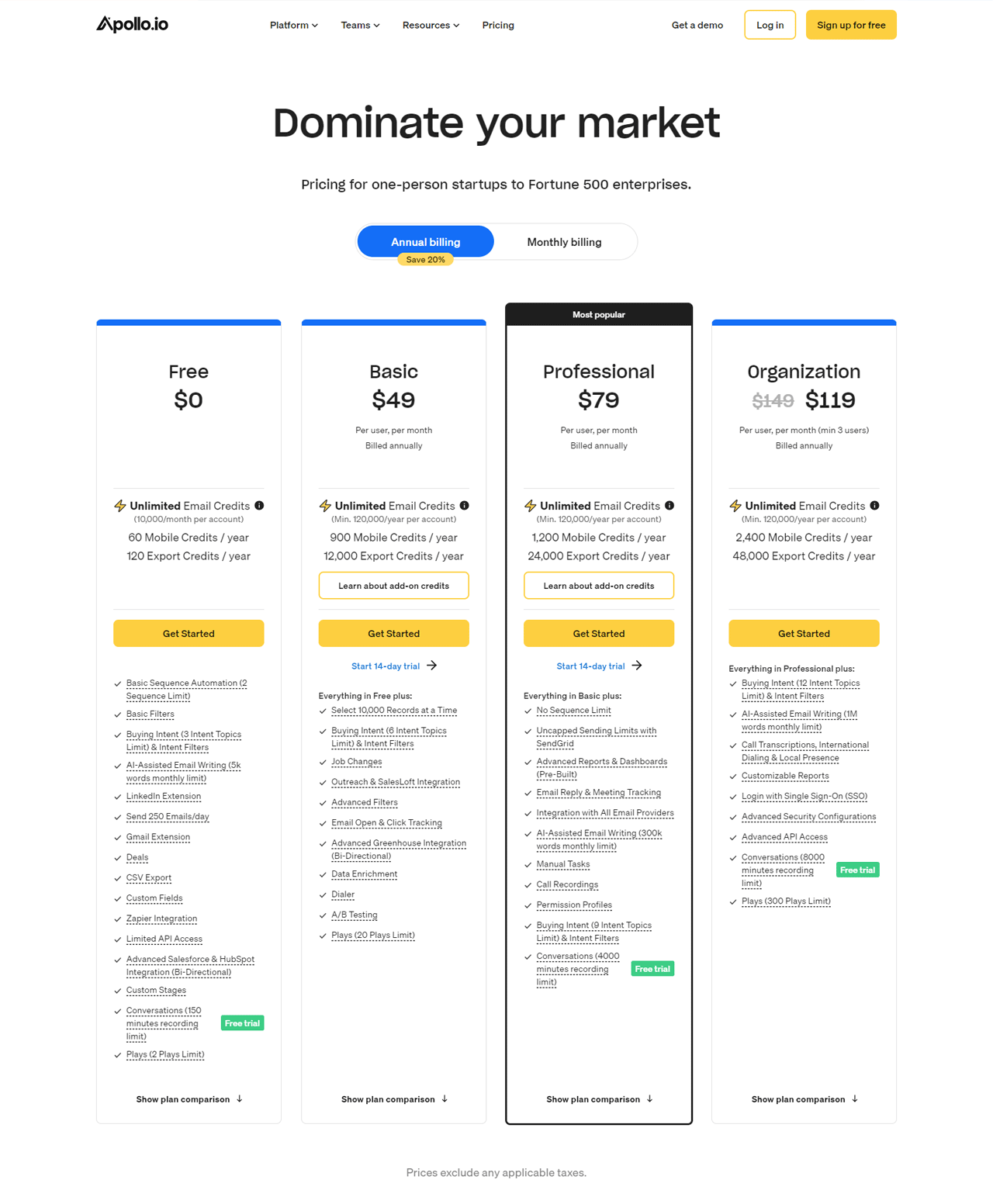
Apollo.io’s Free plan gives basic tools and up to 250 emails daily. The Basic plan at $59 per user monthly adds advanced filters and a higher sending limit. The Professional plan at $99 per user monthly adds advanced reporting and AI email writing. The Organization plan starts at $149 per user monthly (minimum five users) with the full toolset.
What Users Say About Apollo.io?
- G2: 5 out of 5 (6,914 reviews)
- Capterra: 4 out of 5 (343 reviews)
“Apollo.io has shown to be a really useful tool for my sales arsenal.” – Margo S.
Our Review of Apollo.io
Apollo.io holds up well for daily prospecting thanks to a large contact database and solid task automation. It can feel complex at first, and pricing may stretch smaller budgets, but for large-scale sales operations the toolset earns its keep.
10. Snov.io
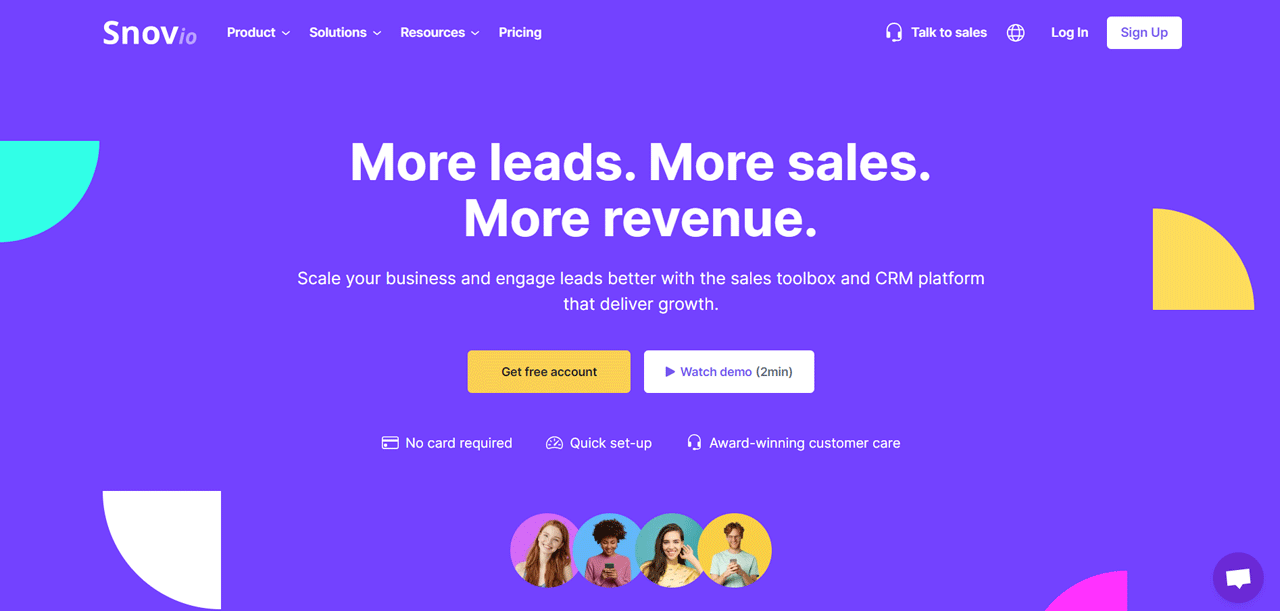
Snov.io focuses on sales automation: finding verified emails, sending automated outreach, and managing leads through the sales process.
Compared to ZoomInfo, Snov.io leans into automated, personalized email outreach, while ZoomInfo offers a broader database with advanced search for identifying valuable leads at scale. Snov.io suits businesses wanting automated engagement; ZoomInfo suits those needing wide market access.
About Snov.io
- Founding year: 2017
- Founding team: Oleksii Kratko
- Company Size: 11 to 50 employees
Features of Snov.io
- Email Drip Campaigns: Automates personalized follow-up sequences.
- Email Finder: Find verified emails by domain, company, or name.
- Email Warm-up: Improves deliverability by generating email interactions automatically.
- Email Verifier: Checks validity before sending to reduce bounce rates.
- Email Tracker: Shows when emails are opened and links clicked, integrated with Gmail.
- Chrome Extension: Captures leads directly from websites and LinkedIn.
- Sales CRM: Manages and tracks leads and deals within the platform.
Pros
- Improves lead generation with advanced email finding capabilities.
- Offers dynamic email sequences for targeted customer engagement.
- Promotes sender reputation and inbox placement rates.
- Ensures cleaner email lists with comprehensive verification.
- Centralizes lead management with an integrated CRM system.
- Enables efficient lead collection directly from the web.
Cons
- Pricing plans might stretch the budget of smaller operations.
Pricing
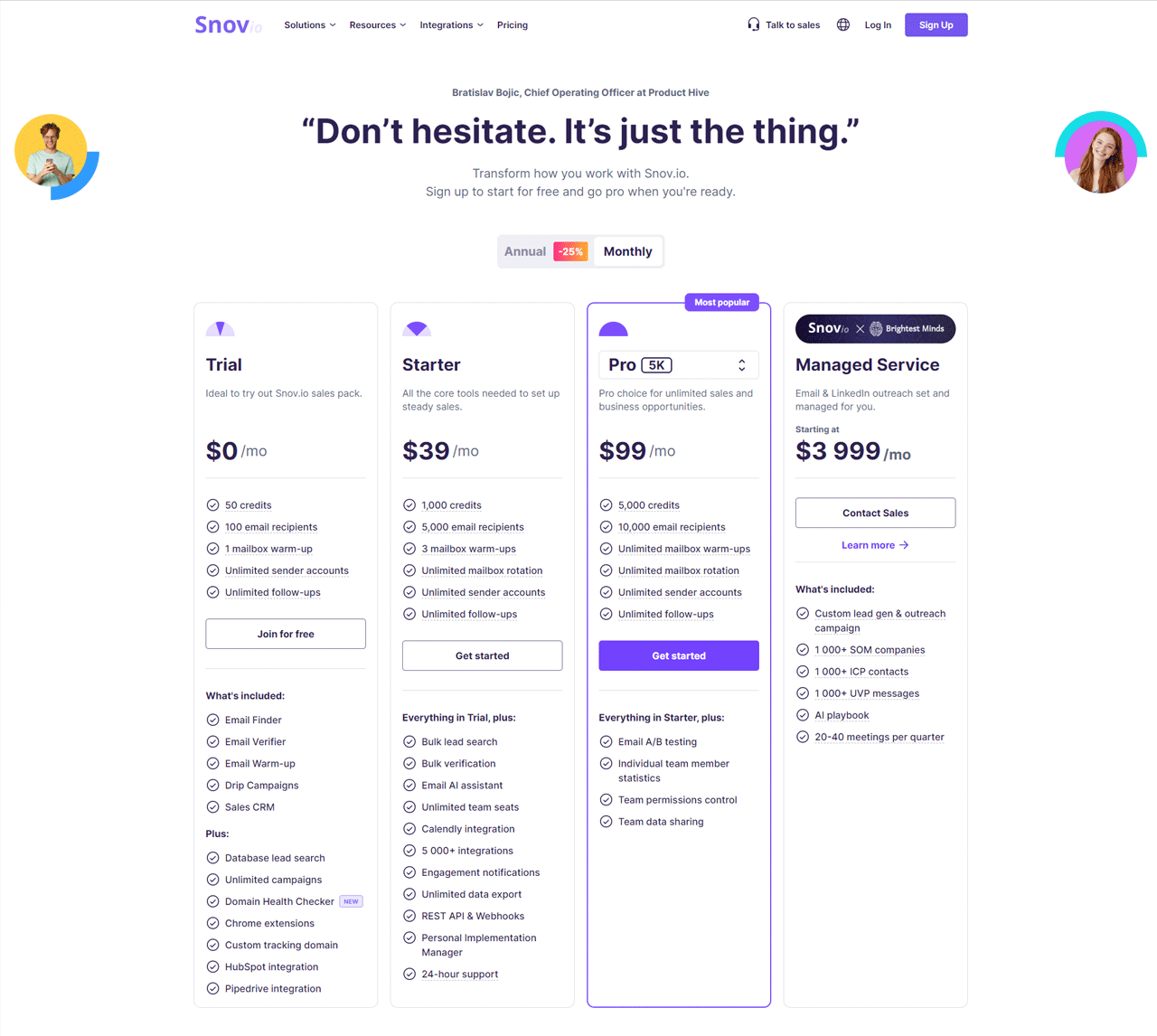
See current Snov.io pricing plans for full detail. The Trial plan is free with 50 credits and one mailbox warmup. The Starter plan is $30 per month with 1,000 credits and three warmups. The Pro plan is $75 per month with 5,000 credits and features like A/B testing. The Managed Service plan starts at $3,999 per month for full-service outreach management.
What Users Say About Snov.io?
- G2: 4.6 out of 5 (360 reviews)
- Capterra: 4.6 out of 5 (207 reviews)
“The ease of use is just fantastic. Even if you’re not tech-savvy, you’ll find it incredibly user-friendly.” – Max D.
Our Review of Snov.io
Snov.io’s suite — Email Finder, Drip Campaigns, and Sales CRM — works well together for lead generation and clean list management. New users may find the breadth of features a bit much, and cost can be a factor for tight budgets.
11. Leadfeeder
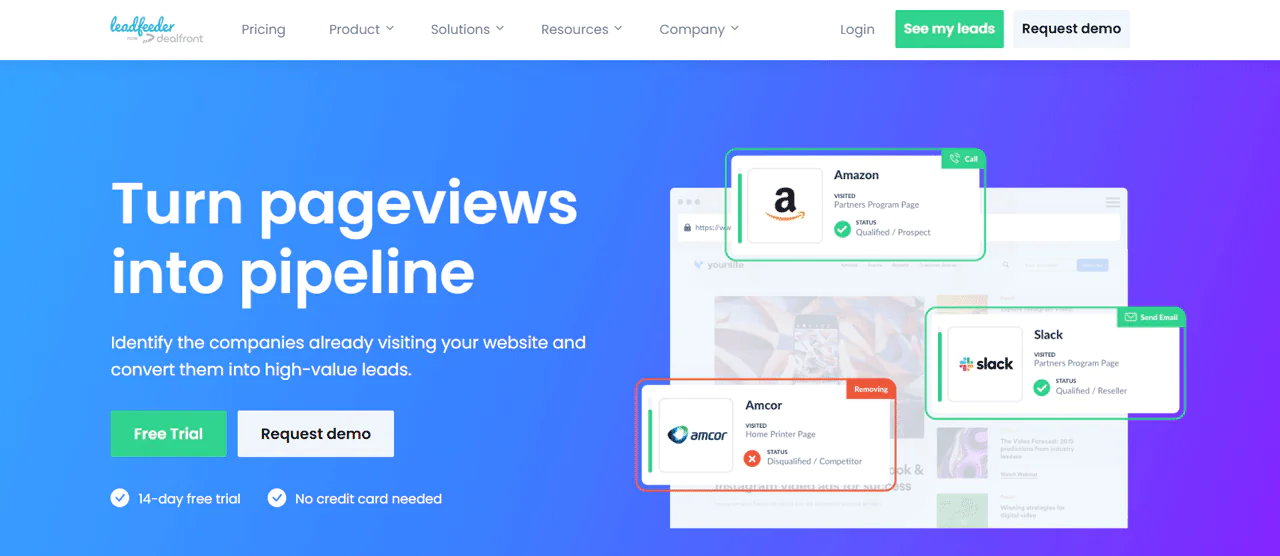
Leadfeeder identifies companies visiting your website and turns anonymous traffic into actionable leads, giving sales and marketing a fuller picture of prospect behavior.
Compared to Pipedrive, Leadfeeder is stronger at catching leads early by capturing visitor data, while Pipedrive focuses on managing the sales process once a deal is in motion. If catching interest the moment it happens matters most, Leadfeeder has the edge.
About Leadfeeder
- Founding year: 2012
- Founding team: Herkko Kiljunen, Pekka Koskinen, and Vicent Llongo
- Company Size: 101 to 250 employees
Features of Leadfeeder
- Lead Scoring and Qualification: Scores leads by web activity to prioritize follow-up.
- Website Visitor Identification: Turns anonymous traffic into identifiable company names.
- Customizable Lead Feeds: Create feeds based on industry, company size, or behavior.
- Account-Based Marketing (ABM) Tools: Tracks target accounts and enriches ad campaigns with visitor data.
- Real-time Alerts: Notifies you when target companies visit your site.
- CRM Integration: Enriches CRM data with detailed visitor actions.
Pros
- Automatically identifies companies visiting your site.
- Prioritizes leads based on engagement, aiding follow-up.
- Integrates smoothly with major CRM platforms.
- Allows for targeted outreach with customizable lead feeds.
- Offers real-time alerts for immediate engagement opportunities.
- Supports ABM by tracking and identifying target accounts.
Cons
- Limited insights for smaller, non-corporate website visitors.
Pricing
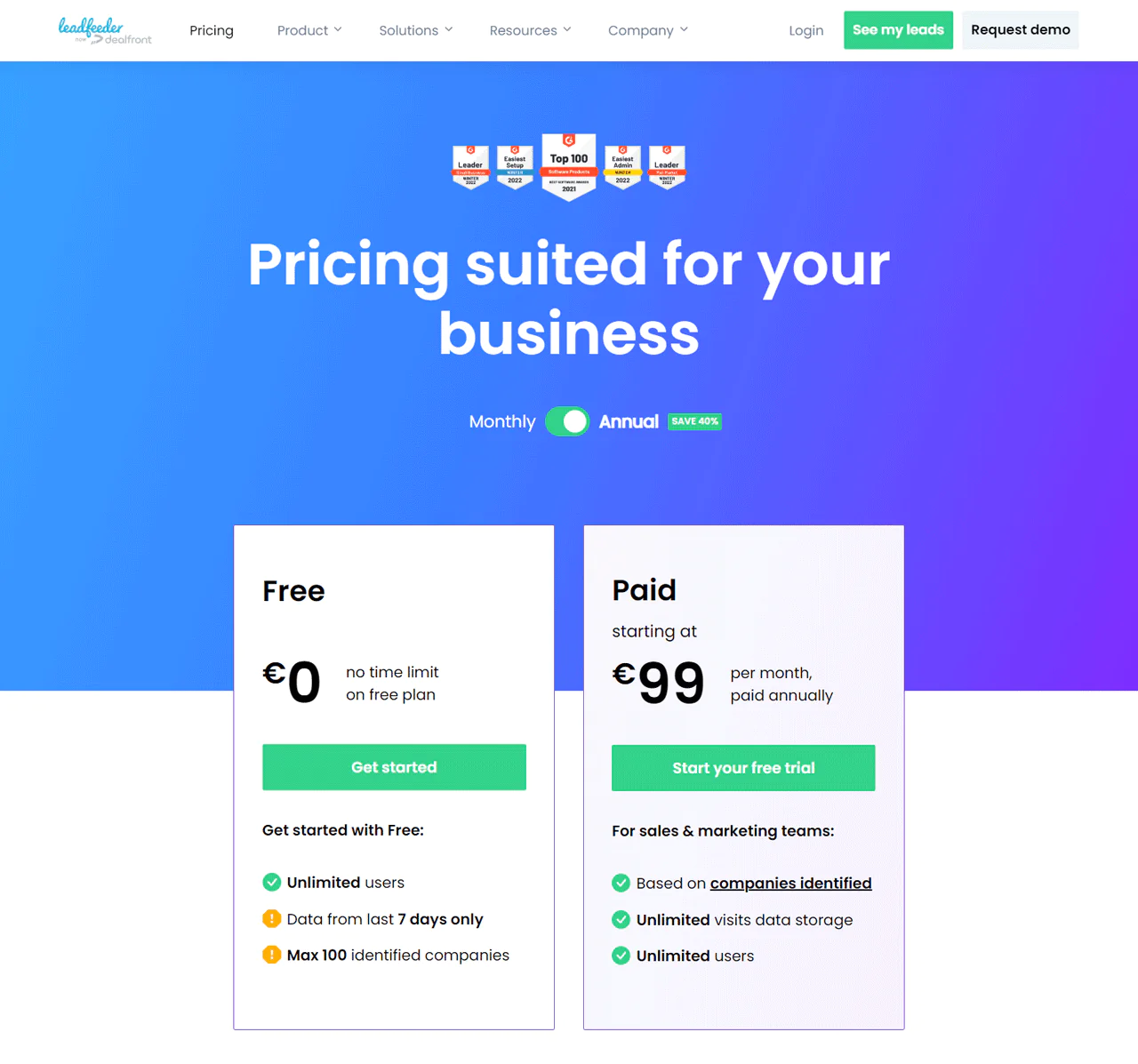
The Free plan gives seven days of data for up to 100 companies. The Paid plan is €198 per month with unlimited users, unlimited data storage, and tracking for all identified companies.
What Users Say About Leadfeeder
“Leadfeeder gives us a great idea of which qualified enterprise prospects are checking us out so we can follow these leads.” – Ben O.
Our Review of Leadfeeder
Leadfeeder is good at converting anonymous site visits into named-company leads and connects cleanly with CRM platforms. For smaller sites without much traffic, the cost may not pencil out yet.
12. Datanyze
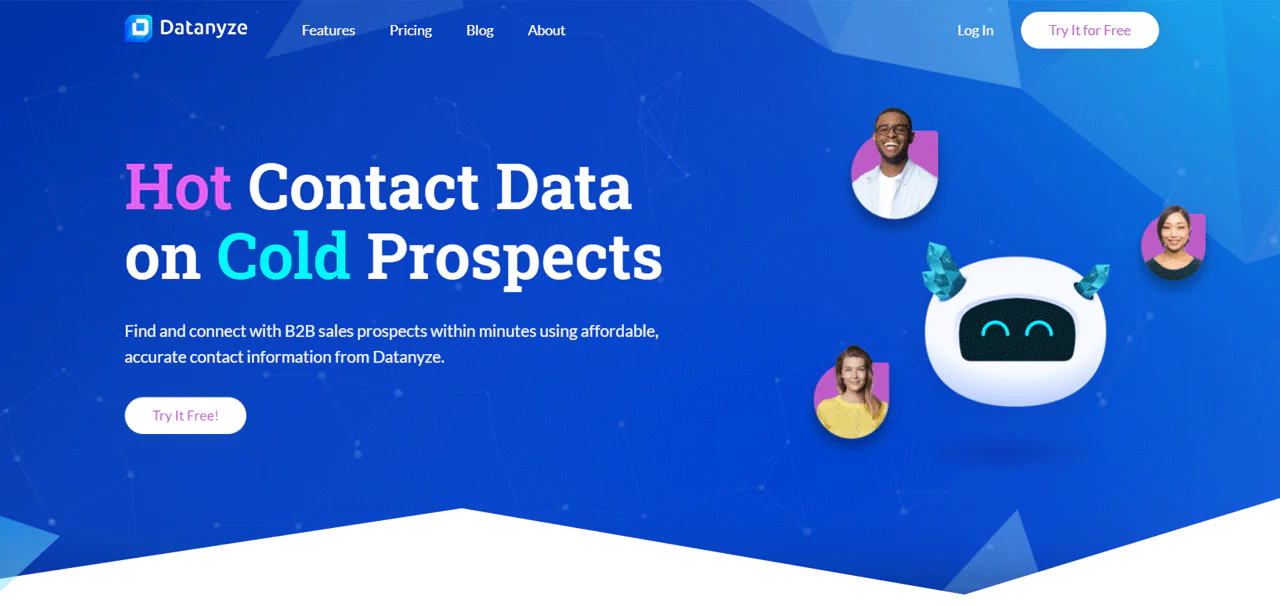
Datanyze turns raw prospect data into actionable insight, pairing contact information with technographic detail — what technology a company already uses — to make outreach more informed.
Compared to Skrapp.io, Datanyze goes deeper on market share and tech stack data, while Skrapp.io focuses on finding and verifying emails. Datanyze suits teams that want broader market analysis alongside contact data.
About Datanyze
- Founding year: 2012
- Founding team: Ilya Semin
- Company Size: 11 to 50 employees
Features of Datanyze
- Google Chrome Extension: Finds contact and company info on social media and business websites.
- Icebreakers for Outreach: Suggests conversation starters based on social activity or local news.
- Managing Contact Lists: Organize, tag, and export contacts into categorized lists.
- Bulk Prospecting: Shows contact information for all employees listed on a company’s LinkedIn page.
- Access for the Whole Team: Distribute data access across the team as needed.
Pros
- Instantly finds and verifies emails directly in your browser.
- Icebreakers based on real-time data make introductions smoother.
- Segmented contact lists improve targeted outreach.
- Efficiently handles large-scale prospecting on platforms like LinkedIn.
- Ensures data compliance, offering peace of mind.
Cons
- No flexibility to add extra credits mid-subscription.
Pricing
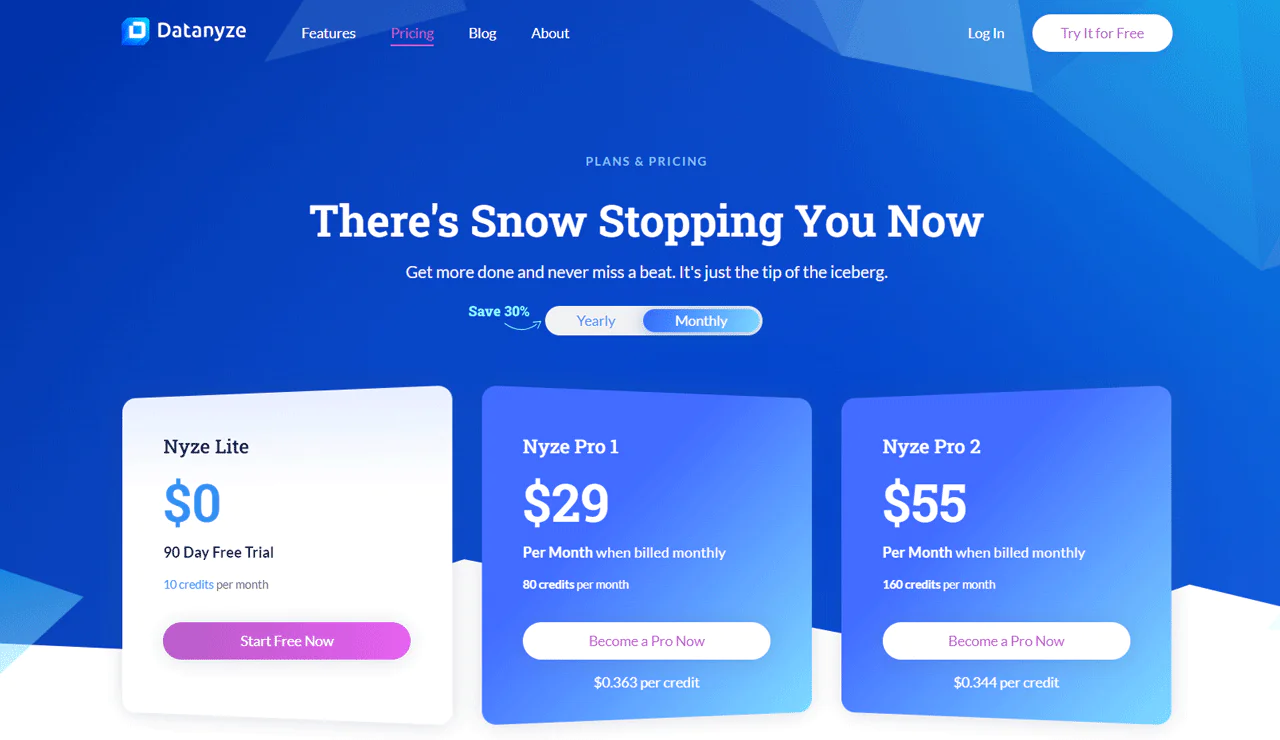
The Nyze Lite plan offers a 90-day free trial with 10 credits monthly. The Nyze Pro 1 plan is $29 per month for 960 credits per year (about $0.263 per credit). The Nyze Pro 2 plan steps up to 1,920 credits per year for $55 per month billed yearly (about $0.244 per credit).
What Users Say About Datanyze?
- G2: 4.2 out of 5 (443 reviews)
- Capterra: 3.9 out of 5 (50 reviews)
“Datanyze is an excellent tool for those who want to complete the potential client profile or simply find more information about the company.” – Kate K.
Our Review of Datanyze
Datanyze’s Chrome extension makes accessing contact and market-share data simple, which helps refine sales targeting. The pricing structure and support options can be limiting for some users, but it delivers solid resources for improving sales tactics.
13. Seamless.AI
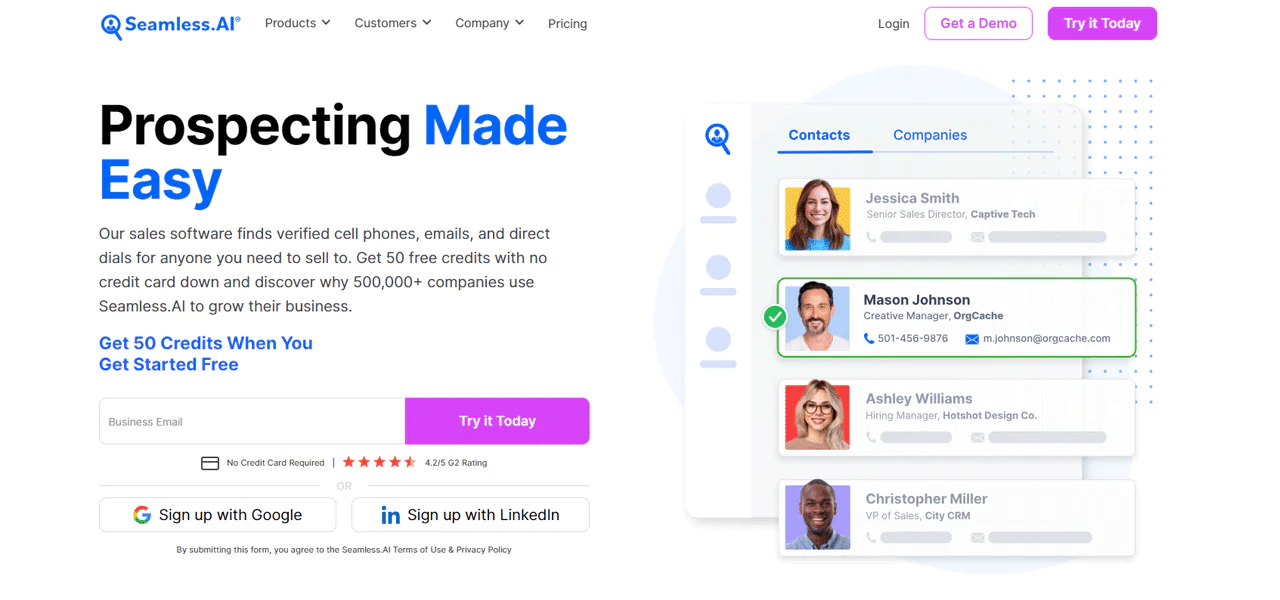
Seamless.AI uses AI to find and verify contact information across the web in near real time, aiming to help sales teams grow pipeline and connect with decision-makers faster.
Compared to Snov.io, Seamless.AI leans into fresh, real-time contact data, while Snov.io is stronger for detailed lead management and engagement. Which one fits depends on whether fresh data or broader lead-handling features matter more to you.
About Seamless.AI
- Founding year: 2014
- Founding team: Brandon Bornancin
- Company Size: 500 employees
Features of Seamless.AI
- Buyer Intent Data: Access to over 12,000 topics to identify leads more likely to buy.
- Pitch Intelligence: Personalized insights for each contact and account.
- Data Enrichment: Fills in missing contact details and refreshes existing ones.
- Integrations: Direct exports to Salesforce, HubSpot, and Microsoft Dynamics.
- Writer: AI-generated sales and marketing copy.
- Autopilot: Automates building sales and marketing lists based on your specifications.
Pros
- Offers personalized insights for effective pitches.
- Keep your B2B database current and accurate.
- Identifies leads ready to buy, streamlining sales.
- Automated list building, saving time on prospecting.
- Generates compelling sales and marketing content quickly.
Cons
- May require a learning curve to fully utilize all features.
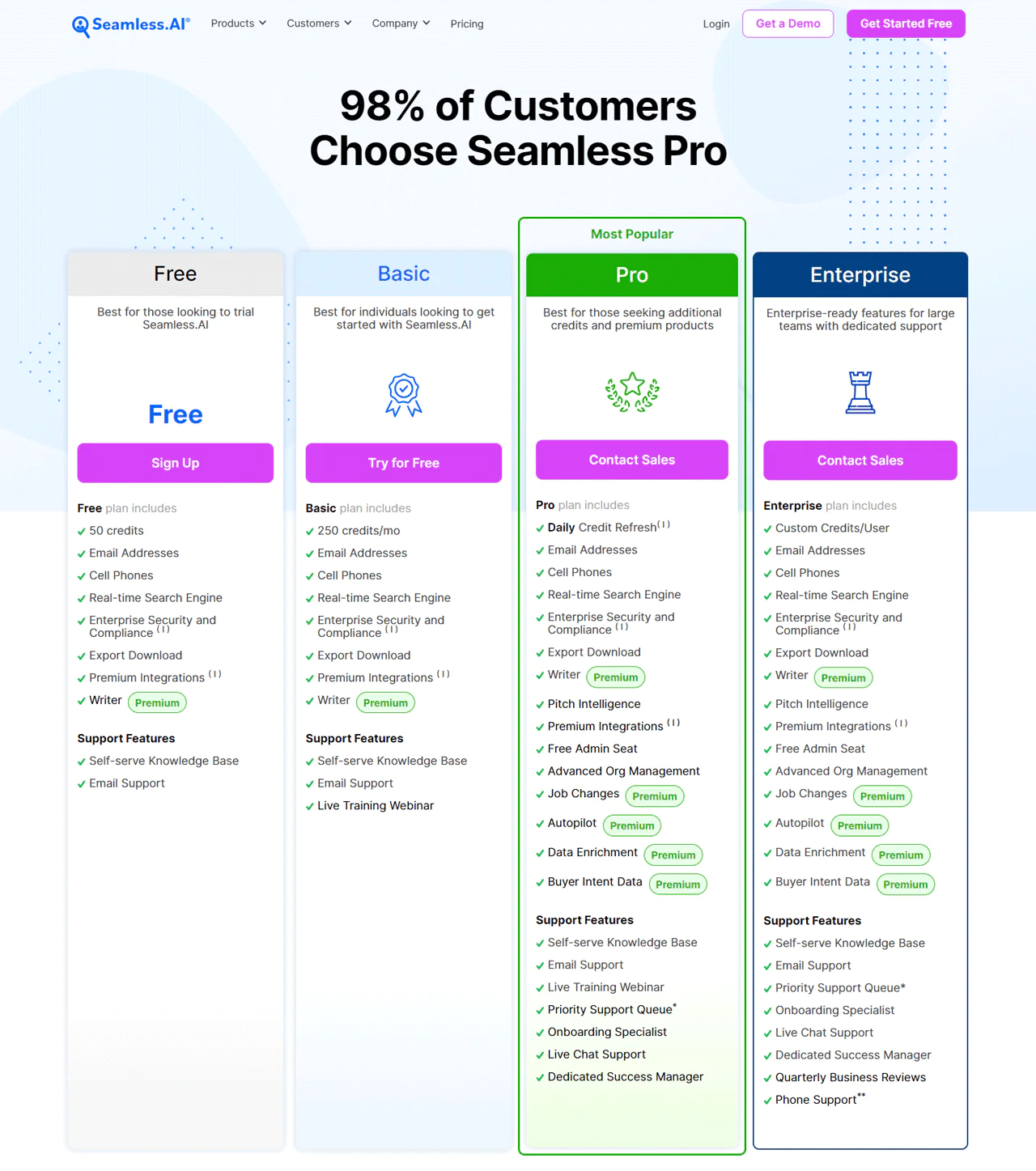
Pricing
Seamless.AI offers several pricing plans. The Free plan lets you try the platform at no cost. The Basic plan suits solo users or small teams but skips some advanced features. The Pro plan runs $99.40 per user monthly (billed annually), allowing up to 1,000 searches daily with live chat support. The Enterprise plan starts at $79.40 per user monthly with a 10-user minimum for a year, fully customizable with Salesforce and HubSpot integration.
What Users Say About Seamless.AI
- G2: 5 out of 5 (1,299 reviews)
- Capterra: 4 out of 5 (143 reviews)
“I like being able to get to the name or individual who is searching on our web site.” – Verified User in Electrical/Electronic Manufacturing
Our Review of Seamless.AI
Seamless.AI’s real-time data checks and CRM connections make it useful for fast-moving prospecting. Relying entirely on AI-sourced data won’t always be perfect, and there’s a learning curve for new users, but the toolset still holds up for teams eager to expand reach quickly.
14. Kaspr.io
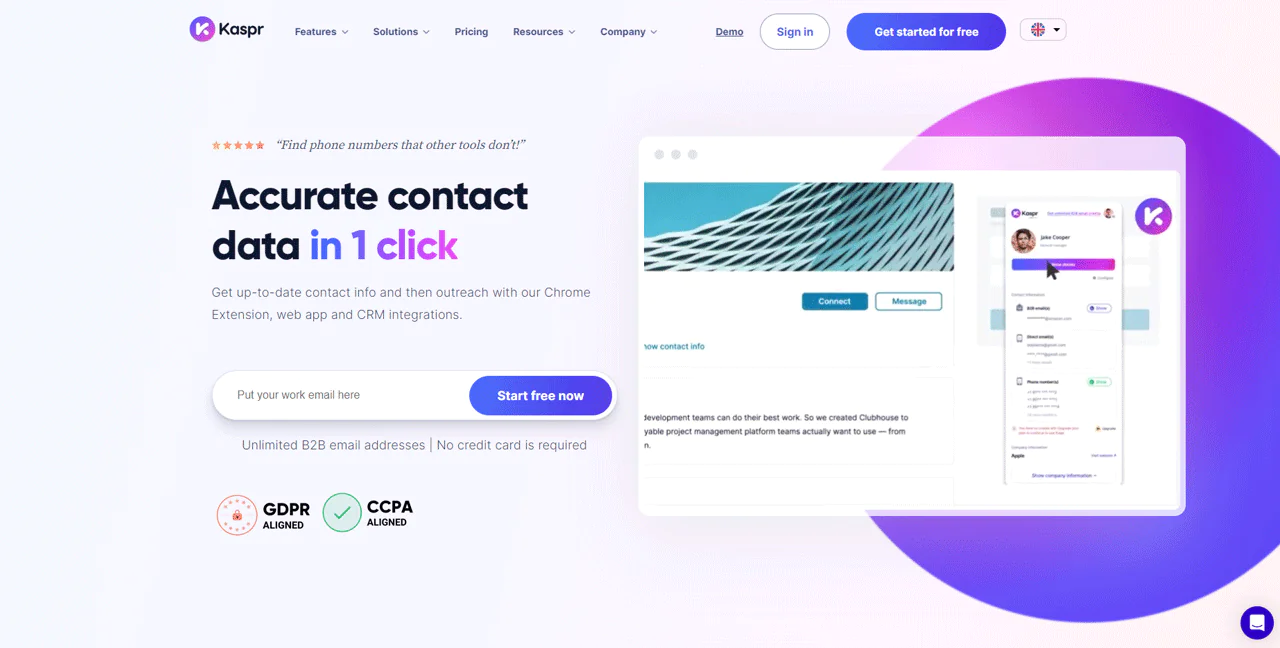
Kaspr.io works directly with LinkedIn to surface contact details with one click, aimed at sales teams and recruiters who need phone numbers and emails fast.
Compared to FindThatLead, Kaspr.io focuses more tightly on LinkedIn integration for immediate contact retrieval, which is useful if your workflow lives inside LinkedIn already.
About Kaspr.io
- Founding year: 2018
- Founding team: Allan Benguigui and Omar Ghorbel
- Company Size: Over 35 employees
Features of Kaspr.io
- Real-time Data Verification: Verifies contact information from over 150 sources.
- LinkedIn Chrome Extension: Access contact info directly from LinkedIn profiles, lists, groups, events, or posts.
- API for Data Enrichment: Automates updating contact details across systems.
- Automated LinkedIn Outreach: Automated workflows for connection requests and follow-ups.
- Integration with Sales and Recruitment Tools: Connects with Salesforce, HubSpot, and Bullhorn.
- Comprehensive Lead Management: Organize leads into lists, tag, add notes, and assign tasks.
Pros
- Quickly gathers data from LinkedIn profiles and lists.
- Confirms data accuracy instantly using over 150 sources.
- Cuts down on manual input with API for updating data.
- Makes engaging prospects easier with automatic LinkedIn messages.
- Simplifies tracking leads using a user-friendly web app.
- Improves workflow by linking with Salesforce, HubSpot, and Bullhorn.
Cons
- Setup can be tricky for those not familiar with tech.
Pricing
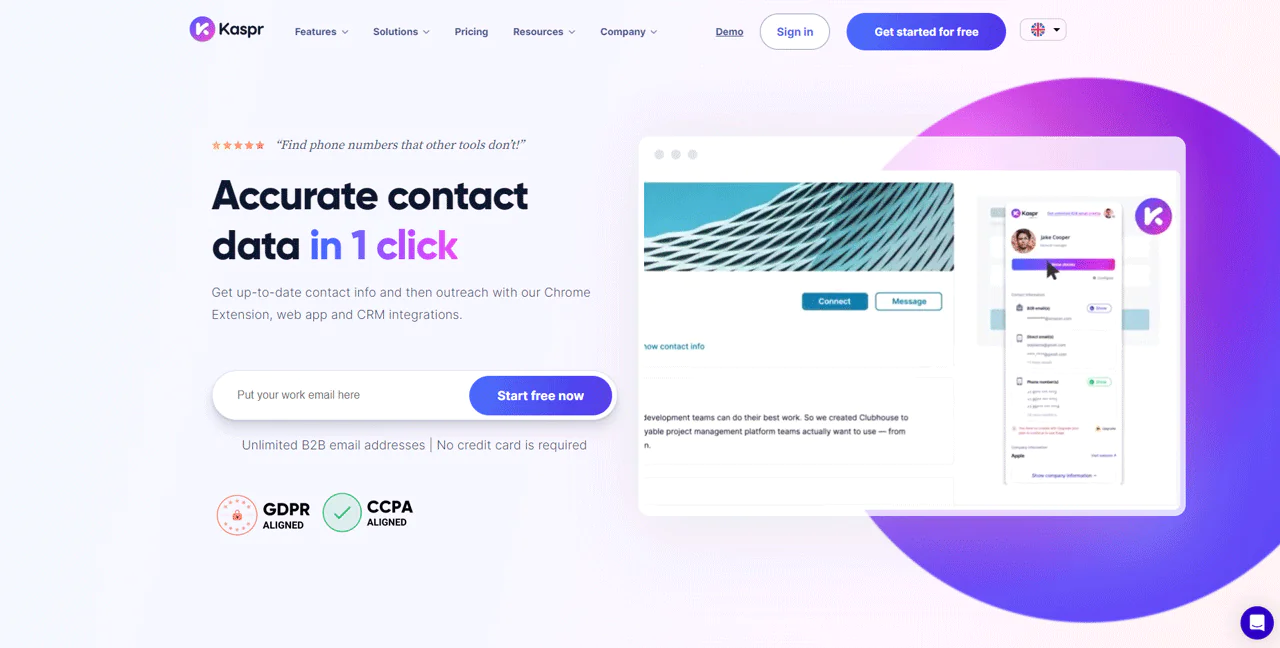
Kaspr.io’s pricing starts with a Free Plan offering unlimited B2B email credits (with three referred colleagues) plus 5 phone credits. The Starter Plan is $65 a month with 1,200 phone credits. The Business Plan is $99 a month with more phone and email credits. The Organization Plan, also listed at $99 a month, includes 24,000 phone and email credits, top-tier API access, and personalized setup support.
What Users Say About Kaspr.io
- G2: 4.4 out of 5 (623 reviews)
- Trustpilot: 1.6 out of 5 (57 reviews)
“Accuracy is arround 80%, but even with 80% it’s usefull and a real gain of time” – Sullivan D.
Our Review of Kaspr.io
Kaspr.io’s LinkedIn Chrome extension and instant data checks make connecting with leads straightforward, backed by a large contact database. Getting started can be a bit tricky for less technical users, and top-tier features require a paid subscription.
15. SalesIntel
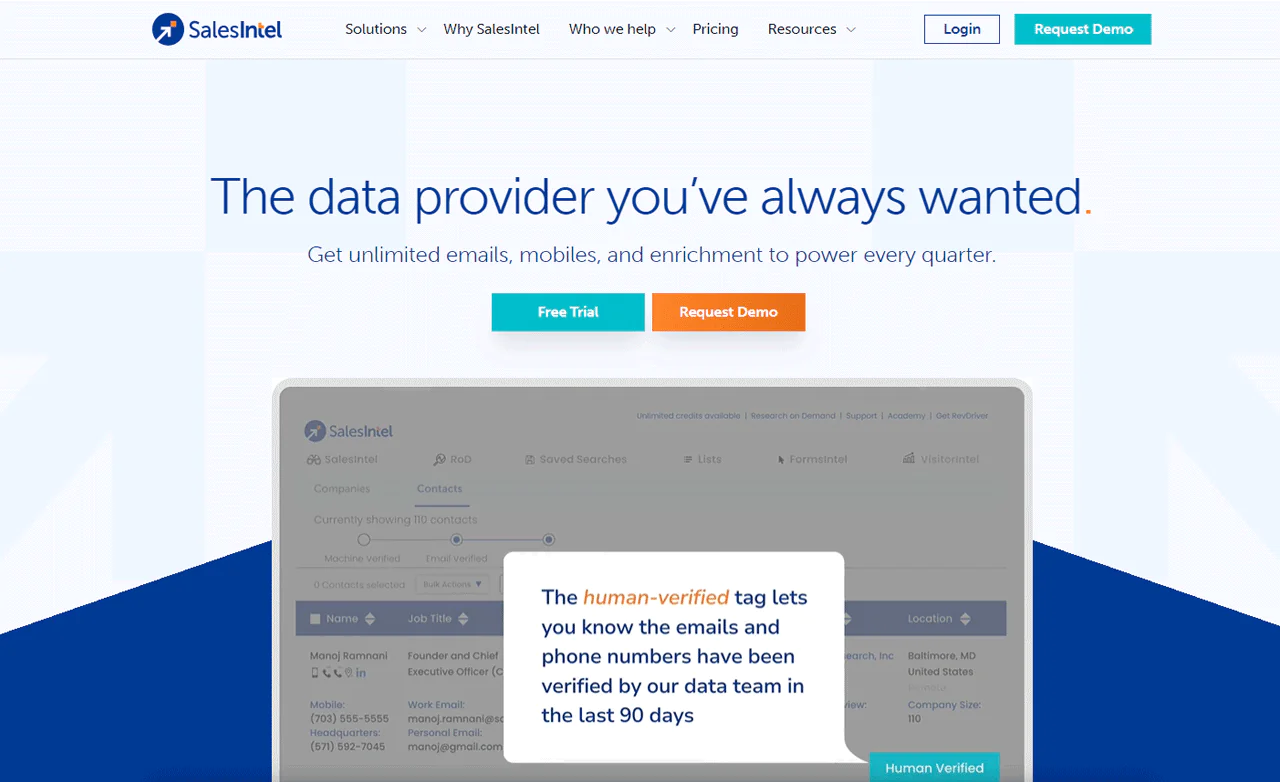
SalesIntel focuses on data accuracy through human verification of its B2B contact records, aiming at sales and marketing teams that need reliable direct phone numbers and emails.
Compared to Datanyze, both offer strong sales intelligence, but SalesIntel’s practice of manually verifying data every 90 days gives it a reliability edge. Datanyze offers deeper technology-usage insight, so the better fit depends on whether you prioritize contact accuracy or tech-stack intelligence.
About SalesIntel
- Founding year: 2018
- Founding team: Manoj Ramnani
- Company Size: 11 to 50 employees
Features of SalesIntel
- Human-Verified Contact Data: Every record is checked by real humans every 90 days.
- Technographic Data: Reveals what software and technology solutions prospects currently use.
- Firmographic Data: Segment and target companies by industry, revenue, and employee count.
- Intent Data: Tracks millions of buying signals to prioritize hot leads.
- B2B Data Enrichment: Automatically updates and fills in missing CRM data.
- API and CRM Integrations: Export contact and company data into existing systems.
- Chrome Extension (RevDriver): Finds contact data on LinkedIn, Sales Navigator, or any company website.
Pros
- Guarantees highly accurate contact information.
- Provides deep insights into potential clients’ technology usage.
- Enables effective market segmentation with detailed company insights.
- Highlights ready-to-buy prospects to simplify the sales funnel.
- Keeps marketing campaigns’ databases clean and actionable.
- Improves prospecting efficiency with easy-to-use browser extension.
Cons
- It may take some time to integrate SalesIntel with CRMs or MAS
Pricing
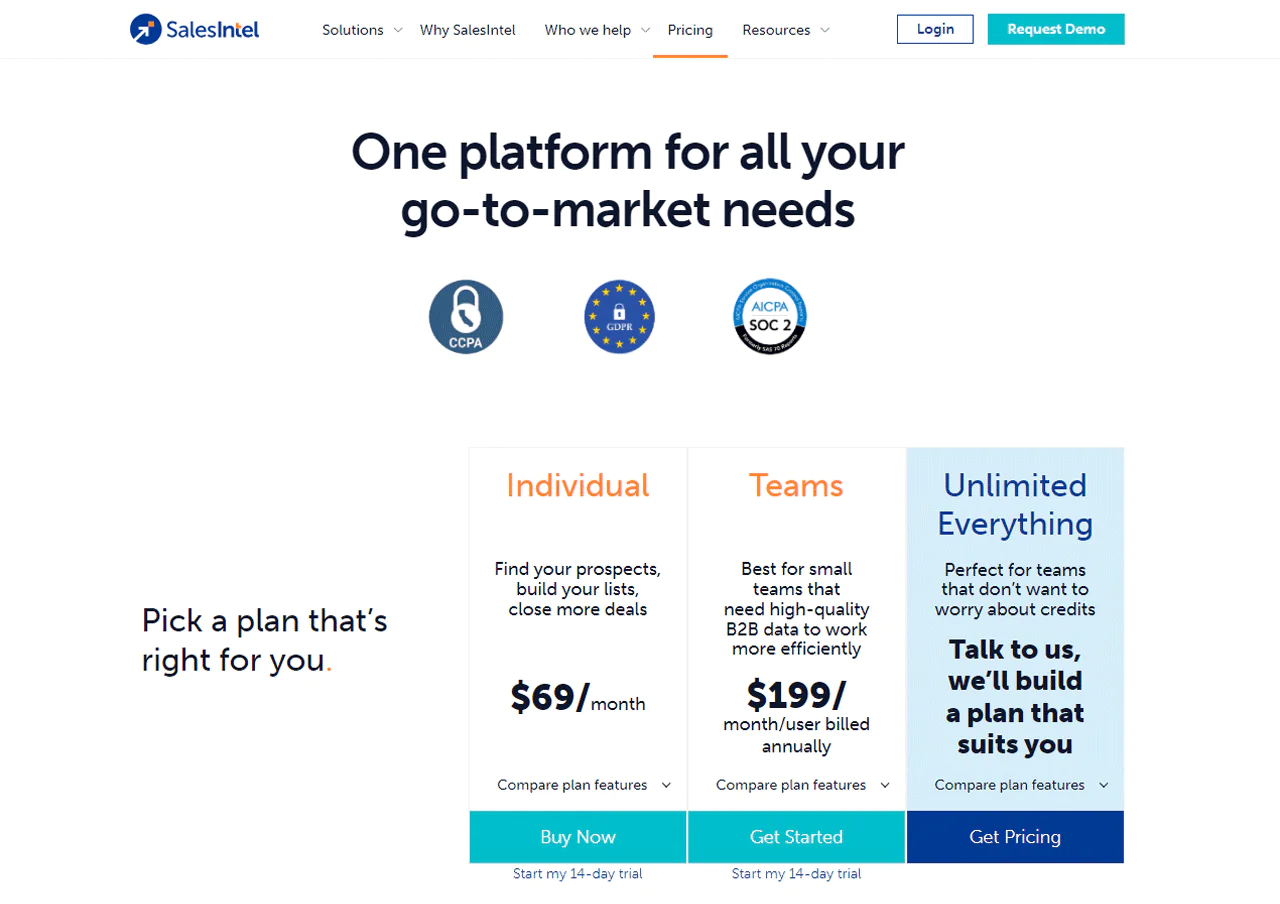
SalesIntel’s pricing options start at $69 per month for solo professionals. Small teams pay $199 per user per month when billed annually. An Unlimited Everything plan is available for larger needs, and a 14-day free trial provides 50 credits to test contact accuracy.
What Users Say About SalesIntel
- G2: 4.3 out of 5 (315 reviews)
- Capterra: 4.3 out of 5 (28 reviews)
“SalesIntel has revolutionized our sales and marketing efforts! Their platform helped us identify our ideal customers with incredible precision.” – Albert M.
Our Review of SalesIntel
SalesIntel’s human-verified data and technographic insight make it a strong choice for teams that need to identify and connect with the right customers, and its intent data helps prioritize prospects who are already interested. The volume of information can overwhelm beginners, and cost can be steep for smaller businesses, but the depth of data justifies it for many sales and marketing teams.
What Makes a Good Lead Generation Tool?
When evaluating a lead generation tool, consider whether it is easy to use, fits your existing workflow, meets your feature needs, and fits your budget.
- Ease: Can you start quickly?
- Fits with other tools: Does it work with what you already use?
- Cost: Is it affordable? How does it compare to others?
- Features: Does it have what you need?
- Results: Will it help you get leads?
Each tool is different. Pick what fits your needs and budget.
What Types of Lead Generation Tools Are There?
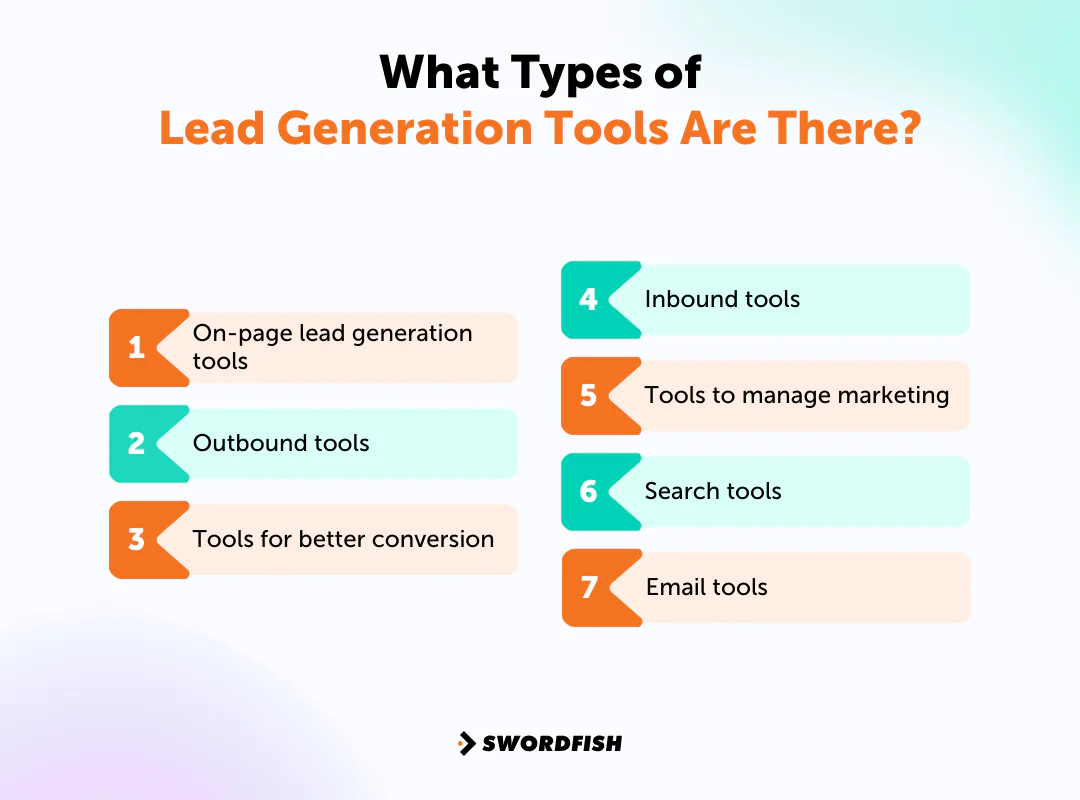
There are many tool categories for B2B lead generation:
- On-page lead generation tools: Make it easy for website visitors to become leads.
- Outbound tools: Help you reach potential leads through emails, calls, social media, and more.
- Tools for better conversion: Help turn more leads into potential sales.
- Inbound tools: The era of relentless cold-calling has given way to inbound lead generation, according to a report from Hubspot. These tools attract leads to your website.
- Tools to manage marketing: Track performance and help focus on the best leads.
- Search tools: Boost visitor volume from paid ads and organic search.
- Email tools: Set up automatic emails to keep potential customers interested and informed.
Which type you need depends on where your gaps are. If you’re still sending emails by hand, look at an email tool. If you’re trying to convert more site traffic, lead generation companies focused on on-page tools might be the answer.
How to Choose A Lead Generation Software That’s Right for You
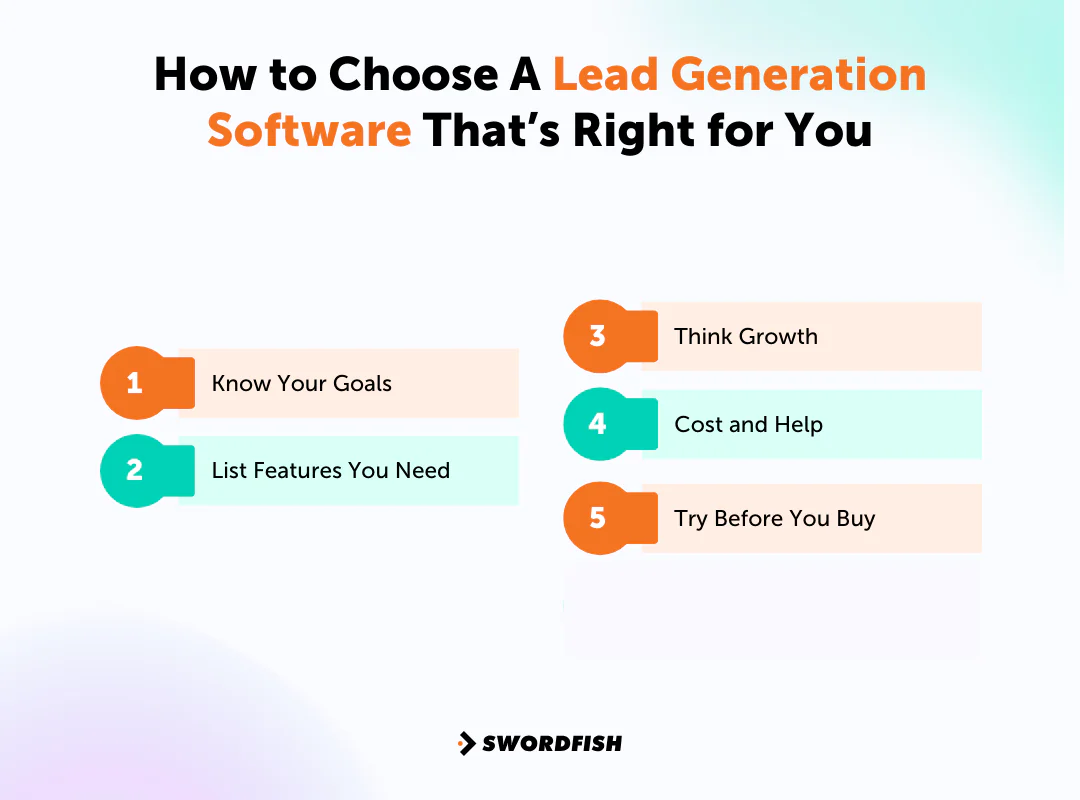
Choosing a B2B lead tool can be tricky since each one is unique. Here’s a simple guide to help you decide:
- Know Your Goals: Before diving in, ask yourself what you really want. Do you need a tool for lead nurturing, CRM integration, or insights?
- List Features You Need: Think about the specific features that’ll help you reach your goals, whether that’s email automation, landing page creation, or something else.
- Think Growth: Make sure the tool can grow with your business and still work well as you expand.
- Cost and Help: Check the price against your budget, and pick a tool with good customer support.
- Try Before You Buy: Use the trial period to test the tool’s ease of use and fit for your business.
Mastering how to do corporate sales comes down to combining the right tools with the right strategy.
Benefits of Lead Generation Software
Here’s why using a lead tool can meaningfully change how your team operates —
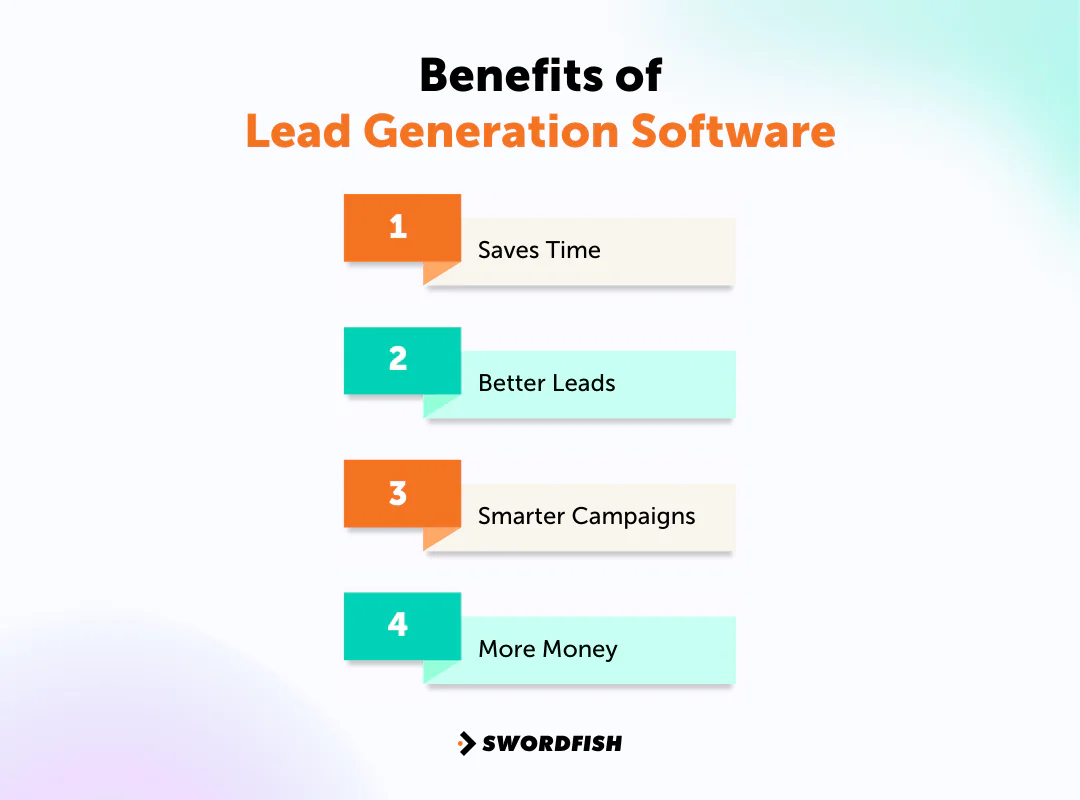
Saves Time
Lead generation tools can automate repetitive prospecting tasks and follow-ups, and help teams run targeted campaigns.
Better Leads
According to a Hubspot study, 61% of marketers identify lead and traffic generation as their top hurdle. Not every lead is worth pursuing, and lead tools help you find the ones that are by scoring and qualifying prospects so you focus on the ones more likely to buy.
Smarter Campaigns
Lead tools let you see how campaigns perform, tracking metrics like lead volume, conversion rate, and cost per lead, which helps you adjust strategy based on real numbers rather than guesswork.
More Money
Lead tools can help teams find and prioritize prospects more efficiently, but results depend on factors such as data quality, targeting, and outreach.
Conclusion
B2B lead generation tools vary in their focus, from finding contact data and identifying website visitors to managing outreach and sales pipelines. The right choice depends on your team’s goals, workflow, and budget.
If you’re still searching for a tool that fits your specific needs, consider trying Swordfish AI. It’s built around accurate contact data and straightforward integration, aiming to keep you a step ahead in lead generation.
Frequently Asked Questions (FAQs)
1. What is B2B lead generation?
B2B lead generation is about finding businesses or people within businesses who might want what you offer, then building enough of a connection to eventually make a sale or a partnership.
2. How can you get leads without doing it all by hand?
Various tools can find leads for you, engage them, or capture sign-ups automatically. Examples include email tools, ads, sign-up forms, chatbots, and referral systems.
3. Why use a B2B lead generation tool?
Finding B2B leads manually is harder than selling to individual consumers. These tools make it easier to find and talk to potential business customers, saving time and working alongside the other tools in your stack.
4. Is lead generation software for marketing or sales?
Lead generation bridges sales and marketing — the distinction is who handles the leads and how.
- Marketing: Attracts potential customers using forms and landing pages, sparking interest through ads and messaging that nudges users toward the sales team.
- Sales: Focuses on seeking out potential customers directly, identifying and approaching companies that match the ideal customer profile to create opportunities.

