


 View Products


Last updated: September 3, 2026
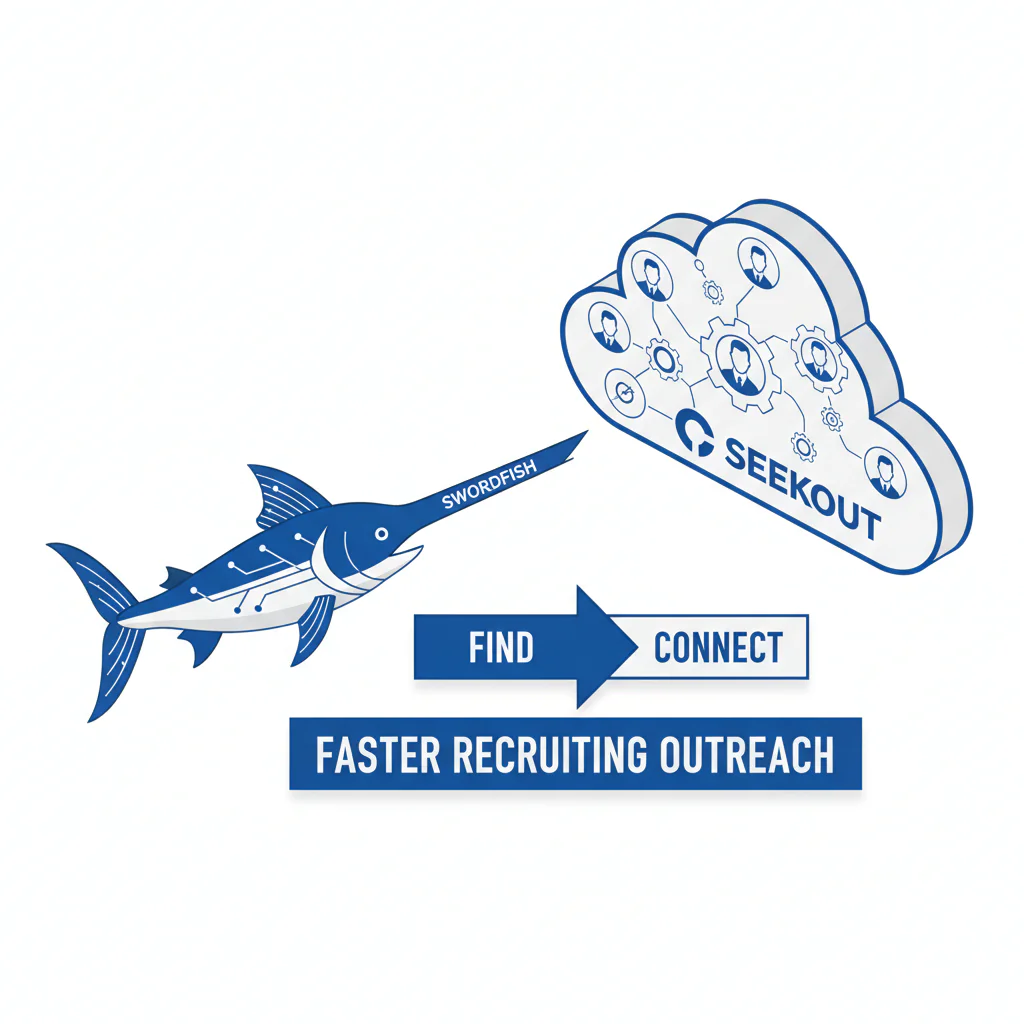
- Core concept
- Find vs connect: SeekOut helps you find candidates through discovery and search. Swordfish adds a reachability layer so you can connect with the people you already found, by improving contact coverage and cutting time-to-first-contact.
- Key stat
- When reply rates stay low despite solid targeting, the bottleneck is usually reachability — missing or outdated contact paths — not the message itself.
- Ideal candidate profile
- Recruiting teams already using SeekOut for discovery who need better reachability for passive candidates and hard-to-reach roles, with a workflow that protects candidate experience and supports opt-out compliance.
- When to use which
- Use SeekOut when discovery is the constraint. Add Swordfish when connection is the constraint. Use both when you need discovery depth plus faster, more consistent outreach execution.
Byline: Ben Argeband, Founder & CEO of Swordfish.AI (written from the perspective of a Head of Talent Acquisition)
Quick decision: SeekOut is strongest when you need better discovery. Swordfish is strongest when you need better reachability. Used together, they cut time-to-first-contact on hard-to-reach roles by removing contact-path friction once the list is built.
Comparing Swordfish and SeekOut starts with one operating question: are you failing to find qualified people, or failing to connect with the qualified people you already found? Those are two different bottlenecks, and each needs a different fix.
SeekOut is typically the discovery tool — building targeted lists, saving searches, and organizing talent pools. Swordfish sits downstream as a reachability layer, so recruiters spend less time chasing dead contact info and more time getting to a first conversation.
Who this is for
This comparison is for recruiting teams evaluating SeekOut who want stronger reachability, including mobile coverage, without losing discovery depth. It fits teams that:
- Hire for hard-to-reach roles where email-only outreach stalls.
- Need to re-engage silver medalists quickly when a similar role opens.
- Operate in agency recruiting or internal TA under tight time-to-slate expectations.
- Want a consistent approach to opt-out handling across recruiters and channels.
What recruiters are trying to accomplish
- Placement speed: reduce time-to-first-contact and time-to-first-conversation.
- Candidate experience: reach out with clear context, a relevant ask, and an easy opt-out.
- Compliance: honor opt-outs across the team and avoid repeated unwanted contact.
A reasonable operational target: first touch within 24 hours of shortlist creation, a capped outreach sequence, and a documented opt-out process.
Sourcing workflow
This workflow applies the find vs connect framework so you can diagnose the actual bottleneck before you fix the wrong step.
- Find (SeekOut): build a targeted list and save the search so the team can repeat it consistently.
- Segment: split into new prospects, silver medalists, and referrals/alumni. Each segment gets different messaging and attempt limits.
- Connect (reachability layer): enrich the list so recruiters start with reliable contact paths before outreach begins.
- Assign ownership: one recruiter owns each candidate to prevent duplicate outreach and keep candidate experience consistent.
- Execute with caps: follow a defined sequence — email, then one follow-up channel if appropriate — and stop after the cap.
- Attempt cap example: 2 emails plus 1 call or SMS over 5 business days, then stop unless the candidate re-engages.
- Log outcomes: record contact attempts and opt-outs in your ATS/CRM so suppression is shared across the team.
- Measure: track time-to-first-contact, reply rate by channel, and interview conversion by segment.
Field note: when a recruiter says “our templates stopped working,” the faster diagnostic is checking whether the contact path is even working. A strong list with weak contact coverage just means recruiters burn time on dead ends while the req slows down.
Ethical use of phone numbers
Phone and SMS outreach can support candidate experience when used with restraint and clear context. Follow your local laws and company policy, and keep the workflow consistent across recruiters.
- Purpose limitation: contact only for a specific role or clearly defined opportunity area.
- Identity and source: state who you are, the company, and where you found the profile.
- Opt-out always: provide a simple opt-out path and honor it across channels.
- Frequency caps: limit attempts and stop after the cap.
- Central suppression: once a candidate opts out, suppress future outreach across the team.
The most common candidate experience failure is repeated contact from multiple recruiters because opt-outs weren’t centralized. That’s a workflow fix, not a messaging fix.
Checklist: Diagnostic Table
| Symptom | Likely cause | What to check | Fix tied to business outcome |
|---|---|---|---|
| High opens, low replies | Relevance gap or unclear ask | Role specifics, constraints, and “why you” line | Improve targeting and clarity; increases replies and reduces time-to-slate |
| Low opens and low replies | Deliverability or outdated email | Bounce rate and whether emails are current | Improve contact coverage; reduces wasted sends and increases reachable pool |
| Calls go to voicemail repeatedly | Wrong number or low-response channel | Number type and whether it’s a personal mobile | Use appropriate channels earlier; improves time-to-first-conversation |
| “Wrong person” replies | Identity mismatch | Name-to-contact match confidence and profile cross-check | Require match validation before outreach; reduces complaints and rework |
| Candidate complains after multiple touches | No shared opt-out handling | ATS/CRM suppression and ownership rules | Centralize opt-outs; protects candidate experience and reduces risk |
| Strong candidates respond weeks later | Slow follow-up and channel mismatch | Time-to-first-contact and time between touches | Shorten follow-up cycle; improves placement speed on competitive reqs |
Decision Tree: Weighted Checklist
This checklist is weighted toward the failure points that most affect placement speed, candidate experience, and compliance. Use it to decide whether you need SeekOut, Swordfish, or both.
- Discovery depth (high weight): Do you need advanced search and talent pooling to consistently build qualified lists? If yes, SeekOut is doing the “find” work.
- Reachability coverage (high weight): Are reliable contact paths missing for a meaningful share of your target list? If yes, a reachability layer reduces time lost to contact hunting.
- Workflow fit (high weight): Can sourcers hand off candidates to recruiters with clear ownership and attempt limits? If no, tools alone won’t translate into faster placements.
- Contact data quality controls (high weight): Can you avoid contacting the wrong person through match validation? If no, recruiter adoption drops and complaint risk rises.
- Compliance and opt-out handling (high weight): Can you suppress future outreach across the team once someone opts out? If no, candidate experience degrades and risk increases.
- Hard-to-reach role performance (medium weight): Do your hardest reqs stall at “no response” even when targeting is correct? If yes, fix reachability before rewriting templates again.
- Silver medalist reactivation (medium weight): Can you reconnect with past finalists quickly when a similar role opens? If no, better contact coverage improves speed-to-slate.
- Agency recruiting throughput (medium weight): Do you need fast connects to meet submittal SLAs? If yes, prioritize steps that reduce time-to-first-conversation.
Outreach templates
These templates are built for speed and candidate experience. They assume you found the candidate in SeekOut and are executing outreach with a reachability layer in place. Keep attempt limits consistent and log opt-outs immediately.
Troubleshooting Table: Outreach Templates
Template 1 (Email to passive candidate, first touch)
Subject: Quick question about [Role] at [Company]
Hi [First Name] — I’m [Your Name], recruiting for [Company]. I found your profile while searching for [skill/role focus]. We’re hiring a [Role] focused on [1–2 specifics]. Are you open to a 10–15 minute call this week?
If you’d rather not be contacted, reply “opt out” and I’ll update my notes.
Template 2 (SMS after email, only if appropriate and compliant)
Hi [First Name] — [Your Name] at [Company]. I emailed about a [Role] working on [specific]. If texting is easier, reply with a good time to talk. If you prefer no texts, reply STOP.
Template 3 (Voicemail for hard-to-reach roles)
Hi [First Name], this is [Your Name] with [Company]. I’m calling because your background in [specific] matches a [Role] we’re hiring for. My number is [callback]. If you’re not interested, text or email me “opt out” and I’ll close the loop.
Template 4 (Silver medalist re-engagement)
Subject: Reconnecting — [Role/Team] at [Company]
Hi [First Name] — we spoke previously about [prior role/process]. A similar role opened on [team] with [1–2 changes since last time]. If you’re open to revisiting, I can share details and timelines. If not, reply “opt out” and I’ll update your profile.
Template 5 (Agency recruiting candidate submission pre-brief)
Hi [First Name] — before I submit you for [Role] at [Company], I want to confirm comp expectations, location/remote constraints, and interview availability this week. If you’d rather not proceed, tell me and I’ll stop outreach immediately.
Evidence and trust notes
This comparison follows the operating split many TA leaders use: discovery (“find”) and reachability (“connect”). SeekOut is commonly used for discovery, including search and talent pooling. Swordfish is positioned as a reachability layer that helps teams contact candidates they’ve already found.
Disclosure: this article is authored by Swordfish leadership. The evaluation criteria here are operational — time-to-first-contact, reply rate by channel, interview conversion, and whether opt-outs are honored across the team without slowing recruiters down.
If you want deeper context on SeekOut, see SeekOut review. If your evaluation is centered on outreach outcomes and contact coverage, see candidate phone number lookup.
Field note (how to run a clean test): pick one req, take a fixed set of candidates found in SeekOut, and run a two-week outreach sprint with consistent messaging and attempt limits. Compare time-to-first-contact and reply rate by channel before and after adding a reachability layer.
FAQs
Is this an either/or decision?
Often no. If SeekOut is already producing qualified lists, replacing it won’t fix low reply rates. Adding a reachability layer is the direct fix when the list is strong but contact paths are weak.
What does “reachability layer” mean in practice?
It means taking candidates you already found and improving your ability to contact them quickly and consistently through better contact coverage and a clean handoff workflow.
When does SeekOut alone make sense?
When your constraint is discovery: you don’t have enough qualified candidates in the funnel, or your searches and pools aren’t producing relevant lists.
When does Swordfish make sense alongside SeekOut?
When your constraint is connection: recruiters spend time hunting for working contact info, reply rates are inconsistent despite good targeting, or your hardest reqs stall at “no response.”
How do I protect candidate experience if I add more phone or SMS outreach?
Use clear identity and context, attempt limits, and centralized opt-out handling. Measure opt-outs and complaints alongside reply rates.
How should I think about compliance and opt-out?
Treat opt-out as a shared system rule. Log it once, suppress it everywhere, and stop outreach across channels.
Next steps
Week 1 (Setup): choose one req, define success metrics (time-to-first-contact, reply rate by channel, interview conversion), set attempt limits, and confirm where opt-outs are logged in your ATS/CRM.
Week 2 (Pilot): build the list in SeekOut, add a reachability layer, and run outreach using the templates above with consistent attempt limits.
Week 3 (Review): compare outcomes by segment (new prospects vs silver medalists) and by channel. Identify whether the bottleneck is discovery or connection.
Week 4 (Rollout): document ownership rules, opt-out suppression, and reporting so placement speed improves without increasing candidate complaints.
About the Author
Ben Argeband is the Founder and CEO of Swordfish.ai and Heartbeat.ai. With deep expertise in data and SaaS, he has built two successful platforms trusted by over 50,000 sales and recruitment professionals. Ben’s mission is to help teams find direct contact information for hard-to-reach professionals and decision-makers, providing the shortest route to their next win. Connect with Ben on LinkedIn.

