


 View Products


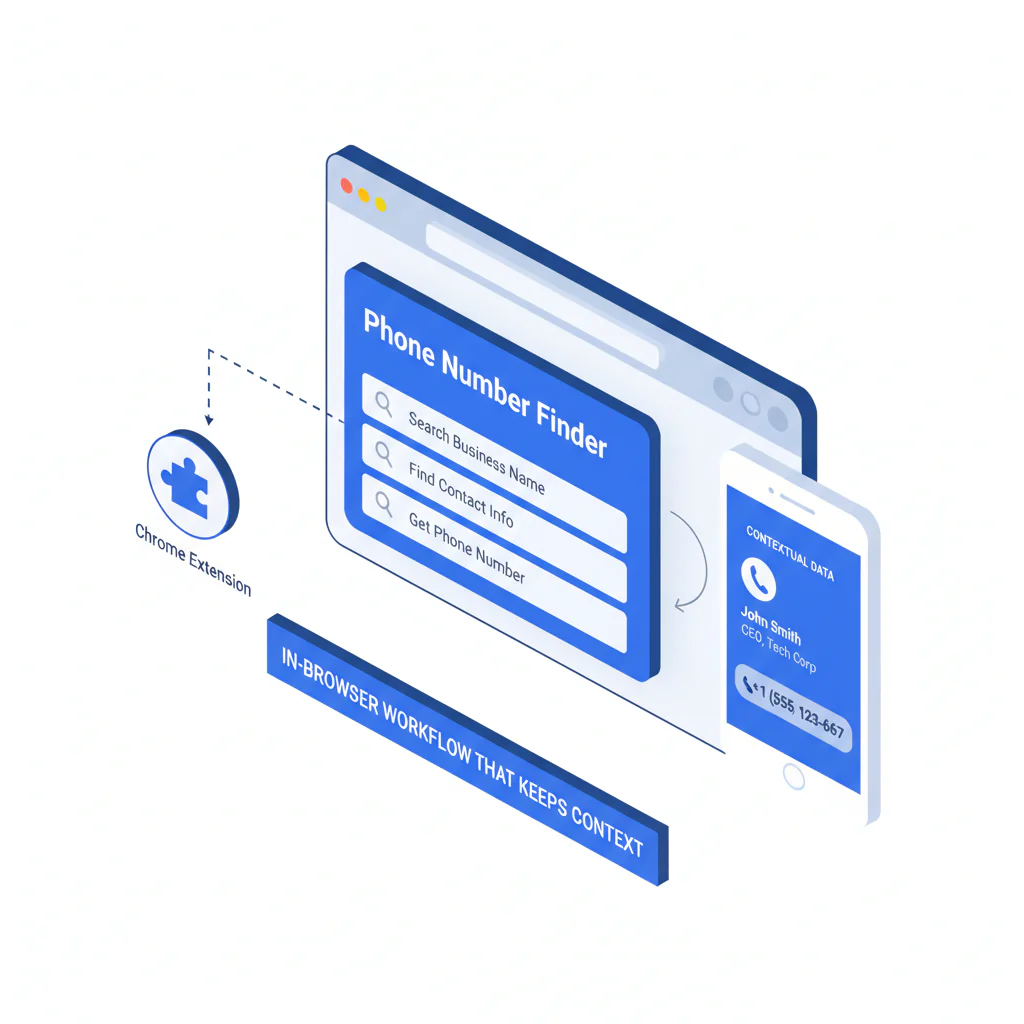
Phone Number Finder Chrome Extension: In-Browser Workflow That Keeps Context
By Ben Argeband, Founder & CEO of Swordfish.AI
Who this is for
Recruiters and SDRs living in-browser who want faster contact enrichment without breaking flow. If you’re running a recruiter sourcing extension or a sales prospecting extension motion, the business outcome you want is simple: less tab switching, fewer mismatches, and cleaner CRM logging.
Quick Answer
- Core Answer
- A phone number finder chrome extension runs contact enrichment inside Chrome while you’re viewing a prospect’s profile. It keeps your workflow in-browser, reduces copy/paste mistakes, and helps you choose which number to try first—after you manually verify identity, company, and location.
- Key Insight
- Extensions reduce friction because the workflow stays in-browser, which reduces context loss and speeds up enrichment when you’re working from social profiles.
- Best For
- Recruiters and SDRs who prospect on LinkedIn and need phone/email enrichment without leaving the page.
Compliance & Safety
This method is for legitimate business outreach only. Always respect Do Not Call (DNC) registries and opt-out requests.
Framework: The “Copy/Paste Trap”: context gets lost
The Copy/Paste Trap is what happens when your sourcing workflow forces you to bounce between tools: profile page → copy name/company → paste into a lookup site → copy results → paste into CRM → repeat. Every hop drops context. You lose which profile you were on, which role you were hiring for, and which number was intended for which person.
An extension-based workflow keeps the enrichment action attached to the profile you’re viewing. That doesn’t guarantee accuracy, but it reduces operational mistakes and makes it easier to apply consistent verification steps before outreach. This requires manual verification, especially when you’re using the result for calling.
Common Mistake
When you’re moving fast, are you logging the number with the source profile URL and capture date, or are you trusting your memory to reconstruct context later?
Step-by-step method
-
Define the minimum data you need before you call. For most SDR and recruiting motions: full name, current company, role, location, and one callable number. If you’re doing multi-threading, add a second contact method (email or alternate phone).
-
Work from the source-of-truth page. Start on the profile where you can see current employment and location. The Swordfish Extension works on LinkedIn, Facebook, and X/Twitter, which matters because not every lead is best sourced from the same network.
-
Run contact enrichment in the same tab. Use a chrome extension phone number finder so the lookup is anchored to the profile context. This is where extensions reduce friction; the workflow stays in-browser.
-
LinkedIn flow (what “in-browser” should look like). Open the profile you’re sourcing from, run the extension, review the returned contact enrichment, and immediately sanity-check against what’s on the page (company, role, location). Then log the number plus source URL and capture date in your CRM/ATS before you switch tabs.
-
Use cross-network confirmation when LinkedIn is thin. If the LinkedIn profile doesn’t clearly show current company or location, confirm on Facebook or X/Twitter before you call. This keeps the workflow in-browser while reducing wrong-party connects.
-
Use verification signals, then sanity-check. If your tool provides ranked mobile numbers by answer probability, treat it as prioritization, not proof. This requires manual verification: name match, company match, and location/country code match. Treat outputs as candidates for verified mobile numbers, not guaranteed identity.
-
Log the result with provenance. In your CRM/ATS, store (a) the number, (b) the source page URL, and (c) the date captured. If you can’t answer “where did this come from?” later, you’ll burn time re-verifying.
-
Do a quick security and permissions check before team rollout. Treat any Chrome extension like a vendor: confirm what permissions it requests and align with your IT/security policy before you standardize it. If it requests broad access like “read and change data on all websites,” get security sign-off before rollout.
Interpretation examples (what to do when the data isn’t clean):
- If two numbers appear: start with the option that best matches the profile’s geography and verification signals, then log the outcome (connected/wrong party/no answer) for QA.
- If the country code conflicts with the profile location: pause and re-check the profile and a second source. Do not call until the mismatch is resolved. This requires manual verification.
- If the company on the profile doesn’t match what you’re enriching: treat the result as unverified and route to email or find a second source before calling.
To run this workflow in Chrome, use the Swordfish Chrome Extension and keep enrichment attached to the source profile.
Checklist: Weighted Checklist
Use this to decide whether an extension-based workflow is worth standardizing for your team. Weighting is based on common failure points (context loss, verification gaps) and the operational reality that in-browser steps reduce friction.
- High impact: Does the tool keep the workflow in-browser (no copy/paste into separate lookup pages)? If yes, you reduce context loss and speed up enrichment.
- High impact: Can you verify + rank before calling (verification signals and prioritization)? If yes, you reduce wasted dials and wrong-party connects. This requires manual verification.
- High impact: Does it work where you actually source (LinkedIn, Facebook, X/Twitter)? If no, adoption drops and reps revert to old habits.
- Medium impact: Can you capture and store provenance (source URL + date) in your CRM/ATS workflow? If yes, you reduce rework and disputes about data accuracy.
- Medium impact: Does the vendor explain data quality and validation approach clearly? If yes, you can set expectations internally and avoid “magic database” thinking.
- Medium impact: Are there unlimited contact credits (or a plan that doesn’t punish normal prospecting volume)? The trade-off is that you still need guardrails so reps don’t spray-and-pray.
- Lower impact: Does it fit your team’s browser security and permission model? If no, it won’t ship.
Diagnostic: Why this fails
Most extension rollouts fail for predictable reasons:
- Reps treat enrichment as “truth,” not “signal.” A found number is not automatically a verified mobile number for the person you’re viewing. This requires manual verification.
- Teams don’t define a calling standard. If you don’t specify “verify + rank before calling,” you’ll get inconsistent behavior and inconsistent outcomes.
- Copy/paste habits persist. If the extension isn’t faster than the old method, people won’t change. The workflow has to be simpler in the moment.
- CRM hygiene is ignored. If numbers aren’t logged with provenance, you can’t audit mistakes or improve process.
- Compliance is treated as a footnote. If you can’t explain legitimate interest/consent posture and opt-out handling, you’re creating risk.
Operator note: assign ownership for weekly QA. Sample a small set of newly enriched records, review wrong-party connects and opt-outs, and fix the root cause (process, fields, or rep behavior) instead of blaming “data.”
Decision Tree: Conditional Decision Tree
-
If the profile shows current company + location clearly, then run the contact finder extension enrichment on that page. Else find a better source page first (company site, alternate social profile).
-
If the tool returns a mobile number with verification signals and/or prioritization, then proceed to reasonableness checks (country code, role, company match). Else do not call; switch to email or find a second source.
-
If the number and identity match the on-page context, then log it with source URL + date and proceed with compliant outreach. Else mark as unverified and do not call.
-
Stop Condition: If you cannot confirm person-to-number fit after two independent checks (profile context + one additional validation step), stop calling attempts and route to a different channel.
How to improve results
-
Standardize the in-browser workflow. Write a one-page SOP: where to source, when to enrich, what to log, and what “verified enough to call” means for your org.
-
Use signal validation, not assumptions. If a vendor mentions “live” or “real-time,” treat it as a Real-time connectivity check or Signal validation, not instant global truth. The trade-off is that better validation can add seconds per lead, but it saves minutes of wasted calling.
-
Reduce tab switching on LinkedIn. Using a linkedin phone finder extension reduces time-to-enrich because you don’t leave the profile to run lookups and re-match context.
-
Prioritize calling attempts. A direct dial chrome extension only helps if you verify + rank before calling; using ranked mobile numbers by answer probability first reduces wasted dials when you still have to validate identity.
-
Pick the right workflow for mobile-first outreach. If your core need is calling, compare against a dedicated mobile number finder workflow and measure connect outcomes, not just “numbers found.”
-
Align credits to behavior. If you offer unlimited contact credits, pair it with QA: random call audits, required provenance fields, and a “no verification, no call” rule. The trade-off is more process, but fewer compliance and reputation issues.
-
Make data quality visible. Track wrong-party connects, invalid numbers, and time-to-enrich. Use a shared definition of “bad data” and review it weekly. If you need a baseline, start with data quality criteria that your team can actually enforce.
-
Log for handoff to your dialer. Map fields once: phone number, type (mobile/work), source URL, capture date, and last call disposition. That prevents reps from re-enriching the same record and calling stale data.
-
Use contact enrichment chrome where it reduces rework. When enrichment is attached to the profile, you spend less time reconciling “which John Smith is this?” and more time on qualified outreach.
Troubleshooting Table: Diagnostic Table
| Symptom | Root Cause | Fix |
|---|---|---|
| High wrong-party connects | Identity mismatch (same name, old employer, wrong geography) | Require profile-context match + provenance logging; do not call if company/location don’t align |
| Low connect rate despite “lots of numbers” | Calling unverified or low-likelihood numbers first | Verify + rank before calling; start with the highest-confidence option and document outcomes |
| Reps revert to copy/paste tools | Extension adds steps or doesn’t work on primary sourcing sites | Keep the workflow in-browser; ensure coverage on LinkedIn/Facebook/X/Twitter where your team actually works |
| CRM is full of duplicate or stale numbers | No provenance, no recency, no ownership | Store source URL + capture date; set a re-verification rule after a defined time window |
| Compliance escalations | No DNC/opt-out handling or unclear lawful basis | Centralize opt-outs, respect DNC, document process; train reps on when to stop outreach |
Legal and ethical use
Use contact enrichment for legitimate business outreach, not personal use, harassment, or bypassing stated preferences. Build a process that enforces consent posture and opt-out handling across channels.
- DNC and opt-out compliance: maintain suppression lists and honor opt-outs across phone, email, and social.
- Opt-out operations: when someone opts out, tag the record in your CRM, add it to a suppression list, and stop outreach across tools.
- Purpose limitation: only collect what you need for the outreach motion you’re running.
- Not for sensitive decisions: do not use enriched contact data to make decisions about employment eligibility, credit, housing, or other sensitive determinations.
- Fair use: align usage with your internal policy and legitimate business purpose; don’t treat “available” data as permission to ignore preferences.
The trade-off is that stricter compliance reduces raw dialing volume, but it protects deliverability, brand reputation, and team time.
Evidence and trust notes
- Role and seniority variance: executives often have gatekept numbers; ICs may have more stable mobile usage. Expect different connect outcomes by persona.
- Geography variance: number formats, portability, and local regulations change match rates and what “verified” can mean.
- Recency variance: people change jobs and numbers. A record can be correct once and wrong later. Capture date matters.
- Source variance: a number tied to profile context is easier to sanity-check than a detached lookup result. That’s why extensions reduce friction and reduce context loss.
- Validation variance: “real-time” should be interpreted as a Real-time connectivity check or Signal validation, not instant global updates.
- Definition clarity: “verified” should be treated as “validated by available signals,” not a guarantee of current ownership or identity. This requires manual verification before calling.
Sources
- GDPR (overview and key requirements)
- FTC Telemarketing Sales Rule (TSR)
- FCC guidance on telemarketing and robocalls (TCPA-related)
- National Do Not Call Registry
Limitations and edge cases
- Common names: higher risk of mismatches. Require at least two matching attributes (company + location, or company + title) before calling.
- International dialing: even with a correct number, reachability and compliance obligations vary. Don’t assume a US-centric process applies everywhere.
- Shared or corporate numbers: some “mobile” results route to shared lines. Treat first contact as a verification step, not a pitch.
- Site terms and internal policy: your sourcing workflow may be constrained by platform rules and your company’s security requirements. Standardize what’s allowed before you roll it out.
- How to evaluate extensions without guesswork: check requested permissions, confirm coverage on your sourcing sites, require provenance logging, and prefer tools that expose validation signals over tools that only return a number.
FAQs
What is a phone number finder chrome extension?
It’s a Chrome extension that runs contact enrichment from the page you’re viewing, so you can find phone numbers without leaving your sourcing workflow.
Does an extension mean the number is verified?
No. Some tools provide verification signals, but this requires manual verification before calling, especially when identity is ambiguous.
Where does Swordfish work?
The Swordfish Extension works on LinkedIn, Facebook, and X/Twitter, which helps when your sourcing isn’t limited to one network.
How should I use unlimited contact credits responsibly?
Use them to remove friction, not to increase spam. Pair unlimited contact credits with QA rules: provenance logging, opt-out handling, and a “no verification, no call” standard. The trade-off is more governance, but fewer bad outcomes.
What’s the fastest way to avoid the copy/paste trap?
Keep enrichment in the same tab as the profile, log the source URL, and run a quick reasonableness check (company/location/country code) before outreach.
Next steps
Day 1
- Install and test the Swordfish Chrome Extension on 20 real profiles from your ICP.
- Write your minimum “verified enough to call” rule and share it with the team.
Day 3
- Run a small QA audit: sample 10 calls and track wrong-party connects, invalid numbers, and opt-outs.
- Decide whether you need a dedicated mobile number finder workflow for your calling motion.
Day 7
- Review outcomes (connect outcomes, wrong-party rate, time-to-enrich) and decide whether to standardize the workflow.
- If volume is a constraint, evaluate whether unlimited contact credits fit your fair use policy and QA process.
- Document your baseline data quality rules and enforce them in CRM fields and call dispositions.
About the Author
Ben Argeband is the Founder and CEO of Swordfish.ai and Heartbeat.ai. With deep expertise in data and SaaS, he has built two successful platforms trusted by over 50,000 sales and recruitment professionals. Ben’s mission is to help teams find direct contact information for hard-to-reach professionals and decision-makers, providing the shortest route to their next win. Connect with Ben on LinkedIn.

