


 View Products


Key takeaways
- Email verification can identify formatting and domain issues, but it cannot always confirm that a specific person owns or actively uses a mailbox.
- Verification tools, DNS lookups, and manual checks provide different kinds of evidence; none guarantees delivery or inbox placement.
- SMTP server responses can be ambiguous, especially when servers restrict mailbox checks or accept all addresses at a domain.
- Review new lists and investigate rising bounce rates before continuing to send.
- Treat uncertain verification results cautiously and repeat checks as contact data changes.
Last updated: September 3, 2026
An undeliverable email is more than an annoyance. It can signal that your contact data has decayed. Sending repeatedly to invalid addresses may harm your sender reputation with mailbox providers. That’s why it’s useful to verify email addresses before relying on them for outreach, recruiting, or patient and provider communication.
To verify email, use tools like Swordfish AI or manual checks like DNS lookup, structure analysis, and server pinging. It’s important for maintaining an updated list, protecting email reputation, and reducing bounces. Plus, regular verification is advised for new lists, rising bounce rates, and routine maintenance.
Below are practical ways to check an email address, plus guidance on when verification matters most and how it differs from validation.
What is Email Verification?
Email verification is the process of checking whether an email address is formatted correctly and appears able to receive messages. Checks may examine the address, its domain, and the mail server, but they can’t always confirm that a specific person owns or actively uses the mailbox.
It’s a useful tool for keeping your email list accurate and useful, especially for marketing, staying in touch, or other business needs. The main reasons for doing this are:
- To make sure the email addresses are correct, valid, and in use.
- To help your emails actually reach real, active email accounts.
Email verification can reduce the risk of sending to non-existent addresses. This can help improve the deliverability of your cold-email campaigns, though it can’t guarantee delivery or prevent spam complaints.
Maintaining a clean email list can support more effective communication with your audience. For healthcare-focused outreach, contact details may change when clinicians switch practices or affiliations, so verification may need to be repeated rather than treated as a one-time task.
Why Should You Verify an Email Address?
Email verification can help reduce avoidable delivery problems. It may help you:
Keep Your Email List Up-to-Date
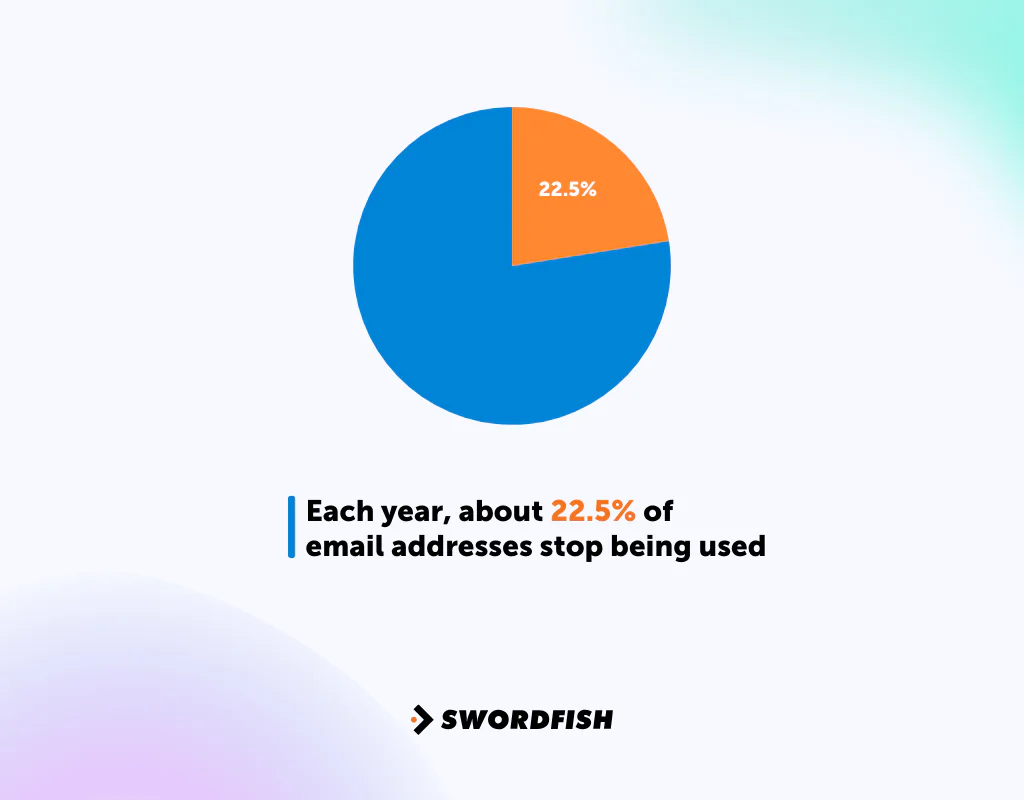
It’s important to check your email list regularly. Each year, about 22.5% of email addresses stop being used because people change jobs or close their accounts. By checking your list often, you can remove these out-of-date emails.
It not only helps your emails get to active users but also lowers the chance of many emails not being delivered, which can hurt your email campaigns.
Protect Your Email Reputation
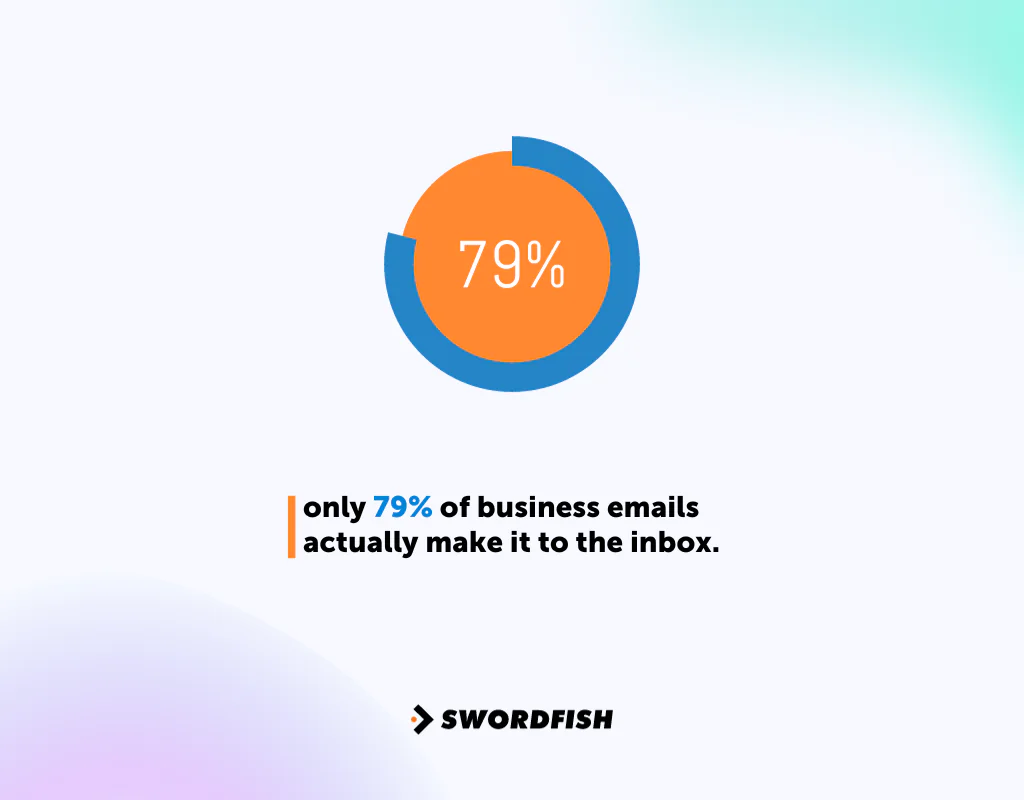
According to Return Path, only 79% of business emails actually make it to the inbox. So, maintaining your email reputation is a huge factor. Now, your email reputation depends on things like —
- How many of your emails are opened
- If people mark them as spam
- How often you send emails
Using an email verification method can help identify addresses that may result in delivery failures. It does not guarantee that recipients won’t mark messages as spam.
It’s important because a good reputation means your emails are more likely to get into people’s inboxes. Regularly checking and updating your email addresses is a smart way to keep a good reputation and make sure your audience sees your emails.
Reduce Hard Bounces
Hard bounces generally occur when an email can’t be delivered because the address or domain is invalid or unavailable.
A high number of hard bounces can harm sender reputation and may affect delivery to valid addresses.
Verifying addresses before a campaign can help reduce the chance of hard bounces, but no verification method can guarantee delivery. If your bounce rate rises, pause and investigate your list and sending practices before continuing.
Keep Your Sender Reputation Strong
It’s important to have a good reputation as an email sender so your emails don’t get blocked.
A high rate of undelivered emails can hurt your sender reputation. Email providers may treat repeated delivery problems as a sign of risky sending.
Repeated delivery problems can make it harder for your emails to reach recipients. Regularly reviewing the addresses you send to can help reduce avoidable failures.
This keeps your bounce rate low and helps you stay trusted by email providers.
How to Verify an Email: 7 Different Approaches
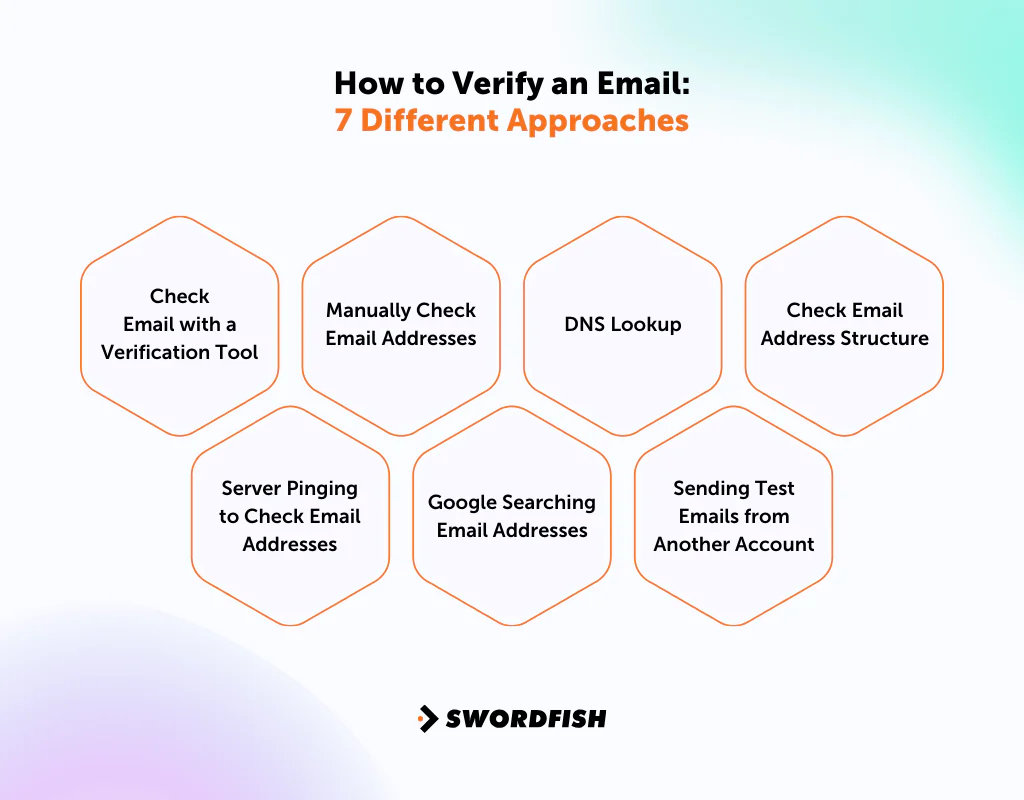
There are several ways to check email addresses, and they differ in effort and reliability. Here are some options:
Check Email with a Verification Tool
For checking many addresses, an email verification tool can automate checks for issues such as:
- Invalid mailboxes, which might be out of date or entered wrong.
- Non-existent domains, meaning the email’s domain is either fake or no longer active, leading to email bounces.
- Spam traps detect poor emailing practices and block them.
- Mistakes in how the email address is written, often from typos.
Although you can find free versions of email checking tools, they usually have a limit on how many emails you can verify.
If you need to check a large number of emails, it’s a good idea to use a paid email verification service. These services can handle checking lots of emails at the same time and provide more detailed results.
Manually Check Email Addresses
When you need to check an email address, manual verification is a useful choice. You can use free online email verifier tools for this. These tools let you check if an email address is valid without having to send a test email.
Here’s a simple process to follow —
- Visit a reliable email verification website.
- Input the email address you want to verify.
- The tool will quickly indicate whether the email is ‘Deliverable’ (valid) or ‘Undeliverable’ (invalid).
This method can be convenient for checking a small batch of emails. Some tools offer free checks, though limits and results vary by service. It avoids the need to check each address manually.
DNS Lookup
DNS lookup is a way to find out which email server a domain uses. Think of it as asking for directions to the right email server for a specific website or company. Here’s how you can do it:
- Go to a site like DNS Checker on your web browser.
- Type in the domain name you’re curious about, like “example.com,” into the box provided.
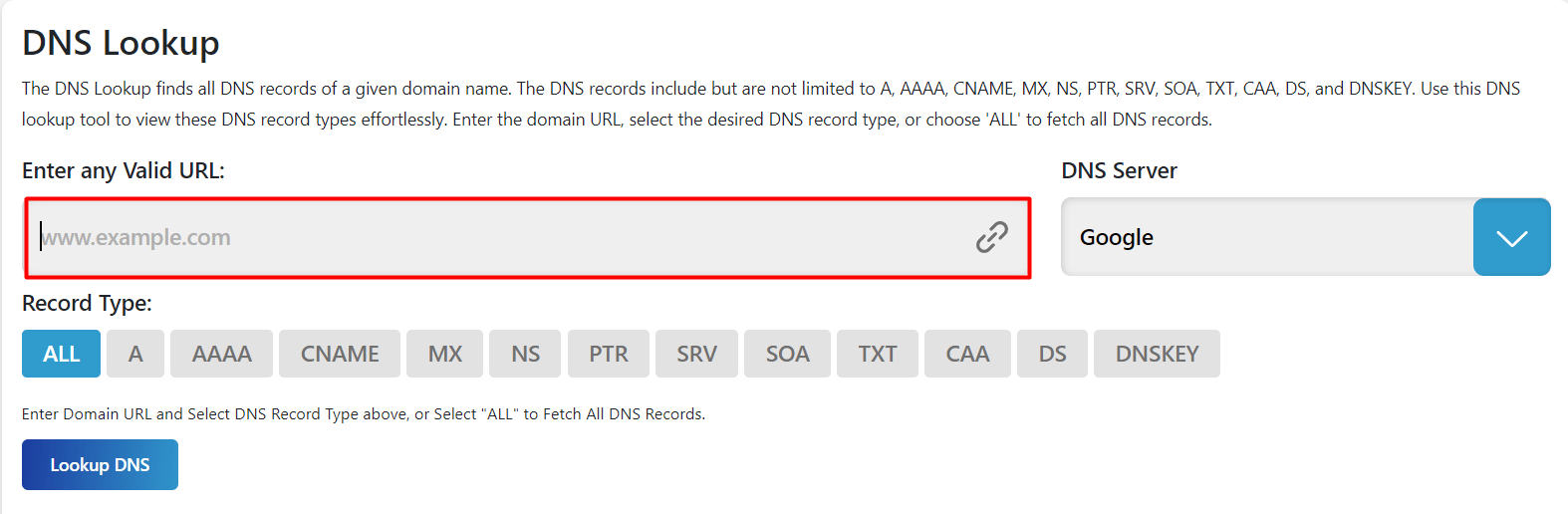
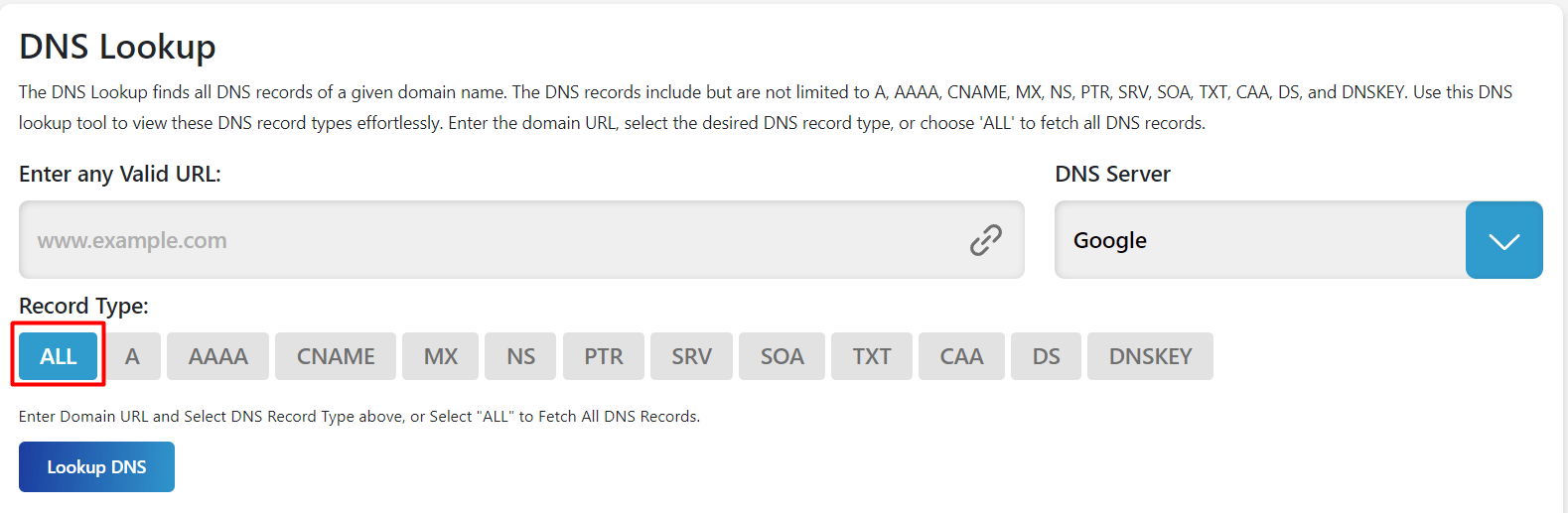
- You can also select record type or just select ‘All’.
- Finally, press ‘Lookup DNS’
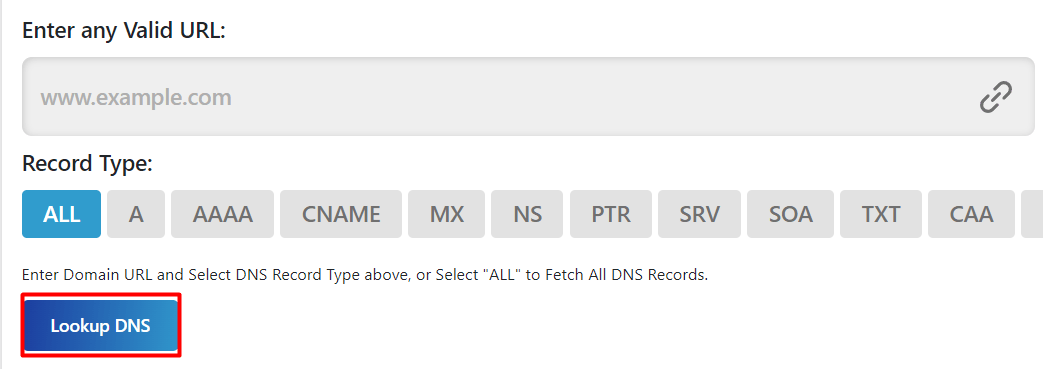
A DNS lookup can show whether a domain has records relevant to email, such as MX records. Missing results for a particular lookup don’t by themselves prove that the domain doesn’t exist or that it can’t receive email.
Check Email Address Structure
When you want to learn how to confirm an email address, it’s better to examine its structure. An email address consists of three parts:
- The unique identifier before the “@” symbol
- The “@” itself
- The domain name following it
Take “example@domain.com” as an example: “example” is the unique identifier, and “domain.com” is the domain name.
The part before the "@" is called the local part, and the part after it is the domain. Email-address syntax has technical rules and exceptions, so a simple character check can’t establish whether an address is valid or deliverable.
Pay attention to common errors, such as misspelled domain names (e.g., "@gmali.com" instead of "@gmail.com"). These mistakes can lead to delivery failures. Checking an address’s structure can catch formatting issues, but a correctly formatted address isn’t necessarily active or deliverable.
Server Pinging to Check Email Addresses
Some people try to check whether an email address exists by querying its mail server without sending a test message. This approach is unreliable: many mail servers restrict or obscure mailbox-level responses, and probing may be blocked. If you try it, follow the server’s terms and avoid repeated or unauthorized queries.
- Turn on Telnet: If you’re using Windows, you need to activate PuTTy on your computer. Mac users can use the iTerm app.
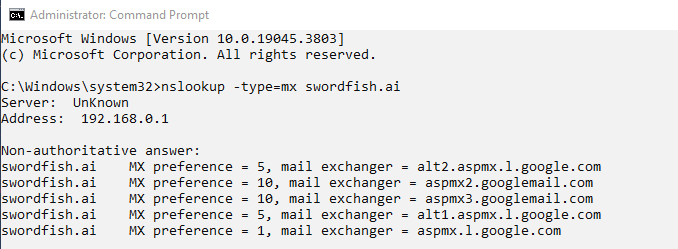
- Find the Mail Server: Open the command prompt (Windows) or terminal (Mac) and type: nslookup –type=mx domain.com. This will show you the Mail Exchange (MX) records for the domain.
- Choose a Mail Server: Look at the MX records and pick the one with the smallest preference number.
- Connect to the Server: Use the command: telnet {mail server address} 25 to connect to your chosen mail server.
- Start a Handshake: Type HELO to begin communicating with the server.
- Introduce Yourself: Enter: mail from: {any email address} to tell the server who you are.
- Verify the Email: Type: rcpt to: {email address you’re checking}.
A server response does not reliably confirm that a specific mailbox exists. Servers may reject mailbox checks, accept all addresses at a domain, or return ambiguous responses. Catch-all configurations can make an address appear acceptable even when the specific mailbox doesn’t exist. Treat SMTP probing as inconclusive rather than proof of validity.
Google Searching Email Addresses
Searching for an email address online may help you find publicly posted contact information. Finding an address in search results does not establish that it is current or deliverable.
This technique isn’t foolproof. Search results may associate an email with the wrong person, and finding an address online doesn’t guarantee that it is currently active.
This approach is useful for a quick check of a few email addresses but isn’t efficient for larger lists.
Sending Test Emails from Another Account
Sending a test email may show whether a message is rejected or receives a response, but it doesn’t reliably prove that an address is valid. Unsolicited test messages may also affect your sending reputation, so use this approach cautiously.
Using a separate account doesn’t eliminate the risks of test emails or guarantee that they won’t affect sender reputation. If you use this approach, send only appropriate, expected messages and interpret the results cautiously.
Using this approach is good for checking your email list and finding out which emails aren’t active anymore. However, it takes a lot of time.
You have to send out emails one by one and keep track of the replies, and this can become tiresome when you have a lot of emails to deal with.
When to Verify an Email List?
When you try to find company email addresses and get them, it’s a must to check your email list to make sure all the addresses are valid. A lot of people skip this step, but if you don’t do it, you might end up with a bunch of emails that don’t get delivered. In the worst cases, this could even get your account suspended.
Here are three key times when you should check your email addresses —
Verifying a New Email List
Before using a new email list, review and verify it. Lists can contain incorrect or invalid addresses, and checking them can help identify some problems before you send.
Addressing Rising Email Bounce Rates
If your email bounce rate is rising, review your list and sending practices. A rising rate can have several causes, so investigate before continuing to send.
To address delivery problems, review and clean your email list. Remove addresses that are confirmed invalid, and investigate uncertain results before deciding whether to keep or suppress them.
Sending to appropriate, reachable recipients can reduce avoidable bounces. List hygiene is one part of maintaining good deliverability, but it can’t guarantee that messages will reach inboxes.
Regular Email List Maintenance
It’s important to regularly update your email list, as 22.5% of email lists become outdated each year. To keep your outreach effective, you should verify your email addresses every three to six months.
Periodic checks can help identify addresses that may no longer work, such as those affected by job changes or closed accounts. Keeping your list current can reduce avoidable delivery problems.
Regularly reviewing your email list can help maintain effective communication. Contact data can change over time, including in provider directories, so avoid assuming that a previous verification will remain accurate indefinitely.
What’s the Difference Between Email Verification and Email Validation?
The terms "verification" and "validation" are often used interchangeably for email checks. Their exact meanings can vary by provider, so focus on what checks a service performs and what its result can—and cannot—confirm.
|
Aspects |
Email Verification |
Email Validation |
|
What It Is |
Checking if an email address exists, is active, and can get messages. | The result shows if an email is good or not after it’s been checked. |
| Key Steps | Includes checking email format, email domain, and sending a test ping to the email. |
Focuses on the final result: if the email is “valid,” “invalid,” or “cannot be checked.” |
|
Why It’s Done |
To see if an email address works and can get emails. | To clearly show if an email address is good to use after it’s been checked. |
| How It’s Done | A bunch of checks to look at different parts of an email address. |
A summary of what was found from the checks done. |
|
Why It Matters |
Helps to avoid using email addresses that don’t work or are risky before sending emails. | Helps decide if an email address should be used in things like marketing or talking to customers. |
| Additional Steps | Might send a test message to the email to make sure it’s real. |
Sometimes looks at more info about the email or where it came from. |
Why Choose Swordfish AI for Email List Verification?
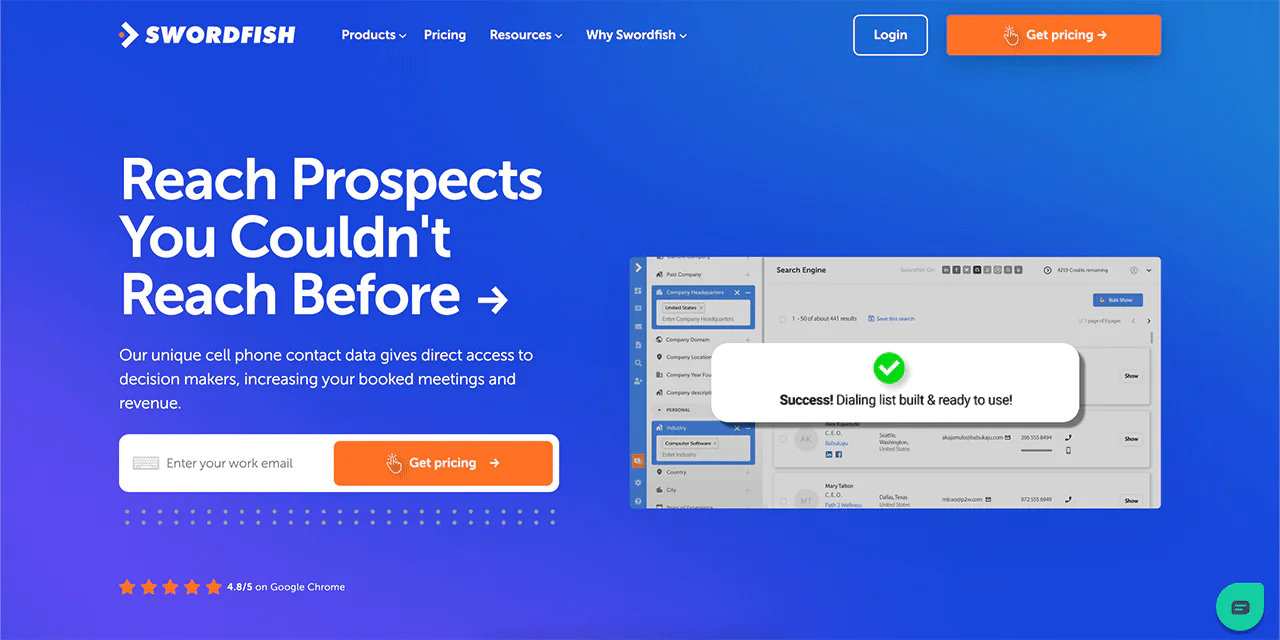
Swordfish AI is a standout tool as an effective email address lookup and locator that can verify email lists, perfect for those in sales and recruitment. Our uniqueness lies in our exclusive database of cell phone numbers and our system for checking these numbers.
This makes us a top pick for cold calling. But we’re more than just an email list checker. We’re changing the game by helping you connect directly with key decision-makers, improving the success of your outreach.
Swordfish AI focuses on giving you data that’s not only accurate but also useful. With our access to over 3.5 billion profiles, you have a wealth of information right at your fingertips. When you send emails or make phone calls, you’re really reaching potential clients or candidates.
Our platform checks contact details as they happen, making sure you’re using up-to-date and trustworthy information. To avoid missing opportunities, you need current information.
Features of Swordfish AI
Here are some of Swordfish AI’s main features —
-
Prospector Tool
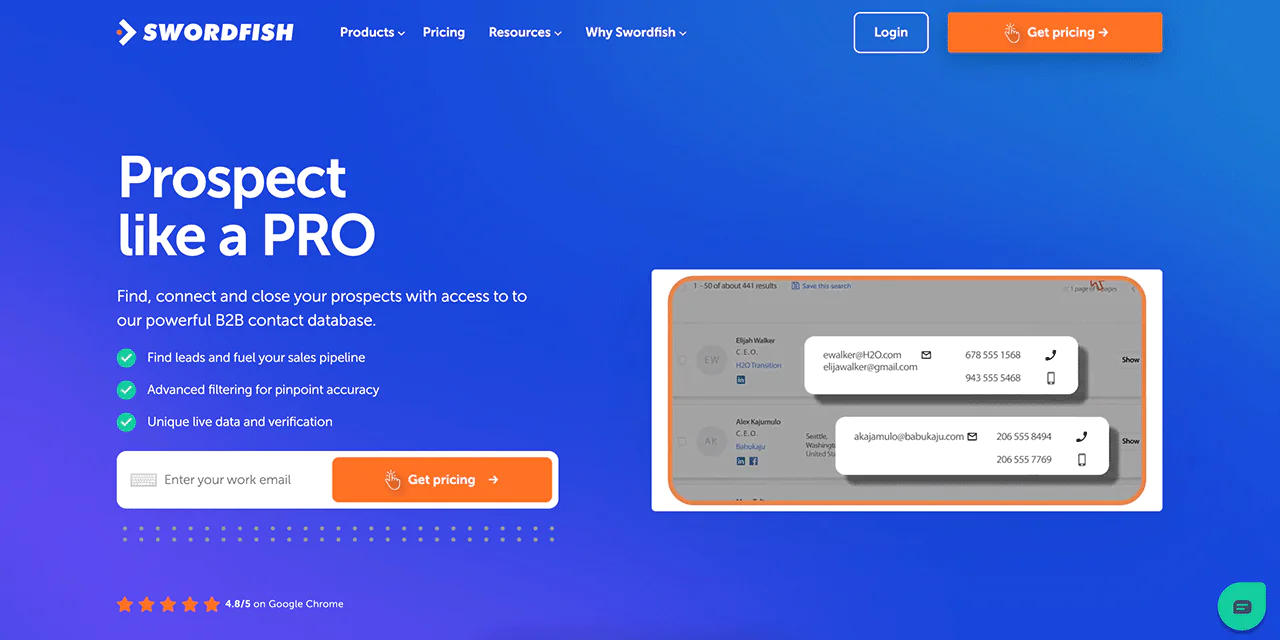
Using Prospector, you can quickly put together lists for calling or emailing. It sorts and filters information so you can find exactly who you need to contact.
-
File Upload Capability
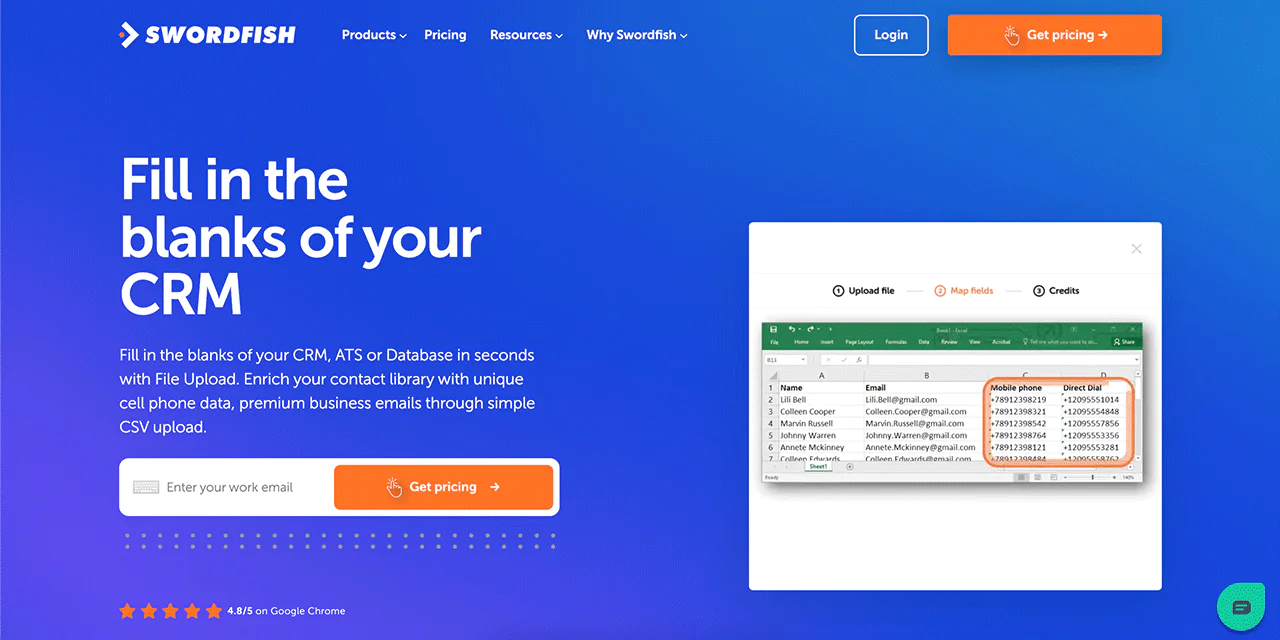
You can upload your CSV file to Swordfish, and we’ll fill in any missing phone numbers and emails. This is great for keeping your CRM database complete and up-to-date.
-
Reverse Search Functionality
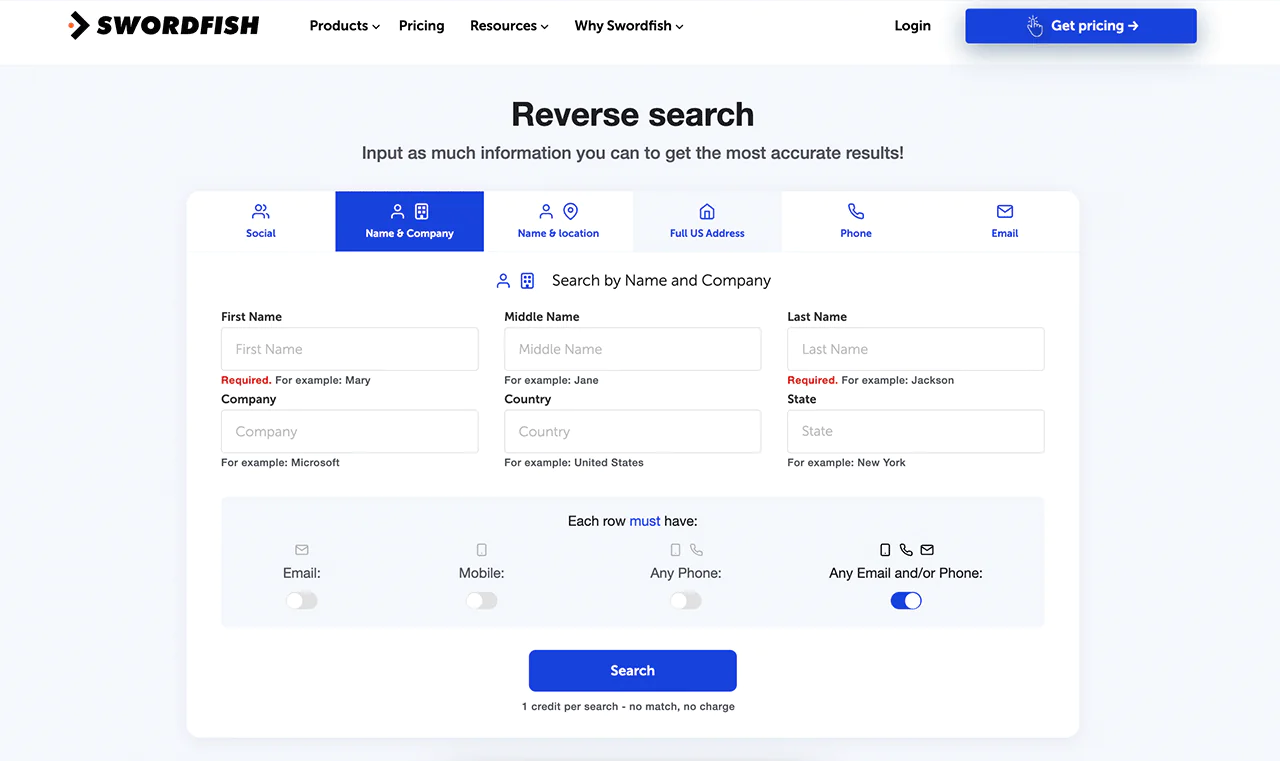
With Swordfish, you can find more information about someone using reverse search. It includes like their name, email, company, phone number, or social media profile.
-
Chrome Extension
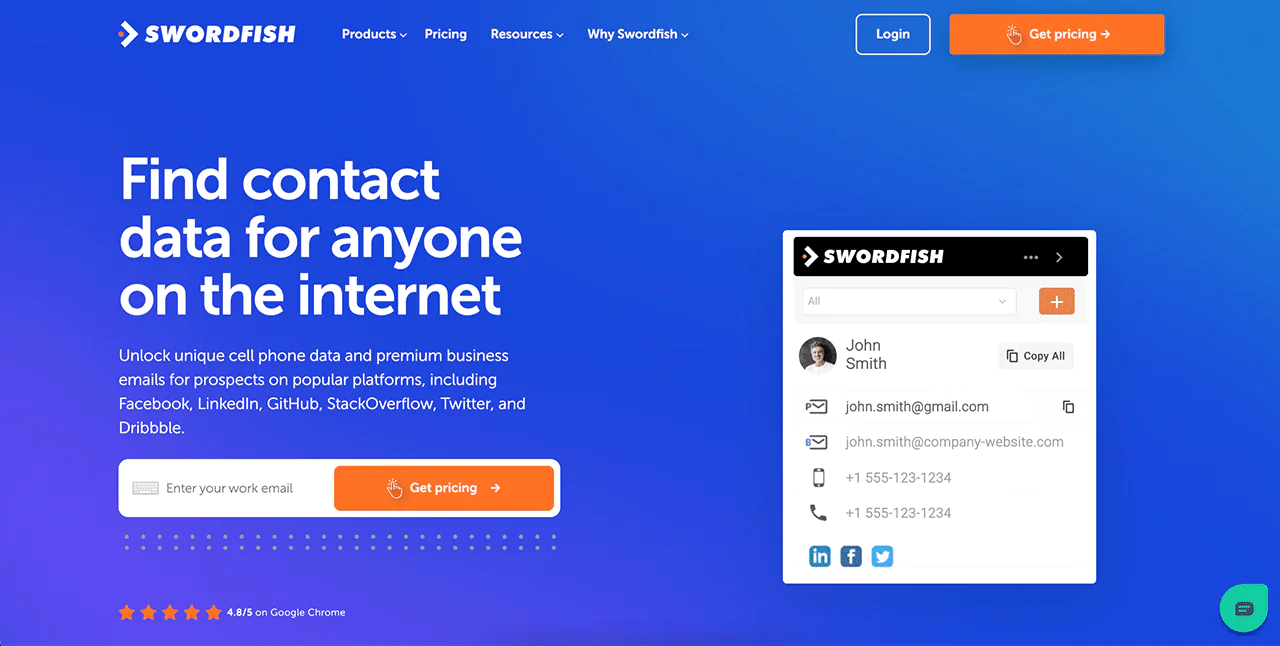
Our Chrome Extension helps you easily find contact details on sites like LinkedIn, Twitter, and Facebook. You can quickly grab and verify contact info directly in your browser
-
API Integration
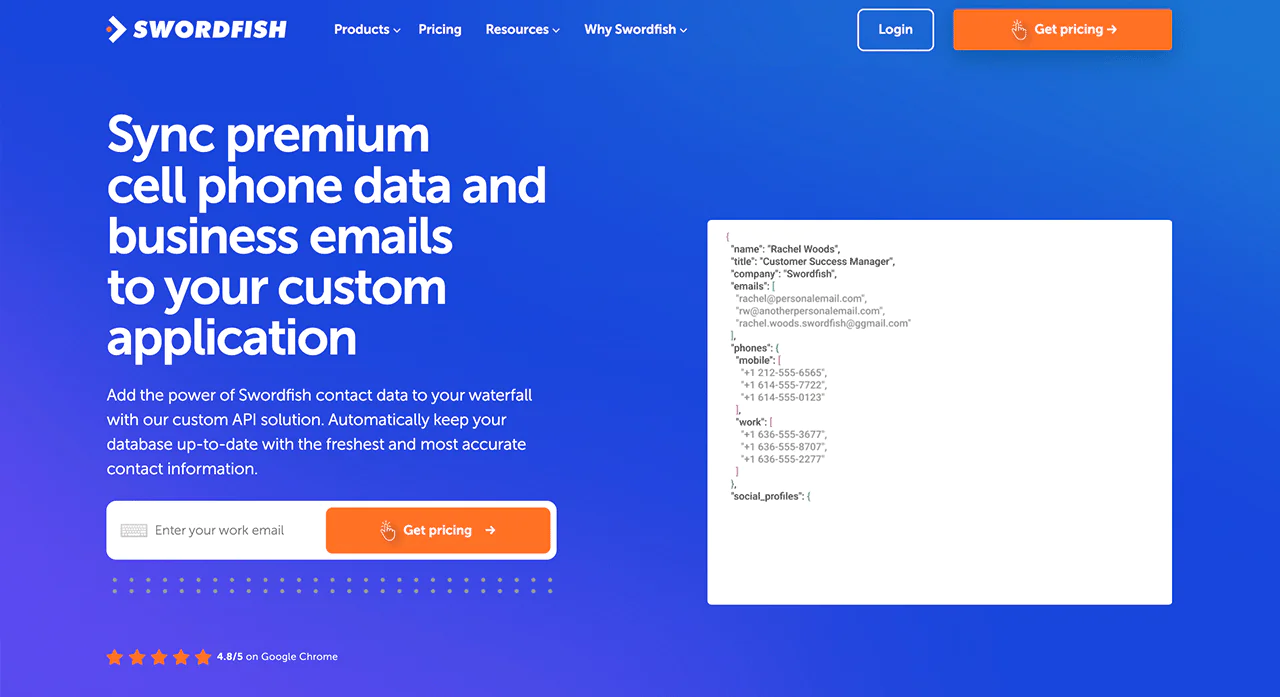
We offer API integration, so you can add Swordfish’s unique data into your own applications. This makes your existing systems even more powerful.
-
Bombora Intent Data
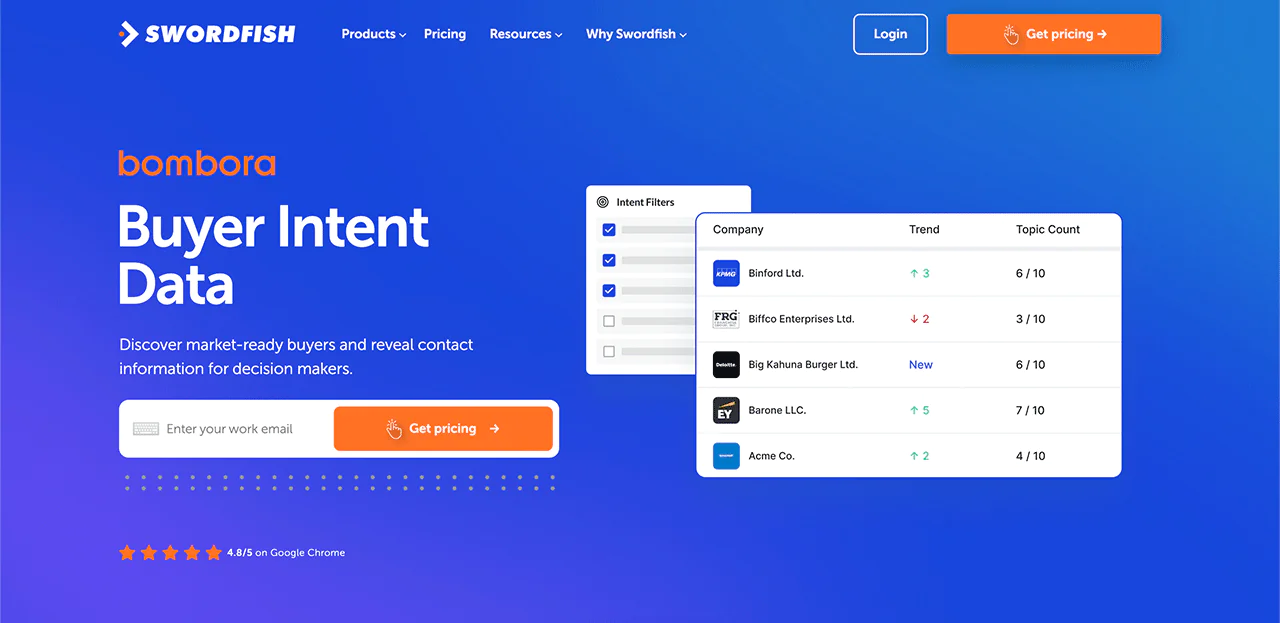
Bombora feature helps you find businesses that are ready to buy what you’re selling. It uses special data to spot potential customers who are looking for products like yours.
-
Real-Time Line Connectivity Validation
Swordfish checks phone numbers in real-time to make sure they’re working. This way, you can trust the phone numbers we provide are accurate.
 Try Swordfish Ai
Conclusion
Email verification can help you assess whether an address is formatted correctly and appears able to receive messages. You can use tools, DNS checks, and manual review, but none can guarantee that a specific person owns or actively uses an address.
Use verification as one part of good list hygiene. Review addresses before sending, pay attention to bounce patterns, and treat uncertain results cautiously.
Email verification can reduce avoidable delivery problems, but it isn’t a guarantee of inbox placement or protection from phishing. Use current, appropriate contact data and follow responsible sending practices.
Want to improve your sales and recruitment? Try Swordfish AI for reliable phone and email details. Begin reaching out to important contacts today!
FAQs
Can email verification detect typos?
Yes, good email verification tools can find errors like wrong domain names and odd symbols in email usernames.
Are terms like ’email verifier’, ’email checker’, ’email validator’, and ’email tester’ all the same?
You’ll see different names like email checker, verifier, validator, or tester. They usually mean the same thing: software that checks if email addresses are valid. But, don’t confuse them with ’email spam checker’ or ’email spam tester’. These are different. Their tests look for things like blacklisted email addresses or content issues that could send your email to the spam folder, not the inbox.
Is email verification always right?
No, it’s not 100% certain. New email servers appear often, people make typos, and spam traps are common. But, using an email verifier does increase your chances of your emails reaching someone’s inbox.

