


 View Products


Key takeaways
- Email lookup tools search for addresses associated with a person, company, or domain.
- Lookup and validation results can be outdated or incorrect and do not guarantee that an inbox is active.
- The five tools compared are Swordfish, Lusha, RocketReach, SignalHire, and Improver.
- Compare tools based on the contact details, integrations, lookup limits, and costs your workflow requires.
- Review contact data before outreach, and do not treat an email lookup as proof of identity or legitimacy.
Last updated: September 3, 2026

Finding a reliable, current email address for a specific person is harder than it sounds. People change jobs, switch domains, and let old inboxes go stale, and a bounced message can cost you time or an opportunity. Email lookup tools search sources for contact details and may help sales, recruiting, and outreach teams find addresses, but results can be outdated or incorrect.
This guide breaks down what these tools actually do, when they’re worth using, and how five of the more established options compare.
What’s an Email Lookup Tool?
An email lookup tool searches public web sources, professional profiles, and other databases for email addresses tied to a specific name, company, or domain. Some tools also check whether an address appears deliverable, but a validation result cannot guarantee that an inbox is active or that the address belongs to the intended person.
Sales and marketing teams use these tools to build prospect lists, verify contacts before a campaign, and cut down on the wasted sends that come from outdated data.
Advantages of Email Lookups
Email lookup tools cover more ground than simply retrieving an address. Here’s where they tend to add the most value.
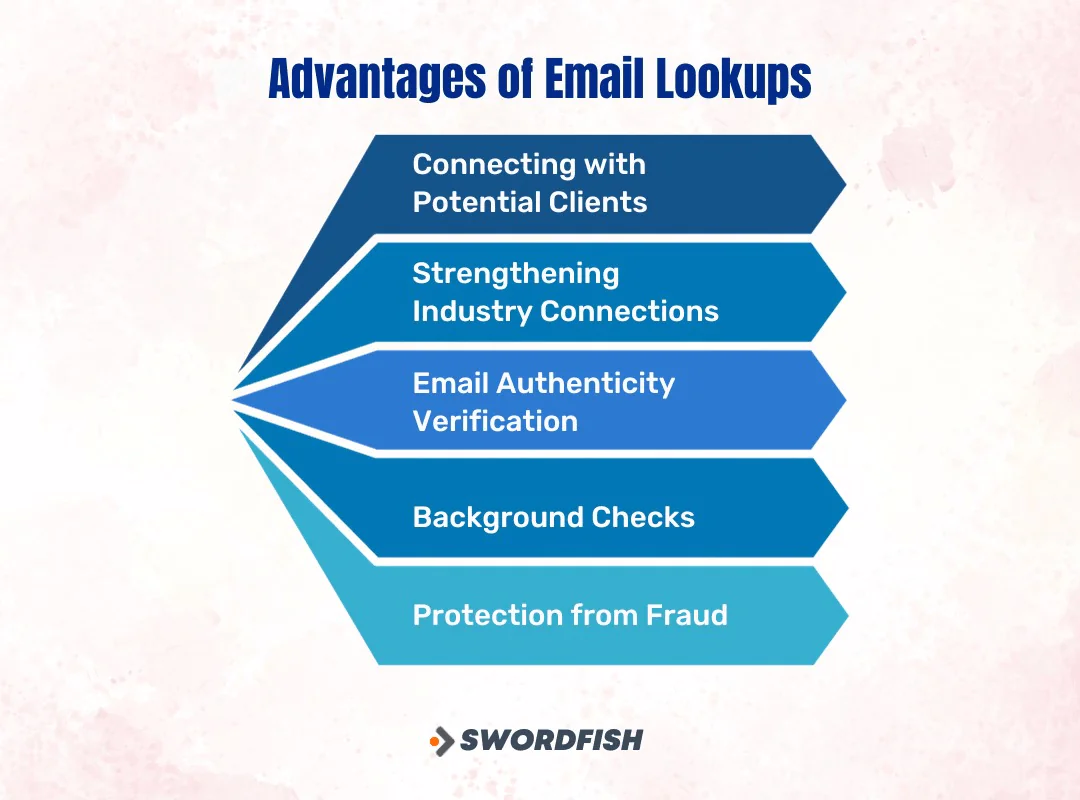
Connecting with Potential Clients
Reaching a new audience usually starts with finding the right contact. An email lookup can help you locate an address for a targeted, personalized message rather than relying on generic outreach. Check the contact and use the information responsibly before sending.
Strengthening Industry Connections
Locating the email address of a peer, expert, or potential collaborator in your field is often the first step toward a real professional relationship. These connections can lead to partnerships, referrals, or mentorships that outlast any single email exchange.
Email Authenticity Verification
An address that looks correct isn’t always deliverable. Lookup and verification tools may flag addresses that appear invalid or risky, but their results are not guarantees that an inbox is active or that a message will be delivered.
Background Checks
An email address alone cannot verify someone’s professional background or identity. It may be one detail to check alongside other reliable information, but employers should use appropriate methods to confirm a candidate’s stated history, and individuals should not treat an address lookup as proof of who they are communicating with.
Protection from Fraud
Unsolicited emails from unfamiliar senders can be a phishing risk. An email lookup may provide context about an address, but it cannot prove that a sender is legitimate. Avoid clicking unexpected links or sharing sensitive information based only on lookup results.
Why Do You Need an Email Lookup Tool?
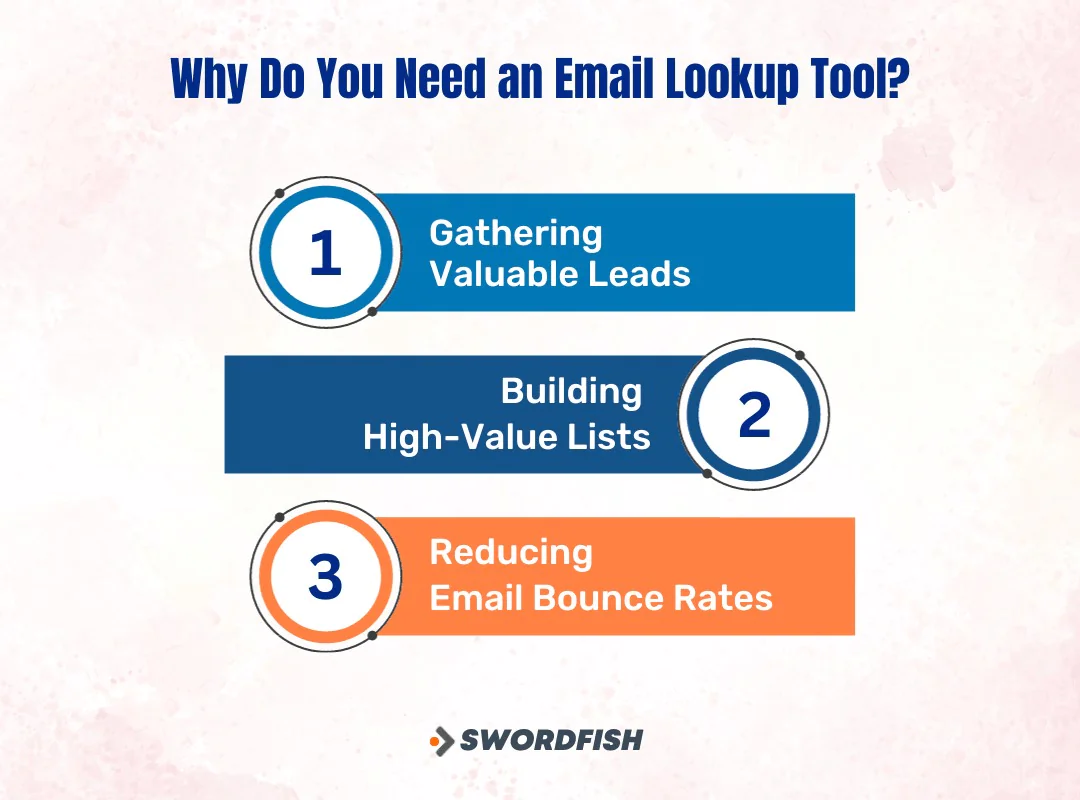
Beyond simply finding an address, these tools solve a handful of specific, recurring problems for outreach teams.
1. Gathering Valuable Leads
Finding prospects, partners, or stakeholders can take time without the right tools. Email lookup software may help teams locate contacts more efficiently, but it does not by itself establish a person’s interest or guarantee better lead quality or conversion rates.
2. Building High-Value Lists
A campaign depends in part on the relevance and quality of its contact list. Lookup tools can help teams find addresses to review, but results may be outdated or inaccurate; check contacts before use rather than assuming a list will improve campaign performance or return on investment.
3. Reducing Email Bounce Rates
Sending to invalid addresses can hurt deliverability. Checking addresses before sending may help reduce avoidable bounces, but validation cannot guarantee inbox placement, a response, or protection from spam filtering.
Top Email Finder Tools You Should Know About
Here’s how five widely used email lookup tools compare, along with where each one tends to fit best.
1. Swordfish
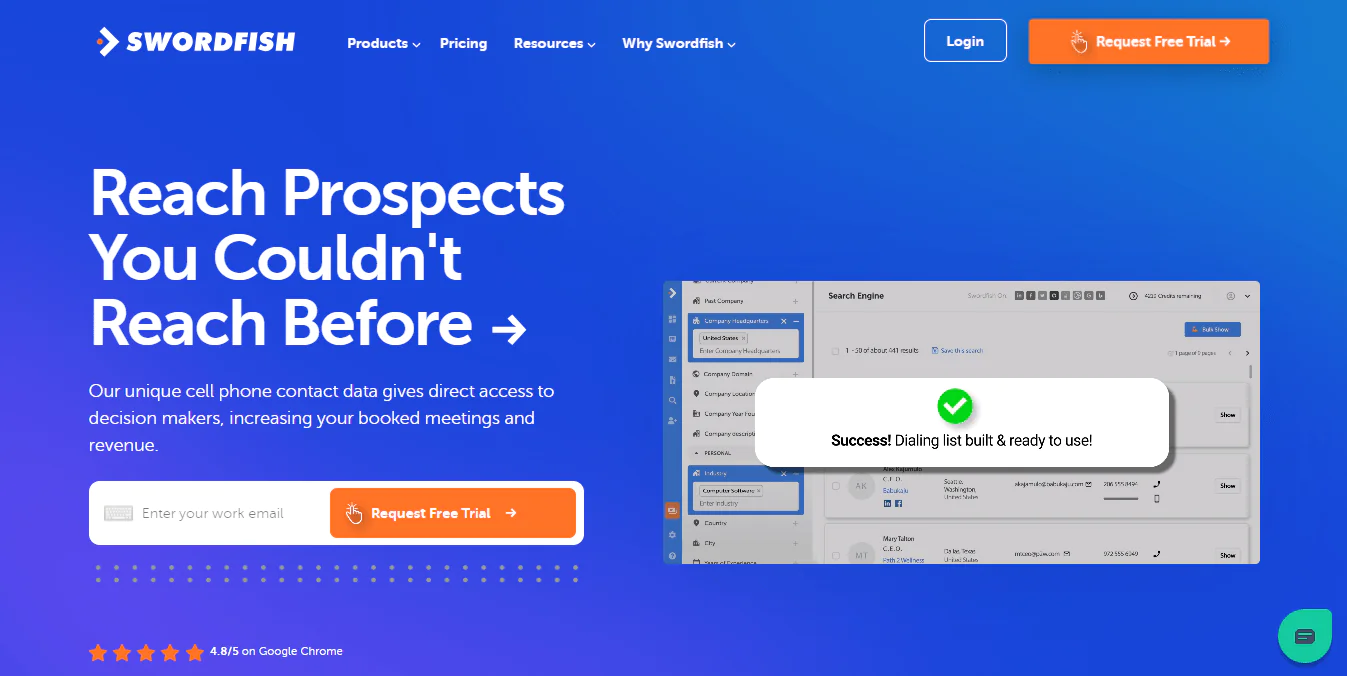
Swordfish is built for finding both email addresses and cell phone numbers for individuals and businesses across a wide contact database. It pulls from multiple data sources and cross-checks results, which helps surface contact details that are current rather than stale.
For teams that need verified mobile numbers alongside email, that combination is often the deciding factor over an email-only tool.
 Try Swordfish Ai
2. Lusha Extension
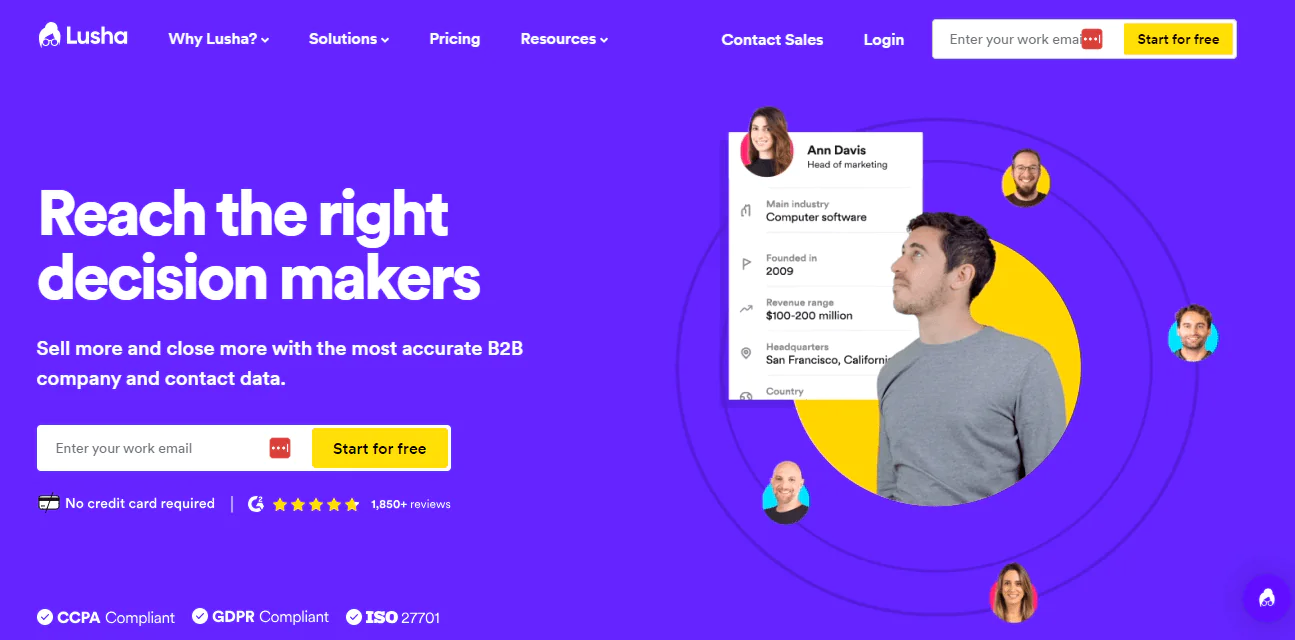
Lusha’s browser extension goes beyond email lookups, surfacing phone numbers and company data directly from LinkedIn and other profiles. It also integrates with common CRM platforms, so a contact you find updates in your CRM without manual entry.
3. RocketReach

RocketReach uses machine learning and a wide set of data sources to surface professional email addresses and phone number lookup results. It scales from individual users to larger teams through tiered subscription plans.
Some users report occasional mismatched results, and the search filters aren’t as granular as some competitors offer. RocketReach gives new users a handful of free lookups before requiring payment, and published annual plans for individuals have ranged from roughly $329 to $2,099 depending on tier and lookup volume, though exact pricing and quotas change often enough that it’s worth confirming current rates directly on their site before budgeting.
4. SignalHire
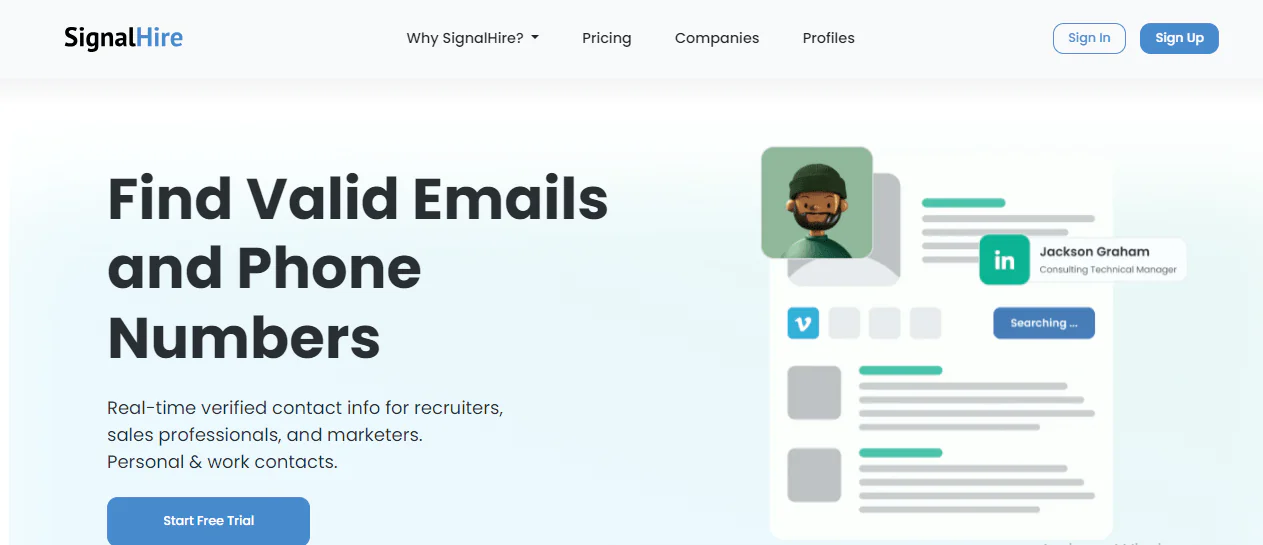
SignalHire is known for accuracy and a straightforward interface that doesn’t require much onboarding. It connects with a range of CRM systems and includes a confidence score on each result, giving you a sense of how reliable a given contact is before you use it.
Some users find the cost steep relative to the feature set, and the interface, while clean, still takes a bit of time to learn fully.
5. Improver
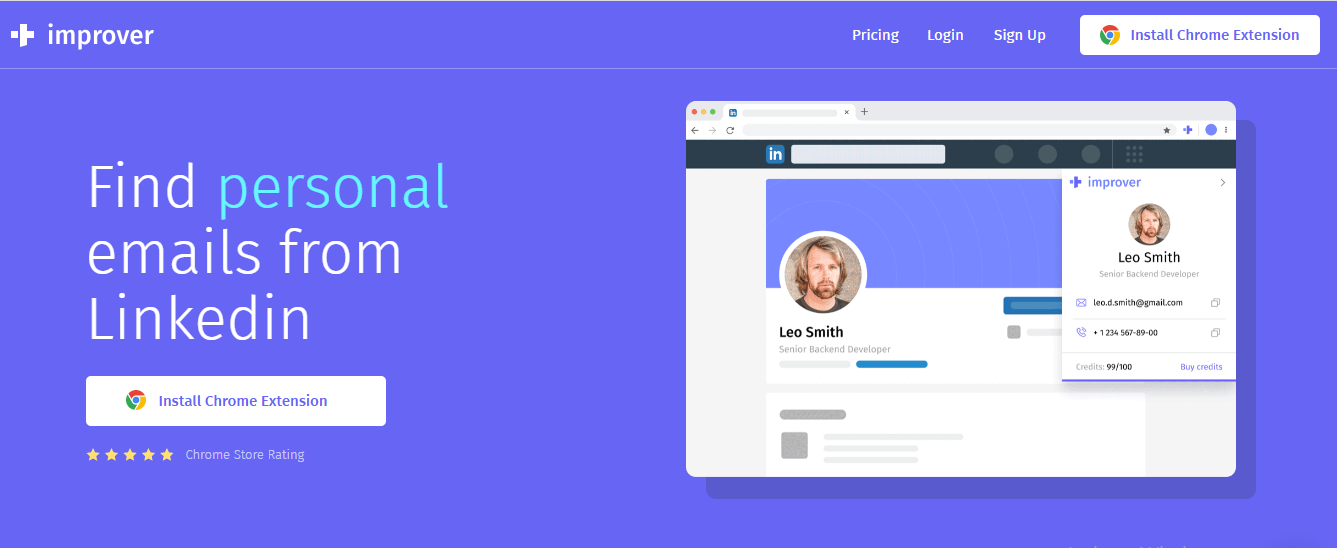
Improver pulls contact details, both emails and phone numbers, from multiple public data points and offers tiered pricing across essential, professional, and premium levels. Its interface is intuitive enough for straightforward projects, and being cloud-based makes it usable for distributed teams.
The tradeoff is fewer native integrations, which means more manual work moving data between systems, and it can feel underpowered for teams running more complex outreach workflows.
Conclusion
The right email lookup tool depends on what you’re actually trying to do. If mobile numbers matter as much as email, a tool that covers both, like Swordfish or Lusha, saves you from juggling separate platforms. If you’re running high-volume outreach, pay close attention to lookup limits and overage costs, since those vary a lot between providers and can change your effective price per contact significantly.
Whichever tool you choose, verification matters more than volume. A shorter list of confirmed, deliverable addresses will outperform a longer one full of guesses.
FAQS
Do these tools only find business email addresses?
Most email lookup tools are built around professional or business addresses, but some can also surface personal email addresses depending on the databases they draw from.
Can I integrate email lookup tools with other software?
Many of these tools offer CRM integrations, which let contact data flow directly into your existing sales or outreach workflow without manual re-entry.
How much do email lookup tools typically cost?
Pricing varies by provider, lookup volume, and feature tier. Some offer a limited number of free searches, while others run on subscription or pay-per-lookup pricing, and rates change often enough that it’s worth checking current pricing pages before committing to a plan.

