


 View Products


Key takeaways
- LinkedIn Sales Navigator is designed to help sales teams find and track leads and companies on LinkedIn.
- Its features include lead and company search, activity alerts, custom lists, InMail, TeamLink, and CRM connections; availability can depend on the plan.
- Sales Navigator is not itself a source of direct phone numbers or email addresses, so teams may need another source for those details.
- The article describes Core, Advanced, and Advanced Plus plans, but says current pricing should be checked with LinkedIn because it can change by region and over time.
- Whether Sales Navigator is worthwhile depends on budget, team needs, and how much the team relies on LinkedIn for prospecting.
Last updated: September 3, 2026
LinkedIn Sales Navigator is a prospecting tool for B2B sales teams, pairing advanced search filters with signals on the accounts and contacts you’re tracking. For teams selling into healthcare or other regulated industries, it can help identify decision-makers before they add a separate source for direct contact data.
This tool goes well beyond what a standard LinkedIn or Premium account offers, giving sales reps deeper visibility into prospects and a more structured way to manage target accounts. If you’re evaluating whether it fits your workflow, it helps to understand exactly what it does and doesn’t do.
Sales Navigator connects with CRM systems and surfaces alerts on key contacts. In this review, we’ll walk through its features, strengths, limitations, and the user-experience themes described in the article.
LinkedIn Sales Navigator: A Quick Overview
LinkedIn Sales Navigator is built for sales professionals who need to find and engage prospects on LinkedIn. It offers advanced search filters for finding leads and companies; available search options may differ from those on standard LinkedIn accounts.
With it, you can identify decision-makers, monitor lead activity, and receive notifications about changes at target accounts. Sales Navigator offers CRM connections and features such as lead recommendations and TeamLink, which can show paths to prospects through colleagues’ networks.
It sits a tier above regular LinkedIn or Premium subscriptions, particularly for sales-focused use cases, and is sold across a few plan levels depending on team size and need.
Features of LinkedIn Sales Navigator
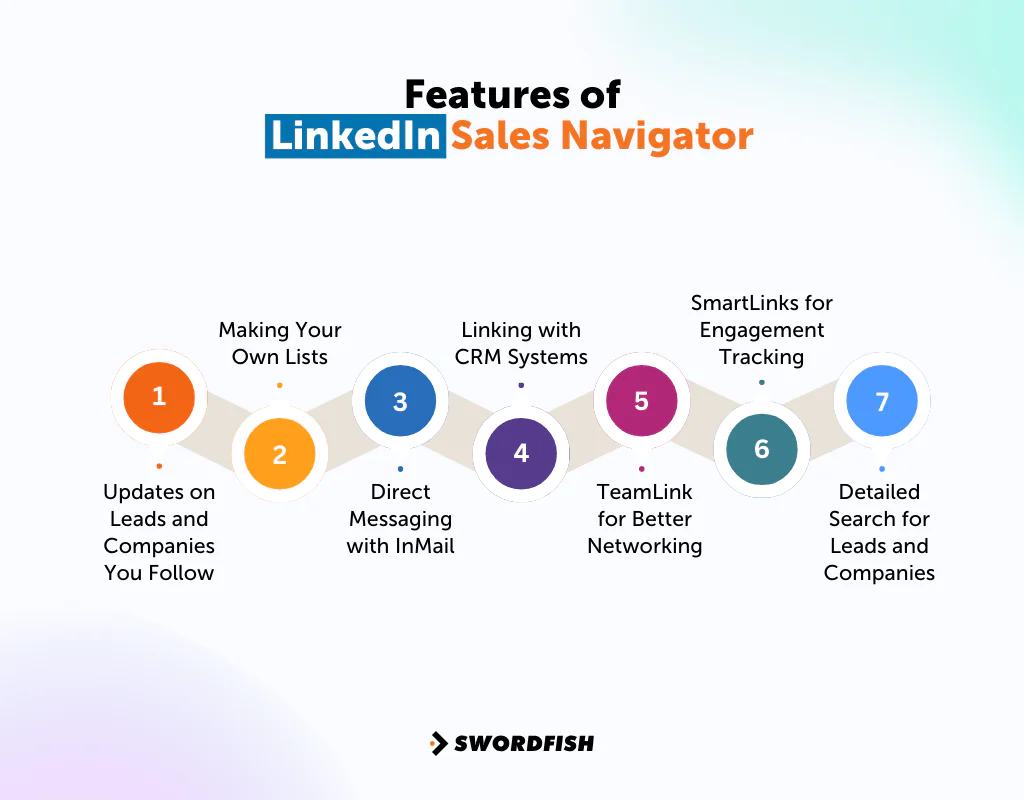
Here’s a closer look at the core features that make up the platform.
Updates on Leads and Companies You Follow
Sales Navigator surfaces activity from leads and companies you’re tracking, such as job changes, posts, or company news. This can help users monitor target accounts without checking each one manually; the timing and availability of updates may vary.
Making Your Own Lists
You can build and manage custom lists of leads and companies, which helps organize outreach and track where each prospect sits in your pipeline. This is useful for segmenting accounts by priority, vertical, or deal stage.
Direct Messaging with InMail
InMail credits let you message people outside your existing network, which matters for reaching prospects you haven’t connected with yet. It’s one of the more practical workarounds for the platform’s usual connection limits.
Linking with CRM Systems
Sales Navigator can integrate with CRM platforms to help sync activity and lead data, potentially reducing manual entry. The available integrations and sync behavior depend on the CRM and plan.
TeamLink for Better Networking
TeamLink shows connections between your teammates and a given prospect, which can turn a cold outreach attempt into a warm introduction request instead.
SmartLinks for Engagement Tracking
SmartLinks can provide information about how recipients interact with shared content, helping users tailor follow-up. Availability and tracking details may depend on the plan.
Detailed Search for Leads and Companies
You can run detailed searches to find potential clients, using dozens of filters to narrow down LinkedIn’s member base. This level of filtering is one of the main reasons teams pay for Sales Navigator instead of relying on free search.
Pros of LinkedIn Sales Navigator
- Increases lead generation efficiency.
- Enhances accuracy in targeting ideal customers.
- Facilitates direct and personalized prospect outreach.
- Simplifies sales data management with CRM integration.
- Expands networking opportunities through team connections.
- Offers valuable insights into prospect engagement and interests.
Cons of LinkedIn Sales Navigator
- Requires a strategic approach for effective use.
- No native bulk export of contact data, and third-party export tools are restricted under LinkedIn’s user agreement.
- Does not provide email addresses or direct phone numbers, so teams often need a separate contact data source for actual outreach.
LinkedIn Sales Navigator User Experience
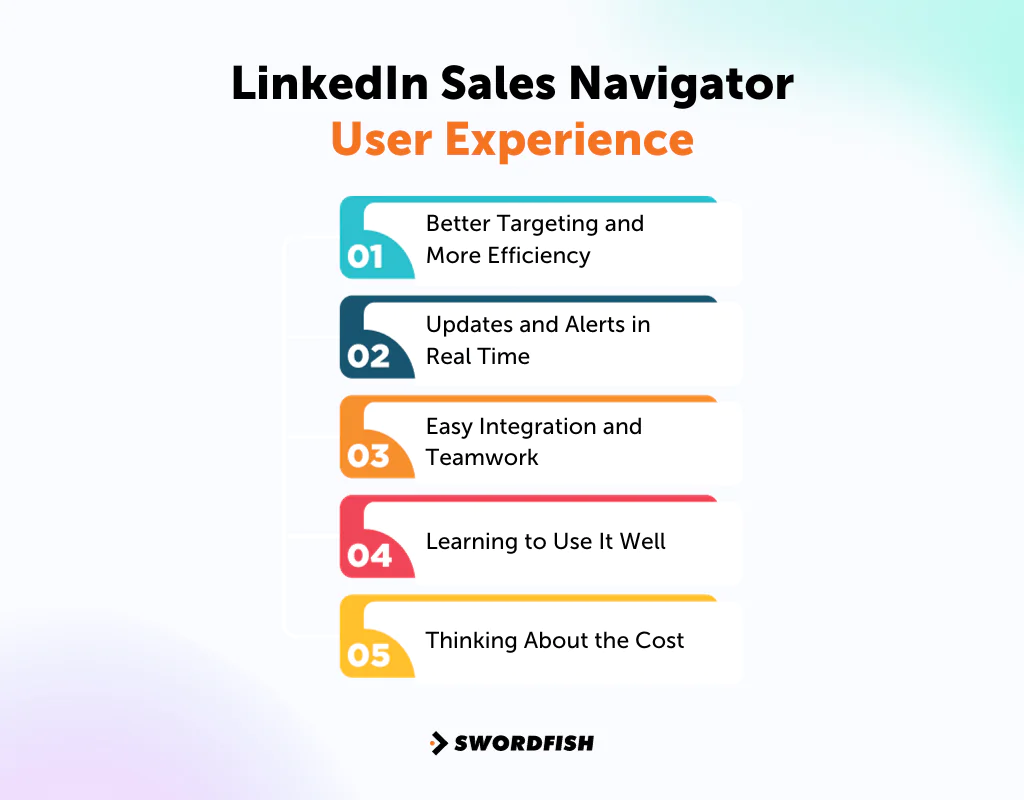
The user-experience themes discussed here include search and filtering, alerts, integrations, the learning curve, and cost.
Better Targeting and More Efficiency
Many users say the detailed search and filter options changed how they find prospects, letting them narrow in on relevant leads faster. That precision saves time and supports more focused inside sales strategies.
Updates and Alerts in Real Time
Alerts on lead activity can help reps identify relevant moments for outreach. The timing and usefulness of alerts depend on the activity tracked and the user’s workflow.
Easy Integration and Teamwork
CRM integration keeps data organized and sales teams aligned, and TeamLink adds a practical way to use existing team connections for warmer introductions.
Learning to Use It Well
Users note there’s a real learning curve. Getting full value out of Sales Navigator takes a deliberate approach and familiarity with its filters and features, not just a login and a few searches.
Thinking About the Cost
Cost is a recurring theme in user feedback, especially for smaller teams weighing the subscription against the value of the leads it actually produces.
LinkedIn Sales Navigator Support for Users
Support and learning resources can shape the experience of using Sales Navigator. The types of assistance available may depend on the issue, account, and plan.
Personalized Help
The article describes users receiving help with platform setup, feature questions, and CRM connections. Support experiences may vary.
That kind of support tends to build confidence, especially for reps who are new to the tool.
A Wealth of Resources
LinkedIn Sales Navigator also provides guides, how-to videos, and FAQs aimed at helping users work through common problems on their own.
The article describes LinkedIn’s guides, how-to videos, and FAQs as resources for common questions. Their usefulness may vary by user and issue.
Active Support
The article says LinkedIn support may share tips about using the platform. The level and availability of assistance can vary.
LinkedIn Sales Navigator Pricing
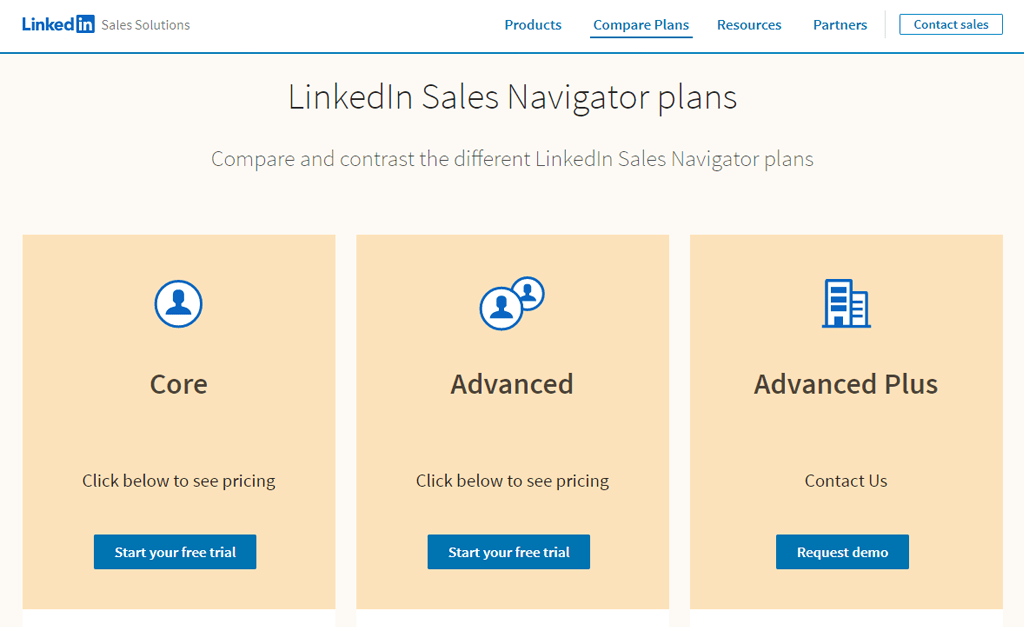
The LinkedIn Premium Sales Navigator offers three pricing tiers: Core, Advanced, and Advanced Plus, each built for a different scale of sales operation. As of 2026, Core and Advanced are priced per seat with monthly and discounted annual billing options, and Advanced Plus is quote-based for larger organizations. Every tier includes a set monthly allotment of InMail credits. Because LinkedIn adjusts pricing by region and periodically overall, check LinkedIn’s own plan comparison page for current figures before budgeting.
Core Plan
Built for individual sales professionals, Core includes the essential search filters and lead alerts needed to identify and track prospects on your own.
Advanced Plan
Aimed at sales teams, Advanced adds collaborative features and content sharing on top of Core, useful for teams coordinating a shared account list or messaging cadence.
Advanced Plus Plan
Designed for larger organizations, Advanced Plus adds deeper CRM integration and reporting suited to enterprise-scale sales operations managing high account volumes.
Our Review: Is LinkedIn Sales Navigator the Right Tool for Your Business?
Sales Navigator’s core functions include lead and company search, updates on target accounts, and CRM connections.
These features can support prospecting, particularly for sales teams coordinating outreach. The subscription may be costly for smaller businesses or solo users, and Sales Navigator does not itself provide direct contact data such as phone numbers or email addresses.
Getting value from the platform may require time to learn its filters and features. Whether it is worthwhile depends on your budget, team size, and whether you need a separate contact data source for outreach.
Top 3 Alternatives to LinkedIn Sales Navigator
LinkedIn Sales Navigator is a popular choice in sales and lead generation tools, but it’s not the only player in the game. If you’re looking for alternatives, Swordfish AI is definitely worth considering. But, there are a few more.
Let’s get into it.
1. Swordfish AI
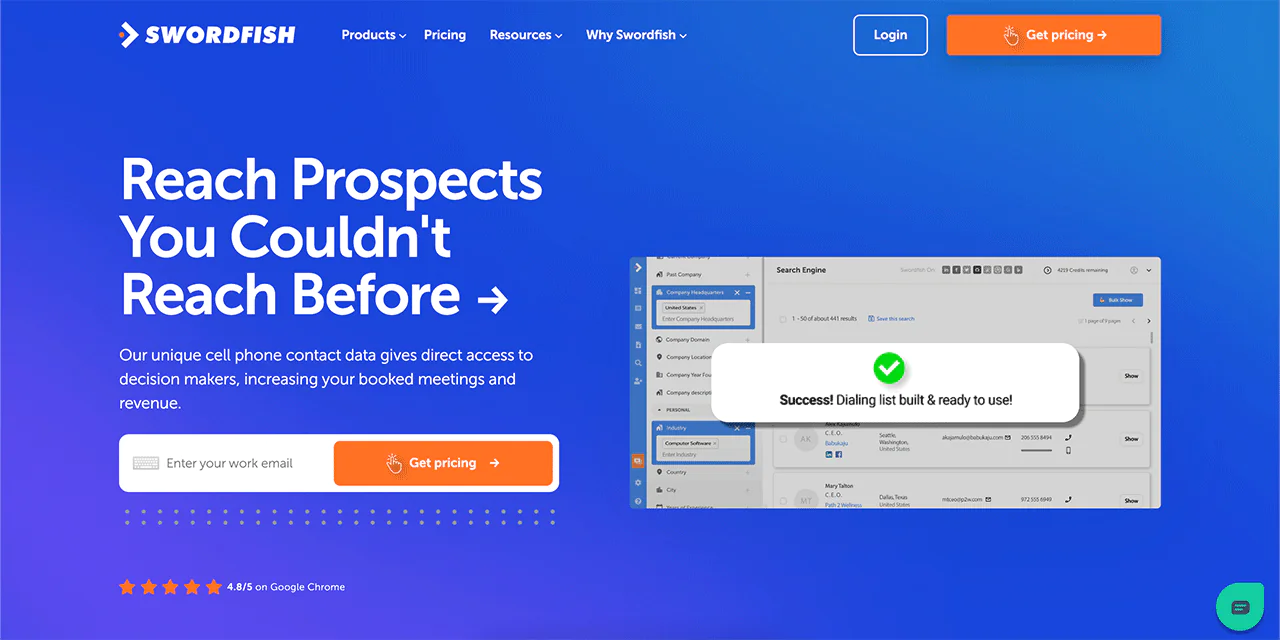
Swordfish AI is notable for its database of cell phone numbers and its own system for checking these numbers. This makes it a strong fit for strategies that lean on cold calling, including outreach to healthcare providers whose direct lines aren’t listed on LinkedIn.
It offers access to more than 3.5 billion data profiles, giving reps a large pool of potential leads to work from. With that reach and real-time data validation, Swordfish AI complements what Sales Navigator provides on the search side by supplying the direct contact information Sales Navigator itself doesn’t include.
Swordfish AI vs LinkedIn Sales Navigator: A Quick Comparison Table
Now, let’s compare Swordfish AI and LinkedIn Sales Navigator side-by-side —
|
Features |
Swordfish AI |
LinkedIn Sales Navigator |
| Unique Selling Point | Access to unique cell phone numbers and proprietary verification system | Advanced lead and company search capabilities |
| Data Profiles | Over 3.5 billion | Extensive LinkedIn network |
| Cold Calling Support | Excellent, with direct cell phone access | Limited to LinkedIn connections and InMail |
| Real-Time Data Validation | Yes | Limited |
| CRM Integration | Yes | Yes |
| Lead Generation | Bulk search and CSV upload for leads | Advanced search filters and saved searches |
| Target Users | Sales professionals focusing on direct outreach | Sales teams seeking comprehensive LinkedIn integration |
 Try Swordfish Ai
2. UpLead
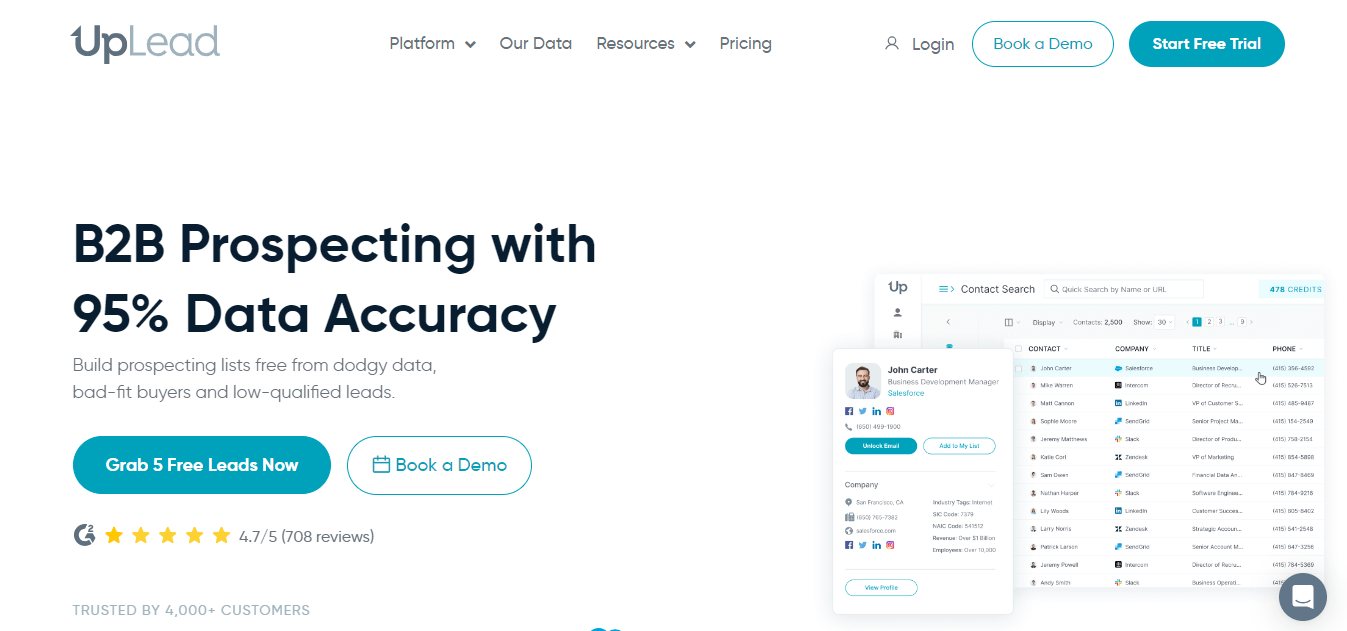
UpLead is a platform for generating B2B leads and gathering sales information, positioned around high data accuracy claims. It’s recognized for its contact database and lead management features, useful for finding specific leads.
It also offers access to a B2B database with real-time verification, aimed at reducing bounced contacts. Its CRM compatibility and filtering options make it a common choice for startups and small businesses.
UpLead vs LinkedIn Sales Navigator: A Quick Comparison Table
Now, let’s look at how UpLead and LinkedIn Sales Navigator stack up against each other —
| Features | UpLead | LinkedIn Sales Navigator |
| Lead Generation | Targeted B2B leads | Broad LinkedIn network leads |
| CRM Integration | Integrates with multiple CRM systems | Seamless LinkedIn and CRM integration |
| Pricing | Free | Tiered plans starting from Core Plan |
| Essentials at $99 per month | ||
| Plus at $199 per month | ||
| Data Enrichment | Offers data enrichment features | Advanced search and lead tracking |
| Technographics | Over 16,000 technographic data points | Limited technographic data |
| User Interface | Easy-to-use and intuitive | Comprehensive but requires familiarity |
| Target Market | Ideal for startups and small businesses | Suited for larger teams and organizations |
| Free Trial | 7-day trial with 5 credits | No free trial, but offers a demo |
| Additional Features | Email pattern intel, competitor intelligence | InMail messaging, TeamLink for networking |
3. Lusha
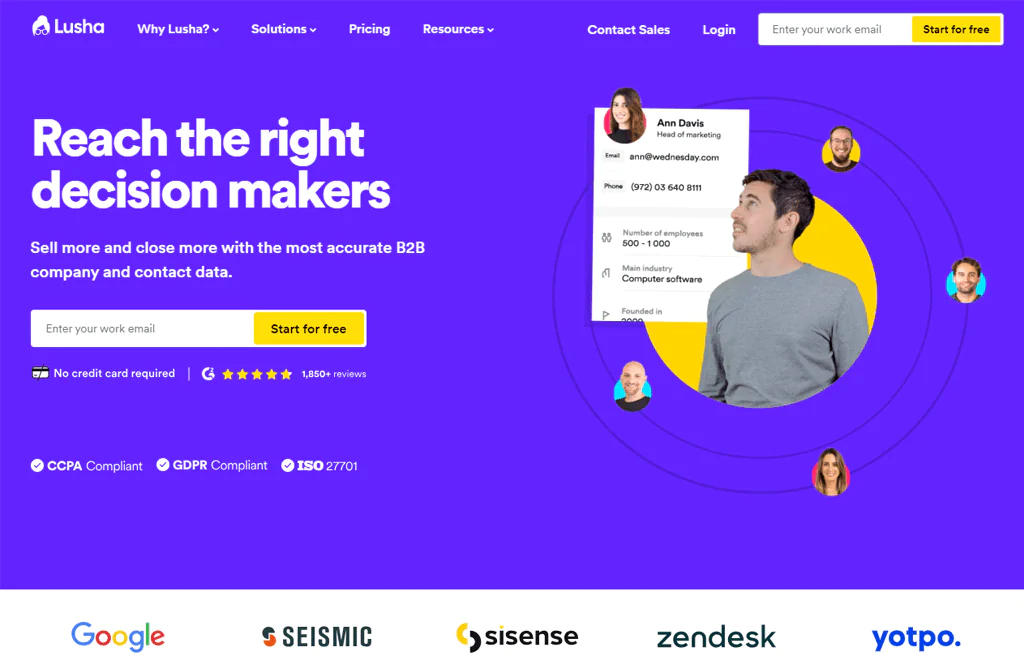
Lusha is a widely used B2B contact information provider, covering millions of professionals and companies globally. If you’re after contact info, company details, or social profiles, Lusha is built around exactly that.
The platform is geared toward lead generation, prospecting, and supporting marketing efforts, making it a versatile addition to a sales stack.
Among its main features, Lusha provides data on buying intent and job-change alerts, both useful for timing outreach. It also offers technology filters to narrow prospecting by tech stack.
Another notable benefit is its ability to enrich Salesforce data, keeping CRM records more current and complete.
Lusha vs LinkedIn Sales Navigator: A Quick Comparison Table
Now, let’s look at how Lusha and LinkedIn Sales Navigator compare —
| Features | Lusha | LinkedIn Sales Navigator |
| Pricing | Free | Tiered plans starting from Core Plan |
| Pro starts at $39 per user monthly | ||
| Premium at $69 per user monthly | ||
| Scale (Custom) | ||
| Lead Generation | Direct contact information, intent data | Advanced search, lead recommendations |
| Data Enrichment | Salesforce integration, job change alerts | CRM integration, lead tracking |
| Technology Filter | Target companies based on tech stacks | Limited technographic data |
| Target Market | Suitable for businesses of all sizes | Ideal for larger teams and organizations |
| Free Trial | Available with limited features | No free trial, but offers a demo |
| Additional Features | Job change filter, technology filter | InMail messaging, TeamLink networking |
Conclusion
So, is LinkedIn Sales Navigator worth it?
Sales Navigator can help sales professionals search for leads and companies, follow activity on target accounts, and connect with CRM systems.
Custom lists and InMail can support prospecting and outreach. Weigh the cost against your budget and allow time to learn the platform; Sales Navigator does not itself provide direct phone numbers or email addresses.
Sales Navigator may suit teams that want to prospect through LinkedIn and coordinate account research. Teams that need direct contact details may also need a separate contact data tool.
FAQs
Is LinkedIn Sales Navigator suitable for small businesses?
Yes, it can be beneficial for small businesses, especially those with a B2B focus, as it helps in finding and connecting with potential clients and decision-makers.
How does LinkedIn Sales Navigator differ from regular LinkedIn?
Unlike regular LinkedIn, Sales Navigator offers advanced search capabilities, personalized lead recommendations, and greater insights into lead activities. It also allows for more InMail messages and provides CRM integration.
Can I use LinkedIn Sales Navigator for email marketing?
Sales Navigator itself is not an email marketing tool, but it can be used to identify potential leads. You can then reach out to these leads using LinkedIn’s InMail feature or through other email marketing platforms.

