


 View Products


Last updated: September 3, 2026
By Morgan Lee, RevOps Data Governance Auditor
Author note: I review CRM enrichment failures after they ship — duplicates, overwritten fields, and integrations that worked fine in the demo but don’t survive a real import.
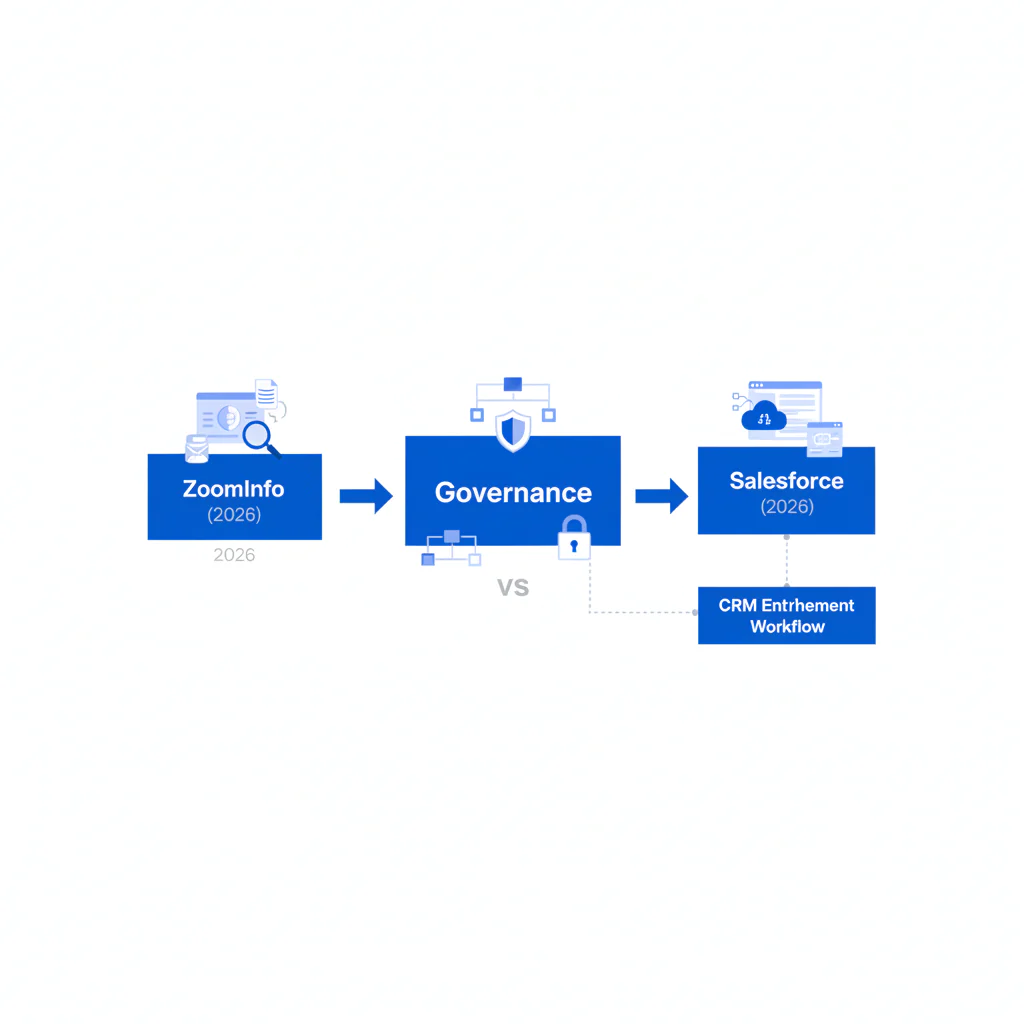
ZoomInfo vs Salesforce isn’t really an apples-to-apples comparison — it’s a category mismatch that turns into cleanup work if you treat it like one. Salesforce is your CRM and system of record. ZoomInfo is a data source. The decision that actually holds up over time is whether your CRM enrichment workflow moves data into Salesforce under data governance, field mapping, and dedupe controls — because for teams handling healthcare provider contact data, the integration and workflow matter more than which logo is on the invoice.
Who this is for
- Enterprise RevOps teams responsible for CRM enrichment, field mapping standards, and dedupe contacts.
- Sales ops leaders who own imports, permissions, and automation that can damage records at scale.
- Teams paying for data while still seeing bounced emails, wrong-person outreach, and duplicate pipeline reporting.
- Admins who need a workflow-first evaluation before connecting another system to Salesforce.
Quick Verdict
- Core Answer
- Use Salesforce to govern and operationalize records; use ZoomInfo to supply external B2B data into Salesforce under controlled imports, dedupe rules, and write-back permissions.
- Key Stat
- No numeric statistic was provided; contact data decays, and the cost shows up as duplicates, overwrites, and compliance exceptions once governance is missing.
- Ideal User
- Teams that treat enrichment as an operating process (mapping, dedupe, provenance, refresh) rather than a one-time list export.
- Choose Salesforce when you need governance, auditability, and a system of record that can enforce dedupe rules and permissions.
- Choose ZoomInfo when you need external B2B data to fill gaps, but you’re prepared to control how it lands in your CRM.
- Choose both when your enrichment workflow is documented, mapped, deduped, and staged before write-back.
Workflow-first evaluation (the framework that prevents slow-motion data loss)
Framework: Workflow-first evaluation. I audit the workflow rather than the vendor pitch, because vendor UIs don’t show you the mess they create inside the CRM.
- Step 1: System of record. Salesforce owns the record and the audit trail. Everything else is input.
- Step 2: Write scope. Define which fields enrichment may touch and which fields are protected.
- Step 3: Precedence rules. Decide what wins during conflicts (user edit vs vendor update vs automation).
- Step 4: Dedupe rules. Define how you match, block, merge, and quarantine.
- Step 5: Provenance. Store source and timestamp so you can explain and reverse changes.
Operationally, this turns into a small set of Salesforce controls: Data Import Wizard or Data Loader for governed imports, Matching Rules and Duplicate Rules for dedupe, and field-level permissions to prevent blind overwrites. Worth noting for admins scoping this out: Salesforce Help documents that org can run up to five active duplicate rules per object, each paired with up to three matching rules, so there’s real flexibility to build precedence logic rather than relying on one blunt rule.
ZoomInfo vs Salesforce: responsibilities (not marketing claims)
| Area | Salesforce (CRM) | ZoomInfo (data source) |
|---|---|---|
| System role | System of record for people, accounts, activities, and reporting | Supplier of B2B attributes used to enrich CRM records |
| Controls | Permissions, validation rules, duplicate rules, audit fields | Export formats, connector behavior, and what fields you choose to ingest |
| Auditability / provenance | Can store and report source, timestamps, and change history if configured | Provides input; does not govern how your CRM records changes unless you capture provenance |
| Refresh cadence ownership | RevOps owns segmentation and refresh scheduling, plus exception handling | Supplies updated data, but you decide when and how to refresh records |
| Where it breaks | Bad governance causes field conflicts and duplicates that compound | Bad mapping and blind write-back create CRM distrust and compliance risk |
For implementation patterns inside the CRM, get stakeholders aligned around Salesforce contact enrichment ownership before you turn on automated write-back.
Hidden costs buyers pay after the contract is signed
- Data decay: enrichment is never “done.” Without a refresh plan, titles, companies, and deliverability rot — this is especially true for healthcare provider records, where practice moves, credential changes, and staff turnover are constant.
- Integration headaches: connectors move data fast, including bad data, and they usually do it with confidence.
- Field collisions: multiple tools writing to the same identity fields is how you lose your “source of truth.”
- Rework tax: duplicates and overwrites force humans to clean up what automation broke.
Checklist: Feature Gap Table
| Failure point | How it appears in a crm enrichment workflow | Operational cost | Control to implement in Salesforce |
|---|---|---|---|
| Duplicate creation | Imports create near-matches (same person, inconsistent formatting, missing IDs) | Reps work the same account twice; reporting inflates pipeline | Matching rules + duplicate rules + controlled import templates |
| Field overwrite conflicts | Vendor updates overwrite user-confirmed values | Good data gets replaced; disputes become unresolvable | Field-level permissions + precedence policy + staging fields |
| Poor provenance | No “source” or “last enriched” fields | No audit trail; rollback becomes manual | Provenance fields: source, timestamp, method (CSV/API/manual) |
| Nonstandard formats | Country/state/phone formats vary across loads | Routing breaks; sequences misfire; compliance flags rise | Validation rules + normalization + picklist governance |
| Refresh cadence missing | Enrichment happens once and then stops | Wrong-person outreach; wasted touches; support escalations | Segment refresh schedule + exception handling |
Decision Tree: Weighted Checklist
This is weighted without fake math. The weights reflect standard CRM failure points: duplicates, overwrites, provenance loss, and missing governance.
- Weight: High (do first)
- Write a field mapping spec: vendor field → Salesforce field, including formats and allowed values.
- Enable and test matching/duplicate rules in a sandbox or quarantined segment.
- Add provenance fields (data source, last enriched date, enrichment method) and require them on updates.
- Weight: High (before scaling)
- Define precedence rules for identity fields so enrichment does not overwrite confirmed values.
- Store vendor-provided values in staging fields first, then promote after review when they pass your rules.
- Weight: Medium
- Set a refresh cadence by segment and log outcomes so decay is visible.
- Standardize import templates and require record IDs for updates to reduce accidental new record creation.
- Weight: Low (only after controls exist)
- Add more enrichment vendors writing to overlapping fields without arbitration logic.
- Automate everything end-to-end without a rollback plan and audit reporting.
How to test with your own list
- Pull a seed list from Salesforce that reflects reality: new leads, recycled leads, active opportunities, and a segment known to have duplicates.
- Freeze a baseline export including Salesforce record ID, email, phone, title, company, and any provenance fields.
- Document field mapping and explicitly mark protected fields that must not be overwritten.
- Run enrichment into staging fields first so mistakes do not contaminate production fields.
- Measure defects you can inspect: duplicates created, conflicts triggered, validation failures, overwritten protected fields.
- Manually verify a sample to classify failure modes (wrong person, stale title, role mismatch, disconnected line).
- Adjust controls (dedupe rules, validation rules, precedence) and rerun on the same seed list.
- Scale only after repeatability is proven with an audit trail.
What Swordfish does differently
- Ranked mobile numbers / prioritized dials: Swordfish surfaces prioritized dials so reps don’t waste cycles guessing which line is usable.
- True unlimited / fair use: designed for sustained enrichment/verification patterns where operators need steady throughput without rationing behavior that undermines governance.
These differences only matter if your workflow controls exist. Without governance, more data is just faster corruption.
Primary CTA
Troubleshooting Table: Conditional Decision Tree
- If you cannot explain your field mapping: stop. Write the mapping spec and formats before importing anything.
- If you do not have dedupe rules enabled and tested: Stop Condition. Fix duplicates before enrichment creates more of them.
- If you cannot store provenance (source + timestamp): Stop Condition. You cannot audit or roll back without it.
- If you cannot define precedence for overwrites: stop. Decide what wins per field, then enforce permissions.
- If you cannot roll back changes or report what changed: Stop Condition. Add audit fields and a rollback procedure before automation.
- If compliance cannot approve the outreach use-case: Stop Condition. Put opt-out handling and permitted-use rules in place.
- If all stop conditions are cleared: proceed with a pilot segment, then scale on a refresh schedule.
Common questions
Is ZoomInfo a CRM?
No. Salesforce is a CRM. ZoomInfo is a B2B data provider used to enrich CRM records.
How do I enrich Salesforce contacts?
Use a controlled process: export a segment, apply field mapping, dedupe, write to staging fields, then write back with provenance fields recorded. A practical starting point is CSV contact enrichment.
What fields should I map?
Map identity and routing fields first (name, company, title, email, phone, location) and add provenance fields (source, last enriched date, method). Don’t let multiple tools overwrite the same core fields until precedence is enforced.
How do I avoid duplicates?
Enable matching rules and duplicate rules, standardize formats, update using record IDs, and quarantine ambiguous matches instead of forcing merges. Keep in mind that Salesforce’s out-of-the-box duplicate management doesn’t catch everything by default — the standard contact and lead matching rules only fire on specific field combinations, so custom matching rules are often needed for organization-specific matching logic.
What is data governance?
Data governance is the set of ownership rules, access controls, quality standards, and audit practices that determine how data is created, changed, and used across its lifecycle.
Evidence and trust notes
- Scope discipline: this page does not claim competitor accuracy rates, coverage sizes, or pricing because those numbers were not provided and often vary by plan and contract.
- Variance explainer: results vary by segment (role churn and job changes), geography, and your governance maturity (dedupe strictness, validation rules, and write-back scope). A clean workflow makes any data source more usable; a messy workflow makes every data source look bad.
- Method: recommendations follow standard CRM enrichment controls: field mapping, dedupe rules, write-scope restrictions, provenance, and refresh cadence.
- References (CRM and quality): Salesforce administrative guidance is available via Salesforce Help and data quality context is summarized in Gartner’s data quality glossary.
- References (privacy): privacy program guidance is available via FTC privacy and security guidance and the European Data Protection Board.
- Freshness: Last updated Jan 2026.
Next steps (timeline)
- This week: document field mapping, define protected fields, and add provenance fields in Salesforce.
- Next 2 weeks: enable and test dedupe rules, then run a pilot enrichment on a quarantined segment.
- This month: publish precedence rules, restrict write-back permissions, and set a refresh cadence by segment.
- Ongoing: audit duplicates and overwrite rates, and treat every enrichment integration as a change-control event.
Secondary CTA
See Salesforce Enrichment Options
Related internal references: use ZoomInfo vs Swordfish when comparing data sources and use CSV contact enrichment when you need a governed import path.
About the Author
Ben Argeband is the Founder and CEO of Swordfish.ai and Heartbeat.ai. With deep expertise in data and SaaS, he has built two successful platforms trusted by over 50,000 sales and recruitment professionals. Ben’s mission is to help teams find direct contact information for hard-to-reach professionals and decision-makers, providing the shortest route to their next win. Connect with Ben on LinkedIn.

