


 View Products


Last updated: September 3, 2026
By Swordfish.ai Editorial Team | Last updated Jan 2026
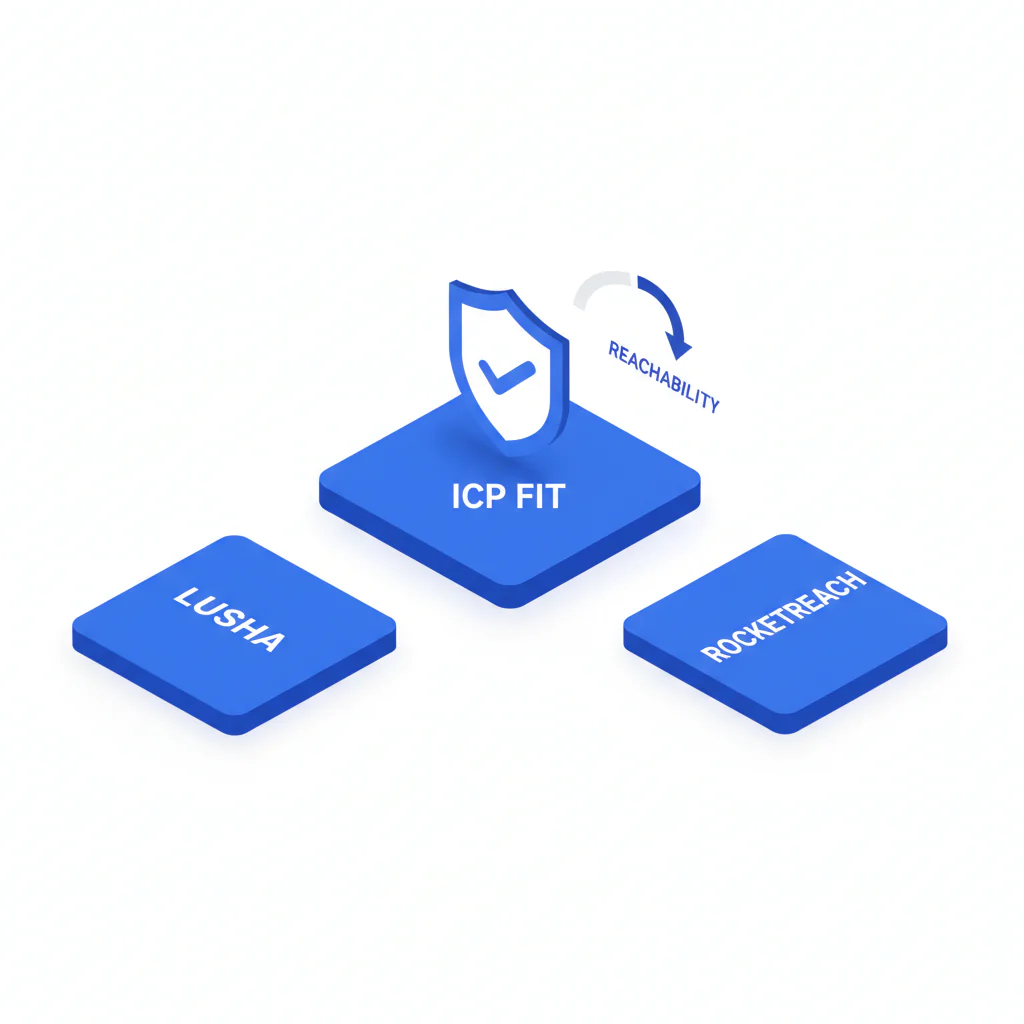
Buying contact data is the easy part. The hard part shows up after the invoice, when reps dial numbers that ring dead, RevOps chases duplicate records, and your CRM fills with contacts that looked promising on screen but never turned into a conversation. This comparison of Lusha vs RocketReach is built around a simple test: does the data reach a human? We look at ICP fit, coverage, reachability, data decay, and the integration failures that surface weeks after a pilot ends — including for teams sourcing healthcare providers, where mobile reachability and title accuracy tend to decay faster than in most other verticals.
Who this is for
- Sales leaders who need more conversations, not more activity.
- Recruiting teams where mobile reachability decides whether sourcing converts to interviews.
- RevOps and systems owners who own CRM hygiene and field governance.
- Procurement-minded buyers who need a test plan and audit trail for renewal.
Quick Verdict
- Core Answer
- Choosing between Lusha and RocketReach comes down to which provider delivers higher reachability for your specific ICP; the only reliable way to find out is a controlled test on your own list, not a features page.
- Key Insight
- Coverage is not records found. Coverage is usable contacts in your ICP segments after you account for bounces, wrong-person calls, and the CRM side effects of bulk enrichment.
- Ideal User
- Lusha tends to suit teams that want a fast, in-the-moment enrichment workflow — often from a Chrome extension or inline CRM lookup. RocketReach tends to suit teams that want broader prospecting, bulk exports, and heavier filtering. Either fit assumes your test confirms reachability where you actually sell or recruit.
- Best for sales
- Pick the tool that produces higher direct-dial connect rates in your territories and fewer duplicates once records land in your CRM.
- Best for recruiting
- Pick the tool that returns more reachable mobiles for your target roles and shows fewer stale titles on spot checks — this matters more in healthcare and other credentialed fields, where job changes and license moves happen often.
Pick the provider that matches your ICP and produces higher connect rates. Validate with a small dial test before you commit budget.
ICP fit and reachability: the framework that survives contact-data reality
ICP fit is the overlap between your target persona and a vendor’s coverage patterns. If your ICP is narrow — say, mobile numbers for practicing clinicians in a specific specialty or region — broad databases can miss your segment entirely or return contacts that look complete but fail the moment a rep dials.
Reachability is the operational result: emails that deliver and phone numbers that connect to the intended person, not a former employer’s switchboard or a reassigned line. If your team cannot reach the person, pipeline math falls apart regardless of how many records the vendor claims to hold.
The most common failure mode is not about database size at all — it’s integration-driven. Enrichment overwrites fields you didn’t want touched, duplicates multiply, and sequence logic breaks silently. Skip testing the integration behavior and your pilot numbers will not survive contact with production.
Primary action: Try Prospector Filters
Variance explainer: why results differ without anyone lying
Differences between Lusha and RocketReach usually trace back to variables you can actually measure: segment skew by geography or role, refresh timing, sourcing mix, match logic, and how each product defines a contact as “found” versus “usable.” Vendor positioning tends to split along familiar lines — Lusha is generally built around fast, single-lookup accuracy and mobile numbers, while RocketReach leans toward larger-scale bulk lookups and list-building. Neither framing tells you what will happen on your specific list, which is why the variables above matter more than the marketing.
Checklist: Feature Gap Table
This table maps typical gaps to the costs they create. Use it to structure a pilot so you don’t learn expensive lessons after rollout.
| Risk area (hidden cost) | What to verify in Lusha vs RocketReach | Operational symptom if you ignore it |
|---|---|---|
| Data decay (freshness drift) | Whether you can audit recency signals, how corrections are handled, and whether re-enrichment overwrites existing CRM fields | Reps repeat research; CRM confidence drops; pipeline reviews turn into data disputes |
| Phone reachability (direct dials vs non-direct numbers) | Mobile/direct-dial presence by your ICP segments and the wrong-person/disconnected rate from a dial test | High call volume with low conversations; managers blame coaching for a data problem |
| Consumption mechanics | What action consumes value (view vs export), whether invalid contacts have remediation, and how found is defined | Teams ration lookups, stop validating, and effective cost quietly rises |
| CRM integration and overwrite rules | Field mapping, dedupe logic, source attribution, and whether enrichment can be limited to blank fields only | Duplicates, broken routing, overwritten statuses, and internal support tickets |
| Workflow friction (extension and exports) | Whether exports preserve source metadata and whether the extension works reliably on the sites your team uses | Shadow spreadsheets and unreproducible results at renewal time |
Cost mechanics questions to ask before you sign
- What consumes value: does a view, reveal, export, or sync trigger consumption, and is that consistent across interfaces?
- What is considered usable: does the vendor distinguish between a contact found and a contact that is deliverable or callable?
- What happens on invalids: is there a remediation process, and is it operationally realistic for your team?
- What happens on re-enrichment: can you re-run enrichment without paying twice in time and governance debt?
What Swordfish does differently
- Ranked mobile numbers / prioritized dials: Swordfish is designed to prioritize mobile numbers for calling workflows so reps spend less time on non-reachable numbers.
- True unlimited / fair use: Swordfish provides an unlimited model under fair-use terms, which makes it practical to validate and re-validate as data decays instead of rationing lookups.
For an audit rubric you can reuse across vendors, apply the measurement criteria in data quality.
How to test with your own list (5–8 steps)
- Write your ICP fit: industry, region, role/seniority, and whether phone or email is the deciding channel.
- Freeze a test list: use 100–200 real prospects from your pipeline; do not accept vendor-supplied samples.
- Enrich separately: run the same list through Lusha and RocketReach and export identical fields.
- Measure reachability: log call dispositions (connected, wrong person, disconnected, voicemail) and track email bounces and replies.
- Audit coverage by segment: break results down by geo and role to expose weak spots that averages hide.
- Sandbox the integration: test CRM sync, dedupe behavior, and overwrite rules before touching production.
- Compute effective cost: divide spend by usable contacts, not contacts returned.
- Document the outcome: keep your test list, logs, and field mapping notes so renewal is evidence-based.
If you want to compare the same way against Swordfish, reuse the same harness with Swordfish vs Lusha and Swordfish vs RocketReach.
Decision Tree: Weighted Checklist
This checklist uses qualitative weighting based on standard failure points: data decay, reachability, integration risk, and governance overhead. It’s designed to stop teams from buying a UI instead of an outcome.
- Highest impact / lowest effort: Run a controlled dial and bounce test on a fixed list to measure reachability for your ICP.
- Highest impact / medium effort: Validate mobile/direct-dial presence by segment; do not rely on aggregate impressions.
- High impact / medium effort: Enforce CRM field mapping, dedupe rules, and permissions before any bulk enrichment touches production.
- High impact / medium effort: Confirm whether enrichment can be scoped to blank fields so it does not overwrite sales-owned fields.
- Medium impact / low effort: Review consumption mechanics and remediation paths for invalid contacts to estimate effective cost.
- Medium impact / medium effort: Ensure exports preserve source metadata so you can trace errors to a system of record.
- High impact / high effort: Complete a compliance review for your regions and use cases, and document opt-out and suppression workflows.
Troubleshooting Table: Conditional Decision Tree
- Stop Condition: If your dial test shows low reachability in your ICP segments, stop and reassess vendors before expanding seats.
- If the CRM sandbox test creates duplicates or overwrites key fields, then stop and fix governance before rollout.
- If consumption mechanics cause teams to ration lookups and skip validation, then stop and re-model effective cost based on usable contacts.
- If reachability is acceptable and your workflow requires broad prospecting and filtering, then choose the tool that creates less integration and governance debt.
Evidence and trust notes
- Update freshness signal: Last updated Jan 2026.
- Method: This page uses an ICP-fit heuristic and a reproducible test plan (fixed list, identical fields, logged outcomes) instead of database-size claims.
- What this is not: No independent third-party deliverability lab test was performed for this page; validate outcomes with your own list and your own dialing/email infrastructure.
- Governance note: If your organization has strict compliance requirements, involve counsel before outbound use and document permissible purpose and suppression handling.
- Compliance references: Review GDPR.eu, California Attorney General CCPA guidance, and the FTC CAN-SPAM compliance guide.
FAQs
Which has better phone numbers?
Neither wins by default. Run a dial test on your own ICP list and score reachability outcomes (connected, wrong person, disconnected) by segment.
Which is better for recruiting?
Recruiting outcomes usually depend on mobile reachability and title freshness. Choose the provider that returns more reachable mobiles for your target roles and shows fewer stale titles during spot checks.
How do I test coverage?
Use a fixed list, enrich it separately in each tool, then track bounces and call dispositions while slicing results by role and geo. Select based on usable-contact rate, not contacts returned.
What is ICP fit?
ICP fit is how well a provider’s coverage and freshness align with your target companies and personas.
What affects freshness?
Freshness degrades through job changes, number reassignment, and email policy changes. Refresh timing and correction loops determine how quickly those changes show up.
Next steps (timeline)
- Today: Define your ICP fit and decide whether phone reachability or email deliverability is the deciding metric.
- This week: Run the fixed-list test, log outcomes, and complete the CRM sandbox test.
- Before renewal: Re-run the same test harness to detect data decay and integration drift, then decide whether the vendor still matches your ICP.
Secondary action: Download the ICP Checklist
About the Author
Ben Argeband is the Founder and CEO of Swordfish.ai and Heartbeat.ai. With deep expertise in data and SaaS, he has built two successful platforms trusted by over 50,000 sales and recruitment professionals. Ben’s mission is to help teams find direct contact information for hard-to-reach professionals and decision-makers, providing the shortest route to their next win. Connect with Ben on LinkedIn.

