


 View Products


Key takeaways
- Use the bio link on Twitter or X to find an official website contact page, press page, or contact form.
- A contact link in a bio is a routing signal, not proof of who owns the inbox.
- Confirm the identity match before sending a short business message.
- Document outreach context and honor opt-out requests and privacy boundaries.
Last updated: September 3, 2026
By: Swordfish.ai RevOps Team
Who this is for
- PR and marketing operators doing creator or press outreach who need a legitimate business contact route.
- RevOps and sales teams that want ethical outreach, documented consent context, and enforced opt-out workflows.
- Talent teams that need to contact a candidate without crossing privacy boundaries or social platform boundaries.
Quick Answer
- Core Answer
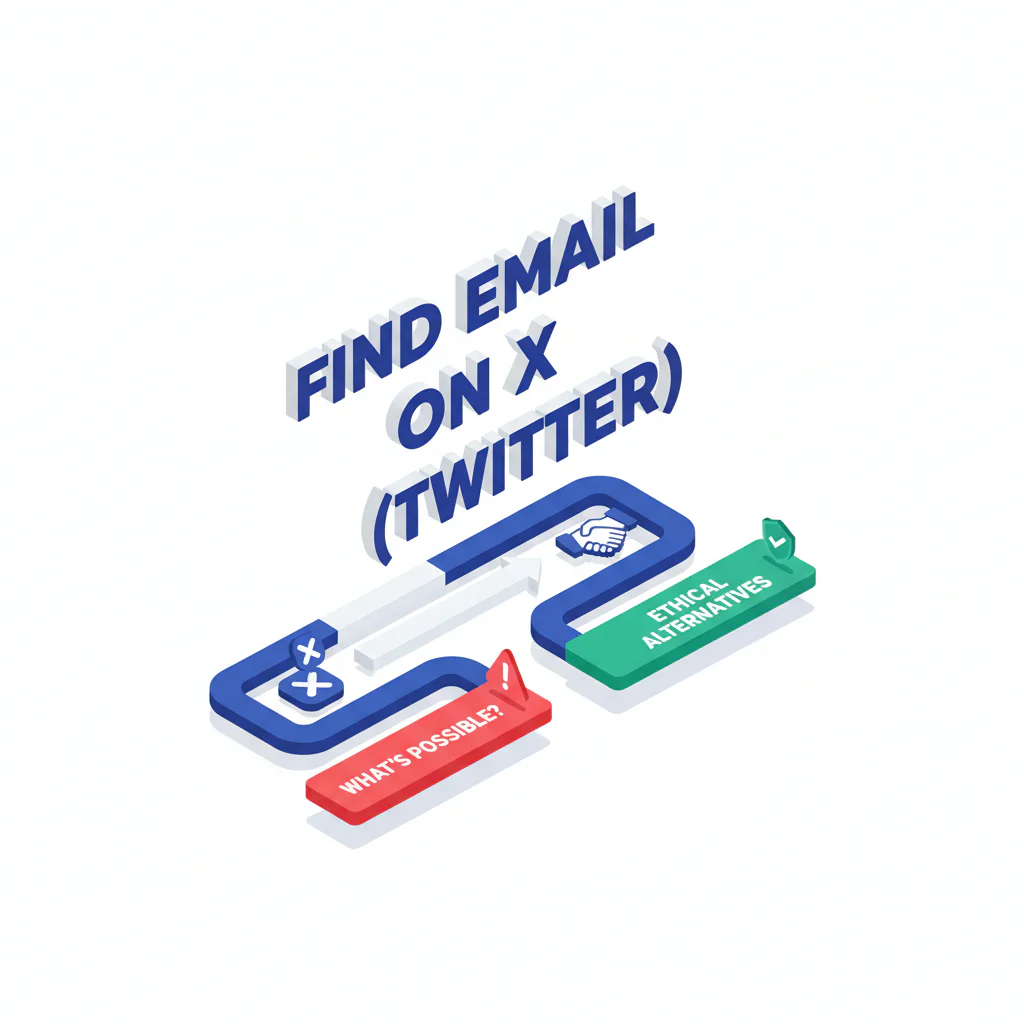
- To find email on Twitter (X), assume it won’t be sitting on the profile. Use the bio link to reach an official contact route — a website contact page, press page, or contact form — confirm the identity match, then send a short message with an opt-out.
- Key Insight
- X rarely exposes email on public profiles by default; a contact link in a bio is a routing signal, not proof of who owns the inbox on the other end.
- Best For
- Legitimate business outreach where you can document permissible use, consent context, and opt-out handling.
Compliance & Safety
This method is for legitimate business outreach only. Always respect Do Not Call (DNC) registries and opt-out requests.
Do not attempt to obtain private emails via circumvention. Use official public contact routes and honor opt-out.
X’s own privacy policy treats email as information users choose to share, not a field that’s public by default, and most accounts never publish one. Look for a verified website link or official contact route instead of invasive tactics.
Step-by-step method
Framework: a “contact link” is not a verified email. A link can route to an agency, a shared inbox, or a form. Skip verification and you increase wrong-party outreach and spam complaints.
A “business contact on X” is usually a website, press page, or media kit route, not an email field sitting in the bio. Using the official route cuts time wasted on guessing and reduces deliverability damage.
- Check the bio for a business route. Prioritize a website URL, media kit, press page, or explicit “contact” destination. If there’s no link, that’s a signal to ask for the right channel instead of guessing.
- Open the linked site and find the official contact surface. Use Contact, Press, Media, Partnerships, or Support pages. If there’s only a form, that still counts as a legitimate business contact route.
- Validate identity before outreach. Match at least two public signals: name/handle consistency, logo/brand, the same linked social profiles on the website, or consistent location. This supports ethical outreach and lowers wrong-party risk.
- Use role inboxes before personal guesses. When the domain is clearly tied to the profile, start with press@, partnerships@, or hello@ rather than generating permutations.
- Send one short message with an opt-out. Make the purpose obvious and the exit easy.
- Log source and suppression status. Track where the address came from (public site vs. form), your lawful basis/permissible use, and opt-out status.
- What to log (minimum): source URL, date captured, permissible use note, opt-out status.
Approved sources recap: X bio link, pinned post instructions, official website contact page, press/media kit page, or a direct request for the preferred route via DM.
When tooling helps (and where it doesn’t)
Email tools can aggregate public signals and support validation, but they don’t change the underlying constraint: X itself still rarely exposes email on the profile. Treat any “twitter email lookup” result as unverified until it matches the public identity you’ve already confirmed.
- If a tool shows an email, validate this first: the domain matches the official site, the name/brand signals align, and the purpose fits permissible use.
- If you can’t validate, don’t send. Use the form or ask for the preferred route instead.
- Avoid leaked lists. They create consent and complaint risk and don’t scale operationally.
Examples: common X profile setups and the safe move
- Bio links to a media kit with “Bookings” and a manager email: use that route, reference the kit, and keep the ask narrow.
- Bio links to a personal site with only a contact form: submit the form; don’t hunt for a private inbox.
- Bio links to a link hub with multiple brands: click through to the official brand domain before emailing anyone.
- No bio link, DMs open: ask for the preferred business contact route. One DM, one follow-up, then stop.
Outreach template (email or DM)
Subject: Quick question about [specific project]
Hi [Name] — I’m reaching out because [one sentence context tied to their work]. Are you the right person for [one specific ask]? If not, what’s the best contact route? If you prefer no follow-ups, reply “no” and I’ll close this out.
Diagnostic: Why this fails
Myth Bust
If a tool returns an email, can you prove it’s connected to this person today, and not a shared inbox, an old domain, or a lookalike account?
- X rarely exposes email by default. Email is something users can choose to share on X, not a field that’s automatically public, and most people never publish it on their profile.
- Identity mismatch is common. Handles are reused, parody accounts exist, and creators often route comms through agents.
- “Contact link” is not verified email. A link can route to a form or team inbox that isn’t tied to a single individual.
- Platform boundaries matter. Invasive tactics such as scraping or circumventing account protections create avoidable policy and legal risk.
- Deliverability damage. Repeated guessing increases bounces and spam complaints, which harms your sending domain.
Checklist: Weighted Checklist
Weights below are relative (High/Medium/Low) based on standard failure points: email not exposed, identity mismatch, and deliverability risk from guessing.
- High impact / Low effort: Check X bio + linked website for an official contact route.
- High impact / Medium effort: Validate identity match across X profile and the linked domain (two-signal rule).
- Medium impact / Low effort: Prefer role inboxes (press@, partnerships@, support@) on the official domain.
- Medium impact / Medium effort: Scan pinned posts for publicly shared business contact instructions.
- Low impact / High effort: Email guessing/permutation without a confirmed domain association.
Decision Tree: Conditional Decision Tree
- If the X bio includes an email explicitly, then use it only for the implied purpose and include an opt-out.
- If the profile links to a site with a contact form, then use the form instead of trying to find a private inbox.
- If the site lists an agency/manager, then contact that route first and ask for the correct channel.
- If you can’t confirm the linked domain is associated with the account, then send one DM asking for the preferred business contact route.
- Stop Condition: If you cannot validate association after 10 minutes (no confirming signals, no official domain), stop. Don’t send guessed emails.
- If the person opts out or asks you to stop, then suppress the contact and do not follow up.
Troubleshooting Table: Diagnostic Table
| Symptom | Root Cause | Fix |
|---|---|---|
| No email on profile | X rarely exposes email by default; user prioritizes privacy | Use the linked website’s official contact route and log source and permissible use |
| Link hub has no obvious contact | Link hub is generic or shared; weak identity signal | Navigate to the official domain (about/press/contact) before sending outreach |
| Bounces after guessing an email | Wrong format/domain; deliverability impact | Stop guessing; switch to form or role inbox; require identity match first |
| Recipient is annoyed or reports spam | Unclear purpose, missing opt-out, or wrong-party contact | Use one-sentence context, one ask, and explicit opt-out in the first touch |
| Agency route is slow | Queue-based triage | Ask for the correct channel and confirm scope; don’t bypass with private-email hunting |
How to improve results
- Optimize for the official route, not the personal inbox. For PR/creators and brands, management/press routes often outperform personal-email guessing because they match the published process.
- Make opt-out operational. Put opt-out in the first message, maintain suppression lists, and enforce it in your sequencer and CRM.
- Use a stop rule to protect reputation. If the account-to-domain association isn’t clear, don’t email; request the right route once via DM and move on.
- Document consent context. Even when consent isn’t explicit, your outreach needs a defensible permissible use narrative tied to a legitimate business reason.
For teams that need a standardized baseline, this is a practical slice of how to find someone’s email address without stepping outside privacy boundaries.
Legal and ethical use
Use this for permissible use only. Your outreach should align with consent expectations, respect privacy, and stay within social platform boundaries.
- Consent: Don’t assume permission just because you found a public route; keep the message relevant and minimize data use.
- Opt-out: Every first touch should include a clear opt-out, and you must honor opt-out requests quickly and consistently. If someone opts out, do not re-contact them from another address or channel.
- Not for sensitive decisions: Don’t use contact discovery to make decisions about employment, housing, credit, insurance, or other sensitive determinations.
If you’re operationalizing outreach, align your process with contact data compliance and maintain an auditable suppression workflow using opt-out.
Frequently Asked Questions
Can you find someone’s email on Twitter?
Sometimes, but not reliably. X rarely exposes email addresses as a standard public field. The dependable approach is using public business contact routes tied to the account, then validating identity before you contact anyone.
Is there a Twitter email lookup?
There are tools that surface addresses when they exist publicly elsewhere on the web, but that’s not the same as X providing the email. Treat any result as unverified until you confirm identity and source, and avoid methods that violate social platform boundaries.
What’s a safe alternative?
Use the account’s linked website contact page, press/media kit, or a verified contact form. If none exists, send one respectful DM asking for the preferred business contact route, and include an opt-out in any follow-up.
What is permissible use?
Permissible use means you have a legitimate business reason to contact someone, you keep the outreach relevant, you respect consent and privacy boundaries, and you honor opt-out requests. If they say stop, your system must suppress them.
How do I opt out?
If you received an email from Swordfish.ai and want to stop future outreach, follow our opt-out instructions. For outreach you run, make opt-out easy and enforce suppression across all tools.
Evidence and trust notes
- Last updated: Jan 2026
- This guide reflects the operational reality that X rarely exposes email by default, so it prioritizes public business routes over personal inbox hunting.
- Boundary-first approach: avoids “email harvesting” positioning and stays inside social platform boundaries.
- Variance explainer: outcomes depend on whether a profile publishes a route, whether the linked domain is actually associated, and whether communications are handled by an agent.
- Process proof: recommends logging source, permissible use rationale, and opt-out/suppression status to reduce compliance risk.
- External references: privacy guidance at FTC privacy resources and platform support context at X Help Center.
Implementation Notes
- Visuals to add
- Annotated X profile screenshot highlighting bio link and common business contact patterns.
- One-page flow diagram: profile signals → official route → identity check → outreach with opt-out.
- Screenshot mock of CRM fields: source URL, date captured, permissible use note, opt-out status.
- Schema notes
- Include Article JSON-LD and FAQPage JSON-LD matching the on-page FAQ.
- Tracking
- Primary event: click on Read the Compliance Guide.
- Secondary event: clicks to the opt-out page.
Next steps
- Day 1: Align your team on contact data compliance, and enforce an opt-out line in every first touch.
- Day 3: Add suppression logic using the opt-out workflow and verify it blocks future sends across sequences.
- Day 7: Standardize the workflow as part of how to find someone’s email address so reps stop guessing and start using official routes.
About the Author
Ben Argeband is the Founder and CEO of Swordfish.ai and Heartbeat.ai. With deep expertise in data and SaaS, he has built two successful platforms trusted by over 50,000 sales and recruitment professionals. Ben’s mission is to help teams find direct contact information for hard-to-reach professionals and decision-makers, providing the shortest route to their next win. Connect with Ben on LinkedIn.

