


 View Products


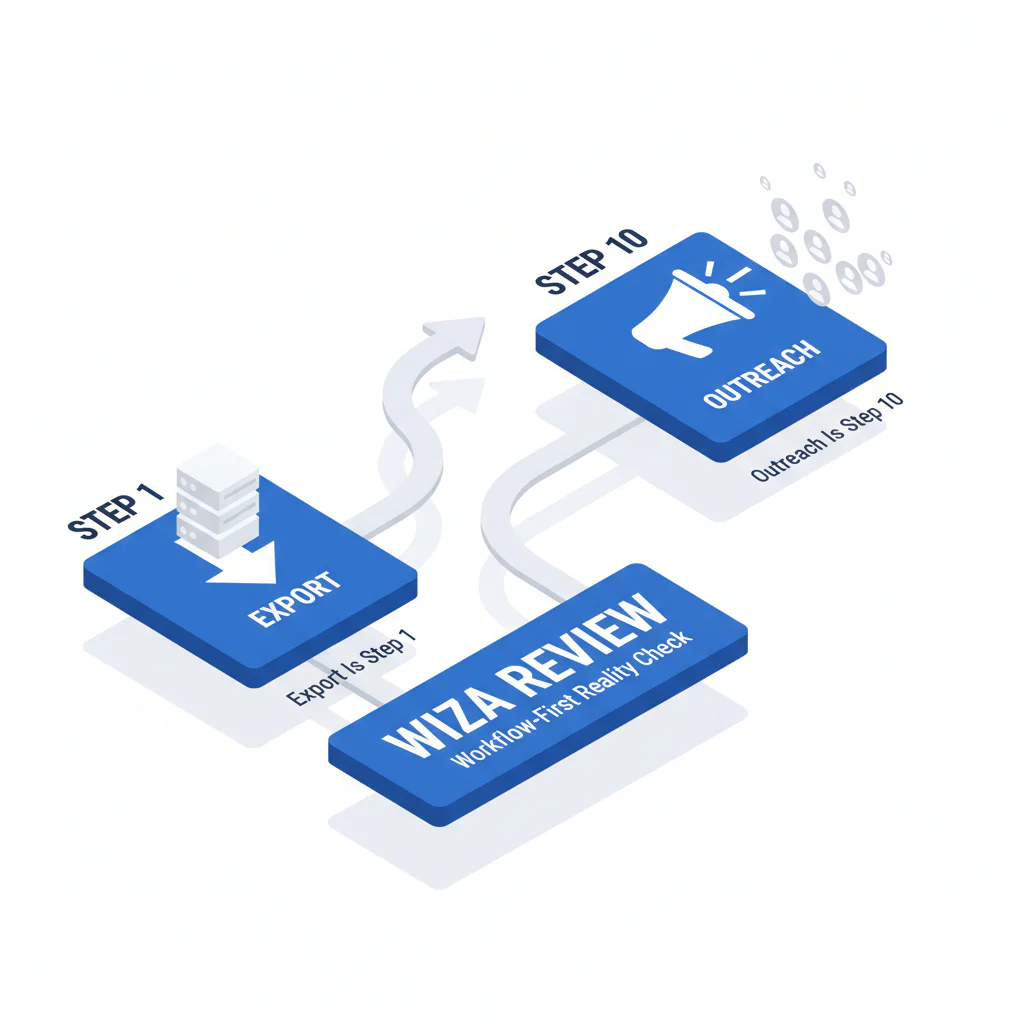
Wiza Review (Workflow-First Reality Check): Export Is Step 1, Outreach Is Step 10
Byline: Ben Argeband, Founder & CEO of Swordfish.AI (disclosure: Swordfish sells contact data tools, so treat this as a buyer-auditor perspective, not a neutral lab test)
Who this is for
This wiza review is for teams running a LinkedIn export workflow and discovering the export is not the same thing as a usable outreach list. The cost shows up later: enrichment gaps, data decay, and integration work to keep your CRM from turning into a junk drawer.
Definition: Wiza is a LinkedIn export tool that turns profile searches into downloadable lists; the operational question is whether those lists become reachable contacts without extra tooling.
If you’re comparing Wiza because you want better reachability or a different workflow, read on. If your only KPI is “more rows in a CSV,” Wiza can be enough and you can stop here.
Quick verdict
- Core answer
- Wiza is a reasonable workflow-first LinkedIn export tool. It is not a reachability solution. If your revenue motion depends on calling or high deliverability, plan for enrichment, validation, and ongoing refresh.
- Key stat
- There is no universal “best” match or reachability rate across vendors because outcomes vary by seat count, API usage, list quality, and industry. Any single-number claim that isn’t tied to your inputs is not auditable.
- Ideal user
- Teams that want workflow-first exporting and are willing to add downstream controls (enrichment, dedupe, refresh) to protect outreach performance and CRM hygiene.
Bottom line: Use Wiza for export speed; budget for enrichment and governance if you care about reachability and CRM hygiene.
- Pros: Fast list building from LinkedIn; fits a workflow-first prospecting motion; easy to operationalize for export-centric teams.
- Cons: Export does not guarantee reachability; integration debt accumulates (imports, mapping, dedupe); data decay forces refresh cycles; phone-first outreach usually needs a second tool.
When Wiza is enough: If your workflow ends at “build a list for research,” or your outreach is not phone-first, or you already have a separate enrichment and validation layer you trust, Wiza can be a clean step-1 tool. In those cases, the risk is mostly operational: keep imports controlled so you don’t pollute your CRM.
Decision guide
Here’s the buyer-auditor framing: export is step 1; outreach is step 10. If you buy an export tool and call it “sales intelligence,” you’ll pay the difference in SDR time, bounced sequences, and ops work.
Wiza can be a fit when your workflow is “build list from LinkedIn, then enrich later.” It’s a poor fit when your workflow is “load into CRM and start calling today” and you don’t have a plan for reachability and data quality controls.
If you’re trying to decide between an export tool, a contact data tool, and a phone-first outreach stack, separate the outcomes: export tools reduce list-building time, contact data tools reduce bounce and CRM cleanup, and phone-first stacks reduce wasted dialing time when numbers are actually reachable.
What Swordfish does differently
Most tools optimize for “records created.” I care about “records that lead to conversations,” because that’s what reduces wasted sequences and rep churn. Verify this by measuring connects/bounces and CRM duplicates on the same input list.
Ranked mobile numbers and prioritized direct dials: Swordfish is designed to prioritize dialable numbers for phone-first outreach. That reduces rep time spent cycling through non-working numbers. Verify by running a side-by-side test and tracking connects, not appended fields.
True unlimited with fair use: “Unlimited” is often a pricing trap that becomes a policy argument once usage scales. Swordfish offers true unlimited access with a fair use policy intended for normal business operations. Verify by getting the fair use definition in writing and confirming whether rate limits or throttling exist.
Contract checks (what I would verify before signing): Ask for the written definition of fair use, any throttling or rate limits, what triggers enforcement, and whether overage fees exist. If those terms are vague, your forecast is fiction.
Cost control for list processing: If you already have lists (events, inbound, CRM exports), File Upload is typically the more cost-effective way to process them than forcing everything through manual exports and re-imports.
Checklist: Feature Gap Table
| Buying requirement (what breaks in production) | Wiza (typical fit) | Where hidden costs show up | What to verify in a trial (variance explainer) |
|---|---|---|---|
| Workflow-first LinkedIn export | Strong fit for exporting and list building | Downstream enrichment spend when exported records lack usable phones | Test with your ICP list quality (freshness, seniority mix) and your seat count (more seats = more variance in usage patterns) |
| Reachability for phone-first outreach | Often requires pairing with enrichment | Rep time wasted on non-working numbers; extra tools to fill gaps | Measure connects by industry and geography; API usage vs manual workflows changes throughput and governance |
| Contact data quality controls | Export quality can be fine; enrichment quality varies by source | CRM contamination (duplicates, stale titles, wrong company) increases routing errors | Run a sample through your CRM rules; compare against your existing validation process and contact data quality standards |
| Integration into sales workflow | Depends on your stack and how you operationalize exports | Ops time building import rules, dedupe logic, and field mapping | Confirm whether your workflow needs API-based enrichment; API usage changes both speed and auditability |
| Cost predictability at scale | Can be predictable for export-only usage | Second-tool spend for enrichment plus refresh cycles due to data decay | Model by seat count, API usage, list volume, refresh cadence, and industry churn; for cost framing see wiza pricing |
Decision Tree: Weighted Checklist
This checklist is weighted by standard failure points that create real costs: reachability gaps, data decay, and integration debt. I’m not assigning point values because your variance drivers matter more than fake precision.
- Reachability (highest weight): If your workflow includes calling, prioritize tools that return verified mobile numbers or prioritized direct dials because higher reachability reduces wasted SDR minutes. Validate by running the same contacts through each tool and measuring connects, not “matches.”
- Data decay resistance (high weight): If your ICP changes jobs often, stale data becomes a recurring tax. Favor vendors with clear refresh workflows and quality controls; otherwise you’ll re-enrich the same accounts repeatedly.
- Integration and governance (medium weight): If you can’t automate ingestion and dedupe, you’ll pay in ops hours and broken routing. API usage, field mapping, and dedupe rules determine whether your CRM stays usable.
- Workflow fit (medium weight): If your team lives in a LinkedIn export workflow, Wiza can be efficient. If your team lives in CRM plus sequencer, exports add manual steps unless you have strict import rules.
- Cost predictability (medium weight): Forecast using seat count, API usage, list volume, and refresh cadence. If “unlimited” is policy-based instead of contract-based, assume future friction.
- Batch list processing (situational weight): If you already have lists, batch processing reduces handling overhead. File Upload exists for this exact problem.
Troubleshooting Table: Conditional Decision Tree
- If your primary outcome is “export LinkedIn contacts into a list” then Wiza is a reasonable workflow-first starting point.
- If your primary outcome is “increase conversations” then treat Wiza as step 1 and plan for enrichment that improves reachability, because export alone does not reduce wasted outreach.
- If your ops team cannot support ongoing CSV imports, dedupe, and field mapping then avoid export-only workflows and prioritize structured ingestion via API or controlled batch processing.
- If your ICP has high churn then budget for refresh cycles; otherwise your list decays and your team blames messaging when the real issue is stale data.
- Stop condition: If a vendor cannot run a side-by-side test on your exact list (same industry, same geography, same seniority mix) and report outcomes you can audit (connects, bounces, duplicates, time-to-CRM-ready), stop the evaluation.
- Stop condition: If “fair use” or “unlimited” is not defined in writing (rate limits, throttling, enforcement triggers), stop. You can’t govern what you can’t read.
How to test with your own list (export is step 1; outreach is step 10)
This test plan forces variance into the open instead of hiding behind vendor averages.
- Build a representative sample: Use a contact set that matches your ICP by industry, geography, and seniority. Keep list freshness consistent.
- Lock the workflow: Decide whether you’re testing manual export or API usage. Don’t mix methods across vendors.
- Run the same input through each tool: Same contacts, same fields requested, same time window.
- Measure reachability outcomes: For calling motions, track connects. For email motions, track bounces. Don’t substitute “found” fields for outcomes.
- Measure CRM damage: Track duplicates created, overwrites of existing fields, and routing errors caused by bad company/title data.
- Measure ops time: Track time spent on mapping, dedupe rules, and import cleanup. This is where “cheap” tools get expensive.
- Model variance drivers: Re-run the test with different seat counts or usage patterns if that’s how you’ll operate in production.
- Decide against your baseline: Compare results to your current tool/process. If it doesn’t improve outcomes without increasing ops work, reject it.
Limitations and edge cases
Variance is the rule: Results change with industry, geography, seniority mix, list freshness, seat count, and whether you use API workflows. A recruiter list and an SDR list can behave like different products.
Export-heavy workflows hide integration debt: If your workflow depends on clean CRM objects, exports create recurring ops work: mapping fields, deduping, and preventing bad data from overwriting good data.
Data decay is a recurring cost: If your ICP changes jobs often, your “one-time export” becomes a refresh subscription you didn’t budget for.
CRM hygiene pass/fail (non-numeric): A tool should not increase duplicates, should not overwrite existing fields without rules, and should not create routing errors. If you can’t enforce those controls, you’re buying future cleanup.
Phone-first outreach exposes weak enrichment fast: Email-only enrichment can look fine in dashboards while your team still can’t reach anyone by phone.
Evidence and trust notes
Evidence basis: This page is based on common failure modes seen in sales ops implementations and buyer-side audits: integration debt, data decay, and reachability gaps that show up after the export workflow looks “successful.”
Field note (auditor view): Teams rarely fail because they picked the wrong export tool. They fail because they didn’t price the downstream work: enrichment, validation, refresh, and integration. Export is step 1; outreach is step 10.
How to validate claims without vendor math: Run a controlled test using the same contact set across tools. Keep seat count constant, keep the workflow constant (manual vs API), and measure business outcomes: connects, bounces, duplicates, and time-to-CRM-ready.
Comparative analysis (group alternatives by use case): Export-first tools optimize list building speed. Enrichment-first tools optimize reachability and reduce wasted outreach. Phone-first outreach stacks optimize dialing outcomes but require tighter governance. Choose based on which failure mode is most expensive in your workflow.
For deeper comparisons, see wiza alternatives and swordfish vs wiza.
FAQs
Is Wiza a good LinkedIn export tool?
Yes, if your goal is workflow-first exporting and list building. The risk is assuming export equals reachability, which is where wasted SDR time and bounce costs show up.
What should I measure in a Wiza trial?
Measure connects (if calling), bounces (if emailing), duplicates created in CRM, and ops time spent cleaning imports. Those are the costs that compound.
Why do results vary so much between teams?
Because outcomes depend on list quality, industry, geography, seniority mix, seat count, and whether you’re using API workflows or manual exports. If a vendor can’t explain variance, they can’t help you forecast.
What are the real Wiza pros and cons?
Pros: fast LinkedIn export workflow and quick list creation. Cons: you may need additional enrichment for reachability, plus ongoing refresh due to data decay and integration work to protect CRM hygiene.
If I already have lists, what’s the most cost-effective way to process them?
Batch processing usually beats manual workflows. Use File Upload to process lists without turning your ops team into a CSV help desk.
Next steps
- Day 1: Define the outcome you care about (export volume vs reachability) and build a representative test set.
- Days 2–3: Run side-by-side tests with the same list and the same workflow. Track connects/bounces, duplicates, and time-to-CRM-ready.
- Days 4–5: Model total cost using variance drivers: seat count, API usage, list quality, refresh cadence, and industry churn. Include ops hours.
- Week 2: If reachability is the bottleneck, add enrichment focused on verified mobile numbers and prioritized direct dials, and standardize ingestion (consider File Upload for list processing).
About the Author
Ben Argeband is the Founder and CEO of Swordfish.ai and Heartbeat.ai. With deep expertise in data and SaaS, he has built two successful platforms trusted by over 50,000 sales and recruitment professionals. Ben’s mission is to help teams find direct contact information for hard-to-reach professionals and decision-makers, providing the shortest route to their next win. Connect with Ben on LinkedIn.

