


 View Products


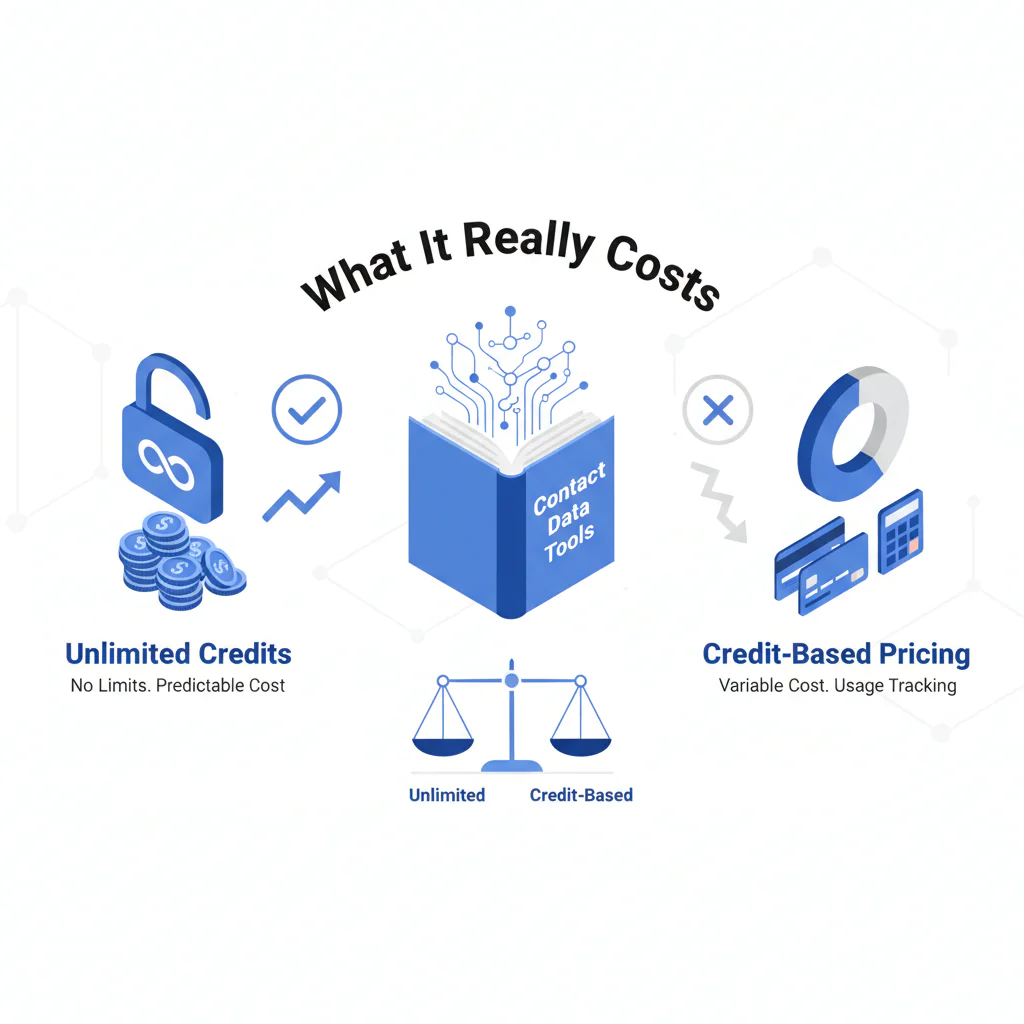
Unlimited Credits vs Credit-Based Pricing (Contact Data Tools): What It Really Costs
Byline: Ben Argeband, Founder & CEO of Swordfish.AI
Who this is for
This is for compliance-minded buyers auditing vendor trust and operators who are tired of hearing “credits ran out” mid-workflow. If you care about predictable billing, pricing transparency, and fewer integration headaches, the pricing model matters more than the feature list.
Quick verdict
- Core answer
- Unlimited (with fair use) usually beats credit-based contact data when your workflow requires repeated verification, because credits push users to ration lookups, which creates adoption friction and lowers cost per connect.
- Key stat
- Use “cost per connect,” not cost per record (define “connect” upfront by channel: phone = answered call or live conversation; email = positive reply, and use one definition for the test). Cost per record is easy to optimize and easy to misread.
- Ideal user
- Outbound and recruiting teams (SDR, RevOps, recruiting ops) that need to verify often, refresh decayed data, and avoid throttling surprises.
- Credit-based contact data: you spend a metered unit to reveal/export/enrich. When credits hit zero, work stops or gets rerouted into overages, upgrades, or manual workarounds.
- Unlimited contact data (with fair use): normal workflows aren’t metered per record, but abuse patterns and extreme automation are constrained. If “fair use” can’t be explained in writing, treat it as throttling with better branding.
MYTH BUST: “Credits ran out” is a workflow problem. When credits run out, teams stop verifying and start guessing. Guessing shows up as wasted outreach and lower cost per connect.
Decision guide
“Credits vs unlimited” is a behavior control system. Credit-based pricing changes what users do: they ration verification, skip refresh cycles, and avoid re-checking decayed records. That’s the hidden cost.
- Question 1: What happens when usage spikes (new campaign, new territory, new recruiter, new list source)?
- Question 2: What does the model incentivize: verify and iterate, or ration and hope?
If you want a comparison that survives procurement, define what counts as a billable event per vendor (reveal, export, enrichment, API usage). If you don’t, you’ll compare tools using mismatched meters.
Checklist: Feature Gap Table
| Buying Criterion (Hidden Cost Lens) | Credit-Based Contact Data | Unlimited (with fair use) | Business Outcome Impact |
|---|---|---|---|
| Verification behavior | Users ration lookups; verification becomes “only for priority accounts.” | Users verify more often because they’re not spending a scarce unit per check. | More verification reduces wasted outreach and improves cost per connect. |
| Data decay handling | Refreshing old records feels like paying twice; refresh cycles get skipped. | Refresh cycles are easier to run because normal usage isn’t metered per record. | Lower decay exposure means fewer bounces and fewer dead dials. |
| Adoption friction | Admins police usage; reps self-censor; “save credits” becomes policy-by-habit. | Less internal policing; usage aligns with the workflow. | Higher adoption reduces shadow processes and missing CRM fields. |
| Throttling vs fair use | Hard caps, overages, or feature gates often appear when you scale usage. | Fair use should target abuse, not normal verification and enrichment. | Fewer surprise slowdowns reduces missed campaign windows. |
| Pricing transparency | Quotes can hide seat minimums, API usage constraints, and “credit types.” | Forecasting is simpler if fair use is written and specific. | Predictable billing reduces mid-quarter renegotiations. |
| Integration headaches | Automation fails when credits hit zero; enrichment jobs stall and fields stay blank. | Automation is easier when enrichment isn’t constantly checking a balance. | Fewer broken workflows reduces manual exports, routing failures, and data drift. |
| Cost per record vs cost per connect | Optimizes for “cheapest record,” which encourages under-verification. | Encourages outcome-driven usage (verify, retry, refresh) without micro-cost anxiety. | More connects per hour improves ROI even if the sticker price is higher. |
What Swordfish does differently
Swordfish is designed for teams that need to verify and re-verify without rationing. That matters because data decay is normal, and credit-based models penalize the behavior that keeps outreach from turning into busywork.
- Prioritized direct dials and mobile numbers: When multiple numbers exist, the goal is to surface the most usable options first so reps spend less time cycling dead lines. That reduces time-to-connect and improves cost per connect.
- True unlimited with fair use: Unlimited only helps if it supports normal workflows: verification, enrichment, and refresh. Fair use should prevent abuse, not create throttling that appears during peak usage.
- Prospector fit: Swordfish Prospector is a workflow that becomes “too expensive to use” under sales tool credits because iteration is the point. Unlimited reduces the incentive to under-check.
Decision Tree: Weighted Checklist
This checklist is weighted by standard failure points in contact data buying: credits cause rationing, unpredictable billing creates procurement churn, and integrations break when usage caps hit. Use it to score vendors without inventing ROI math.
- High weight: Does the model avoid rationing? (credits vs unlimited) If users conserve usage, you will see adoption friction and lower cost per connect.
- High weight: Pricing transparency in writing (seat count, API usage, export/reveal gates). If it’s not explicit, forecast variance is guaranteed.
- High weight: Clear throttling vs fair use triggers. If the vendor won’t define triggers, you can’t audit risk.
- High weight: Integration reliability when usage spikes. If enrichment jobs can fail due to depletion, you’ll pay in manual work and broken CRM hygiene.
- Medium weight: Coverage quality for your ICP. Variance depends on industry, geography, and role type, so test with your own list.
- Medium weight: Admin controls that prevent misuse without blocking normal work. You want guardrails, not rationing.
- Medium weight: Support process for bad records. Bad data happens; slow resolution turns it into a workflow tax.
- Lower weight: UI polish. It doesn’t fix decay or missing numbers.
Troubleshooting Table: Conditional Decision Tree
- If your workflow requires repeated verification (new campaigns, list imports, refresh cycles), then prefer unlimited with fair use because rationing increases adoption friction and lowers cost per connect.
- If you’ve ever paused enrichment because “credits ran out,” then treat that as a process failure and move away from credit-based contact data.
- If you need predictable billing, then require pricing transparency: seat minimums, API usage constraints, export limits, and any gating language must be explicit.
- If “unlimited” is paired with vague fair use and no written examples of acceptable automation, then assume throttling will appear during peak usage.
- Stop condition: If a vendor cannot explain (in writing) what triggers throttling, overages, or access restrictions, stop the evaluation.
Limitations and edge cases
Unlimited is not automatically cheaper. If you do low-volume, highly targeted outreach and rarely re-verify, credit-based can be workable. The risk is that most teams don’t stay low-volume once the tool is adopted.
- Small seat count with strict controls: If one operator runs lookups and everyone else consumes outputs, credits can be predictable. The tradeoff is slower iteration and a single point of failure.
- One-time enrichment: If you enrich once and never refresh, credits can look cheaper. Data decay makes that assumption fragile.
- API-heavy workflows: Model API usage and throughput policies. “Unlimited” can still be constrained by rate limits and fair use language.
Evidence and trust notes
Variance explainer (why your results won’t match someone else’s): Outcomes vary by seat count, API usage, list quality, and industry. That variance is why “cost per record” comparisons don’t travel well across teams, while cost per connect is closer to an outcome metric.
How to validate without vendor math: Use the same sample list across vendors and measure connects using your defined connect standard. Track friction events: credit depletion, throttling, admin policing, manual exports, and time spent per lead when workarounds appear. During the pilot, log any workflow pauses caused by depletion or throttling so you can price the operational impact.
Respectful data handling and opt-out: If you want your information removed, submit a remove my information request through Swordfish’s published opt-out process and include the identifiers you want removed plus a contact method for confirmation. “Remove my information” means we process a request to remove or suppress the data associated with the identifiers you provide. Requests are handled with a verification step, then suppression/removal processing, and a confirmation path so you can document completion for compliance review.
FAQs
What’s the real difference between credits vs unlimited?
Credits meter normal work. Unlimited (with fair use) should meter abuse. Credit-based contact data pushes users to ration verification, which increases adoption friction and lowers cost per connect.
Why is cost per record vs cost per connect the wrong argument?
Records aren’t the outcome. A connect is. If a pricing model discourages verification and refresh, you’ll buy “cheap” records and still miss people. Compare tools on cost per connect and the operational effort required to get there.
Does unlimited contact data mean no limits?
No. Any serious vendor will have fair use constraints. The audit question is whether those constraints are written, specific, and compatible with normal workflows, or whether they behave like throttling when usage spikes.
What causes the biggest variance in pricing and results?
Seat count, API usage, list quality, and industry. Also watch for feature gates that change the effective price: exporting, revealing mobile numbers, direct dials, and enrichment access can be packaged differently.
How do I compare Swordfish to ZoomInfo, Lusha, or Apollo?
Use these pages to sanity-check contract structure and gating language, then map the differences back to your workflow: ZoomInfo vs Swordfish, Lusha pricing, and Apollo.io pricing. If you’re evaluating unlimited models specifically, see unlimited contact credits.
About the Author
Ben Argeband is the Founder and CEO of Swordfish.ai and Heartbeat.ai. With deep expertise in data and SaaS, he has built two successful platforms trusted by over 50,000 sales and recruitment professionals. Ben’s mission is to help teams find direct contact information for hard-to-reach professionals and decision-makers, providing the shortest route to their next win. Connect with Ben on LinkedIn.

