


 View Products


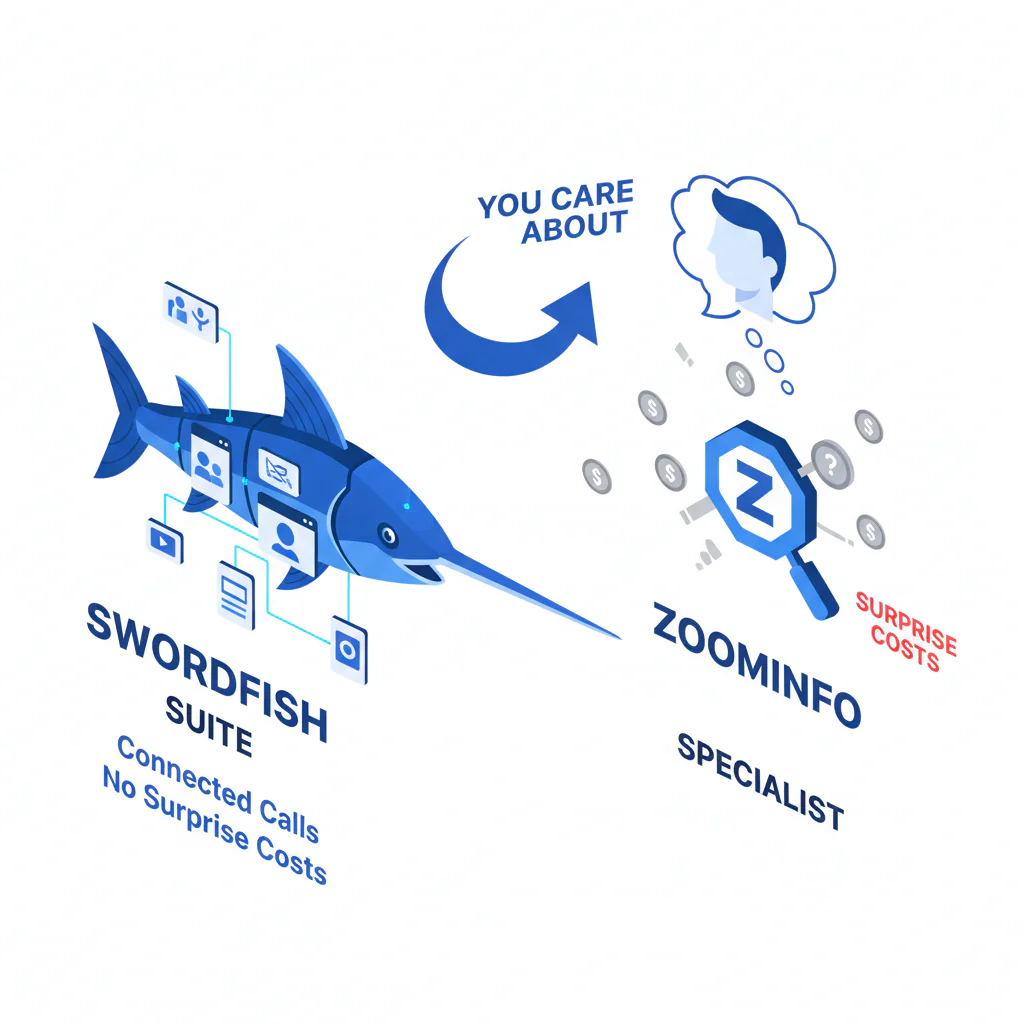
Swordfish vs ZoomInfo (swordfish vs zoominfo): suite vs specialist when you care about connected calls (and not surprise costs)
Byline: Ben Argeband, Founder & CEO of Swordfish.AI
Who this is for
If you’re searching swordfish vs zoominfo, you’re not looking for a feature parade. You’re trying to avoid three predictable failures: hidden cost creep, data decay that quietly kills outreach, and integrations that look fine until your CRM gets messy.
- Sales teams that measure success by connected conversations and want fewer dials wasted on dead numbers.
- Recruiters who need fast outreach and can’t afford to wait on admin workflows or ration usage.
- RevOps / procurement / auditors who have to explain why “we bought data” didn’t translate into pipeline.
Quick verdict
- Core answer
- In swordfish vs zoominfo, buy Swordfish when the business outcome is more connected calls using ranked mobile numbers (or prioritized direct dials) with true unlimited access under fair use; buy ZoomInfo when you need a big suite vs specialist platform for broad enrichment and cross-team workflows and you can absorb adoption friction and a more complex pricing model.
- Key stat
- Ignore vendor “accuracy” claims until you test. Your results will vary by industry, region, persona, list quality, seat count, and API usage. Define connect rate as connected conversations ÷ total dials (exclude voicemails), and track dials-per-connect by segment using consistent dispositions.
- Ideal user
- Swordfish fits teams that want predictable usage and phone-first outcomes; ZoomInfo fits teams that want suite breadth and can enforce process across Sales/Marketing/RevOps.
Suite vs specialist (plain English): a suite tries to standardize many workflows under one contract; a specialist tries to win one workflow (like calling) with less overhead.
What Swordfish does differently
As a buyer, I don’t care how many “records” a tool can enrich. I care whether reps get to real conversations without turning usage into a budgeting exercise.
- Ranked mobile numbers / prioritized direct dials: Swordfish is phone-first. Ranking matters because “a number exists” is not the same as “the first number connects.” Fewer wrong dials reduces rep time waste and lowers the operational cost of data decay.
- True unlimited + fair use: Unlimited only helps if reps can use it without asking permission or “saving credits.” When teams ration lookups, they stop refreshing stale contacts and decay wins.
- Lower adoption friction: Specialist tools usually have fewer modules and fewer admin gates. That reduces time-to-value for recruiter outreach and sales outbound calling.
ZoomInfo’s strength is breadth. Breadth also means more admin surface area, which is where adoption and data hygiene usually die if you don’t have RevOps capacity.
If you want the focused alternative to suite complexity, start with Prospector and measure calling outcomes before you expand scope.
Decision guide
Use the big suite vs specialist framework to avoid buying the wrong thing for the right reason. Suites can be rational when governance is the product. Specialists can be rational when the workflow is the product.
Most bad purchases happen when buyers compare vendor screenshots instead of comparing failure modes: usage throttling, integration drift, and list decay.
Checklist: Feature Gap Table
| Buying dimension | Swordfish (specialist) | ZoomInfo (suite) | Hidden cost / failure mode to audit |
|---|---|---|---|
| Primary outcome | Phone-first: ranked mobile numbers / prioritized direct dials for calling | Broad coverage: multi-surface data + workflows across teams | If your KPI is meetings, audit connect rate, not “records enriched.” |
| Pricing model | True unlimited under fair use (designed to reduce credit anxiety) | Typically seat + package + usage constraints (varies by contract) | Variance comes from seat count, add-ons, and how “usage” is defined (exports, API calls, enrichment events). |
| Contracting/procurement overhead | Usually simpler scope | Often broader scope with more line items | Audit renewal language, auto-uplifts, and what triggers “overage” behavior (even if it’s framed as policy). |
| Writeback controls (field precedence/overwrite scope) | Fewer writeback paths to govern | More writeback paths depending on modules and integrations | If you can’t define field precedence and overwrite rules, you’ll corrupt CRM fields and lose rep trust. |
| Adoption friction | Fewer modules; faster rep onboarding | More configuration; more training; more governance | Suite rollouts fail when reps can’t find the right workflow and revert to spreadsheets. |
| Integration surface | Focused: fewer integration points to maintain | More surfaces: CRM, enrichment, workflows (depends on what you buy) | Integration headaches show up as duplicate records, field mapping drift, and inconsistent enrichment triggers. |
| Data refresh control | Operationally easier to re-check because usage isn’t rationed | Can be workflow-driven, but usage constraints can discourage re-verification | If re-checking costs approvals or usage, teams stop doing it and decay becomes invisible until pipeline drops. |
| Recruiter outreach vs sales outbound calling | Strong fit when speed + phone reachability drives outcomes | Strong fit when you need broad org coverage + standardized processes | Recruiting lists decay fast; sales lists fragment by segment. Expect persona-driven variance. |
| Auditability | Simpler: fewer levers to explain | Harder: more modules, more contract line items | Finance will ask why spend rose. Be ready to attribute to seats, add-ons, and API usage. |
Decision Tree: Weighted Checklist
This weighting is based on standard contact-data failure points that drive underuse and churn: unpredictable spend, low rep adoption, integration drift, and data decay. The “highest weight” items are the ones that most often break ROI first.
- Pricing model clarity (highest weight): Can you predict spend as usage scales, including exports and API usage? If not, usage gets rationed and your program stalls.
- Phone number quality for calling (highest weight): Do you get ranked mobile numbers or prioritized direct dials that reduce dials-per-connect? If not, rep time waste becomes the real cost center.
- Adoption friction (high weight): Can a new rep be productive without admin intervention? If not, usage concentrates in a few power users and your ROI story won’t survive an audit.
- Integration and field mapping stability (high weight): Can you control field precedence, dedupe keys, and enrichment triggers? If not, you’ll pay for cleanup and broken workflows.
- Data decay handling (medium-high weight): Can you re-check contacts without approvals or credit anxiety? If not, stale data accumulates until performance drops.
- Suite breadth (medium weight): Do you have a real cross-team requirement, or are you buying breadth because “one vendor” sounds safer? Shelfware is still spend.
- Governance and compliance fit (medium weight): Can you document sourcing, usage, and retention in a way legal accepts? If not, rollout pauses will erase time saved.
Troubleshooting Table: Conditional Decision Tree
- If your KPI is calls connected per rep and reps complain about dead numbers, then prioritize phone-first tools with ranked mobile numbers / prioritized direct dials and a predictable cost model.
- If your organization needs one vendor to support Sales + Marketing + RevOps workflows and you can enforce process, then a suite can be justified even if adoption is slower.
- If your current pain is “we can’t use the tool because usage gets rationed,” then favor true unlimited under fair use so re-checking and list refreshes don’t get throttled by policy.
- If your CRM is already messy (duplicates, inconsistent fields), then reduce integration surfaces until you can control dedupe and field precedence.
- Stop condition: If you cannot run a 2–3 week pilot that measures connect rate on the same list, in the same segment, with the same dialing workflow, stop. You’re about to buy based on demos and vendor-picked samples that won’t match your variance drivers (industry, region, persona, list quality, seat count, API usage).
How to test with your own list (5–8 steps)
- Pick one segment (industry + persona + region) so you’re not averaging away variance.
- Pull a representative sample from your CRM or ATS: include new leads and older records so you see decay, not just fresh data.
- Keep lead source and record-age mix consistent across both tools so you’re not testing different lists.
- Write down disposition definitions before you start so “connected conversation” means the same thing across reps.
- Split the list evenly across reps (or rotate daily) to reduce cherry-picking and “easy lead” bias.
- Run the same workflow for both tools: same dialer, same call windows, same number of attempts, same disposition codes.
- Track outcomes: connected conversations, wrong numbers, no-answers, and dials-per-connect. Keep notes on “number exists but never connects” because that’s where phone number quality shows up.
- Model the cost using your real usage pattern: seat count, exports, and API usage if you plan to automate enrichment.
Limitations and edge cases
- “Accuracy” doesn’t transfer across segments: Contact data accuracy and mobile reachability vary by industry and persona. A vendor can look strong in one segment and weak in another.
- Suites win when governance is the requirement: If your real need is standardization (fields, workflows, reporting), a suite can reduce tool sprawl. You still pay in rollout overhead.
- Specialists lose when you need breadth: If you need multiple data types and cross-functional workflows, a specialist may force additional vendors, which can reintroduce integration drift.
- API usage changes economics: If you plan to enrich at scale via API, compare how usage is defined and metered. This is where “predictable” claims often fail in practice.
- Recruiters vs sales behave differently: Recruiters work smaller lists with high urgency; sales teams run larger sequences and care about repeatability. Your adoption friction tolerance differs.
Evidence and trust notes
I’m Swordfish’s founder. That’s a bias. The way to neutralize it is to run a controlled pilot and audit the contract and integration plan like you expect problems, because you should.
- Variance explainer (why your results differ): Expect performance differences driven by seat count (who actually uses it), API usage (how often you enrich), list quality (freshness and sourcing), and industry/persona (some roles are harder to reach by mobile).
- What I would ask any vendor before signing: How is fair use defined? What counts as usage (exports, enrichment events, API calls)? What triggers throttling or access limits? What happens at renewal? What is the field precedence order when writing back to CRM?
- What I would ask RevOps to validate: Dedupe keys, overwrite rules, enrichment triggers, and whether the integration can be rolled back without corrupting fields.
For auditability, save the raw call log export, the disposition definitions used, the before/after CRM field mapping (including field precedence), a list of fields allowed to be overwritten, and a copy of the contract’s usage definitions. If you can’t produce those later, you can’t explain variance when results change.
Run this through your compliance policy for outreach and data handling. Don’t let a vendor demo set your risk posture.
If you’re auditing decay and verification, read data quality. If you’re trying to understand predictable usage, read unlimited contact credits. For the broader category, see contact data tools.
FAQs
Is ZoomInfo always more expensive?
Not always, but it’s more variable. Total cost depends on seat count, packages, add-ons, and how usage is metered (including API usage). If you can’t model spend under realistic usage, you’re not comparing prices.
Does Swordfish replace a full suite?
No. Swordfish is a specialist. If you need suite breadth across multiple teams and workflows, a suite can be the right call. If your outcome is phone-first outreach performance, buying breadth you won’t operationalize is how shelfware happens.
How do I compare contact data accuracy without trusting vendor claims?
Use your own list, control for segment, and measure connect rate and dials-per-connect. Expect variance by industry, region, persona, list quality, seat count, and API usage.
What’s the most common integration failure?
Field precedence and dedupe drift. One tool writes “better” data into the wrong field, duplicates multiply, and reps stop trusting the CRM. Fixing it costs more than the tool did.
Is this only for sales outbound calling?
No. Recruiter outreach has the same decay problem, often worse. The difference is recruiters usually tolerate less workflow friction because speed matters more than perfect enrichment coverage.
Where’s the reverse comparison page?
Here: zoominfo vs swordfish.
Next steps
- Day 1–2: Pick one segment (industry + persona + region). Define connect rate and dials-per-connect. Write down disposition definitions.
- Day 3–7: Run the pilot on the same list with the same dialer workflow. Track outcomes and operational friction. Save call logs.
- Week 2: Review the pricing model using your real usage pattern: seat count, exports, and API usage if applicable. Document what changes when usage doubles.
- Week 3: Decide suite vs specialist based on what moved the metric. If phone reachability drove outcomes, keep scope tight. If governance and breadth drove outcomes, plan for rollout overhead.
For phone-first lookup workflows, see cell phone number lookup.
About the Author
Ben Argeband is the Founder and CEO of Swordfish.ai and Heartbeat.ai. With deep expertise in data and SaaS, he has built two successful platforms trusted by over 50,000 sales and recruitment professionals. Ben’s mission is to help teams find direct contact information for hard-to-reach professionals and decision-makers, providing the shortest route to their next win. Connect with Ben on LinkedIn.

