


 View Products


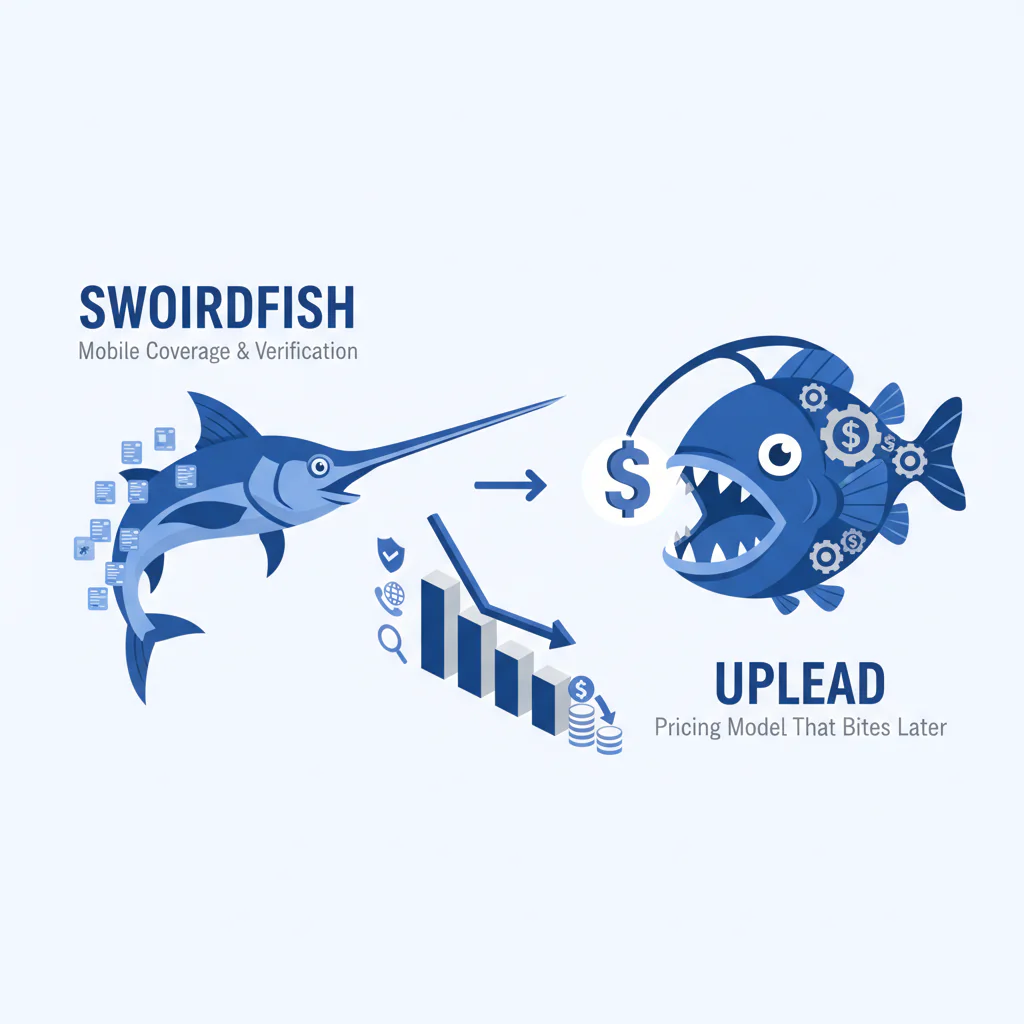
Swordfish vs UpLead: mobile coverage, verification, and the pricing model that bites later
Byline: Ben Argeband, Founder & CEO of Swordfish.AI
Who this is for
Teams weighing compliance posture alongside mobile reachability and pricing model. If you’re trying to decide whether you’re buying a B2B contact database for “records” or for actual connects, this comparison is for you.
If finance is asking why spend rises faster than pipeline, you’re already seeing the real problem: data decay plus pricing mechanics equals budget variance.
Quick verdict
- Core answer
- swordfish vs uplead usually comes down to whether you want a phone-centric workflow (Swordfish) or a conventional list-building workflow (UpLead). The cost you should model is cost per connect, not cost per record. If you searched for “UpLead vs Swordfish,” the same rule applies: model cost per connect, then validate mobile coverage and verification definitions on your own list.
- Key stat
- Any coverage or “verification” claim will vary by seat count, API usage, list quality, industry, geography, and your definition of verification. If a vendor can’t explain variance drivers, assume the quote won’t survive scale.
- Ideal user
- Swordfish fits teams that measure success by conversations and need prioritized direct dials/mobile numbers. UpLead fits teams that measure success by records exported and prefer conventional credit accounting.
At-a-glance (what usually breaks in production)
| Buying concern | Swordfish (what to validate) | UpLead (what to validate) | What it impacts |
|---|---|---|---|
| Mobile reachability | Whether mobile/direct dials are prioritized for calling workflows | Whether your ICP returns usable mobile vs office lines in exports | Connect rate and meetings per rep |
| Verification meaning | What verification covers for phone vs email and how it’s surfaced | What “verified” covers and the freshness window behind it | Wasted dials, bounce risk, rework |
| Pricing risk | Unlimited marketed as unlimited; confirm fair-use definition, throttles, and API limits in writing | Credit burn triggers (reveal/export/enrich), overages, and seat minimums | Budget variance and renewal leverage |
| Integration drag | CRM/dialer mapping for mobile vs direct dial; dedupe behavior | CRM sync behavior; dedupe rules; field mapping | Adoption and reporting accuracy |
What Swordfish does differently
Most tools sell “verified contacts.” In practice, reps need fewer dead ends. Swordfish markets itself as more phone-centric: it emphasizes prioritized direct dials/mobile numbers and a usage model marketed as unlimited. Verify this in your pilot by measuring usable mobile/direct dials for your ICP, then confirm the fair-use definition, throttles, and any API limits in writing.
When your motion is call-heavy, weak mobile coverage forces more touches and more retries. That shows up as higher cost per connect even when the per-seat price looks fine.
If you want a phone-centric workflow, see Prospector. If you want to sanity-check “unlimited” against procurement reality, read unlimited contact credits.
Decision guide
QUICK_SELF_AUDIT framework (Are you buying records or connects?)
- If success is “exports per month,” you’re buying records. Credit models can work, but only if burn rules match your workflow.
- If success is “conversations per rep,” you’re buying connects. You should evaluate mobile coverage and how phone numbers are prioritized for dialing.
- If success is “clean CRM + predictable spend,” you’re buying governance. You should evaluate mapping, dedupe, admin controls, and auditability before you argue about coverage.
What to request in writing (so procurement doesn’t get surprised)
- Usage counting examples: one written example each for lookup, export, enrichment, and re-enrichment so you can model repeat work.
- Fair-use and throttles: the exact definition, any rate limits, and what happens when you hit them.
- Dispute/remediation: what happens when records are wrong and how corrections flow back into your CRM.
How to test with your own list (5–8 steps)
- Freeze your ICP definition (industry, geography, seniority) so you don’t “win” by changing the target mid-test.
- Pull a fixed sample from your CRM (or a prospect list) and keep it unchanged for both vendors.
- Define verification in writing for your test: what counts as verified for phone vs email, and what freshness window you accept.
- Run the same workflow in both tools (lookup vs export vs enrichment). Track what action triggers usage counting.
- Measure outcomes that matter: usable mobile/direct dial presence, invalid/bounce signals, and time spent by reps correcting records.
- Test integration in a sandbox: map mobile vs direct dial fields, set precedence rules, and observe dedupe behavior.
- Calculate cost per connect using your own downstream metrics (connects, meetings set). Do not compare vendors on “records returned” alone.
- Document everything: filters used, timestamps, and the exact steps taken so you can reproduce results at renewal and explain variance to finance.
- Run both tests within the same week to reduce drift from data decay.
Checklist: Feature Gap Table
| Area buyers underestimate | What to verify in UpLead | What to verify in Swordfish | Hidden cost if you get it wrong |
|---|---|---|---|
| Mobile coverage (reachability, not just “has a phone field”) | How often your ICP returns a usable mobile vs a generic/office line; how “mobile” is defined in exports | How prioritized mobile/direct dials are surfaced; whether the workflow is optimized for calling outcomes | Lower connect rates → more touches per meeting → higher SDR cost per meeting |
| Verification (definition + freshness) | What “verified” covers (email only vs phone too); freshness window; dispute handling for bad records | How verification is represented for phone vs email; what signals are provided to triage risky records | Bad assumptions → higher bounce/invalid dial rates → wasted call blocks and deliverability risk |
| Pricing mechanics (where spend drifts) | Credit burn triggers (reveal vs export vs enrich); overage behavior; seat minimums; re-export/re-enrich double-pay risk | Unlimited marketed as unlimited; fair-use definition; throttles; API limits and how usage is counted | Budget variance → surprise overages or forced plan upgrades mid-quarter |
| Integration & governance | CRM sync behavior; dedupe rules; field mapping; audit logs; admin controls | Same checks; plus how phone-centric fields map into your CRM and dialer | Ops time → manual cleanup, duplicates, and reporting you can’t trust |
| Data decay handling | Refresh cadence; re-verification policy; how stale records are flagged | How updates are delivered; whether the workflow encourages re-checking before outreach | Stale data → reps stop trusting the tool → adoption drops → you pay for shelfware |
Decision Tree: Weighted Checklist
Weighting logic: prioritize standard rollout failure points (budget variance, data decay, integration drag) and the compliance-first vs cost-first vs quality-first decision lens. No points, because fake precision is how bad tools get bought.
- Highest weight: Pricing predictability under scale (cost per connect) — Credit burn rules, seat minimums, and API usage are where “reasonable” quotes turn into overages. Validate usage counting and overage behavior in writing. This is the only way to forecast cost per connect.
- Highest weight: Mobile coverage for your ICP — Mobile reachability is the fastest path to fewer wasted touches. Test by segment (industry, seniority, geography) and report variance, not averages.
- High weight: Verification definition and dispute handling — “Verification” varies by vendor and by channel (phone vs email). Require definitions, freshness windows, and a process for disputed records.
- High weight: Integration friction (CRM + dialer) — Field mapping and dedupe decide whether reps trust the data. Define precedence rules (mobile vs direct dial) and confirm how updates overwrite existing fields.
- Medium weight: Contact data validation workflow — Decide where contact data validation happens (pre-export, pre-dial, post-bounce) and who owns remediation. A defined validation step reduces manual cleanup and improves rep adoption.
- Medium weight: Compliance posture (documented controls) — Treat compliance as documentation, controls, and internal process alignment. Require clear terms and admin controls that support suppression and audit needs.
If you want a deeper view of how to evaluate verification and decay without vendor math, read data quality.
Troubleshooting Table: Conditional Decision Tree
- If your primary KPI is meetings from outbound calling and your ICP is reachable by mobile, then bias toward the tool that consistently returns prioritized mobile/direct dials in your sample test. Stop condition: if your sample shows low mobile coverage for your ICP in both tools, stop and re-scope ICP/geos before buying any annual plan.
- If finance requires predictable unit economics, then model spend as cost per connect and choose the vendor whose pricing mechanics you can forecast under headcount growth. Stop condition: if the vendor cannot explain usage counting and overage behavior in writing, stop and do not proceed to procurement.
- If ops is already cleaning duplicates and broken fields weekly, then choose the vendor that integrates cleanly with your CRM/dialer and supports governance. Stop condition: if you can’t run a pilot that writes to a sandbox CRM with auditability, stop and treat the tool as a reporting risk.
- If you need conventional list-building with clear per-record accounting, then UpLead may fit better, provided burn rules match your workflow. Stop condition: if your team re-exports or re-enriches the same accounts frequently, stop and quantify how often you’ll pay twice for the same record.
Limitations and edge cases
Coverage claims vary by list quality. If your CRM has partial names, outdated domains, or inconsistent company fields, both tools will look worse. Clean inputs or your “vendor test” is really a hygiene test.
Verification is not a single standard. One vendor’s “verified” can mean email-only, point-in-time checks, or different freshness windows. Without definitions, you can’t compare outcomes.
API usage changes the economics. If you plan to enrich at scale, pricing variance will be driven by API limits, usage counting, and whether enrichment is billed differently than interactive lookup. Ask for a written example using your expected seat count and volume.
Compliance is operational. No tool removes your obligation to follow internal policy and applicable law. Treat compliance as controls and process, not marketing copy.
Evidence and trust notes
Disclosure: Swordfish.AI publishes this comparison. Treat it as a buying framework and validate claims via your own pilot and contract language.
No third-party benchmark dataset is cited here. The intent is to give you a repeatable test so you can generate your own evidence.
This page avoids universal coverage percentages because they don’t transfer across ICPs. The variance you should expect is driven by:
- Seat count and workflow: more reps means more re-queries, more exports, and more chances to hit pricing edge cases.
- API usage: enrichment at scale can turn “cheap per seat” into “expensive per month” if usage counting is unclear.
- List quality: incomplete or stale inputs reduce match rates and inflate your perceived coverage gap.
- Industry and geography: mobile availability and data freshness vary materially by region and vertical.
When you report results internally, report variance by segment (industry, geography, seniority) instead of a single blended number. Blended numbers hide where the tool fails and where your spend will drift.
Pilot method (so you can reproduce results)
- Same sample, same filters: keep the list and filters identical across vendors.
- Same definitions: write down what counts as verified for phone and email.
- Same time window: run tests close together to reduce drift from data decay.
- Same workflow steps: note whether you used lookup, export, or enrichment and what triggered usage counting.
- Same success metrics: track connects/meetings and the manual cleanup time required.
For vendor-specific deep dives on UpLead, see uplead review and uplead pricing.
FAQs
Is Swordfish better than UpLead?
Not universally. Swordfish tends to fit teams optimizing for phone outreach outcomes and prioritized direct dials/mobile numbers. UpLead tends to fit teams that prefer conventional list-building and credit accounting. The only defensible answer comes from a pilot using your ICP and measuring downstream connects.
What should I compare besides price?
Compare mobile coverage by segment, what verification means for phone vs email, integration behavior in your CRM/dialer, and pricing mechanics that affect scaling. Price without usage rules is procurement theater.
How do I calculate cost per connect?
Take total monthly spend (seats plus usage/credits plus overages) and divide by completed connects attributable to the data source. If you can’t attribute connects cleanly, use a consistent proxy across vendors and document the definition.
Does “unlimited” mean unlimited?
In procurement terms, unlimited usually means “not metered like credits” but still governed by fair use and technical limits. Ask for the written fair-use definition, any throttles, and how API usage is handled if you plan to enrich at scale.
What’s the biggest integration risk?
Field mapping and dedupe. If mobile and direct dials aren’t stored consistently, reps dial the wrong number, ops loses trust in reporting, and you end up paying for cleanup or a second tool.
Next steps
Timeline (procurement-safe):
- Day 1–2: Define ICP segments and your verification definitions for phone and email.
- Day 3–5: Run the fixed-sample test in both tools and document workflow steps and timestamps.
- Week 2: Pilot CRM + dialer integration in a sandbox. Validate mapping, precedence rules, dedupe behavior, and auditability.
- Week 3: Build a spend model using seat count plus expected usage (including API if relevant). Convert to cost per connect using pilot outcomes.
- Week 4: Choose the vendor whose economics and governance hold under scale, then negotiate terms that match your workflow.
About the Author
Ben Argeband is the Founder and CEO of Swordfish.ai and Heartbeat.ai. With deep expertise in data and SaaS, he has built two successful platforms trusted by over 50,000 sales and recruitment professionals. Ben’s mission is to help teams find direct contact information for hard-to-reach professionals and decision-makers, providing the shortest route to their next win. Connect with Ben on LinkedIn.

