


 View Products


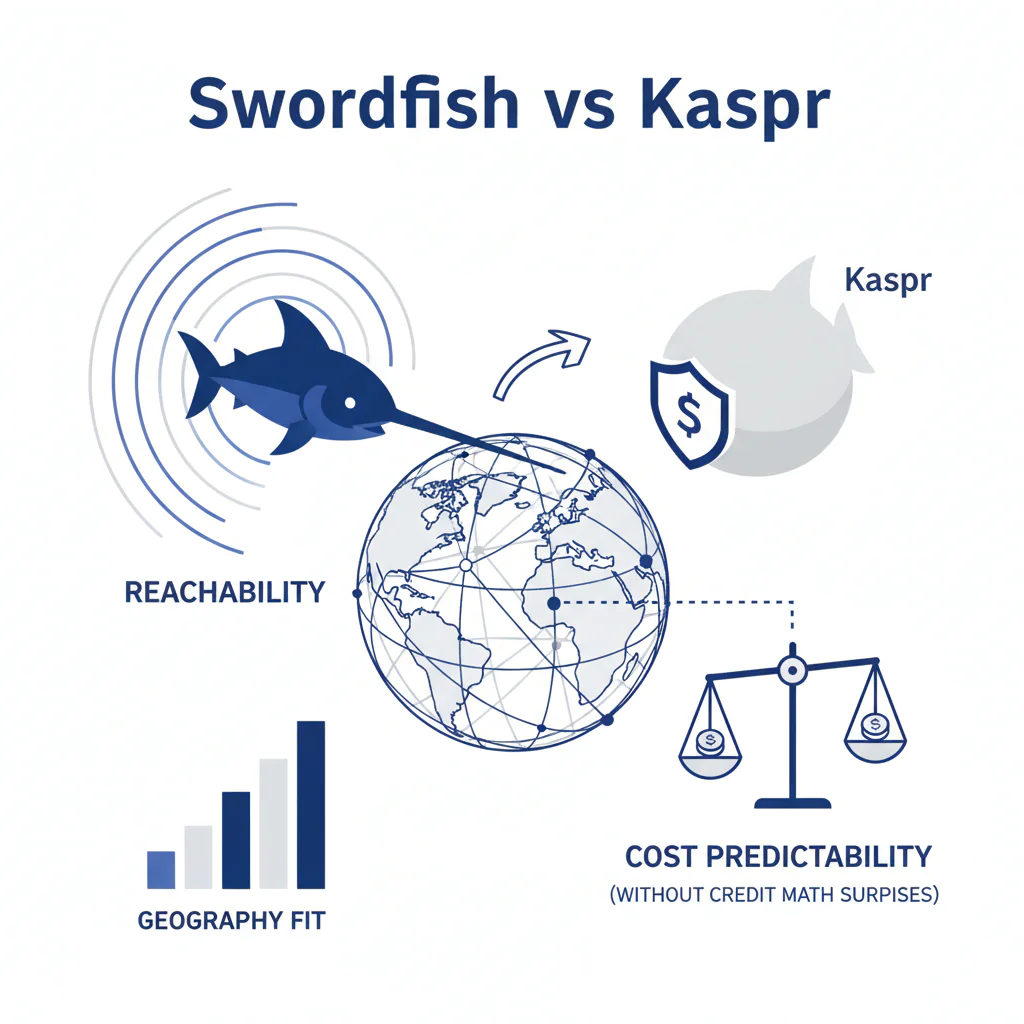
Swordfish vs Kaspr: geography fit, reachability, and cost predictability (without credit math surprises)
Byline: Ben Argeband, Founder & CEO of Swordfish.AI
Author note: Tool sprawl vs tight workflow: compare day-to-day speed, reachability, and predictability over feature checklists.
This page compares swordfish vs kaspr as contact data tools for EU data and multi-region outreach. The only outcomes that matter are reachability (connects and replies) and predictable operations (no throttling surprises, no CRM mess, no rep workarounds). Geography fit is the first filter because EU data varies by country and industry, which changes reachability and rep time wasted.
Who this is for
Recruiting and sales teams consolidating tools to simplify outreach workflows. If you’re trying to standardize outreach across regions, or you’re tired of paying for “enrichment” that doesn’t improve reachability, this is the comparison you actually need.
Quick verdict
- Core answer
- Swordfish is usually the safer operational choice when you need predictable scaling across regions and you don’t want usage limits to become a weekly argument. Kaspr can fit when your pipeline is EU-centric and your trial confirms country-level reachability on your own lists.
- Key stat
- There is no portable “best” reachability rate across vendors. Results vary by seat count, API usage, list quality, industry, and region mix. If a claim isn’t measured on your lists, treat it as marketing.
- Ideal user
- Teams that want fewer hidden costs: less time per lookup, fewer exports, fewer throttling surprises, and a workflow that doesn’t degrade as data decays.
If you only remember one thing: buy for geography fit and reachability, then negotiate for predictability in writing.
What Swordfish does differently
Most contact data tools fail in production for boring reasons: throttling, unclear “fair use,” and workflows that force reps into copy/paste and ops into cleanup.
Swordfish is built to reduce workflow friction where reps actually work. The extension for quick LinkedIn lookups matters because it reduces time-to-CRM for single-profile prospecting. That business outcome is measurable: fewer minutes per lead means more attempts per day without hiring more reps.
On contact types, Swordfish emphasizes prioritized direct dials and mobile numbers where available because reachability is the outcome that pays the bills. If your team calls, a tool that returns more emails but fewer callable numbers can look “productive” while quietly wasting rep hours.
On usage, Swordfish positions an unlimited-usage model with fair use expectations. As a buyer, I don’t accept that as a promise. I treat it as a contract question: what triggers throttling for your seat count and API usage, and what happens when you scale.
Decision guide
Two teams can trial the same tools and get opposite results. That variance is normal, and it’s why “best tool” lists are mostly noise.
- Geography fit: EU data coverage can be uneven by country and industry. If your pipeline is EU-first, test EU lists by country, not a global sample.
- List quality: Fresh LinkedIn URLs and clean CRM records behave differently than scraped or stale lists. Data decay punishes “one-and-done” enrichment.
- Workflow surface area: A Kaspr LinkedIn tool workflow can reduce time-to-CRM for individual lookups, which lowers rep minutes per lead. The cost shows up when you need bulk enrichment, governance, dedupe, and reliable writeback.
- Usage pattern: Seat count and API usage change the economics. A plan that feels fine for a couple seats can become a forecasting problem when you roll out to a team.
Framework to use (DECISION_HEURISTIC): decide in this order: (1) geography fit, (2) reachability, (3) pricing predictability, (4) integration overhead. If you reverse the order, you’ll buy a tool that demos well and then quietly creates duplicates, field overwrites, and rep workarounds.
Checklist: Feature Gap Table
| Buying concern (what breaks in production) | Swordfish (what to verify) | Kaspr (what to verify) | Hidden cost if you guess wrong |
|---|---|---|---|
| Best-fit workflow | Rep-led LinkedIn lookup with fast capture and fewer exports; confirm team-wide consistency and admin controls. | EU-centric LinkedIn-first prospecting; confirm results hold by country and don’t collapse when you scale seats or change regions. | You buy a tool optimized for the wrong motion and spend months patching process instead of shipping pipeline. |
| Geography fit for EU data | Test EU-heavy lists and measure reachability by country; confirm coverage where you hire/sell. | Test the same EU-heavy lists; confirm whether results hold outside your strongest countries. | Reps burn time on non-working numbers; you pay twice (tool + labor) while pipeline slows. |
| Reachability vs “found” contacts | Validate callable mobile/direct dials on your ICP; track connect rate, not just match rate. | Validate the same; don’t accept “enriched” as success if calls don’t connect. | Dashboards look full, outreach performance doesn’t move. |
| Unlimited usage vs throttling | Clarify fair use boundaries for your seat count and automation; confirm what triggers throttling. | Clarify credit model, overages, and what changes when you scale seats or run bulk tasks. | Budget drift and mid-quarter plan changes; procurement gets dragged back in. |
| Integration and workflow friction | Confirm CRM writeback, dedupe behavior, and admin controls; test the extension in your browser stack. | Confirm export formats, CRM sync reliability, and how conflicts are handled. | If CRM writeback creates duplicates or overwrites fields, your ops team will spend more time cleaning than your reps spend calling. |
| Compliance posture (GDPR) | Confirm your internal process for lawful basis, retention, and deletion requests; document it. | Same: confirm how you operationalize GDPR, not just whether the vendor says “compliant.” | Legal risk plus operational drag when you can’t answer “where did this data come from?” |
| Data decay management | Check refresh behavior and how often you need to re-verify; set a re-enrichment cadence. | Check refresh behavior and re-verify cadence; don’t assume last month’s data still works. | Quiet performance decline; reps blame messaging when the real issue is stale data. |
Decision Tree: Weighted Checklist
The weighting below follows standard failure points in contact data tools: reachability first, then geography fit, then cost predictability, then integration overhead. This is the order that prevents expensive rework.
- Reachability on your ICP (highest weight): Run a blind test on the same EU and non-EU segments and compare connect/reply outcomes. Business outcome: higher connects and replies per rep-hour.
- Geography fit (high weight): Split results by country/region. Business outcome: fewer wasted sequences in regions where coverage is weak.
- Pricing model predictability (high weight): Map seat count and expected usage (manual lookups vs bulk enrichment vs API usage). Business outcome: fewer surprise overages and fewer forced plan changes mid-quarter.
- Workflow speed (medium weight): Time a rep doing 20 lookups from LinkedIn to CRM. Business outcome: lower time-to-CRM and higher daily activity without extra headcount.
- Governance & admin controls (medium weight): Confirm role-based access, auditability, and how data is stored/shared. Business outcome: fewer shadow exports and less cleanup work.
- GDPR operationalization (medium weight): Document lawful basis, retention, and deletion workflow. Business outcome: fewer internal escalations and less legal back-and-forth when someone asks for deletion.
If you need a baseline for what “good” looks like, use contact data quality criteria before you compare vendors.
Troubleshooting Table: Conditional Decision Tree
- If your team is EU-first and you need consistent EU coverage, then run an EU-only trial segment and measure reachability by country; stop if results swing across your top 3 countries because you’ll be buying inconsistency.
- If your biggest pain is cost unpredictability from credits/overages, then prioritize unlimited usage models with defined fair use boundaries; stop if the vendor won’t define throttling triggers for your seat count and API usage in writing.
- If your workflow lives in LinkedIn and speed matters, then test the extension path end-to-end (lookup → verify → CRM writeback); stop if reps need exports or manual copy/paste because adoption will drop.
- If your org has strict requirements under GDPR, then validate your internal process for lawful basis, retention, and deletion requests; stop if you can’t document how data is sourced and removed on request.
Limitations and edge cases
- EU data is not uniform: EU datasets can be uneven by country and industry. A tool can look strong in one market and weak in another. That’s why geography fit testing is non-negotiable.
- Unlimited still has boundaries: Any unlimited usage model will have fair use constraints. The operational question is whether normal usage for your seat count triggers enforcement.
- API usage changes the product: If you plan to enrich at scale, rate limits and access terms become the real product. A rep-friendly extension doesn’t automatically solve ops automation.
- Data decay is guaranteed: Phone numbers and emails rot. If you don’t re-verify on a cadence, reachability will degrade even if the vendor is solid.
Evidence and trust notes
As the Founder & CEO of Swordfish.AI, I’m not neutral. The only defensible way to choose is to test both tools on your own lists and measure outcomes that matter.
Document the test date, list source, seat count, and whether you used API usage or manual lookups so the result is repeatable and auditable.
This page avoids hard performance claims because they don’t transfer across teams. Reachability and match rates vary based on seat count, API usage, list quality, industry, and region mix. If a vendor can’t reproduce results on your data, the demo doesn’t matter.
Pricing variance is usually driven by seat count, API usage, list volume, and enforcement triggers (throttling, overages, and add-ons). If you can’t model those variables up front, you’re not buying software, you’re buying a budgeting problem.
On pricing, don’t rely on summaries. Verify current terms directly and get the operational constraints in writing: renewal uplift, minimum seat commitments, whether API access is a paid add-on, and what triggers throttling or overages. If they won’t define throttling triggers in writing, walk.
For Kaspr-specific cost structure context, review Kaspr pricing. If you’re already leaning away from Kaspr due to workflow or predictability concerns, start with a short list from Kaspr alternative options and run the same geography-split test. If you’re trying to avoid credit math entirely, compare against unlimited contact credits models and ask where fair use boundaries actually sit.
How to test with your own list (5–8 steps)
- Build a test set: 3 segments: EU-only, non-EU, and mixed. Keep it representative of your ICP and sourcing.
- Freeze inputs: Same names, same LinkedIn URLs, same company domains. No manual “fixing” during the test.
- Run both tools: Enrich the same records in the same order. Track what each tool returns by contact type (mobile/direct dial vs email).
- Measure reachability: For phone, track connects; for email, track replies. Don’t substitute “found” for “reachable.”
- Split by geography fit: Break results out by country/region. EU data variance is where tools often diverge.
- Time the workflow: Have reps do 20 LinkedIn-to-CRM lookups. Record time-to-CRM and note where exports/copy-paste appear.
- Stress pricing predictability: Model your seat count and expected API usage. Ask what changes at scale and what triggers throttling/overages.
- Decide and document: Pick the tool that improves reachability per rep-hour and keeps cost predictable. Write down the assumptions so you can audit later.
FAQs
Is Swordfish or Kaspr better for EU contact data?
Neither is “better” in the abstract. EU data varies by country and industry, so you need to test EU segments by country and measure reachability outcomes. That’s the only way to validate geography fit.
What should I measure in a trial besides “contacts found”?
Measure reachability (connect rate for phone, reply rate for email) and time-to-CRM. “Found” contacts that don’t connect are just extra rows in your CRM.
Where do pricing models usually go wrong?
They go wrong when seat count grows or when you move from manual lookups to bulk enrichment and API usage. That’s when throttling, overages, and add-ons show up and your forecast breaks.
Does a LinkedIn extension matter in practice?
It matters if it reduces steps from profile to CRM and avoids exports. If reps still copy/paste or export CSVs, you’ll see adoption drop and ops workload rise.
How should I think about GDPR here?
GDPR compliance is operational. You need a documented lawful basis, retention policy, and deletion workflow. Vendor posture helps, but your process is what gets audited.
Next steps
- Day 1: Define your test lists (EU-only, non-EU, mixed) and success metrics (reachability + time-to-CRM).
- Days 2–3: Run side-by-side enrichment on identical inputs. Split results by geography fit and contact type.
- Days 4–5: Validate pricing predictability for your seat count and expected API usage. Get throttling/overage triggers in writing.
- Week 2: Roll out to a small rep cohort, monitor adoption friction, and decide based on measured reachability per rep-hour and forecast stability.
About the Author
Ben Argeband is the Founder and CEO of Swordfish.ai and Heartbeat.ai. With deep expertise in data and SaaS, he has built two successful platforms trusted by over 50,000 sales and recruitment professionals. Ben’s mission is to help teams find direct contact information for hard-to-reach professionals and decision-makers, providing the shortest route to their next win. Connect with Ben on LinkedIn.

