


 View Products


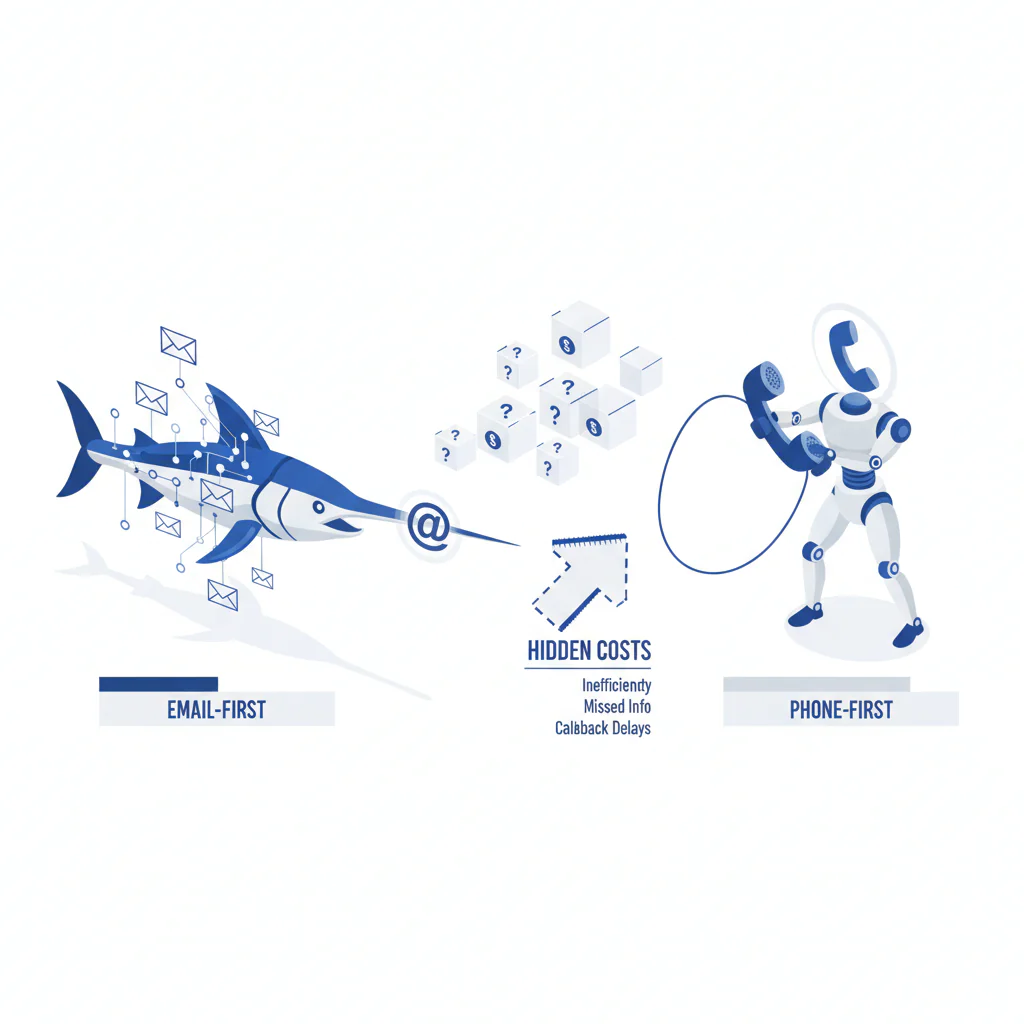
Swordfish vs Hunter: email-first vs phone-first (and where the hidden costs land)
Byline: Ben Argeband, Founder & CEO of Swordfish.AI
Who this is for
This is for outbound teams comparing databases who want higher first-dial success and fewer wasted touches. If you’re auditing tools because reps are burning time on bounced emails, wrong numbers, and “try the second number” loops, this is written for that reality.
Quick verdict
- Core answer
- swordfish vs hunter is a channel decision: choose Hunter when you’re email-first vs phone-first and your motion is email-first (finding and verifying emails); choose Swordfish when you’re phone-first and need ranked mobile numbers/direct dials to reduce retries and dead-end dials.
- Key stat
- Results vary by industry, region, seniority, list source, seat count, and API usage. Any single “accuracy %” without those variables is not procurement-grade.
- Ideal user
- Outbound teams who want higher first-dial success and a workflow that doesn’t collapse when data decays or when enrichment moves from a few manual lookups to API scale.
Neutral definitions for evaluation: Hunter is an email finder with email verification workflows; Swordfish is built for phone-first outreach with ranked mobile numbers/direct dials and contact enrichment for multi-channel sequences.
What Swordfish does differently
Hunter is email-centric. That’s not a criticism; it’s a scope decision. If your motion is email-led, a Hunter email finder workflow plus email verification reduces bounce-driven rework and keeps deliverability from becoming your problem.
Swordfish is built around phone outcomes. The operational difference is the “second number” time sink: reps dial a number that looks plausible, hit a dead end, then try the next one, then the next. That’s payroll burn disguised as activity. Swordfish focuses on prioritized direct dials and ranked mobile numbers so the first attempt is more likely to be the right attempt, which reduces retries and makes call blocks less random.
Packaging is where buyers get surprised. Swordfish sells true unlimited usage with a fair use policy; audit it by requesting the written fair-use definition, rate-limit thresholds, and what counts as a billable event for API enrichment. Do the same with any credit-based model: ask what consumes credits, what happens during usage spikes, and whether API calls burn faster than seat-based usage. If a vendor won’t show you a sample invoice or usage report format that explains how events are counted, assume you’ll be arguing about it later.
Complementary use case (what teams end up doing when email alone doesn’t convert): use Hunter to find/verify the email, then use Swordfish to add mobile/direct dial for the same person. If you want a clean bridge between the two, use Reverse Search to go from “email found in Hunter” to “mobile found in Swordfish” without forcing reps to bounce between tabs.
Checklist: Feature Gap Table
| Procurement question (hidden cost) | Hunter (email-first) | Swordfish (phone-first) | What changes in the business |
|---|---|---|---|
| Primary channel coverage | Optimized for email discovery and verification | Optimized for mobile numbers/direct dials and multi-channel enrichment | If your motion depends on calls, email-only coverage pushes cost into rep time and lower connect rates. |
| “Second number” time sink | Not the core workflow | Ranked/priority phone outputs reduce retries | Fewer retries means more first-attempt connects and cleaner activity metrics. |
| Credit/usage model risk (seats vs API) | Often credit-based for lookups/verification | Emphasis on unlimited usage with fair use | Seat count and API usage are where “cheap” becomes expensive when usage spikes mid-quarter. |
| Integration overhead | Strong for email workflows; phones may require another vendor | Designed to reduce tool chaining for phone-first prospecting | Every extra vendor adds admin, security review, and failure points in your enrichment pipeline. |
| Data decay exposure | Email changes and deliverability drift require ongoing verification | Phone data also decays; ranking reduces wasted dials when records are stale | Decay is unavoidable; the cost is whether your workflow detects it early or pays for it in rep hours. |
| Security/compliance paperwork burden | Ask for DPA, subprocessors, retention, and audit responses | Ask for DPA, subprocessors, retention, and audit responses | Clear paperwork reduces procurement cycle time and prevents rework after legal/security escalations. |
| Best-fit teams | Email-led outbound, partnerships, domain-based prospecting | Sales teams doing phone-first outreach and multi-channel sequences | Misfit tools don’t fail loudly; they fail as “mysterious underperformance.” |
Decision guide
Use a channel-first decision because it predicts cost. If you pick an email-first tool for a phone-first motion, you don’t just “miss a feature.” You buy a second tool, build a brittle integration, and then argue about which system is wrong when the CRM has three phone fields.
Channel-first decision: if you’re email-first, optimize for email discovery and email verification. If you’re phone-first, optimize for ranked mobile numbers/direct dials so reps spend time talking, not retrying.
Effective cost is not the sticker price. It’s how seat count and API usage turn into credits burned, rate limits hit, and enrichment jobs that silently fail. List quality changes this too: dirtier lists create more retries, more verification cycles, and more rep distrust.
How to test with your own list (7 steps)
- Define the motion: Write down whether you are email-first vs phone-first, and what “success” means (bounces/deliverability vs connects/wrong numbers).
- Pull a representative sample: Export a slice from your real ICP and include the same list sources you actually buy/use.
- Segment before you test: Tag records by industry, region, and seniority so you can see variance instead of a blended average.
- Run the tools the way you’ll run production: If you plan to enrich via API, test via API. If reps will do manual lookups, test that workflow too.
- Measure the failure mode you pay for: Email-first: bounces and verification outcomes. Phone-first: wrong-number rate, attempts per connect, and time lost to retries.
- Model effective cost under variance: Compare seat count scenarios and API usage spikes. Credit burn and rate limits show up in the worst month, not the demo month.
- Validate CRM writeback rules: Decide the “golden record” field precedence, dedupe behavior, and conflict resolution so reps don’t see contradictory data.
Decision Tree: Weighted Checklist
| Evaluation item (weighted by common failure points) | Weight | How to test (no vendor promises) | Business outcome |
|---|---|---|---|
| Channel fit: email-first vs phone-first | Highest | On your ICP sample, compare usable email coverage vs usable mobile/direct dial coverage. | Reduces spend on the wrong channel and avoids buying a second tool to patch the gap. |
| Variance under your ICP (industry/region/seniority/list source) | Highest | Report results by segment; do not accept a single blended number. | Prevents “looks good in aggregate” purchases that fail in the segments that matter. |
| Workflow cost: retries and the “second number” loop | High | Track attempts per connect and wrong-number outcomes during real call blocks. | Reduces rep time wasted on retries and increases first-dial success. |
| Usage model risk (seat count + API usage) | High | Stress-test best month vs worst month usage; request rate-limit and fair-use terms in writing. | Avoids mid-quarter throttling, surprise overages, and pipeline stalls. |
| Integration stability (CRM writeback, dedupe, conflicts) | Medium | Test writeback to your CRM fields and confirm conflict rules when two tools disagree. | Prevents rep distrust and silent data corruption across systems. |
| Verification alignment (email verification vs phone outcomes) | Medium | Email-first: measure bounce reduction. Phone-first: measure wrong-number reduction and connect lift. | Ensures verification work reduces a real failure mode instead of adding process overhead. |
Troubleshooting Table: Conditional Decision Tree
If your outbound motion is sequences where email is the first touch and calls are optional, then start with Hunter for email discovery and email verification.
If your outbound motion is call-led (phone-first outreach) and reps lose time to wrong numbers and retries, then prioritize Swordfish for ranked mobile numbers/direct dials to reduce attempts per connect.
If you already use Hunter and your sequences stall because you can’t reach people by phone, then add Swordfish as the phone layer and bridge records using Reverse Search so reps don’t manually re-search contacts.
If your evaluation relies on a single blended “accuracy” number from any vendor, then stop and rerun the test segmented by industry, region, seniority, and list source.
Stop condition: If neither tool materially improves your measured failure mode on a representative ICP sample (bounces for email-first, wrong numbers/attempts per connect for phone-first), don’t buy. Fix list quality and CRM hygiene first.
Limitations and edge cases
Variance is the rule. Contact data accuracy changes with industry, region, seniority, and list source. It also changes with how you deploy: a few manual lookups can look clean, while API enrichment at scale exposes gaps and conflict cases.
Effective cost changes with usage shape. Seat count increases edge cases and support load. API usage increases volume and makes rate limits and “what counts as a credit” definitions matter. If you don’t model worst-month usage, you’re not modeling cost.
Email-first teams can overbuy phone data. If your motion rarely calls, paying for phone coverage can be waste. In that case, keep the stack email-centric and invest in list hygiene and verification discipline.
Phone-first teams can underbuy email verification. If you still email, unverified addresses create bounce risk and domain reputation issues. That’s where Hunter’s email verification can be a practical complement rather than a competitor.
Integration failures are predictable. The common failure mode is tool chaining without a “golden record” rule: which field wins, how conflicts resolve, and how dedupe works. If you can’t answer those, you’ll ship contradictory contact data to reps.
Evidence and trust notes
Disclosure: I’m the Founder & CEO of Swordfish.AI. Treat this as a decision memo, not a neutral lab report, and validate everything with a segmented trial and written plan terms.
I’m not going to invent accuracy percentages or competitor coverage claims. Real outcomes depend on seat count, API usage, list quality, and industry. If you want procurement-grade evidence, run the 7-step test above on your own ICP, keep the raw exports with timestamps, and report variance by segment.
If you want background on evaluating contact data accuracy without getting fooled by averages, start with data quality. If your concern is packaging risk, read unlimited contact credits to see where “unlimited” and credit models typically hide constraints.
FAQs
Is Hunter an alternative to Swordfish?
Sometimes. If you’re email-first, Hunter can cover the core need. If you’re phone-first, Hunter is usually one piece of a larger stack because it’s email-centric.
Can I use Swordfish and Hunter together?
Yes. A common workflow is Hunter for email discovery and email verification, then Swordfish for mobile numbers/direct dials to support multi-channel sequences. The business outcome is fewer stalled sequences when email doesn’t get replies.
Why do results vary so much between teams?
Because contact data accuracy depends on list source, industry, geography, and seniority, and it changes with deployment (manual lookups vs API enrichment). If you don’t segment, you’ll buy based on an average that doesn’t match your ICP.
What should I measure in a trial?
Measure the failure mode you pay for. Email-first: bounces and verification outcomes. Phone-first: wrong-number rate and attempts per connect, which captures the “second number” time sink.
Where can I read more about Hunter specifically?
See hunter io review and hunter io pricing.
Where does Swordfish fit if I only have an email?
Use Reverse Search to enrich from an email to a mobile/direct dial when available, so reps can run phone-first outreach without manual rework.
Next steps
Day 0–1: Decide whether you are email-first vs phone-first, define the failure mode you want to reduce, and pick one ICP segment and list source for the test.
Day 2–4: Run the segmented bake-off (industry/region/seniority/list source) using the same workflow you’ll use in production (seats and API usage pattern).
Day 5–7: Model effective cost under worst-month usage and request written terms for credits, rate limits, and fair use definitions.
Week 2: Validate CRM writeback, dedupe, and conflict rules so you maintain a single “golden record.”
Week 3: Roll out with a documented handoff if you use both tools (Hunter email to Swordfish phone) and audit outcomes after the first full call block cycle.
About the Author
Ben Argeband is the Founder and CEO of Swordfish.ai and Heartbeat.ai. With deep expertise in data and SaaS, he has built two successful platforms trusted by over 50,000 sales and recruitment professionals. Ben’s mission is to help teams find direct contact information for hard-to-reach professionals and decision-makers, providing the shortest route to their next win. Connect with Ben on LinkedIn.

