


 View Products


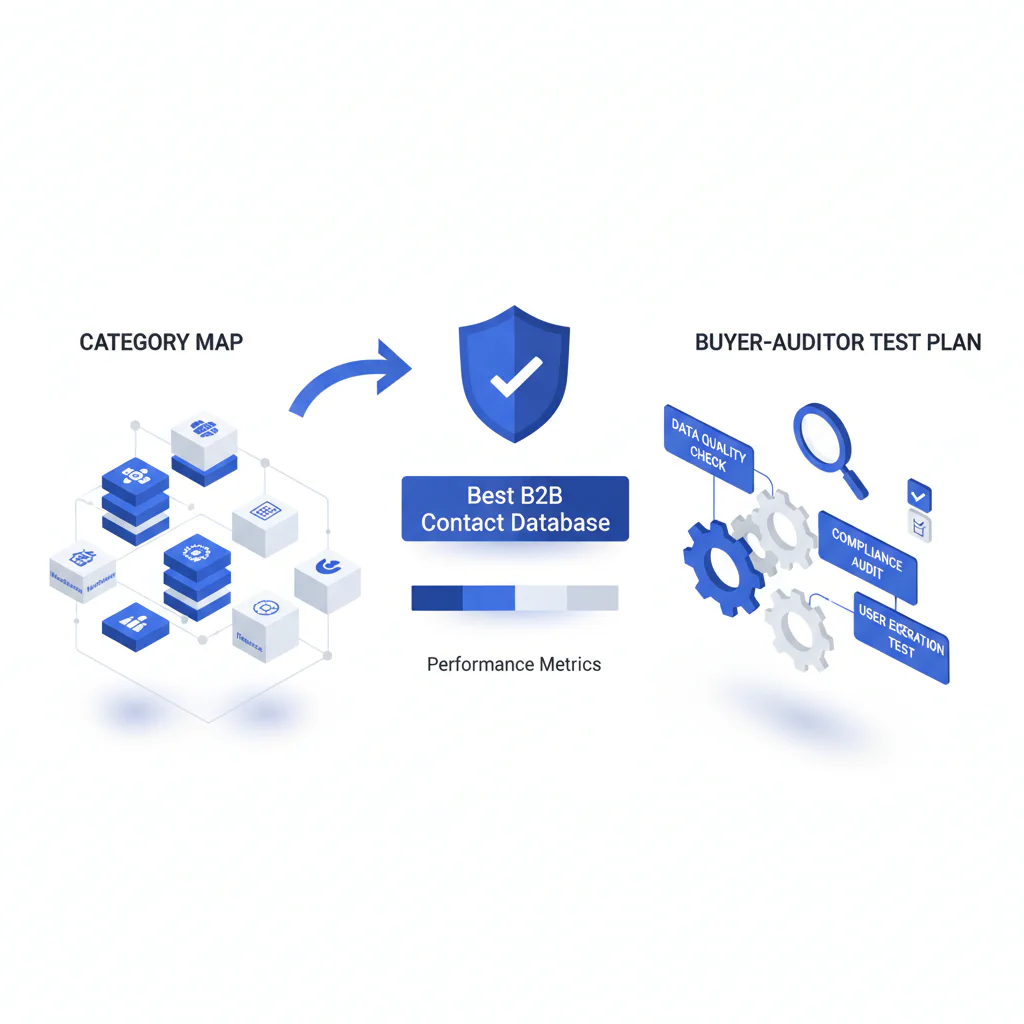
Best B2B Contact Database (Category Map + Buyer-Auditor Test Plan)
Byline: Ben Argeband, Founder & CEO of Swordfish.AI
Who this is for
This is for teams buying contact data tools for legitimate business follow-up who are tired of paying for records that don’t connect, then spending weeks cleaning up the mess in the CRM. It’s also for teams that need reverse lookup workflows with clear compliance boundaries: confidence levels, freshness, legitimate interest, and opt-out handling.
This page is not a vendor ranking. It’s a category map and a test plan you can run internally. If you want a vendor roundup, use best-contact-data-providers and come back here to audit the fine print.
Quick verdict
- Core answer
- The best b2b contact database is the one that matches your motion: prioritize reachability (direct dials/mobile) when you need conversations, and prioritize firmographics when you need segmentation and routing. Buying the wrong category is how you end up paying twice: once for the tool, then again for cleanup.
- Key stat
- Expect variance by seat count, API usage, list quality, and industry. If a quote doesn’t break those out, you’re not looking at a cost model you can defend.
- Ideal user
- Operators who need an auditable workflow for reachability and reverse lookup, and who don’t want integration “support” to turn into a quarter of CRM hygiene work.
Decision guide
Most “best of” pages pretend every database is the same product. It isn’t. The real choice is firmographics vs reachability, and each category fails in predictable ways. Treat these as contact database categories, not interchangeable vendors.
Definitions you can actually use: firmographics are company attributes used for segmentation, routing, and territory rules. reachability is whether the contact fields you buy let you connect in the tools you already run (dialer, sequencing, CRM).
If integration breaks, check whether support is included or paywalled behind a higher tier. When the sync fails, your ops team owns the outage either way.
Database fit framework (DECISION_HEURISTIC)
Pick the category that reduces your most expensive failure mode.
- If your reps can’t connect: buy for reachability because it reduces wasted sequences and manual research time. A large business contact database that doesn’t connect is just a bigger place to store disappointment.
- If your pipeline is messy: buy for firmographics because it reduces misrouted leads, territory disputes, and reporting noise.
- If your CRM is stale: buy for data enrichment via API because manual CSV enrichment becomes recurring admin cost and creates duplicates.
- If you’re recruiting: buy for a recruiting contacts database that supports legitimate interest workflows and opt-out handling because the downside is complaints and brand damage, not just bounces.
How to test with your own list (5–8 steps)
- Pull a real list, not a demo list: use your current ICP targets plus a slice of records that recently bounced or went stale in your CRM. This exposes decay instead of hiding it.
- Run a blind enrichment: remove any existing phone/email fields before testing so you can see what the tool actually returns, not what it “confirms.”
- Check reachability outcomes: if you’re evaluating a direct dials database, verify that returned numbers are usable in your dialer workflow and not trapped behind extra steps that reps will skip.
- Inspect freshness and confidence outputs: require a timestamp or freshness indicator and a confidence level where applicable. If you can’t see why a record is believed current, you can’t debug failures.
- Test integration overwrite rules in a sandbox: confirm what happens when the tool writes to existing fields, when it encounters blanks, and when duplicates exist. One common failure: a tool overwrites “Main Phone” with a non-dialable value, and your dialer starts calling the wrong field.
- Validate firmographics normalization: if you rely on firmographics, confirm account hierarchies, parent/child behavior, and how domains are matched. Bad normalization creates routing churn.
- Model pricing against your reality: map seat count growth and expected API usage. Also audit contract terms (auto-renewal, minimum commits, and support tiers) because that’s where “predictable” pricing usually stops.
- Document an audit trail: store the returned fields, confidence/freshness, and the reason for outreach (legitimate interest). If you can’t produce this when asked, you don’t have a process.
Checklist: Feature Gap Table
| Contact database category | What it’s good for (business outcome) | Common hidden cost | Where data decay hurts most | Integration headache to audit |
|---|---|---|---|---|
| Reachability-first (mobile/direct dials) | More live connects; fewer sequences wasted on dead numbers | Credit burn on “attempts,” not outcomes; overages when teams scale seats | Phone churn and role changes; stale numbers kill rep trust fast | Dialer/SEP sync: field mapping, overwrite rules, and dedupe logic |
| Firmographics-first | Cleaner routing, segmentation, territory rules, and ICP reporting | Paying for attributes you don’t operationalize; “premium fields” add-ons | Company changes (M&A, HQ moves, employee counts) break scoring models | CRM object model: account hierarchies, parent/child, and normalization |
| Enrichment/API-first | Lower admin load; fewer stale records; faster lead-to-contact creation | API call overages; rate limits that force batch jobs and delays | Stale enrichment schedules create “false freshness” in CRM | Webhook retries, idempotency, and conflict resolution (who wins?) |
| Reverse lookup workflow (business-safe) | Faster follow-up on inbound signals; fewer “unknown” leads lost | Manual review time if confidence/freshness isn’t exposed | Old identifiers cause mis-association (wrong person/company) | Audit trail: confidence level, timestamp, legitimate interest note, opt-out |
| Intent data vs contact data (paired) | Better prioritization when paired with reachability; fewer low-propensity calls | Buying intent without the ability to contact; paying twice to act once | Intent windows expire quickly; stale signals waste rep cycles | Joining keys: domain matching, account resolution, and timing alignment |
What Swordfish does differently
Most tools force a trade: you get a lot of records and discover later they don’t connect, or you get reachability but with throttles that punish scale. Swordfish is built around reachability-first workflows and operational transparency.
- Prioritized direct dials and mobile numbers: the workflow is designed to return actionable reachability fields first because that reduces rep time spent on manual research.
- True unlimited with fair use: “unlimited” only matters if it doesn’t turn into surprise throttling. Fair use is the only honest way to keep normal team usage predictable while preventing abuse.
- Prospector: Prospector is built for teams that care about reachability and workflow speed, not vanity record counts.
Use the same rubric on us. If we can’t show freshness/confidence signals where applicable and put fair-use behavior in writing, treat “unlimited” as marketing and move on.
Decision Tree: Weighted Checklist
How to use this: weight by failure cost, not preference. The weights below are based on standard industry failure points: data decay, integration overhead, compliance exposure, and unpredictable pricing. Score each vendor 0–3 per line (0=missing, 3=strong). Multiply by weight. Highest total wins.
- Reachability accuracy (Weight: High) — If your motion depends on conversations, bad numbers waste rep hours and sequence volume.
- Freshness signals & auditability (Weight: High) — If you can’t see when/why a record is believed current, you can’t debug failures or defend outreach.
- Pricing predictability (Weight: High) — Seat minimums, credit systems, and API overages are where budgets get blown. Require a model tied to seat count and API usage.
- API + enrichment workflow (Weight: High) — Manual enrichment becomes recurring admin cost and creates duplicates. API-first reduces that operational drag.
- Compliance controls (Weight: High) — Legitimate interest notes, opt-out handling, and suppression logic reduce legal and brand risk in outbound and recruiting.
- Firmographics coverage (Weight: Medium) — If you run territories/ICP scoring, missing firmographics creates routing disputes and reporting noise.
- CRM/SEP integration depth (Weight: Medium) — Shallow integrations create field conflicts and duplicate records that you pay to clean up later.
- Category fit (Weight: Medium) — A sales prospecting database and a recruiting contacts database fail differently; require workflows that match your use case.
Variance explainer: if two tools score similarly, differences usually come from (1) your industry (regulated vs not), (2) list quality (clean ICP vs scraped lists), (3) seat count (throttles show up when you scale), and (4) API usage (batch enrichment can quietly become your biggest line item).
Troubleshooting Table: Conditional Decision Tree
- If your primary KPI is meetings from outbound, then choose reachability-first and test with a real calling list; stop if the vendor can’t provide freshness/confidence signals where applicable for returned numbers.
- If your primary KPI is pipeline hygiene (routing, territories, reporting), then choose firmographics-first; stop if account hierarchies and normalization rules can’t be explained in plain terms.
- If you need enrichment at scale, then choose API-first; stop if pricing doesn’t specify API usage limits and overage handling.
- If you’re using intent data vs contact data, then buy contact reachability first and add intent only when you can operationalize it; stop if the vendor can’t explain joining keys (domain/account resolution) and timing windows.
- If you need reverse lookup for legitimate business follow-up, then require a rubric: confidence level, freshness timestamp, legitimate interest note, and opt-out/suppression; stop if any of those are missing because you can’t audit outcomes or complaints.
Limitations and edge cases
- “Best” depends on motion: a tool optimized for firmographics can look bad if you judge it by connect rates. That’s category mismatch, not mystery.
- List quality dominates outcomes: if your B2B contacts list is scraped, outdated, or outside your ICP, you’ll get inflated bounce/connect failures and blame the tool for your inputs.
- Regulated industries: compliance review cycles can exceed procurement. If you need audit trails, require them up front or you’ll rebuild the workflow later.
- International coverage: reachability varies by region and carrier norms. Validate using your actual geos.
- Integration reality: “native integration” can still mean shallow field sync. If you can’t control overwrite rules and dedupe, you’ll create CRM conflicts that look like data quality issues.
Evidence and trust notes
This page avoids fabricated benchmarks because contact data performance varies heavily by seat count, API usage, list quality, and industry. Any vendor claiming universal accuracy without those qualifiers is selling a story you can’t audit.
Write down your test inputs, overwrite rules observed, and pricing assumptions in an internal evaluation memo. If procurement can’t reproduce the decision later, you didn’t evaluate the tool, you just had a demo.
Business-safe reverse-lookup rubric (for auditors): require (1) confidence levels (how likely the match is correct), (2) freshness (when the data was last verified/observed), (3) legitimate interest documentation (why you’re contacting), and (4) opt-out/suppression handling across your CRM and sequencing/dialer tools. If you can’t produce those artifacts, you don’t have a defensible process.
For category comparisons and vendor shortlists, use best-contact-data-providers. For operational workflows, use contact data for sales. For decay and verification expectations, use contact data quality.
FAQs
What makes the best b2b contact database in practice?
It’s the one that matches your motion and reduces your biggest failure cost. For outbound, that’s usually reachability. For ops, it’s usually firmographics and enrichment.
Why do tools look fine in demos and fail after rollout?
Demos use curated records. Production uses your real lists, your industry, and your workflows. Variance shows up when seat count grows, API usage increases, and CRM overwrite/dedupe rules collide with the vendor’s sync behavior.
Should I buy firmographic data or a direct dials database first?
If your bottleneck is conversations, buy reachability first. If your bottleneck is routing and reporting, buy firmographics first. Buying both without a workflow usually means paying twice and using neither well.
How do I evaluate contact data quality without trusting vendor claims?
Run a blind test on your ICP list and measure outcomes you already track (connects, bounces, time-to-first-touch). Require freshness/confidence signals where applicable so you can explain variance instead of arguing about anecdotes.
Where does data enrichment fit?
Enrichment is how you keep decay from turning your CRM stale. Manual enrichment becomes recurring admin cost. API-driven enrichment with clear overwrite rules is more controllable.
Next steps
Timeline (practical):
- Day 1–2: Define your motion (reachability vs firmographics) and pick a test list from your real pipeline or target accounts.
- Day 3–7: Run the test plan above, including sandbox integration checks (overwrite rules, dedupe, and audit trail fields).
- Week 2: Validate pricing against seat count growth and API usage. Require written overage and throttling behavior.
- Week 3–4: Pilot with a small group, then expand only after you confirm CRM hygiene and rep adoption.
If your priority is reachability-first prospecting with predictable usage, start with Prospector and run the same audit steps. If it can’t pass your process, don’t buy it.
About the Author
Ben Argeband is the Founder and CEO of Swordfish.ai and Heartbeat.ai. With deep expertise in data and SaaS, he has built two successful platforms trusted by over 50,000 sales and recruitment professionals. Ben’s mission is to help teams find direct contact information for hard-to-reach professionals and decision-makers, providing the shortest route to their next win. Connect with Ben on LinkedIn.

