


 View Products


- Core concept
- A candidate phone number lookup is the process of finding and verifying a candidate’s mobile number so recruiters can contact the right person quickly, using confidence signals and an opt-out path.
- Key stat to manage
- Time-to-first-live-conversation: if your shortlist is qualified, your operating target should be a live conversation within 24 hours for the candidates you decide to pursue.
- Ideal user profile
- Recruiters and sourcers working hard-to-reach roles, re-engaging silver medalists, or supporting agency recruiting where placement speed depends on reaching passive candidates without creating compliance risk.
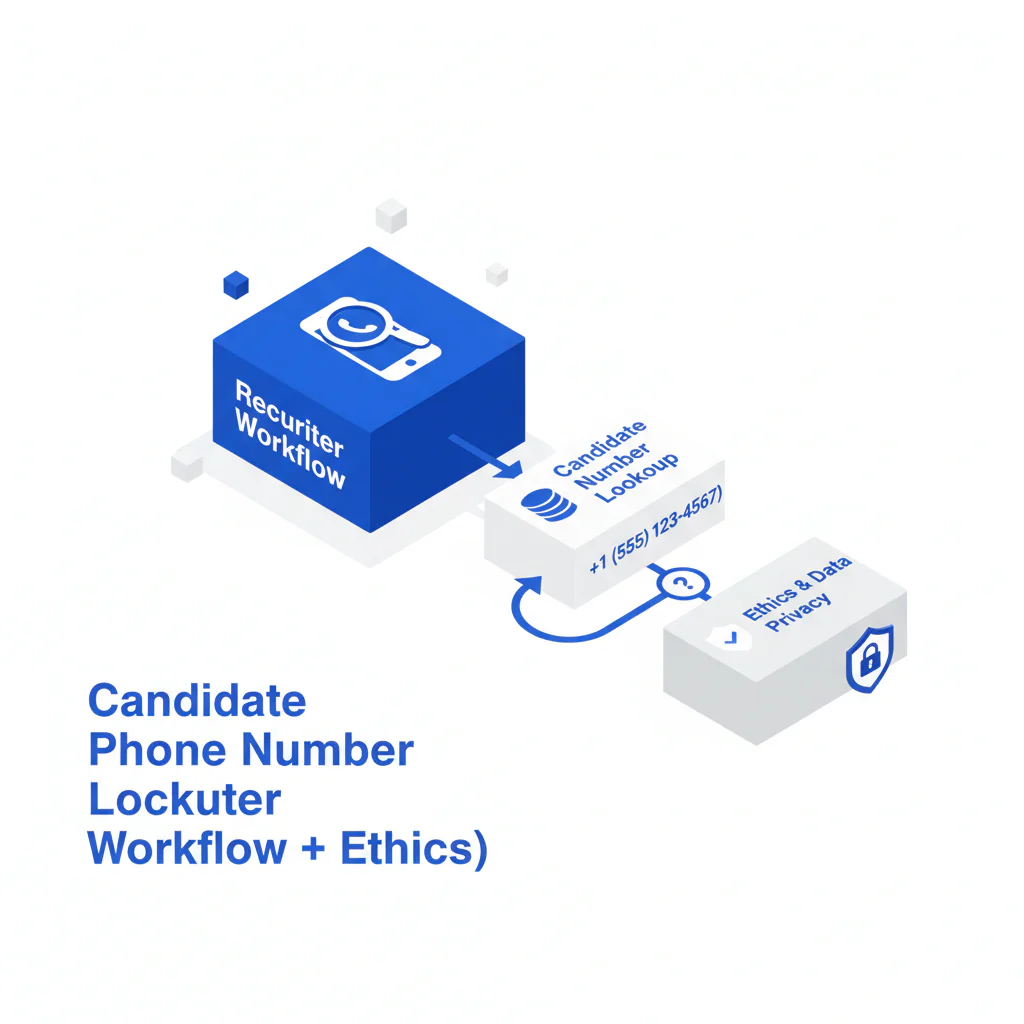
Candidate Phone Number Lookup (Recruiter Workflow + Ethics)
By Ben Argeband, Founder & CEO of Swordfish.AI
I run outreach like an operating system: fewer wrong numbers, fewer touches, faster scheduling. A candidate phone number lookup only helps if it produces a verified mobile with confidence signals and you use it in a controlled workflow that protects candidate experience.
When a tool returns multiple numbers, I want ranked mobile numbers by answer probability so my first attempt is the most likely to connect. That reduces wasted dials and shortens time-to-contact.
If you’re comparing options for mobile results, cell phone number lookup is the path I use to sanity-check whether a workflow is built for recruiter speed and candidate experience.
Who this is for
- Recruiters who need to reach passive candidates who ignore email and InMail.
- Teams filling hard-to-reach roles where speed-to-contact drives acceptance rates.
- Recruiters re-engaging silver medalists and needing updated contact details.
- People in agency recruiting where response time affects placement speed and client confidence.
What recruiters are trying to accomplish
- Reduce time-to-contact by calling the best number first (verified mobile + confidence signals).
- Increase reply rate by using the right channel for the candidate and role.
- Protect candidate experience with short, relevant messages and a clear opt-out.
- Maintain compliance by logging source, purpose, and suppression/opt-out handling.
If you’re trying to find candidate phone number details at scale, the business outcome you should measure is recruiter hours saved. Prioritizing verified mobiles and confidence signals reduces wrong-number calls, which reduces wasted touches and keeps your team focused on qualified conversations.
Stop conditions matter. After the 3-touch plan, suppress the record unless the candidate engages. This keeps touches-per-interested-candidate low and prevents duplicate outreach from different recruiters.
Checklist: Diagnostic Table
| Symptom | Most likely cause | What to check (fast) | Fix that improves placement speed |
|---|---|---|---|
| No one answers; voicemail rate is high | Calling at low-answer windows or using a number flagged as unknown | Call time by timezone; caller ID reputation; whether you left a clear voicemail | Call 11:00–13:00 or 16:30–18:30 local; leave a 12–18 second voicemail; follow with a short text |
| “Wrong number” responses | Stale data or identity mismatch | Name match, location match, recent employment match, confidence/verification signal | Only call numbers with verification signals; if uncertain, verify via email/LinkedIn before calling again |
| Texts delivered but no replies | Message is too long or lacks a clear ask | Word count; whether you included role context and a simple yes/no question | Keep to 1–2 sentences; ask “Open to a 10-min call this week?” and offer two time windows |
| Replies are negative (“How did you get this?”) | Missing context and weak consent posture | Whether you identified yourself/company; whether you offered opt-out | Lead with identity + relevance; include “Reply STOP to opt out” on texts; stop immediately if asked |
| Candidate is interested but scheduling stalls | Too many back-and-forth messages | Whether you offered specific times; whether you included a calendar option | Offer two specific times + timezone; send a calendar link only after interest is confirmed |
| High outreach volume, low connect rate | Target list quality issue, not a channel issue | Role fit; seniority match; location/comp constraints; recent activity signals | Tighten search criteria; prioritize silver medalists and referral-adjacent profiles; reduce outreach to raise relevance |
Decision Tree: Weighted Checklist
Decision Heuristic: Candidate Reachability Checklist (Reachability-First)
Use this checklist to decide whether to call/text now, verify first, or switch channels. The weights reflect standard failure points that slow placement speed: wrong numbers, low confidence, and low relevance. Use the weights as written; don’t “score-shop” to justify outreach.
- Verified mobile + confidence signals present (High weight): If yes, call/text is appropriate. If no, verify first to avoid wrong-number dials.
- Identity match across at least two signals (High weight): Name + location, or name + current/previous employer alignment. Mismatch increases the chance you contact the wrong person.
- Role relevance is specific (High weight): You can state why this candidate fits in one sentence (skills, scope, domain). Low relevance increases opt-outs and damages candidate experience.
- Recency indicator is reasonable (Medium weight): Recent role/activity suggests the number is more likely current. If recency is unclear, start with email/LinkedIn to confirm.
- Channel fit for seniority and market (Medium weight): Senior candidates often respond better to a short call + voicemail; some markets prefer text-first. Choose the channel that reduces touches.
- Opt-out and suppression process is ready (High weight): If you can’t suppress immediately across the team, don’t text at scale.
- Local-time outreach window (Low weight): Calling at reasonable hours improves answer rates and reduces complaints.
Decision rule for conflicting signals: if you have two possible mobiles and one has stronger verification/confidence but looks older, start with the higher-confidence number for one attempt. If there’s no answer, switch to a verification step (email/LinkedIn asking for the best number) before you try the lower-confidence number. This reduces wrong-number risk and keeps touches low.
Ethical use of phone numbers
- Purpose limitation: Use the number only for recruiting-related contact about a relevant role.
- Minimum necessary contact: Use a short 3-touch plan, then stop if there’s no engagement.
- Clear identification: Say who you are, why you’re reaching out, and what about their background is relevant.
- Opt-out recruiting: Every text should include a simple opt-out (“Reply STOP to opt out”). Honor it immediately.
- Respect timing: Avoid early/late calls; use local-time windows.
Follow your local laws and internal policy for calling/texting, including consent and quiet hours, and document your basis for outreach where your process requires it. If a candidate asks you to stop, stop calling and texting and suppress the record so another recruiter doesn’t restart outreach.
If you’re formalizing policy and controls, use contact data compliance as the reference point for documentation and suppression expectations.
Sourcing workflow
- Start with a tight target list. Build a shortlist from your ATS (silver medalists first), referrals, and sourcing channels. A smaller, higher-fit list improves response rate and reduces unnecessary outreach.
- Run candidate lookup with verification signals. Use a tool that returns a verified mobile and confidence signals so you can choose the best number first and reduce touches-per-interested-candidate.
- Interpret confidence signals consistently. Treat confidence as recency + identity match + consistency across sources. If any of those are weak, verify before calling to reduce wrong-number attempts.
- Validate before you contact. If the number looks stale (old employer, mismatched geography, inconsistent identity signals), don’t call first. Switch to email/LinkedIn to confirm interest and ask for the best number.
- Choose channel based on role seniority and urgency. For senior roles, a short call + voicemail can outperform long texts. For high-volume roles, a compliant text-first approach can reduce time-to-response.
- Execute a 3-touch plan. Day 1: call + voicemail, then a short text. Day 2: email or LinkedIn message. Day 4: final text with opt-out and a clear close. Stop after that unless they engage.
- Log outcomes and suppress. Log a simple status taxonomy in your ATS/CRM so the next recruiter doesn’t repeat outreach: Connected, Interested, No Answer, Wrong Number, Opted Out, Follow-up Scheduled.
For audit readiness and team handoffs, log three fields every time: the channel used, the outcome, and the date/time. This prevents duplicate outreach and makes opt-out handling provable.
Weekly operator review: look at wrong-number rate, time-to-first-live-conversation, and touches-per-interested-candidate. If wrong-number rate is rising, tighten your verification threshold before you increase outreach volume.
Outreach templates
These templates are designed to get to a qualified conversation with minimal touches. Keep them short. If the candidate engages, move to scheduling quickly.
Troubleshooting Table: Outreach Templates
Touch 1 (Day 1) — Call + Voicemail (12–18 seconds)
“Hi [First Name], this is [Your Name] with [Company]. I’m reaching out because your background in [specific skill/domain] looks relevant to a [Role Title] we’re hiring for. If you’re open to a quick 10-minute chat, call me back at [Number]. I’ll also send a short text.”
Touch 1 (Day 1) — Text (compliant, short)
“Hi [First Name] — [Your Name] at [Company]. Reaching out about a [Role Title] role focused on [1 specific]. Open to a 10-min call this week? Reply STOP to opt out.”
Touch 2 (Day 2) — Email (when phone confidence is medium)
Subject: [Role Title] — quick question
“Hi [First Name], I’m [Your Name] with [Company]. Your experience in [specific] stood out for a [Role Title] opening. If you’re open, what’s the best number and time window to reach you this week? If now isn’t a fit, I can share details by email.”
Touch 2 (Day 2) — LinkedIn message (for passive candidates)
“Hi [First Name] — I recruit for [Company]. Your work in [specific] looks aligned with a [Role Title] role. If you’re open, I can send a 3-bullet overview and comp range. What’s the best way to reach you?”
Touch 3 (Day 4) — Final Text (clear close + opt-out)
“Hi [First Name] — closing the loop. Should I stop reaching out about the [Role Title] role, or is a 10-min call worth it? Reply YES/NO. Reply STOP to opt out.”
Silver medalist re-engagement — Text
“Hi [First Name] — [Your Name] at [Company]. We spoke previously about [Role/Team]. I’m hiring for a similar scope now. Is this still the best number for you? If you’re open, I can share details. Reply STOP to opt out.”
Silver medalist re-engagement — Email
Subject: Quick update — [Team/Role]
“Hi [First Name], we spoke previously about [Role/Team]. I’m hiring for a similar scope now and wanted to check in. If you’re open to a quick conversation, what’s the best number and time window to reach you this week?”
Wrong number response
“Thanks for letting me know — I’ll remove this number from my outreach list. Sorry for the interruption.”
“How did you get my number?” response
“Fair question. I use recruiting contact data to reach people whose background matches a role. If you prefer, I won’t contact you again — reply STOP and I’ll suppress this number.”
Evidence and trust notes
- Verification and confidence signals: A “verified mobile” label is only useful if it’s backed by signals that reduce wrong-number risk.
- Ranking logic: If multiple numbers exist, ranking should help you choose the best first attempt so you reduce total touches and shorten time-to-contact.
- Process controls: Opt-out handling, suppression, and documentation should be part of the workflow so you can answer compliance questions without rebuilding history.
Standardize what your team considers “good enough to call” so candidate experience is consistent across recruiters and you don’t create duplicate outreach from different systems.
FAQs
What is a candidate phone number lookup?
A candidate phone number lookup is the process recruiters use to find a candidate’s phone number (ideally a verified mobile) so they can contact the candidate quickly about a relevant role, with confidence signals and opt-out handling.
How do I prioritize which number to call first?
Call the number with the strongest verification and identity match signals first. If there’s no answer, verify before trying lower-confidence numbers to reduce wrong-number risk and unnecessary touches.
What should I do if I get a wrong number?
Apologize, stop outreach immediately, and mark the record as Wrong Number in your ATS/CRM so another recruiter doesn’t retry the same number. If you still want to pursue the candidate, switch to email/LinkedIn to confirm the best number before calling again.
When should I text vs. call?
Text when you need a fast, low-friction response and you can include opt-out language. Call when the role is senior, the message needs nuance, or you want to move directly to scheduling.
How do I handle opt-outs correctly?
Include a simple opt-out in texts (for example, “Reply STOP to opt out”), honor it immediately, and suppress the number across your team so the candidate doesn’t get contacted again.
Is it acceptable to contact passive candidates by phone?
It can be, if the outreach is relevant, respectful, and includes an opt-out path for texts. Keep touches limited, avoid unreasonable hours, and stop when asked.
Next steps
Timeline (3 business days)
- Day 1: Build a shortlist (include silver medalists). Run candidate phone number lookup with verification signals. Execute Touch 1 within the same hour for the candidates you’re prioritizing.
- Day 2: Review outcomes (wrong number, no answer, interested). Execute Touch 2 via email or LinkedIn for non-responders where phone confidence is not high.
- Day 3: Execute Touch 3 (final text). Suppress opt-outs and wrong numbers. Update your ATS/CRM logs so the next recruiter doesn’t repeat outreach.
About the Author
Ben Argeband is the Founder and CEO of Swordfish.ai and Heartbeat.ai. With deep expertise in data and SaaS, he has built two successful platforms trusted by over 50,000 sales and recruitment professionals. Ben’s mission is to help teams find direct contact information for hard-to-reach professionals and decision-makers, providing the shortest route to their next win. Connect with Ben on LinkedIn.

