


 View Products


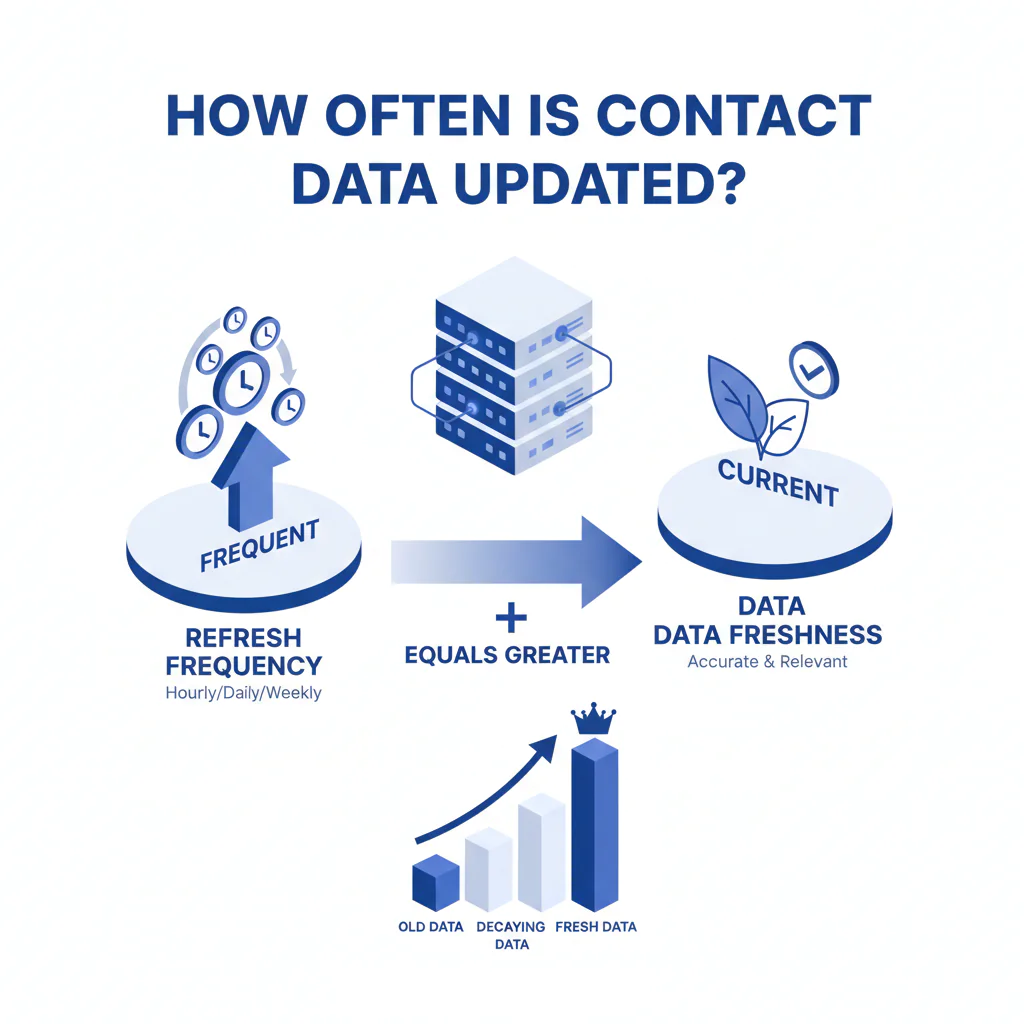
How Often Is Contact Data Updated? (Refresh Frequency vs Data Freshness)
Byline: Ben Argeband, Founder & CEO of Swordfish.AI
Who this is for
This is for security-conscious buyers (IT, procurement, and anyone who has to explain the purchase after the first quarter) evaluating contact data tools. You’re trying to reduce wasted outreach and integration cleanup caused by data decay, job changes, and number reassignment.
If you’re asking “how often is contact data updated,” you’re usually trying to avoid paying for stale contact data that looks fine in a demo and fails once it hits your CRM and dialer.
Quick verdict
- Core answer
- There is no single honest update interval for contact data. “Refresh frequency” is a vendor batch schedule; data freshness is whether each field has current support, shown via recency signals when you query.
- Key stat
- Any update claim varies by seat count, API usage, list quality, and industry/geography. If a vendor won’t explain that variance, assume hidden limits or hidden decay.
- Ideal user
- Teams that need defensible recency signals, reassignment-aware phone handling, and predictable integration behavior more than a big database headline.
What “updated” means (and why buyers get stuck with the bill)
Vendors use “updated” to mean different things. If you don’t force a definition, you’ll buy a promise and inherit the failure modes.
- Ingestion: new records arriving from upstream sources.
- Field refresh: re-checking specific fields (title, company, email, phone) against newer evidence.
- Validation: testing whether a phone/email appears active or deliverable.
- Query-time status: returning current status indicators when you look up a record.
Hidden cost: a vendor can say “we update daily” and still return a phone number that now belongs to someone else because number reassignment doesn’t wait for their batch job.
The Data Decay Model: what goes stale first
The Data Decay Model is the framework I use when auditing contact data tools. It maps vendor claims to operational risk by forcing field-level thinking.
- Job changes: titles and employers drift. Your routing and personalization break first.
- Direct dials: get rerouted, pooled, or retired during org changes. Reps waste attempts and stop trusting the tool.
- Mobiles: can remain “working” while becoming the wrong person due to number reassignment. That’s wrong-party contact risk, not just inefficiency.
- Emails: can look syntactically valid while failing delivery due to mailbox deprovisioning or policy changes.
Buyer takeaway: asking for a single “how often is data updated” answer is how you end up with a spreadsheet of contacts and no way to predict which ones will fail today.
What Swordfish does differently
Most tools sell “more records.” I care about fewer wasted touches and fewer integration incidents.
- Prioritized direct dials and ranked mobile numbers: When multiple numbers exist, Swordfish emphasizes usable ordering so reps don’t burn time cycling through low-probability options.
- Reverse Search with query-time telco status indicators: Swordfish Reverse Search can return query-time telco status indicators (not a guarantee of reachability; availability varies by carrier/region). This reduces the operational risk of stale phone data and number reassignment at the moment you query. See Reverse Search.
Commercial note: Swordfish offers true unlimited access with a fair use policy. As a buyer, you still need the limits in writing (rate limits, concurrency, and enforcement) so “unlimited” doesn’t turn into throttling when API usage ramps.
Decision guide
If you want a clean procurement outcome, stop asking for a single refresh interval and start asking for evidence artifacts. Require a sample UI view or API response that includes field-level timestamps or other recency signals plus documentation defining each status flag and when it can be missing.
Ask for an example audit log entry showing a write event if the tool can push updates into your CRM. Otherwise you’ll spend months arguing about whether the vendor is “stale” when your own stack is overwriting fields.
Also: “refresh frequency comparison” tables are usually misleading because they collapse different activities (ingestion, refresh, validation) into one number. Comparing vendors on data freshness metadata and reassignment handling is what reduces wasted outreach and wrong-party contact risk.
Checklist: Feature Gap Table
| Buyer question | What vendors often claim | What breaks in production (hidden cost) | What to require (evidence) |
|---|---|---|---|
| “How often is data updated?” | “Daily/weekly/monthly refresh” | Batch refresh doesn’t prevent same-day data decay; stale fields persist until the next cycle | Field-level recency signals returned in UI/API (timestamps, source type, status flags) |
| Phone reliability over time | “High accuracy” | Number reassignment creates “working but wrong person” outcomes; wrong-party contact risk | Query-time status indicators where available; documented handling of reassignment risk; clear limitations |
| Multiple numbers per contact | “We provide more numbers” | More attempts per lead increases labor cost and dialer noise; reps lose trust | Ranked mobile numbers / prioritized direct dials; explain ranking logic and failure cases |
| Integration with CRM/SEP | “Native integration” | Field mapping drift, duplicates, and overwrite churn create ongoing cleanup work | Documented mapping, idempotent upserts, conflict rules, and audit logs for writes |
| “Unlimited” pricing | “Unlimited credits” | Soft caps via throttles, hidden API limits, or “fair use” ambiguity | Written limits: rate limits, concurrency, seat count assumptions, and enforcement process |
| Security posture | “We’re secure” | Missing auditability and retention controls stalls procurement and violates internal policy | Access controls, encryption, audit logs, and retention practices documented for review |
Decision Tree: Weighted Checklist
Weighting logic here is based on standard failure points that drive cost: wasted outreach from data decay, wrong-party risk from number reassignment, and integration churn. Use it to score vendors without pretending there’s a universal winner.
- Highest weight: Field-level recency signals (data freshness metadata) — If you can’t see when/why a field was last supported, you can’t manage decay; you can only argue about it after performance drops.
- Highest weight: Reassignment-aware phone handling — Wrong-party contact is a different class of failure than “no answer,” and it’s harder to detect after the fact.
- High weight: Integration controls (write rules + audit logs) — Without deterministic overwrite rules and auditability, your CRM becomes a contested system and you pay for cleanup indefinitely.
- High weight: Coverage fit to your ICP — Require variance explanation by industry and geography; broad claims don’t help if your segment is thin.
- Medium weight: Ranked mobile numbers / prioritized direct dials — Reduces wasted attempts and rep time per lead by improving first-try probability.
- Medium weight: Commercial clarity (true unlimited + fair use in writing) — Prevents surprise throttling and budget escalation when API usage increases.
- Medium weight: Security review readiness — Access controls, encryption, audit logs, and retention practices should be reviewable without a sales cycle detour.
- Lower weight (unless email-heavy): Email validation depth — Useful, but many teams over-index on email while phone decay drives the bigger operational cost.
Troubleshooting Table: Conditional Decision Tree
- If your workflow depends on calling (SDR/BDR, recruiting, collections), then require phone-specific recency signals and reassignment-aware handling; otherwise “accuracy over time” will degrade without a clear root cause.
- If the vendor can only describe a batch data maintenance schedule, then treat their “refresh frequency” as a marketing label and test with a time-delayed holdout list.
- If you enrich at scale via API, then get written limits for rate, concurrency, and “fair use,” and model variance by seat count and API usage pattern.
- If your CRM is the system of record, then identify every system that writes to the same fields and document write order; otherwise you’ll blame the vendor for your own overwrite churn.
- Stop condition: If the vendor cannot provide field-level timestamps or other recency signals in UI/API, stop the evaluation. You can’t manage data decay you can’t observe.
How to test refresh behavior with your own list (5–8 steps)
- Pick a representative list from your real ICP, including records you already attempted to contact.
- Define what “failure” costs you (extra call attempts, bounced emails, wrong-party contacts, CRM cleanup) so you don’t optimize for vanity fields.
- Run an initial enrichment and export the vendor’s field-level metadata, including any recency signals they provide.
- Capture evidence artifacts you’ll use in procurement: a sample API response or UI export showing timestamps/status flags and the vendor’s definitions for those fields.
- Hold out the same list for a defined period and do not “clean” it manually during the test. Use the same holdout window across vendors to keep comparisons fair.
- Re-enrich the identical records and compare what changed: titles/companies (job drift), direct dials, mobiles, and any status indicators.
- Inspect variance drivers: segment results by industry, geography, and how you queried (UI vs API). Ask the vendor to explain differences using seat count, API usage, list quality, and industry coverage.
- Sandbox the integration: confirm mapping, idempotent upserts, overwrite rules, and audit logs. Verify which system “wins” when multiple tools write to the same CRM fields.
Limitations and edge cases
- No vendor can guarantee universal freshness: sources update at different speeds, and some fields lag reality. Treat any single refresh interval as incomplete.
- Industry variance is real: high-churn sectors see faster job changes and routing changes. Expect different outcomes by segment.
- List quality dominates outcomes: old inputs produce noisy outputs. If your list is stale, enrichment can add fields while still failing on data freshness.
- Integration edge case: if multiple tools write to the same CRM fields, you need conflict rules or you’ll create overwrite churn that looks like decay.
- Status availability varies: query-time phone status indicators can vary by carrier/region and by what the vendor is permitted to return. Treat “status” as a signal, not a guarantee.
Evidence and trust notes
Contact data changes quickly because of job changes, internal reassignment, and carrier-level events like number reassignment. That’s why data freshness and recency signals are more operationally useful than a generic “how often is data updated” claim.
We don’t publish a single refresh interval because it’s field- and source-dependent. If you can’t see field-level recency signals, you can’t manage data decay; you can only react to it.
Variance explainer: your results will differ based on seat count, API usage (batch enrichment vs point lookups), list quality (age and match rate), and industry/geography coverage. If a vendor can’t explain variance using those variables, you should expect surprises after rollout.
Security posture: don’t accept “we’re secure” as an answer. Require documentation for access controls, encryption, audit logs, and retention practices, and confirm whether that documentation is self-serve or only available after a sales process.
For related evaluation criteria, see contact data quality, how accurate is Swordfish, cell phone data coverage, and contact data sources.
FAQs
How often is contact data updated?
There isn’t one interval that applies across fields and sources. Require field-level recency signals so you can judge data freshness at the time you use the record.
Is “updated daily” good enough?
Not by itself. Daily batch updates don’t prevent same-day data decay, and they don’t address wrong-party risk from number reassignment.
What should I ask a vendor to prove data freshness?
Ask for a sample UI view or API response that includes timestamps or other recency signals per field, plus documentation explaining what each status flag means and when it can be missing.
Why does recency matter more than database size?
Because stale records create direct costs: more attempts per lead, more bounces, and more CRM cleanup. A smaller dataset with better data freshness can outperform a larger one that’s older.
How does Swordfish handle phone freshness?
Swordfish Reverse Search can return query-time telco status indicators (not a guarantee of reachability; availability varies by carrier/region) to help reduce the impact of stale phone records and number reassignment. See Reverse Search.
Next steps
- Days 1–2: Define which fields matter for your workflow and what failure costs you (retries, bounces, wrong-party contacts, CRM cleanup).
- Days 3–7: Run an evaluation on your real ICP list and require field-level recency signals in UI/API.
- Week 2: Re-enrich the same list after a holdout period to observe data decay and phone status drift; review variance by industry, geography, seat count assumptions, and API usage.
- Week 3: Sandbox the integration: mapping, overwrite rules, idempotent upserts, and audit logs; finalize commercial terms including “fair use” limits in writing.
About the Author
Ben Argeband is the Founder and CEO of Swordfish.ai and Heartbeat.ai. With deep expertise in data and SaaS, he has built two successful platforms trusted by over 50,000 sales and recruitment professionals. Ben’s mission is to help teams find direct contact information for hard-to-reach professionals and decision-makers, providing the shortest route to their next win. Connect with Ben on LinkedIn.

