


 View Products


- Core concept
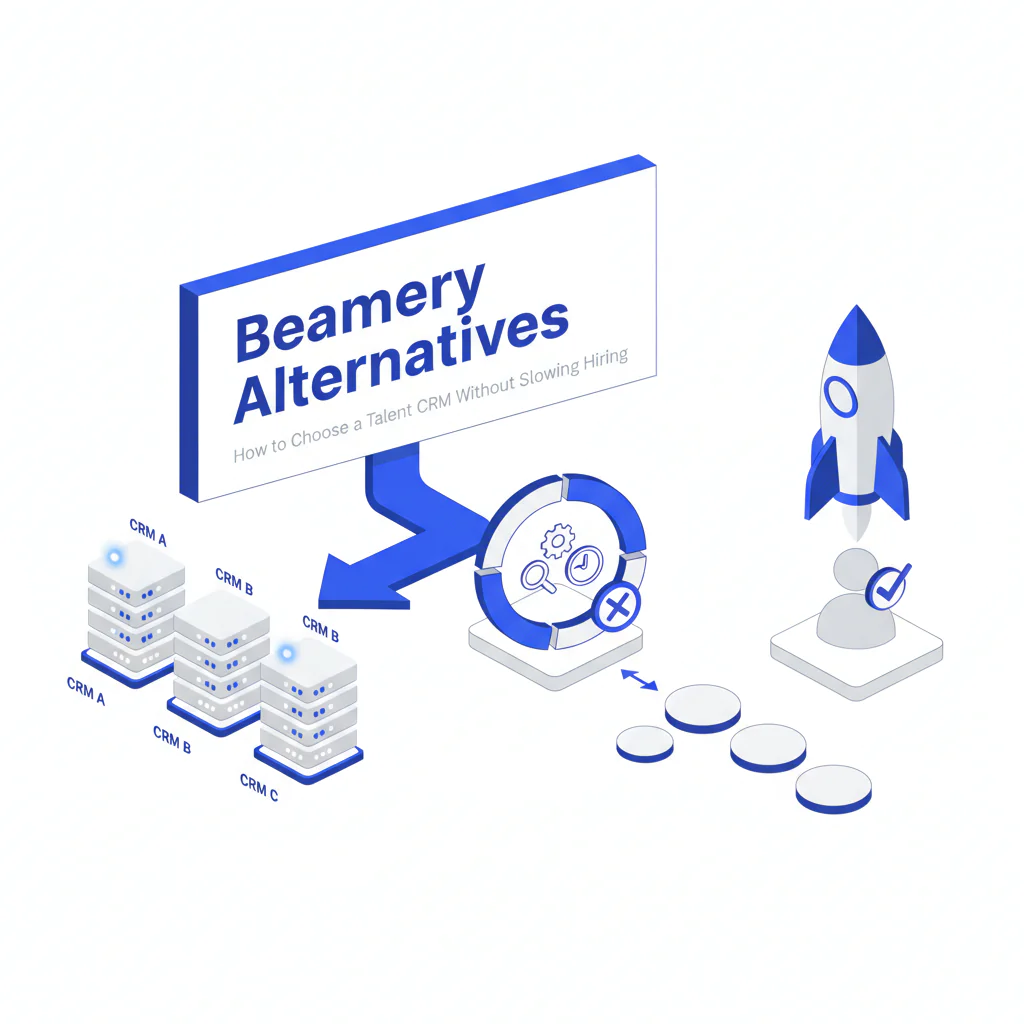
- “Beamery alternatives” are other talent CRM and candidate engagement platforms. Beamery is a talent CRM (engagement + pipeline management). If your bottleneck is reaching passive candidates quickly, you also need a separate contact data layer that feeds whichever CRM you choose.
- Key stat
- Most CRM replacement projects fail because teams try to solve two problems with one tool: candidate nurture and reachability. Treat them as separate layers so you can improve placement speed without replatforming again.
- Ideal candidate profile
- Enterprise recruiting teams evaluating Beamery alternatives while designing a stack that covers engagement plus reachability for hard-to-reach roles, including workflows that support agency recruiting and reactivation of silver medalists.
Beamery Alternatives: How to Choose a Talent CRM Without Slowing Hiring
Byline: Ben Argeband, Founder & CEO of Swordfish.AI (writing from a Head of Talent Acquisition operator perspective)
When teams ask for Beamery alternatives, the underlying issue is usually one of these: recruiters aren’t adopting the tool, ATS/email/calendar sync is unreliable, or response rates are flat even though the pipeline looks full. The fastest way to protect placement speed is to separate “engagement system” decisions from “reachability” decisions.
Who this is for
- Enterprise TA leaders and recruiting ops teams evaluating Beamery alternatives
- Teams hiring for hard-to-reach roles where time-to-first-conversation drives fill speed
- Recruiting orgs re-engaging passive candidates and silver medalists
- Organizations coordinating internal recruiters plus agency recruiting partners
What recruiters are trying to accomplish
- Reduce time-to-first-conversation: fewer dead-end touches and faster two-way conversations.
- Increase reply rates: better deliverability and fewer wrong numbers.
- Improve candidate experience: fewer repeated attempts and clearer channel preferences.
- Stay audit-ready: consent, suppression, retention, and access controls that hold up under review.
I use a simple decision heuristic with stakeholders: if the pain is “we can’t segment, nurture, and measure engagement,” you’re shopping for a CRM. If the pain is “we can’t reach people reliably,” you’re shopping for a contact data layer. Most teams need both, but they should be evaluated separately under a talent CRM vs contact data framework.
Beamery sits in the talent CRM category. A talent CRM helps you segment, nurture, and measure engagement. It does not inherently guarantee you can reach a person today. That reachability problem belongs to a contact data layer in your recruiting tech stack.
Why teams look for Beamery alternatives
- Adoption: recruiters avoid the CRM when logging and segmentation take too many clicks.
- Integration reliability: when ATS and email/calendar sync breaks, teams stop trusting the data and revert to spreadsheets.
- Reporting tied to outcomes: opens and clicks don’t help if you can’t measure time-to-first-conversation and stage conversion.
- Reachability gaps: a CRM can manage campaigns, but it won’t fix stale contact fields on its own.
Most teams should shortlist 2–3 CRMs that meet the Must-have items below and pilot on one role family.
Ethical use of phone numbers
Candidate experience and compliance are linked. If your team calls or texts in ways candidates don’t expect, you’ll see opt-outs and complaints that slow hiring.
- Use-case clarity: use phone outreach when it improves candidate experience (time-sensitive scheduling, interview changes, offer coordination) or when email is failing for a role that must be filled.
- Respect preferences: if a candidate asks for email-only, honor it and document it in the CRM.
- Opt-out and suppression: maintain suppression lists and ensure they apply across campaigns and exports.
- Minimize access: restrict phone visibility to recruiters who need it; log usage for auditability.
Apply your internal policy and local regulations for recruiting outreach, and default to the least intrusive channel when preference is unknown.
Coordinate with your legal and privacy team on jurisdiction-specific outreach rules and recordkeeping expectations.
Sourcing workflow
This workflow keeps hiring moving even if you switch from Beamery to another recruiting CRM.
- ATS (system of record): requisitions, applicant stages, interview steps, offers, and compliance artifacts.
- Talent CRM (engagement layer): segmentation, campaigns, events, nurture journeys, and reactivation of silver medalists.
- Contact data layer (reachability layer): verified emails and phone numbers to reduce bounces and improve connect rates.
- Recruiter workflow tools: scheduling, sequencing, and analytics that reduce manual work.
If you want to isolate whether your constraint is CRM workflow or reachability, run a two-week pilot on a single hard req: keep your current CRM, add a contact data layer for the same target list, and measure time-to-first-conversation. If the metric improves without changing the CRM, you’ve found the constraint.
Pull bounce rate from your email system, connect rate from call logs, time-to-first-conversation from CRM activity timestamps, and stage conversion from your ATS.
Checklist: Diagnostic Table
| Symptom | Likely root cause | What to check | Fix that improves speed + candidate experience |
|---|---|---|---|
| High email send volume, low replies | Low deliverability or stale emails | Bounce rate by source; domain reputation; % of contacts with recent verification | Add/refresh verified emails via a contact data layer; reduce retries; personalize first touch |
| Calls go to voicemail repeatedly | Wrong numbers or non-mobile lines | % numbers that connect; carrier type; time-of-day connect rate | Prioritize the most reliable number first; call once, then switch channel with context |
| Text outreach triggers complaints | Channel mismatch or missing preference capture | Where preference is stored; opt-out handling across tools | Default to email; text only for time-sensitive steps; log preference in CRM |
| “Full pipeline” but roles stay open | CRM is tracking names, not reachable prospects | % of pipeline with verified contact methods; time-to-first-conversation | Define a “reachable” stage gate; enrich only priority segments |
| Recruiters avoid the CRM | Workflow friction and duplicate entry | Clicks to log an interaction; sync reliability with ATS/email/calendar | Automate capture; reduce required fields; enforce only what’s needed for compliance |
| Re-engagement of silver medalists underperforms | Outdated contact info and generic messaging | Age of last verification; segmentation by prior stage/feedback | Refresh contact data for this segment; reference prior process and new role fit |
| Agency partners submit duplicates | No shared suppression/ownership rules | Duplicate rate; ownership fields; partner access controls | Define ownership + suppression rules; provide a controlled outreach list with audit logs |
Decision Tree: Weighted Checklist
This checklist uses weighted emphasis based on standard enterprise failure points: integration reliability, compliance controls, recruiter adoption, and reachability impact. Use it to score any short list of Beamery alternatives and keep the decision tied to placement speed.
-
Must-have (highest weight): Integration reliability with ATS + email/calendar
- Two-way sync for candidate status and ownership
- Automatic activity capture to reduce manual logging
- Clear failure handling when sync breaks
-
Must-have (highest weight): Compliance controls and auditability
- Consent/preference fields that recruiters can use in the flow of work
- Suppression lists that apply across campaigns and exports
- Role-based access (especially for phone visibility)
- Retention rules aligned to your policy
-
High weight: Recruiter adoption and workflow speed
- Low-friction segmentation and tagging for pipeline management
- Minimal duplicate data entry between ATS and CRM
- Fast handoffs between sourcers, recruiters, and coordinators
-
High weight: Reporting that maps to hiring outcomes
- Time-to-first-conversation by segment (not just opens/clicks)
- Conversion rates from engaged to screened to onsite
- Reactivation performance for silver medalists
-
Medium weight: Candidate experience controls
- Preference capture and frequency controls
- Consistent messaging across recruiter handoffs
-
Medium weight: Contact data layer compatibility
- Clean import/export and field mapping for verified contact fields
- Deduplication rules to prevent multiple recruiters contacting the same person
- Ability to enrich only priority segments
What to compare when you evaluate Beamery alternatives
| Area | What to verify | Business outcome |
|---|---|---|
| ATS + email/calendar integration | Two-way sync, activity capture, and clear error handling | Less manual logging and fewer missed handoffs, which shortens time-to-first-conversation |
| Segmentation and nurture | Fast list building, tagging, and campaign controls | More consistent follow-up for passive candidates and silver medalists without over-contacting |
| Compliance controls | Consent/preference capture, suppression, retention, and role-based access | Fewer complaints and lower compliance risk while maintaining outreach throughput |
| Reachability support | Ability to ingest verified contact fields from a contact data layer | Fewer bounces and wrong numbers, which reduces wasted attempts on hard-to-reach roles |
| Reporting tied to hiring outcomes | Time-to-first-conversation and conversion reporting by segment | Clear visibility into what speeds up placements versus what only increases activity |
Outreach templates
These templates are designed to get a reply with fewer attempts. They assume you can honor opt-outs and record channel preferences in your CRM.
Troubleshooting Table: Outreach Templates
Template A: Passive candidate (email)
Subject: Quick question about [Role] at [Company]
Hi [First Name] — I’m hiring for a [Role] focused on [1–2 specifics tied to their background]. Are you open to a 10-minute call this week, or should I send details by email?
If you’re not interested, reply with your preferred channel (or “no outreach”) and I’ll update my notes.
— [Your Name]
Template B: Hard-to-reach role (email + one follow-up)
Subject: [Role] — timing check
Hi [First Name], I’m reaching out because your experience with [specific skill] matches a role we’re moving quickly on. If it’s easier, reply with “yes” and I’ll send a 3-bullet summary and comp range.
What’s your preferred channel for recruiting outreach?
— [Your Name]
Template C: Silver medalist re-engagement (email)
Subject: New role that fits what we discussed
Hi [First Name] — we spoke previously about [prior role/process]. A new opening came up that aligns with the feedback we captured: [1 specific alignment].
Are you open to reconnecting for 15 minutes? If you prefer email-only, tell me and I’ll keep it there.
— [Your Name]
Template D: Agency recruiting partner coordination (internal note/email)
Subject: Outreach ownership + suppression for [Req]
Team — for [Req], internal recruiting owns outreach to: [segment]. Agency partners own: [segment]. Please suppress: [list/criteria]. Log all candidate contact attempts in [system] to avoid duplicates and protect candidate experience.
Evidence and trust notes
Beamery is a talent CRM. Contact data is a separate layer. If your outreach is failing because contact fields are stale, switching CRMs won’t fix that by itself. Separating the layers lets you improve reachability without stalling a CRM decision.
If you want to see how a reachability layer can feed any CRM, review Prospector.
For related categories in the stack, see recruiting contact data.
FAQs
What are Beamery alternatives?
They are other talent CRM and candidate engagement platforms used to segment and nurture talent pools, run campaigns, and track engagement outside the ATS.
Is a recruiting CRM the same as an ATS?
No. Under an ATS vs CRM model, the ATS is the system of record for applicants and compliance artifacts, while the CRM supports pre-applicant engagement, nurture, and reactivation.
Why do response rates stay low after implementing a talent CRM?
Because a CRM organizes outreach, but it doesn’t guarantee accurate contact methods. If contact data is stale, you’ll see bounces, missed calls, and low connect rates even with good messaging.
Where does a contact data layer fit?
It sits alongside your CRM and ATS and supplies verified contact fields for the segments you choose to contact. This reduces wasted attempts and supports faster conversations, especially for hard-to-reach roles and passive candidates.
How should we handle agency recruiting access?
Define ownership by segment, enforce suppression rules, and require activity logging to prevent duplicate outreach. This protects candidate experience and reduces compliance risk.
Next steps
- Week 1: Define the constraint (engagement workflow vs reachability). Pull baseline metrics: bounce rate, connect rate, time-to-first-conversation, opt-out/complaint rate, and stage conversion.
- Week 2: Shortlist 2–3 Beamery alternatives for CRM fit and integration reliability. In parallel, validate whether a contact data layer improves reachability on one priority role family.
- Weeks 3–4: Run a controlled pilot with one operating cadence (same templates, same segments). Measure outcomes, not feature usage.
- Week 5: Decide on CRM, then standardize the data flow (ATS ↔ CRM + contact data layer). Lock compliance rules (suppression, retention, access).
- Week 6: Roll out with recruiter training focused on speed-to-contact and preference capture. Audit adoption weekly for the first month.
About the Author
Ben Argeband is the Founder and CEO of Swordfish.ai and Heartbeat.ai. With deep expertise in data and SaaS, he has built two successful platforms trusted by over 50,000 sales and recruitment professionals. Ben’s mission is to help teams find direct contact information for hard-to-reach professionals and decision-makers, providing the shortest route to their next win. Connect with Ben on LinkedIn.

