


 View Products


Last updated: September 3, 2026
Byline: Morgan Lee, Revenue Data Auditor. Last updated: Jan 2026.
Author note: I evaluate contact-data tools the way I’d evaluate any recurring line item: sample-based tests, written vendor answers, and a hard look at hidden costs like rep time, CRM churn, and compliance exposure.
Who this is for
- Outbound leaders tired of phone fields that never turn into conversations.
- RevOps and data owners accountable for data quality, enrichment drift, and cleanup work after a bad import.
- Procurement teams that need a decision that still holds up once legal, security, and finance take a look.
- Buyers comparing tools by ICP fit rather than brand reputation alone.
Quick Verdict
- Core Answer
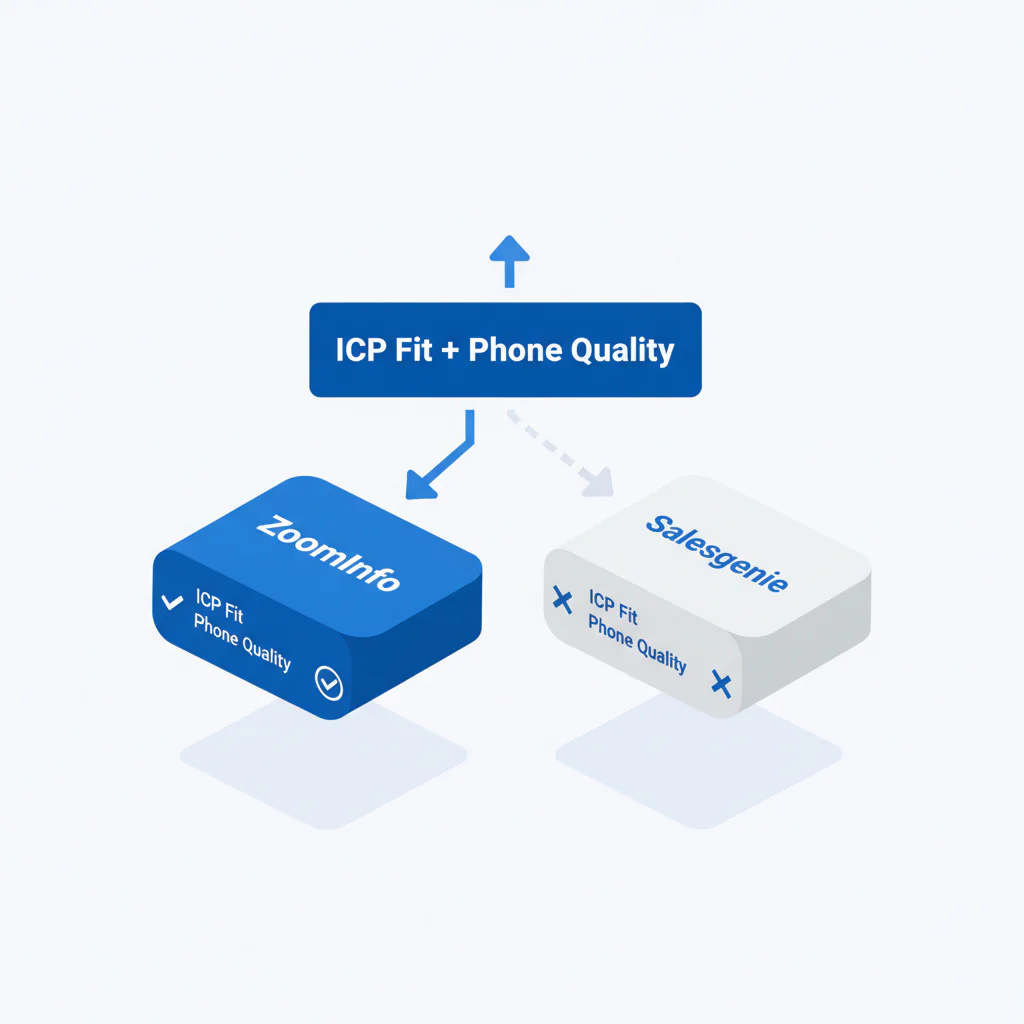
- The real question behind ZoomInfo vs Salesgenie isn’t which database is bigger. It’s whether either one turns your ICP into reachable numbers and correctly matched roles. A matched export plus a small dial test settles that faster than any spec sheet.
- Key Stat
- Contact volume alone doesn’t predict outcomes. Segment-level data quality, meaning title accuracy and reachable numbers, is what predicts rep time and meeting rate.
- Ideal User
- ZoomInfo tends to suit teams that need broad B2B discovery and deeper workflow tooling; Salesgenie tends to suit U.S.-centric SMB prospecting with simpler list-building needs. Either way, validate on your own list before committing budget.
The better tool is the one that fits your ICP and produces higher connect rates in the segments you actually sell into. A small dial test tells you that faster than a demo does.
ICP fit checklist (framework)
Framework: ICP-fit checklist. If a tool can’t repeatedly hit your ICP, you end up paying for data you won’t use and time you can’t recover, which matters even more in healthcare provider outreach where roles and credentials shift often.
- Coverage: Can it find enough of your target accounts without loosening filters and diluting the segment?
- Role accuracy: Are titles and functions correct often enough that reps aren’t pitching the wrong person?
- Phone reachability: Do the numbers reach the intended person, or do reps burn cycles on switchboards and wrong-party calls?
- Workflow fit: Can you export and enrich into your CRM without field drift, duplicates, or manual cleanup?
If you need a baseline across vendors before demos take over, use best contact data providers to structure requirements first.
What tends to break in real deployments
- Data decay: people change roles, numbers get reassigned, and “fresh” claims age the moment you export.
- Integration headaches: exports that look clean in CSV can still create CRM churn through duplicate rules, overwritten fields, or inconsistent phone formatting.
- Segment variance: a tool can perform well overall and still fail in your specific employee band, vertical, or job family.
- Procurement friction: constraints tend to surface after the team is trained, exactly when switching costs are highest.
To keep the comparison measurable, align on shared definitions of data quality before you compare vendors.
Why results vary by segment (mechanisms)
- Role churn: fast-changing functions create stale titles and misrouted outreach unless updates are frequent.
- Title taxonomy drift: vendors normalize titles differently, which changes who gets called and how often you miss.
- Switchboard routing: a “main line” can be technically valid but operationally useless if you consistently land at reception.
- HQ vs branch patterns: multi-location organizations, common in healthcare systems, create duplicate or partial records; you may match the company but miss the right site or buyer.
- Number reassignment: recycled numbers create wrong-party calls that reps stop trusting, which quietly suppresses activity and pipeline.
Checklist: Feature Gap Table
This table is the hidden-cost view. The point is to measure failure modes before they turn into what looks like a rep performance problem.
| Failure mode (hidden cost) | How it shows up | What to measure (evidence) |
|---|---|---|
| Low phone reachability | Many numbers present, few connects; reps hunt alternates | Dial test outcomes on a matched sample (connected / wrong party / voicemail / dead) |
| Wrong-role matches (ICP mismatch) | Right company, wrong function; meetings drop | Manual role verification on public sources for a fixed sample |
| Coverage gaps in your segment | Cannot build lists at volume without loosening criteria | Matched coverage test against your target account list by segment |
| CRM enrichment drift | Overwritten fields, duplicates, inconsistent phone types | Sandbox import test: field mapping, dedupe behavior, rollback plan |
| Pricing behavior risk | Scope creep via modules; constraints discovered late | Written answers: export fields, constraints, add-ons required for your workflow |
| Geo mismatch risk | Tool can’t support where you sell without changing ICP | Coverage test split by geo and employee band, using the same account list |
ZoomInfo vs Salesgenie: where ICP fit usually decides
- ZoomInfo: often selected when you need broad B2B discovery and workflow depth across multiple segments. Pros if your process depends on wide account discovery and structured sales ops. Cons if your success depends on a narrow persona slice and you skip verifying reachability.
- Salesgenie: often selected for U.S.-centric SMB prospecting with straightforward list-building and marketing outputs. Pros if you want simpler list workflows for a defined U.S. market. Cons if you need deeper org mapping and role precision for niche titles, including many clinical and administrative healthcare roles.
If your main motion is outbound calling, treat coverage as secondary until phone reachability is proven inside your ICP.
Decision Tree: Weighted Checklist
This is weighted by the failure points that actually drive cost: ICP mismatch, phone reachability, and integration churn. The weights are categories, not invented scores.
- Highest impact (run first)
- Matched coverage test: can each tool match your fixed account list without expanding filters?
- Role accuracy audit: verify a fixed sample against public sources and company pages.
- Dial test: call a fixed sample in the same time window and record outcomes with one taxonomy.
- High impact (often ignored until it hurts)
- CRM sandbox import: test field mapping, dedupe rules, overwrite behavior, and rollback steps.
- Procurement evidence pack: collect written answers on exportable fields, constraints, and support for your workflow.
- Medium impact
- Workflow time study: measure rep minutes spent finding alternates when a number fails.
For a phone-first benchmark, compare assumptions against ZoomInfo vs Swordfish and treat it as a reachability control.
How to test with your own list (5–8 steps)
- Freeze your ICP definition (industry, geo, employee band, and the titles you sell to). Don’t change it mid-test.
- Build a fixed test pack: account list CSV, target title list, and one call-outcome rubric. If the pilot can’t be repeated, it isn’t evidence.
- Run a matched coverage test in ZoomInfo and Salesgenie, measuring match rate by segment without loosening filters.
- Export same-shaped lists, meaning same titles, geos, and size bands, so the comparison is fair.
- Role-verify a fixed sample from each export using public sources and company sites; log mismatches.
- Run a dial test on a fixed sample from each tool in the same time window, using one outcome taxonomy and one reviewer for consistency.
- Test CRM integration in a sandbox: import both exports, confirm mapping, and document what breaks and how to undo it.
- Decide on evidence: pick the tool that wins in your highest-value segment, then re-test quarterly since contact data decays.
Troubleshooting Table: Conditional Decision Tree
This is the procurement stoplight. It includes a Stop Condition so you don’t sign based on a friendly demo and a biased pilot.
- If your ICP requires broad B2B discovery across multiple segments
- Then: start evaluation with ZoomInfo.
- Stop Condition: if your dial test shows weak reachability in your highest-value persona slice, pause contracting and add a phone-reachability control source before rollout.
- If your ICP is U.S.-centric SMB prospecting with simpler list needs
- Then: start evaluation with Salesgenie.
- Stop Condition: if you can’t repeatedly build lists at required volume without diluting the segment, pause and reassess coverage requirements.
- If your bottleneck is direct dials and mobile reachability
- Then: validate Swordfish for prioritized dials and mobile ranking against the same fixed sample.
- Stop Condition: if connect outcomes don’t improve on matched samples, don’t switch tools; fix ICP filters and calling workflow first.
- If the vendor won’t confirm constraints in writing
- Then: treat that as a procurement risk signal.
- Stop Condition: if export fields, constraints, and integration behavior aren’t confirmed in writing, stop and don’t roll out to the team.
- If the pilot is contaminated
- Then: assume the results are marketing, not evidence.
- Stop Condition: if reps cherry-pick leads, change scripts mid-test, or mix segments, stop and re-run on the fixed test pack.
What Swordfish does differently
- Ranked mobile numbers / prioritized dials: when multiple numbers exist, Swordfish prioritizes the numbers most likely to reach the person so reps spend less time cycling dead ends.
- True unlimited / fair use: avoids credit anxiety that changes behavior and suppresses activity in normal prospecting workflows.
Evidence and trust notes
- Method: ICP-fit checklist plus matched coverage test, role verification, dial test, and CRM sandbox import.
- Freshness: last updated Jan 2026.
- What I trust: written vendor answers, your own exported samples, and repeated tests. I don’t trust a demo list you didn’t choose.
- Incentives and bias control: don’t accept vendor-provided lists as proof; use buyer-provided lists and keep exports, filters, and dates so the test can be repeated.
- Disclosure: Swordfish publishes comparisons; conclusions are conditional on segment and list quality, so validate with your own matched sample and keep an audit trail.
For governance, keep your vendor evaluation notes next to your contact data tools standards so you can re-run the same test when performance drifts.
External references (non-competitor)
CTA (secondary): Try Prospector Filters
FAQs
Which is better for SMB?
Salesgenie often fits SMB teams doing U.S.-centric prospecting with simpler list needs, but the only defensible answer is the one your matched coverage test and dial test produce inside your ICP.
Which has better direct dials?
Don’t assume either tool has better direct dials across all segments. Direct-dial performance varies by persona slice and data decay. Test reachability on the exact roles you call.
How do I test coverage?
Use a fixed account list from your CRM, measure match rate in each tool by segment, export same-shaped lists, and verify a sample for role accuracy and phone reachability.
What is ICP fit?
ICP fit is how reliably a dataset returns the accounts, roles, and reachable contact channels that match the segment you sell to. It’s measurable through coverage, role accuracy, and dial outcomes.
What affects data freshness?
Job changes, org churn, number reassignment, and update lag. The control is re-testing on recent samples and watching drift, not trusting a one-time evaluation.
Compliance note
Use contact data for legitimate purposes and honor opt-out and consent requirements.
Next steps (timeline)
- Today: freeze ICP, build the fixed test pack, and decide the dial-test outcome taxonomy.
- This week: run matched exports, role verification, and dial tests for both tools.
- Next week: complete a CRM sandbox import and collect written vendor answers on constraints.
- Ongoing: re-test quarterly to catch decay and segment drift before pipeline shows it.
CTA (primary): Run an ICP Coverage Test
About the Author
Ben Argeband is the Founder and CEO of Swordfish.ai and Heartbeat.ai. With deep expertise in data and SaaS, he has built two successful platforms trusted by over 50,000 sales and recruitment professionals. Ben’s mission is to help teams find direct contact information for hard-to-reach professionals and decision-makers, providing the shortest route to their next win. Connect with Ben on LinkedIn.

