


 View Products


Last updated: September 3, 2026
By Morgan Hale, Procurement & RevOps Auditor | Last updated Jan 2026
Author note: I review SaaS purchases where credit-based pricing quietly turns into overage spend, integration work, and reporting cleanup. This page is written from that lens, with an eye toward teams sourcing healthcare provider contact data, where email deliverability and reachability both carry real operational cost.
Who this is for
- Sales and recruiting teams buying email tools where deliverability and list hygiene matter more than having every channel in one place, including healthcare staffing and provider outreach teams.
- RevOps and procurement who need to forecast a credit-based pricing model without getting surprised by re-verification cycles and duplicate usage across seats.
- Operators running multi-step sequences who need to know where the email-only approach stops working and what that means for budget, especially when calling providers directly is part of the workflow.
Quick Verdict
- Core Answer
- Hunter.io pricing runs on a subscription-plus-credits model built around finding and verifying professional email addresses. It fits email-first workflows but hits a ceiling once your process needs phone-first reach, which matters for healthcare recruiters and outreach teams who rely on direct dials.
- Key Stat
- Hunter is email-first; phone-first prospecting still requires a separate tool.
- Ideal User
- A team with stable monthly volume that can enforce dedupe and a re-verification policy so credits aren’t burned twice on the same records.
Hunter’s pricing is built around email finding and verification. Here’s how the model actually behaves once you put it into production, and when you need a phone-first layer alongside it.
Pricing model reality check (what you are actually buying)
Hunter.io pricing is easiest to approve on paper when you assume each prospect is processed once. In production, the same record gets touched multiple times: someone re-runs email verification before a campaign, another user exports the same list, and your credit burn stops matching your forecast.
Example failure mode I see often: two reps pull the same account list from the CRM, each runs verification “to be safe,” and both export. Nobody did anything wrong, but you just paid twice for the same cleaning step and you won’t notice until renewal.
In an audit, I don’t start with plan names. I start with a log of credit-consuming actions tied to outcomes: verified deliverable emails, bounces, replies, and meetings. If you can’t map credits to a measurable outcome, you are buying activity, not results.
Hunter’s published plans have historically run from a limited free tier through Starter, Growth, and Scale, with custom Enterprise pricing above that, all metered by monthly credits rather than per-seat fees. Confirm current plan details directly on the vendor’s source of truth: Hunter.io pricing page.
Email-only vs multi-channel (framework + why it changes spend)
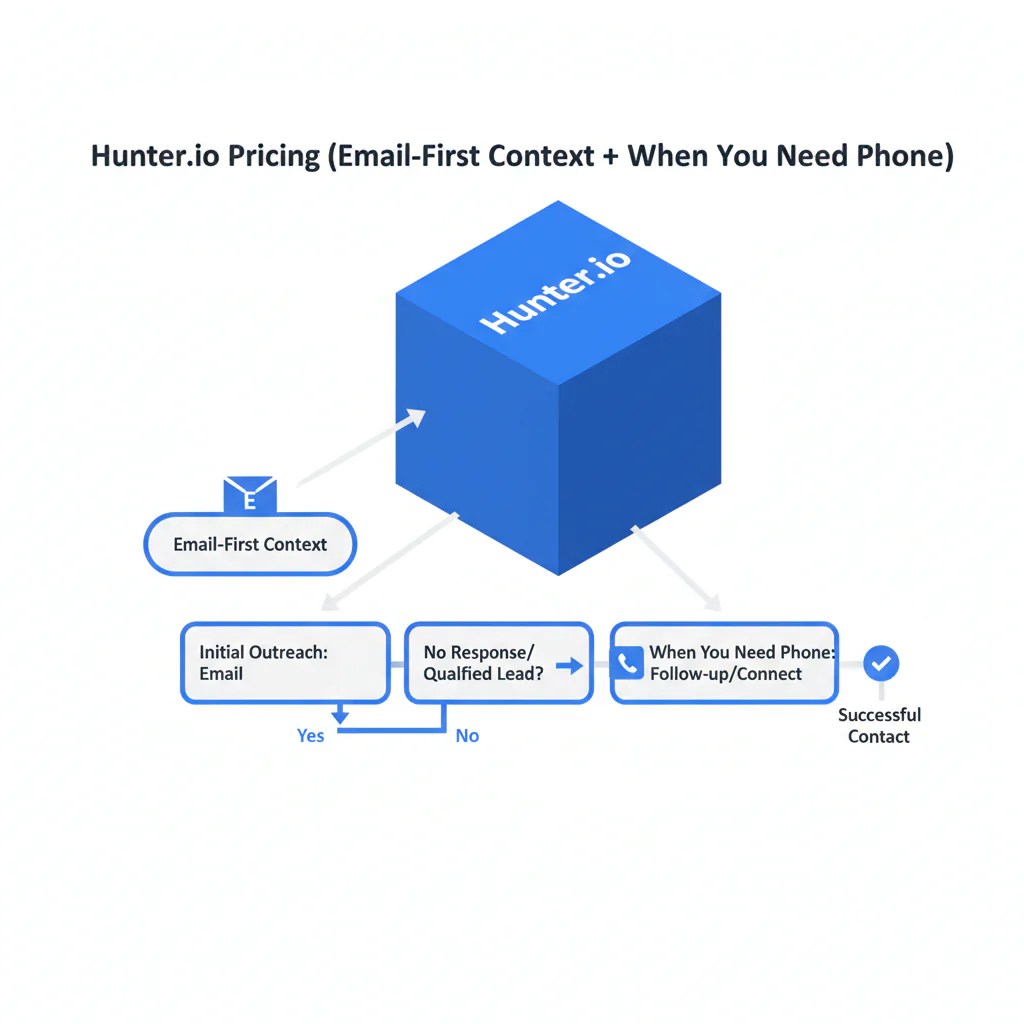
Framework: Email-only vs multi-channel is a budget boundary. Email-only means you judge success by deliverable emails and inbox engagement. Multi-channel means you judge success by reachability across channels, which usually forces an additional enrichment layer for calling — a common need when reaching physicians, nurses, and other providers who don’t respond reliably to cold email.
Here’s the trade most buyers miss: email-first tools can be efficient until you need a second channel to salvage non-responders. Then cost shifts from “credits for lookup/verification” to “another vendor plus integration plus governance plus ongoing QA.” If your systems don’t dedupe and your team re-verifies the same list repeatedly, you pay for the same work more than once.
Tier comparison table (directional, no vendor numbers)
| Tier shape | What typically changes | What breaks if you buy too small |
|---|---|---|
| Lower tiers | Enough credits for light usage; limited collaboration expectations | Overages become routine; exports get rationed; users re-run work in parallel |
| Mid tiers | Higher usage headroom; more seats/workflow features | If dedupe is weak, added seats increase duplicate lookups and verification cycles |
| Higher tiers | More stable for steady ops; often aligned with API/workflow scale | If you can’t attribute usage to campaigns, spend looks arbitrary at renewal |
| Enterprise/custom | Governance, support expectations, and volume control become procurement work | If your sequence needs phone-first reach, you still need a separate layer |
Checklist: Feature Gap Table
| Where email-first tools fit | Gap that creates hidden cost | What to measure (audit check) |
|---|---|---|
| Email finding + email verification for outbound sequences | Email-only ceiling: calling becomes part of your sequence and you need a phone-first layer | % of target accounts that require calling to convert; time-to-first-conversation |
| Predictable weekly list processing | Credit volatility: re-verification and repeat exports inflate usage | Credits per verified deliverable email; overage frequency |
| Single user or tightly controlled access | Duplicate usage across seats: multiple users re-run the same lookups | Duplicate lookup rate by list ID; duplicate export events |
| Fresh lists and consistent sourcing | Data decay: older lists require more re-checking and cleanup | Bounce trend by list age; re-verification cadence vs outcomes |
| Clean handoff to CRM and outreach tools | Integration headaches: field mapping, dedupe collisions, and stale overrides | % records overwritten; dedupe conflict rate; time spent on cleanup per campaign |
What Swordfish does differently
- Ranked mobile numbers / prioritized dials: when calling is part of the workflow, prioritized dials reduce wasted attempts and reduce rep time spent on dead ends.
- True unlimited / fair use: normal prospecting workflows don’t require constant credit arithmetic, which reduces internal policing and “who burned the credits” escalations.
If your team is already feeling the email-only ceiling, the procurement question is whether your stack produces more qualified conversations per unit cost with less operational drag.
Decision Tree: Weighted Checklist
Weighting method (no point values): Items marked High impact address standard failure points in credits-based email tools (repeat work, duplicate usage, and channel limits). Items marked Low effort can be completed in a single working session; Medium requires coordination across users or systems.
- High impact / Low effort: List the credit-consuming actions in your workflow (find, verify, export, API calls if applicable) and map them to weekly volume.
- High impact / Medium effort: Enforce dedupe rules across seats so the same records are not looked up and verified multiple times.
- High impact / Medium effort: Decide whether you are email-only or multi-channel; if calling is in scope, budget for a phone-first enrichment layer (Hunter is email-first; phone-first needs other tools).
- Medium impact / Medium effort: Define a re-verification policy tied to list age and campaign cadence so email verification spend is controlled.
- Medium impact / Medium effort: Require a “credits burn log” per campaign: inputs, outputs, bounces, replies, what got re-run, and why.
How to test with your own list (5–8 steps)
- Build a controlled sample (a few hundred contacts) with known outcomes from prior sends: delivered, bounced, replied, and non-responsive.
- Run the workflow exactly as production will run: email finding where needed, then email verification, then export.
- Log credit usage by action and by user/seat. If you can’t attribute usage, you can’t forecast cost.
- Compute output quality: verified deliverable emails, bounce rate, and how many contacts remain unusable after verification.
- Calculate unit economics: cost per verified deliverable email and cost per reply/meeting for the sample campaign.
- Stress-test repeat work: re-verify the same list as you would before a second campaign and record incremental credits burned.
- Test the email-only ceiling: take non-responders and document what your next step would be. If calling is standard, note the missing data you must purchase elsewhere.
If you need a reference model for QA and decay controls, use the data quality framework to standardize how you score records before comparing vendors.
Troubleshooting Table: Conditional Decision Tree
- If your success metric is verified deliverable emails and email is your main channel, proceed with Hunter pricing evaluation using the test plan and enforce dedupe + a re-verification policy.
- If your standard sequence includes calling, Stop Condition: treat Hunter as an email layer and add a phone-first enrichment layer as a separate line item with its own tests and governance.
- If credits burn is unstable in your test (re-verification, duplicate lookups across seats, repeated exports), Stop Condition: do not approve a tier based on list size; approve only after you fix the process that causes repeat work.
- If you cannot attribute usage to users/campaigns, Stop Condition: you will not be able to defend the renewal because spend will look arbitrary.
Evidence and trust notes
- Primary source for plan verification: Hunter.io pricing page. Confirm plan terms and what actions consume credits in Hunter’s help documentation before purchase approval.
- Method used in this review: workflow mapping (where credits are spent), failure-mode analysis (repeat work, data decay, duplicate usage), and a list-based test plan that ties spend to deliverability and downstream outcomes.
- Change note (Jan 2026): Added a tier comparison table, expanded integration risk checks, and added visible FAQs aligned to pricing queries.
- External operational references (neutral): Google Workspace SPF/DKIM/DMARC overview; Cloudflare SPF/DKIM/DMARC explainer; FTC CAN-SPAM compliance guide.
- Disclosure: Swordfish.ai publishes this page and offers contact data tooling. Treat this as an operator’s evaluation template and validate vendor details at the source.
Related pages inside the contact-data-tools pillar
- Use the Hunter.io review to compare strengths and workflow limits in more detail.
- When email-only caps out, See Phone‑First Enrichment to evaluate the phone-first layer separately.
- For cross-vendor QA consistency, apply the data quality checklist before you compare outputs.
FAQs
How much is Hunter?
Hunter.io pricing varies by tier and included monthly credits. The safest estimate comes from running your own list through email finding and email verification, logging credits consumed per action, and choosing the smallest tier that avoids routine overages.
Does Hunter use credits?
Yes. Hunter uses a credits-based pricing model where usage actions consume monthly allowances. Re-verification, repeated exports, and duplicate lookups across seats are common reasons forecasts fail.
Is Hunter only for email?
Hunter is email-first. If you require phone-first reach for calling, treat that as a separate enrichment layer and test it separately.
Do I need phone data too?
You need phone data when email-only outreach doesn’t produce enough qualified conversations or when calling is part of your standard sequence, which is common when reaching providers who screen calls or rarely check practice email inboxes.
What’s an alternative?
If you require multi-channel reach, pair an email-first provider with a phone-first enrichment layer and compare stacks using cost per qualified conversation, not cost per found email.
Compliance note
Use compliant outreach; include opt-out and honor consent where required.
Next steps (timeline)
- Today (30–60 minutes): Decide whether your strategy is email-only or multi-channel and write down the actions that will consume credits.
- This week: Run the list test and produce a one-page summary: credits used, verified deliverables, bounces, and unit cost.
- Before purchase approval: Set governance: dedupe rules, who can export, and when re-verification happens.
- This month: If email-only is not meeting targets, add a phone-first enrichment layer evaluation and measure cost per qualified conversation.
Primary: Download the Email‑Only vs Multi‑Channel Guide
Secondary: See Phone‑First Enrichment
About the Author
Ben Argeband is the Founder and CEO of Swordfish.ai and Heartbeat.ai. With deep expertise in data and SaaS, he has built two successful platforms trusted by over 50,000 sales and recruitment professionals. Ben’s mission is to help teams find direct contact information for hard-to-reach professionals and decision-makers, providing the shortest route to their next win. Connect with Ben on LinkedIn.

