


 View Products


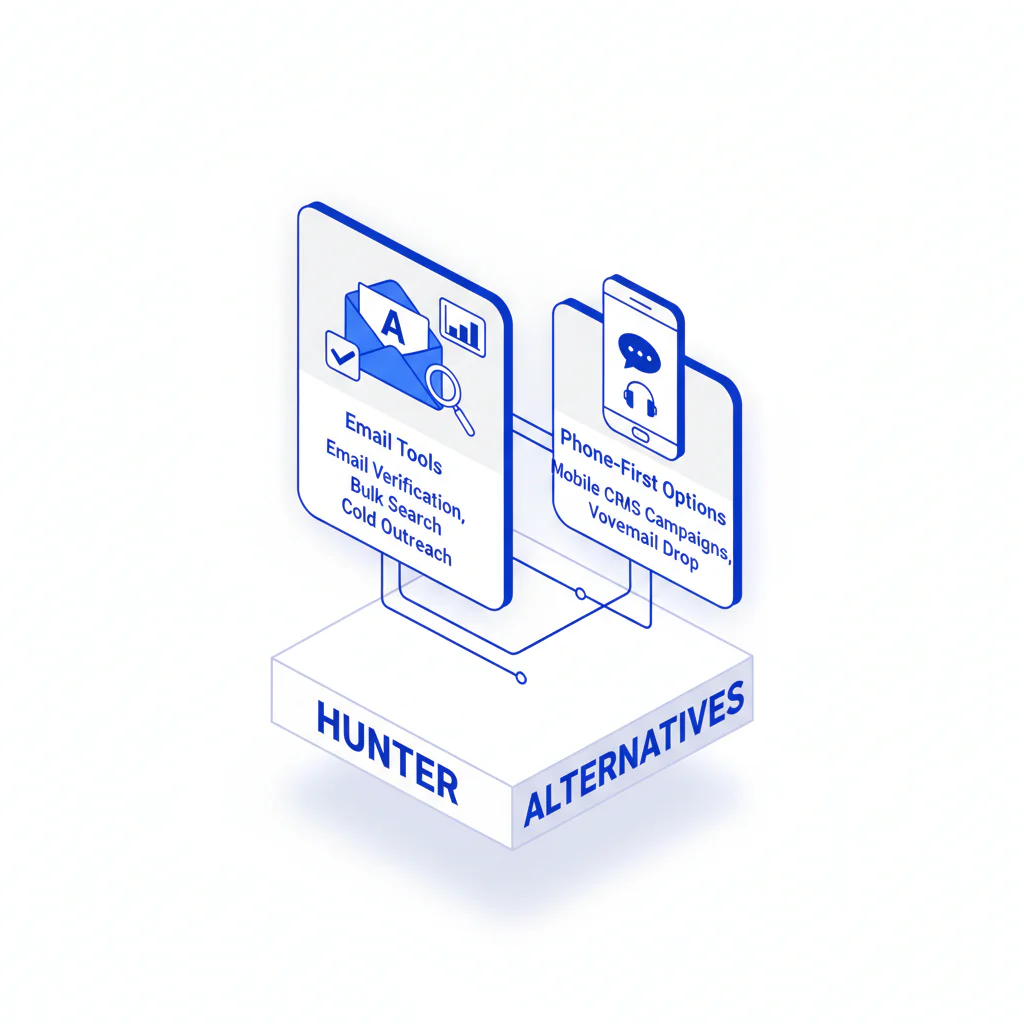
Hunter Alternatives (Email Tools + Phone‑First Options)
Byline: Swordfish.ai Editorial Team. Last updated: Jan 2026.
Author note: Reviewed from a procurement and operations perspective; guidance emphasizes reproducible list tests and integration auditability.
Who this is for
- Outbound and recruiting teams evaluating hunter alternatives who need multi-channel outreach to produce conversations, not dashboard activity.
- RevOps teams managing contact enrichment where data decay, duplicates, and silent field overwrites are already causing rework.
- Buyers who have been burned by “unlimited” plans that become “fair use” after rollout and by integrations that fail without telling anyone.
Quick Verdict
- Core Answer
- Use email-first tools when deliverability is failing (bounces, spam placement). Add phone-first tools when reachability is failing (no direct dials, low connects) so multi-channel outreach has a second path.
- Key Stat
- No audited statistic was provided in the inputs; treat accuracy and coverage claims as unproven until your own list test reproduces them.
- Ideal User
- A buyer who will run a controlled test, log failure modes, and treat integration behavior as part of product quality.
If your bottleneck is deliverability and email verification, pick an email-first tool. If your bottleneck is reachability, add a phone-first provider.
Framework: Channel-first choice
Channel-first choice is the only framework that holds up after the trial. Decide which channel fails first, buy to fix that failure, then standardize the workflow so the fix survives scale.
- Step 1: Identify the first failure: email delivery or live connects.
- Step 2: Buy the category that fixes it: email-first vs phone-first tools.
- Step 3: Lock down write rules, suppression, and re-check cadence so you don’t re-learn the same lesson every quarter.
If you run multi-channel outreach, expect to use both categories: email-first for deliverability controls and phone-first tools for reachability.
What vendors won’t warn you about (but your ops team will live with)
- Credit rationing becomes process debt: reps skip verification to save credits, then bounce remediation and list rework become recurring tasks.
- “Verified” is not a definition: catch-all and risky domains get pushed into outbound where the only feedback loop is reputation damage.
- Integrations fail quietly: partial writes, field mapping mistakes, and duplicates can make reporting look clean while outcomes degrade.
Categories of hunter alternatives (job-to-be-done)
- Email finding + verification: reduce bounces and protect sender reputation.
- Contact enrichment: add missing fields and reduce data decay so records remain usable.
- Phone-first tools: return usable direct dials/mobile numbers so you can call when email stalls.
- Ops-first enrichment (file/API): batch enrichment and integration-friendly workflows for repeatable operations.
Practical shortlist (operational use cases)
Most “alternatives” pages try to win by publishing invented accuracy scores. This shortlist is built for buyers who care about downstream cost: rework, deliverability damage, and integration cleanup.
| Category | Use when… | Hidden cost to audit |
|---|---|---|
| Email-first (finder + verification) | Your first failure is bounces or inbox placement | Retries consume credits; catch-all logic pushes risk into outbound; re-check cadence is unclear |
| Phone-first tools | Your first failure is reachability and you need direct dials to make multi-channel outreach work | Coverage variance by segment; number prioritization quality; dispute and refresh workflow |
| Contact enrichment | Your CRM lacks key fields or has stale titles/companies | Overwrites “best known” data; duplicates; loss of source attribution |
| Ops-first enrichment (file/API) | You need repeatable enrichment, not browser lookups | Rate limits, throttling, idempotency gaps, and field mapping complexity |
Tool categories to consider (examples, verify before you commit)
- Email-first tools: choose these when you need discovery plus verification gates to reduce bounces before sequences.
- Phone-first tools: choose these when calling is part of the motion and you need direct dials/mobiles to raise reachability.
- Contact enrichment platforms: choose these when enrichment breadth and ongoing refresh matter more than one-off lookups.
- Ops-first enrichment: choose these when RevOps needs file upload and API workflows that can be audited.
For a vendor-by-vendor baseline inside this pillar, use the Hunter.io review.
What Swordfish does differently
- Ranked mobile numbers / prioritized dials: when multiple numbers exist, Swordfish prioritizes the dial most likely to connect, which reduces wasted attempts and rep time.
- True unlimited / fair use: built for sustained prospecting and enrichment without teams rationing lookups mid-campaign.
If calling is part of your motion, missing direct dials is not a minor gap. It forces manual research, breaks activity attribution, and inflates cost per conversation.
For a direct contrast centered on phone-first differences, use Swordfish vs Hunter.
Checklist: Feature Gap Table
| Evaluation area | What you’ll hear | What breaks in production | Evidence to request |
|---|---|---|---|
| “Unlimited” usage | “Unlimited searches” | Fair-use limits appear only after adoption; teams revert to rationing and manual work | Fair-use definition; throttling policy; what counts as a lookup; suspension triggers |
| Verification meaning | “Verified emails” | Catch-all/risky domains slip through; your sequencer becomes the test harness | Result taxonomy; catch-all policy; re-check cadence; suppression export |
| Phone-first coverage | “We have phone numbers” | Numbers exist but aren’t callable; connect outcomes don’t move | Direct dial vs main line labeling; prioritization rules; dispute workflow; refresh indicators |
| CRM integration | “Native integration” | Field overwrites, duplicate records, and partial writes corrupt reporting | Write rules; field-level mapping; dedupe strategy; audit logs; rollback approach |
| Ops workflow | “Easy extension” | Unmanaged enrichment creates inconsistent fields and messy attribution | File upload schema; API docs; rate limits; retries; idempotency guidance |
Decision Tree: Weighted Checklist
Weights are labels, not points. They map to standard failure points: deliverability loss, missing direct dials, and data decay.
- High impact / low effort: add verification and suppression gates before sending so bounces don’t become recurring deliverability incidents.
- High impact / moderate effort: add phone-first tools when you need direct dials to turn activity into conversations.
- High impact / moderate effort: standardize re-check and suppression rules so you stop paying to re-learn the same segments are bad.
- Moderate impact / low effort: enforce a channel rule in CRM (email-first vs call-first vs mixed) so reps don’t improvise and wreck reporting.
- Moderate impact / moderate effort: move enrichment to file/API workflows so operations owns consistency and auditability.
Troubleshooting Table: Conditional Decision Tree
- If bounces and inbox placement are failing, start with email verification and suppression workflows.
- If deliverability is stable but conversations don’t happen, treat it as reachability and add phone-first tools.
- If coverage is failing (missing contacts), prioritize contact enrichment breadth before buying more outbound automation.
- If reps are doing manual lookups, fix ops-first enrichment (file/API) before adding another extension.
Stop Condition: stop buying when bounce remediation stops recurring, connect outcomes are measurable and repeatable, and reps no longer do ad-hoc searches during live outreach.
Why results vary across hunter alternatives (variance explainer variables)
- Domain reality: catch-all behavior, role-based inboxes, and forwarded addresses change verification outcomes and risk.
- Data decay rate: title/company changes and email pattern changes turn last quarter’s valid record into this quarter’s miss.
- Coverage boundaries: geography, industry, and seniority affect phone availability and direct-dial likelihood.
- Refresh and dispute workflow: whether a wrong record gets corrected determines if your database improves or stays noisy.
- Integration behavior: field mapping, overwrite rules, and partial writes determine whether your CRM becomes cleaner or more polluted.
How to test with your own list (controlled, auditable)
- Export 200–500 recent prospects with outcomes (bounced, replied, connected, no response) and source fields.
- Split into two groups: (a) bounced/invalid emails, (b) delivered but no conversation.
- Run email verification on group (a) and log categories returned (valid, invalid, risky/catch-all, unknown).
- Run phone enrichment on group (b) and log dialability signals (direct dial vs main line where available), conflicts, and missing coverage.
- Write the enriched data into a sandbox pipeline first and validate overwrite rules, dedupe behavior, and field mapping.
- Run a time-boxed outreach test with the same copy/cadence and track outcomes by channel.
- Review conflicts (tool A vs tool B) and set your “best known” rule and suppression logic.
- Only then expand to batch enrichment and automation.
Test logging checklist: match rate by segment, bounce outcomes, connect outcomes, time spent per record, duplicate creation events, and any field overwrite incidents.
Evidence and trust notes
- Freshness: Last updated Jan 2026.
- Method: evaluate categories by failure mode (deliverability, reachability, coverage, ops friction) and require phone-first options per pillar requirements.
- Trust posture: do not accept accuracy claims without a reproducible list test; require written definitions of “verified” and “valid.”
- Compliance references: GDPR overview, CCPA summary, CAN-SPAM guide.
For broader procurement criteria inside this pillar, align internally on best contact data providers before negotiating contracts.
Implementation Notes
- Tables/visuals to add: Alternatives map graphic showing categories by job-to-be-done and where phone-first tools fit.
- Tables/visuals to add: Data flow diagram: enrichment → verification → CRM write rules → sequencer/dialer sync → reporting.
- Tables/visuals to add: Callout defining total cost as credits + re-verification + remediation + rep time + integration maintenance.
Common questions
What is the best Hunter alternative?
The best hunter alternatives depend on which channel fails first: email-first tools for deliverability problems and phone-first tools when you need direct dials to make multi-channel outreach work.
Which is cheapest?
The cheapest option is the one with the lowest total cost after credit waste, re-verification, bounce remediation, and rep time spent patching missing data.
What’s best for phone numbers?
Phone-first tools are built to return usable direct dials and mobile numbers so you can call when email stalls, which is the operational fix for reachability.
Do I need both?
If you run multi-channel outreach, you often need both: email-first controls protect deliverability and phone-first tools improve reachability when inboxes don’t convert.
How do I choose?
Run the list test above, then choose the category that changes outcomes without damaging process: fewer bounces, more connects, fewer manual lookups, and cleaner CRM writes.
Next steps (timeline)
- Today: apply channel-first choice and document whether deliverability or reachability fails first.
- This week: run the controlled list test in a sandbox and document overwrite rules and suppression logic.
- Next 2–3 weeks: standardize integrations, field mapping, and re-check cadence, then expand enrichment volume.
Secondary CTA: Download the Alternatives Map
Primary CTA: See Phone‑First Tools
Compliance note
Choose tools that support compliant outreach and opt-out.
About the Author
Ben Argeband is the Founder and CEO of Swordfish.ai and Heartbeat.ai. With deep expertise in data and SaaS, he has built two successful platforms trusted by over 50,000 sales and recruitment professionals. Ben’s mission is to help teams find direct contact information for hard-to-reach professionals and decision-makers, providing the shortest route to their next win. Connect with Ben on LinkedIn.

