


 View Products


Last updated: September 3, 2026
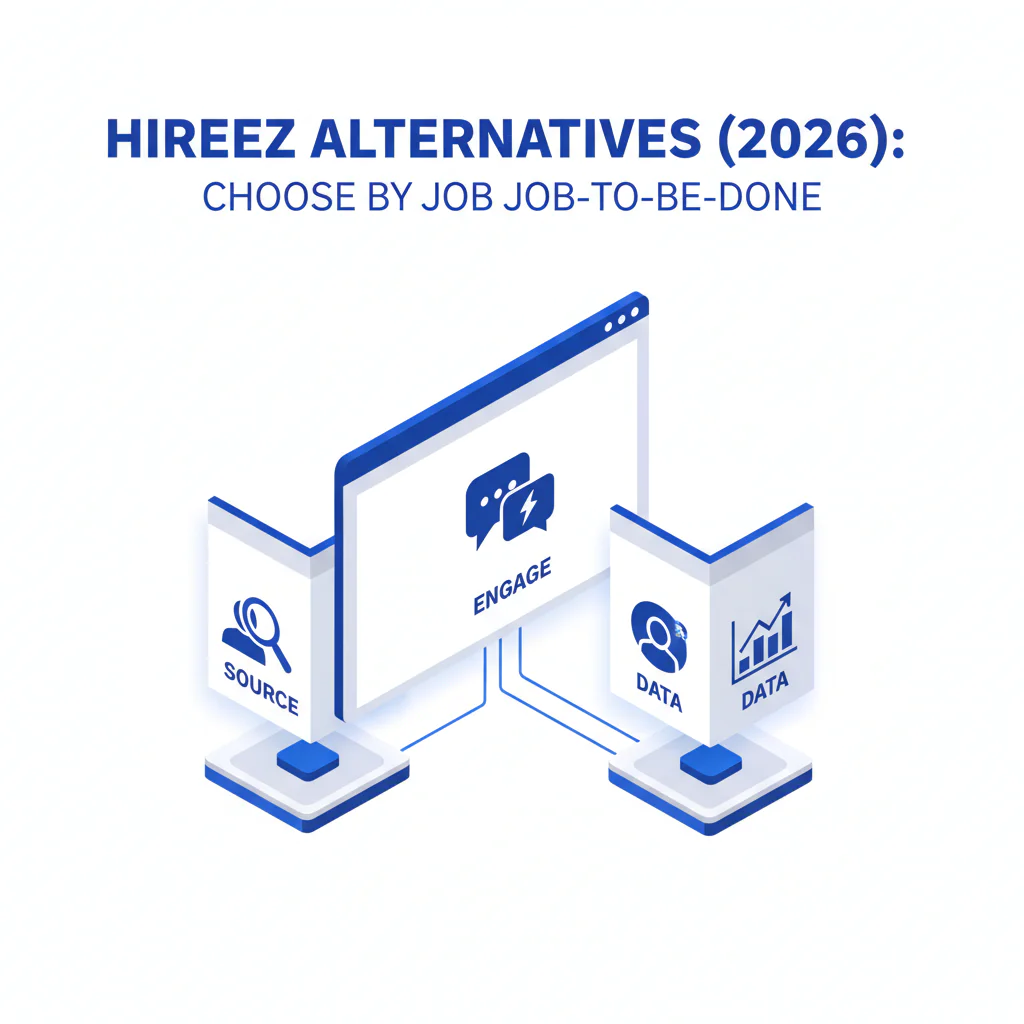
- Core Concept
- HireEZ alternatives work best when you evaluate alternatives by job-to-be-done: do you need to Source more qualified profiles, Engage with better sequencing/CRM workflow, or fix Data so outreach reaches the right person.
- Key Insight
- Most teams don’t need a single replacement; they need one primary tool per funnel job (source → data → engage) so speed-to-first-conversation improves without damaging candidate experience.
- Ideal Candidate Profile
- In-house TA or agency teams filling roles in competitive markets (US, Canada, UK/EU) where deliverability, reachability, and follow-up discipline decide placements.
HireEZ Alternatives: Choose by Job-to-Be-Done (Source vs Engage vs Data)
By: Head of Talent, Swordfish.ai
Who this is for
- Recruiters comparing HireEZ alternatives because they need faster first contact and fewer dead-end touchpoints.
- Teams hiring across regions where channel preference differs (email-first in parts of EMEA; call plus email in many US agency motions).
- Operators trying to keep candidate experience clean: fewer pings, more relevant messages, and clear opt-out handling.
Quick answer
HireEZ was originally launched as Hiretual before rebranding in 2022, and it now positions itself as an AI-driven sourcing and outbound engagement platform used mostly by mid-market and enterprise recruiting teams. If you’re evaluating alternatives, the right pick depends on which part of your funnel is actually broken: sourcing volume, engagement consistency, or contact reachability. Choose by job-to-be-done, then test on one role family for ten business days with clear success criteria (reply rate, bounce rate, connect-to-conversation rate, time-to-first-interview).
Compliance & Safety
This method is for legitimate recruiting outreach only. Always respect candidate privacy and opt-out requests.
Use contact data ethically and comply with opt-out/consent requirements.
Alternatives map (framework): job-to-be-done mapping
This page uses a job-to-be-done mapping framework because tool comparisons break down when you mix categories together. A sourcing tool and a data tool solve different problems, even when their marketing pages overlap. The operating goal here is placement speed with a predictable, low-friction candidate experience.
- Source: Increase qualified profile volume.
- Data: Increase reachability (accurate email/mobile contact data) and reduce wasted outreach.
- Engage: Run consistent follow-up, track responses, and move candidates to screens fast.
Examples of “job to be done” statements (use these in intake)
- Source: “Build 40 qualified prospects for a Senior Data Engineer (Berlin hybrid) by Friday.”
- Data: “Get usable email/mobile for a shortlist so we can run a clean 7-day outreach sprint.”
- Engage: “Run sequencing and scheduling so qualified responders reach a recruiter screen within 48 hours.”
Compact chooser table: HireEZ alternatives by job
| Tool | Primary JTBD | Best for | Watch-outs |
|---|---|---|---|
| HireEZ (baseline) | Source / Engage (varies by workflow) | Teams that want sourcing plus outbound workflow in one platform | May still require a separate reachability layer if contact data is the bottleneck |
| LinkedIn Recruiter | Source | High-volume search on the largest professional network | Outbound can bottleneck if you rely on InMail only |
| SeekOut | Source | Hard-to-find talent and structured diversity sourcing workflows | Still needs a clean engagement layer to prevent missed follow-up |
| Handshake | Source | Early-career hiring at scale | Not designed for senior niche roles |
| Entelo | Engage / Source (varies by setup) | Teams that want sourcing + engagement capabilities in one workflow | Clarify which modules cover your workflow before switching |
| Gem | Engage | Pipeline CRM and structured nurture for returning candidates | Doesn’t solve reachability if your contact data is stale |
| Fetcher | Engage | Automated sourcing + outreach for teams that need throughput | Requires calibration so automation doesn’t harm candidate experience |
| Zoho Recruit | Engage | All-in-one ATS/CRM style workflows for smaller teams | Migration and change management can slow you down short-term |
| Swordfish AI | Data | Recruiting contact data when you need direct reachability | Still needs your ATS/CRM to manage stages and opt-outs |
When to keep HireEZ and add tools around it
- If your team already runs consistent sequencing and pipeline reporting in HireEZ, add a dedicated data layer only when reachability is the bottleneck.
- If the bottleneck is “not enough qualified profiles,” fix Source first; changing engagement tooling won’t create candidates.
- If candidate experience is suffering due to inconsistent follow-up, fix Engage and SLAs before expanding sourcing volume.
- If you need auditability, keep one system-of-record (your ATS/CRM) for status, notes, and opt-outs.
Step-by-step method
- Write the req outcome in operational terms. Example: “Two onsite Clinical Operations hires in Boston; screens scheduled within 5 business days of outreach start.”
- Choose the primary job-to-be-done. Source, Data, or Engage.
- Define what ‘better’ means before trials. Pick 2–3 measures you already track (reply rate, bounce rate, connect-to-conversation rate, time-to-first-interview).
- Run a 10-business-day pilot on one role family. Keep market and seniority consistent so you can compare results.
- Lock the workflow into your ATS/CRM. If the process requires copy/paste, adoption will fail under load.
Diagnostic checklist
| Symptom | Likely cause | Fix (fast, candidate-safe) |
|---|---|---|
| High email bounce rate | Stale emails, guessed patterns, no verification | Verify before sending; remove invalids; fix reachability before increasing cadence |
| Low replies from good profiles | Message lacks relevance; no clear “why you” | Lead with one proof point tied to the role and one concrete next step |
| Calls go to wrong person / disconnected | Unvalidated numbers or outdated records | Use fresher contact data; spot-check a sample before scaling call blocks |
| Pipeline looks thin to the hiring manager | Over-filtering; unclear must-haves | Reconfirm must-have vs nice-to-have and widen adjacent titles/skills |
| Strong initial interest, poor show rate | Scheduling friction; unclear process steps | Offer two times in candidate’s time zone; confirm process length and prep requirements |
Decision tree: weighted checklist
Use this to decide what to change first. The weighting reflects standard recruiting failure points: if you can’t reach candidates, nothing downstream matters; if you can reach them but can’t run follow-up, you leak interest.
| Change | JTBD area | Impact on speed-to-conversation | Effort to implement | Why it’s weighted this way |
|---|---|---|---|---|
| Fix reachability (accurate email/mobile) before scaling outreach volume | Data | High | Low–Medium | Bad data causes bounces, wrong numbers, and extra touches that hurt candidate experience |
| Standardize a 7–10 business-day cadence across email/LinkedIn/calls | Engage | High | Medium | Most teams either under-follow-up (lost candidates) or over-message (poor experience) |
| Clarify must-have vs nice-to-have in intake and document it | Source | Medium–High | Low | Over-filtering collapses pipeline volume and extends time-to-fill |
| Add a secondary sourcing channel for niche roles | Source | Medium | Medium | Helps when the target population is thin in a single network |
| Replace ATS/CRM | Engage | Medium | High | Large operational lift; rarely the fastest path to improved placement speed |
Outreach templates
These are built to reduce back-and-forth and keep the message count low while still giving candidates control.
Template 1: Senior technical hire (passive candidate)
Subject: {Role} scope + {Location} question
Hi {FirstName} — I’m recruiting for a {Level} {Role} role on a {TeamType} team. Your work on {SpecificSignal} is aligned with what we need ({Stack/Domain}).
Open to a 10-minute call to share scope, comp band, and remote/hybrid setup ({Location})? If timing’s off, reply with a month that’s better and I’ll follow your lead.
— {YourName}, {Company}. If you prefer I don’t contact you again, reply “opt out.”
Template 2: Agency outreach (fast qualification)
Hi {FirstName} — I’m supporting a client hiring a {Role} in {City/Region}. I’m reaching out because you’ve done {RelevantExperience} and the team needs that skill.
Are you open to a quick overview this week? If yes, what’s the one non-negotiable for you (comp, flexibility, scope, stack)?
— {YourName}. Reply “opt out” and I’ll close the loop.
Template 3: Follow-up (no reply)
Hi {FirstName} — quick follow-up. The role is focused on {Outcome1} and {Outcome2}; the hiring manager cares most about {MustHave}. If you’re not the right person, is there someone you’d point me to?
— {YourName}. “Opt out” works anytime.
Legal and ethical use
- Consent and expectations: Be clear about who you are, why you’re reaching out, and what role you’re hiring for.
- Opt-out: Offer an opt-out in outreach and honor it immediately across channels.
- Data minimization: Store only what you need to recruit and keep your ATS/CRM as the system-of-record for status and notes.
- Candidate experience: Fewer, better messages beat long sequences; stop when you get a “no.”
Evidence and trust notes
- Positioning changes fast in this category: HireEZ has continued to expand its AI-driven sourcing and engagement features, and pricing for platforms in this space is typically quote-based rather than published, so validate current features and pricing directly with vendors before procurement.
- Disclosure: This page includes Swordfish AI as an option for reachability/contact data.
- How I evaluate tooling as Head of Talent: I optimize for speed-to-first-conversation and auditability in the ATS, because those two variables control both placement speed and candidate experience.
Frequently Asked Questions
What is the best HireEZ alternative?
The best HireEZ alternative depends on your job to be done: choose sourcing tools when you need more qualified profiles, engagement tools when you need sequencing/CRM workflow, and contact data tools when you need higher reachability (accurate email/mobile) to get conversations faster.
What are tools like Hiretual?
Hiretual is the former name of HireEZ, which the company adopted after its 2022 rebrand. When people say tools like Hiretual, they usually mean sourcing plus outbound recruiting platforms; the right comparison depends on whether you’re evaluating sourcing, engagement automation, or data quality.
Do I need contact data tools?
If your outreach is blocked by bounced emails, missing mobiles, or slow InMail-only workflows, a contact data tool is often the fastest way to improve speed-to-first-conversation without changing your ATS.
How do I choose a recruiting stack?
Choose a stack by mapping your process into source → data → engage, then assign one primary tool to each. Keep the ATS as system-of-record, and avoid overlapping features that add manual steps.
What’s best for agencies?
Agencies usually benefit from a strong reachability layer (so calls connect), a lightweight engagement CRM for cadence control, and one reliable sourcing channel for each niche (for example, LinkedIn plus a secondary channel for hard-to-find roles).
Next steps (timeline)
- Today: Write the req “job to be done” statement and label the bottleneck (Source vs Data vs Engage).
- This week: Pilot one change for 10 business days on one role family; keep seniority and region consistent.
- Week 2: Review outcomes with the hiring manager using the same measures you set upfront; keep what improved speed-to-first-interview.
If you’re comparing HireEZ with a data-first approach, start with the HireEZ review and the workflow differences in Swordfish vs HireEZ.
About the Author
Ben Argeband is the Founder and CEO of Swordfish.ai and Heartbeat.ai. With deep expertise in data and SaaS, he has built two successful platforms trusted by over 50,000 sales and recruitment professionals. Ben’s mission is to help teams find direct contact information for hard-to-reach professionals and decision-makers, providing the shortest route to their next win. Connect with Ben on LinkedIn.

